
An employee-of-the-year certificate should recognise a sustained contribution over a defined year, not a single month’s performance. Include the award year, recipient, organisation and an authorised signatory.
Document why an employee receives an annual award
Worked example: For a logistics employee who improved on-time deliveries throughout 2025, mention the measurable contribution where the organisation has verified it, instead of using a vague or inflated superlative.
Check before use: Use consistent award criteria and confirm the reporting period. Avoid publicising confidential ratings or personal employment information.
- Saves design time: A ready-made layout means you can focus on recognizing achievement instead of designing a certificate from scratch.
- Boosts employee morale: A formal certificate reinforces an employee’s hard work and encourages continued dedication.
- Professional appearance: A well-designed certificate presents employee recognition in a polished, memorable format.
- Encourages a positive culture: Recognizing top performers helps promote motivation and healthy competition among staff.
- Easy to personalize: Editable fields let you quickly add the employee’s name and specific accomplishments.
- Free and reusable: Download once and reuse the same template structure for every annual award.
For related resources, see Employee of the Month Certificate Template and 25+ Beautiful Certificate of Recognition Templates in MS WORD.
What’s Included in the Employee of the Year Certificate Template
- Employee name field: Space to enter the name of the employee being recognized.
- Role and department: A field describing the employee’s position within the company.
- Company name: Space for the name of the business or organization issuing the award.
- Accomplishment description: A field summarizing the employee’s key contributions during the year.
- Date and signature lines: Fields for recording when the award was presented and for authorized signatures.
- Decorative design elements: Professional borders and graphics that give the certificate a formal appearance.
Who Should Use These Templates?
- HR departments preparing annual recognition awards for outstanding staff.
- Business owners honoring top performers within a small company.
- Managers recognizing individual team members for exceptional work.
- Corporate offices organizing company-wide recognition programs.
- Nonprofit organizations celebrating dedicated staff or volunteers.
- Team leads presenting informal recognition within smaller departments.
How to Start Using the Template in 3 Simple Steps
- Step 1 — Choose a template style: Browse the 6 options below and select the format that best fits your company’s brand.
- Step 2 — Personalize the certificate: Add the employee’s name, role, and a summary of their achievements.
- Step 3 — Print and present: Print the completed certificate and present it during a team meeting or company event.
Employee of the Year Certificate vs. Employee of the Month Certificate
While both documents recognize workplace achievement, an employee of the year certificate and an employee of the month certificate serve different purposes. An employee of the month certificate recognizes short-term, recent performance, typically awarded on a monthly cycle to keep motivation high throughout the year. An employee of the year certificate, by contrast, honors sustained excellence across an entire year, often reserved for the standout performer among all monthly winners or top contributors. Many organizations use both together: monthly certificates to maintain ongoing motivation and an annual certificate to celebrate the single most outstanding employee.
Customizing the Template for Your Company
These templates are designed to be a flexible starting point rather than a fixed format. You can add your company’s logo, adjust the wording to match your organization’s values, or change the color scheme to match your brand identity. Since the templates are provided in editable formats, most adjustments take only a few minutes and let you tailor the certificate to fit your particular recognition program.
Choosing the Right Format
With 6 different templates available, choosing the right one depends on your company’s branding and the tone you want to set for the award. Some designs lean more formal and traditional, suited to corporate environments, while others use a more modern layout better suited to startups or creative teams. Reviewing each option before committing to one can help you find the design that best represents your organization’s recognition culture.
Common Mistakes to Avoid
- Misspelled names: Always double-check the spelling of the employee’s name before printing.
- Vague accomplishment descriptions: Be specific about what the employee is being recognized for.
- Missing signatures: A certificate feels more official when signed by a manager or executive.
- Inconsistent formatting: Use the same template style for all certificates presented at the same event.
- Printing on low-quality paper: Use quality paper or cardstock to give the certificate a more polished feel.
Tips to Get the Most Out of Your Employee of the Year Certificate Template
- Personalize each certificate with a specific, meaningful description of the employee’s achievement.
- Present certificates publicly when possible, such as during a company meeting or annual event.
- Keep a record of past winners for future reference and to track recognition trends.
- Use quality printing to give the certificate a more professional, lasting appearance.
- Pair the certificate with a small reward to further reinforce the recognition.
Building a Meaningful Employee Recognition Program
A single certificate can mean a great deal to an employee, but building a consistent, ongoing recognition program often has a bigger impact on workplace culture and retention over time. Establishing clear criteria for the award, such as measurable performance metrics or peer nominations, helps ensure the recognition feels fair and earned rather than arbitrary. Companies that communicate these criteria openly to all staff tend to see recognition programs drive broader motivation, since employees understand exactly what contributes to being considered for the award.
Choosing the Right Selection Criteria
Selecting thoughtful criteria for the employee of the year award is just as important as the certificate design itself when it comes to building a credible recognition program. Factors like consistent performance, leadership, collaboration, and going above and beyond regular duties each capture a different kind of contribution worth recognizing. Involving multiple decision-makers, such as a panel of managers or peer input, in the selection process can also help ensure the award feels balanced and representative of the whole organization’s values.
Presenting the Award in a Way Employees Remember
How an award is presented can matter just as much as the certificate itself when it comes to making the moment memorable for an employee. A brief, genuine acknowledgment of the specific achievement, spoken aloud during the presentation, often means more to an employee than the certificate alone. Taking a photo of the employee receiving their award and sharing it in a company newsletter or on internal communication channels can extend the sense of pride and recognition well beyond the ceremony itself.
Using Certificates to Support Long-Term Employee Retention
Beyond the moment of presentation, a well-designed certificate can serve as a lasting reminder of achievement that continues to motivate an employee long after the ceremony ends. Many employees display certificates at their desk or take them home, where the visual reminder of their accomplishment can reinforce positive engagement with their work over time. Employers who thoughtfully pair certificates with specific, encouraging feedback about what made the achievement possible often find that recognition translates into sustained performance and stronger loyalty to the company.
Involving Remote and Hybrid Employees in Recognition
For organizations with remote or hybrid teams, digital certificates offer a practical way to recognize outstanding employees even when an in-person ceremony isn’t possible for everyone. A certificate can be completed digitally and emailed directly to the employee, or shared during a video call with the wider team present for the announcement. Many companies find that combining digital delivery with a brief virtual acknowledgment helps preserve the sense of occasion that comes with a more traditional, in-person presentation, keeping remote employees just as engaged in the recognition culture.
Storing and Reusing Certificate Templates Year After Year
Once a company settles on a certificate style that works well, keeping the editable file organized and accessible makes it easy to reuse for future award cycles without starting the design process over each time. Saving the template in a shared folder that HR staff or managers can access helps maintain consistency across departments and locations throughout the organization. Updating the design occasionally, such as refreshing the color scheme every few years, can keep the certificates feeling current while still preserving the recognizable format employees have come to associate with the company’s recognition program.
Communicating the Award Beyond the Ceremony
Sharing news of the employee of the year award beyond the presentation itself helps extend its impact across the organization and reinforces the value of the recognition program. Announcing the winner in a company newsletter, on an internal messaging channel, or during an all-hands meeting gives other employees visibility into what earns top recognition at the company. Highlighting specific examples of the winner’s contributions when making the announcement can also inspire other team members to pursue similar standards of performance throughout the following year.
Get FREE Employee of the Year Certificate Templates:
Professional Employee of the Year Certificate Template
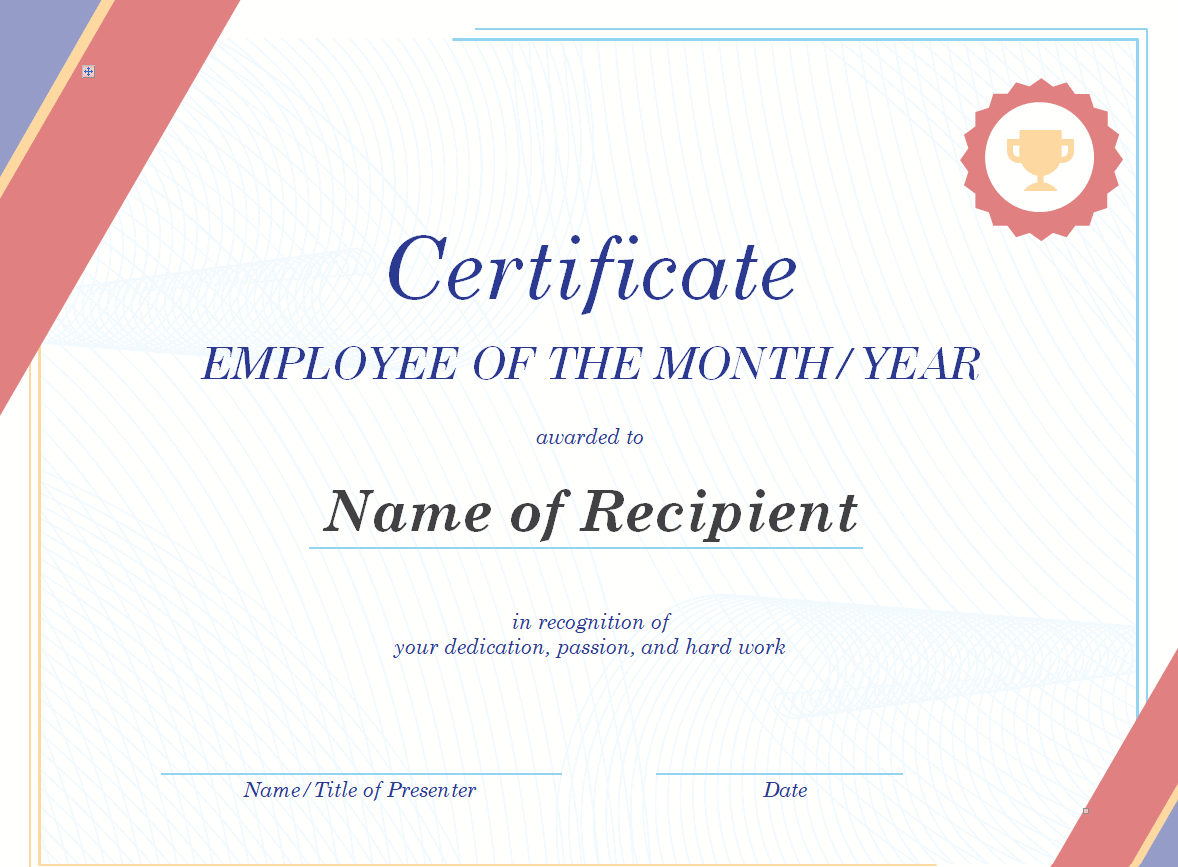
Company’s Employee of the Year Certificate Template
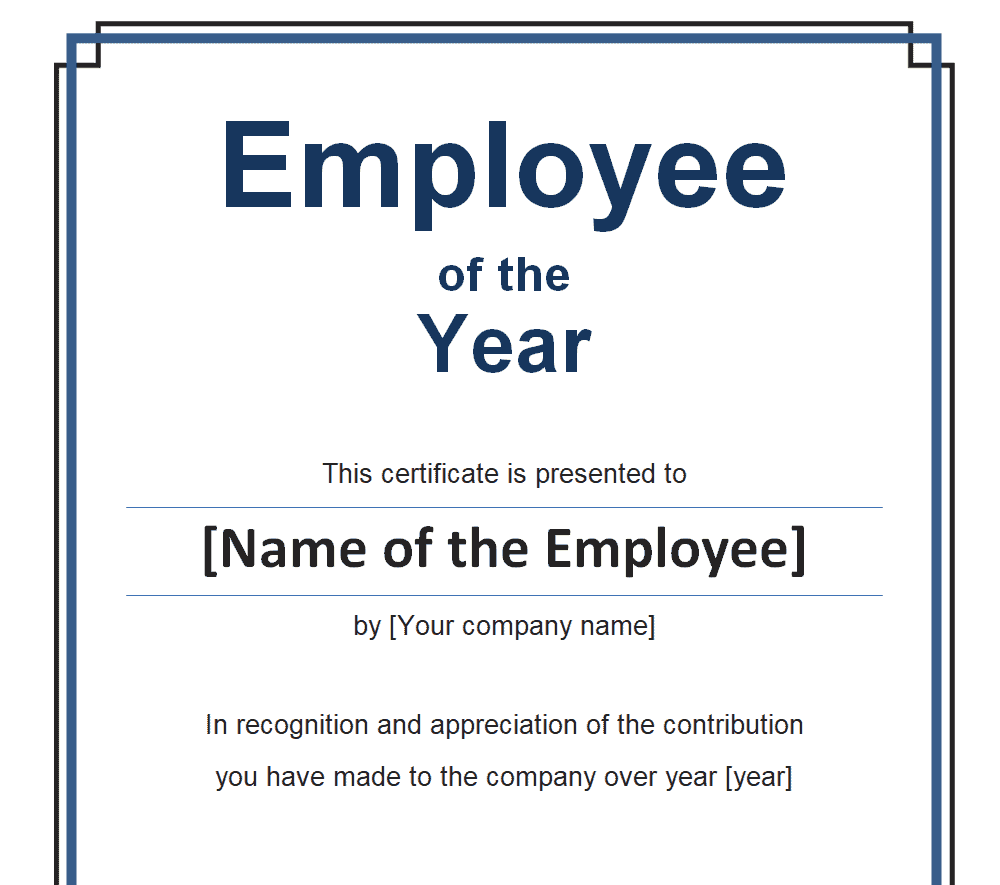
Employee of the Year Certificate Template PDF
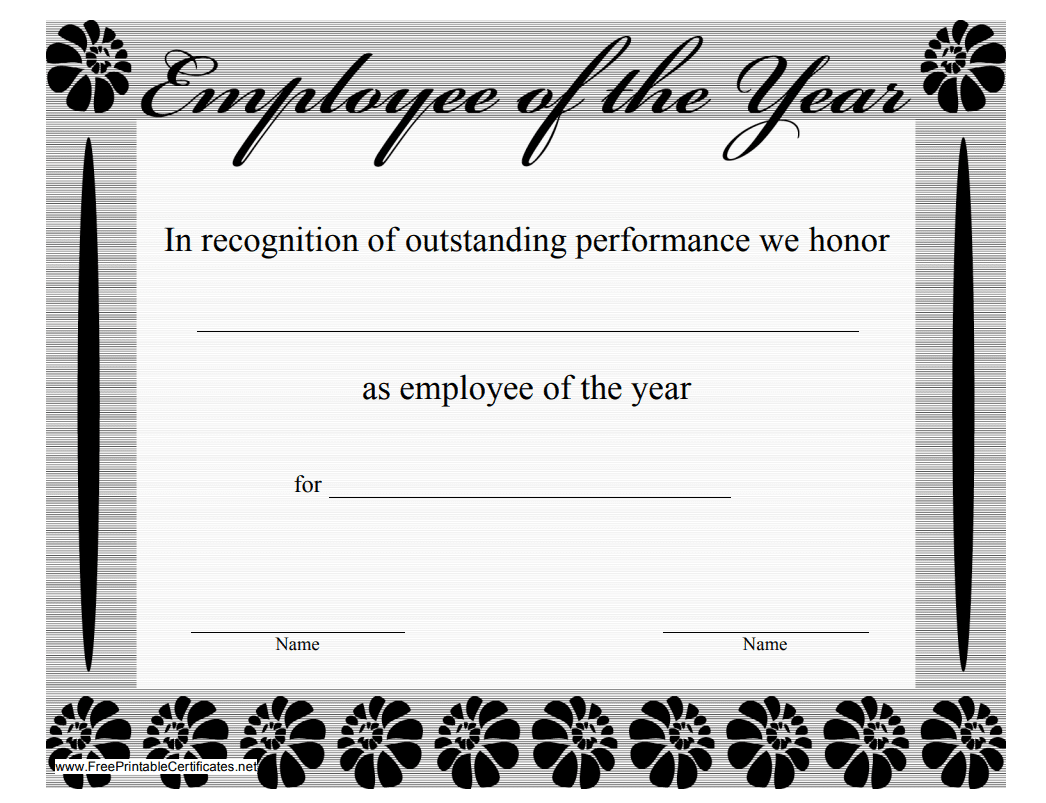
Business Employee of the Year Certificate Template

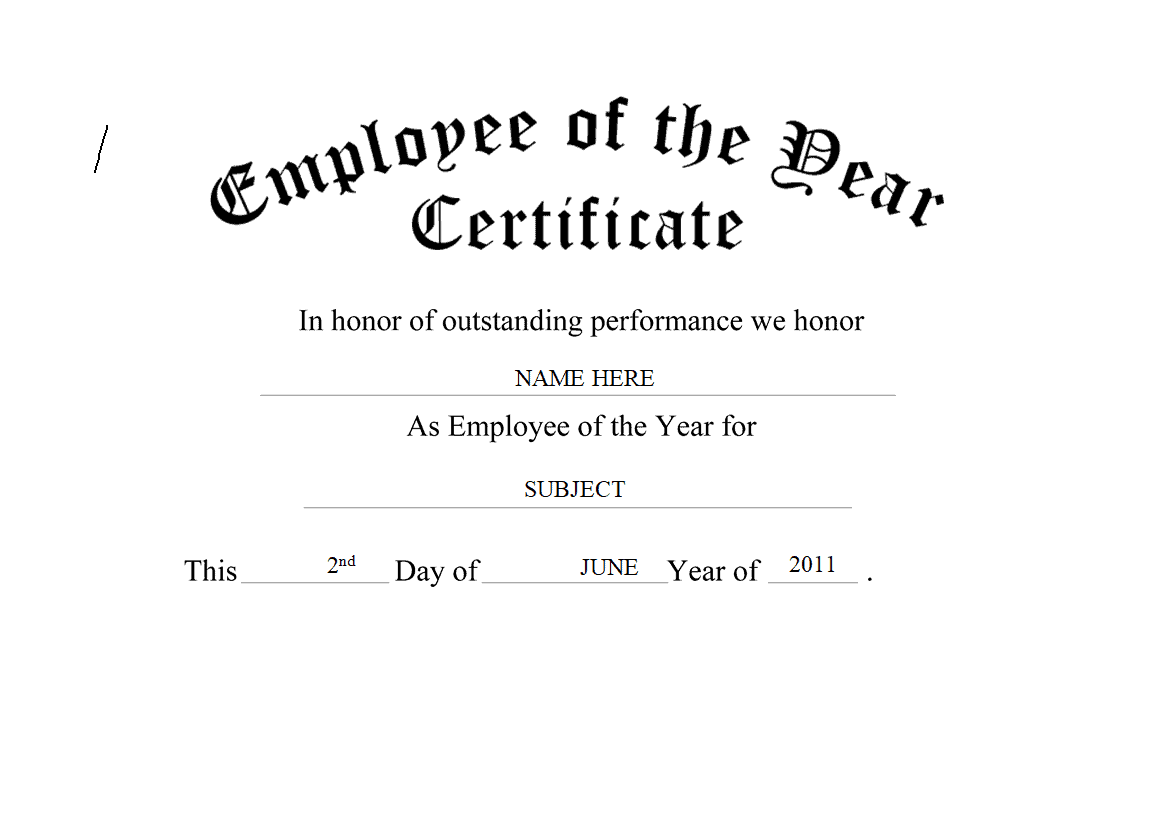
Sample Employee of the Year Certificate for Outstanding Performance

Simple Employee of the Year Certificate Template
Frequently Asked Questions
Are these employee of the year certificate templates free to download?
Yes, all 6 employee of the year certificate templates on this page are free to download and use.
Can I customize the fields on these templates?
Yes, since the templates are fully editable, you can add your company’s logo and personalize the wording for each award.
Can these templates be used by small businesses?
Yes, these templates work well for small business owners looking to formally recognize a standout team member.
What’s the difference between an employee of the year and employee of the month certificate?
An employee of the month certificate recognizes short-term performance, while an employee of the year certificate honors sustained excellence across the whole year.
Can these certificates be sent digitally?
Yes, a completed certificate can be saved as a PDF and emailed to employees, which works well for remote or hybrid teams.
What information should be included on the certificate?
The certificate should include the employee’s name, role, company name, the year of the award, and a brief description of their accomplishments.


You must be logged in to post a comment.