
A class schedule should identify subjects, weekdays, start and end times, rooms and teachers where relevant. Consistent time formats and explicit breaks reduce confusion during a busy school day.
Bonus template: Weekly class timetable planning grid
Build the timetable around fixed class periods, then add room changes, travel and breaks. Keep study blocks visually distinct from taught sessions.
Download the editable Excel workbook
Download Weekly class timetable (.xlsx)
Open in Microsoft Excel. Replace the fictional example data in the highlighted input cells; keep formula cells intact so the summaries update.
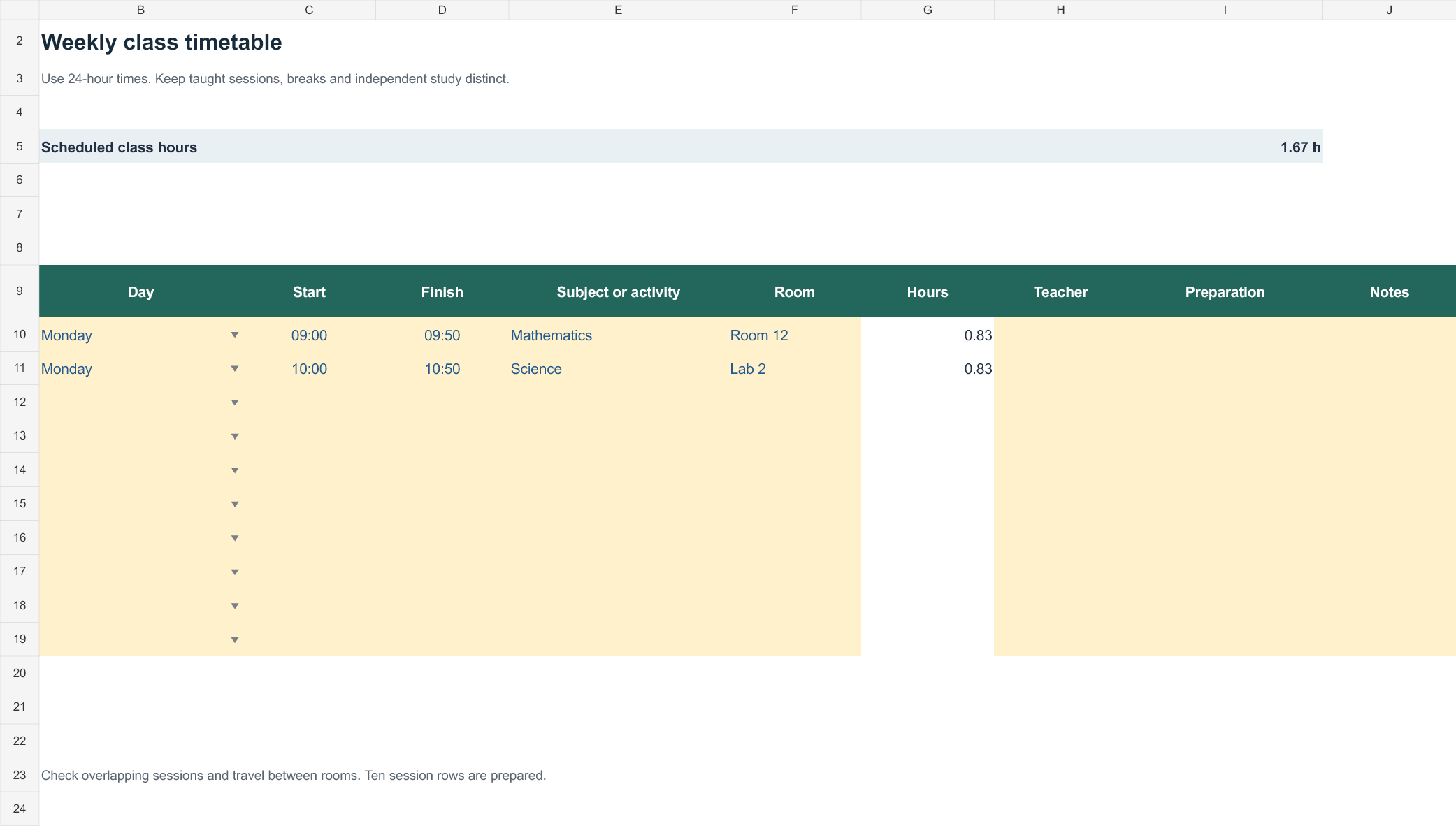
Set up the record
- Student / class: [details]
- Week beginning: [date]
- Time format and time zone: [details]
| Day | Start–finish | Subject / activity | Room or meeting link | Teacher / contact | Preparation |
|---|---|---|---|---|---|
| Monday | 09:00–09:50 | Mathematics | Room 12 | [teacher] | Bring workbook |
| Monday | 09:50–10:00 | Break / room change | — | — | Travel to next room |
| Monday | 10:00–10:50 | Science | Lab 2 | [teacher] | Check required materials |
How to use this template
- Enter the official class times before allocating independent study.
- Allow for room changes and label breaks explicitly.
- Mark temporary substitutions with their effective dates rather than overwriting the permanent timetable without a note.
Worked example: A lesson ending at 09:50 followed by another at 10:00 leaves a ten-minute transition; do not allocate that same period to another required activity.
Check before use
- Check for overlapping sessions.
- Include the week or term covered.
- Use descriptive link text rather than publishing private meeting access widely.
Make class timetables clear for students and teachers
Worked example: If a school runs 45-minute lessons beginning at 8:30, a timetable must reserve the correct period for each subject and show recess separately so rooms and teachers do not appear in overlapping sessions.
Check before use: Verify academic term dates and any rotating A/B days. Colour can improve scanning, but labels must remain understandable in black-and-white printing.
- Saves planning time: A ready-made layout means you can focus on organizing classes instead of designing a schedule from scratch.
- Reduces scheduling conflicts: A clear visual layout makes it easy to spot overlapping classes before they become a problem.
- Professional appearance: A well-structured schedule presents academic planning in a polished, easy-to-read format.
- Improves time management: Seeing all classes in one place helps students and teachers plan study time and breaks effectively.
- Easy to customize: Editable fields let you quickly adapt the schedule to a new semester or changing course load.
- Free and reusable: Download once and reuse the same structure for every new term or academic year.
For related resources, see FREE Download 8+ Homework Schedule Templates [WORD, PDF, EXCEL] and 9 FREE Editable Gradebook Templates.
What’s Included in the Class Schedule Template
- Day and time columns: A grid layout for recording class times across the days of the week.
- Course name and subject fields: Space to enter each class or subject being scheduled.
- Room or location details: Fields for noting where each class takes place.
- Instructor information: Space for recording the teacher or professor for each class.
- Semester or term details: Fields for identifying which academic period the schedule covers.
- Color-coded design elements: Visual formatting that makes it easy to distinguish between different classes at a glance.
Who Should Use These Templates?
- Students organizing their personal course load for the semester.
- Teachers planning and sharing class times with students and parents.
- School administrators publishing institution-wide class schedules.
- College and university staff managing complex, multi-section course schedules.
- Homeschool educators organizing daily or weekly lesson plans.
- Tutoring centers coordinating session times across multiple students and subjects.
How to Start Using the Template in 3 Simple Steps
- Step 1 — Choose a template style: Browse the 13 options below and select the format that best fits your needs.
- Step 2 — Fill in your class details: Add course names, times, rooms, and instructor information.
- Step 3 — Print or share digitally: Print the completed schedule or share it online for easy access.
Class Schedule vs. Academic Calendar
While both documents help organize academic life, a class schedule and an academic calendar serve different purposes. A class schedule shows the specific times and locations of individual classes on a daily or weekly basis, helping students and teachers plan their routine. An academic calendar, by contrast, covers the broader term, marking start and end dates, holidays, exam periods, and other institution-wide events across an entire semester or year. Many schools use both together: an academic calendar for big-picture planning and a class schedule for the day-to-day details of attending classes.
Customizing the Template for Your Needs
These templates are designed to be a flexible starting point rather than a fixed format. You can add your school’s logo, adjust the time slots to match your institution’s class periods, or change the color scheme to make the schedule easier to read at a glance. Since the templates are provided in editable Word, Excel, and PowerPoint formats, most adjustments take only a few minutes and let you tailor the schedule to fit your particular academic setup.
Choosing the Right Format
With 13 different templates available in Word, Excel, and PowerPoint formats, choosing the right one depends on your needs and how you plan to use the schedule. Word templates work well for quick text edits, Excel templates are great for schedules that need sorting or built-in calculations, and PowerPoint templates offer flexibility for schools that want to display schedules digitally on screens. Reviewing each option before committing to one can help you find the layout that best fits your planning process.
Common Mistakes to Avoid
- Overlapping class times: Double-check for scheduling conflicts before finalizing the schedule.
- Missing room numbers: Always include location details to avoid confusion on the first day of class.
- Inconsistent formatting: Use the same template style across all schedules published by an institution.
- Not accounting for breaks: Build in time between classes for students to move between locations.
- Forgetting to update for term changes: Review and revise the schedule at the start of each new semester.
Tips to Get the Most Out of Your Class Schedule Template
- Color-code by subject to make the schedule easier to read at a glance.
- Post schedules early so students have time to plan before the term begins.
- Keep a digital copy for easy updates throughout the semester.
- Share schedules with parents when working with younger students.
- Review the schedule weekly to stay on top of any last-minute changes.
Using Class Schedules to Support Better Time Management
A well-organized class schedule does more than list where students need to be; it also serves as a foundation for broader time management skills. Seeing all classes laid out in one place makes it easier for students to identify open blocks of time for studying, extracurricular activities, or part-time work. Teachers who encourage students to actively plan around their class schedule, rather than simply reacting to it day by day, often find that students develop stronger organizational habits that carry over into other areas of academic life.
Coordinating Schedules Across Multiple Teachers
In schools where students move between multiple teachers and classrooms throughout the day, coordinating individual class schedules into a coherent, conflict-free master schedule takes careful planning. Using a consistent template across departments makes it easier for administrators to spot overlapping room assignments or teacher double-bookings before the term begins. Establishing a clear process for submitting and reviewing schedules ahead of each semester helps reduce the last-minute scrambling that often comes with schedule conflicts.
Adapting Templates for Block and Rotating Schedules
Not every school follows a traditional daily schedule, and these templates can be adapted for block scheduling, rotating day patterns, or alternating week structures. Adding extra columns or rows to represent different schedule days, such as “Day A” and “Day B,” allows a single template to accommodate more complex academic structures. Schools that use rotating schedules often find it helpful to color-code each rotation pattern separately, making it easier for students and staff to quickly identify which schedule applies on a given day.
Using Digital Class Schedules for Remote and Hybrid Learning
For classrooms that include remote or hybrid components, a digital class schedule offers a practical way to keep students informed even when they aren’t physically in the building. A schedule can be shared as a PDF or embedded in a learning management system, giving students easy access to class times and links to virtual sessions. Many educators find that pairing a digital schedule with calendar reminders helps reduce missed classes and keeps remote students on the same page as those attending in person.
Involving Students in Building Their Own Schedules
For older students, particularly at the college or university level, involving them directly in building their own class schedule using a template can be a valuable exercise in planning and responsibility. Walking students through how to balance required courses, electives, and personal commitments using a blank template helps them think critically about workload and time management before the term starts. Advisors who provide a simple template alongside course listings often find that students make more informed scheduling decisions than when left to plan without any structure at all.
Storing and Reusing Class Schedule Templates
Once a school or teacher settles on a schedule format that works well, keeping the editable file organized and accessible makes it easy to reuse for future terms without starting the design process over each time. Saving the template in a shared folder that other staff can access helps maintain consistency across classrooms and departments throughout the school. Updating the design occasionally, such as refreshing the color scheme at the start of a new school year, can keep the schedule feeling current while still preserving a format that students and staff already recognize.
Printing and Displaying Class Schedules
Even in an increasingly digital classroom environment, a printed class schedule posted somewhere visible still serves a useful purpose for quick reference. Printing the schedule on sturdy paper or laminating it for durability helps it hold up to daily handling by students throughout the term. Teachers who post a printed schedule near the classroom door or on a bulletin board often find it reduces the number of students asking about class times, since the information is readily visible without needing to check a phone or computer.
Check Out FREE Class Schedule Maker Templates Here
Class Schedule Worksheet Template
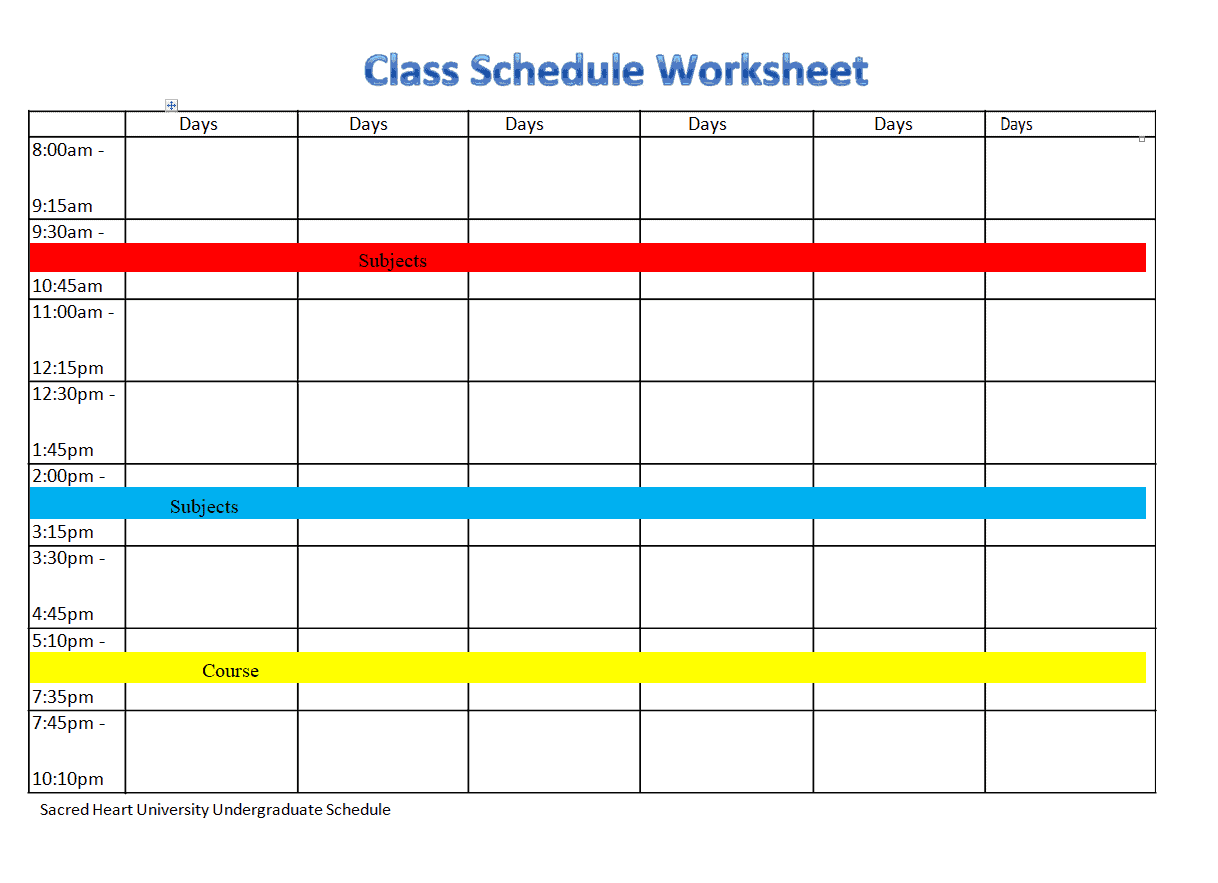
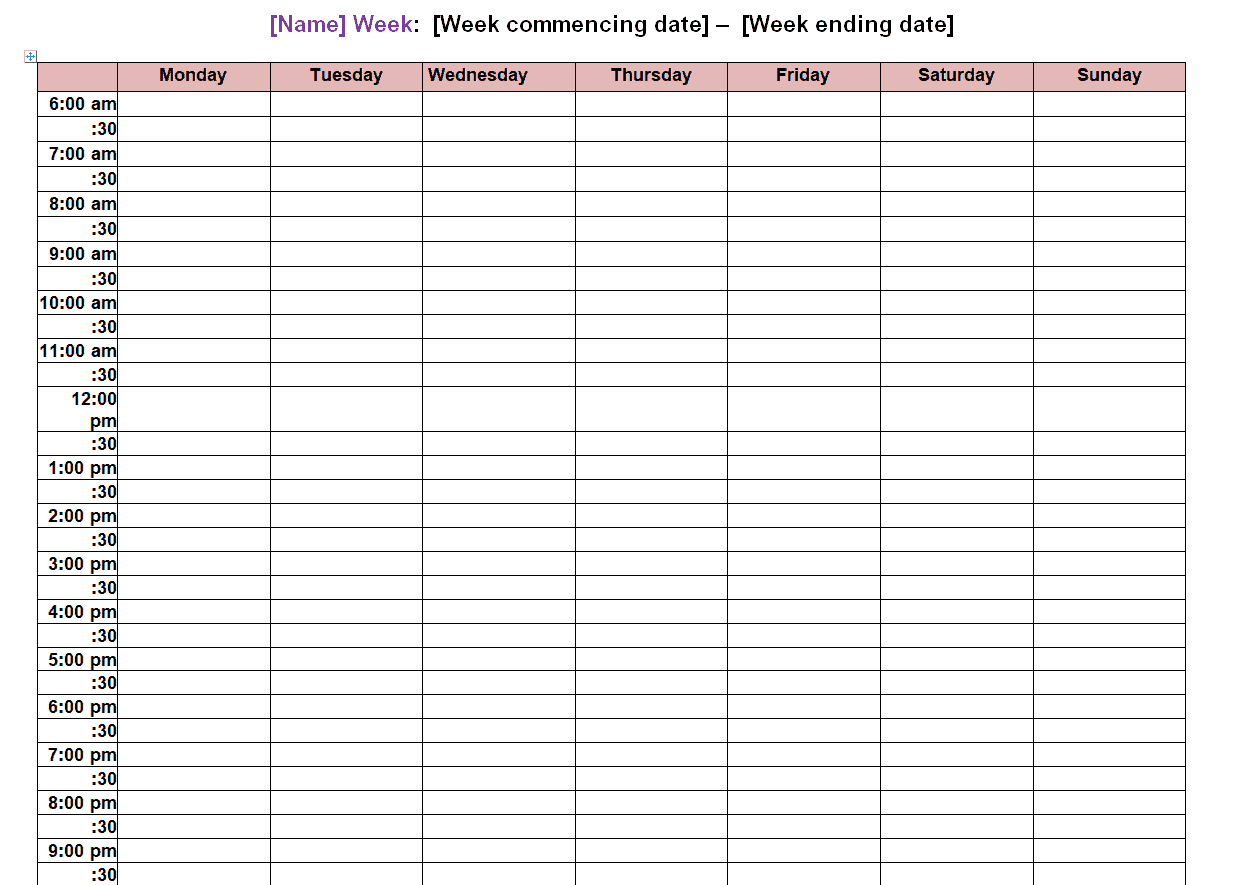
Weekly Class Schedule Template
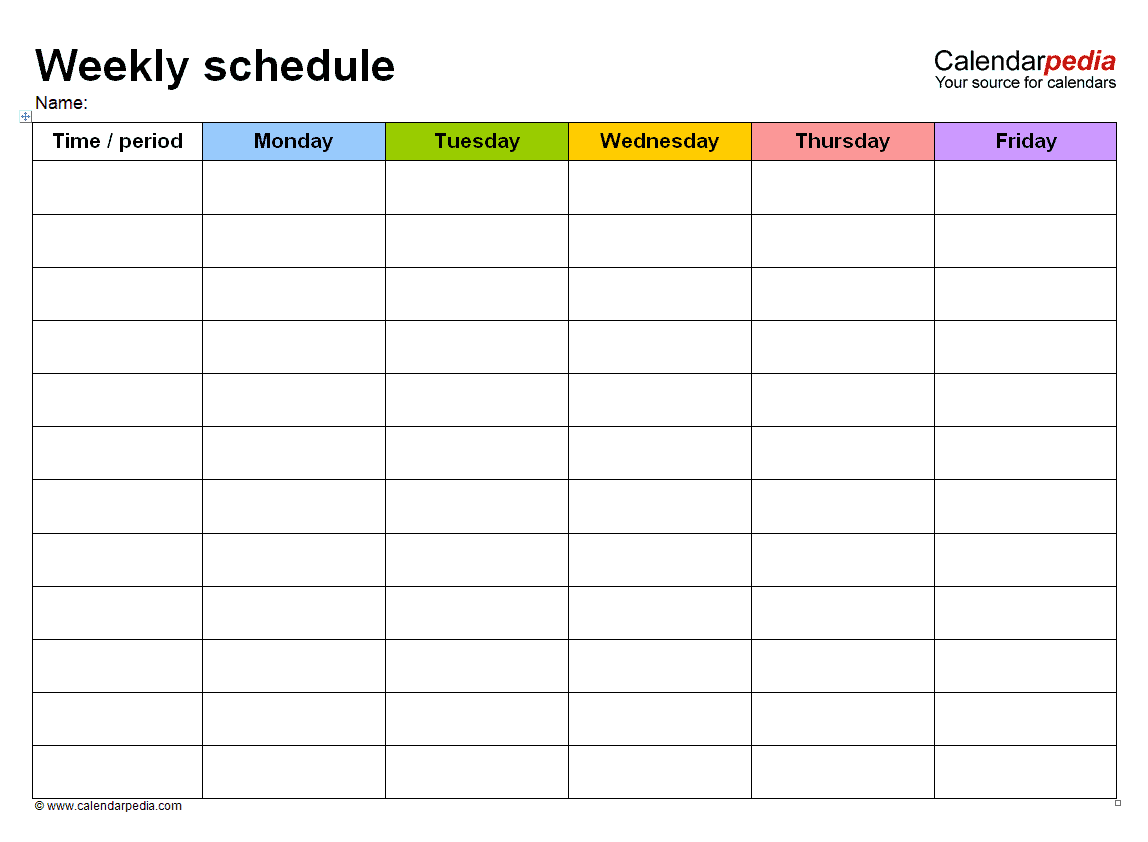
Class Schedule Template EXCEL
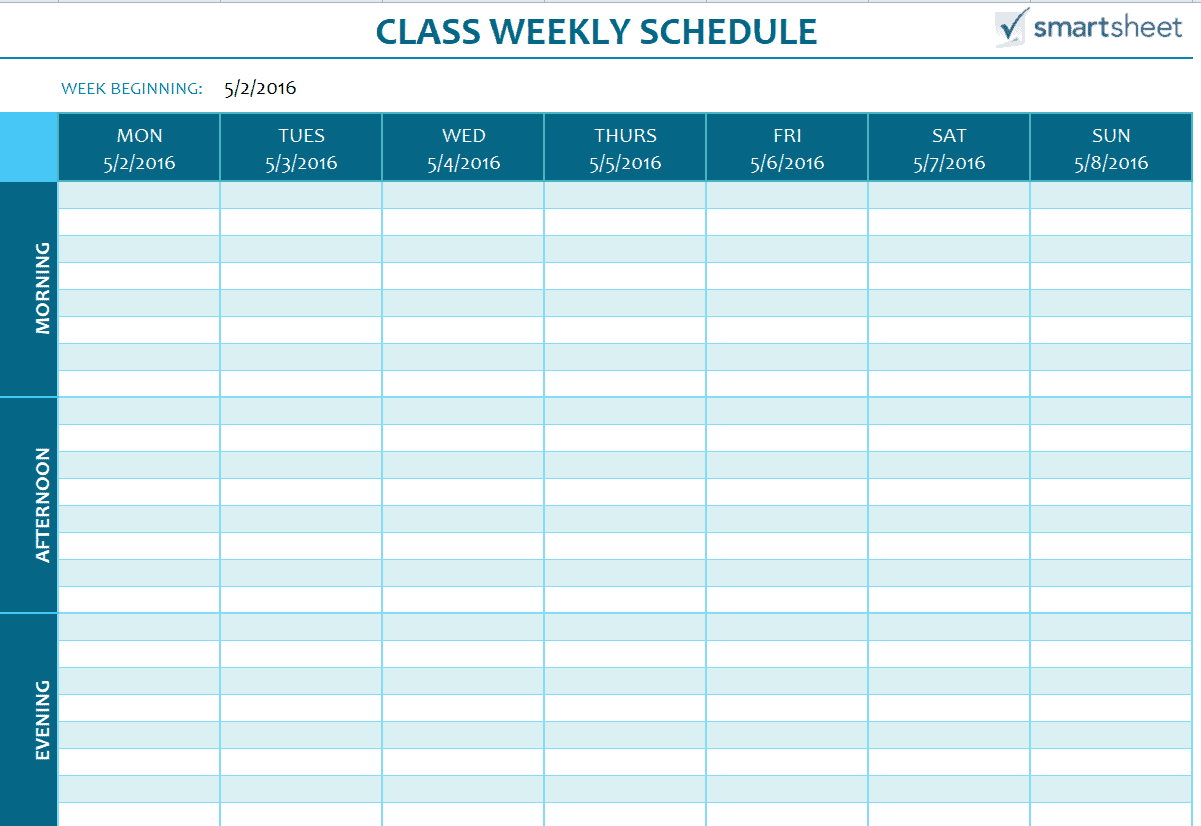
Blank Class Schedule Maker Template
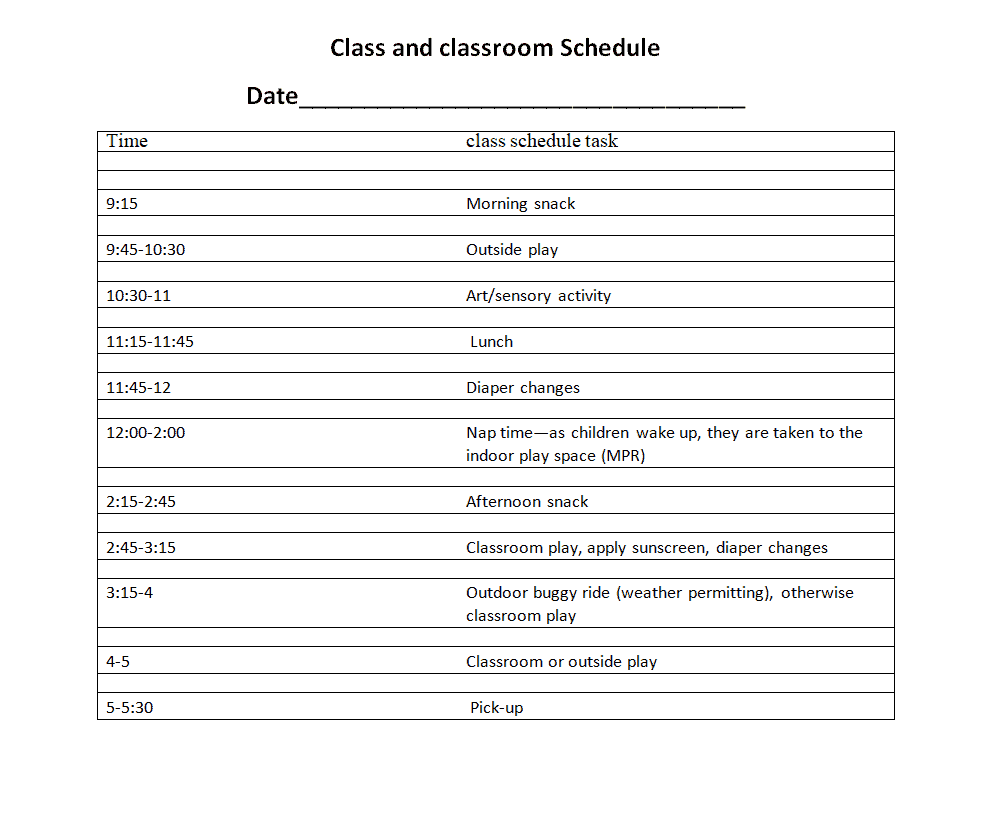
Class and Classroom Schedule Template
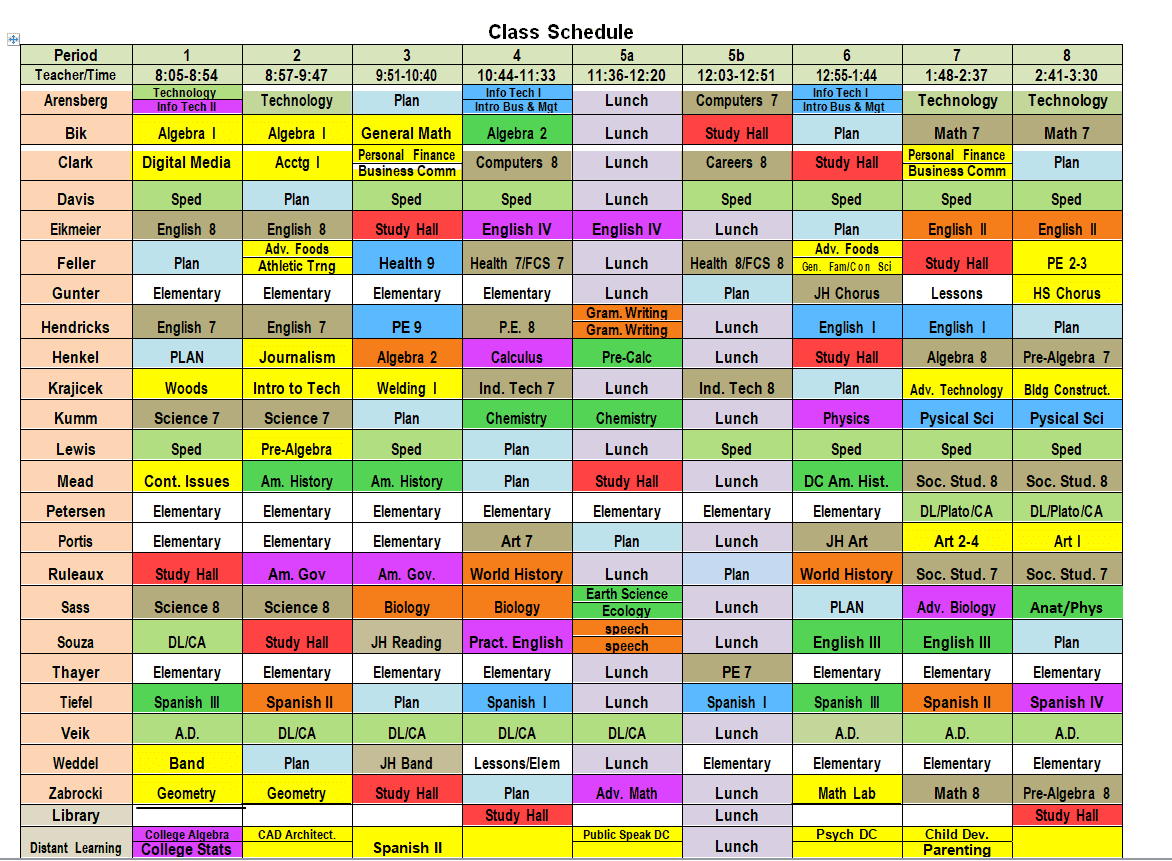
Colorful Class Schedule Template
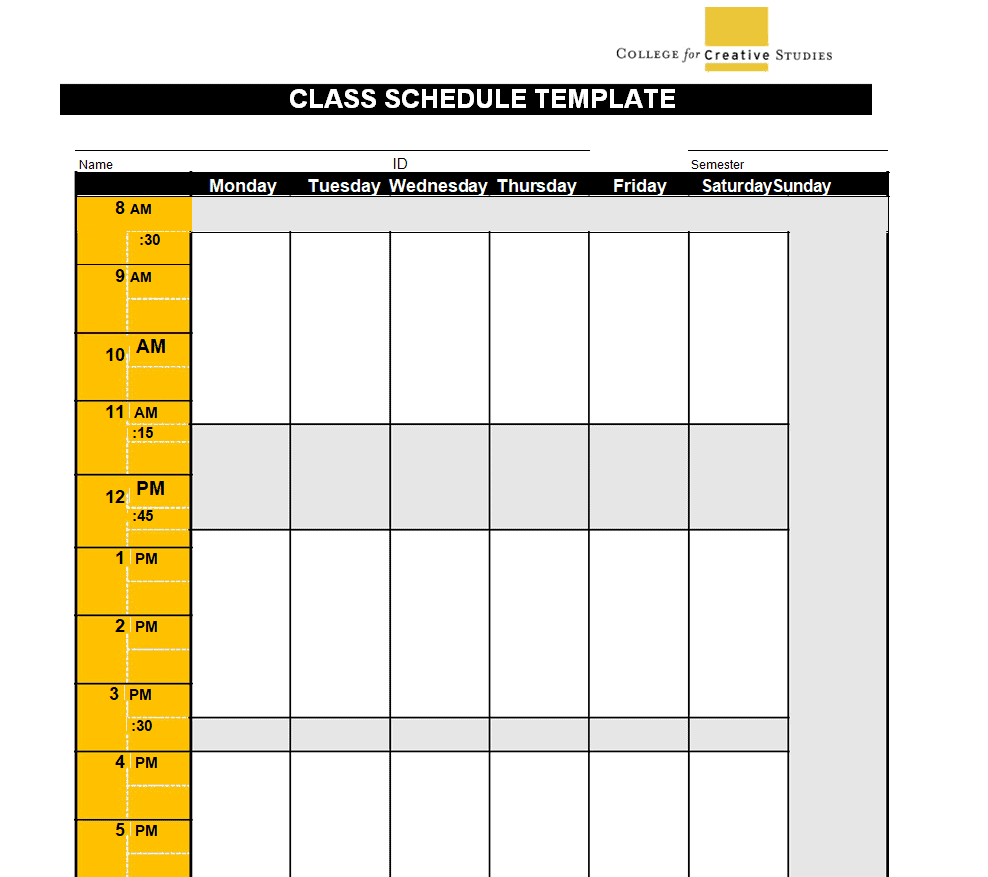
College Class Schedule Template
Class Schedule Template PowerPoint
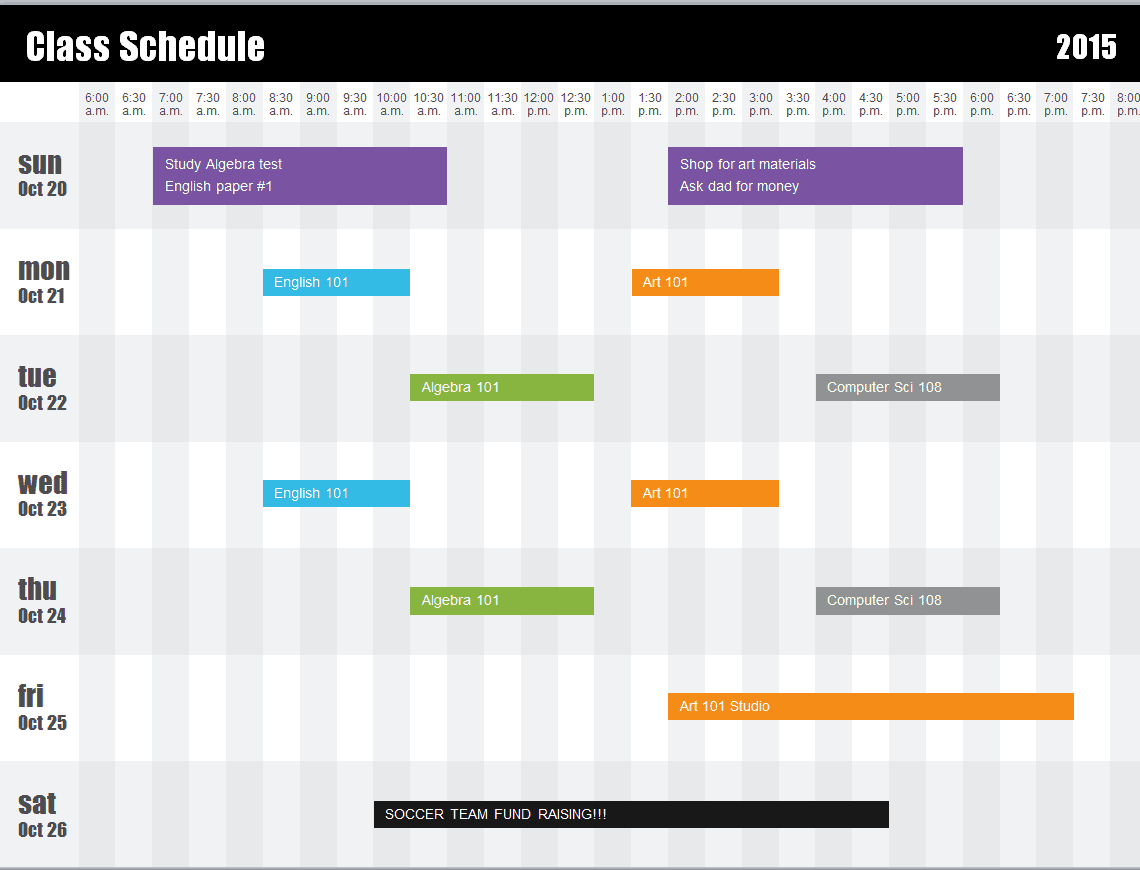
University Class Schedule Template
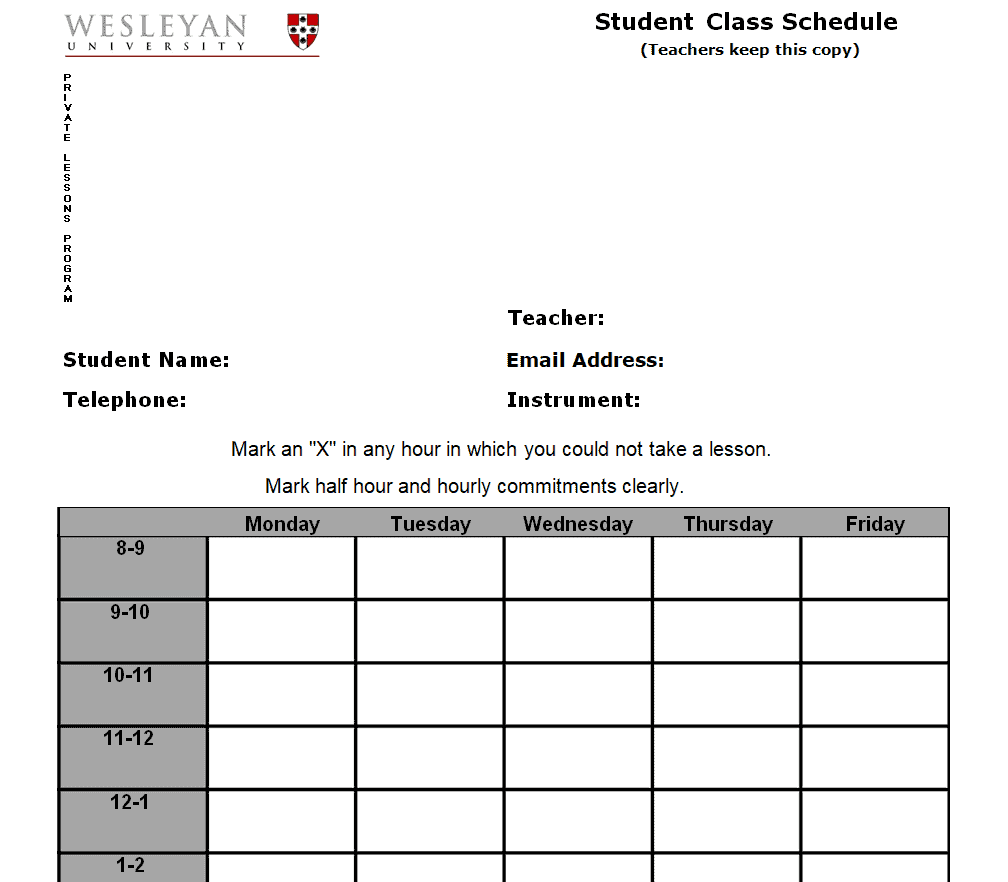
Fillable Class Schedule Maker Template
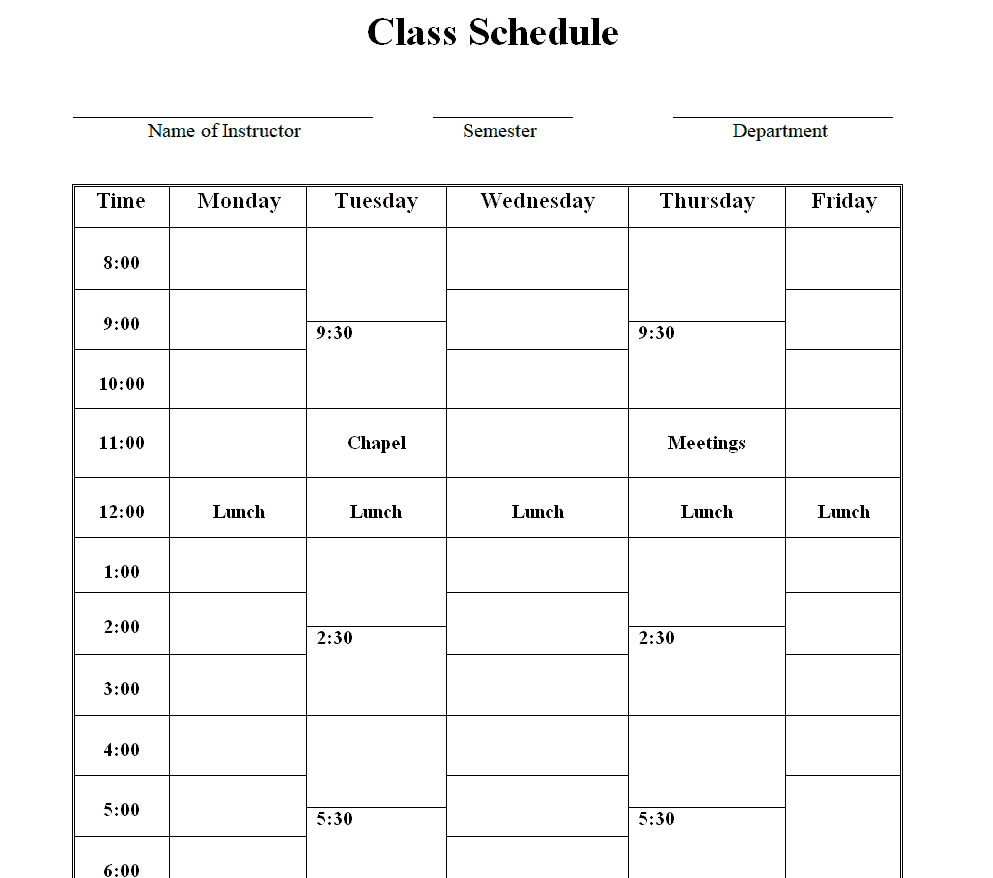
Official Class Schedule Template
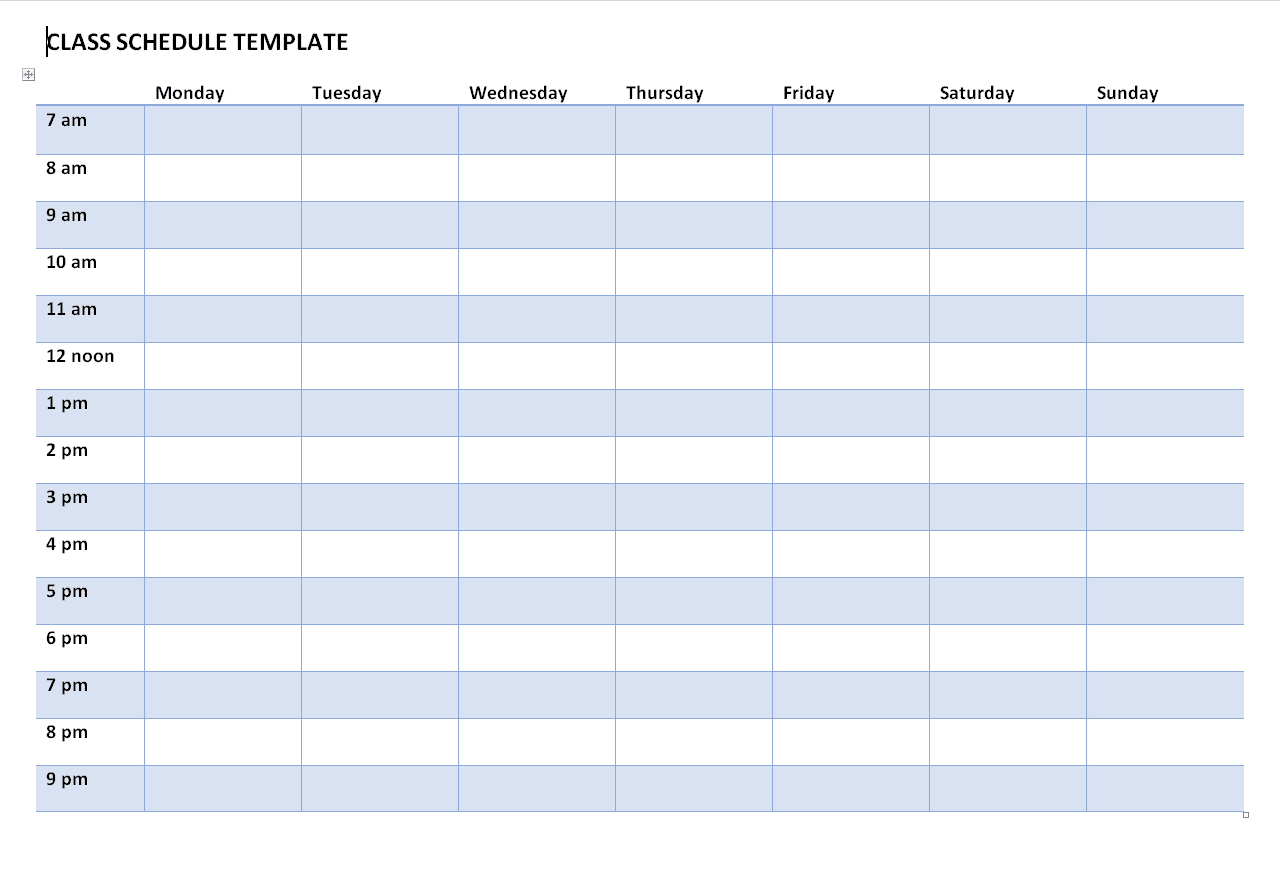
Online Class Schedule Maker Template
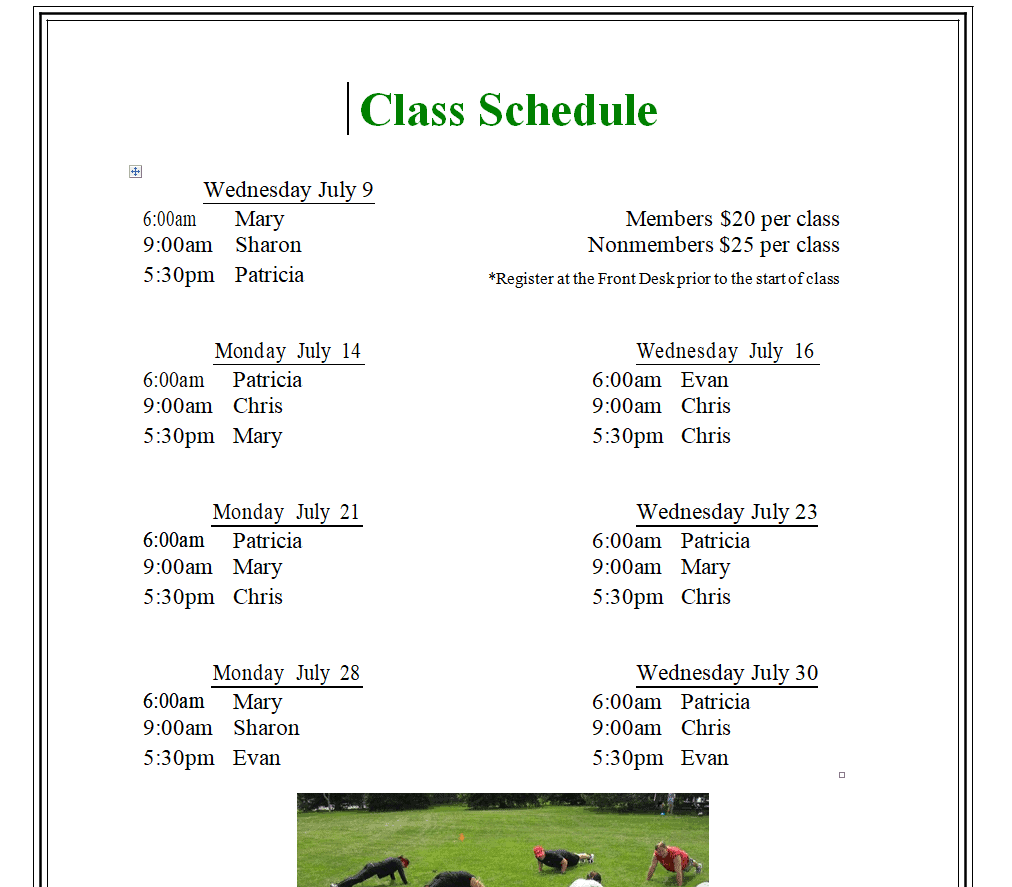
Class Schedule Template in PPTX Format
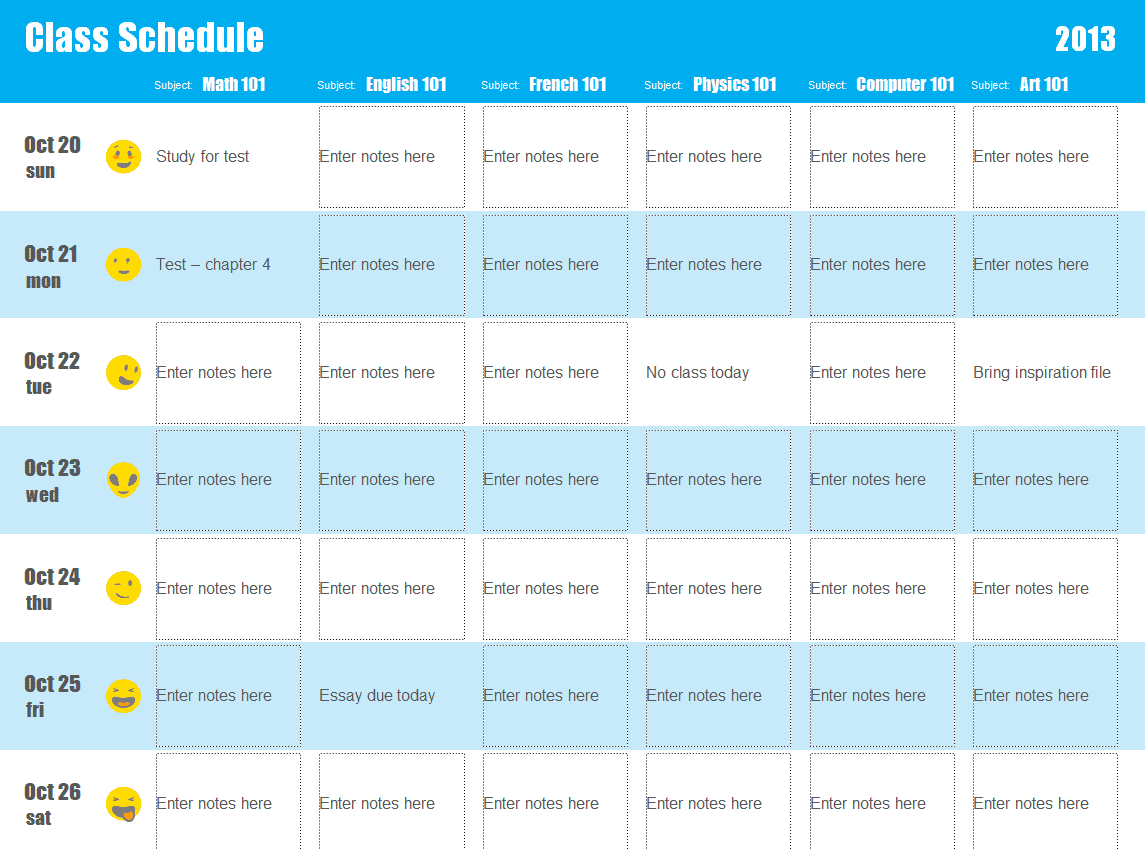
Frequently Asked Questions
Are these class schedule templates free to download?
Yes, all 13 class schedule templates on this page are free to download and use.
Which file formats are these templates available in?
These templates are available in Word, Excel, and PowerPoint formats to suit different needs.
Can I customize the fields on these templates?
Yes, since the templates are fully editable, you can add your own class names, time slots, and branding.
Can these templates be used for college or university schedules?
Yes, several templates on this page are well-suited to the more complex, multi-section schedules used by colleges and universities.
Can these templates be used for homeschooling?
Yes, these templates work well for homeschool educators organizing daily or weekly lesson plans.
What’s the difference between a class schedule and an academic calendar?
A class schedule shows daily or weekly class times, while an academic calendar covers term-wide dates like holidays and exam periods.
Can these schedules be shared digitally with students?
Yes, a completed schedule can be saved as a PDF and shared through email or a learning management system for remote or hybrid classrooms.

You must be logged in to post a comment.