
Staying consistent with a fitness routine gets a lot easier when you can see your progress written down in front of you. An excel workout log template gives you a ready-made spreadsheet for tracking sets, reps, weights, and workout notes, so you can spend less time building a tracking system and more time actually training. Below you’ll find fifteen free, downloadable workout log templates in Excel and Word formats, covering everything from simple weekly logs to detailed daily trackers, so you can find the right fit for your training style.
Track workouts with meaningful progression measures
A workout log is useful when exercises, sets, repetitions, resistance, rest and perceived effort are recorded consistently. The goal is to spot progress and manage training volume, not merely to tick off attendance.
- Tracks progress over time: Seeing your numbers improve week over week is one of the biggest motivators in fitness.
- Saves planning time: A ready-made structure means you don’t need to build a spreadsheet from scratch.
- Improves consistency: Logging workouts helps you stick to a routine rather than skipping sessions.
- Identifies patterns: A written record makes it easier to spot plateaus or areas that need more focus.
- Works for any fitness level: From beginners to experienced lifters, tracking is useful at every stage.
- Useful for professionals too: Gym instructors and trainers can use these templates to plan and track client workouts.
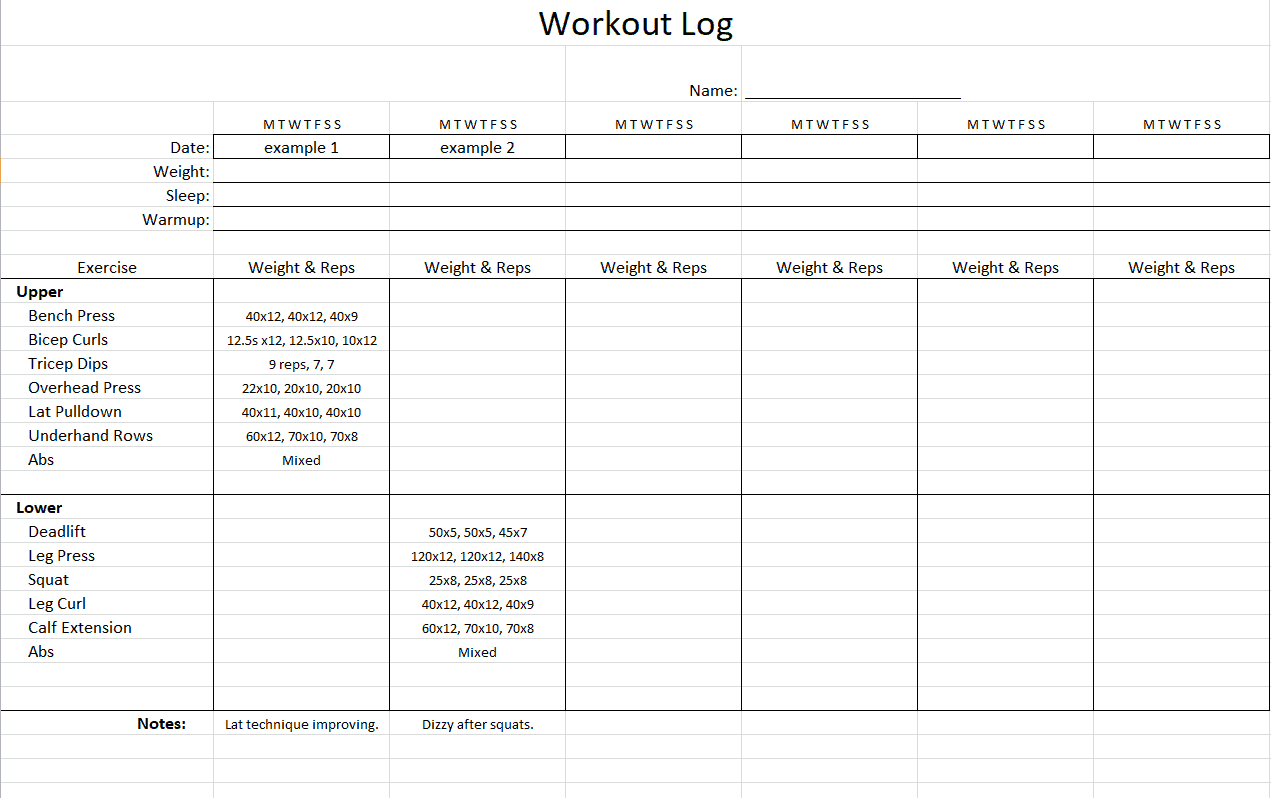
Worked example: If a lifter completes three sets of eight repetitions at 30 kg one week, the next session can record the same load with nine repetitions or a carefully adjusted weight. Notes can explain fatigue, injuries or unusual conditions.
Check before use: Use consistent weight units and exercise names, and do not treat spreadsheet charts as medical guidance. Check formulas before using any automatic estimates of training load.
For related resources, see 5 Weight Loss Challenge Spreadsheet Templates.
What’s Included in the Workout Log Template
- Exercise name field: Space to list each exercise performed during the session.
- Sets and reps columns: Fields to record the number of sets and repetitions completed.
- Weight tracking: Columns to note the weight used for each exercise, helping track strength gains.
- Date field: Space to record when each workout took place.
- Notes section: Room to jot down how the session felt or any adjustments for next time.
- Editable formatting: A layout you can adjust to match your specific training program.
Who Should Use These Templates?
- Beginners starting a new fitness routine who want a simple way to stay organized.
- Experienced lifters tracking strength progression across multiple training cycles.
- Gym instructors and personal trainers planning and monitoring workouts for their clients.
- People pursuing weight loss goals who want to pair workout tracking with their broader fitness plan.
- Runners and cardio enthusiasts tracking treadmill sessions, distances, or interval training.
- Anyone returning to fitness after a break who wants to rebuild consistency with clear records.
How to Start Using the Template in 3 Simple Steps
- Step 1 — Choose a template style: Browse the fifteen options below and select the layout that fits your training routine.
- Step 2 — Fill in your workout details: Add exercises, sets, reps, and weights as you complete each session.
- Step 3 — Review and adjust: Look back at previous entries regularly to track progress and plan your next workout.
Workout Log vs. Workout Plan
While these two documents often work together, they serve different purposes. A workout plan outlines what you intend to do, listing exercises, sets, and reps for upcoming sessions based on your training goals. A workout log, on the other hand, is a record of what you actually did, capturing the weights lifted, reps completed, and how each session felt. Using both together gives you a complete picture: the plan sets your intentions, and the log shows whether you’re following through and progressing as expected.
Customizing the Template for Your Training Style
These templates are meant to be a flexible starting point rather than a fixed format. You might add columns for rest time between sets, a section for tracking body measurements or weight, or a separate tab for cardio sessions versus strength training. Since the templates are provided in editable Excel or Word format, these kinds of adjustments take just a few minutes and let you tailor the log to match exactly how you train.
Choosing the Right Format
With fifteen different templates available in both Excel and Word, choosing the right one depends on how you plan to use it. Excel templates work well if you want to build in formulas for calculating total volume lifted or tracking weight changes over time. Word templates offer a simpler, more visual layout that’s easy to print and take to the gym on paper. Digital users who prefer typing on a phone or tablet during workouts may find Excel more convenient, while those who like writing by hand often prefer a printed Word version.
Common Mistakes to Avoid
- Skipping entries: A log is only useful if you update it consistently after every session.
- Being too vague: Recording specific weights and reps matters more than general notes like “did legs.”
- Not reviewing past logs: Regularly looking back at previous entries helps you spot progress and plateaus.
- Overcomplicating the format: A log that’s too detailed can become tedious to fill out and easy to abandon.
- Forgetting to note how you felt: Energy levels and soreness are useful data points for adjusting your training.
Tips to Get the Most Out of Your Workout Log Template
- Log immediately after each set rather than trying to remember details after the workout.
- Set specific goals for each training cycle so your log has a clear benchmark to track against.
- Review weekly to spot trends in strength gains or areas that need more attention.
- Keep it accessible on your phone or printed out so you actually use it during workouts.
- Back up digital logs regularly so months of progress data aren’t lost.
Using Workout Logs for Strength Training
For strength training specifically, a detailed workout log becomes essential for applying progressive overload, the principle of gradually increasing weight, reps, or sets over time to keep building strength. Without a written record, it’s easy to lose track of exactly how much weight you lifted last week or how many reps you completed, making it hard to know whether you’re actually progressing. A consistent log lets you make small, deliberate increases each session, whether that’s adding five pounds to a lift or squeezing out one more rep, which compounds into significant strength gains over months of training.
Tracking Cardio and Endurance Workouts
While strength training logs focus heavily on weight and reps, cardio and endurance training call for tracking different metrics, such as distance, duration, pace, and heart rate zones. A treadmill or running log helps you monitor whether your endurance is improving over time and can reveal useful patterns, like which days you tend to perform best or how quickly you recover between hard efforts. Combining both strength and cardio tracking in one system, or using separate templates for each, depends on your training split and how detailed you want your records to be.
Building Long-Term Motivation Through Tracking
Beyond the practical benefits of tracking sets and reps, keeping a workout log over months or years builds a powerful record of your fitness journey that can be genuinely motivating to look back on. Seeing how far you’ve come from your very first entries, whether that’s lifting significantly heavier weights or running much longer distances, provides a tangible reminder of your progress during periods when motivation might otherwise dip. Many people find that this long-term record becomes as valuable for psychological consistency as it is for the practical training data it captures.
How Gym Trainers and Coaches Use Workout Logs
For personal trainers and gym instructors, a workout log serves a somewhat different purpose than it does for an individual tracking their own training. Trainers often use these templates to plan out client programs in advance and then record actual performance during sessions, creating a shared record that both trainer and client can reference. This documentation becomes particularly valuable when adjusting a client’s program over time, since a trainer can look back at several weeks of logged data to identify what’s working, what isn’t, and where a client might be plateauing or ready for a new challenge. Some trainers also use these logs as part of client communication, sharing progress summaries to demonstrate the value of the training relationship.
Digital vs. Printed Workout Logs
Deciding between a digital spreadsheet and a printed paper log often comes down to personal preference and how you train. A digital Excel log makes it easy to build formulas that automatically calculate total weight lifted, track personal records, or generate simple progress charts, and it’s convenient if you already bring your phone to the gym. A printed Word version, on the other hand, can feel less distracting during a workout, since there’s no temptation to check notifications, and some people simply find handwriting numbers feels more natural mid-set. Many experienced lifters end up using a hybrid approach, logging by hand in the gym and transferring the data into a digital spreadsheet afterward for long-term tracking and analysis.
Check Out the Given Below Excel Workout Log Templates
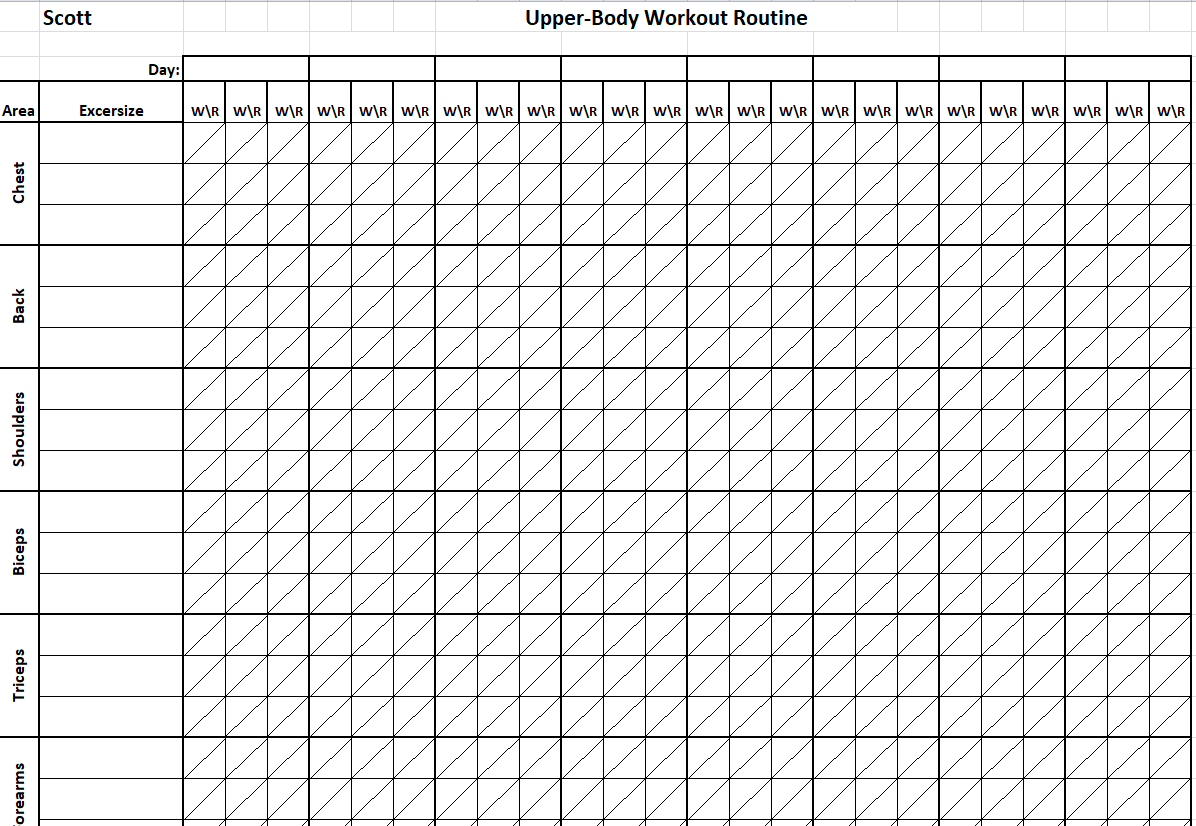
Upper Body Workout Routine Template
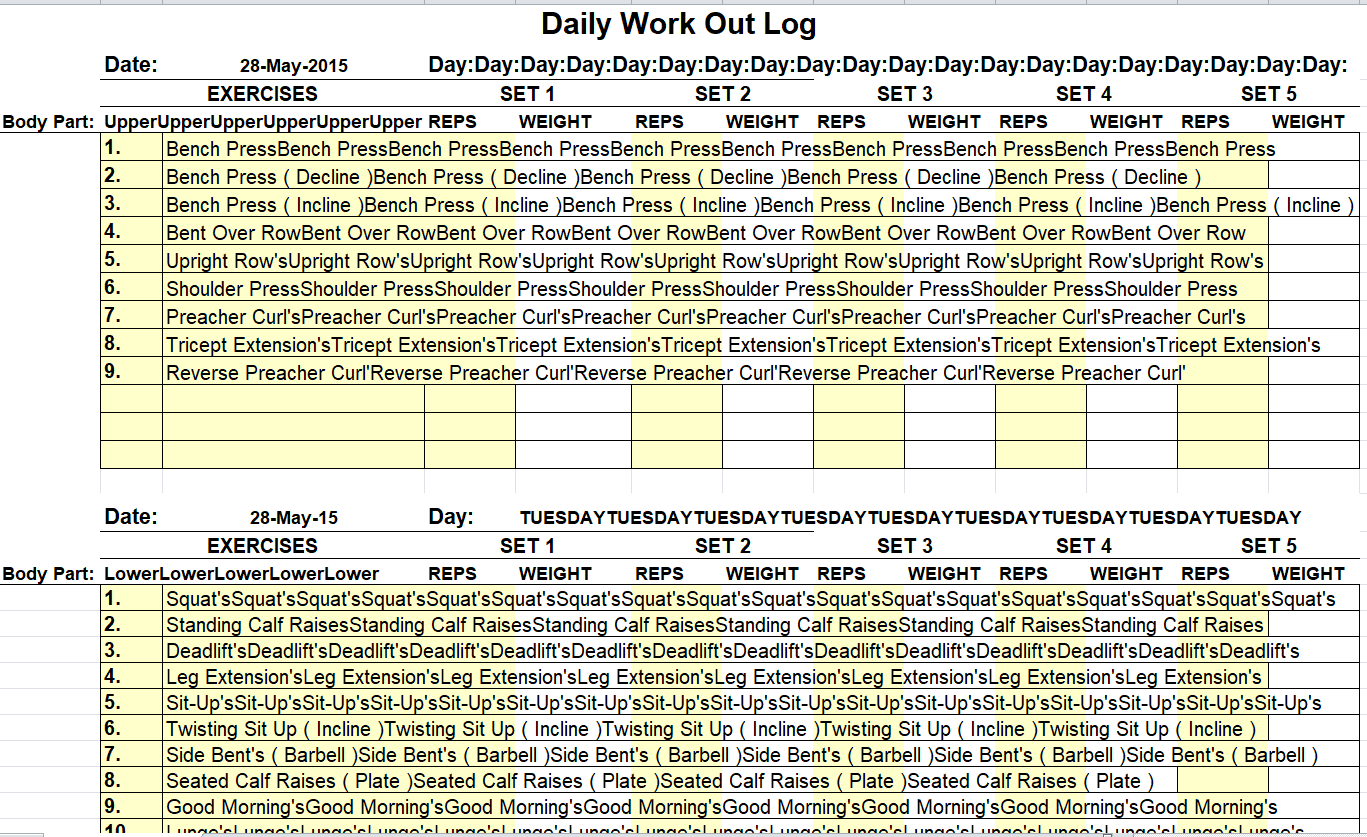
Detailed Daily Workout Log Template
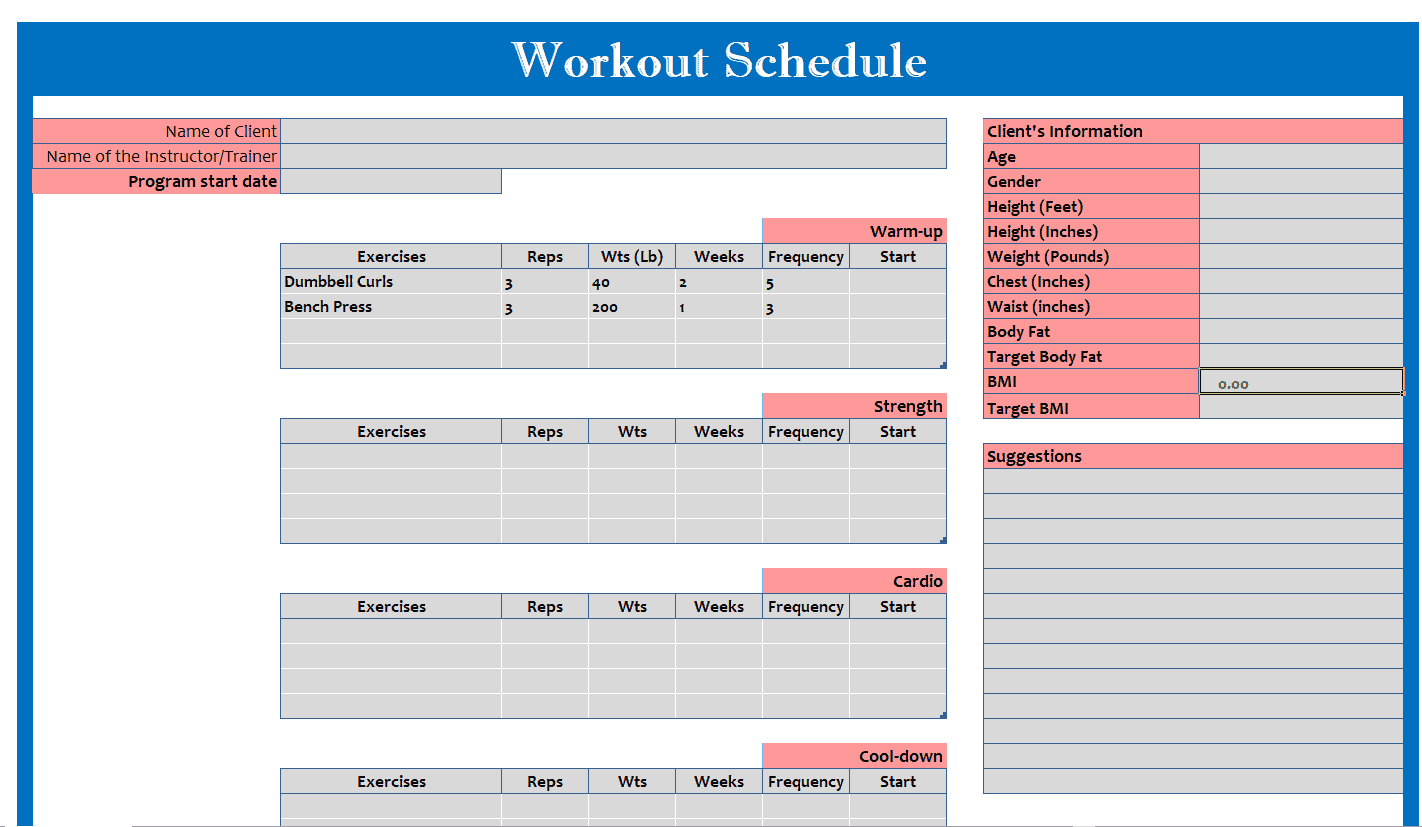
Excel Workout Schedule Template
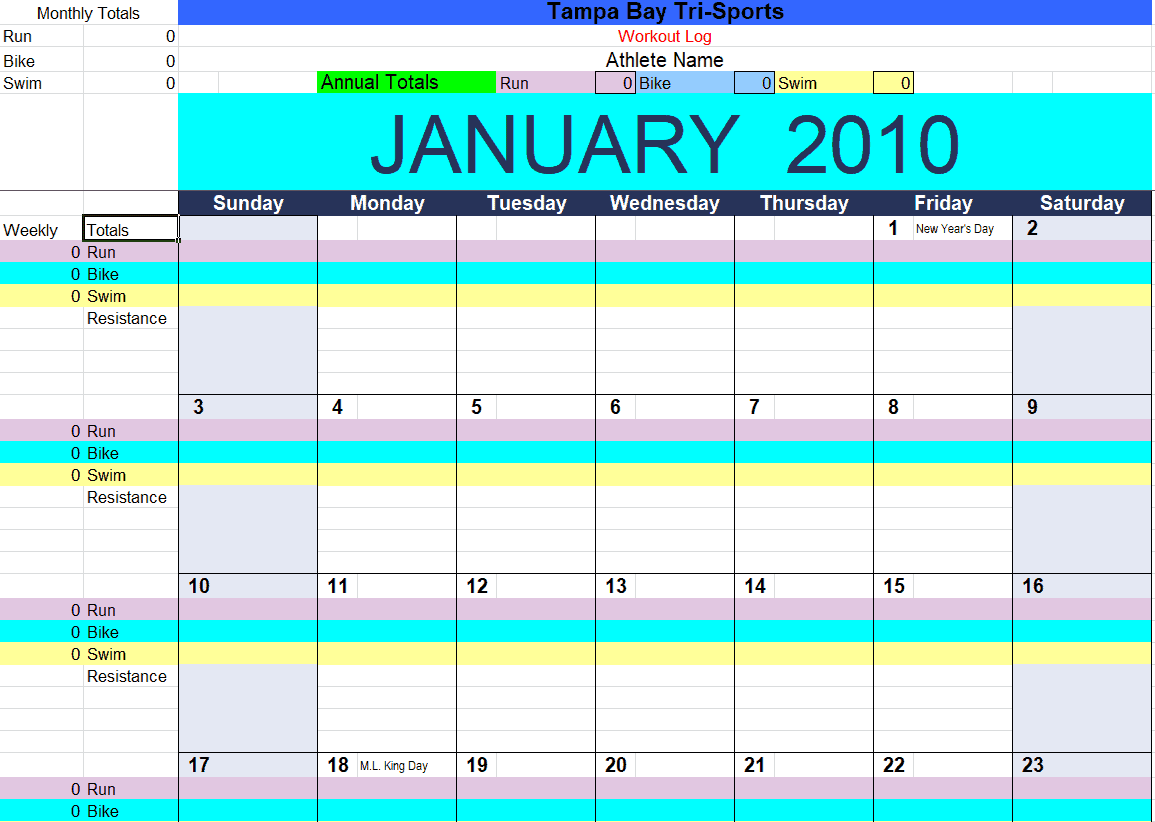
Monthly Workout Log Template EXCEL
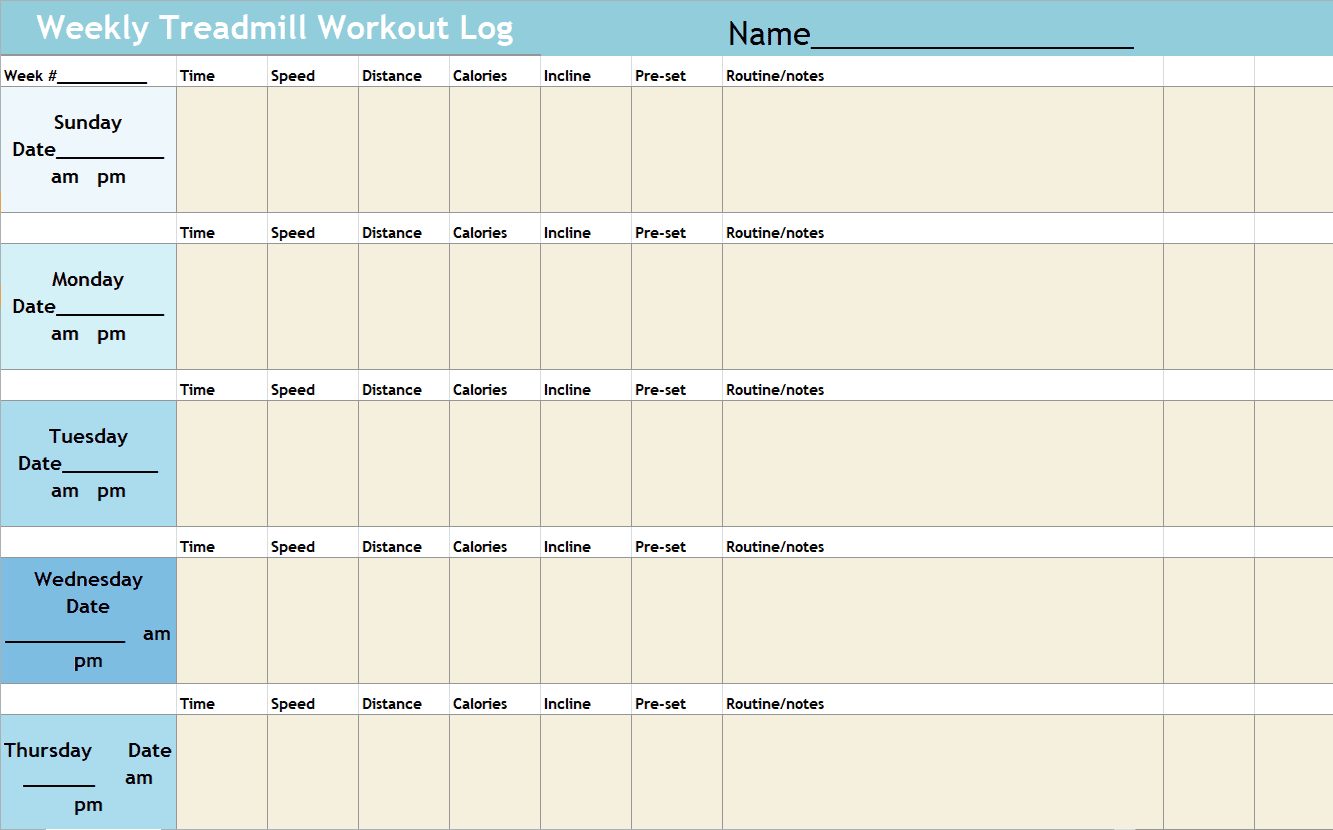
Weekly Treadmill Workout Log Template
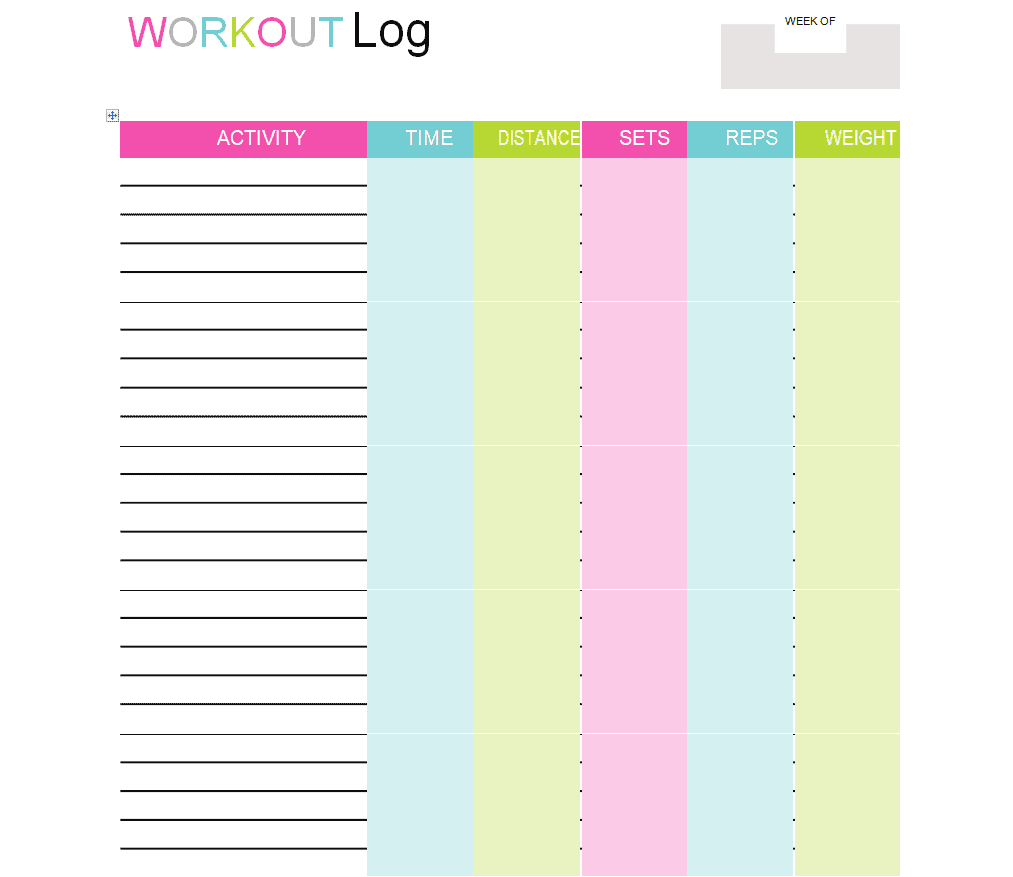
Attractive Workout Log WORD Template
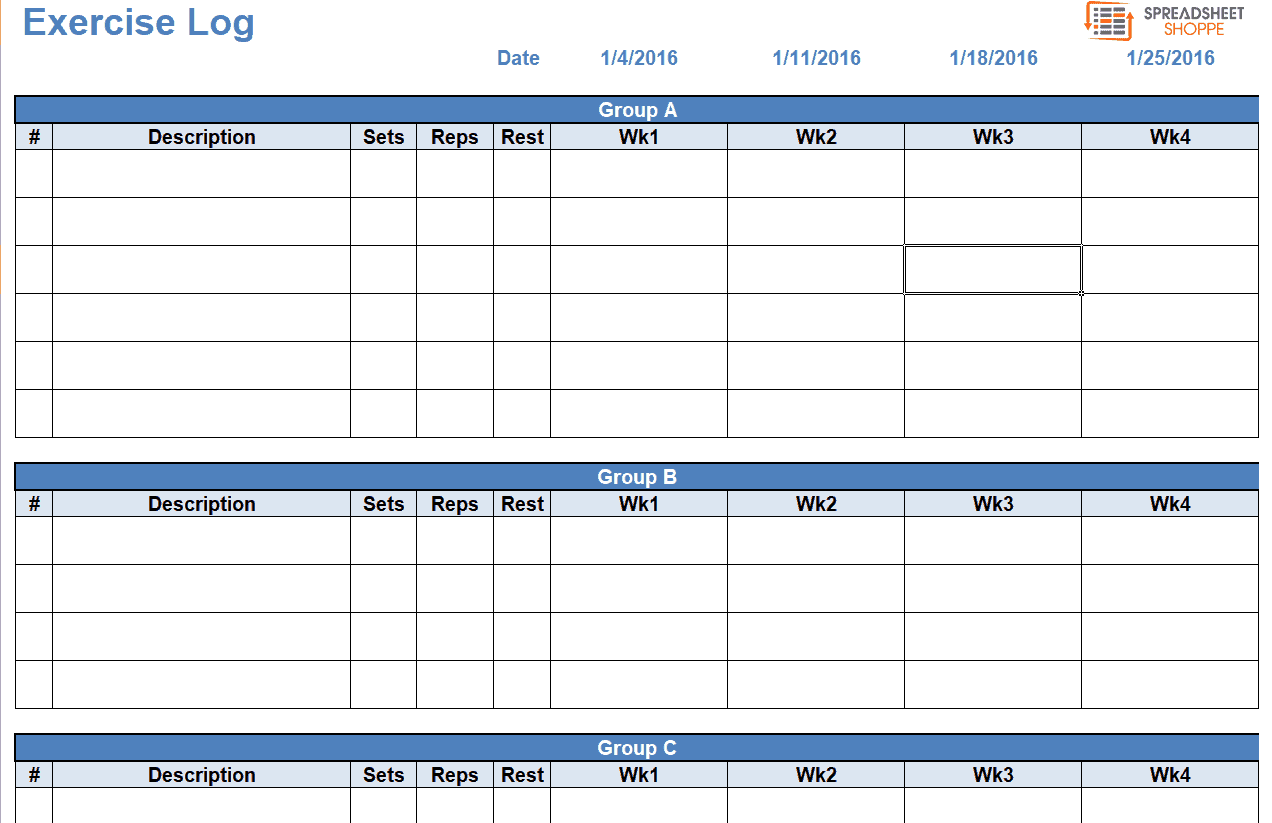
Sample Exercise Log Template
Example Workout Log Excel Template
Personal Daily Workout Log Template
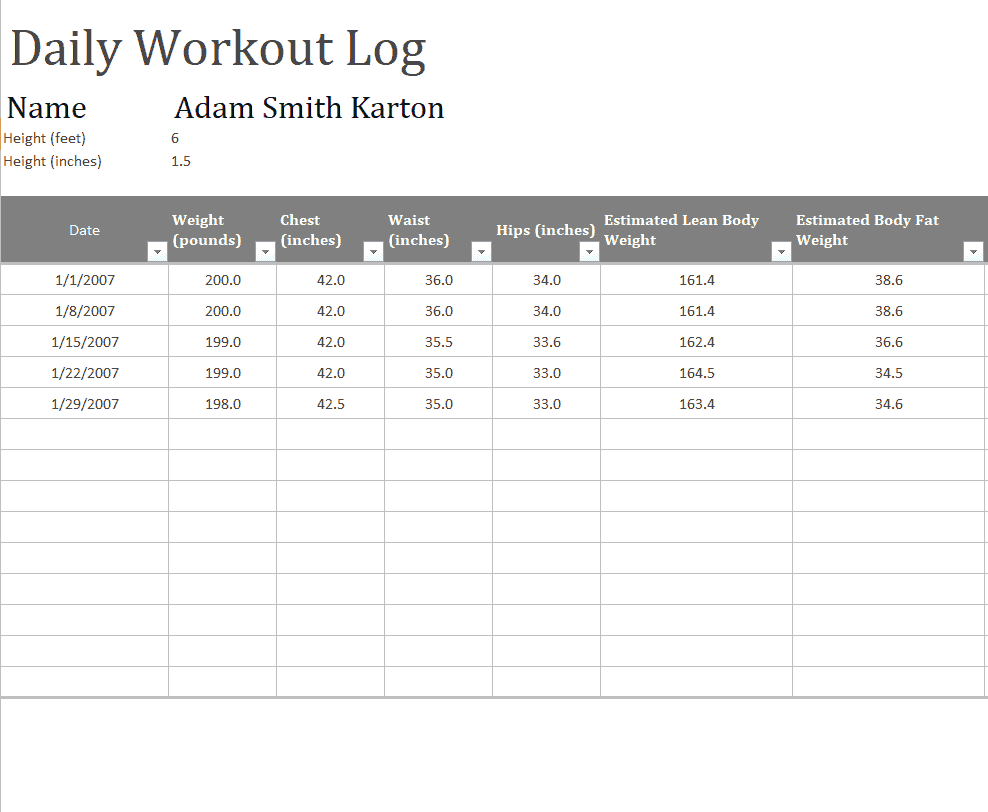
Colorful Workout Log Template in WORD Format
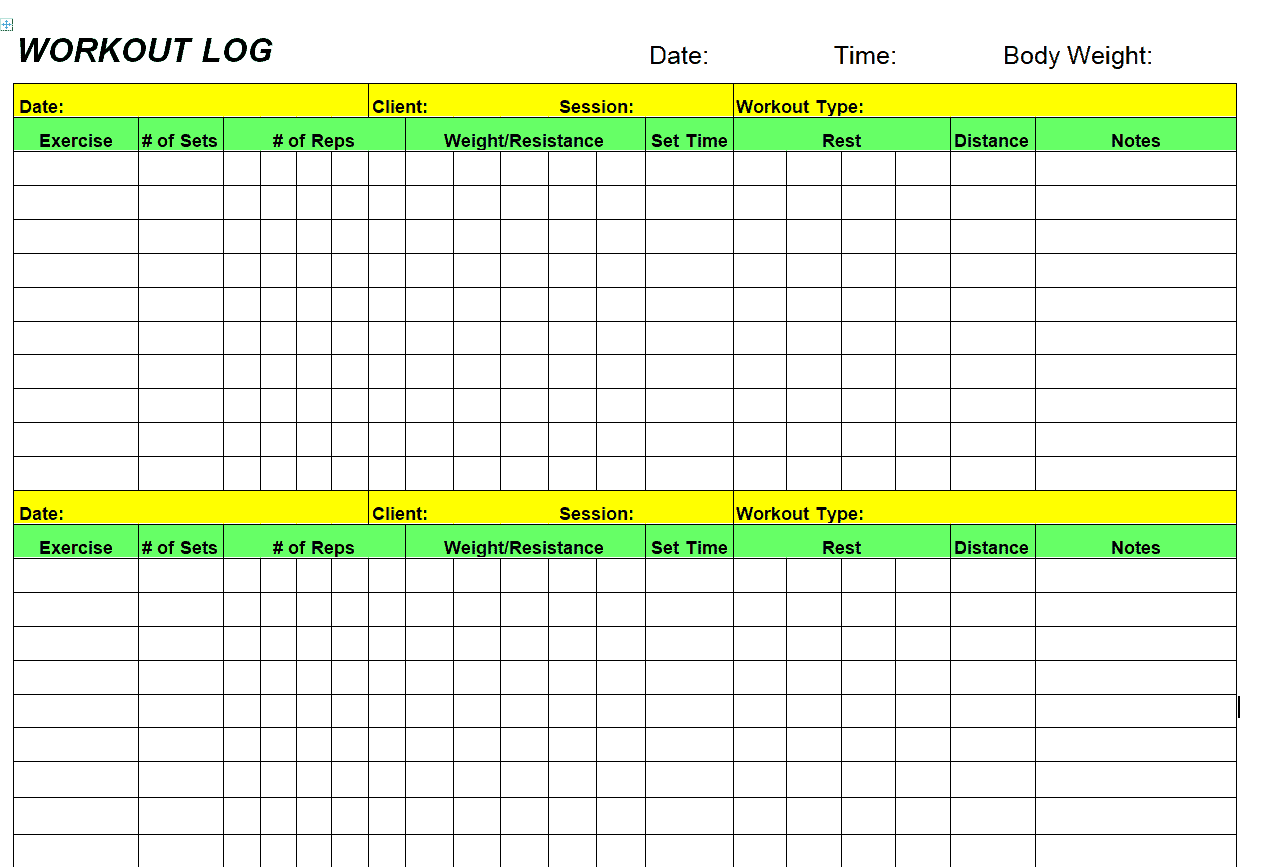
Standard Workout Log Template
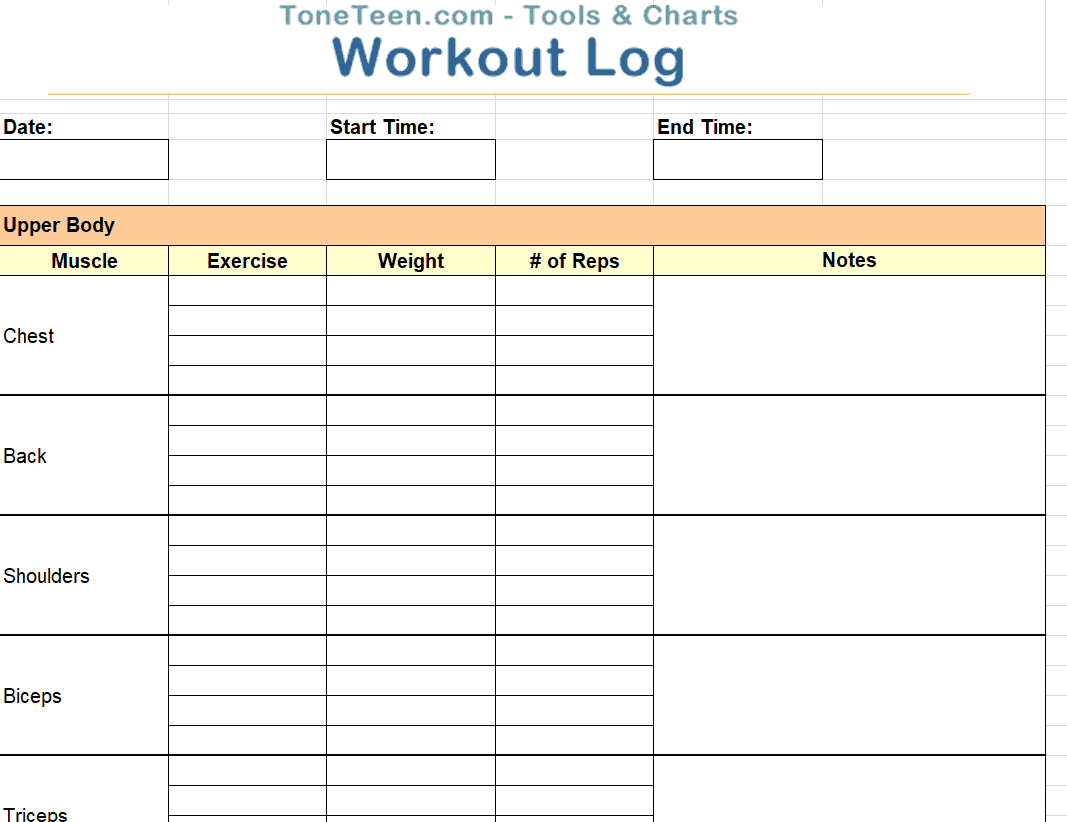
Model Workout Log in Excel Format
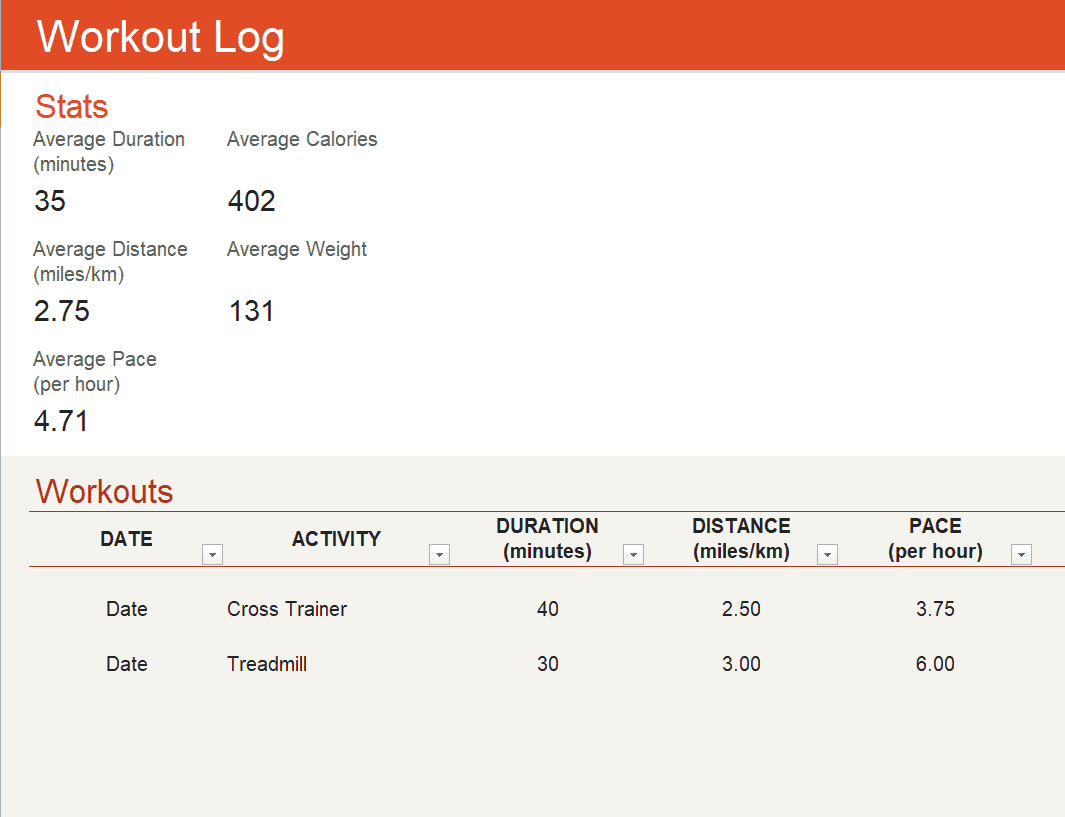
Gym Trainer’s Excel Workout Log Template
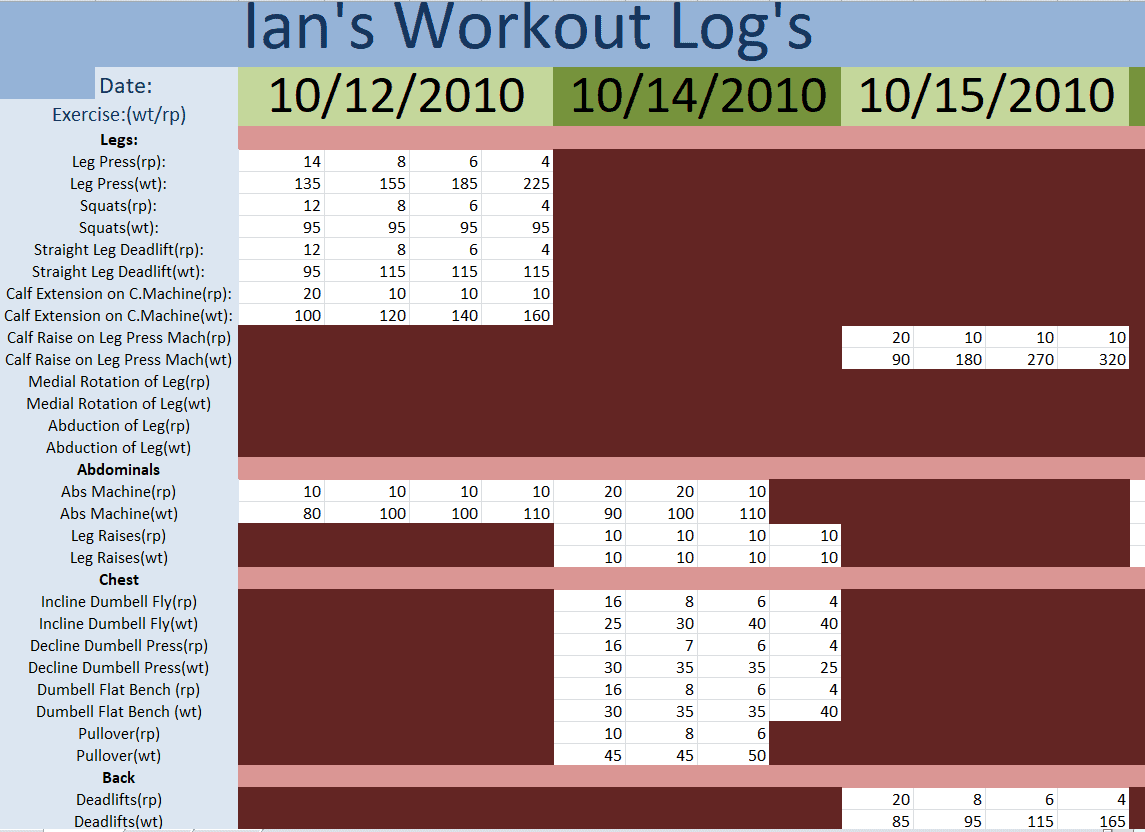
Practical Weekly Workout Log Template
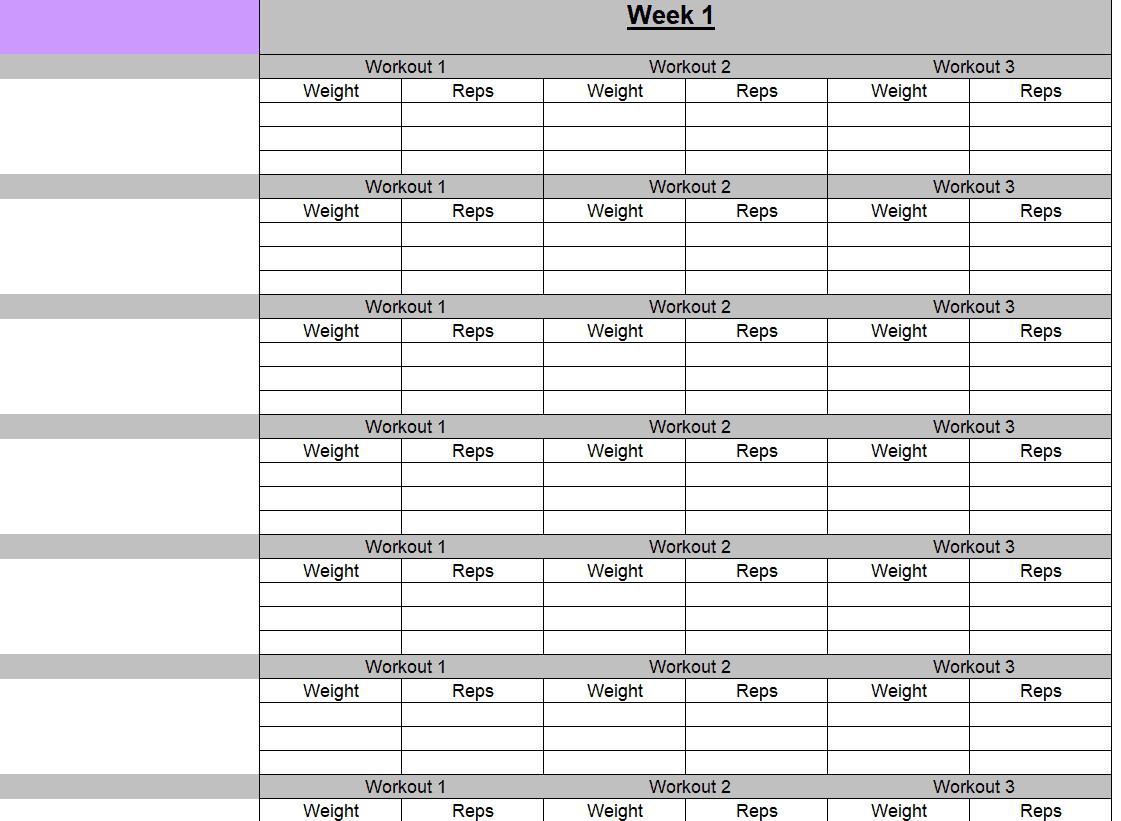
Friendly Use Workout Log Template for MS WORD
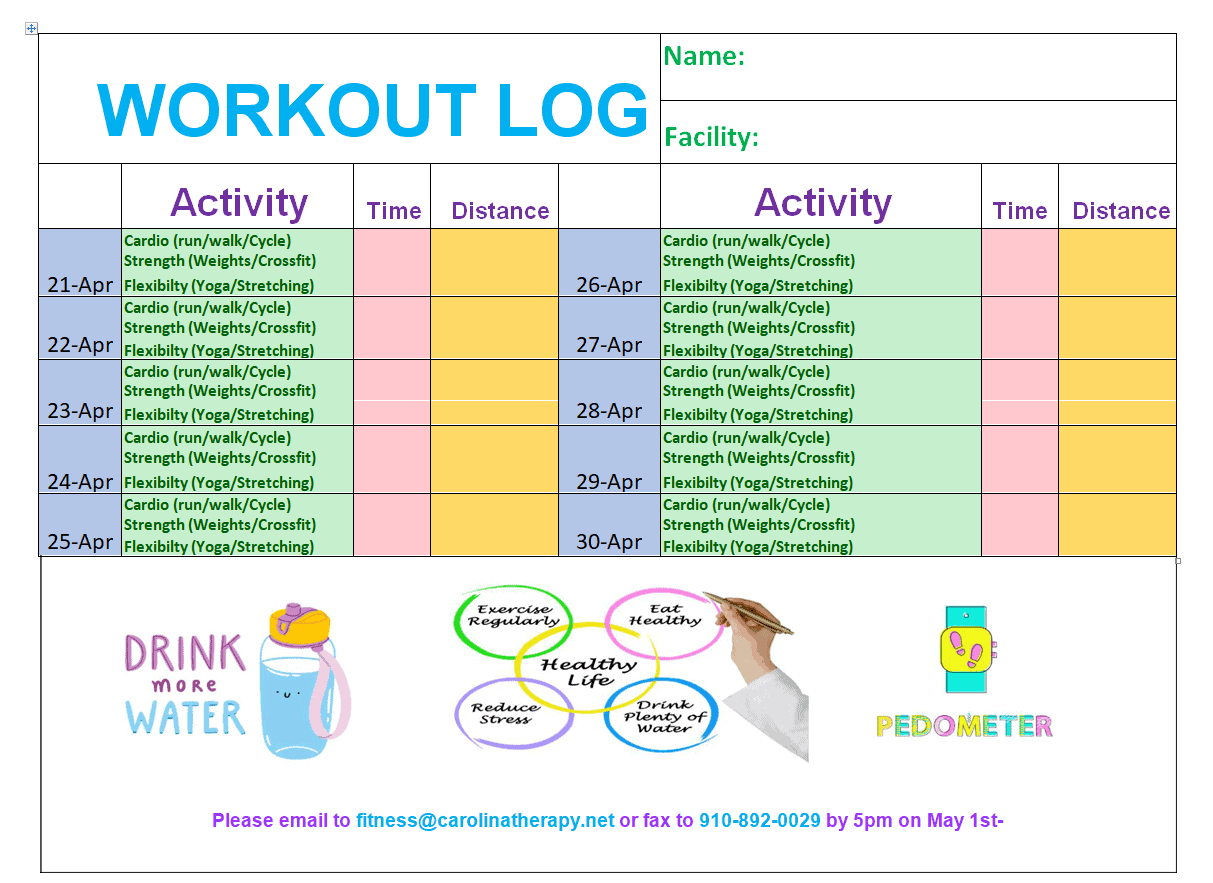
Frequently Asked Questions
Are these workout log templates free to download?
Yes, all fifteen workout log templates on this page are free to download and use.
Which file formats are these templates available in?
The templates are provided in a mix of Excel and Word formats to suit different tracking preferences.
Can I customize the columns in these templates?
Yes, the templates are fully editable, letting you add, remove, or rename columns to match your training style.
Are these templates suitable for beginners?
Yes, several templates offer a simple layout that’s easy for beginners to fill out and understand.
Can gym trainers use these templates for clients?
Yes, many trainers use these templates to plan and track workouts for multiple clients over time.
Do these templates work for tracking cardio as well as strength training?
Some templates are designed specifically for cardio tracking, like the treadmill log, while others focus on strength training.
Do I need Microsoft Excel or Word to use these templates?
Most templates work with Excel or Word but also open in free alternatives such as Google Sheets, Google Docs, or LibreOffice.

You must be logged in to post a comment.