
A survey should begin with a specific research decision and ask only questions needed to support it. Use balanced response options, a logical question order and a short introductory explanation of how answers will be used.
Design survey questions for decisions you can actually make
- Saves preparation time: A ready-made structure means you don’t have to design a survey format from scratch.
- Improves response quality: A clear, well-organized survey makes it easier for respondents to answer accurately.
- Ensures consistency: Using a standardized format makes it easier to compare results across multiple survey rounds.
- Covers a wide range of purposes: From employee feedback to customer satisfaction, there’s a template suited to nearly any survey need.
- Supports better decision-making: Well-structured surveys produce clearer, more actionable data for your organization.
- Easy to distribute: Editable Word templates can be printed, emailed, or adapted for online distribution.
Worked example: For customer-service feedback, ask respondents to rate ease of contacting support on a five-point scale, then include one optional question about what could improve. Avoid combining speed and friendliness into one rating.
Check before use: Pilot the questionnaire with a few people, avoid leading language and needless collection of personal data, and check that printed or digital response areas are large enough for expected answers.
For related resources, see 5 Restaurant Comment Card Templates and Sample 14+ Customizable Sign-Up Sheet Templates [EXCEL, WORD].
What’s Included in the Survey Template
- Structured question sections: Organized groups of questions relevant to the survey’s specific purpose.
- Response option formats: Multiple choice, rating scales, and open-ended question formats depending on the template.
- Instructions section: Brief guidance for respondents on how to complete the survey.
- Respondent information fields: Space to collect basic demographic or identifying details where relevant.
- Professional formatting: A clean layout that looks polished whether printed or distributed digitally.
- Editable structure: Fully customizable in Word to match your organization’s specific questions.
Who Should Use These Templates?
- HR professionals conducting employee satisfaction, engagement, or wellness surveys.
- Business owners and managers gathering customer feedback or satisfaction data.
- Market researchers collecting consumer opinions and purchasing behavior data.
- Healthcare administrators measuring patient satisfaction with care and services.
- Event organizers gathering attendee feedback after conferences or gatherings.
- Government and public sector staff conducting community or authority-related surveys.
How to Start Using the Template in 3 Simple Steps
- Step 1 — Choose a template style: Browse the nineteen options below and select the one that fits your survey’s purpose.
- Step 2 — Customize your questions: Edit the questions, response options, and instructions to match your specific goals.
- Step 3 — Distribute and collect responses: Print, email, or convert the survey into a digital format to gather responses.
Employee Surveys vs. Customer Surveys
While both types of surveys aim to collect honest feedback, they tend to serve different purposes and require different approaches. Employee surveys, such as those measuring satisfaction, engagement, or wellness, often need to reassure respondents about confidentiality to encourage candid answers, since employees may hesitate to criticize their workplace openly. Customer surveys, by contrast, tend to focus on specific interactions or purchases and usually work best when kept short, since customers have less inherent incentive to complete a lengthy questionnaire. Choosing a template designed for the right audience helps ensure you get a strong response rate and genuinely useful data.
Customizing the Template for Your Survey
These templates are meant to be a flexible starting point rather than a fixed set of questions. You might add your organization’s logo and branding, adjust the response scale to match your preferred rating system, include additional open-ended questions for more detailed feedback, or add sections specific to your industry or goals. Since the templates are provided in editable Word format, these kinds of changes take only a few minutes to make.
Choosing Between Different Question Formats
Surveys generally rely on a mix of question types, and understanding when to use each helps you design a more effective questionnaire. Multiple-choice questions work well for quantifiable data that’s easy to analyze in aggregate, such as satisfaction ratings or demographic information. Rating scale questions, such as a one-to-five satisfaction scale, are useful for measuring intensity of opinion across many respondents. Open-ended questions allow for more detailed, qualitative feedback but take longer to complete and analyze, so they’re best used sparingly alongside more structured question types.
Common Mistakes to Avoid
- Asking leading questions: Phrasing that suggests a particular answer can skew your results.
- Making the survey too long: Lengthy surveys lead to lower completion rates and less thoughtful responses.
- Unclear instructions: Respondents need to know exactly how to answer each question type.
- Ignoring anonymity concerns: Failing to address confidentiality can reduce honest responses, especially in workplace surveys.
- Skipping a test run: Always review your survey for clarity before distributing it widely.
Tips to Get the Most Out of Your Survey Template
- Keep it concise to improve completion rates and reduce respondent fatigue.
- Group related questions together so the survey flows logically from one topic to the next.
- Pilot test your survey with a small group before full distribution to catch confusing questions.
- Explain the purpose upfront so respondents understand why their input matters.
- Follow up on results by sharing a summary of findings or resulting changes when appropriate.
Analyzing and Acting on Survey Results
Collecting survey responses is only the first half of the process; the real value comes from analyzing the data and using it to inform decisions. For quantitative questions like rating scales, look for patterns and trends across the full set of responses rather than focusing on individual outliers. For open-ended responses, grouping similar comments into themes makes it easier to identify recurring concerns or suggestions. Whatever you learn, closing the loop by communicating results and any resulting changes back to respondents, especially in employee or customer surveys, helps build trust and encourages stronger participation in future surveys.
Choosing the Right Survey for Your Specific Goal
With nineteen different templates available, matching the right one to your specific goal makes a real difference in the quality of data you collect. If you’re trying to understand workplace morale, an employee satisfaction or engagement template with confidentiality assurances will likely get more honest answers than a generic questionnaire. If you’re gathering feedback right after a purchase or event, a shorter, more immediate template focused on that specific experience tends to produce higher response rates than a broader survey sent later. Taking a few minutes to review several templates before choosing helps ensure the final survey actually captures the information you need.
Distributing Your Survey Effectively
How you distribute a survey has a significant impact on your response rate, sometimes even more than the questions themselves. Printed surveys work well in physical settings, such as a doctor’s office waiting room or a retail checkout counter, where respondents are already present and have a moment to spare. Email distribution tends to work best when paired with a clear, brief subject line explaining the purpose and an estimate of how long the survey will take, since recipients are more likely to open and complete a survey when they know what to expect upfront. For broader reach, converting a Word-based template into an online form using a survey platform can significantly increase completion rates by removing the friction of printing, filling out by hand, and returning a paper copy.
Timing Your Survey for Better Response Rates
When you send a survey can matter almost as much as how you design it. Employee surveys often get better participation when scheduled outside of particularly busy periods, such as end-of-quarter deadlines, when staff have more mental bandwidth to provide thoughtful responses. Customer satisfaction surveys tend to perform best when sent shortly after an interaction or purchase, while the experience is still fresh in the respondent’s mind, rather than weeks later when details have faded. For recurring surveys, such as annual employee engagement checks, maintaining a consistent schedule from year to year also makes it easier to track trends and compare results over time.
Protecting Respondent Confidentiality
Trust plays a major role in whether people answer survey questions honestly, particularly for sensitive topics like workplace satisfaction or personal opinions. If a survey is meant to be anonymous, it’s worth explicitly stating that at the top of the document, along with a brief explanation of how the results will be used and who will see them. For surveys that do collect identifying information, being transparent about why that information is needed, such as following up on a specific concern, helps maintain trust without necessarily sacrificing response quality. Even small details, such as avoiding overly specific demographic questions that could inadvertently identify a respondent in a small organization, can meaningfully affect how candidly people answer the rest of the survey.
Bonus template: Short feedback survey and pilot-test checklist
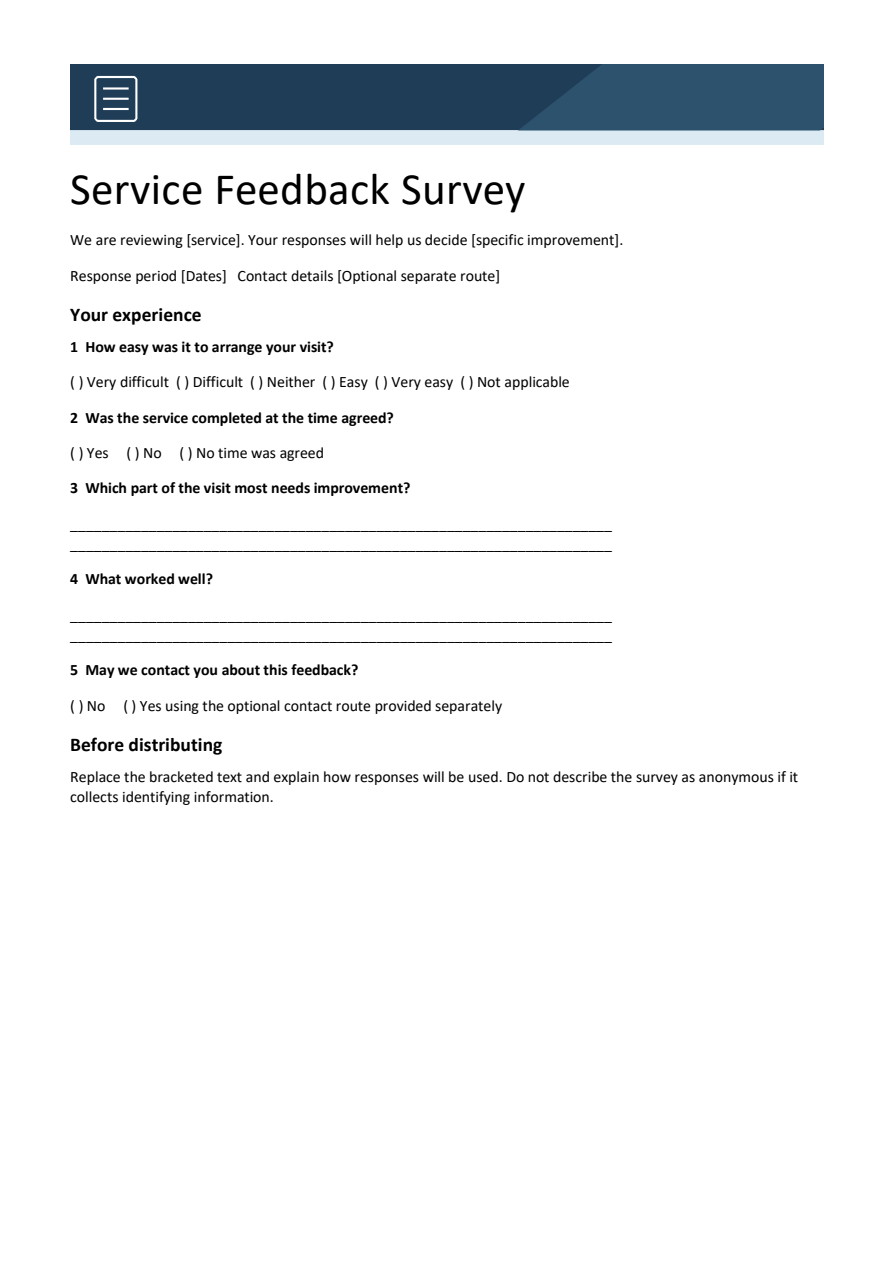
Start with the decision the survey must support. This short example asks about a service visit without requiring a respondent to agree with a positive description.
Download the editable Word template
Download Service feedback survey (.docx)
Open in Microsoft Word and replace the placeholders. Text and tables are editable; customize the colors and wording for your needs.
Set up the record
- Survey purpose: [decision the results will support]
- Audience: [respondents]
- Response period: [dates]
- Use of responses: [brief explanation]
Copy and personalize this wording
SERVICE VISIT FEEDBACK
1. How easy was it to arrange your visit?
   Very difficult / Difficult / Neither easy nor difficult / Easy / Very easy / Not applicable
2. Was the service completed at the time agreed?
   Yes / No / No time was agreed
3. Which part of the visit most needs improvement?
   [Optional comment]
4. May we contact you about this feedback?
   No / Yes, using the contact detail provided separately
How to use this template
- Ask one thing per question; avoid ‘friendly and efficient’ as a single rating.
- Pilot the survey with a few intended respondents and ask what each question means to them.
- Decide how you will summarize responses before distributing it. Keep optional contact details separate from an anonymous response set.
Worked example: Replace ‘How excellent was our quick service?’ with a neutral question about completion at the agreed time.
Check before use
- Offer a not-applicable choice when it is meaningful.
- Do not claim a survey is anonymous if it collects identifiers.
- Keep scale direction consistent.
Download Survey Template Word Here:
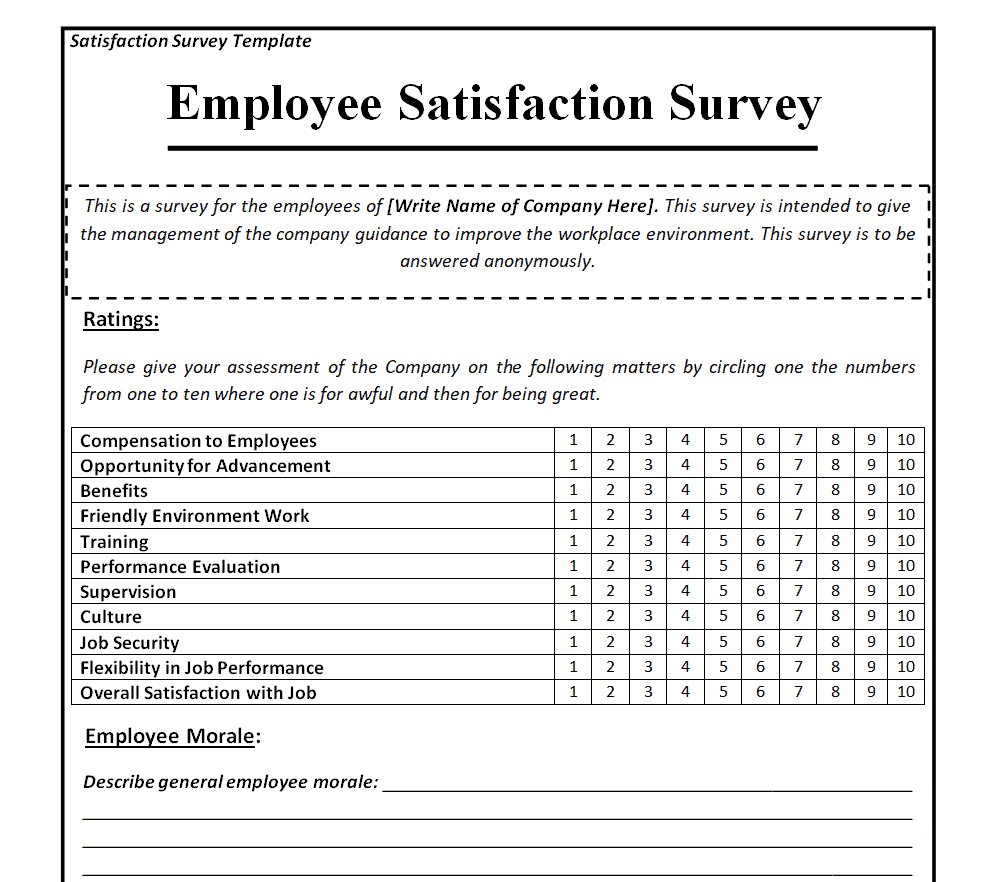
Employee Satisfaction Survey Template
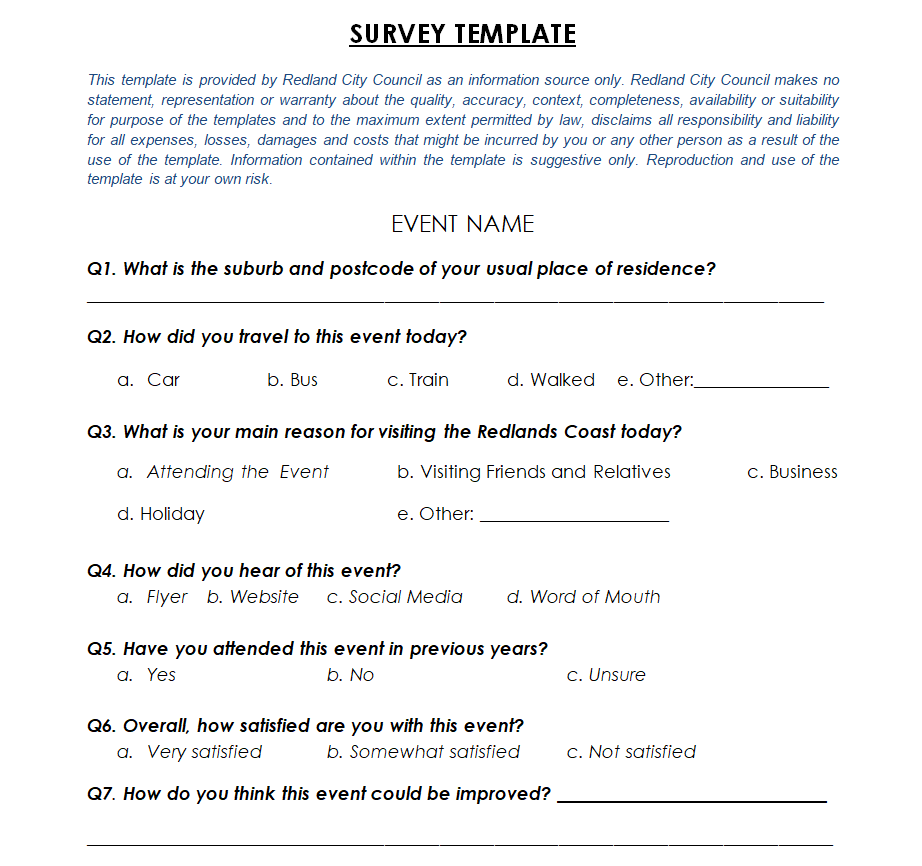
Event Survey Template
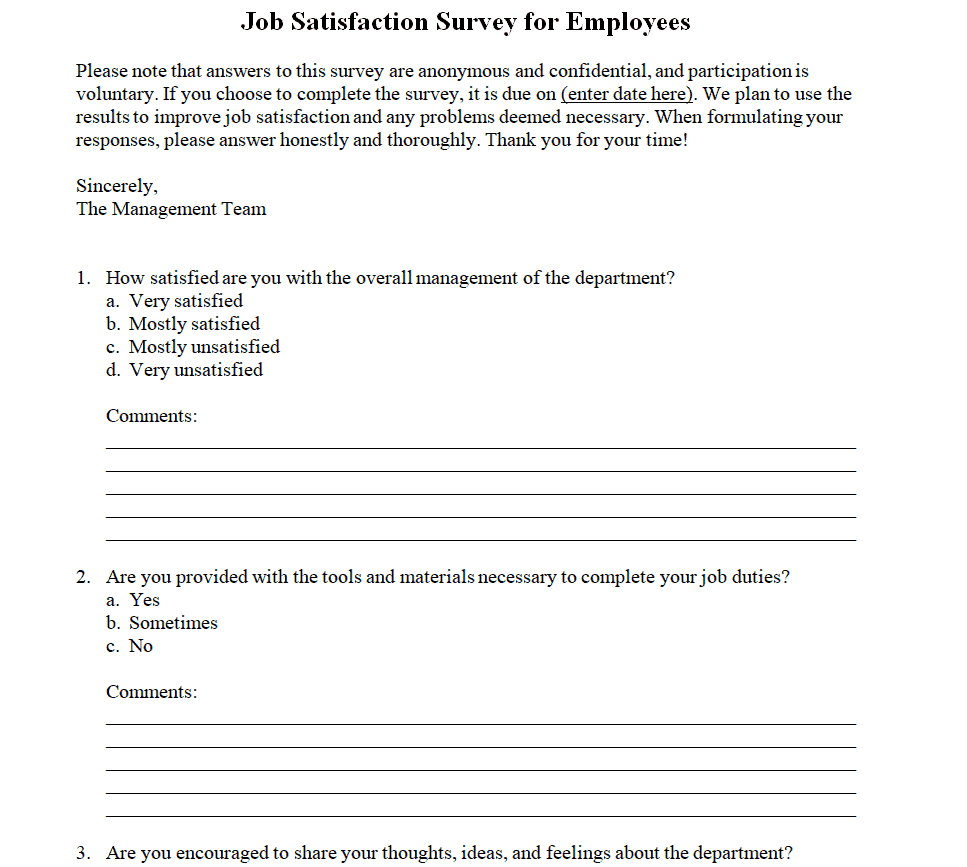
Job Satisfaction Survey Template for Employees
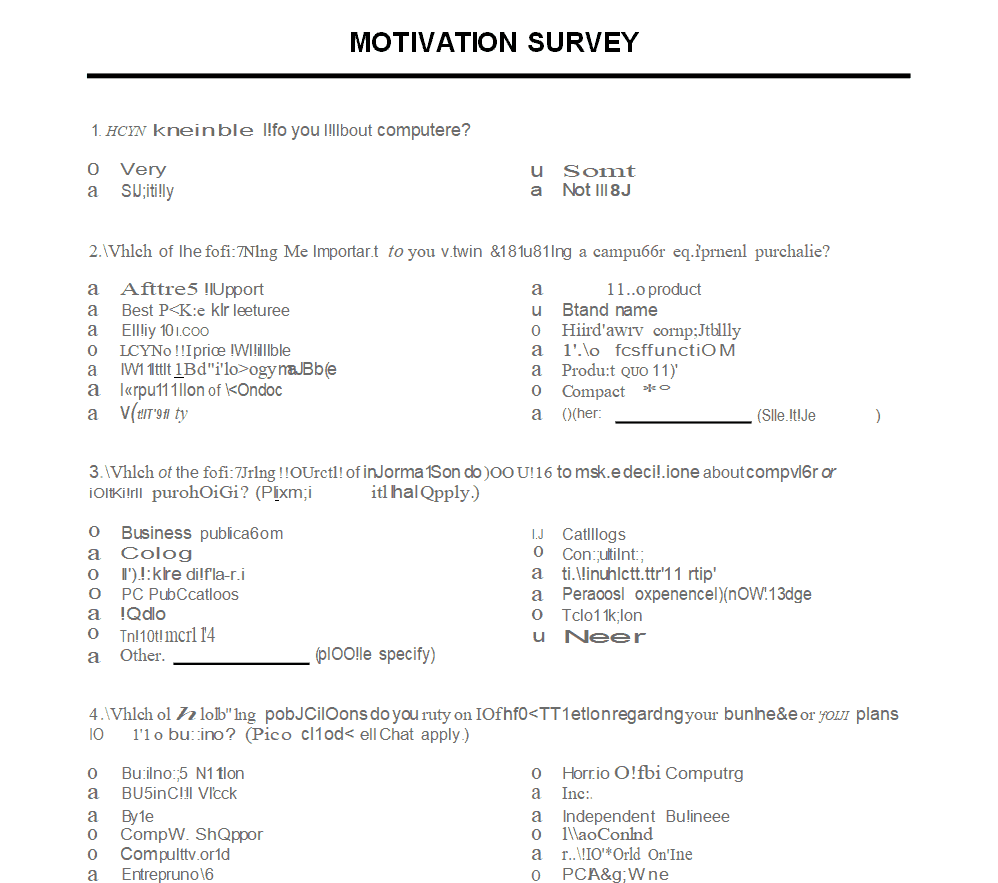
Motivation Survey Template
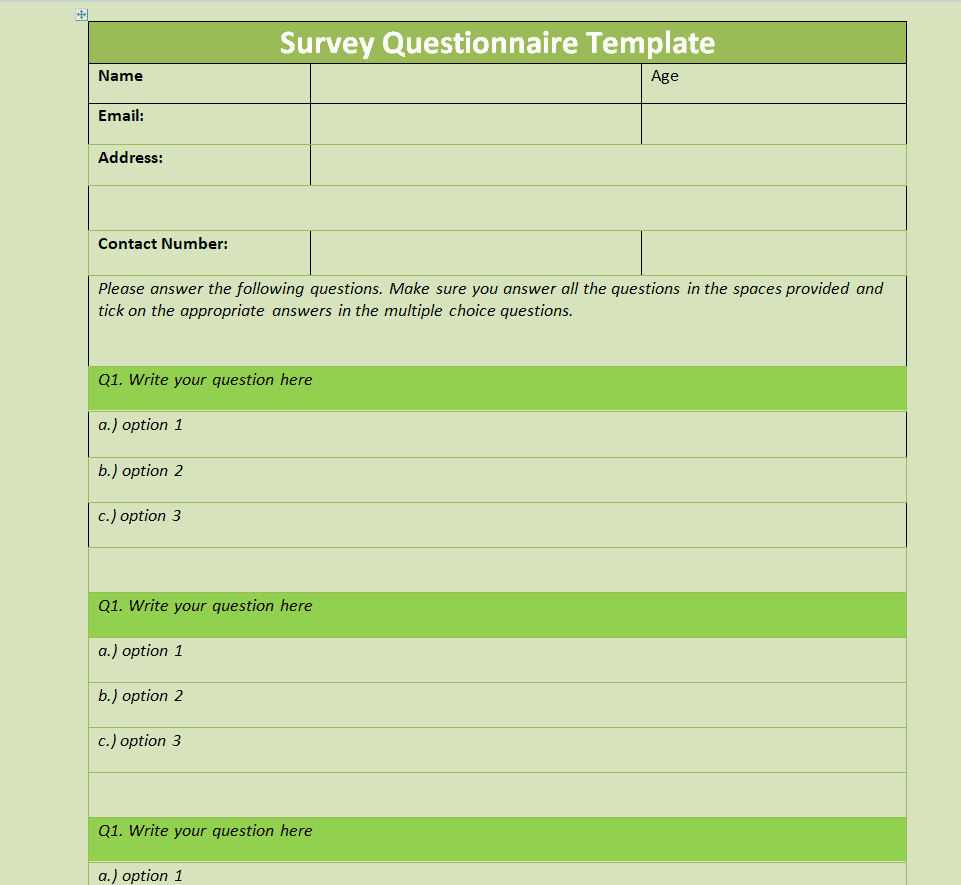
Survey Questionnaire Template
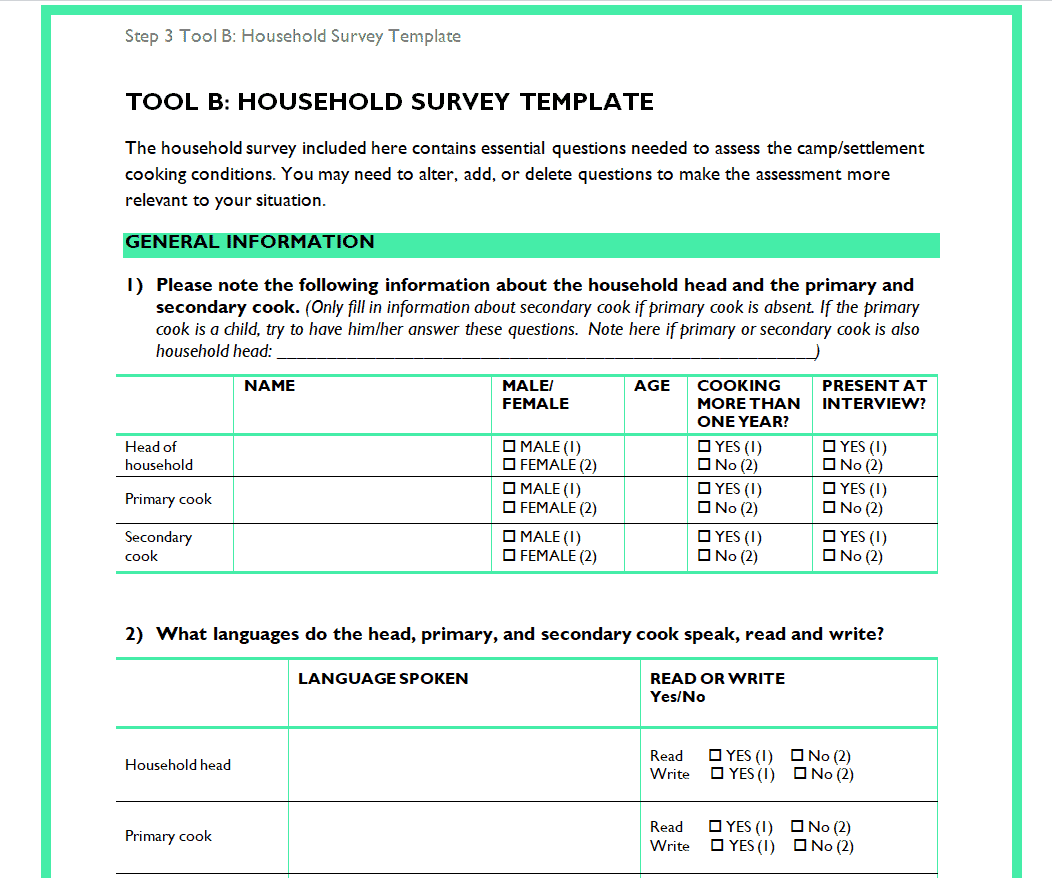
Sample Survey of Household Template
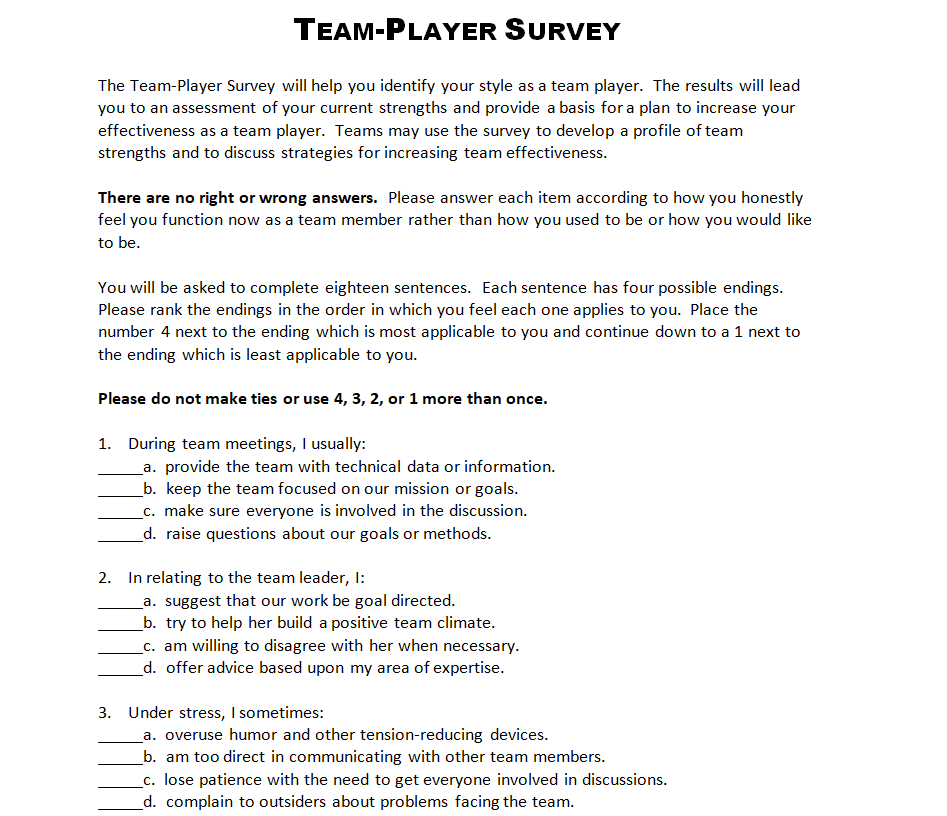
Printable Team-Player Survey Template
Useful Market Research Survey Template
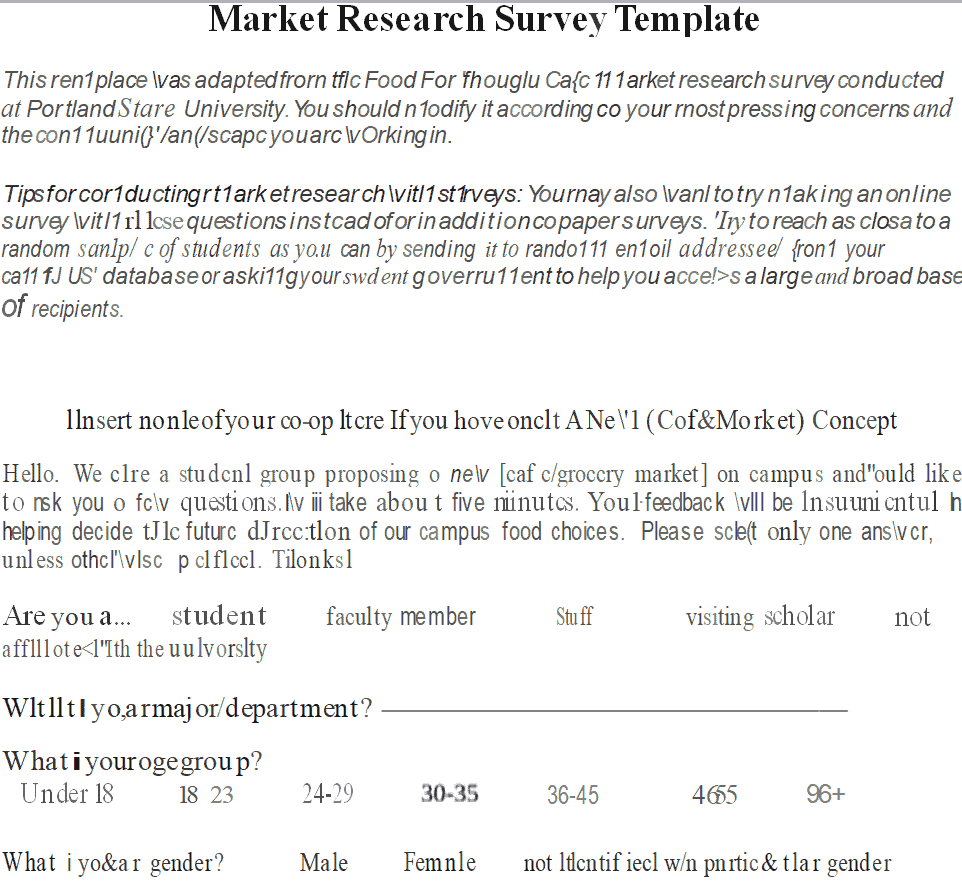
Consumer Questionnaire Survey Template
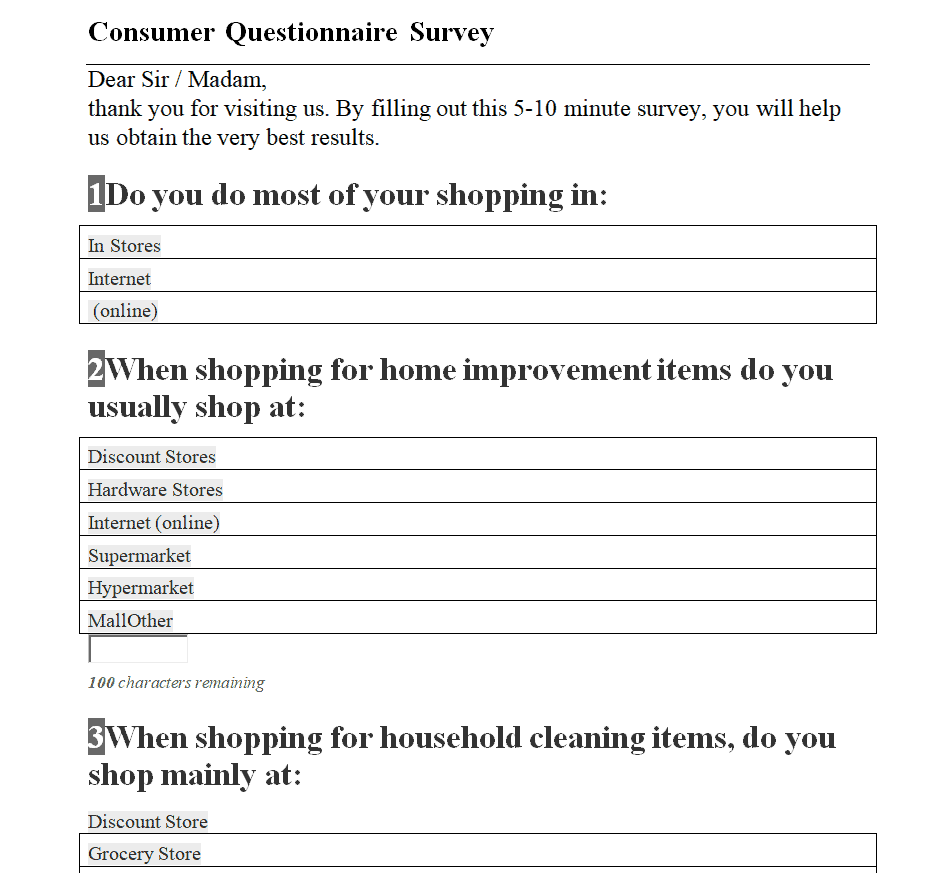
Blank Ultrasonic Survey Template
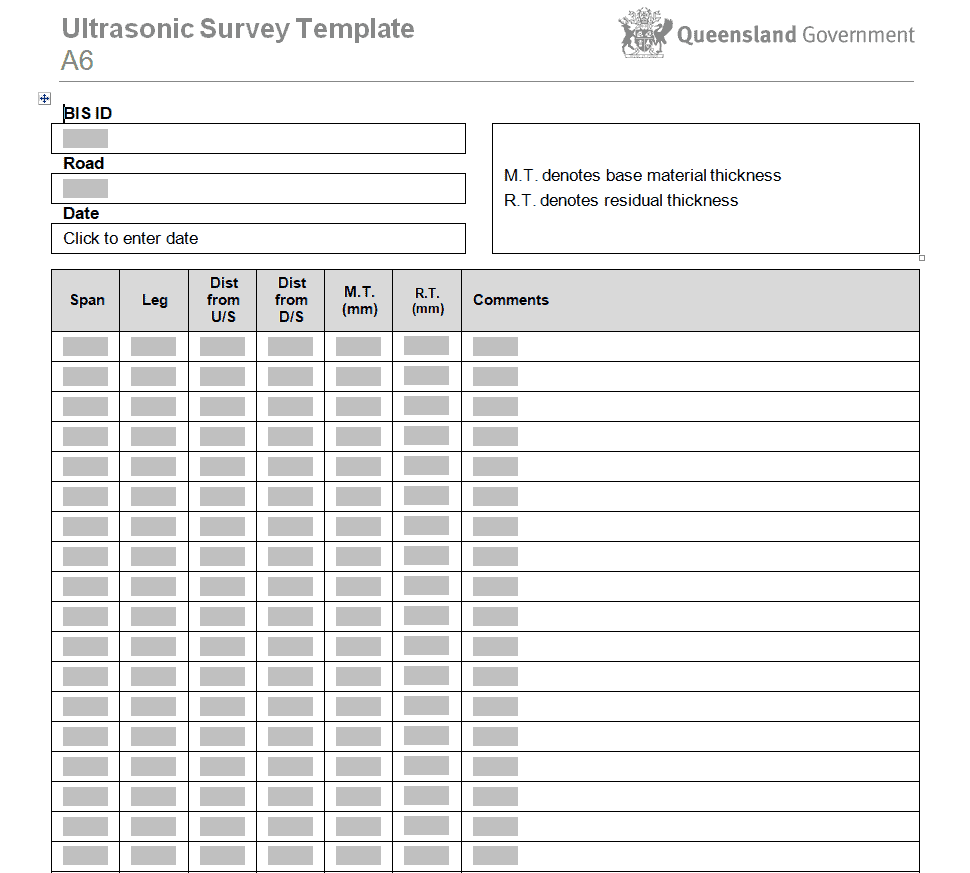
Sample Employee Engagement Survey Template
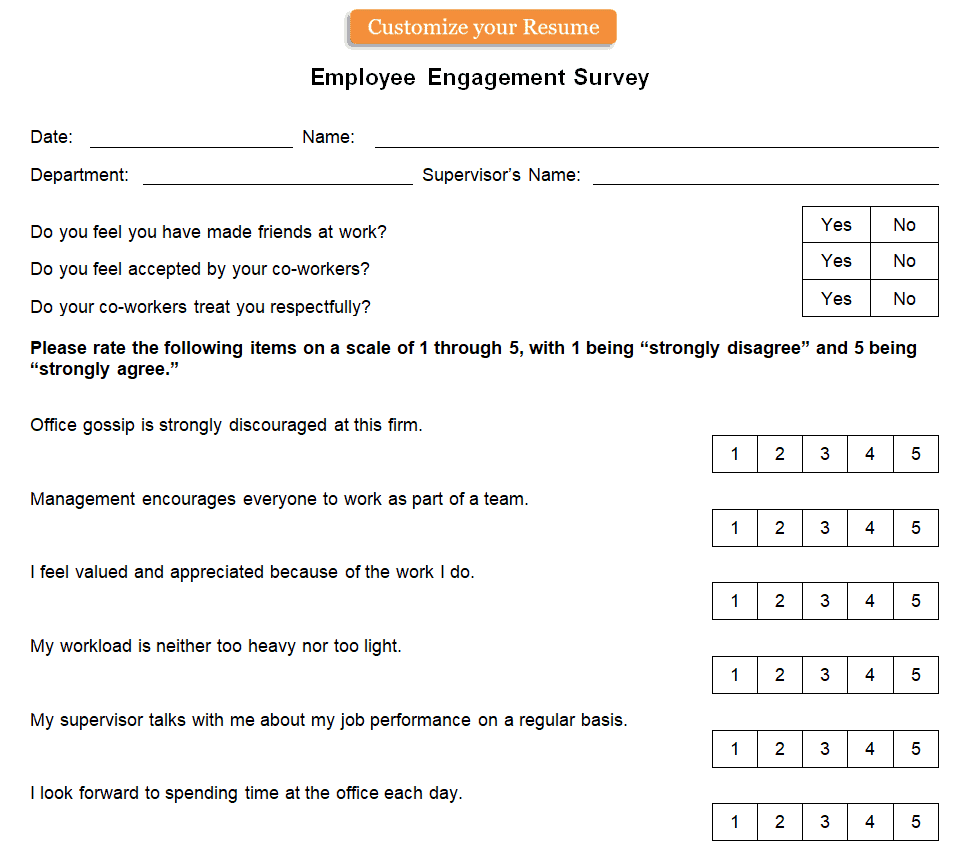
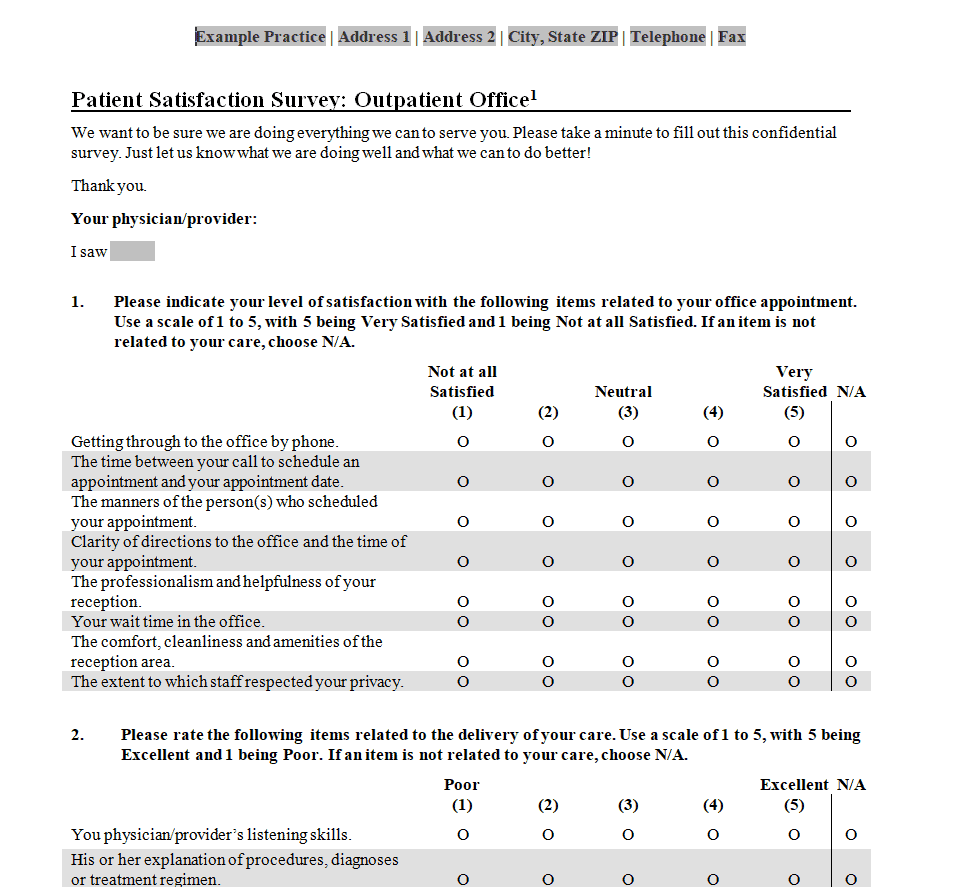
Patient Satisfaction Survey Template
Basic Customer Feedback Survey Template
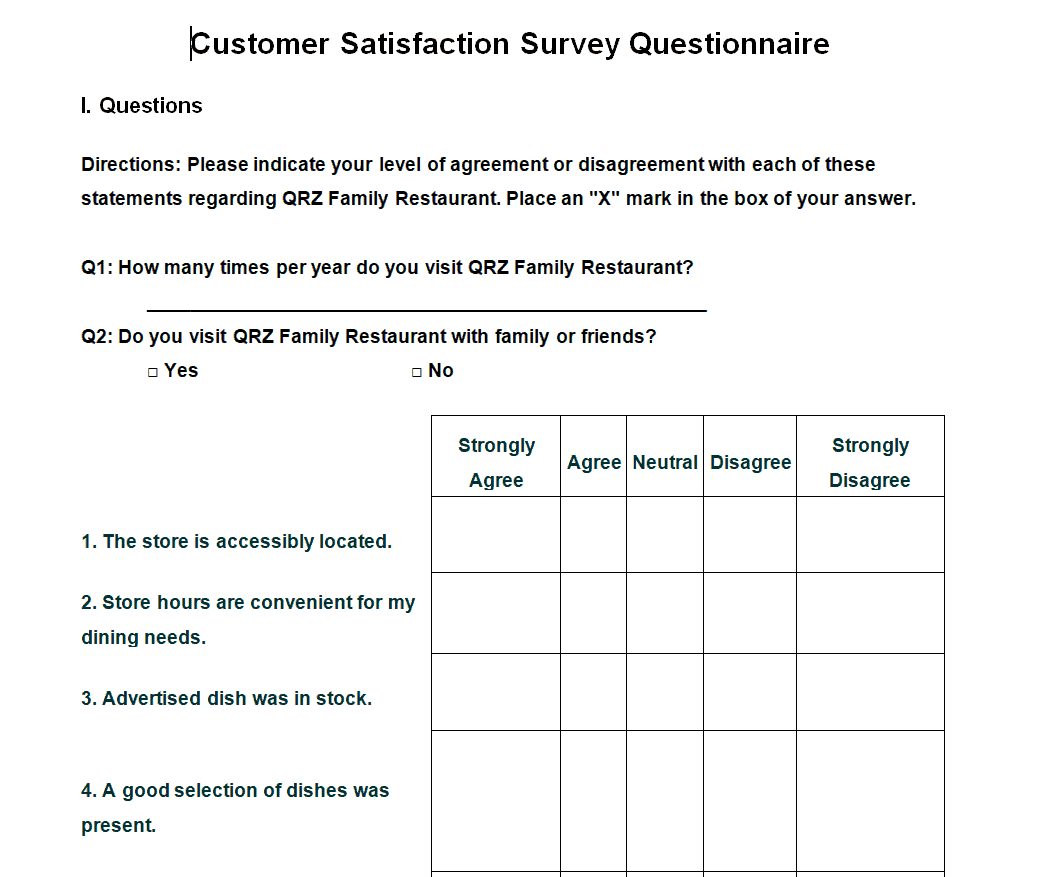
Customer Satisfaction Survey Questionnaire Template
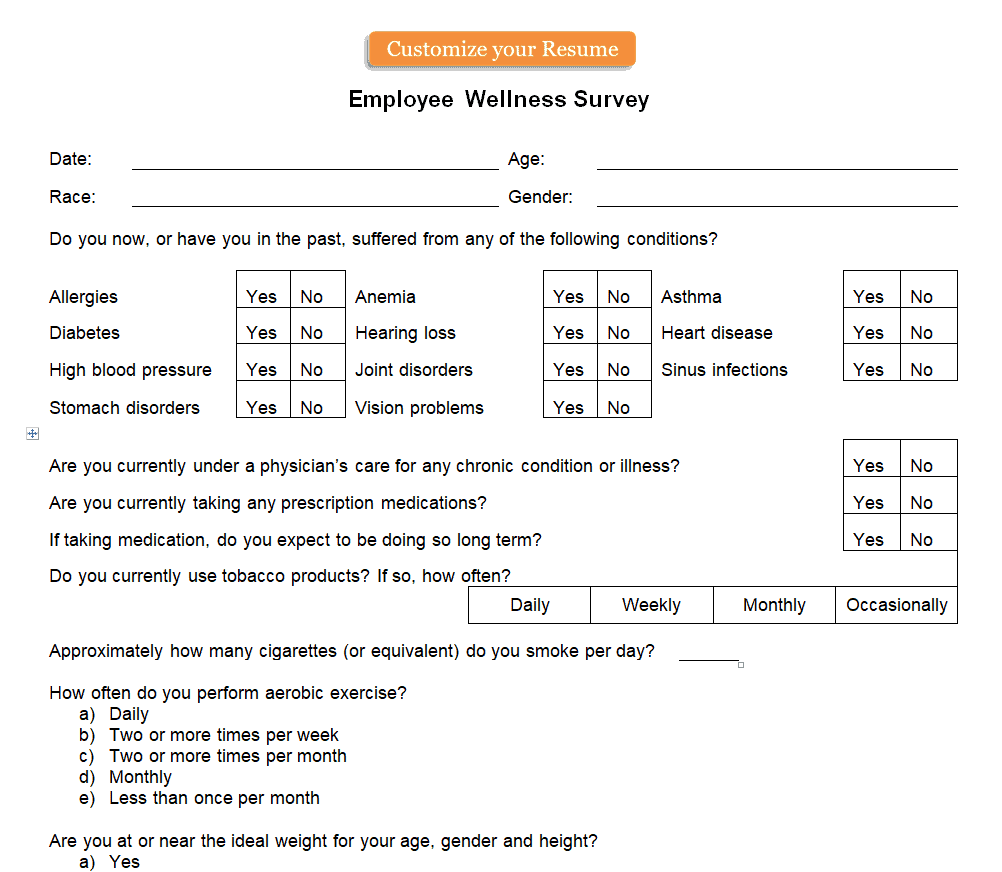
Employee Wellness Survey Template
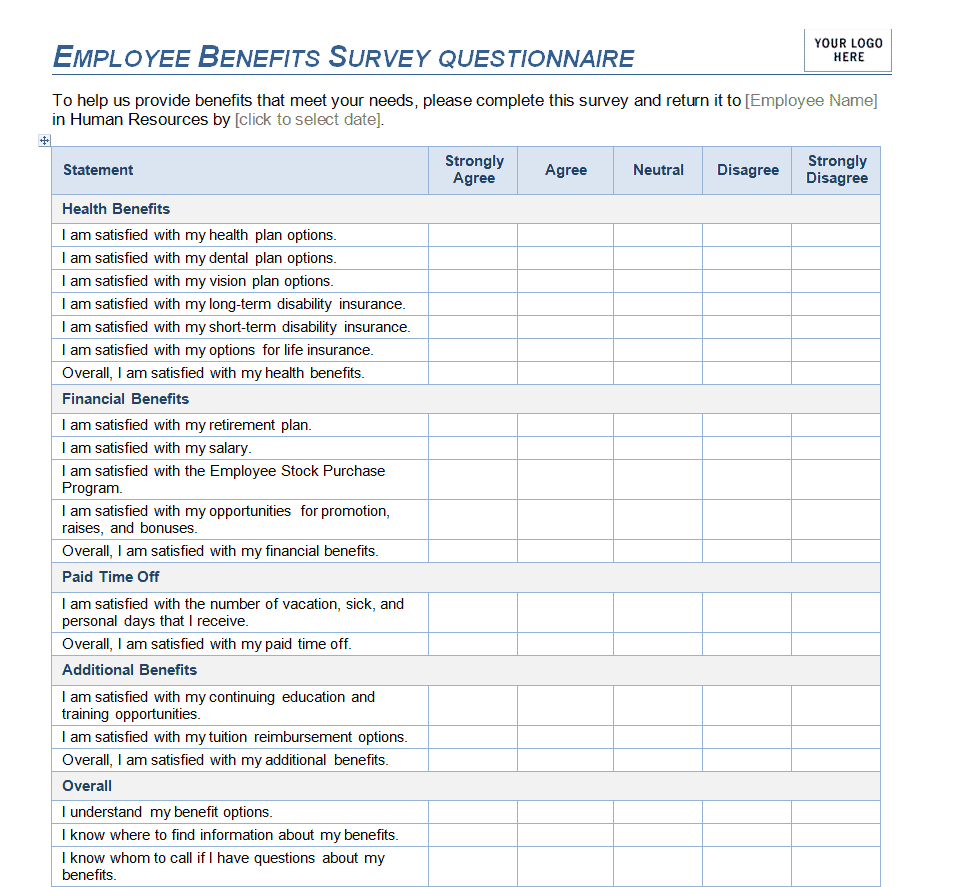
Employee Benefits Survey Template
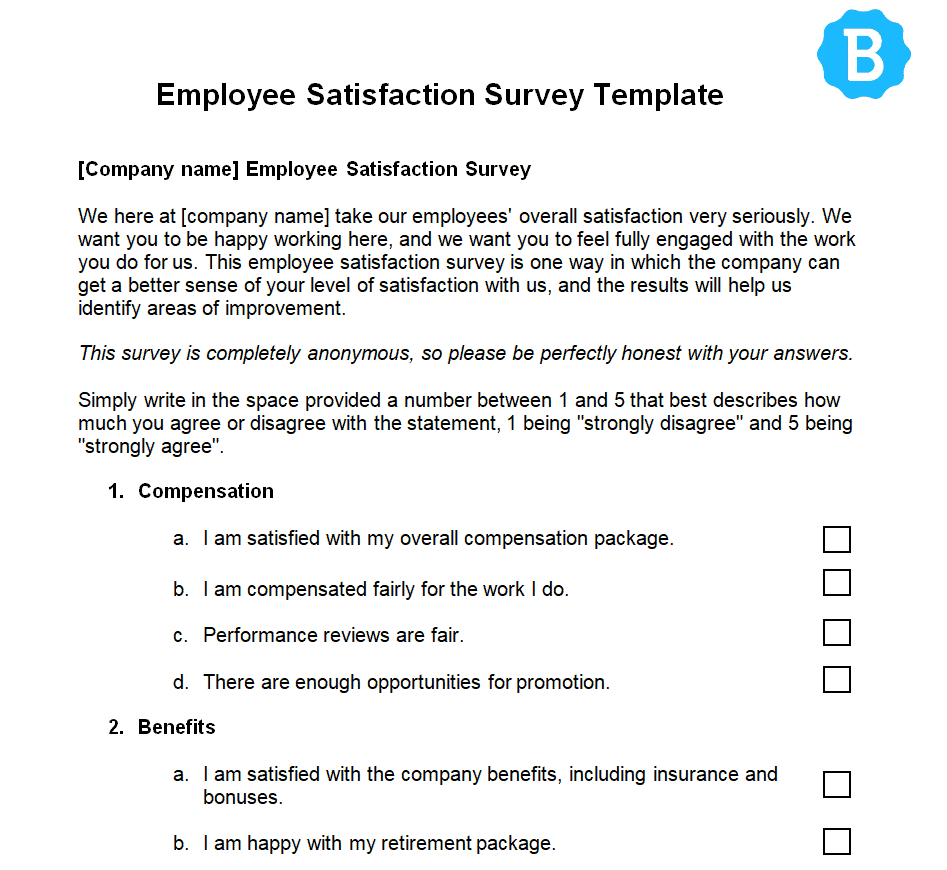
Official Employee Satisfaction Survey Template
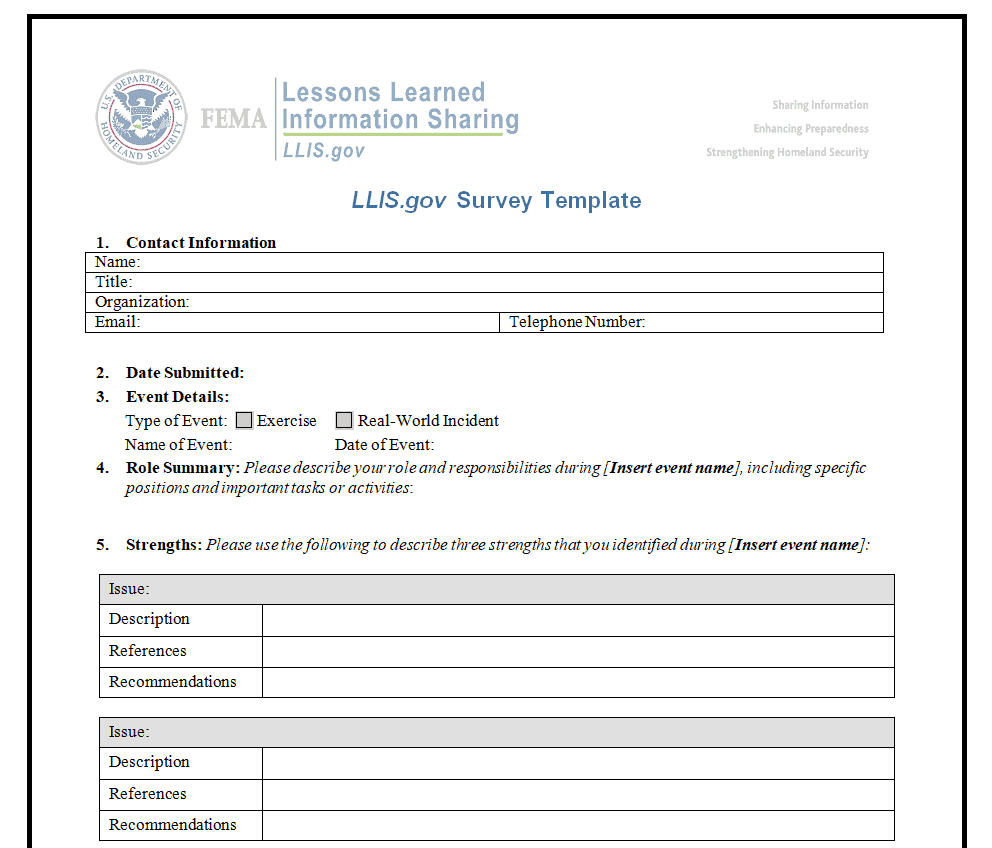
Government Authority Survey Template
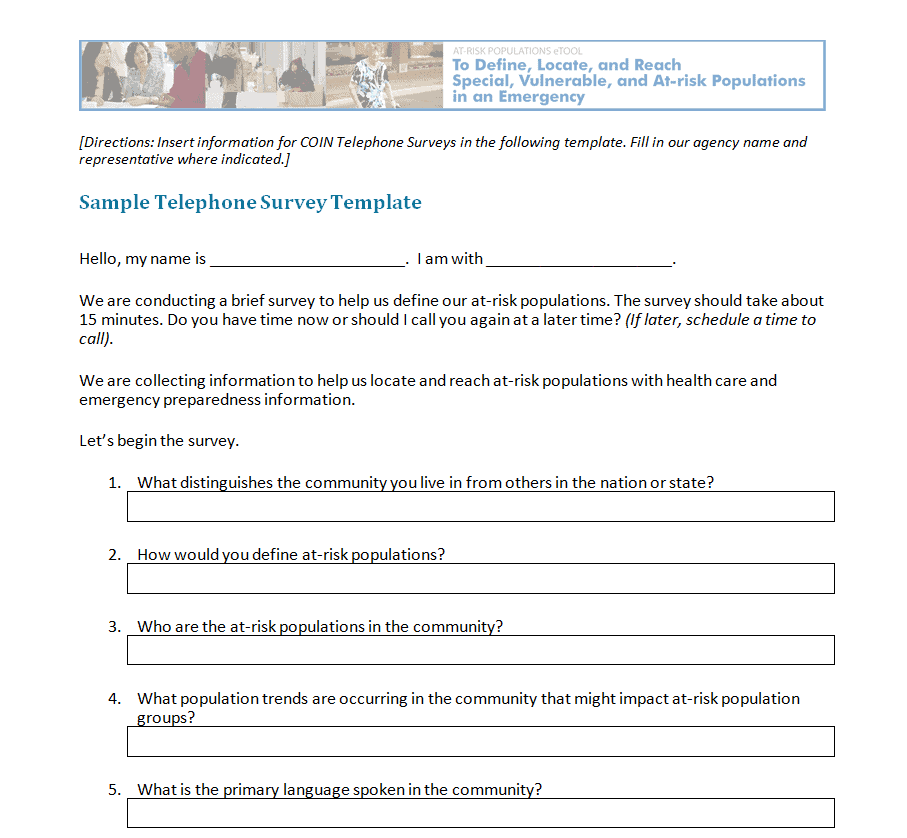
Sample Telephone Survey Template
Frequently Asked Questions
Are these survey templates free to download?
Yes, all nineteen survey templates on this page are free to download and use.
Which file format are these templates available in?
The templates are provided in Word format, making them easy to edit and customize.
Can I customize the questions in these templates?
Yes, all templates are fully editable, letting you adjust questions, response options, and branding.
Are these templates suitable for employee surveys?
Yes, several templates are designed specifically for employee satisfaction, engagement, and wellness surveys.
Can I use these templates for customer feedback?
Yes, this collection includes multiple customer and patient satisfaction survey templates.
Do I need Microsoft Word to use these templates?
Most templates are built for Word but also open in free alternatives such as Google Docs or LibreOffice.
How long should a survey be for the best response rate?
Shorter surveys generally get higher completion rates, so it’s best to keep questions focused and concise.


You must be logged in to post a comment.