
Clear expectations are the foundation of any successful contract or project relationship. A statement of work template gives you a professional, ready-made framework for defining exactly what work will be delivered, by whom, and by when, protecting both the client and the contractor from misunderstandings down the line. Below you’ll find seventeen free, downloadable statement of work templates in Word and Excel formats, covering styles from generic and simple to industry-specific formats for IT, design, and consulting work.
Write a statement of work that can be tested
A statement of work should define deliverables, acceptance criteria, responsibilities, milestones, assumptions and a process for scope changes. Generic promises such as ‘build a modern website’ are difficult to approve or enforce.
- Prevents scope creep: A clearly defined SOW makes it harder for either party to add unplanned work without proper agreement.
- Saves drafting time: A ready-made structure means you don’t need to build a document from scratch for every project.
- Protects both parties: Contractors know exactly what they must deliver to get paid, and clients know what to expect.
- Improves project clarity: Defined deliverables and timelines reduce confusion and miscommunication throughout the project.
- Professional presentation: A well-structured SOW signals professionalism to clients and stakeholders.
- Serves as a reference document: Both parties can refer back to the SOW if disputes or questions arise later.
Worked example: For a website project, specify the number of page templates, supported browsers, content handover, review rounds and final acceptance tests. Tie payment milestones to identifiable deliverables rather than vague calendar dates.
Check before use: Have stakeholders confirm dependencies and what is expressly excluded. Check confidentiality, ownership and dispute provisions against the applicable contract and seek appropriate professional review.
For related resources, see 12 Sample Software Project Proposal Templates [PDF & WORD] and 9 FREE Project Timeline Templates [EXCEL & PPTX].
What’s Included in the Statement of Work Template
- Project overview: A summary of the project’s purpose and objectives.
- Scope of work: A detailed list of tasks and deliverables to be completed.
- Timeline and milestones: Key dates and deadlines for project phases.
- Payment terms: Pricing structure and payment schedule details.
- Acceptance criteria: Standards the work must meet to be considered complete.
- Signature section: Space for both parties to formally acknowledge the terms.
Who Should Use These Templates?
- Freelancers and contractors defining the scope of work for a client project.
- Small business owners hiring outside vendors or service providers.
- Project managers outlining deliverables for internal or external teams.
- IT consultants specifying technical scope for software or infrastructure projects.
- Design agencies documenting creative deliverables and revision terms.
- Procurement teams formalizing agreements with third-party vendors.
How to Start Using the Template in 3 Simple Steps
- Step 1 — Choose a template style: Browse the seventeen options below and select the format that fits your industry or project type.
- Step 2 — Define the scope and terms: Fill in the project details, deliverables, timeline, and payment terms.
- Step 3 — Review and sign: Have both parties review the document carefully and sign to formalize the agreement.
Statement of Work vs. Contract
While these two documents are closely related, they serve different legal functions. A contract is the overarching legal agreement that establishes the relationship between two parties, including general terms like confidentiality, liability, and termination clauses. A statement of work, by contrast, focuses specifically on the operational details of a particular project or engagement, defining what work will be done, by when, and to what standard. In many business relationships, a master service agreement is signed once, and individual statements of work are attached for each new project undertaken under that broader contract.
Customizing the Template for Your Project
These templates are meant to be a flexible starting point rather than a fixed format. You might add specific technical requirements for an IT project, include revision limits for a design engagement, or add detailed milestone payments for a longer-term consulting arrangement. Since the templates are provided in editable Word or Excel format, these kinds of adjustments take just a few minutes and let you tailor the document to match your specific industry and project needs.
Choosing the Right Format
With seventeen different templates available in both Word and Excel, choosing the right one depends on the nature of your project and how you plan to track deliverables. Word templates work well for narrative-style SOWs that describe scope and terms in prose format, which is common for consulting or creative projects. Excel templates are useful when your project involves multiple line-item deliverables, pricing breakdowns, or milestone tracking that benefits from a tabular, spreadsheet-style layout, such as the consulting and IT-focused templates included here.
Common Mistakes to Avoid
- Being too vague: Vague deliverables lead to disagreements about what counts as “done.”
- Skipping the timeline: Without clear deadlines, projects can drift indefinitely.
- Omitting payment terms: Always specify exactly when and how payment will be made.
- Forgetting acceptance criteria: Define upfront how deliverables will be evaluated and approved.
- Not getting sign-off: An unsigned SOW carries less weight if a dispute arises later.
Tips to Get the Most Out of Your Statement of Work Template
- Be as specific as possible when describing deliverables to avoid ambiguity later.
- Include a change order process for handling scope changes that arise mid-project.
- Set realistic timelines that account for review cycles and potential delays.
- Keep a signed copy accessible to both parties throughout the project.
- Review past SOWs before drafting a new one to reuse language that has worked well.
Using SOWs in IT and Software Projects
Statements of work play a particularly important role in IT and software development projects, where technical requirements can be complex and easily misunderstood without precise documentation. A well-drafted IT SOW typically specifies technical specifications, system requirements, testing and quality assurance procedures, and support terms after delivery. Given how easily software project scope can expand through new feature requests, a detailed SOW with a clear change order process is often the single most important document protecting both the development team and the client from scope creep and budget overruns.
SOWs for Design and Creative Projects
For design agencies and creative freelancers, a statement of work serves a slightly different function, often focusing heavily on defining the number of revision rounds included, the specific creative deliverables (such as logo files, brand guidelines, or web page designs), and the file formats to be provided upon completion. Creative work can be particularly subjective, so a detailed SOW that includes reference examples or style guidelines, alongside clear revision limits, helps prevent the common friction that arises when a client requests unlimited changes to creative deliverables.
Negotiating and Finalizing the Statement of Work
Before a statement of work is signed, it typically goes through a negotiation phase where both parties refine the scope, timeline, and pricing to reach mutual agreement. This is the stage where ambiguities should be caught and clarified, rather than after work has already begun. Encouraging open discussion about assumptions, such as who provides certain resources or how feedback will be delivered, during this negotiation phase significantly reduces the likelihood of disputes once the project is underway.
Handling Scope Changes Mid-Project
Even the most carefully drafted statement of work can encounter situations where the client wants additional work beyond what was originally agreed upon. Rather than simply absorbing extra work informally, or refusing any changes outright, experienced contractors build a formal change order process directly into their SOW template from the start. This process typically requires that any scope addition be documented in writing, with an accompanying adjustment to timeline and payment, and signed off by both parties before the additional work begins. Having this mechanism in place from day one turns a potentially awkward conversation about additional fees into a straightforward, expected part of the working relationship.
How Statements of Work Support Dispute Resolution
Should a disagreement ever arise about whether delivered work meets the agreed-upon standard, a detailed statement of work becomes the primary reference document both parties turn to for resolution. This is precisely why vague language and undefined acceptance criteria create so much risk: without specifics to point to, disagreements about quality or completeness can quickly become he-said-she-said situations with no clear resolution path. A statement of work that clearly defines what “complete” and “acceptable” mean for each deliverable gives both the client and contractor an objective standard to measure against, which tends to resolve most disagreements quickly without escalating into a larger conflict or damaged business relationship.
Building a Library of Reusable SOW Templates
For freelancers, agencies, and businesses that regularly engage contractors, building a small library of statement of work templates tailored to different project types can save significant time over the long run. Rather than starting from scratch or adapting a generic template for every new engagement, having a pre-approved SOW format for each common project type, such as one for web design, one for consulting, and one for ongoing maintenance work, ensures consistency across projects and speeds up the contracting process considerably. Over time, refining these templates based on lessons learned from past projects, such as adding clauses that address issues that came up before, turns your SOW library into an increasingly valuable asset that protects your business more effectively with each iteration.
See Our Statement of Work Templates Below
Statement of Work Template for Project
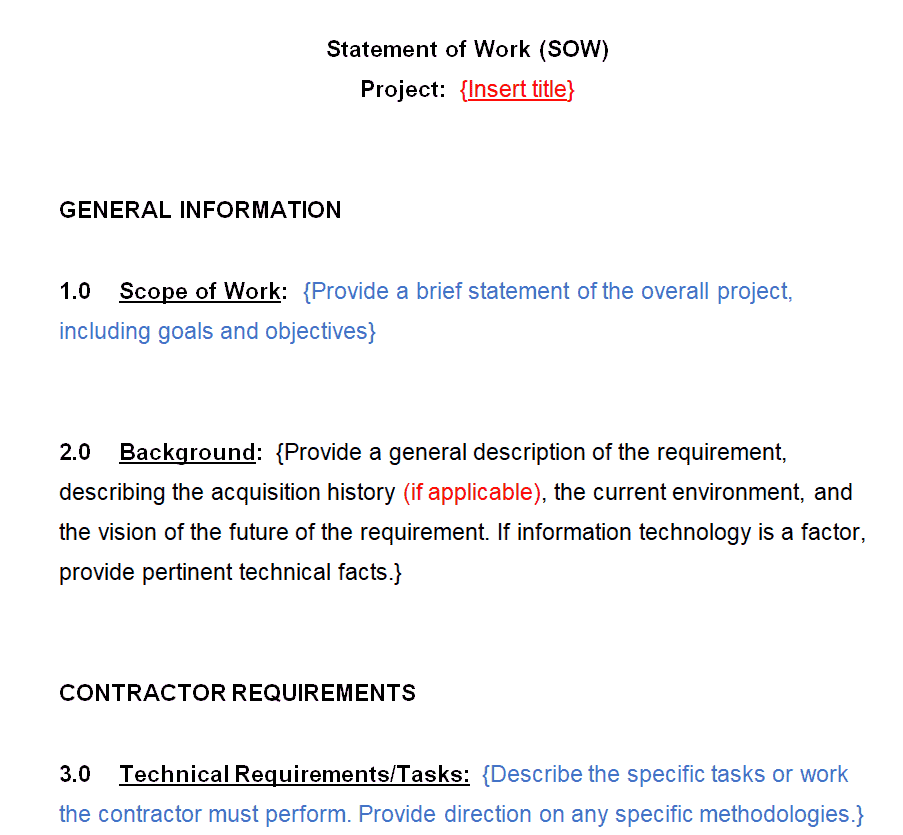
Sample Statement of Work Template
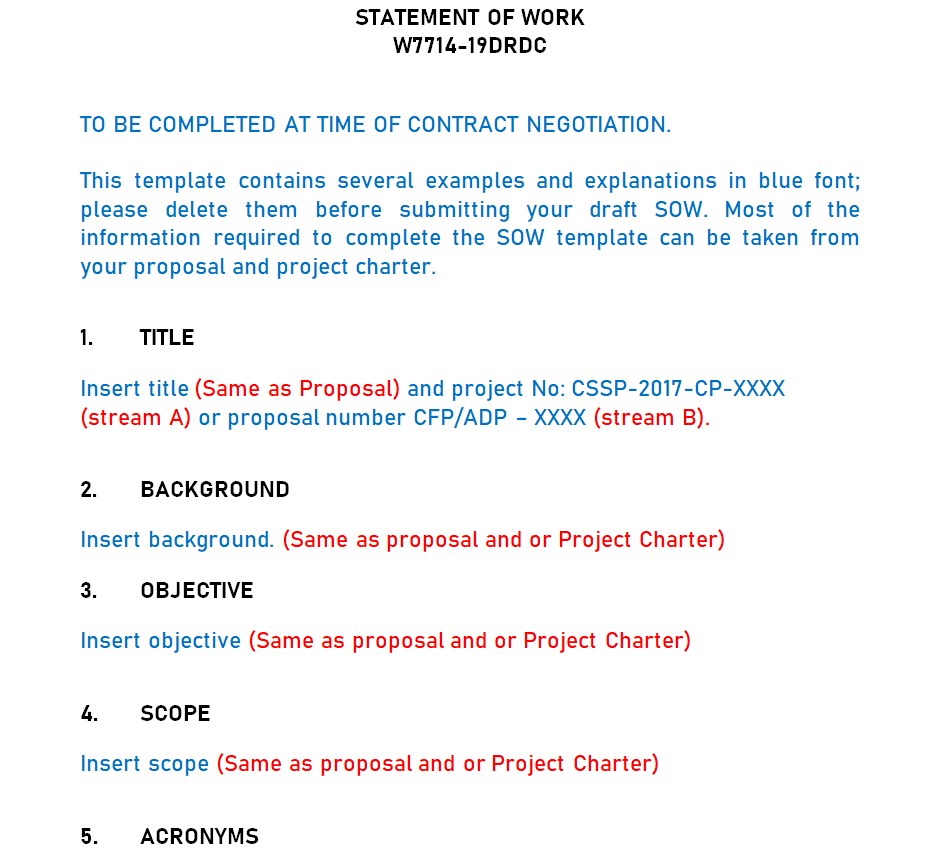
Statement of Work (SOW) Example Template
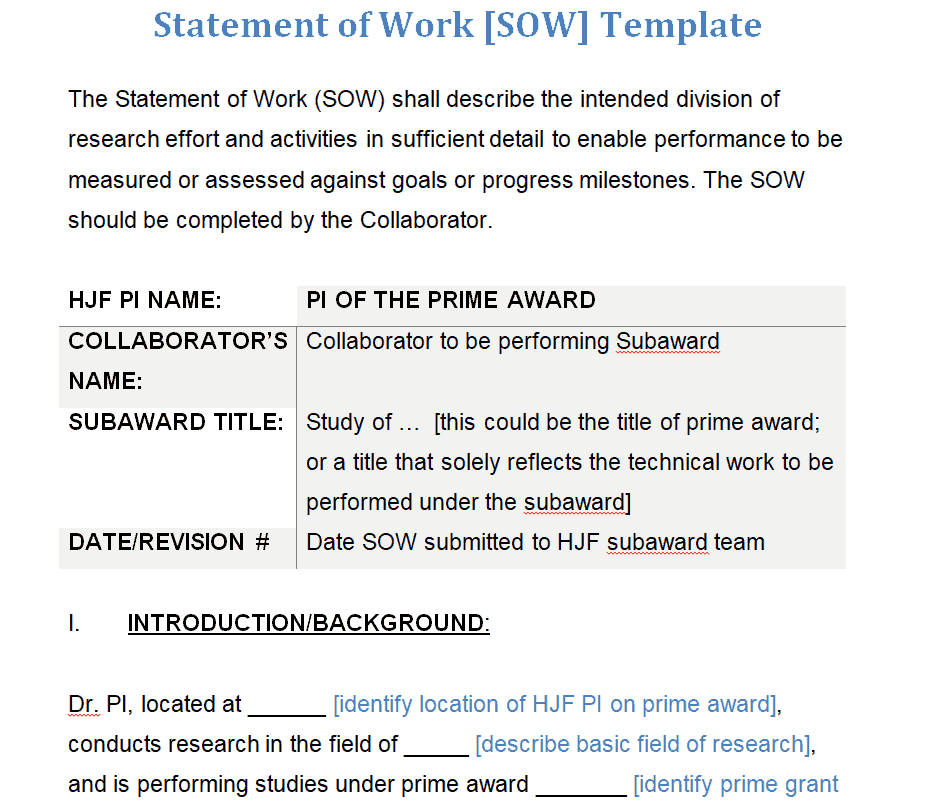
Detailed Statement of Work Template
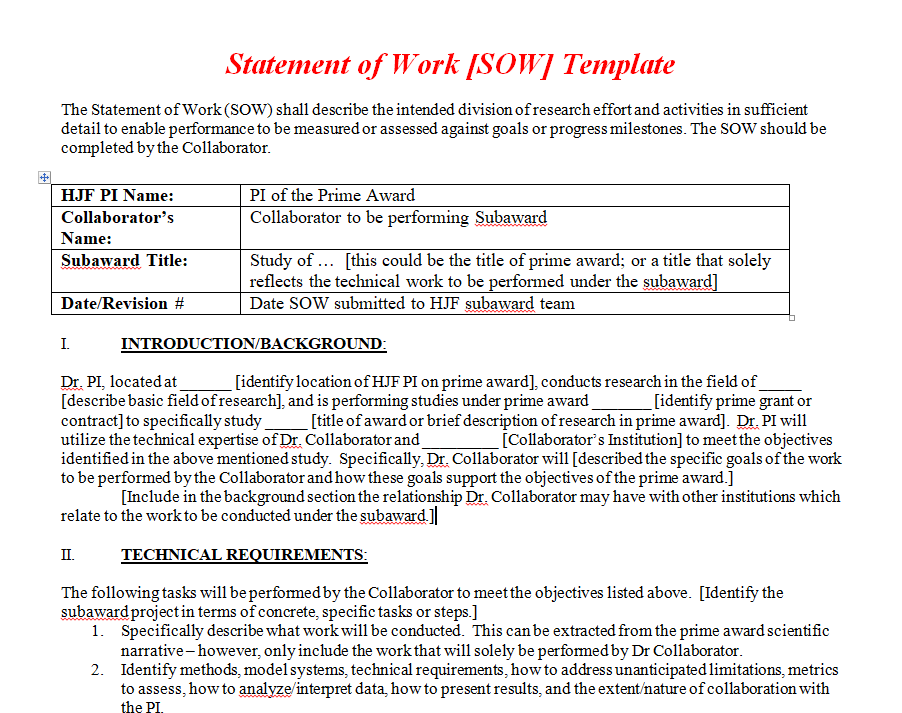
Statement of Work Excel Template for Web Design
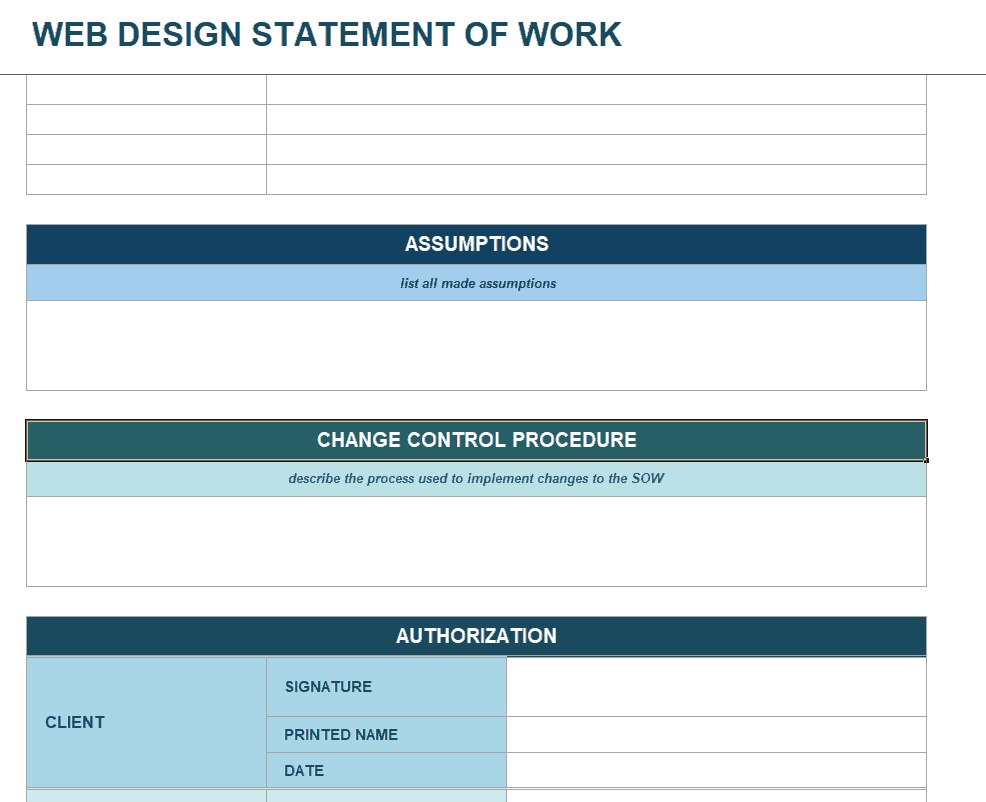
Standard Statement of Work Template
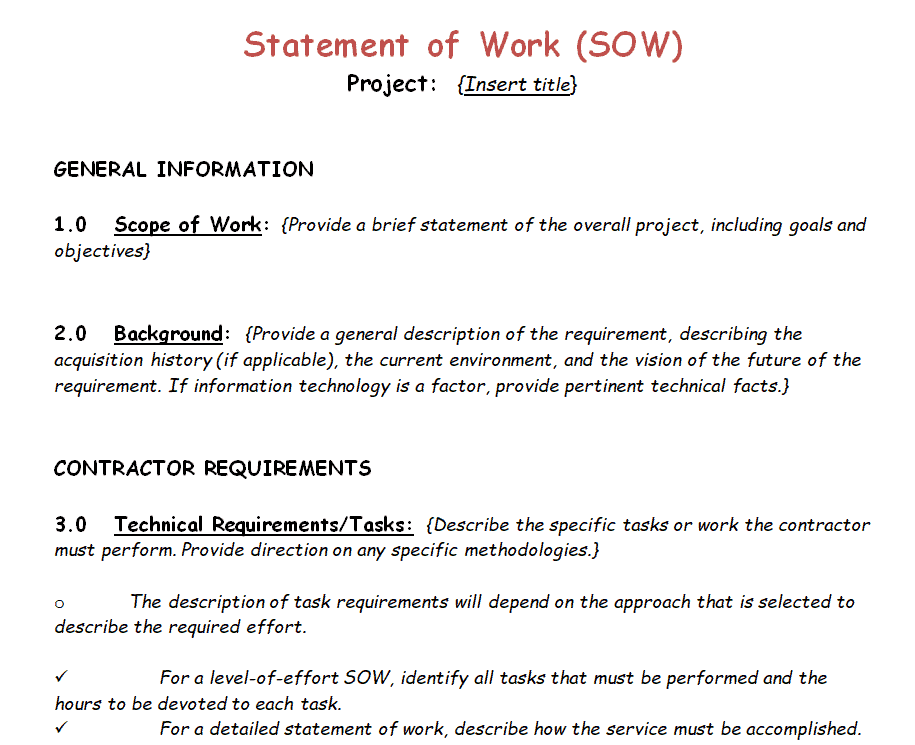
Generic Statement of Work Template
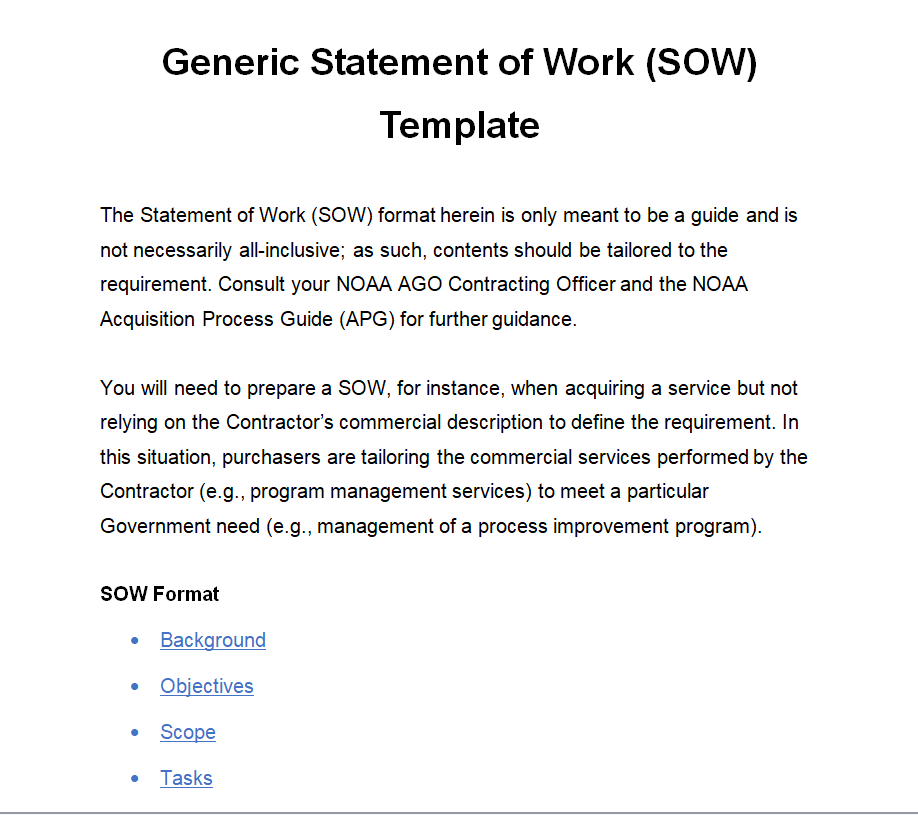
Design Statement of Work Template
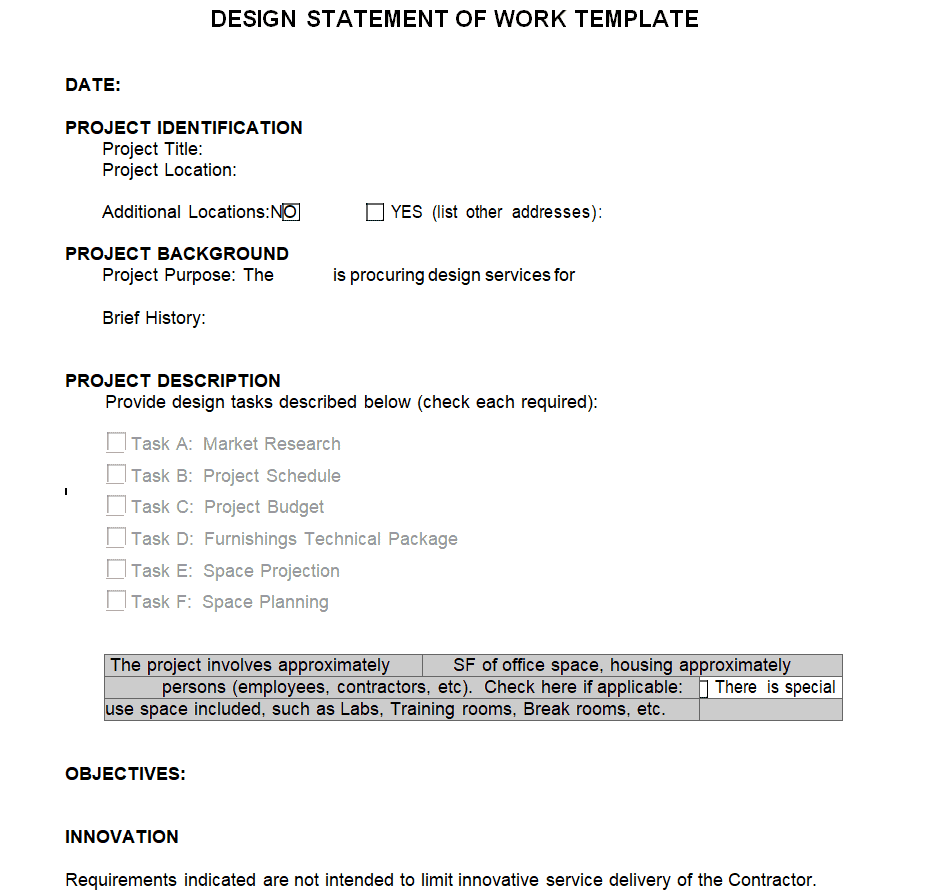
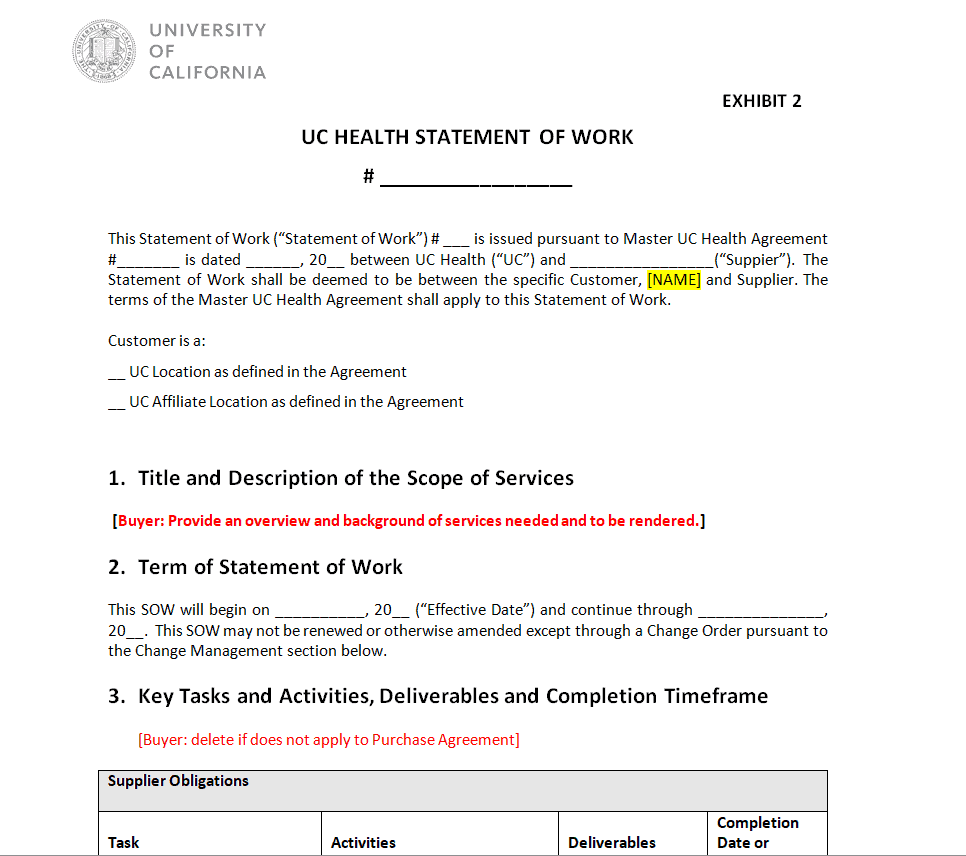
UC Health Statement of Work Template
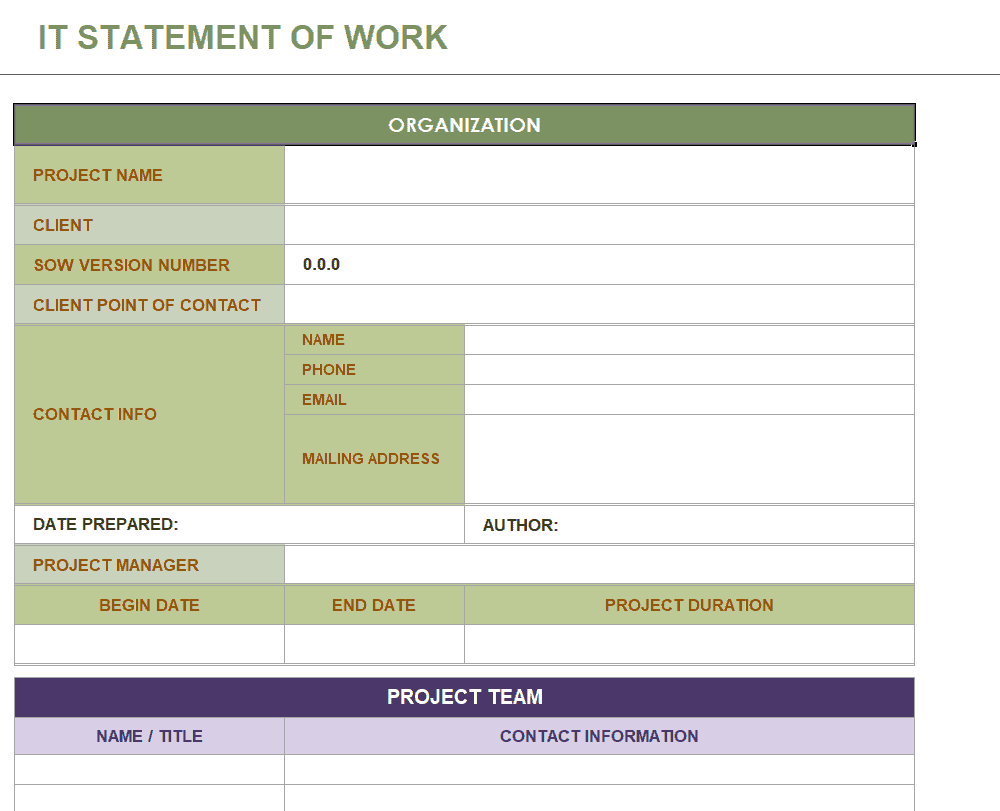
IT Statement of Work Template
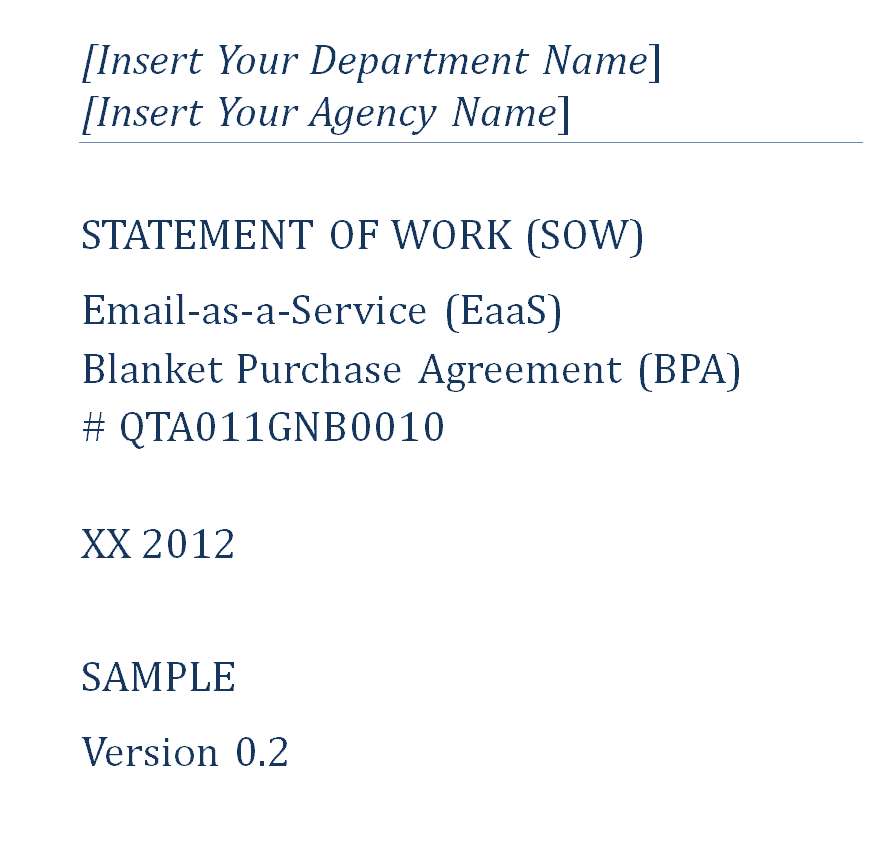
Business Statement of Work Template
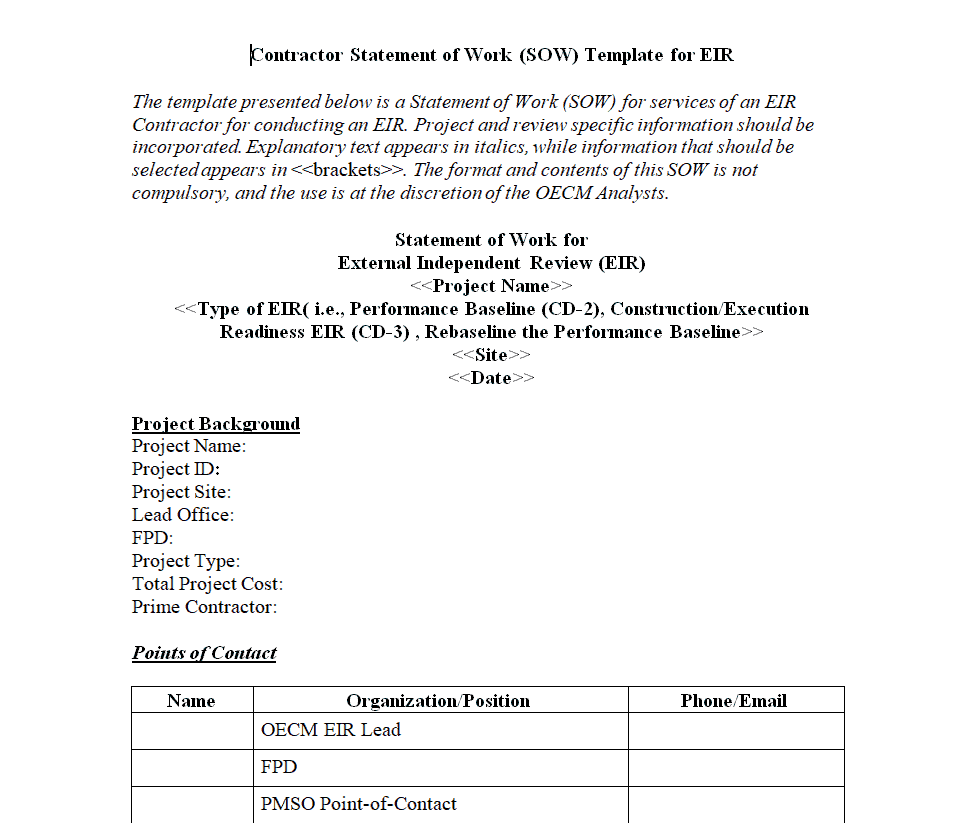
Contractor’s Statement of Work Template
Simple Style Statement of Work Template
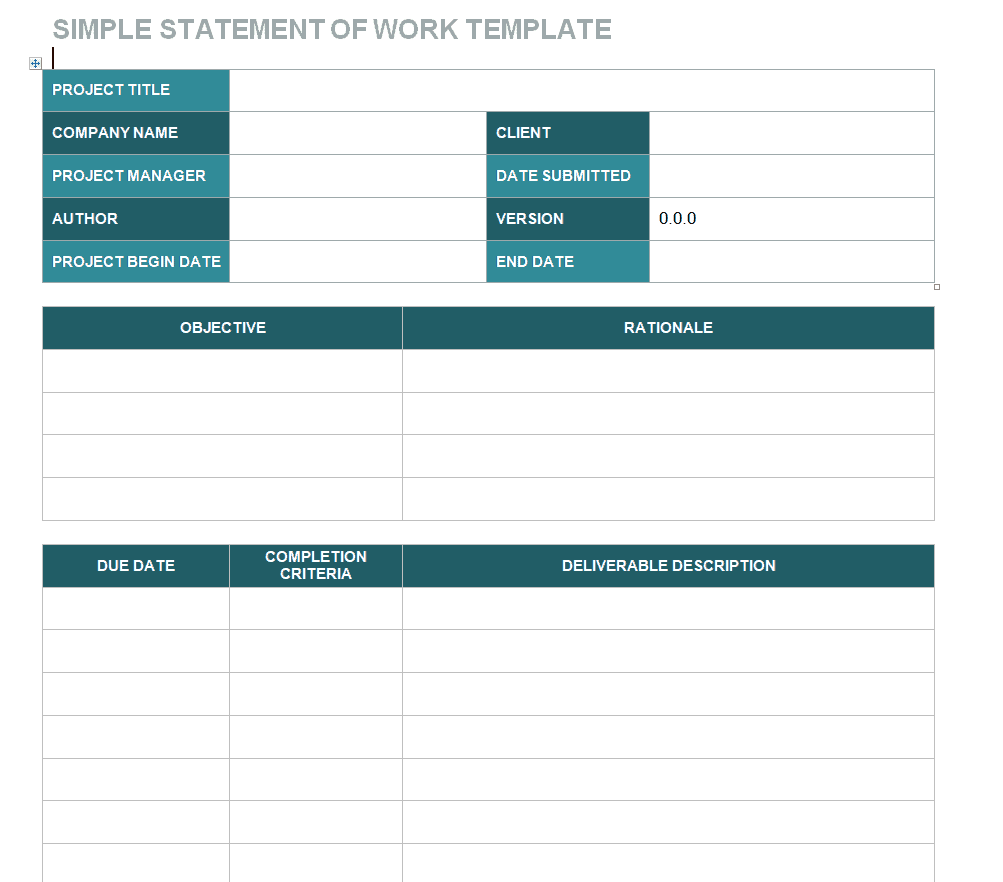
Company’s Statement of Work Template
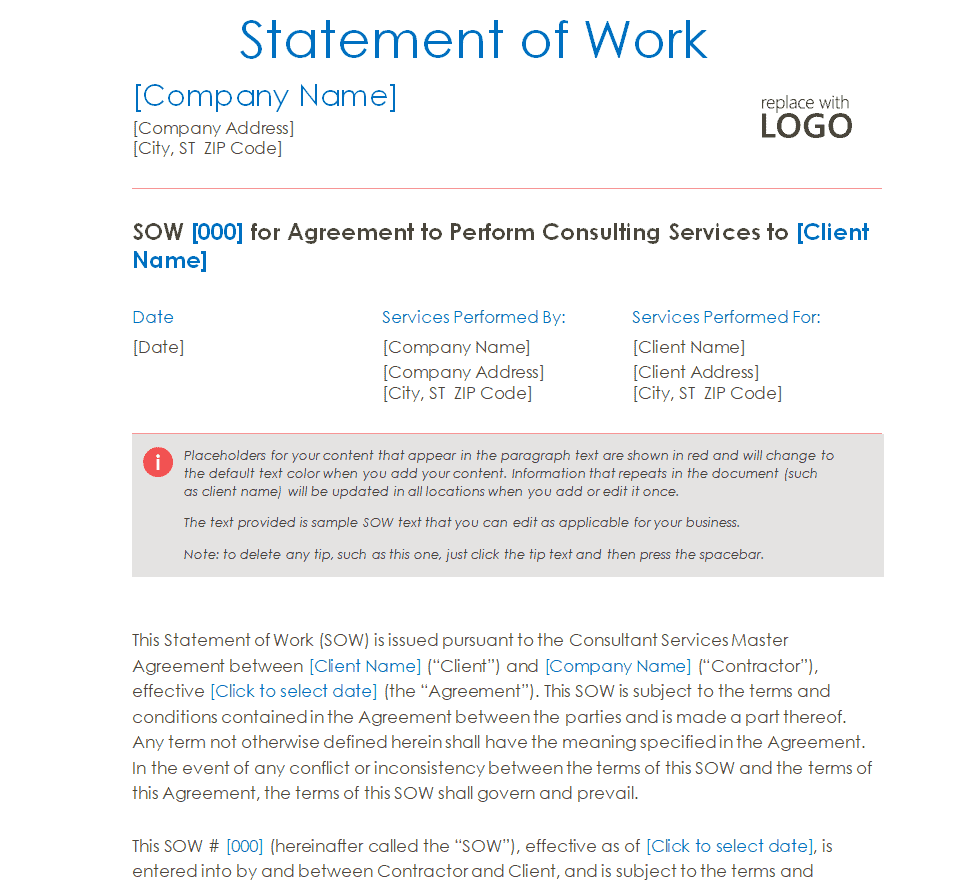
Consulting Statement of Work Template XLXS Format
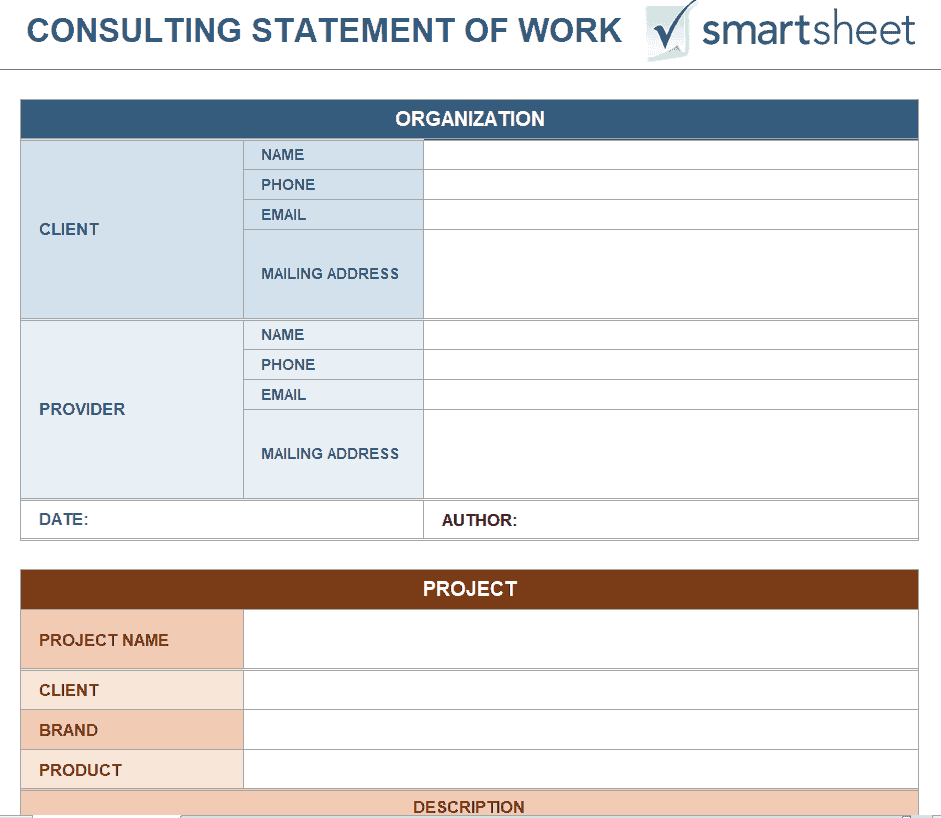
Fillable Statement of Work Template
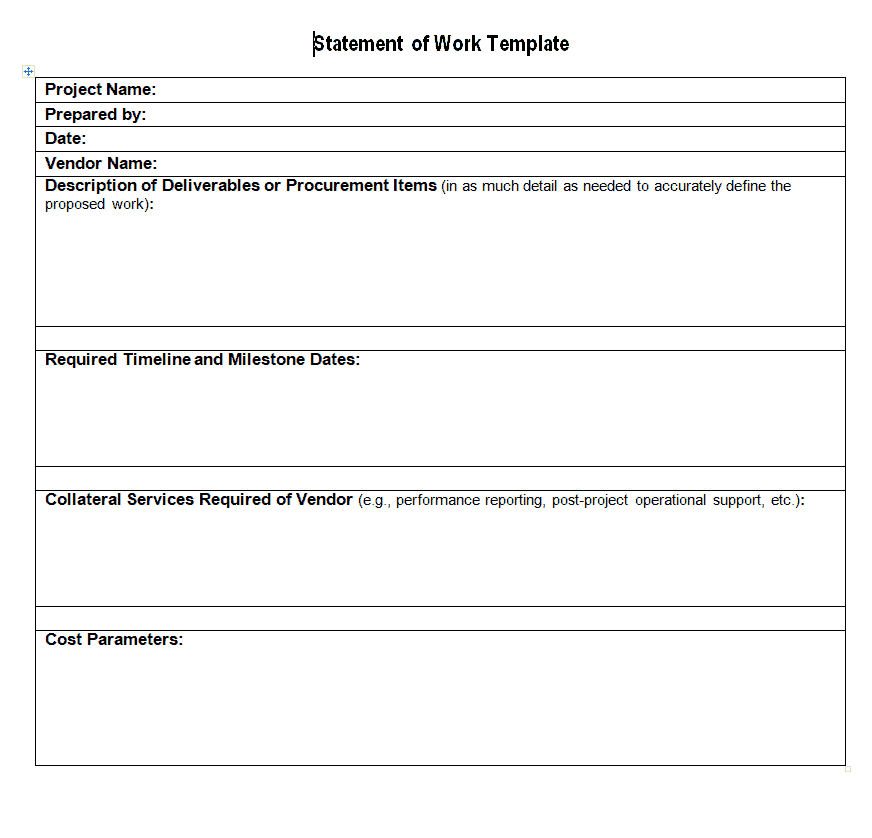
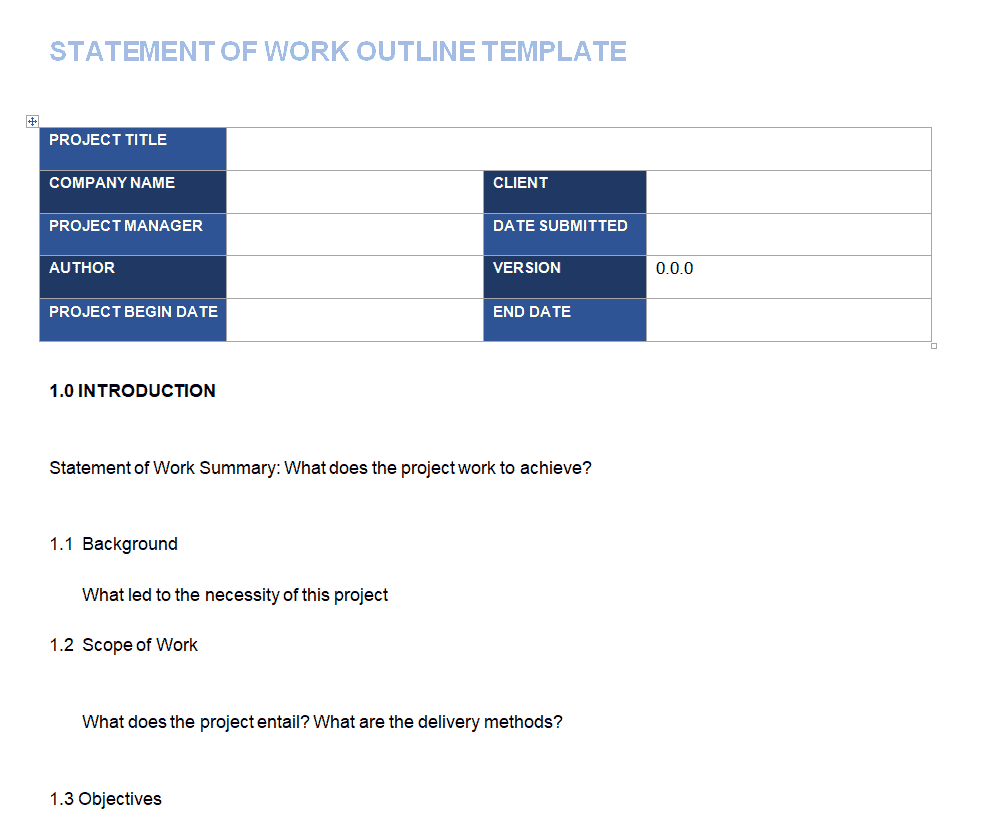
Statement of Work Outline Template
Frequently Asked Questions
Are these statement of work templates free to download?
Yes, all seventeen statement of work templates on this page are free to download and use.
Which file formats are these templates available in?
The templates are available in a mix of Word and Excel formats to suit different project styles.
Is a statement of work the same as a contract?
No, a statement of work defines the specific scope and deliverables of a project, while a contract establishes the broader legal relationship between parties.
Can I customize these templates for my industry?
Yes, all templates are fully editable, letting you add industry-specific requirements, terms, and deliverables.
What should be included in every statement of work?
At minimum, a SOW should include the scope of work, timeline, payment terms, and acceptance criteria.
Are these templates suitable for freelancers?
Yes, several templates work well for freelancers defining project scope with individual clients.
Do I need Microsoft Word or Excel to use these templates?
Most templates work with Word or Excel but also open in free alternatives such as Google Docs, Google Sheets, or LibreOffice.

You must be logged in to post a comment.