
Tracking who shows up and who doesn’t becomes far easier with a ready-made attendance excel template that you can fill in with names and dates in minutes. Instead of building a tracking sheet from scratch, a pre-formatted template gives you an organized layout for recording attendance for employees, students, or members of any group. Below you’ll find 3 free, downloadable attendance excel templates suitable for schools, businesses, and organizations.
What Is an Attendance Excel Template?
An attendance excel template is a pre-formatted document used to track whether employees, students, or other individuals are present or absent over a specific period. Rather than building a tracking sheet from scratch, a ready-made template gives you a structured grid already set up with fields for names, dates, and attendance status. These templates are used by schools, businesses, training centers, and organizations that need a clear, consistent way to monitor attendance and use that information for payroll, reporting, or academic records.
Why You Need an Attendance Excel Template: Key Benefits
- Saves setup time: A ready-made grid means you can focus on recording attendance instead of designing a tracking sheet from scratch.
- Improves record accuracy: A structured template reduces the chance of errors compared to tracking attendance manually on paper.
- Supports accurate payroll: Reliable attendance records make it easier to calculate wages and hours correctly.
- Helps identify patterns: A clear record makes it easier to spot chronic absenteeism or lateness early.
- Easy to customize: Editable fields let you quickly adapt the template to your organization’s needs.
- Free and reusable: Download once and reuse the same structure for every attendance period.
What’s Included in the Attendance Excel Template
- Name fields: Space to list each employee, student, or member being tracked.
- Date fields: Columns or rows for recording attendance across a day, week, or month.
- Status fields: Space to mark each person as present, absent, late, or excused.
- Summary or total fields: Areas to calculate total days present or absent over the period.
- Organization details: Space to note the name of the company, school, or organization.
- Notes section: An area for additional comments about specific attendance entries.
Who Should Use These Templates?
- Human resources professionals tracking employee attendance for payroll purposes.
- Teachers and school administrators monitoring student attendance in classrooms.
- Training center coordinators tracking participation in courses or sessions.
- Club and organization leaders keeping records of member attendance at meetings.
- Church administrators tracking attendance at services or programs.
- Small business owners managing attendance without dedicated HR software.
How to Start Using the Template in 3 Simple Steps
- Step 1 — Choose a template style: Browse the 3 options below and select the layout that fits your organization.
- Step 2 — Enter names and dates: Fill in the names of everyone being tracked and the relevant date range.
- Step 3 — Update attendance regularly: Mark attendance status daily or weekly to keep the record current.
Attendance Sheet vs. Timesheet
While the two documents are related, an attendance sheet and a timesheet serve different purposes. An attendance sheet simply records whether someone was present or absent on a given day, without necessarily tracking exact hours worked. A timesheet, on the other hand, records the specific hours an employee worked, often including clock-in and clock-out times. Many organizations use both together, an attendance sheet for a quick overview of presence and a timesheet for detailed payroll calculations.
Customizing the Template for Your Organization
These templates are designed to be a flexible starting point rather than a fixed format. You can adjust the date range to match your reporting period, add columns for different types of leave, or include a section for tracking tardiness separately from absences. Since the templates are provided in editable Excel format, most adjustments take only a few minutes and let you tailor the sheet to fit your particular organization.
Choosing the Right Format
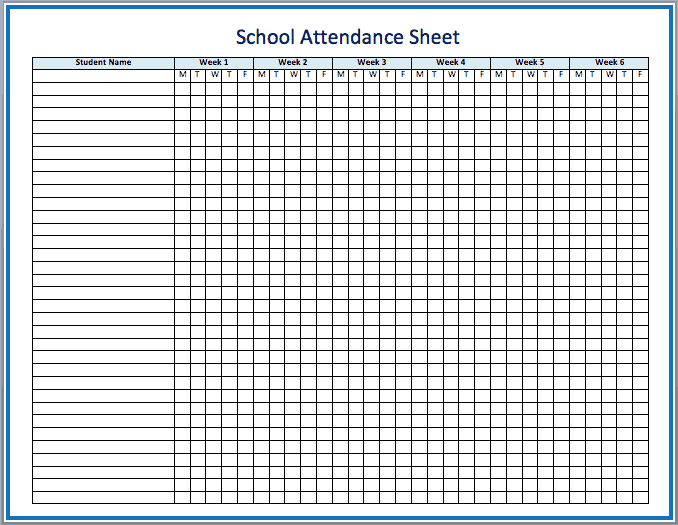
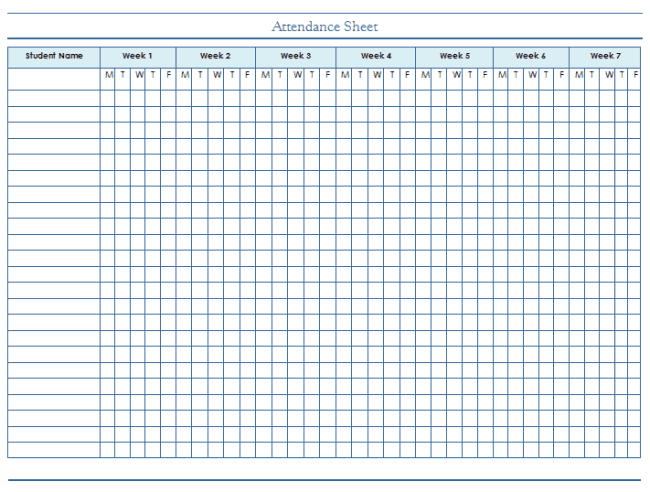
With 3 different templates available, choosing the right one depends on your organization’s specific needs and how detailed your tracking needs to be. A school attendance sheet works well for classroom settings, while a blank template offers more flexibility for other types of organizations. Reviewing each option before committing to one can help you find the layout that best fits your attendance tracking needs.
Common Mistakes to Avoid
- Forgetting to update the sheet daily: Delaying entries increases the risk of forgetting or misremembering attendance details.
- Not distinguishing between absence types: Treating all absences the same can make it harder to identify patterns like excessive unexcused absences.
- Skipping regular totals: Without periodic summaries, it’s easy to lose track of overall attendance trends.
- Using inconsistent formats across periods: Switching layouts frequently can make historical comparisons difficult.
- Not backing up records: Attendance data can be important for compliance and should be stored securely.
Tips to Get the Most Out of Your Attendance Excel Template
- Update the sheet at the same time each day to build a consistent habit and avoid missed entries.
- Review attendance trends periodically to catch patterns before they become larger issues.
- Keep the template consistent across reporting periods to make comparisons easier over time.
- Back up your attendance records regularly to avoid losing important data.
- Communicate attendance policies clearly so everyone understands how absences are tracked and reported.
Using Attendance Records for Performance Reviews
Beyond payroll and compliance, attendance records can also play a meaningful role in broader employee or student performance reviews. A consistent pattern of punctuality and reliable attendance often reflects positively on an individual’s overall engagement and work ethic, making it a useful data point alongside other performance metrics. Conversely, a pattern of frequent absences or tardiness, when documented clearly over time, gives managers or teachers concrete information to reference when addressing concerns directly and constructively with the individual involved.
Attendance Tracking in Remote and Hybrid Settings
As more organizations adopt remote or hybrid work and learning arrangements, attendance tracking has had to adapt beyond simply noting who physically showed up to a location. For remote teams, attendance might instead track participation in scheduled check-ins, video calls, or online coursework, requiring a slightly different set of fields than a traditional in-person attendance sheet. Adjusting the template to reflect how presence is actually being measured in a remote context, rather than forcing a purely in-person format, helps ensure the records stay meaningful and useful.
Using Attendance Data to Support Difficult Conversations
When attendance issues need to be addressed directly with an employee or student, having clear, well-documented records makes those conversations considerably easier and more productive. Rather than relying on vague impressions of someone’s attendance history, being able to point to specific dates and patterns removes ambiguity and helps the conversation stay focused on facts rather than perception. This kind of documentation also protects both parties, ensuring that any decisions made as a result of attendance concerns are based on accurate, verifiable information rather than assumptions.
Attendance Tracking for Compliance and Reporting
Many organizations are required to maintain accurate attendance records for compliance reasons, whether for labor law requirements, school district reporting, or grant funding conditions tied to program participation. Keeping attendance data organized and easily accessible makes it far simpler to respond to audits or reporting requests without scrambling to reconstruct historical records after the fact. Establishing a consistent retention policy for attendance records, and storing completed sheets in an organized system rather than scattered files, helps ensure the organization stays prepared for whatever compliance requirements apply to its specific situation.
Combining Digital and Paper Attendance Methods
While an Excel template offers a convenient, easily calculated way to track attendance, some organizations still find value in combining it with a physical sign-in sheet, particularly in settings where not everyone has immediate access to a computer. A paper sign-in sheet collected at the start of each day or session can later be transferred into the digital template, giving the best of both approaches: an easy, low-friction way for people to mark themselves present, paired with the calculation and reporting advantages of a digital spreadsheet. Deciding which method, or combination of methods, works best often comes down to the size of the group and the resources available for maintaining the records.
Setting Clear Attendance Policies Before Tracking Begins
An attendance template works best when it’s paired with a clearly communicated policy explaining what counts as present, late, or excused, since inconsistent definitions can make the resulting data unreliable or unfair. Deciding in advance how tardiness is handled, whether a grace period applies, and what documentation is needed for an excused absence removes ambiguity for everyone involved and makes enforcement more consistent. Sharing this policy alongside the attendance template, rather than leaving it as an unwritten understanding, also gives employees or students a clear reference point if questions or disputes arise about how their attendance was recorded.
Get Attendance Excel Templates Below
School Attendance Sheet Excel Template

Blank Attendance Template Excel
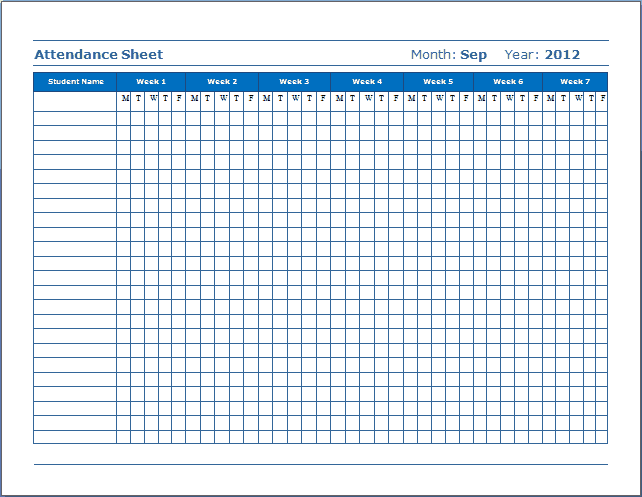
Attendance Sheet MS Excel
Frequently Asked Questions
Are these attendance excel templates free to download?
Yes, all 3 attendance excel templates on this page are free to download and use.
Can I customize the fields on these templates?
Yes, since the templates are editable in Excel, you can add your own date ranges and status categories.
What’s the difference between an attendance sheet and a timesheet?
An attendance sheet tracks presence or absence, while a timesheet records specific hours worked.
Are these templates suitable for schools?
Yes, the school attendance sheet template is specifically designed for tracking student attendance.
Can these templates be used for remote teams?
Yes, these templates can be adapted to track participation in remote check-ins or online sessions.
How often should I update my attendance sheet?
It’s best to update the sheet daily or at each session to keep the record accurate and current.

You must be logged in to post a comment.