
Keeping accurate track of money received or paid out becomes far easier with a payment record template already structured and ready to use. Instead of designing a tracking sheet from scratch, a ready-made template gives you a clean, organized framework you can fill in with payment details in minutes. Below you’ll find 5 free, downloadable payment record templates, suitable for salary payments, rent, sales, and many other personal or business needs.
Record payments with dates, direction and proof
A payment record should distinguish money paid from money received and connect each entry to a person, invoice or account. Record transaction date, amount, currency, method, reference and reconciliation status.
Worked example: For a customer paying a $300 invoice in two instalments of $100 and $200, show each receipt separately and update the remaining balance after each one. Do not replace the original invoice amount.
Check before use: Reconcile with bank records, distinguish pending transfers from cleared funds, and store financial identifiers securely. A receipt and a payment authorisation are different documents.
- Saves preparation time: A ready-made layout means you can focus on entering payment data instead of designing a tracker from scratch.
- Keeps records organized: Clearly labeled fields for date, amount, and payment method reduce confusion when reviewing past transactions.
- Supports accurate budgeting: A complete payment history makes it easier to track spending patterns and plan future budgets.
- Provides proof of payment: A detailed record can serve as evidence that a payment was made in case of a dispute.
- Works for various purposes: Templates are suitable for salary, rent, sales, loan repayments, and other recurring payments alike.
- Free and reusable: Download once and reuse the same template structure for every future payment period.
For related resources, see 12 Sample Payment Voucher Templates [WORD, EXCEL, PDF] and Download 10 Excel Checkbook Register Templates FREE.
What’s Included in the Payment Record Template
- Payment date field: Space to record the exact date each payment was made or received.
- Amount paid or received: A field to log the dollar amount for each transaction.
- Payment method: Space to note how the payment was made, such as cash, check, or bank transfer.
- Payment purpose or description: A field describing what the payment was for, such as rent or salary.
- Running balance: Some templates include a column to track a cumulative balance across multiple payments.
- Payer or payee information: Space to record who made or received each payment.
Who Should Use These Templates?
- Employees tracking their salary payments and maintaining a personal payment history.
- Landlords and tenants recording rental payments made and received each month.
- Small business owners logging sales payments and customer transactions.
- Freelancers and contractors keeping track of client payments for invoicing purposes.
- Individuals managing personal loan repayments or installment plans.
- Bookkeepers and accountants maintaining organized payment logs for clients.
How to Start Using the Template in 3 Simple Steps
- Step 1 — Choose a template style: Browse the 5 options below and select the layout that best fits your needs.
- Step 2 — Enter your payment details: Fill in dates, amounts, and payment methods for each transaction.
- Step 3 — Update regularly: Add new entries as payments occur to keep your record current and accurate.
Payment Record vs. Invoice
While both documents relate to money changing hands, a payment record and an invoice serve different purposes. An invoice is a request for payment, issued before or at the time a transaction is completed, detailing what is owed and by when. A payment record, by contrast, is a log created after payments have been made, tracking the history of transactions over time for reference and reconciliation. Businesses often use both together: invoices to request payment, and payment records to confirm and track that those payments were actually received.
Customizing the Template for Your Needs
These templates are designed to be a flexible starting point rather than a fixed format. You can add extra columns for late fees, adjust the layout to match monthly or weekly tracking, or add a notes section for additional context on specific payments. Since the templates are editable, most adjustments take only a few minutes and let you tailor the payment record to fit your specific personal or business needs.
Choosing the Right Format
With 5 different templates available, choosing the right one depends on how much detail you need to track. A simple monthly template works well for straightforward recurring payments like rent, while a more detailed format with a running balance is better suited for tracking multiple payments toward a loan or installment plan. Reviewing your specific tracking needs before choosing a template can help you avoid switching formats partway through the year.
Common Mistakes to Avoid
- Forgetting to log a payment immediately: Record each transaction as soon as it happens to avoid missing entries later.
- Leaving fields incomplete: Always fill in the date, amount, and method for every entry to keep the record useful.
- Not backing up the file: Keep a backup copy of your payment record in case the original file is lost or corrupted.
- Mixing personal and business payments: Keep separate records for personal and business transactions to avoid confusion.
- Ignoring discrepancies: Investigate any mismatched totals right away rather than letting errors accumulate over time.
Tips to Get the Most Out of Your Payment Record Template
- Update the record immediately after each payment to keep your history accurate and complete.
- Review your payment history periodically to spot spending patterns or upcoming due dates.
- Keep supporting documents like receipts alongside your payment record for added verification.
- Color-code entries by category to make the record easier to scan at a glance.
- Export or print periodic summaries for tax filing or budgeting purposes.
Using Payment Records for Tax and Budgeting Purposes
A well-maintained payment record can be especially valuable when it comes time to file taxes or prepare a household or business budget, since it provides a clear, chronological history of money received or spent. Freelancers and small business owners in particular benefit from keeping detailed payment records throughout the year, as it makes reconciling income at tax time far less stressful than trying to reconstruct transactions from memory or scattered receipts. Reviewing the record periodically can also reveal spending patterns, such as recurring subscriptions or seasonal expenses, that might otherwise go unnoticed until the numbers are compiled at year’s end.
Tracking Salary Payments With a Payment Record
Employees who want a clear picture of their earnings over time often find it useful to maintain their own salary payment record, separate from what their employer provides, especially when income includes variable components like overtime, bonuses, or commissions. Logging the payment date, gross and net amounts, and any deductions each pay period makes it much easier to verify that paychecks match expectations and to catch any discrepancies early. This kind of personal record also comes in handy when applying for loans, renting an apartment, or filing taxes, since it provides a ready reference for income history without needing to dig through old pay stubs.
Managing Rental Payment Records as a Landlord or Tenant
For landlords, a detailed payment record helps track which tenants have paid on time, which payments are late, and how much is owed across multiple units or properties, making it far easier to manage cash flow and follow up on overdue rent. Tenants, on the other hand, benefit from keeping their own copy of a rental payment record as proof that rent was paid in full and on time, which can be valuable in the event of a dispute with a landlord or when applying for a new lease elsewhere. Both parties keeping consistent, dated records reduces the likelihood of misunderstandings and provides a clear paper trail if questions ever arise about the rental payment history.
Reconciling Payment Records With Bank Statements
Periodically comparing your payment record against actual bank or account statements is an important habit that helps catch errors, missed entries, or even fraudulent transactions before they become bigger problems. Setting aside time each month to reconcile the two sources ensures that every payment logged in your template matches an actual transaction, and that nothing was accidentally double-counted or left out. This habit becomes especially valuable for small businesses handling a high volume of transactions, where even small discrepancies can add up significantly if left unchecked over several months.
Switching From Paper to Digital Payment Tracking
Many individuals and small businesses still track payments using paper ledgers or scattered notes, and moving to a single digital payment record template can significantly reduce the risk of lost or illegible entries. A digital format also makes it far easier to search past transactions, sort entries by date or category, and calculate running totals automatically rather than adding figures by hand. Starting the transition partway through a payment cycle is usually simpler than it sounds: carrying forward the most recent balance from the paper record into the new template lets you pick up tracking digitally without needing to re-enter months of historical data.
Sharing Payment Records With an Accountant or Financial Advisor
When it comes time to work with an accountant, financial advisor, or tax preparer, having an organized payment record ready to share can save significant time and reduce back-and-forth communication. Rather than gathering receipts and bank statements at the last minute, a consistently updated template gives your accountant a clear, chronological view of income and expenses that’s easy to review and cross-reference. Many people find it helpful to export or print a summary of their payment record at the end of each quarter, making year-end tax preparation noticeably less stressful and giving their advisor more time to focus on strategy rather than data entry.
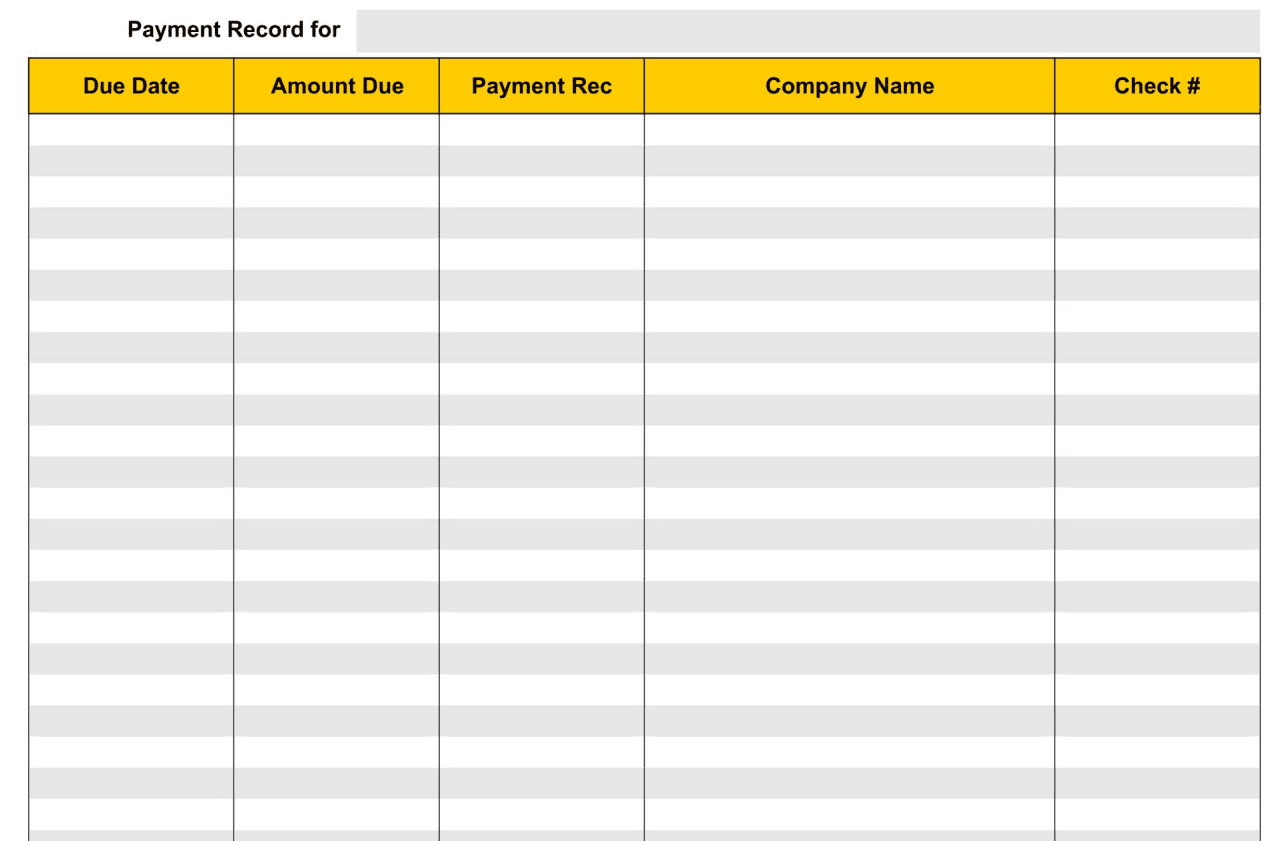
Download Printable Payment Record Templates Here
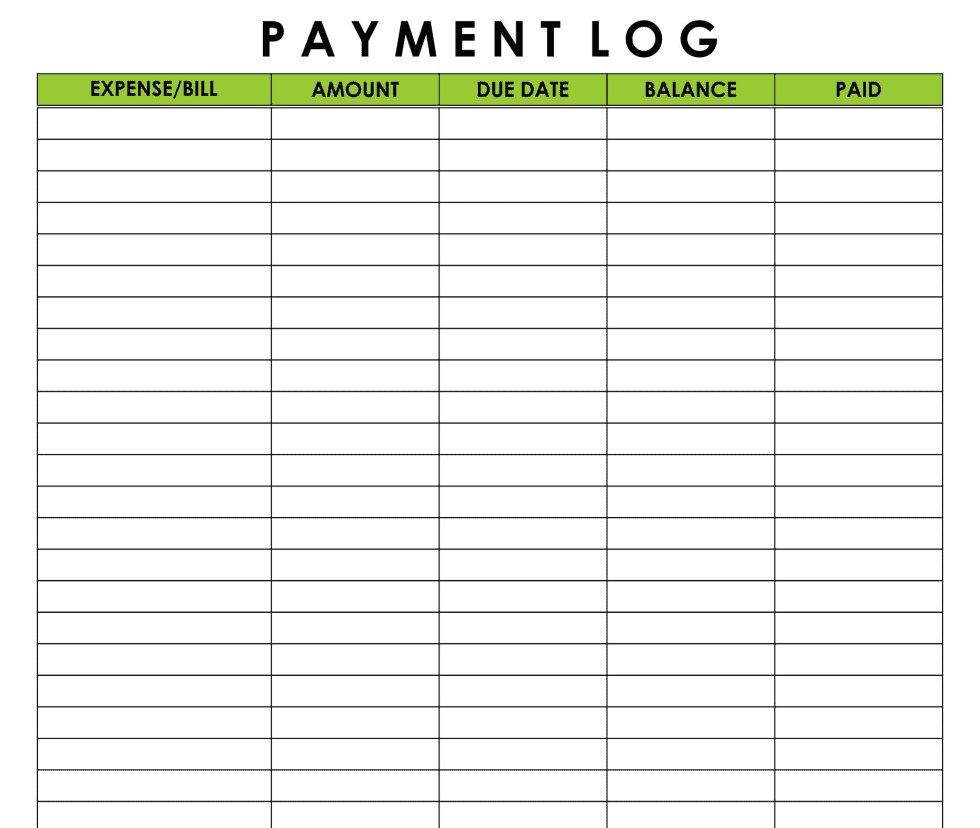
Sample Payment Log Template
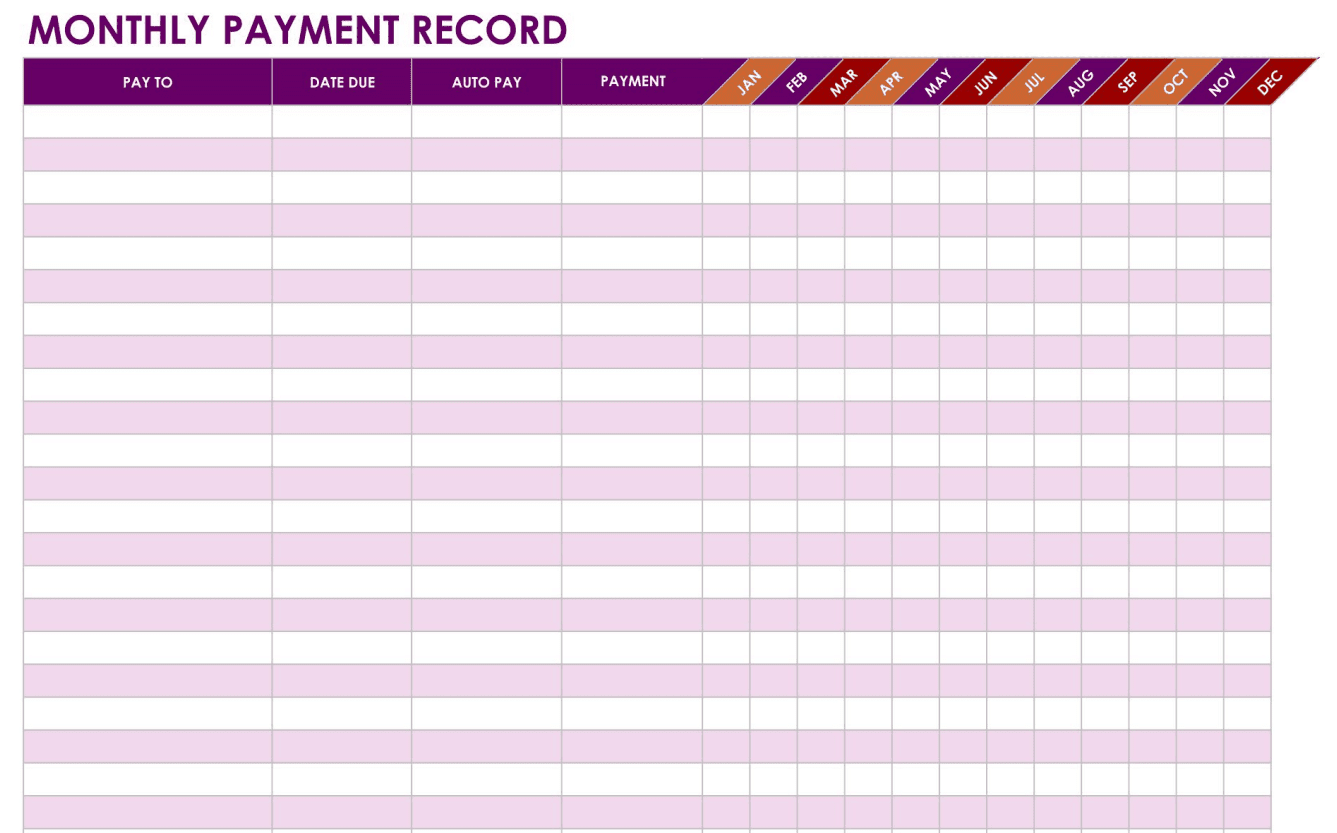
Monthly Payment Record Template
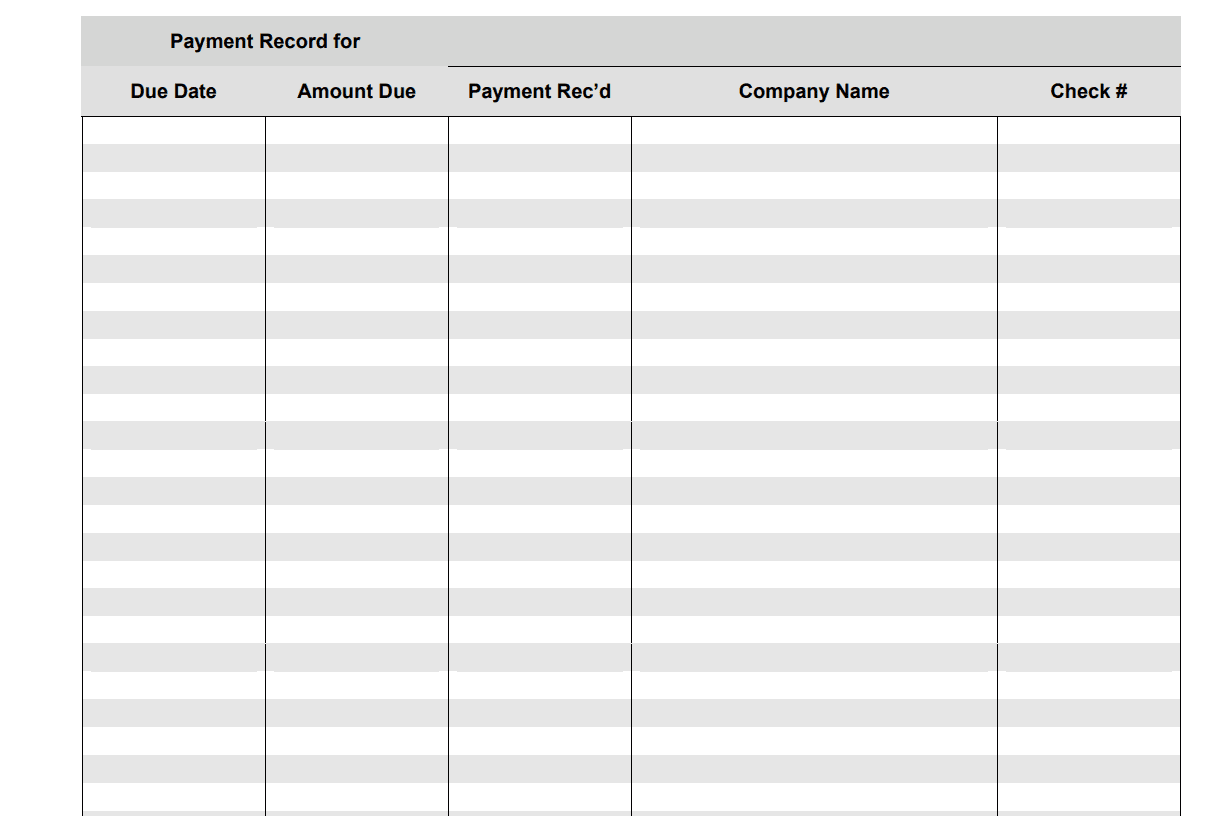
Example Payment Record Template
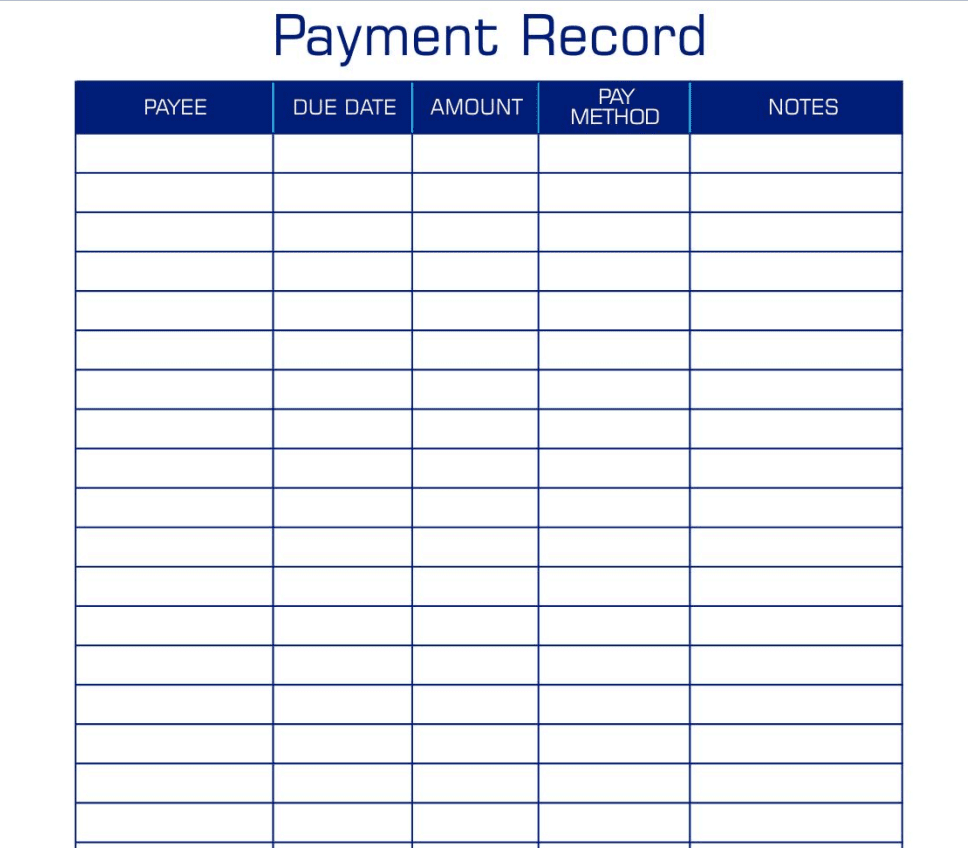
Payment Record Format Template
Standard Payment Record Template
Frequently Asked Questions
Are these payment record templates free to download?
Yes, all 5 payment record templates on this page are free to download and use.
What can these templates be used to track?
These templates can be used to track salary payments, rent, sales, loan repayments, and other personal or business transactions.
Can I customize the fields on these templates?
Yes, since the templates are fully editable, you can add or adjust fields to match your specific tracking needs.
Is a payment record the same as an invoice?
No, an invoice requests payment before a transaction is completed, while a payment record logs payments after they have been made.
Can these templates help with tax preparation?
Yes, a well-maintained payment record provides a clear history of income and expenses that can simplify tax filing.
Are these templates suitable for landlords and tenants?
Yes, these templates work well for tracking rental payments made and received each month.
How often should I update my payment record?
It’s best to update your payment record immediately after each transaction to keep it accurate and complete.

You must be logged in to post a comment.