
A business price list needs consistent product or service descriptions, units, effective dates and tax treatment. Prices for hourly work, individual units and bundled packages should not appear interchangeable.
Publish a price list customers can act on
- Builds customer trust: Transparent, clearly presented pricing reduces confusion and builds confidence in your business.
- Saves time on customer questions: A printed or digital price list answers common pricing questions before customers even have to ask.
- Creates a professional impression: A well-formatted price list reflects positively on your brand and attention to detail.
- Makes updates easy: When prices change, an editable template lets you update figures in minutes rather than redesigning from scratch.
- Works across industries: From retail products to service-based businesses, these templates adapt to a wide range of pricing structures.
- Supports both print and digital use: Share your price list as a printed handout, a PDF, or content on your website.
Worked example: A cleaning business might show $80 for a standard room, $120 for a deep clean and separately priced extras. State what each service includes and whether travel or taxes are additional.
Check before use: Use a clear currency and revision date, check advertised prices against point-of-sale records, and ensure contact or ordering information is current before distributing the document.
For related resources, see 5+ Free Price List Templates and 3 Excel Product List Templates.
What’s Included in the Price List Template
- Item or service name fields: Space to clearly list each product or service you offer.
- Price columns: Fields for listing costs, including options for tiered or bulk pricing where relevant.
- Description space: Room to briefly describe what’s included with each item or service.
- Category sections: Many templates group related items together for easier browsing.
- Business branding area: Space to add your business name, logo, or contact details.
- Print-ready formatting: A clean layout that looks polished whether printed or viewed on screen.
Who Should Use These Templates?
- Retail store owners who need to display product pricing clearly for customers.
- Service providers such as cleaners, salons, and contractors who want to present rates upfront.
- Wedding and event vendors who need to share pricing packages with prospective clients.
- Food and beverage businesses presenting menu or catering pricing.
- Freelancers and consultants who want a professional way to share service rates.
- Small business owners launching a new venture who need pricing materials quickly.
How to Start Using the Template in 3 Simple Steps
- Step 1 — Choose a template style: Browse the twenty-six options below and select the one that matches your industry and pricing structure.
- Step 2 — Fill in your products or services: Add item names, descriptions, and prices to the template fields.
- Step 3 — Review and share: Proofread the final version, then print it, share it as a PDF, or post it on your website.
Product Price Lists vs. Service Price Lists
While both types of documents serve the same basic purpose, presenting pricing clearly, they tend to differ in structure. A product price list, such as one for a retail store or grocery business, usually lists individual items with fixed prices per unit, often grouped by category. A service price list, such as one for a cleaning company or salon, more often needs to account for variables like time, package tiers, or add-on services, which is why several of the templates in this collection include tiered pricing formats or space for service descriptions. Choosing the template that matches your specific pricing structure makes the final document far more useful to your customers.
Customizing the Template for Your Business
These templates are meant to be a flexible starting point rather than a fixed format. You might add your business logo and brand colors, include seasonal or promotional pricing sections, add a notes column for special instructions or add-ons, or adjust the layout to group items by category in a way that matches how customers browse your offerings. Since the templates are provided in editable Word and Excel formats, these kinds of changes take only a few minutes to make.
Choosing the Right Format: Word or Excel
Each format suits a slightly different need. Word versions are ideal when you want full control over layout, fonts, and design elements, making them a good choice for a price list that will be printed or shared as a polished PDF. Excel versions work well when your pricing involves calculations, such as bulk discounts, tax additions, or tiered rates, since formulas can automatically update totals as you adjust figures. Many businesses use Excel to manage the underlying pricing data and then export a finalized version to Word or PDF for customer-facing use.
Common Mistakes to Avoid
- Outdated pricing: Failing to update your price list after a price change creates confusion and can damage customer trust.
- Overcrowded layouts: Cramming too many items onto one page makes it hard for customers to find what they’re looking for.
- Inconsistent formatting: Mixing fonts, currency symbols, or spacing styles looks unprofessional.
- Missing key details: Leaving out information like unit sizes, tax inclusion, or package contents leads to customer confusion.
- Skipping a final proofread: Typos in prices can lead to real financial mistakes, so always double-check before publishing.
Tips to Get the Most Out of Your Price List Template
- Group similar items together so customers can scan the list quickly and find what they need.
- Highlight popular or featured items to draw attention to your best-selling products or services.
- Keep pricing consistent across your website, printed materials, and in-store displays.
- Review and update regularly to make sure your price list always reflects current costs.
- Save a master copy so you can quickly generate updated versions as prices change.
Presenting Tiered and Package-Based Pricing
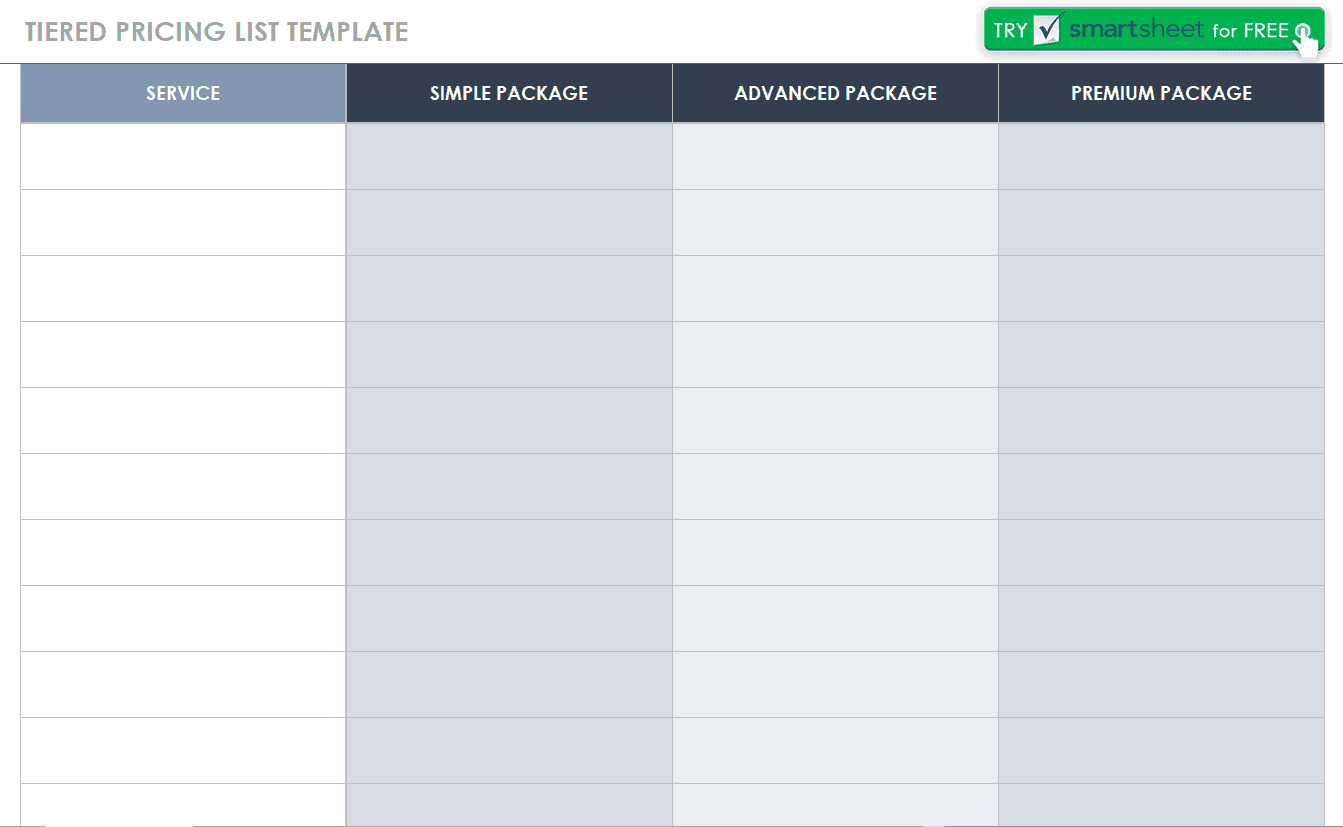
For service-based businesses that offer multiple pricing tiers, such as basic, standard, and premium packages, presenting this clearly is especially important since customers often need to compare options side by side before deciding. Several of the templates in this collection include a tiered pricing layout, using columns or sections to clearly separate what’s included at each price point. When customizing a tiered price list, it helps to keep the differences between tiers easy to spot at a glance, using bold text, checkmarks, or shading to highlight what changes as customers move up in package level, rather than relying on customers to read through dense paragraphs to figure out the differences themselves.
Using a Price List for Online and Printed Materials
A well-designed price list often needs to work across multiple formats, from a printed handout at your physical location to a PDF download on your website. When preparing a version for online use, consider saving it as a PDF to preserve formatting across devices, and make sure the file size stays reasonable so it loads quickly on mobile devices. For printed use, a slightly larger font size and simpler layout tend to read better in a physical setting, such as a shop counter or a folder handed to a client, compared to a densely packed digital version. Keeping both formats updated from the same master file, rather than maintaining separate documents, reduces the risk of customers seeing outdated pricing in one place but not another.
Pricing Strategies to Consider Before Finalizing Your List
Before publishing your price list, it’s worth thinking briefly about the pricing strategy behind the numbers themselves, not just the formatting. Common approaches include cost-plus pricing, where you calculate your costs and add a set margin, competitive pricing, where you position your rates relative to similar businesses in your area, and value-based pricing, where prices reflect the perceived value to the customer rather than strictly your costs. Whichever approach you use, presenting the final prices clearly and consistently across your price list template is what ultimately determines whether customers find the document easy to trust and act on.
Industry-Specific Considerations for Your Price List
With twenty-six templates spanning such a wide range of industries, it helps to think about what customers in your specific field typically expect to see. A food or catering price list often benefits from grouping items by meal type or category and noting any dietary information, while a wedding vendor’s pricing sheet usually needs to clearly separate base packages from optional add-ons, since couples frequently compare multiple vendors before deciding. A retail or grocery price list, by contrast, tends to work best as a straightforward list sorted alphabetically or by department, prioritizing quick scanning over detailed descriptions. Matching your chosen template’s structure to how customers in your industry actually shop or compare pricing makes the final document considerably more effective than using a generic layout that doesn’t quite fit your business.
Keeping Your Price List Consistent with Your Brand
A price list is often one of the first documents a potential customer reviews in detail, which makes it worth treating as a branding touchpoint rather than a purely functional document. Matching the fonts, colors, and overall style of your price list to your other business materials, your website, business cards, or storefront signage, helps reinforce a cohesive, professional image. This doesn’t need to be complicated: even small adjustments, such as using your brand’s primary color for headers or adding your logo to the top of the document, can make a noticeable difference in how polished and trustworthy your pricing materials appear to a new customer encountering your business for the first time.
See Our Sample Price List Templates Here
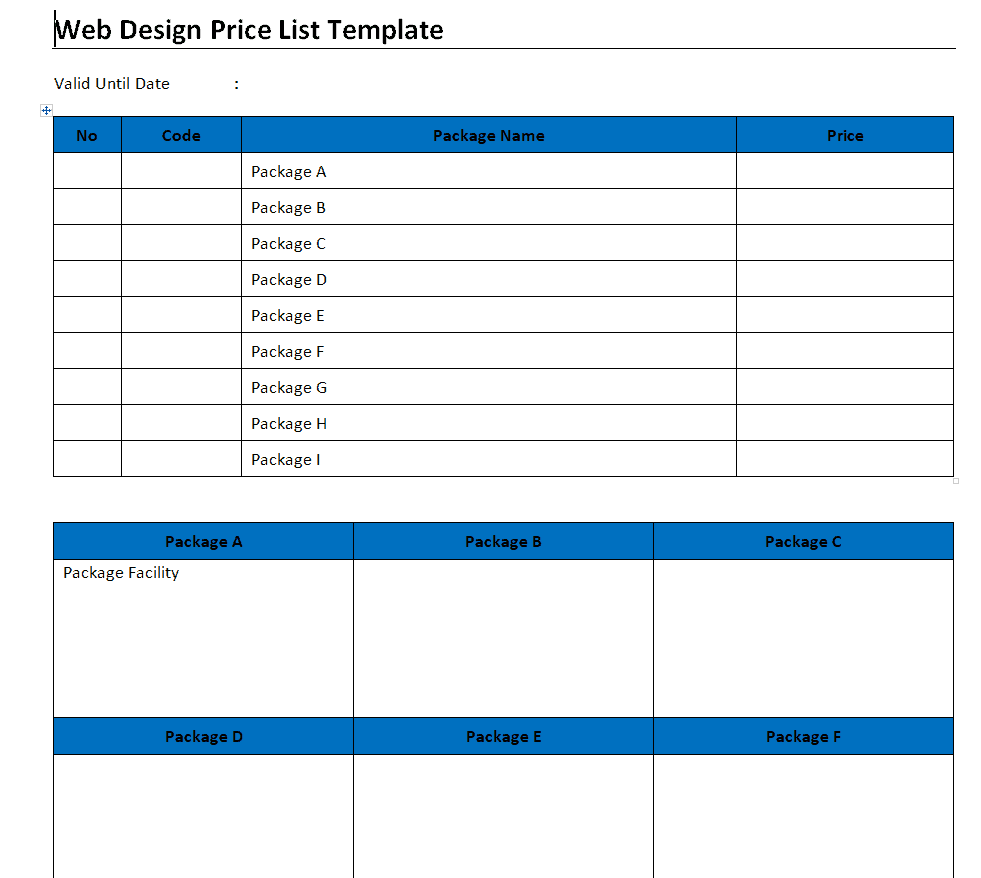
Web Design Price List Template
Tiered Pricing List Template
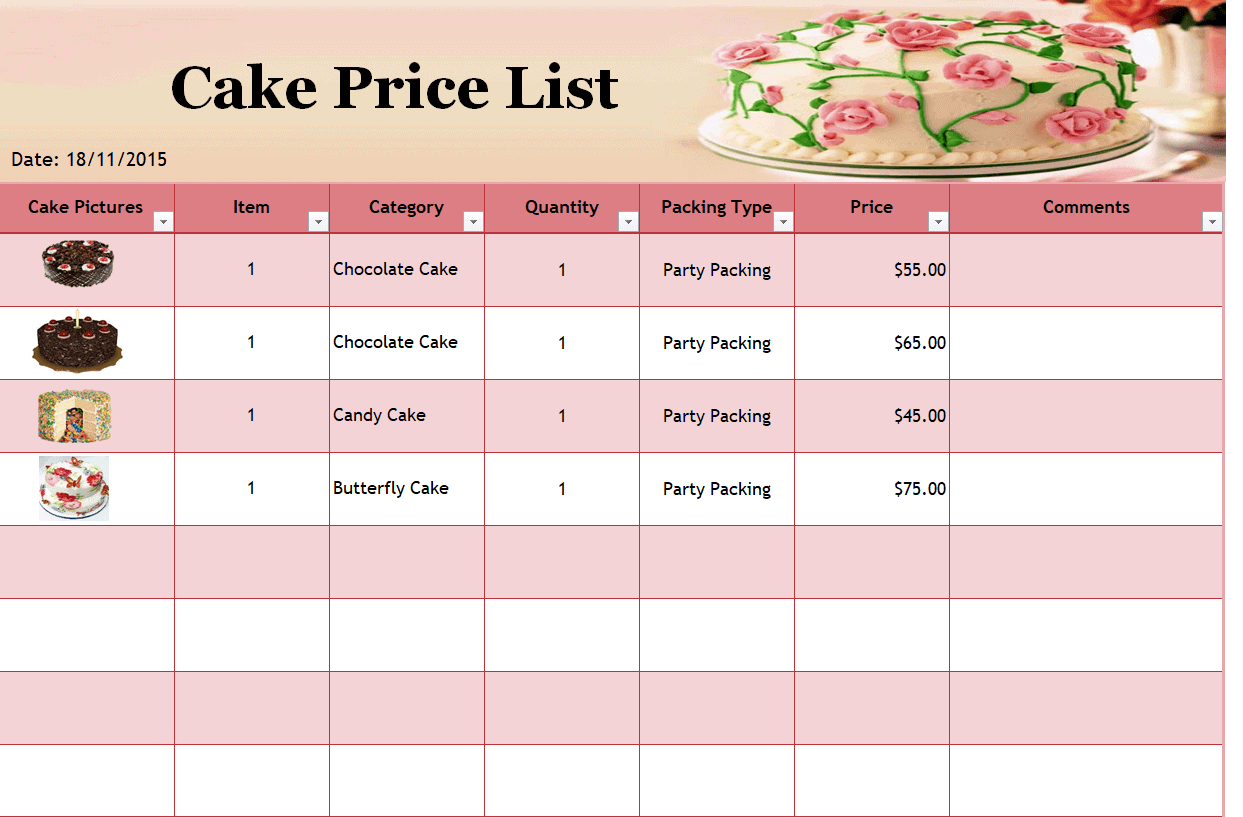
Cake Price List Template
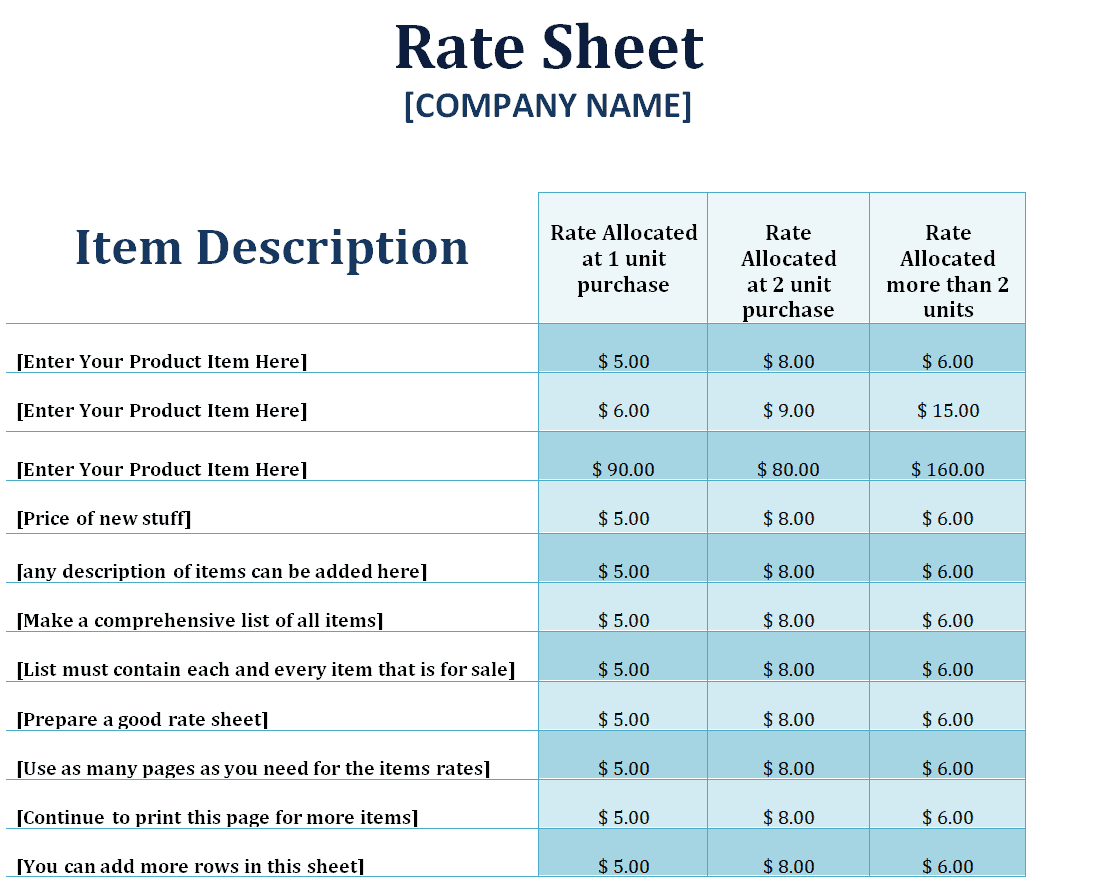
Sample Rate Template
Simple Product Price List Template
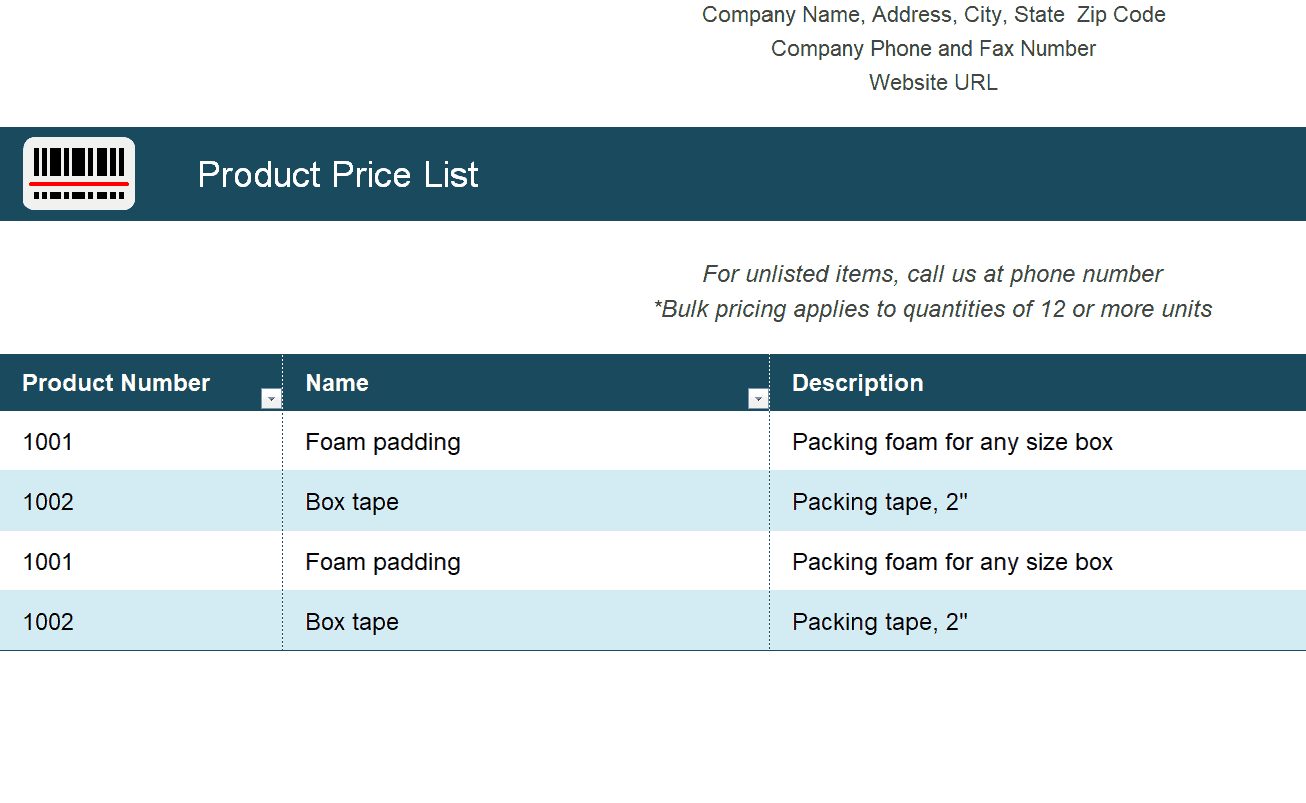
House Cleaning Price List Template
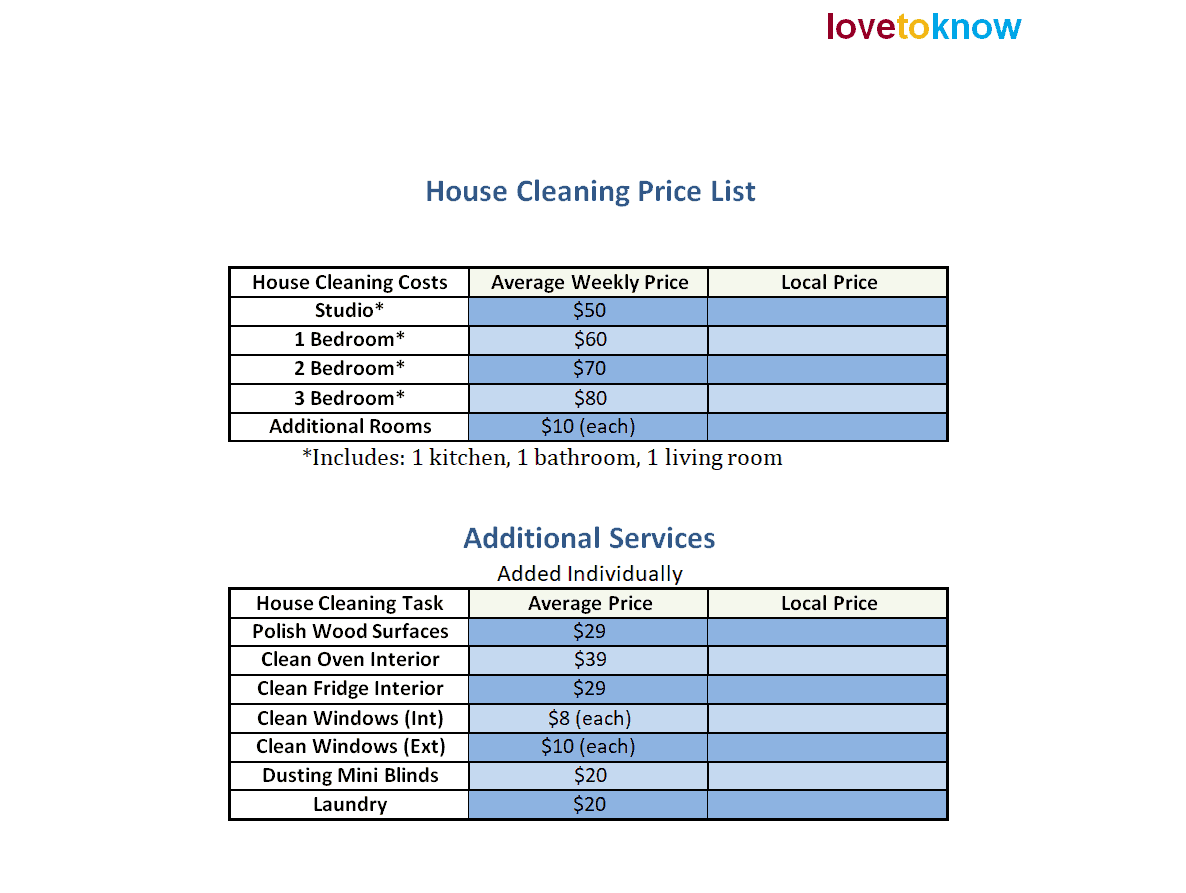
Retail Price List Template
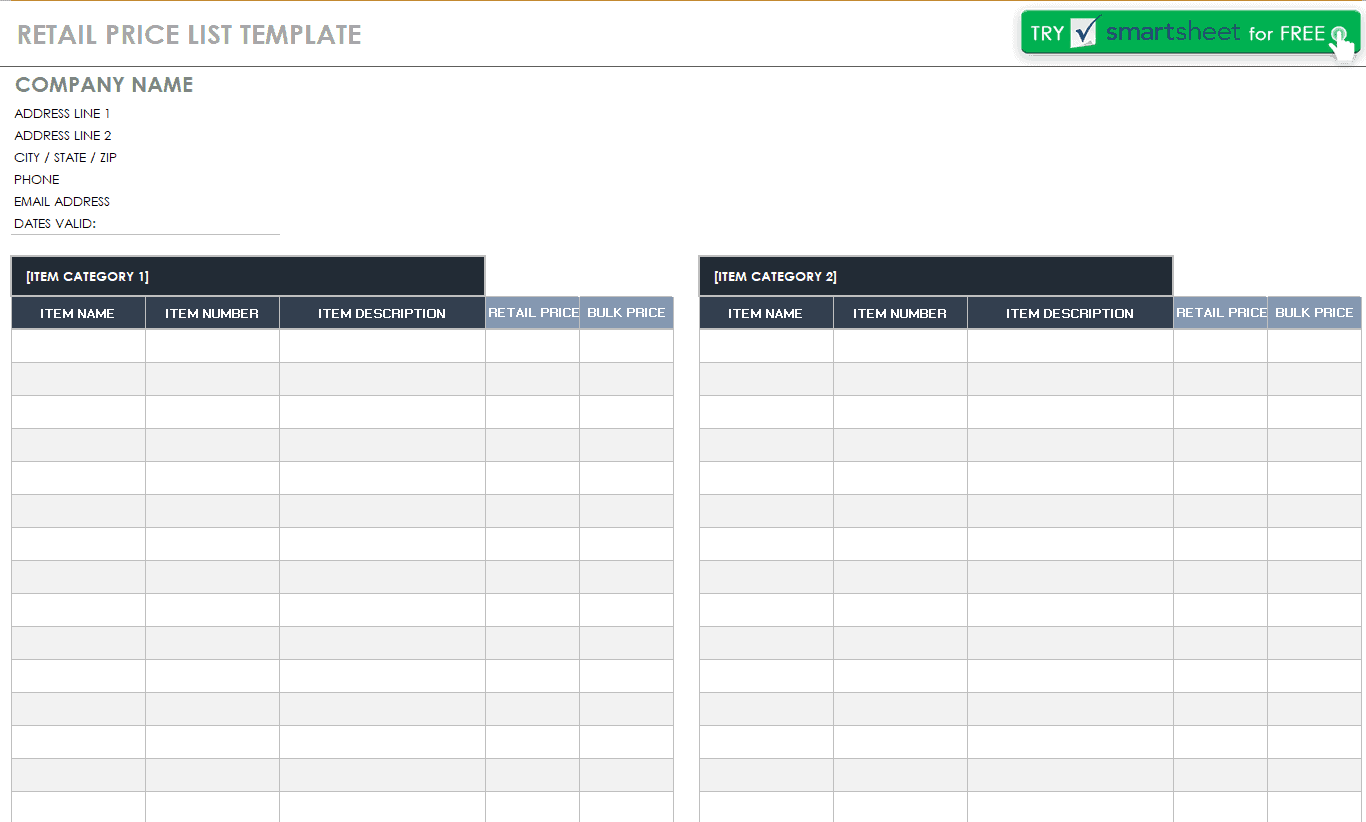
Product Price List Template
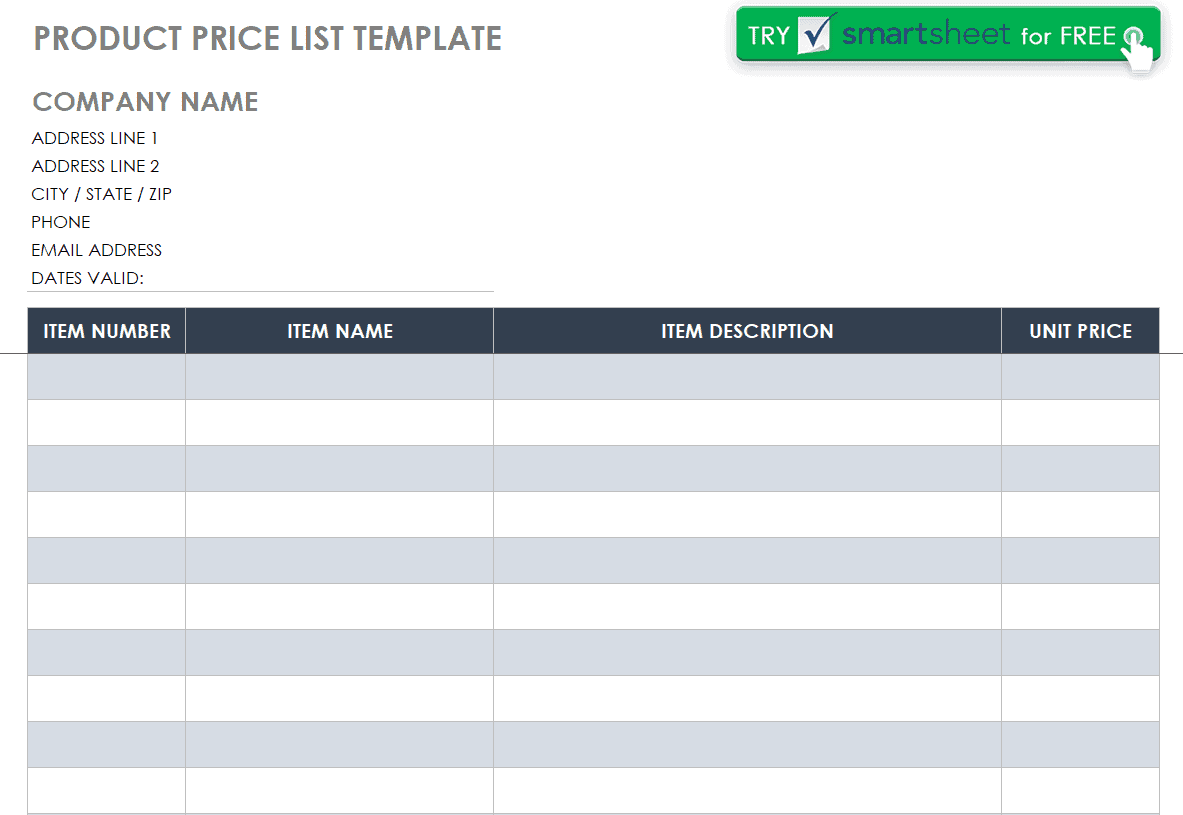
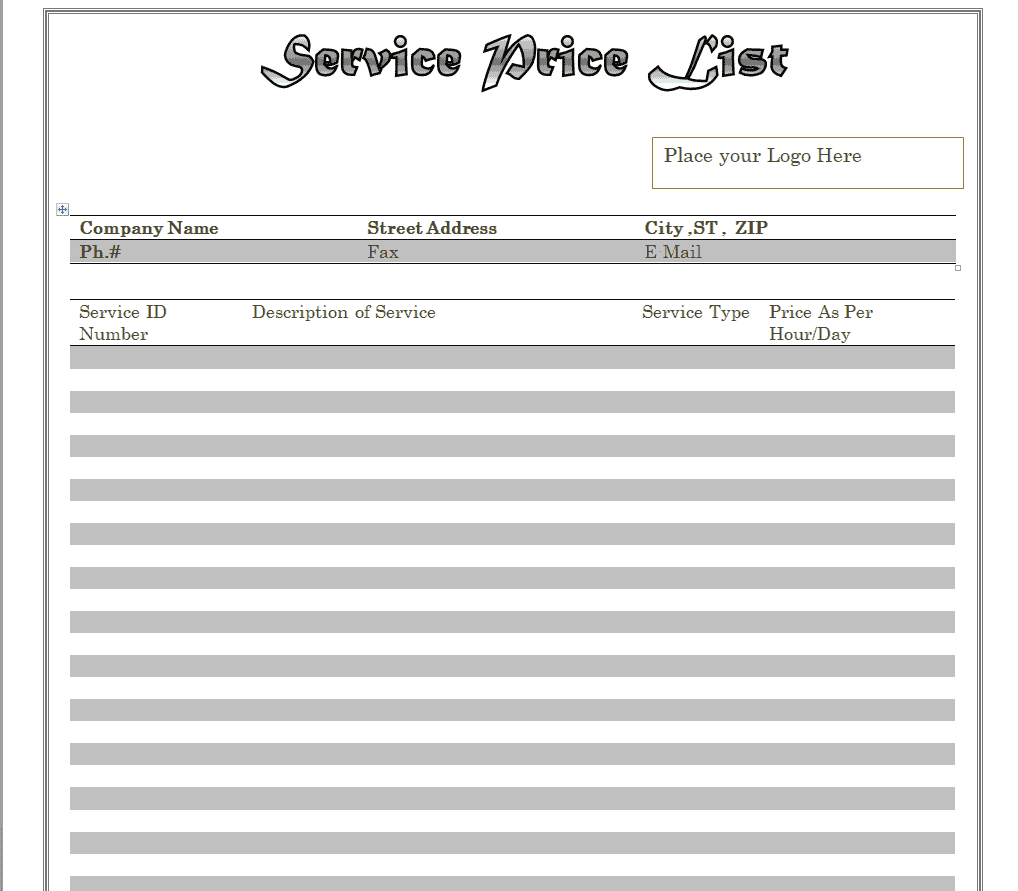
Service Price List Template
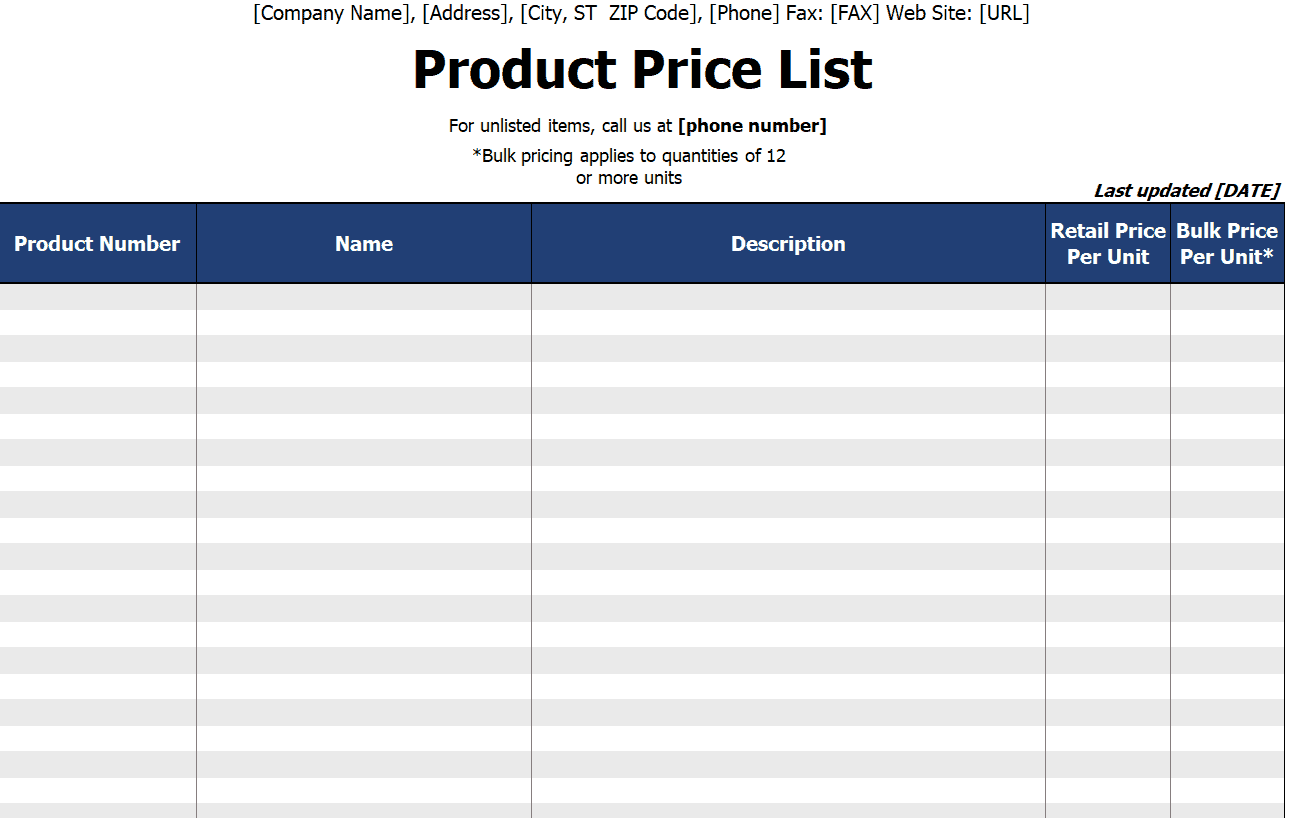
Blank Product Price List Template
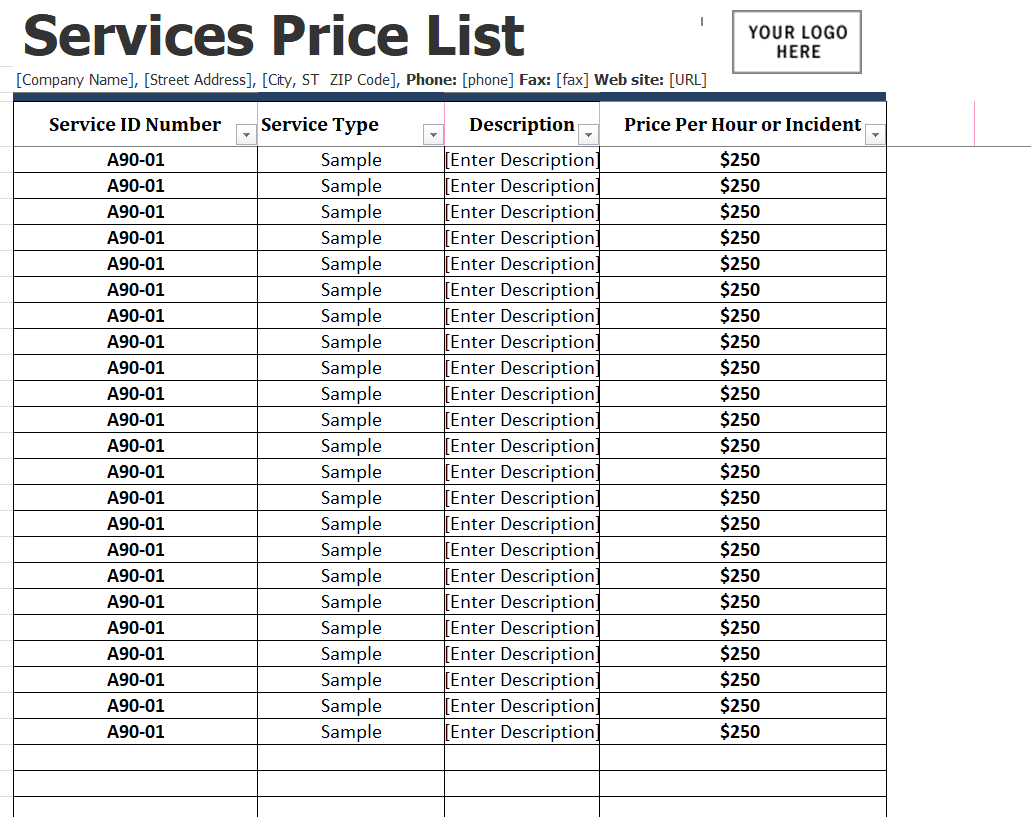
Sample Services Price List Template
Company’s Price List Template
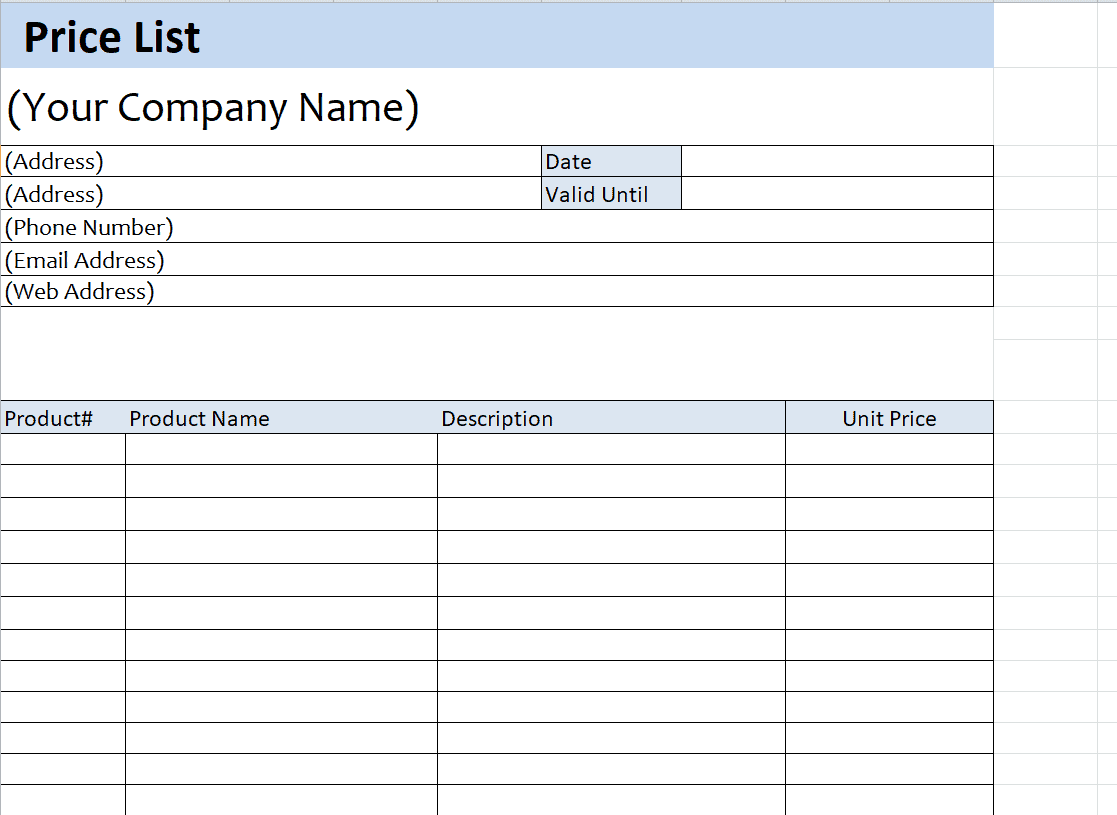
Business Price List Template
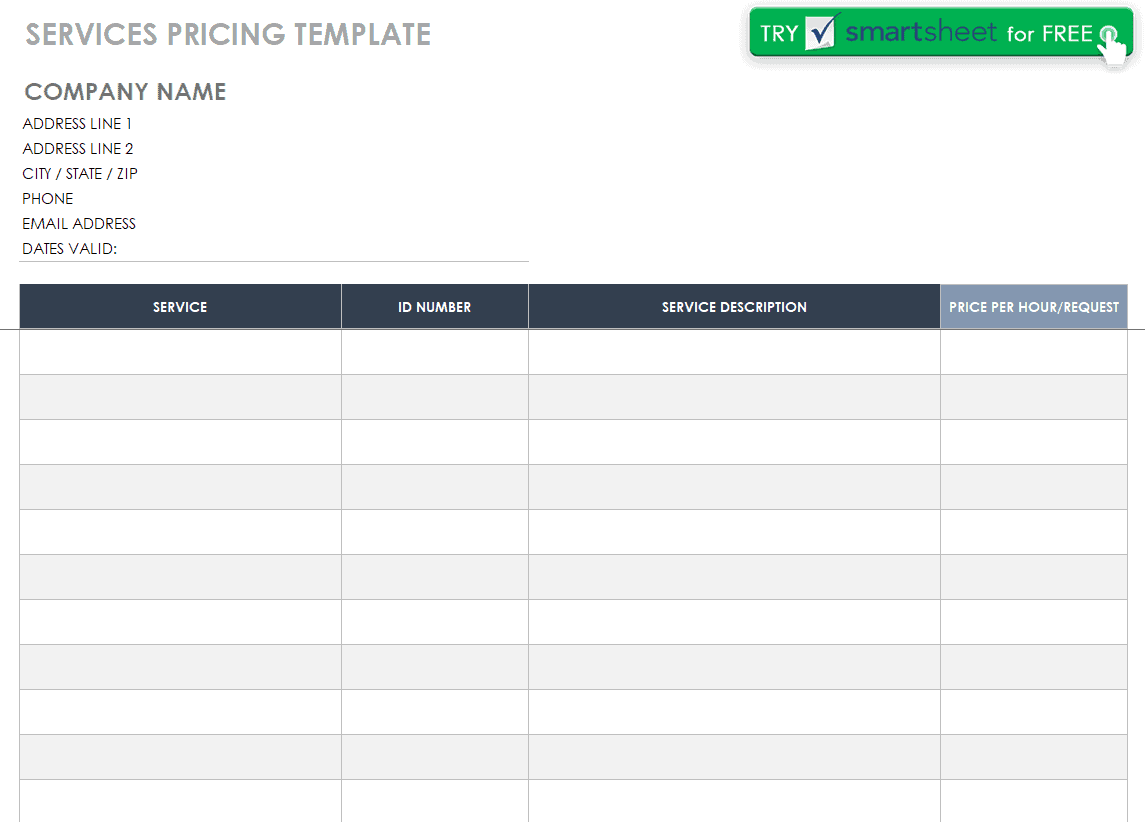
Services Pricing List Format Template
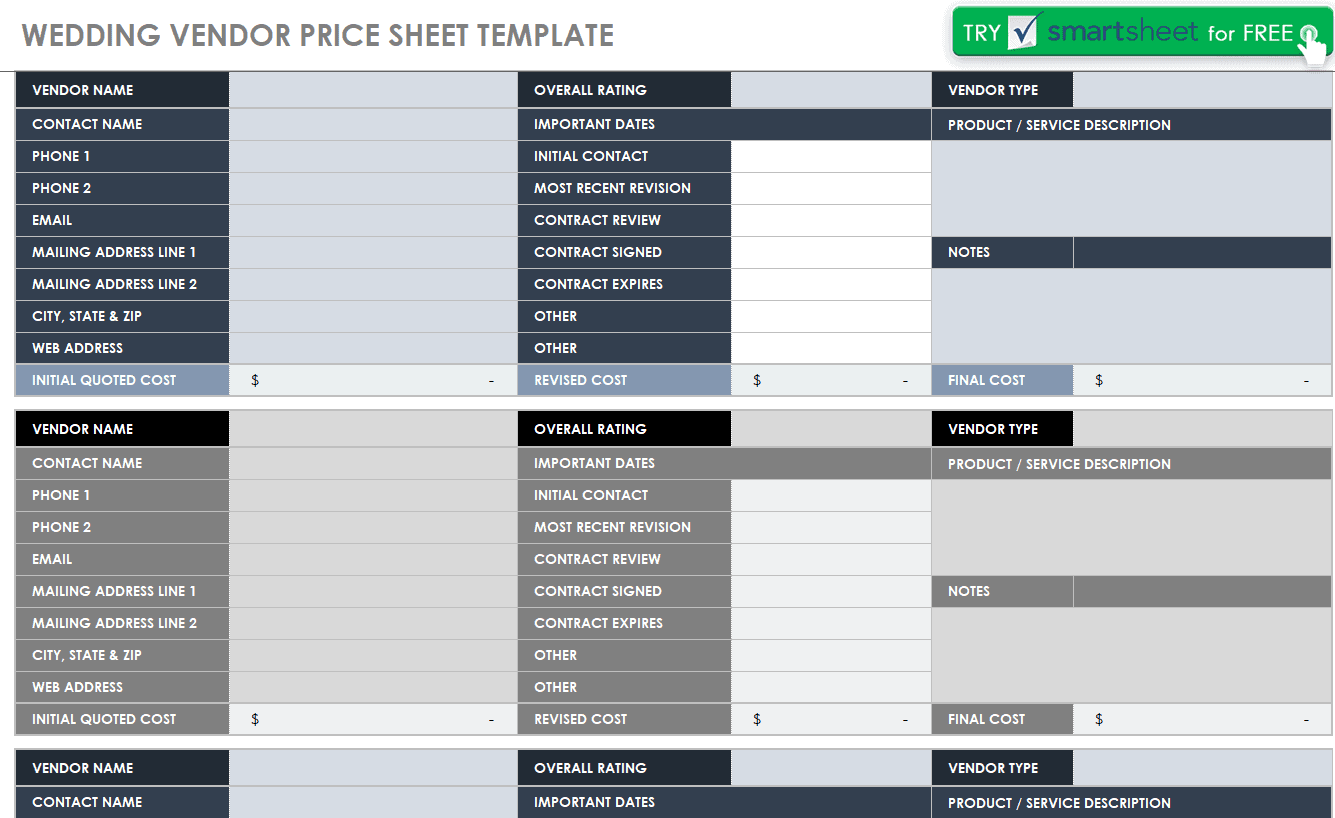
Wedding Vendor Price Sheet Template
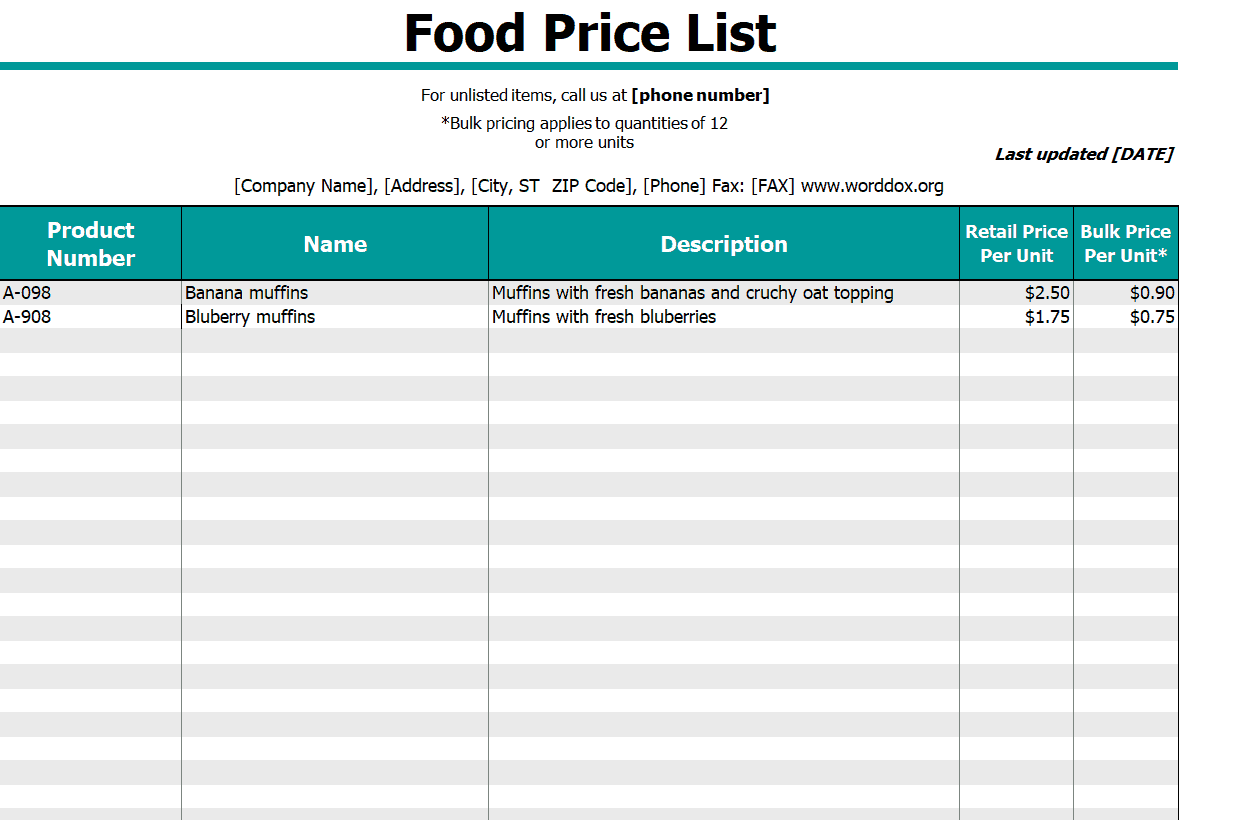
Food Price List Template
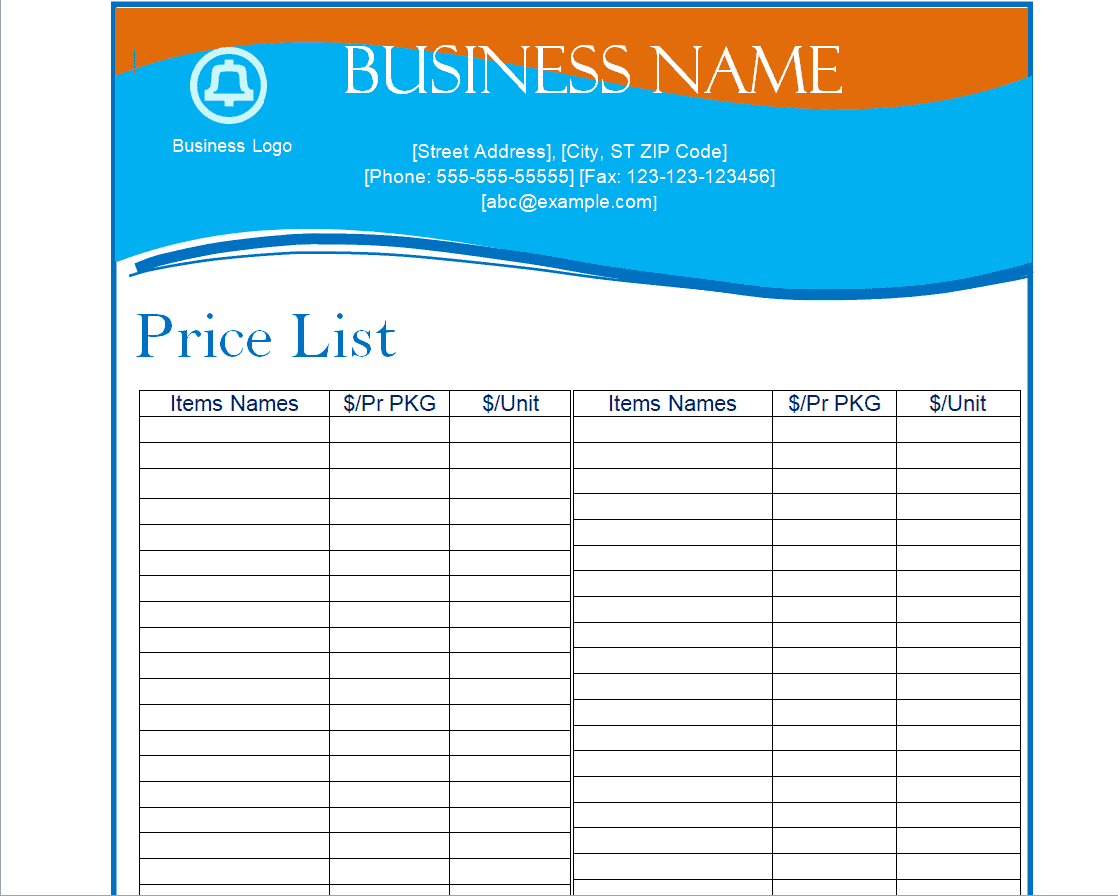
Fillabale Price List Template
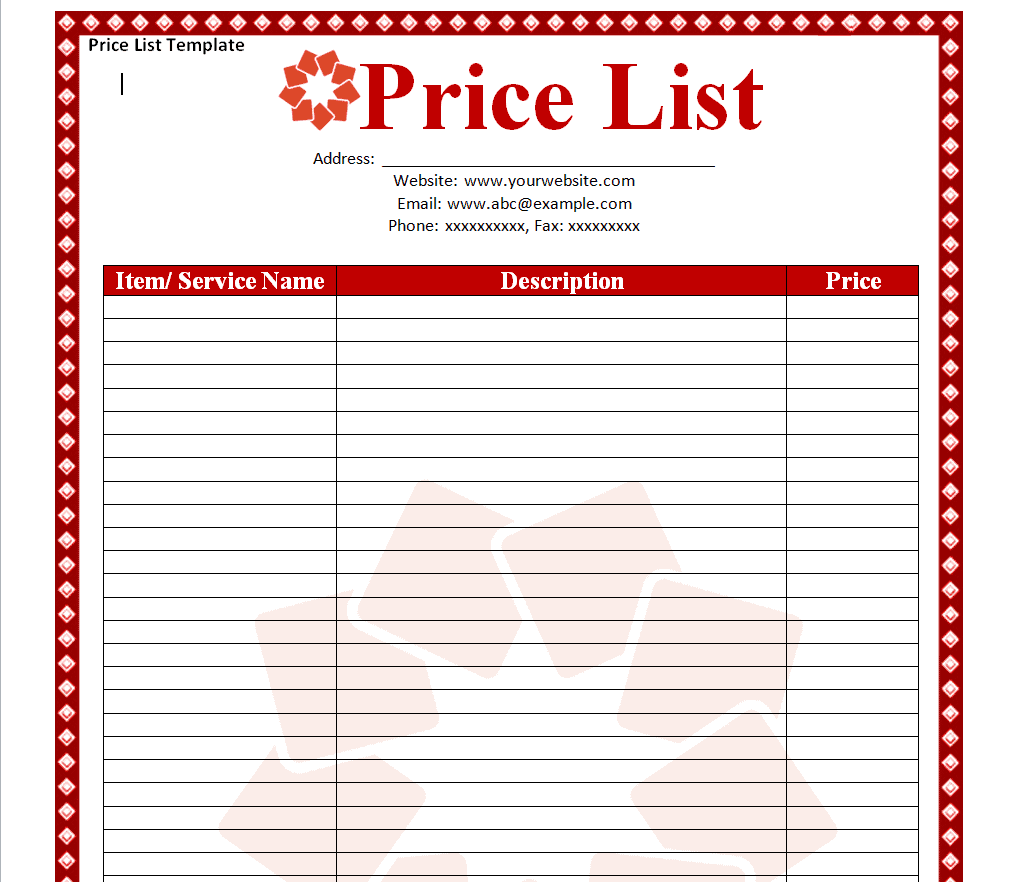
Official Price List Template
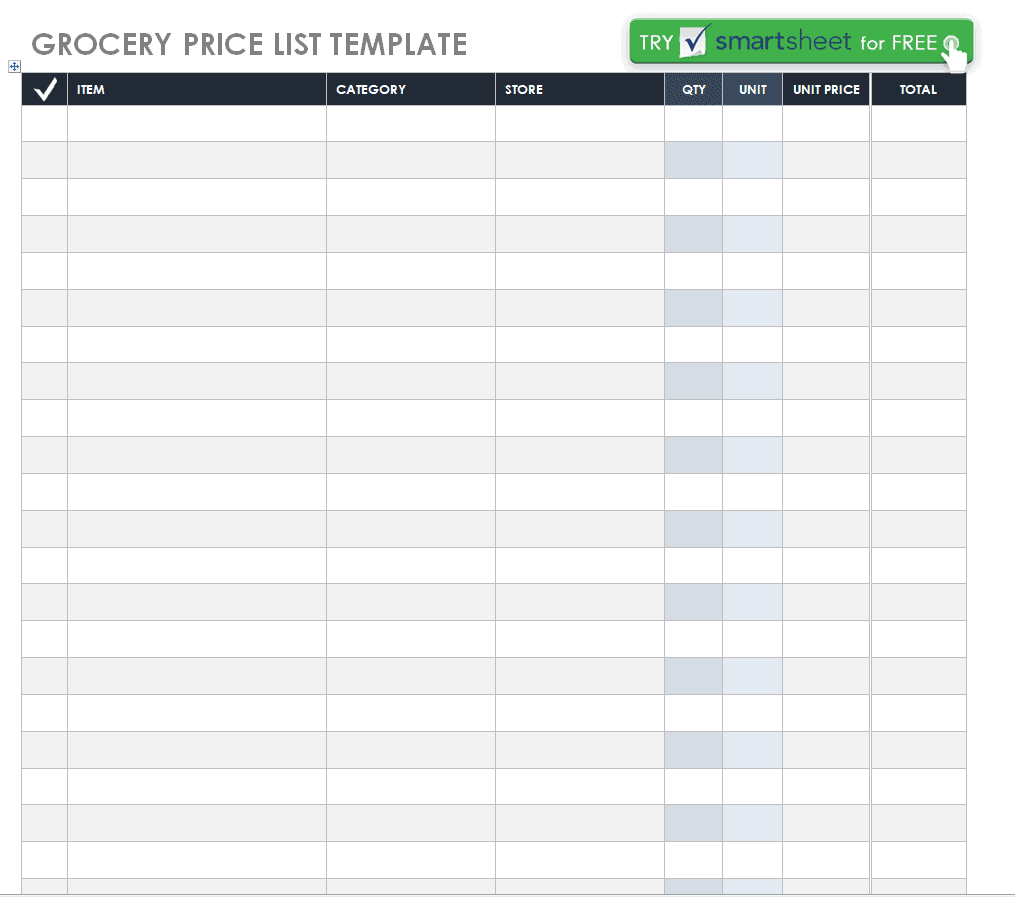
Grocery Price List Template
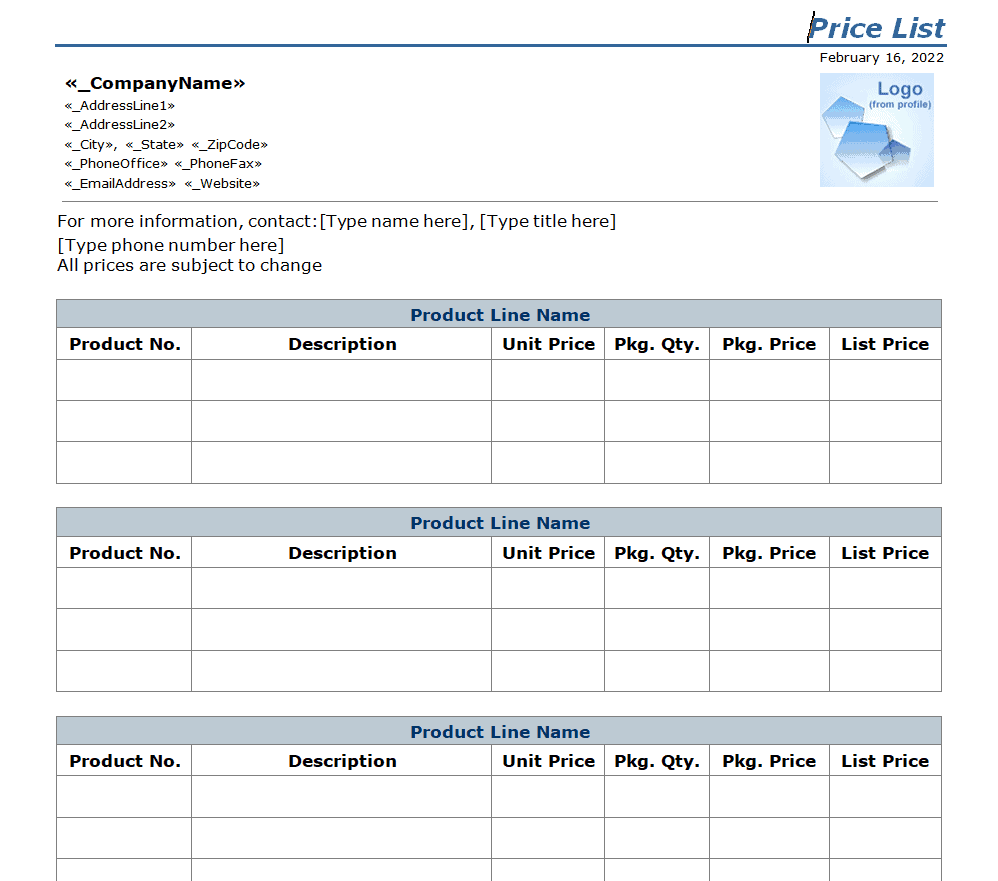
Certified Product Price List Template
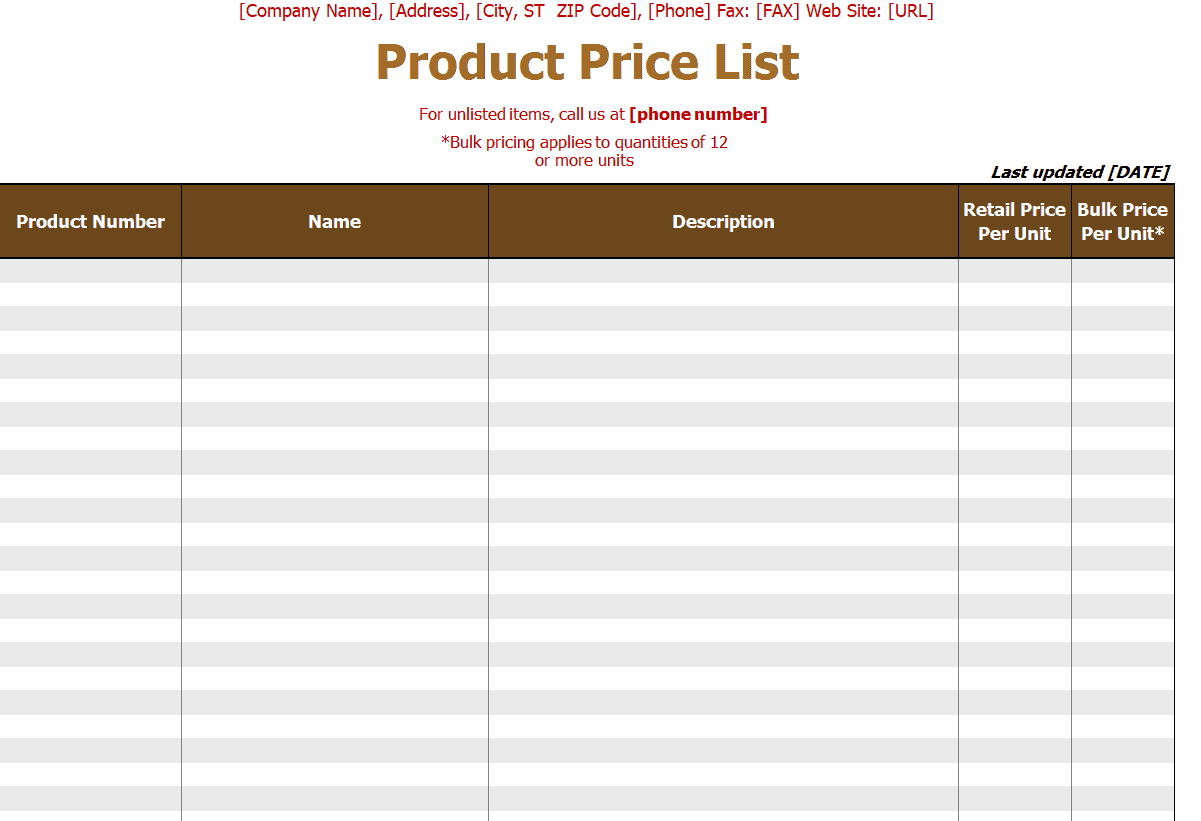
Beauty Salon Price List Template

Food Price List Template
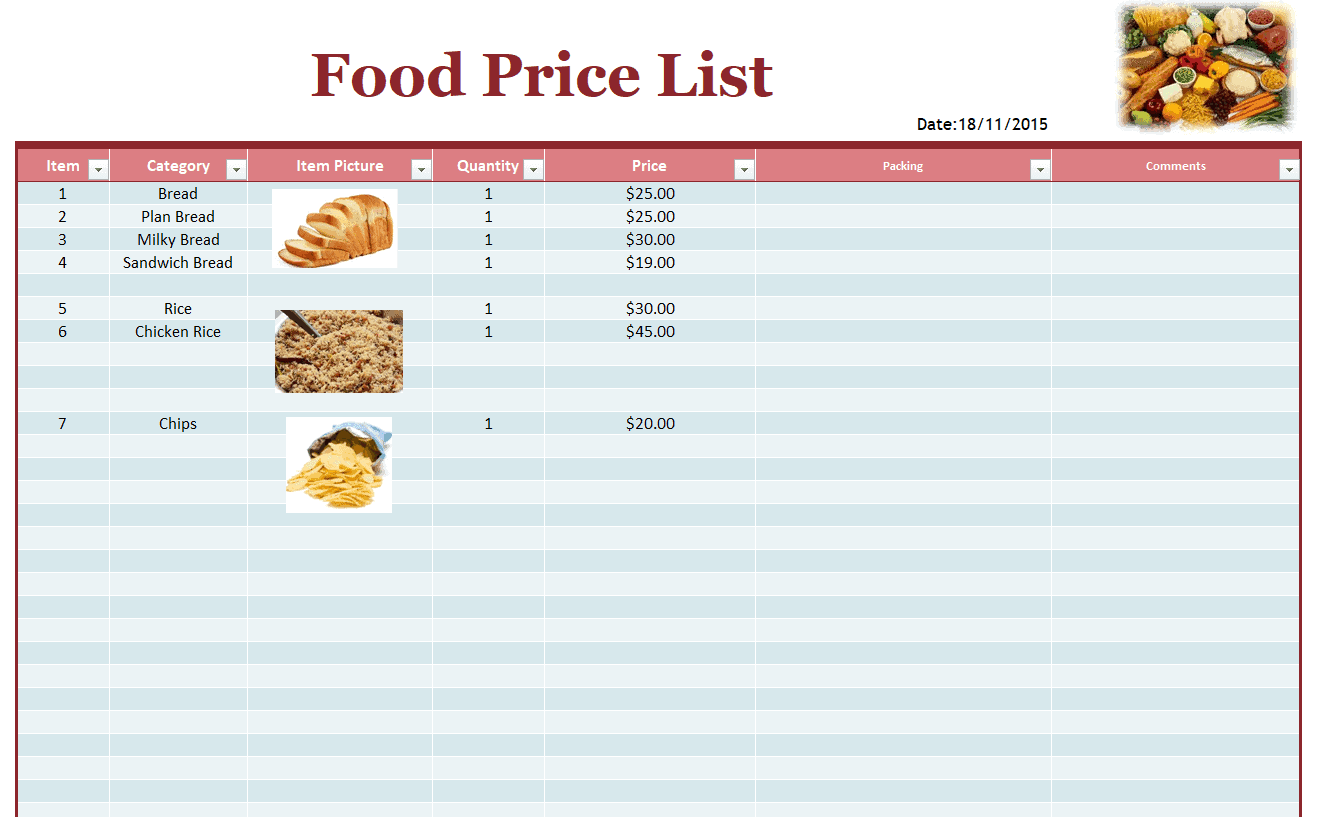
Online Retail Store Price List Template
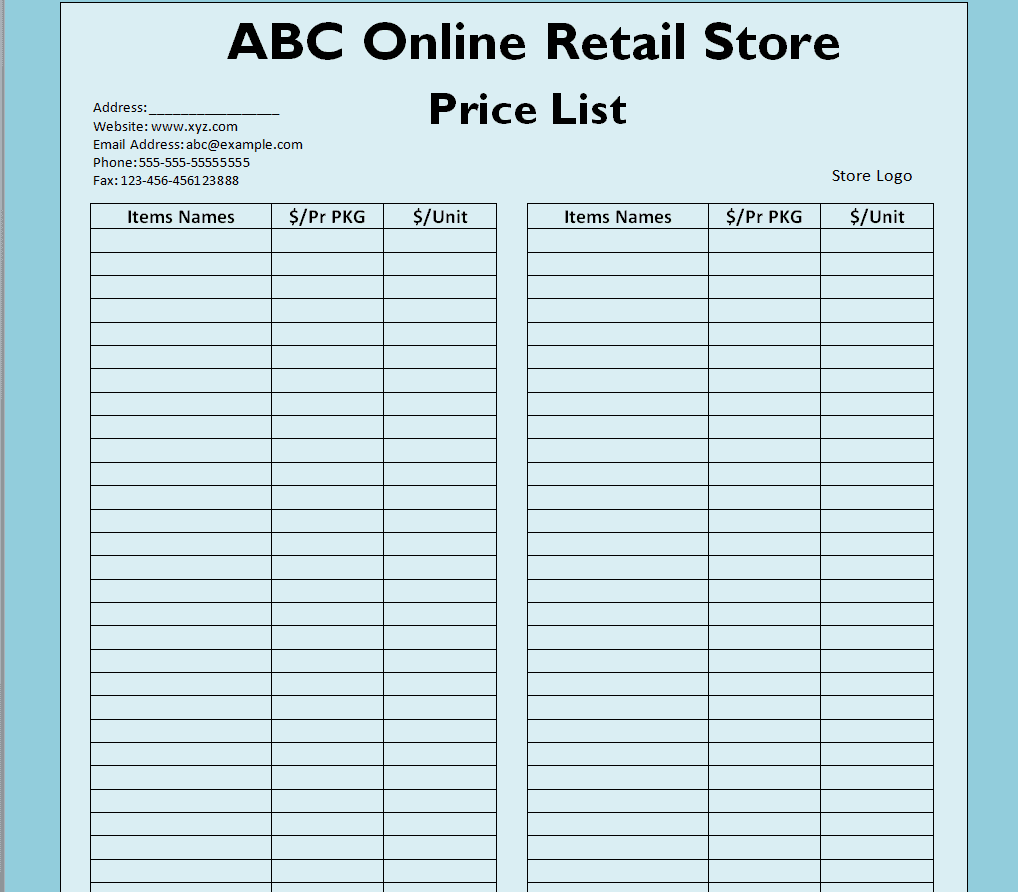
Standard Price List Format Template
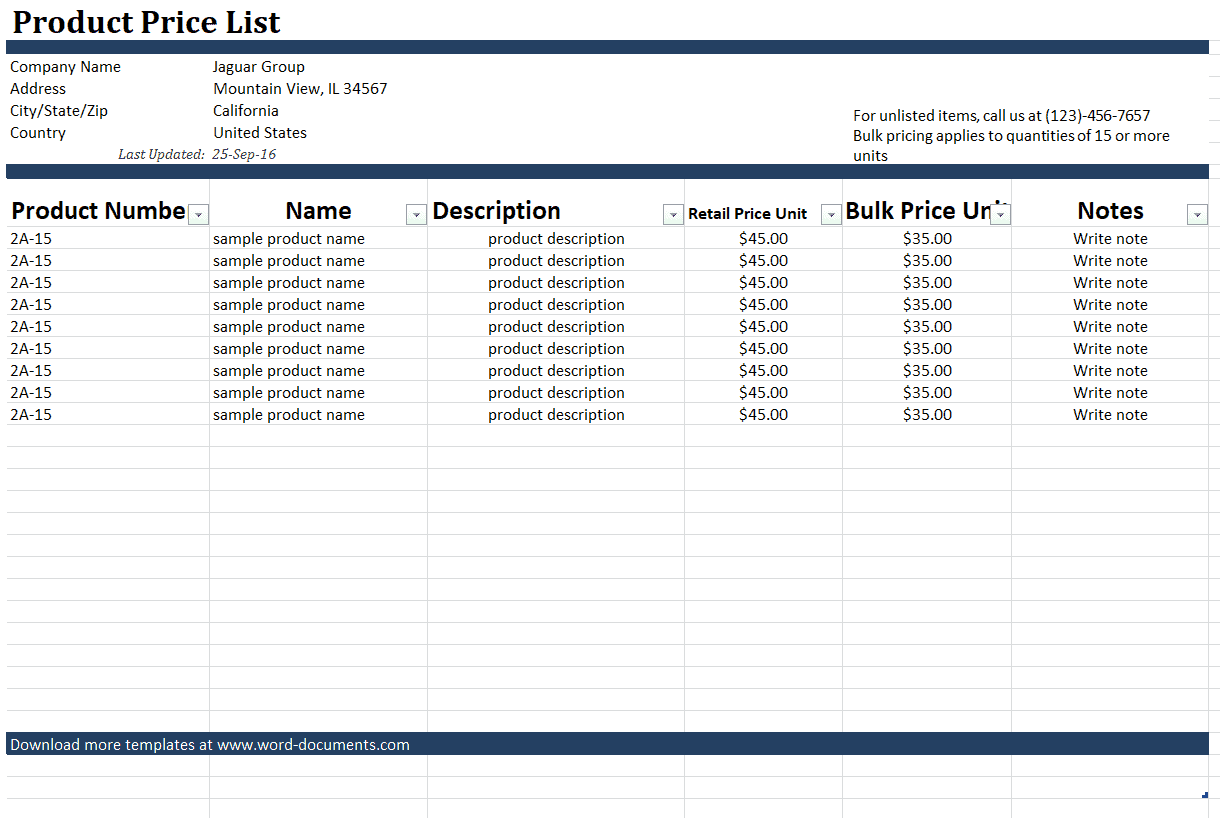
Example Price List Template
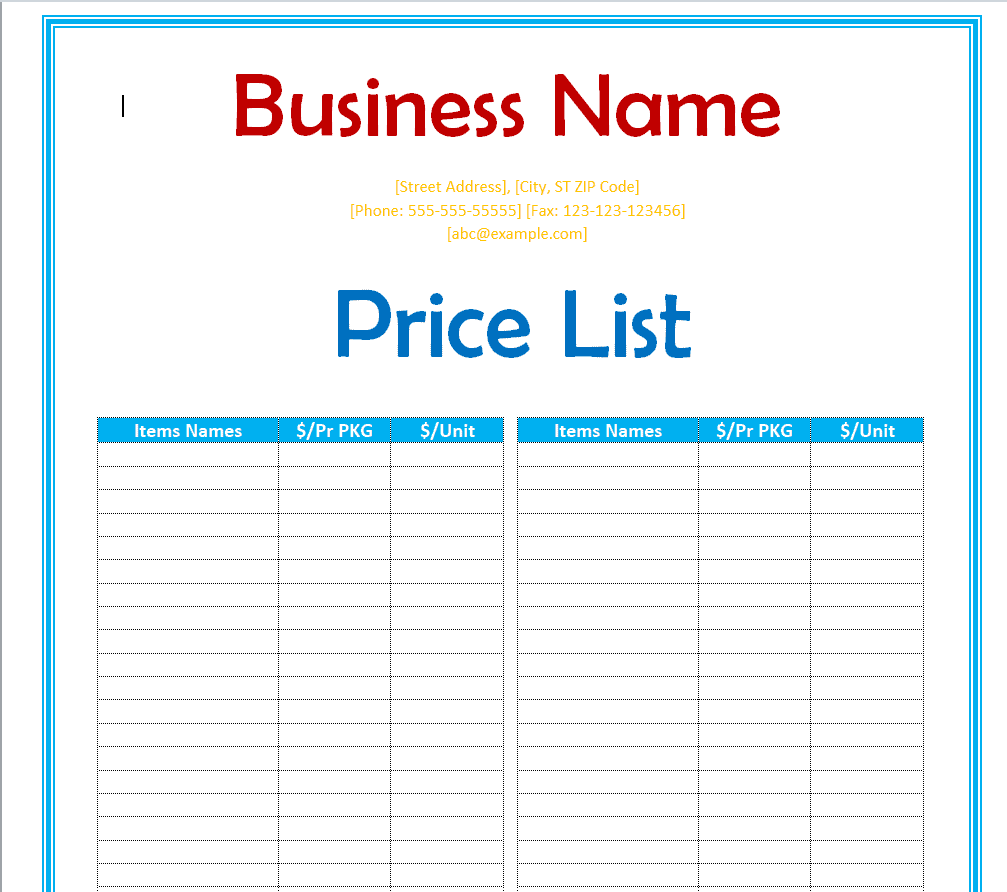
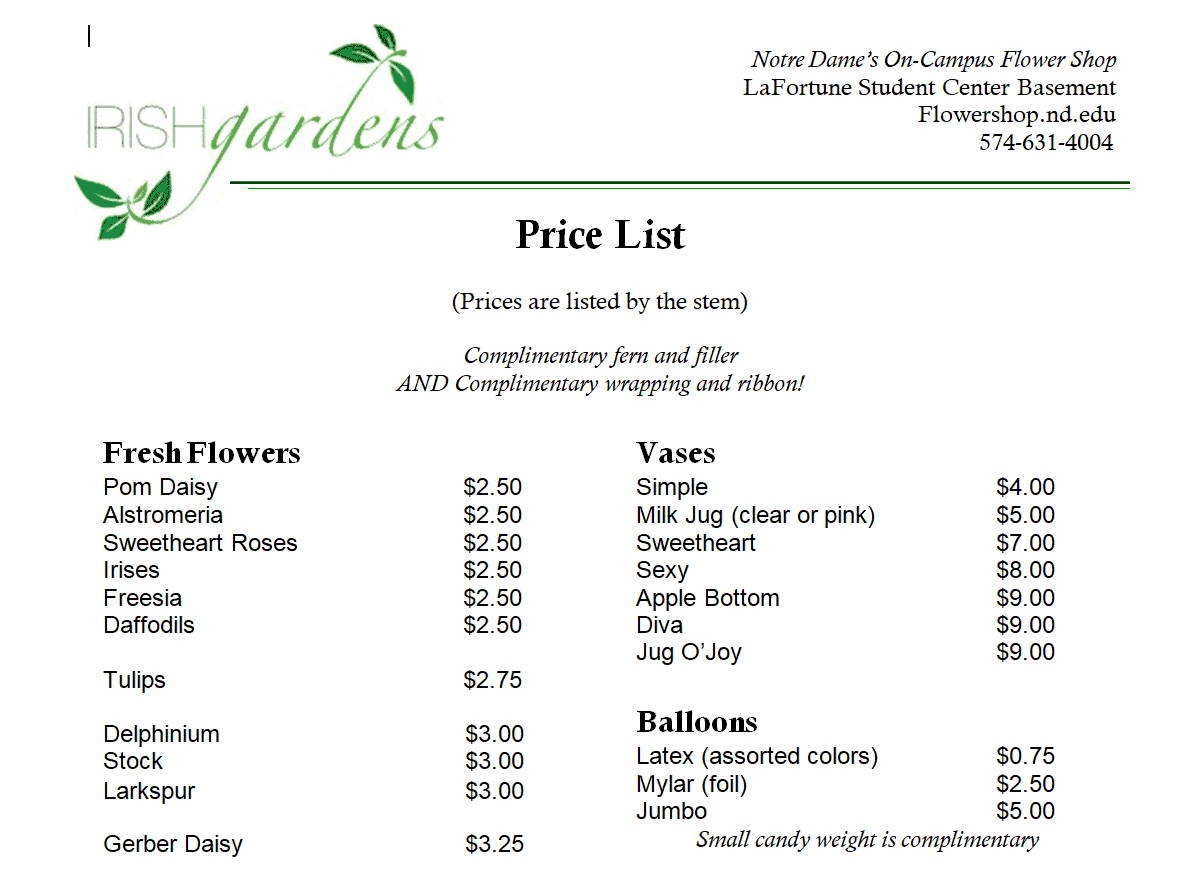
Flower Shop Price List Template
Frequently Asked Questions
Are these price list templates free to download?
Yes, all twenty-six price list templates on this page are free to download and use.
Which file formats are available?
The templates are provided in Word and Excel formats, so you can choose whichever fits your editing needs.
Can I customize these templates with my own pricing and branding?
Yes, all templates are fully editable, letting you add your item names, prices, logo, and brand colors.
Are these templates suitable for service-based businesses?
Yes, several templates include tiered and package-based layouts well suited to service providers like cleaners and salons.
Can I use these templates for a wedding or event business?
Yes, this collection includes a dedicated wedding vendor pricing template designed for that purpose.
Do I need Microsoft Office to use these templates?
Most templates are built for Word or Excel but also open in free alternatives such as Google Docs, Google Sheets, or LibreOffice.
How often should I update my price list?
You should update your price list any time your pricing changes to avoid confusing customers with outdated information.

You must be logged in to post a comment.