
An employment certificate is one of the most requested documents an HR department issues, whether an employee needs it for a new job application, a visa process, or a bank loan. A ready-made employment certificate template lets you produce a professional, accurate document in minutes instead of formatting one from scratch every time a request comes in. Below you’ll find nineteen free, downloadable employment certificate templates in Word format, covering a range of styles from simple and short to detailed and formal, so you can match the format to your company’s needs and the employee’s request. Having a range of ready-made options on hand also means your HR team isn’t stuck reformatting the same document over and over for every new request that comes through, which adds up over a busy hiring season or year-end period.
Write employment certificates with verifiable facts
An employment certificate should identify the employee, employer, job title, employment period, and issuing authority. Tailor the information to the legitimate request rather than including unnecessary salary or personal details.
- Saves HR time: A ready-made template means staff don’t have to format a new document from scratch every time a request comes in.
- Keeps documents consistent: Using the same template for every employee ensures a uniform, professional standard across the company.
- Reduces errors: A well-structured template with clear fields makes it easier to avoid missing or incorrect information.
- Speeds up employee requests: Employees often need this document quickly for job applications or other deadlines, so a fast turnaround matters.
- Projects professionalism: A polished, well-formatted certificate reflects well on the company issuing it.
- Covers multiple use cases: With formats ranging from short and simple to detailed and formal, you can match the certificate to the specific request.
Worked example: For an employee applying for a housing loan, HR may confirm start date, current role, and employment status on letterhead. A former employee may instead need an accurate start-and-end date and final position.
Check before use: Confirm dates and spelling against HR records, use authorised signatures, and do not invent work history or provide more personal information than the recipient needs.
For related guidance and formats, see Employee of the Month Certificate Template and 3 Employee Profile Templates.
What’s Included in an Employment Certificate Template
- Employee name and job title: Clearly identifying who the certificate is for and their role.
- Employment dates: The start date, and end date if applicable, of the employee’s time with the company.
- Company letterhead details: Company name, logo, and contact information to establish authenticity.
- Duties and responsibilities: An optional section describing the employee’s role in more detail.
- Authorized signature: Space for an HR representative or manager to sign and validate the document.
- Purpose or context line (optional): Some certificates include a brief note on why the document was issued, such as “for visa application purposes,” which can help the requesting party process it faster.
Who Should Use These Templates?
- HR departments and managers who regularly issue employment verification documents.
- Small business owners who handle HR tasks themselves without a dedicated HR team.
- Employees who want to understand the standard format before requesting one from their employer.
- Recruitment and staffing agencies issuing certificates for temporary or contract placements.
- Freelance and contract coordinators who need to confirm a worker’s engagement history for their records or for the worker’s own use.
- Nonprofit and volunteer organizations issuing similar confirmation letters for staff or long-term volunteers.
How to Start Using a Template in 3 Simple Steps
- Step 1 — Choose a style: Browse the nineteen templates below and pick the format that matches your company’s tone and the request’s purpose.
- Step 2 — Fill in the employee’s details: Add the employee’s name, job title, employment dates, and any other requested information.
- Step 3 — Add letterhead and signature: Insert your company’s logo and letterhead details, then have an authorized person sign the document.
Why Employment Certificates Matter for Employees
From the employee’s side, an employment certificate is often a small but essential piece of a much bigger process. A new employer may want written proof of a candidate’s previous role and tenure before finalizing an offer. An immigration office may require it as part of a visa or work permit application. A bank or landlord may ask for it to confirm income stability before approving a loan or a lease. Because the document carries real weight in these situations, employees generally expect it to be accurate, professionally formatted, and issued promptly, which is exactly what a ready-made template makes possible even for a small HR team handling the request alongside many other responsibilities.
Employment Certificate vs. Employment Verification Letter
These two documents are often used interchangeably, but there are subtle differences depending on the context. An employment certificate tends to be a more formal, standalone document confirming the basic facts of employment, often used for visa applications or official records. An employment verification letter is sometimes more tailored to a specific request, such as confirming income for a loan application. Many of the templates below work for either purpose, since you can adjust the wording and level of detail to match exactly what’s being requested.
Customizing the Template for Your Company
These templates are a starting point you can adapt to your organization’s standard practices. You might add your company’s specific letterhead design, include a section for salary confirmation if that’s commonly requested, or adjust the tone to match formal versus informal requests. Since the templates are provided in editable Word format, these changes take only a few minutes.
Typical Wording Used in an Employment Certificate
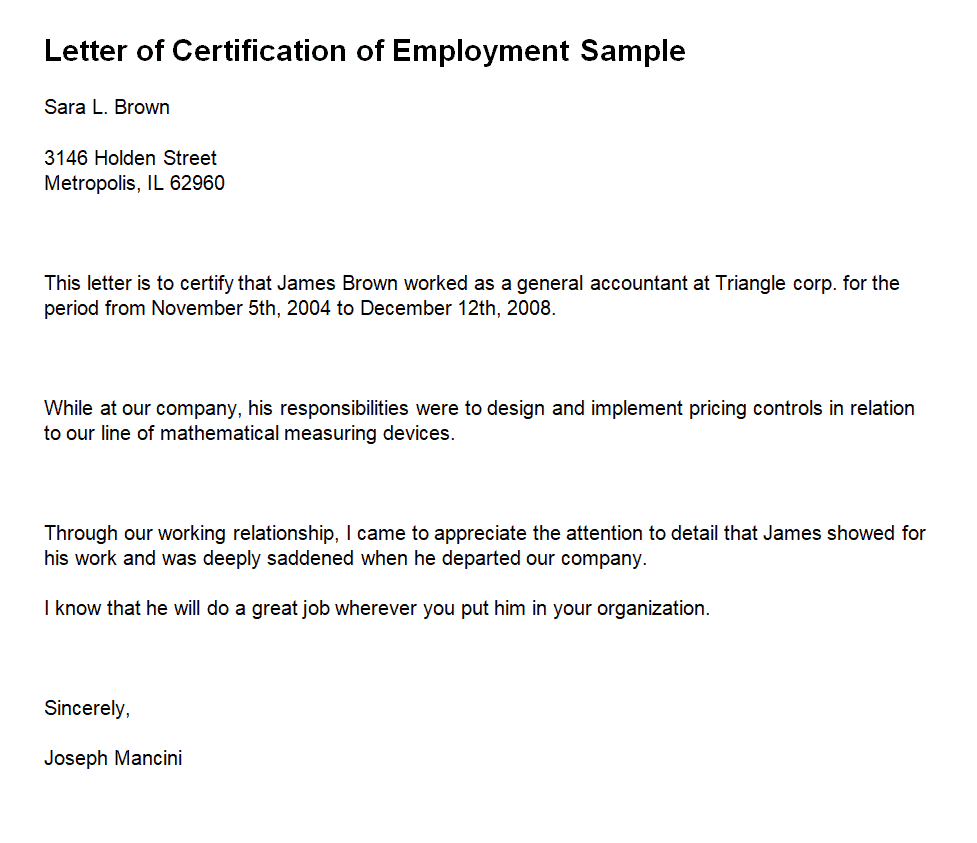
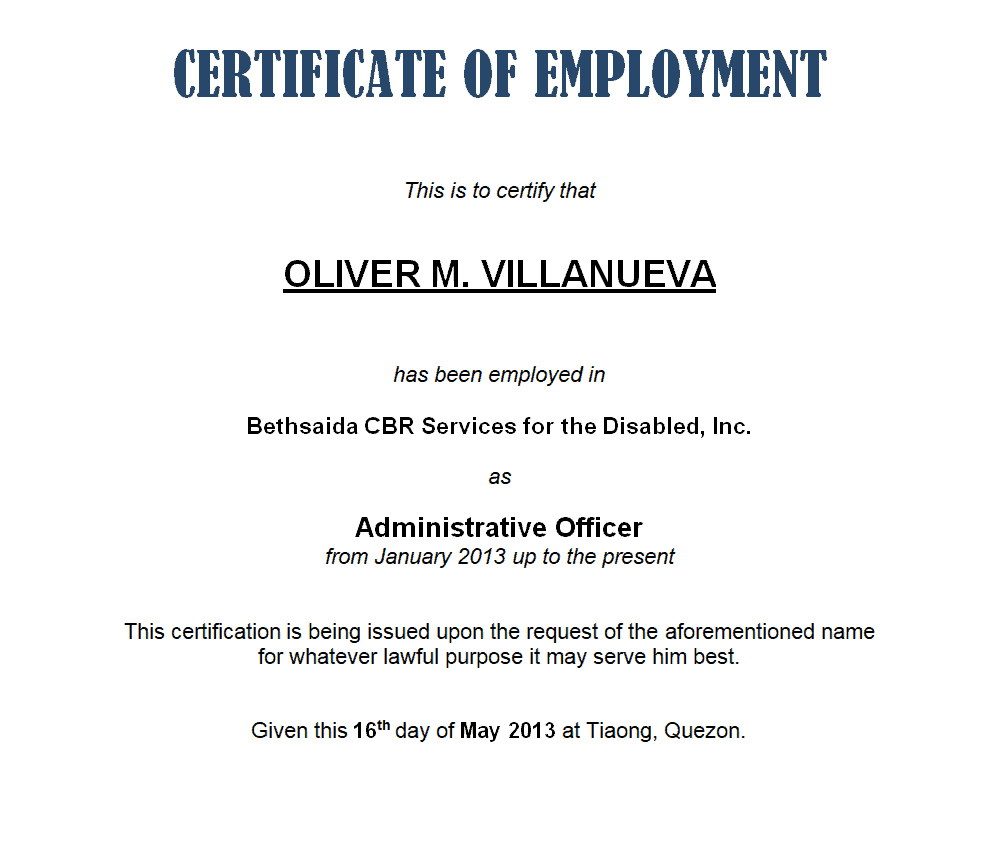
Most employment certificates follow a similar structure in their wording, even though the visual design varies from template to template. A typical opening line reads something like “This is to certify that [Employee Name] was employed with [Company Name] from [Start Date] to [End Date] in the position of [Job Title].” From there, the document may add a line describing core responsibilities, a note on conduct or performance if requested, and a closing statement offering the company as a reference for further questions. Keeping this structure consistent across every certificate you issue, regardless of which visual template you choose, helps ensure nothing important is accidentally left out and that every document meets the same professional standard.
Employment Certificates for Different Industries
While the core information stays the same, the tone and level of formality can shift depending on the industry and the seniority of the role. A certificate for an executive or managerial position might include a more detailed account of responsibilities and achievements, while one for an entry-level or short-term role can stay brief and to the point. Government, education, and healthcare employers often favor a more formal tone with additional verification details, while smaller private companies may use a simpler, friendlier format. Having a range of templates like the ones below on hand means you’re not stuck reworking the same document to fit every situation.
Common Mistakes to Avoid
- Missing dates or job title: These are usually the most important details a requester needs, so double-check they’re accurate and complete.
- No official letterhead or signature: A certificate without these can be questioned or rejected by the requesting party.
- Inconsistent formatting across employees: Using different formats for different employees can look unprofessional and inconsistent.
- Delaying the request: Employees often need this document on a deadline, so a template that speeds up the process avoids unnecessary delays.
- Including unnecessary personal details: Stick to what’s relevant and requested rather than including excessive personal information.
- Using outdated company information: Make sure the letterhead reflects your current company name, address, and branding before issuing a new certificate.
Tips to Get the Most Out of Your Employment Certificate Template
- Keep a standard template ready so requests can be turned around quickly.
- Double-check dates and titles against official employment records before issuing.
- Always include a signature and date to make the document valid and verifiable.
- Ask the employee what the certificate is for, since some purposes may require additional details like salary.
- Keep a copy on file for your own HR records after issuing each certificate.
- Use a consistent naming convention when saving completed certificates so past documents can be located quickly if needed again.
How Employees Can Request One
If you’re the employee rather than the one issuing the document, requesting an employment certificate is usually straightforward: contact HR or your direct manager, explain what the certificate is for (a new job, a visa, a loan, or another purpose), and specify any details the requesting party needs included, such as salary or job duties. Giving HR enough lead time, ideally a week or more, helps avoid last-minute stress on either side, especially in smaller companies where HR responsibilities are handled alongside other duties. Having templates like the ones on this page ready in advance means most requests can be turned around the same day.
Download Sample Employement Certificate Templates Below:
Letter of Certification Employment Sample Template
Decent Style Employment Certificate Template
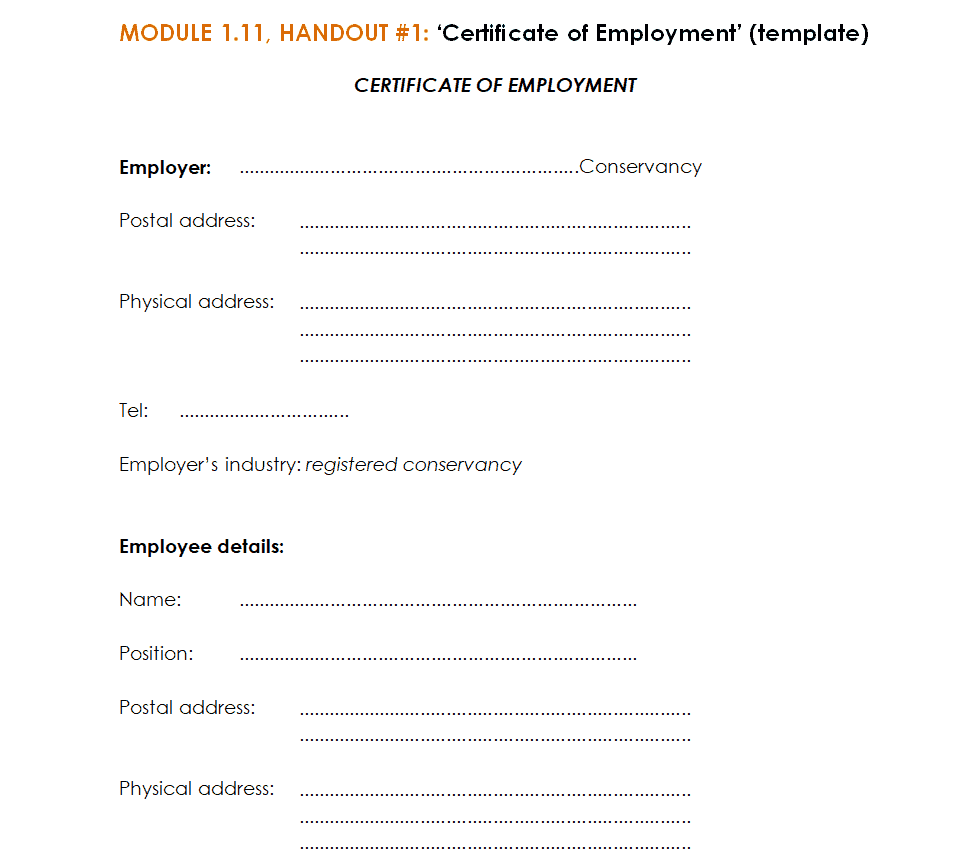
Simple Employment Certificate Template
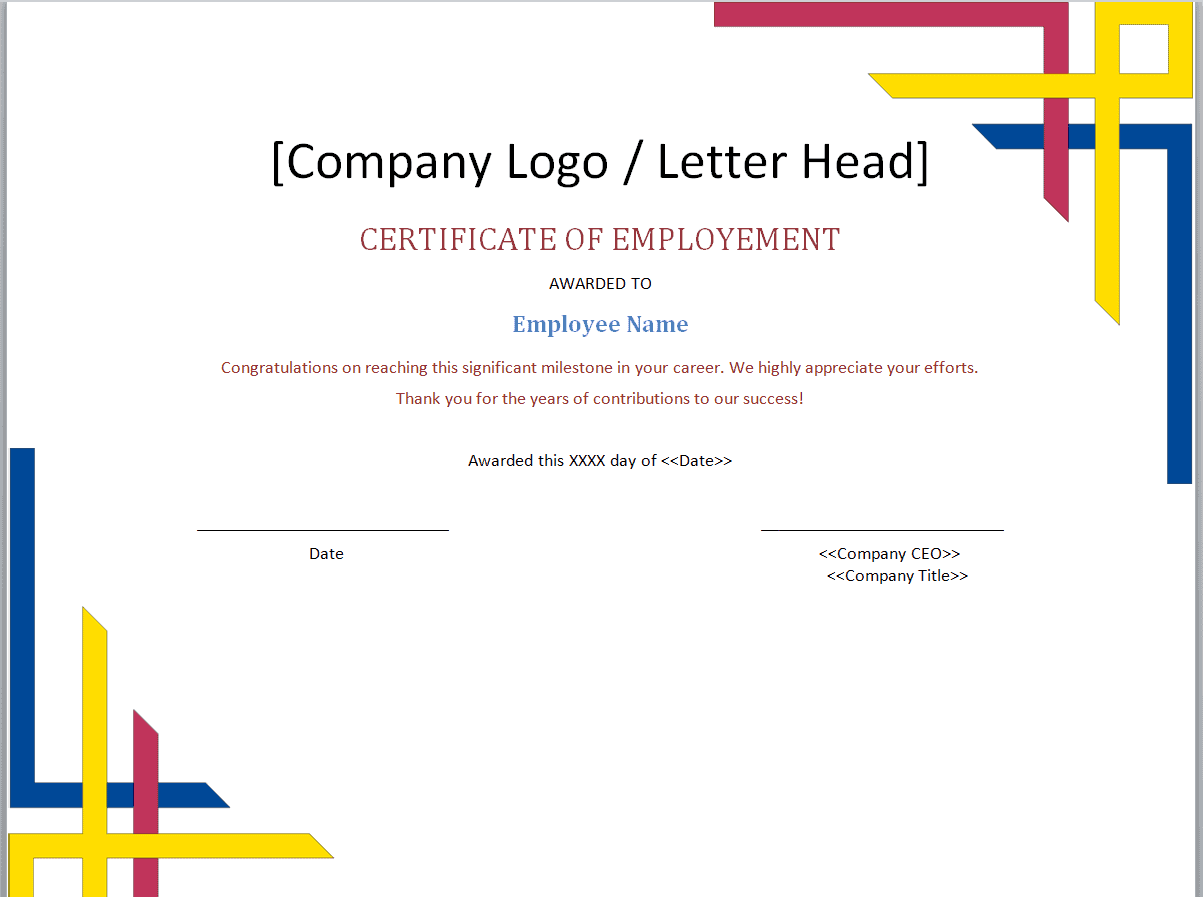
Executive Employment Certificate Template
Sample Certificate of Employment Template
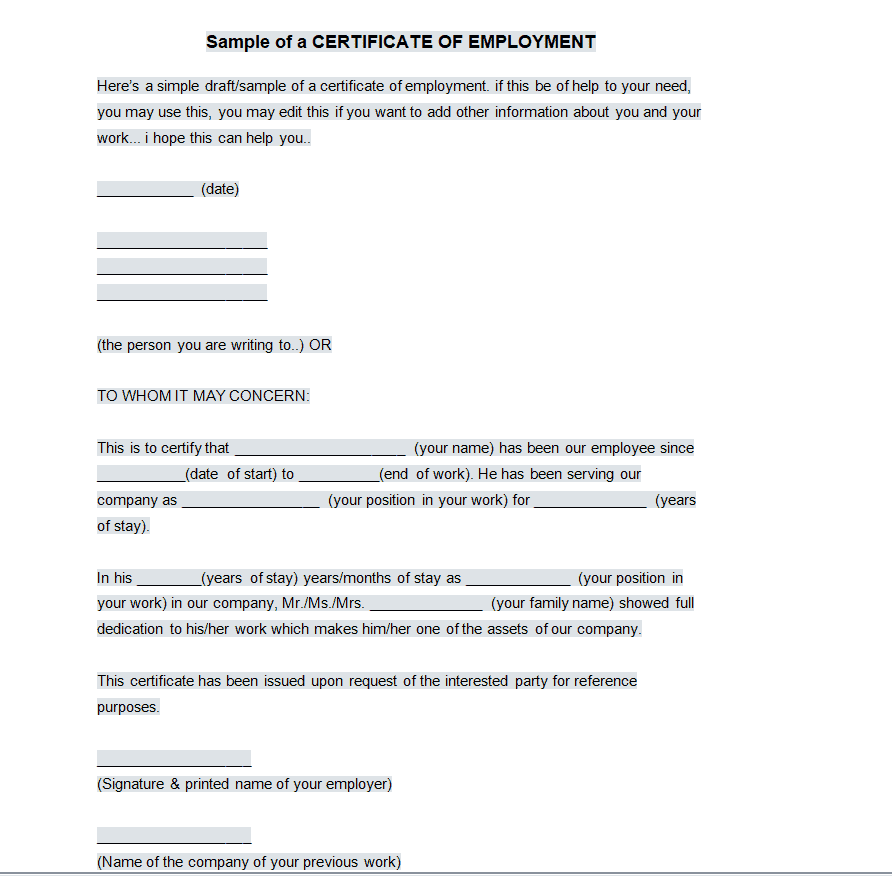
Professional Employment Certificate Template
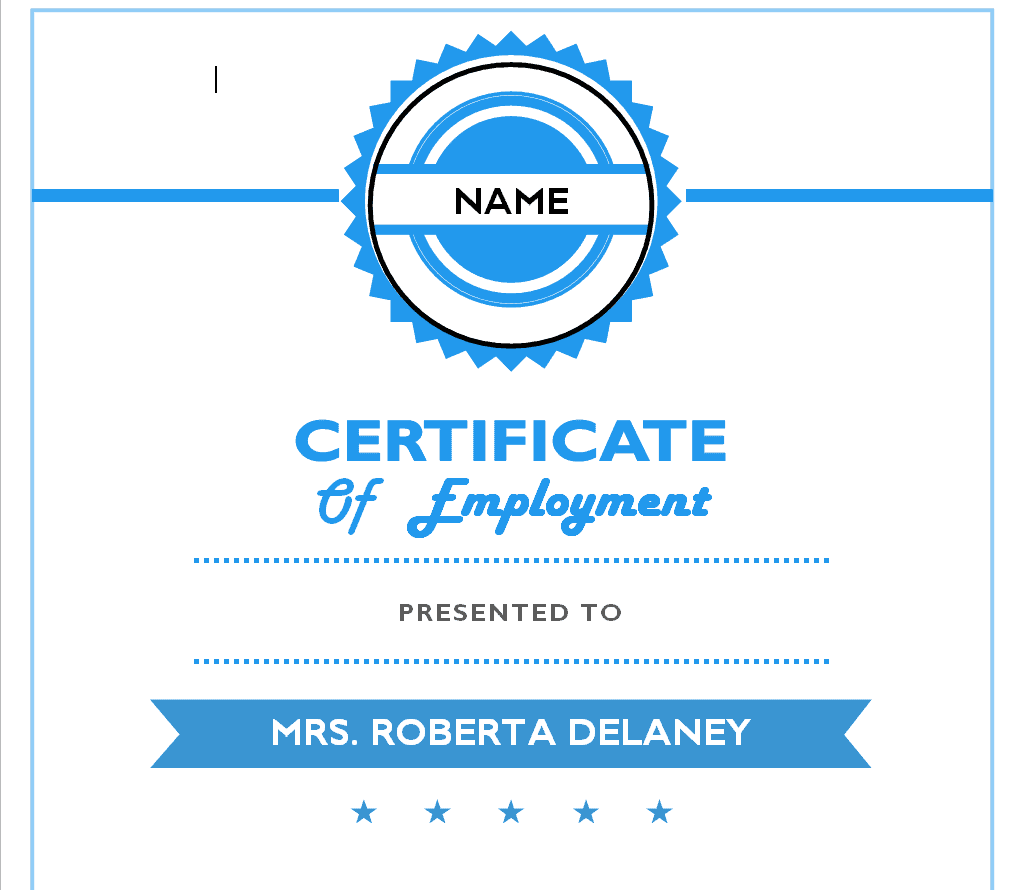
Fillable Employment Certificate Template
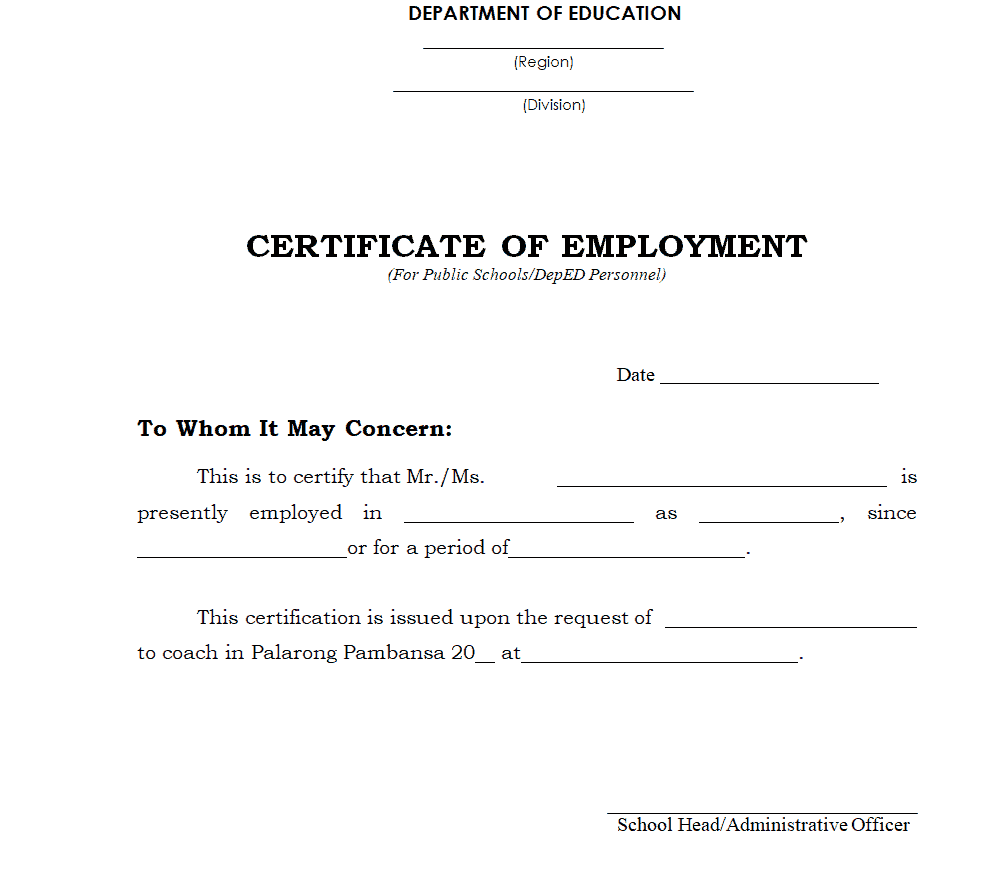
Official Employment Certificate Template
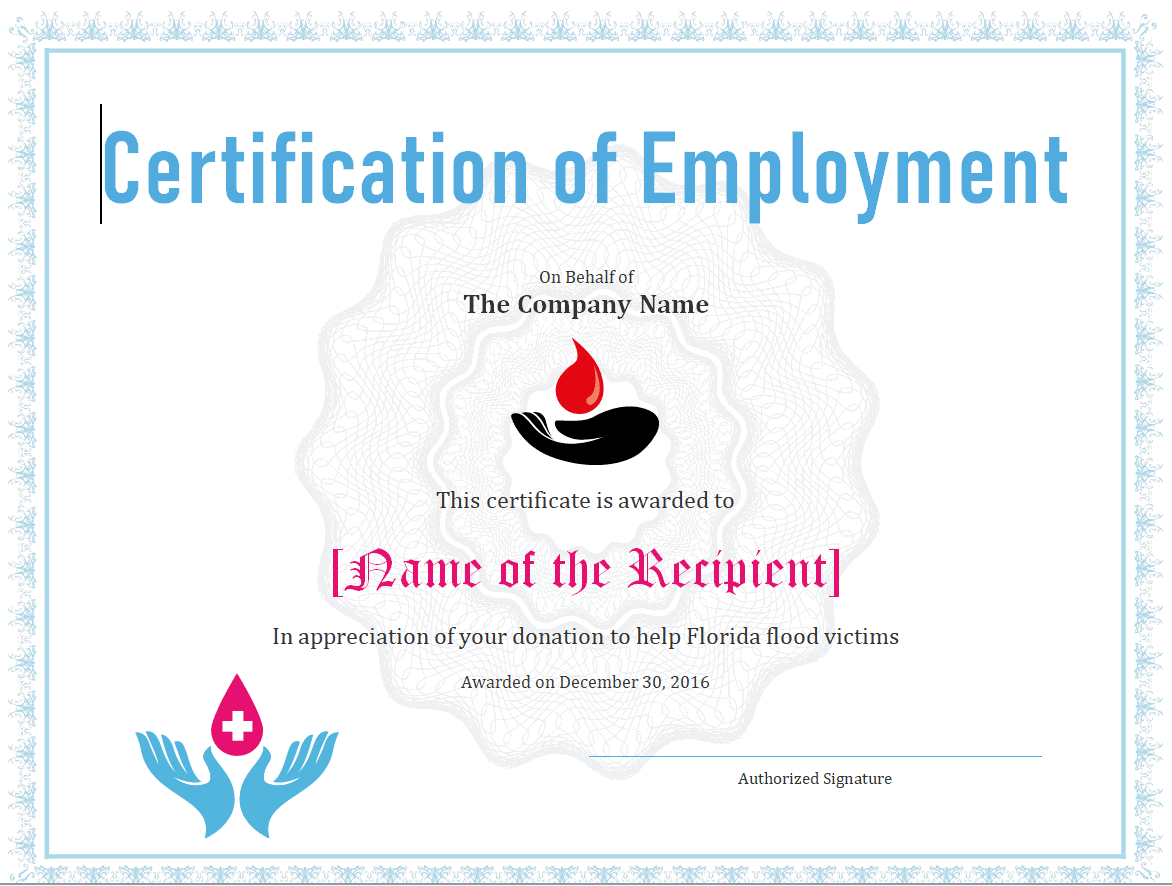
Elementary School Employment Certificate Template
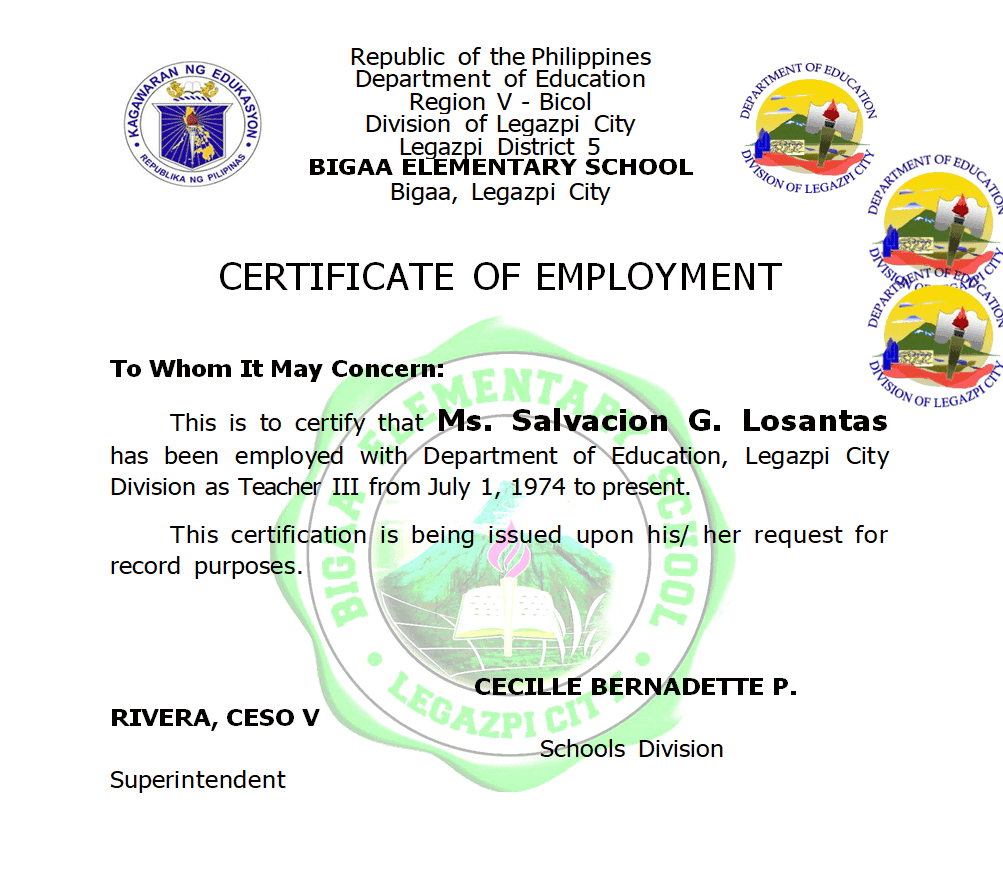
State Insurance Corporation Employment Certificate Template
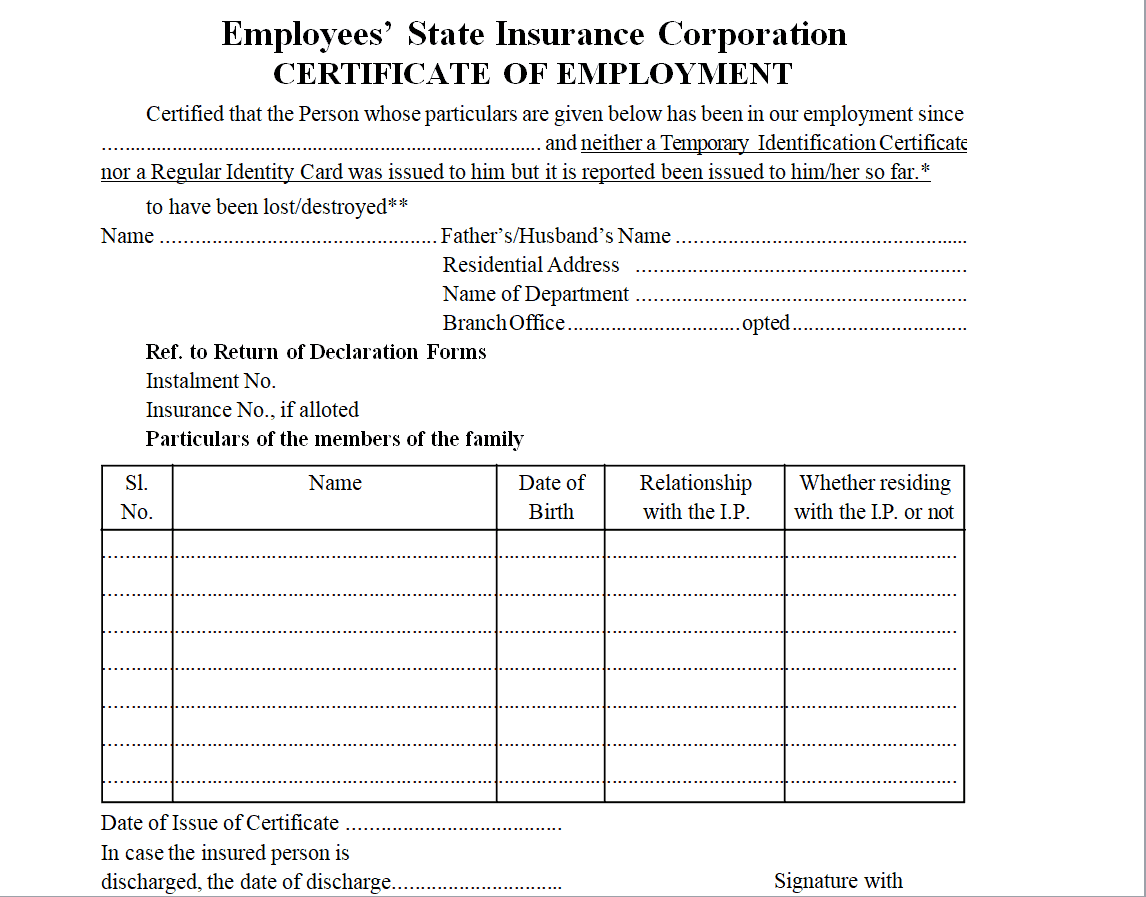
Short Employment Certificate Template
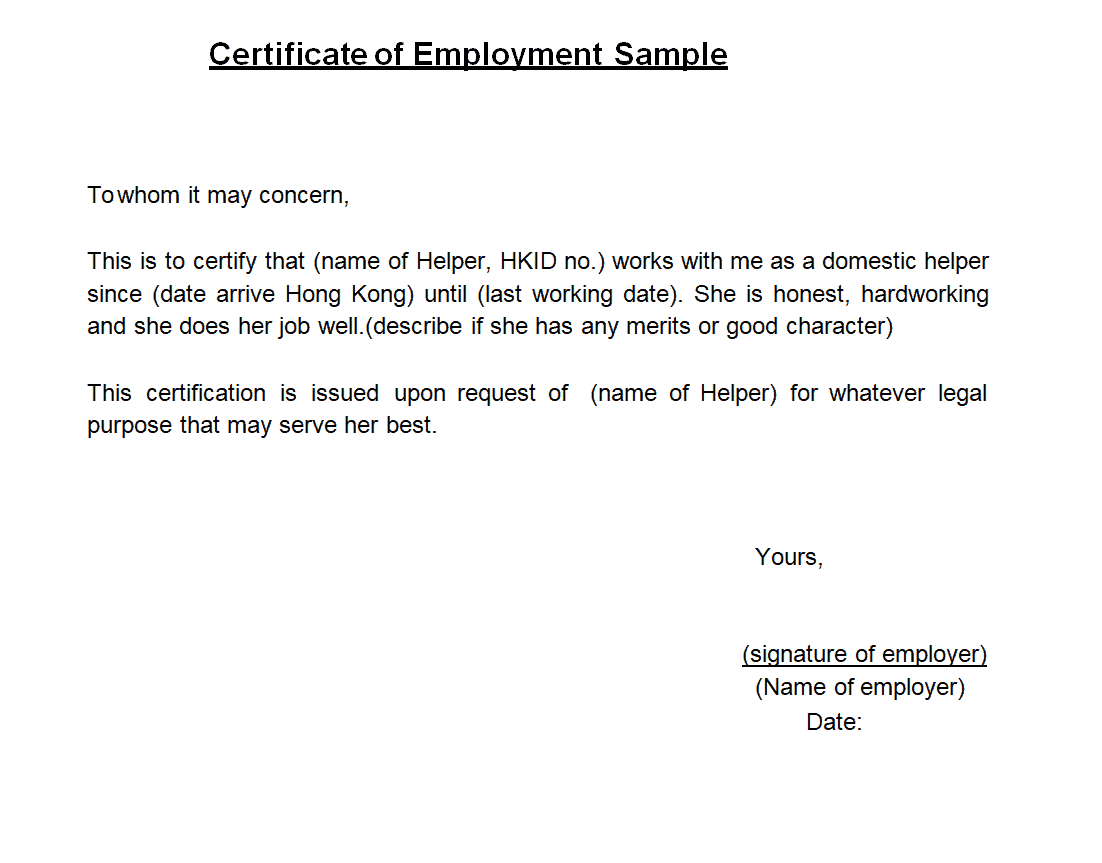
Employment Verification Certificate Template
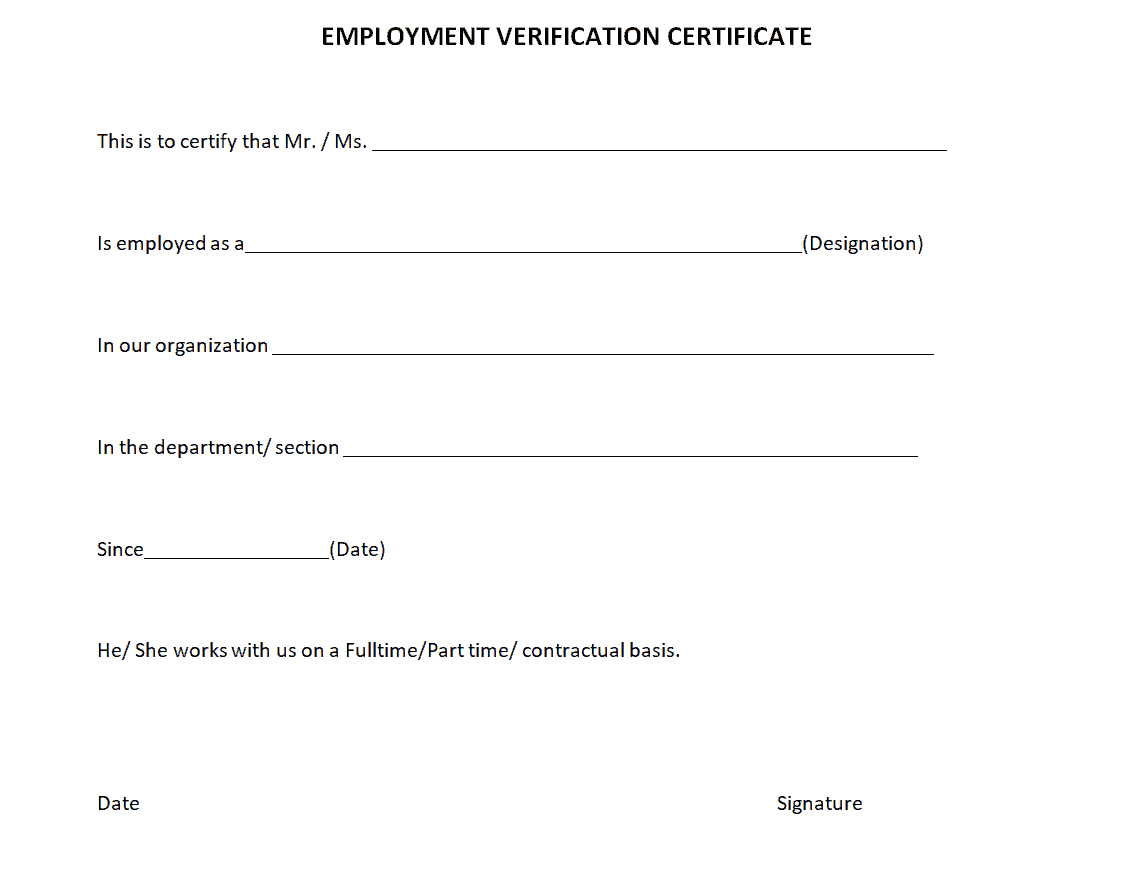
Example Certificate of Employment Template
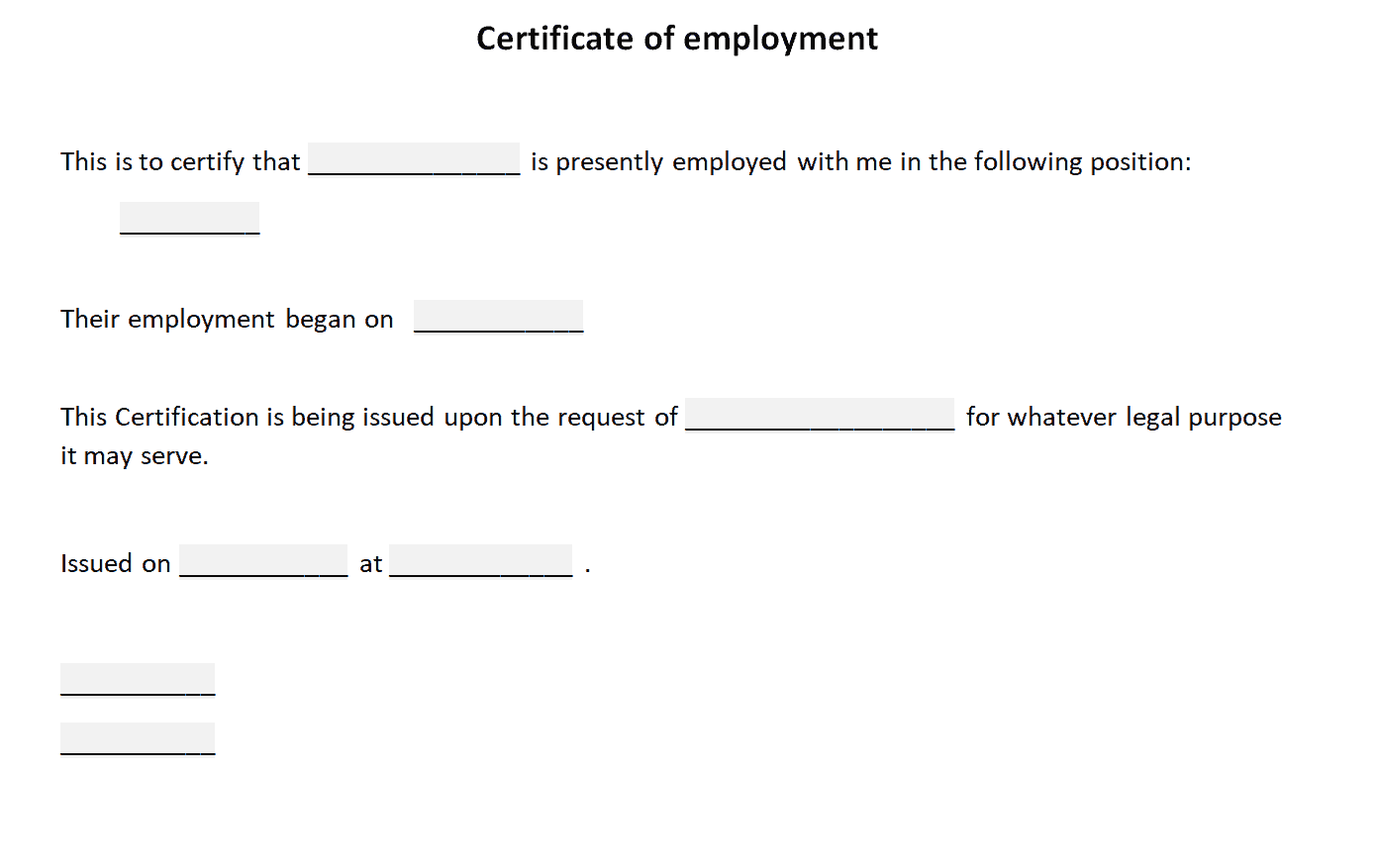
Intermediary Employment Certificate Sample Template
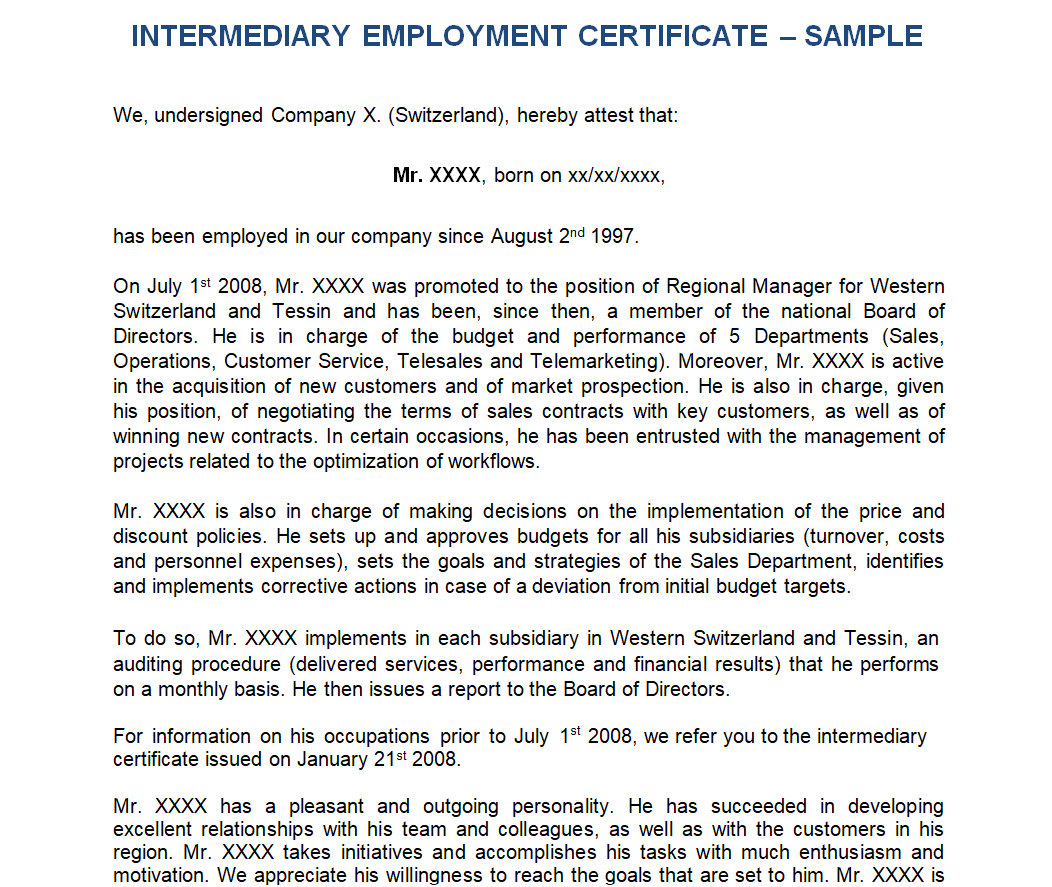
Company’s Employment Certificate Template
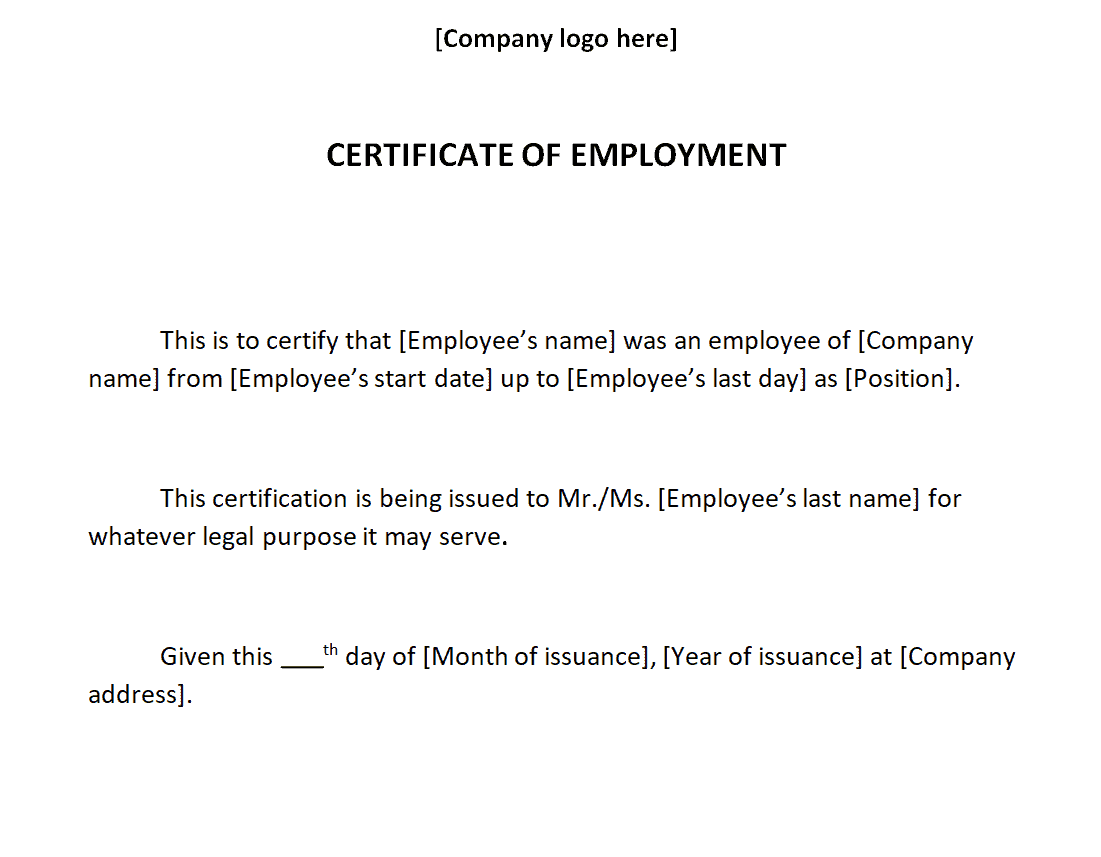
Simplistic Employment Certificate Template
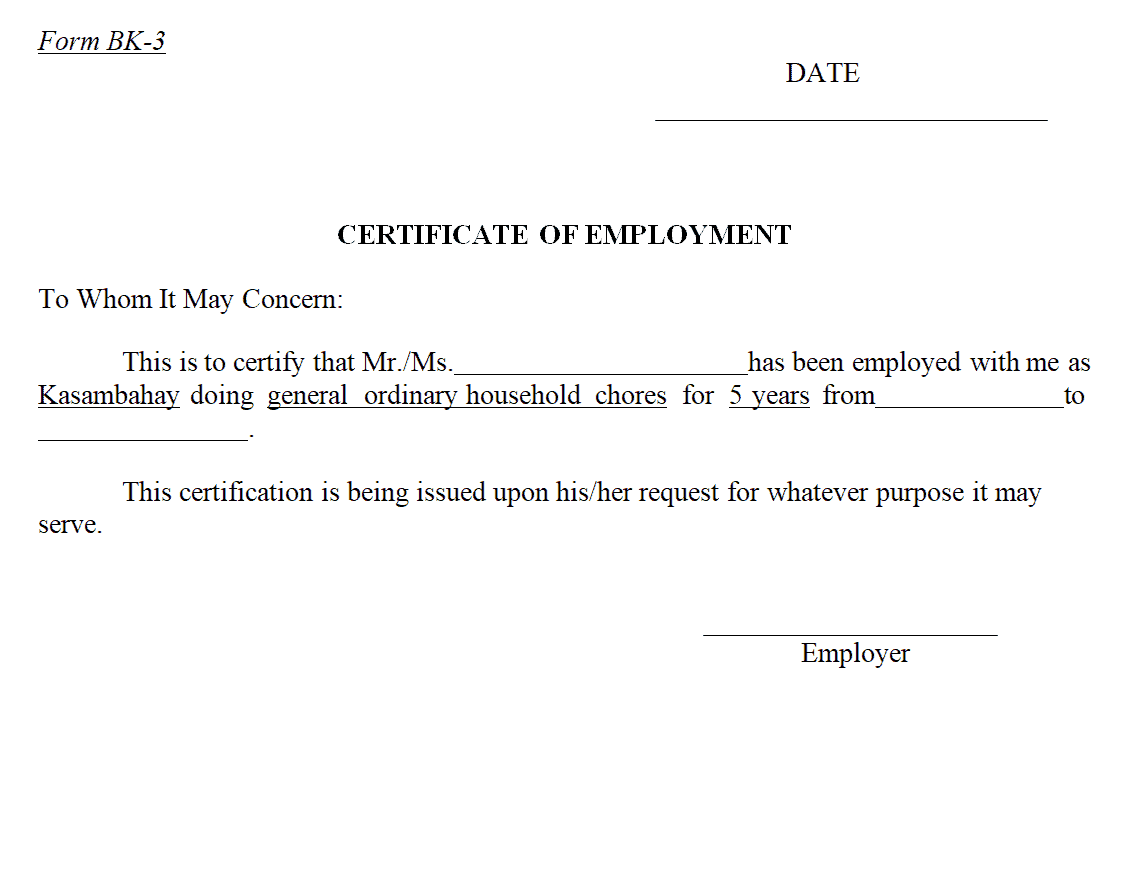
Fillable Employment Certificate Template
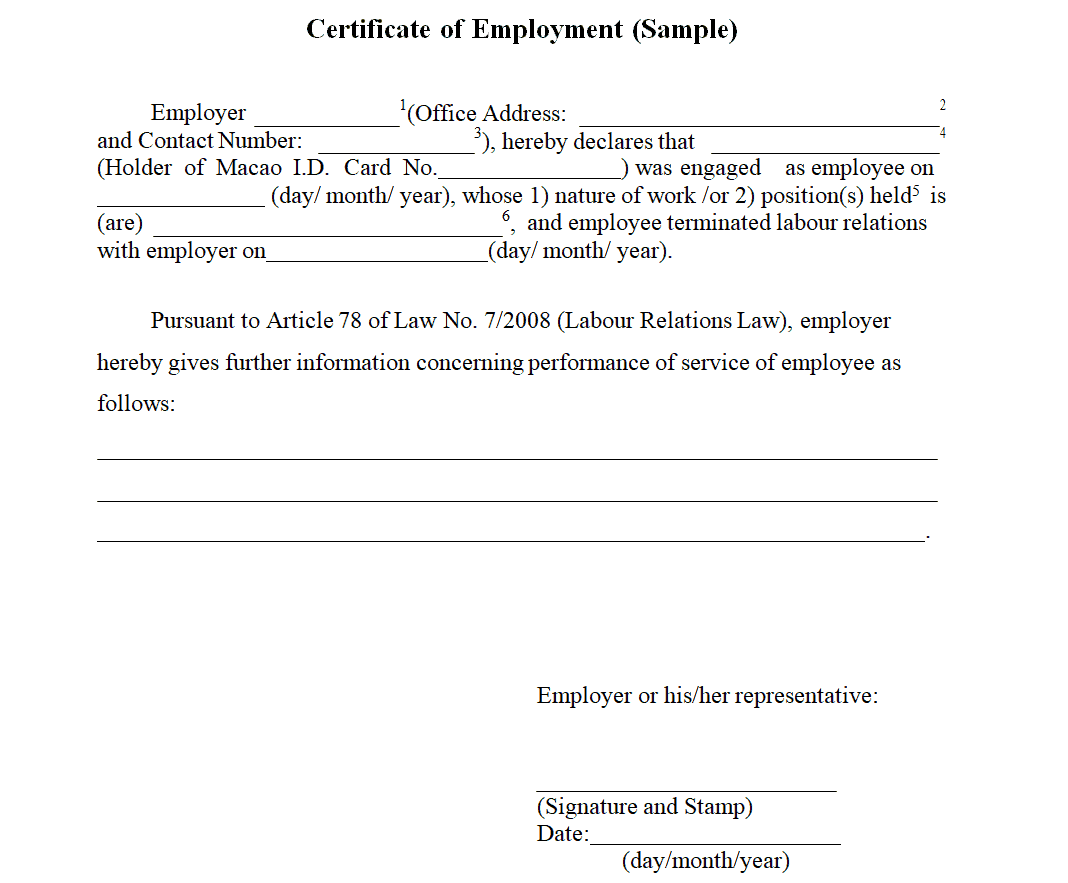
Proper Employment Certificate Template
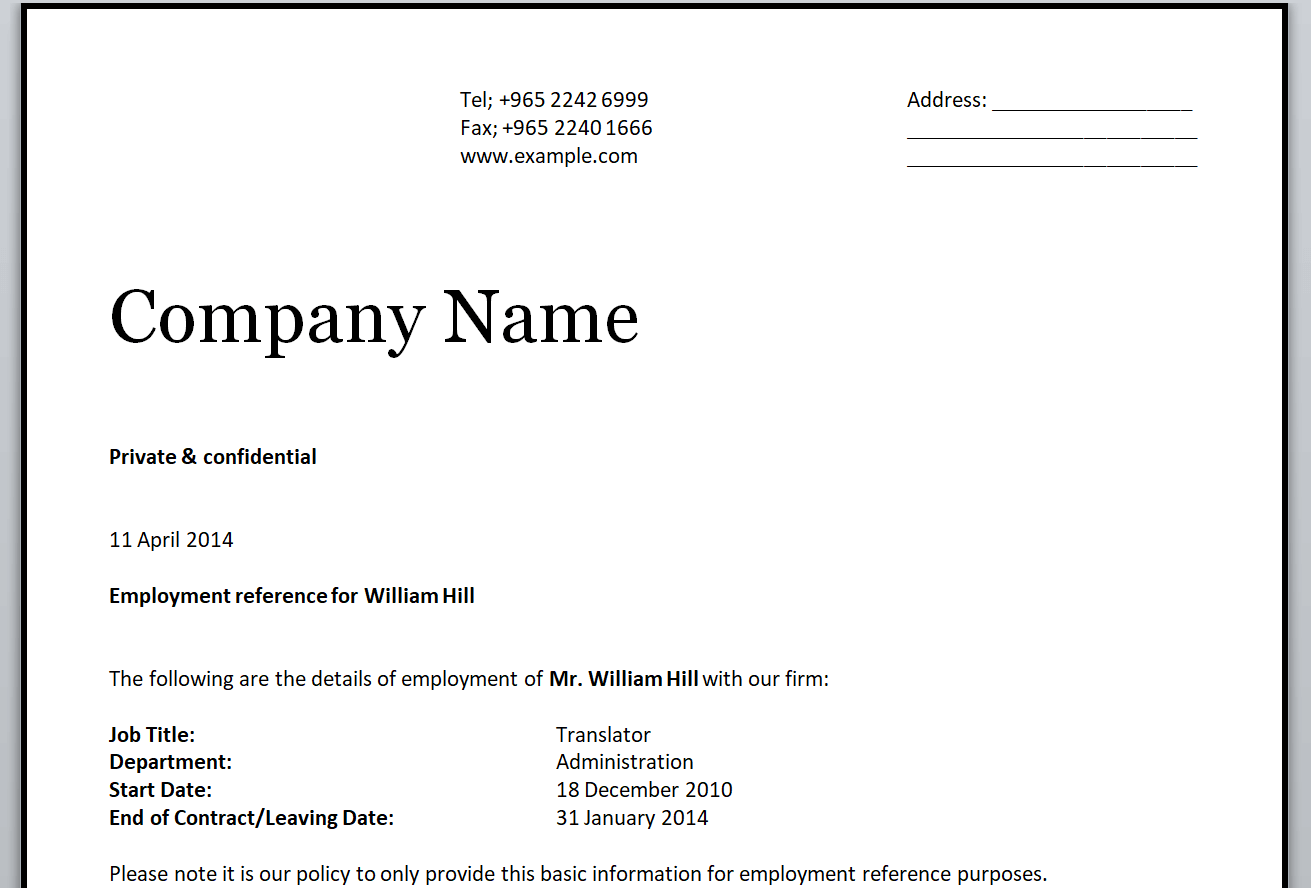
Format for Employment Certificate Template
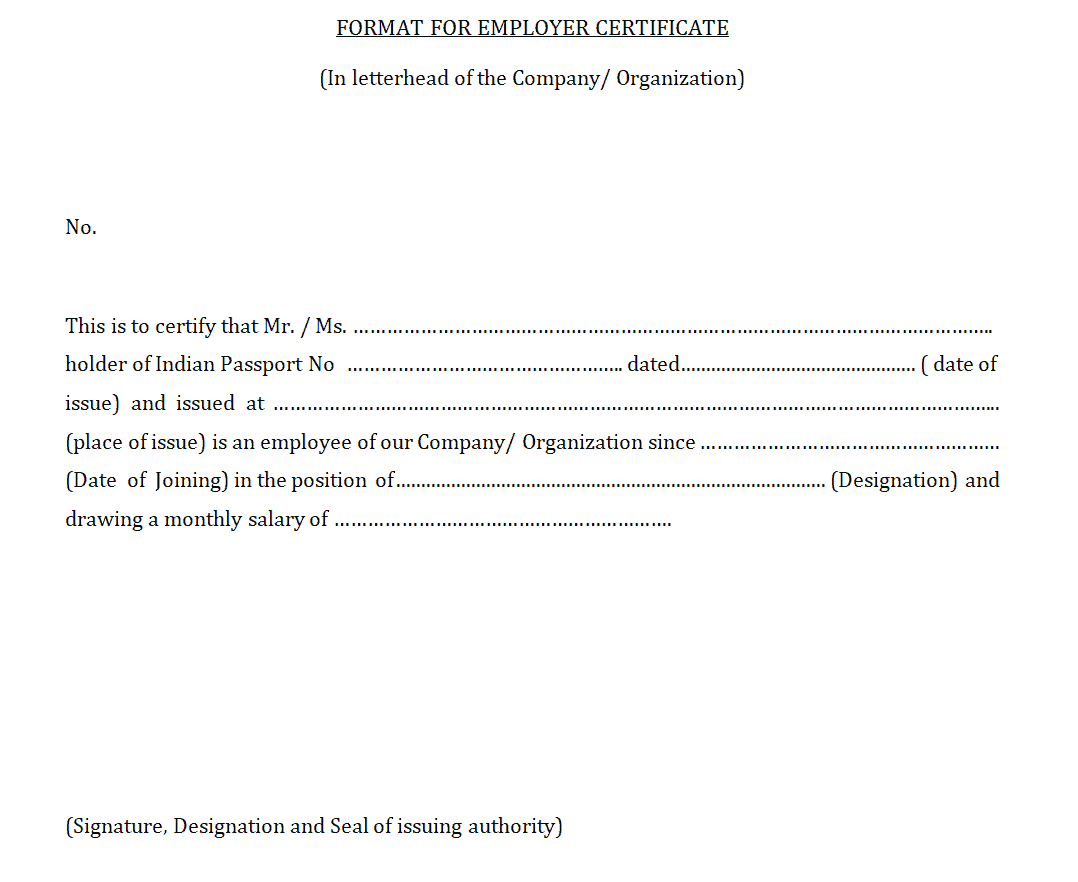
Frequently Asked Questions
Are these employment certificate templates free to download?
Yes, all nineteen templates on this page are free to download and use for issuing employment certificates to your staff.
Can I edit the template to add my company’s logo?
Yes, all templates are provided in editable Word format, so you can add your company’s logo, letterhead, and branding.
What’s the difference between these styles?
The templates range from short and simple confirmations to detailed, formal certificates, so you can choose the style that matches the specific request.
Do I need Microsoft Word to use these templates?
The templates are built for Word but also open in free alternatives such as Google Docs or LibreOffice Writer.
Can this template be used for a former employee?
Yes, simply include both the start and end date of employment to confirm the full period worked.
Is a signature required on the employment certificate?
Yes, an authorized signature from HR or management is important to make the document valid and verifiable.
Can I use this template for visa or loan applications?
Yes, many of these templates are suitable for visa, loan, or other official processes that require proof of employment, though you should confirm the specific requirements of the requesting institution.


You must be logged in to post a comment.