
Every time a business receives a payment from a customer or client, there should be a clear paper trail confirming it happened. A payment voucher template gives you that paper trail instantly, without having to design a new document every time money changes hands. Below you’ll find twelve free, downloadable payment voucher templates in Word, Excel, and PDF formats, ranging from simple one-page vouchers to more detailed versions with built-in instructions, so you can pick the style that fits your business and accounting process. Whether you run a small shop, manage accounts for a growing company, or just need a professional way to document a one-off transaction, having a ready-made voucher on hand means you’re never scrambling to put one together at the last minute.
What Is a Payment Voucher Template?
A payment voucher template is a pre-formatted document used to record that a payment has been made or received between two parties, typically a business and a customer, vendor, or supplier. It usually includes fields for the payer and payee details, the amount paid, the date, the payment method, and a reference or invoice number tying the payment back to the original transaction. Because the layout is already built, you don’t have to design a new voucher from scratch every time a payment needs to be documented — you simply fill in the details and the voucher is ready to file, print, or send.
Why You Need a Payment Voucher Template: Key Benefits
- Creates a clear paper trail: Every payment is documented with a date, amount, and reference, making it easy to track later.
- Reduces disputes: A signed voucher gives both parties a shared record of what was paid and when, cutting down on misunderstandings.
- Speeds up bookkeeping: Standardized fields make it faster to enter payment data into accounting software or ledgers.
- Supports audits: Organized, consistent vouchers make it far easier to respond to an internal or external audit request.
- Looks professional: A well-formatted voucher reflects positively on your business in the eyes of clients and vendors.
- Saves time: Filling in a ready-made template takes a fraction of the time it takes to build a payment record from a blank page.
What’s Included in the Payment Voucher Template
- Payer and payee information: Names and contact details of both parties involved in the transaction.
- Payment amount and date: The exact sum paid and the date the payment was made or received.
- Payment method: A field to record whether the payment was made by cash, check, bank transfer, or card.
- Reference or invoice number: A unique identifier linking the voucher to the original invoice, order, or agreement.
- Authorized signature: Space for a signature confirming the payment was reviewed and approved.
- Company branding area: A spot for your logo and company details so the voucher looks official.
Who Should Use These Templates?
- Small business owners who need a simple way to document customer payments without expensive accounting software.
- Accounting and finance teams at larger companies looking for a consistent voucher format across departments.
- Retailers and service providers issuing proof of payment for in-person or invoice-based transactions.
- Freelancers and contractors who want a professional record of payments received from clients.
- Property managers and landlords documenting rent or deposit payments from tenants.
- Nonprofit organizations tracking donations or reimbursements that need a clear paper record.
How to Start Using the Template in 3 Simple Steps
- Step 1 — Choose a format: Browse the twelve templates below and pick the Word, Excel, or PDF version that matches your workflow.
- Step 2 — Fill in the transaction details: Enter the payer, payee, amount, date, and payment method for the transaction you’re documenting.
- Step 3 — Sign and file: Have an authorized person sign the voucher, then save or print a copy for your records and give one to the other party if needed.
Payment Voucher vs. Receipt: What’s the Difference?
These two documents are often confused, but they serve slightly different purposes. A receipt is typically issued by the seller to confirm that a payment was received for goods or services, and is usually handed to the customer at the point of sale. A payment voucher, on the other hand, is more often an internal accounting document used to authorize and record a payment before or after it’s made, and it frequently includes more detail about the approval process, such as who reviewed and signed off on the transaction. Many small businesses use a payment voucher as both an internal record and a proof of payment for the other party, which is exactly what these templates are designed to support.
Customizing the Template for Your Business
These templates are meant to be a starting point you can adapt to fit your company’s exact needs. You might add your logo and brand colors, include a tax or GST breakdown if that applies to your business, add a section for partial payments if you often deal with installment-based transactions, or insert extra approval lines if your accounting process requires more than one signature. Since the templates are provided in editable Word, Excel, and PDF formats, most of these changes take only a few minutes to make.
Payment Vouchers in Digital Accounting Systems
Many businesses now use accounting software that generates payment vouchers automatically as part of a larger bookkeeping workflow. Even so, a standalone template like the ones on this page remains useful for one-off transactions, for businesses that aren’t yet using accounting software, or as a manual backup when the digital system is unavailable. Some businesses also print a physical voucher for in-person signature even when the underlying transaction is recorded digitally, since a signed paper copy can carry more weight in certain audits or disputes. Keeping a simple template on hand means you’re never stuck without a professional way to document a payment, regardless of what system you use day to day.
Common Mistakes to Avoid
- Missing reference numbers: Without a reference or invoice number, it becomes difficult to match the voucher back to the original transaction later.
- Incomplete payment details: Leaving out the payment method or date makes the voucher less useful for both bookkeeping and disputes.
- No signature or approval: A voucher without a signature can be questioned in an audit or disagreement over whether the payment was authorized.
- Inconsistent formats across transactions: Switching between different voucher styles for different payments makes your records harder to review later.
- Delaying documentation: Waiting too long to fill out the voucher after a payment increases the chance of errors or forgotten details.
- Not keeping a copy on file: Always retain a copy for your own records, even after handing one to the other party.
Tips to Get the Most Out of Your Payment Voucher Template
- Fill out the voucher immediately after the payment is made or received, while the details are still fresh.
- Double-check the amount and reference number against the original invoice or agreement before finalizing.
- Keep vouchers numbered sequentially so they’re easy to locate and reference during bookkeeping or an audit.
- Store both digital and printed copies so you have a backup if either format is lost.
- Use a consistent template across your business so every employee documents payments the same way.
- Review vouchers periodically against your bank statements to catch any discrepancies early.
How Payment Vouchers Support Better Cash Flow Management
Beyond simple record-keeping, consistently using payment vouchers gives a business owner or finance team a clearer real-time picture of cash flow. Because every payment is documented the moment it happens, it becomes much easier to reconcile bank statements at the end of the month, spot late or missing payments from customers, and forecast upcoming cash needs with more confidence. For businesses that deal with a high volume of transactions, a simple, repeatable voucher process can be the difference between an organized set of books and a scramble at tax time to reconstruct what happened months earlier.
Choosing Between Word, Excel, and PDF Formats
The templates on this page are offered in three different file formats, and which one works best depends on how you plan to use the voucher. A Word document is usually the easiest to customize on the fly, since you can quickly adjust text, add a paragraph of notes, or change the layout for a specific transaction. An Excel version is a better fit if you want the voucher to calculate totals automatically, especially when a payment involves multiple line items such as taxes, discounts, or several invoices being settled at once. A PDF template is the most reliable choice when you need a voucher that looks identical no matter what device or software opens it, which makes it a good option for sending a finalized voucher to a client or vendor who shouldn’t be able to edit it. Many businesses end up using all three formats side by side, choosing whichever fits a given transaction.
Payment Vouchers for GST and Tax Compliance
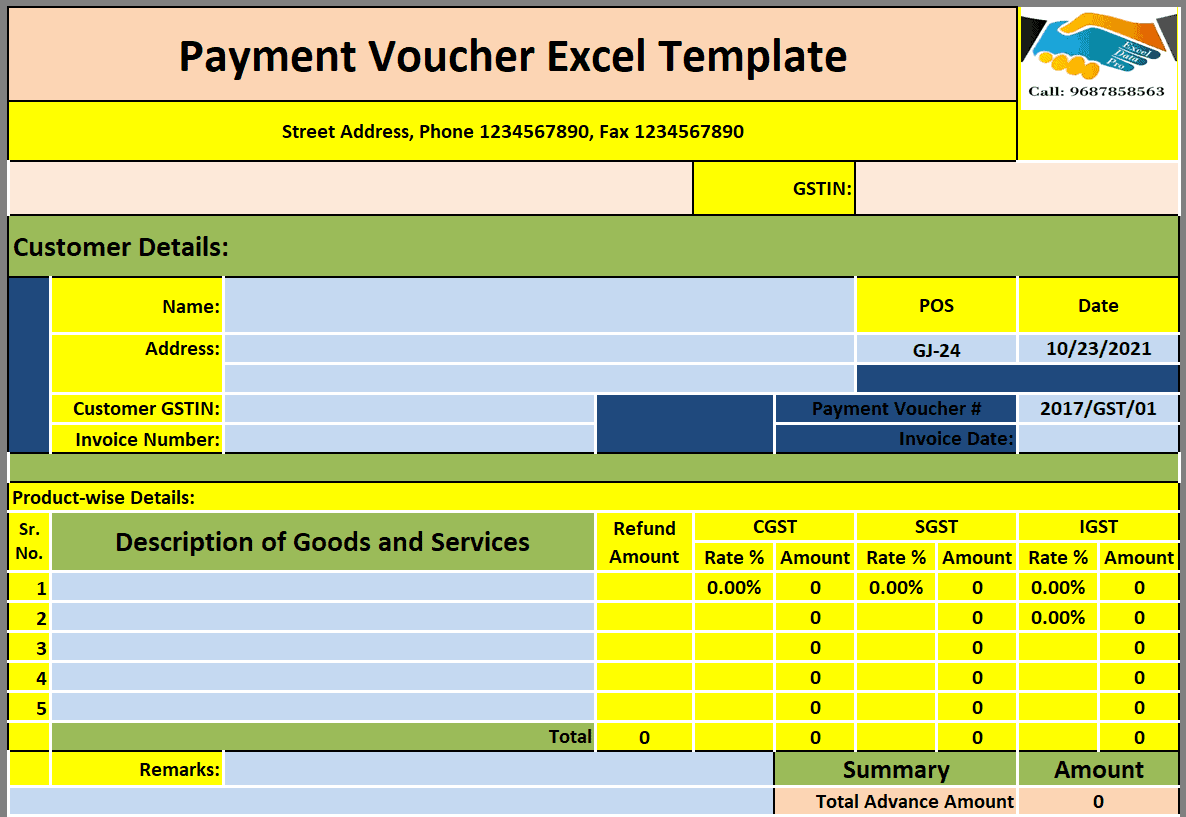
In many regions, businesses are required to keep clear records of payments for tax and GST reporting purposes, and a properly filled-out payment voucher can serve as supporting documentation during that process. Including fields for tax amounts, GST numbers, or applicable rates on the voucher makes it far easier to pull accurate figures when it’s time to file returns, rather than reconstructing the tax breakdown from bank statements or invoices after the fact. The GST-specific template included in this collection is built with exactly this use case in mind, giving businesses operating under a GST system a voucher format that’s ready to use without additional setup.
Download FREE Payment Voucher Templates Below:
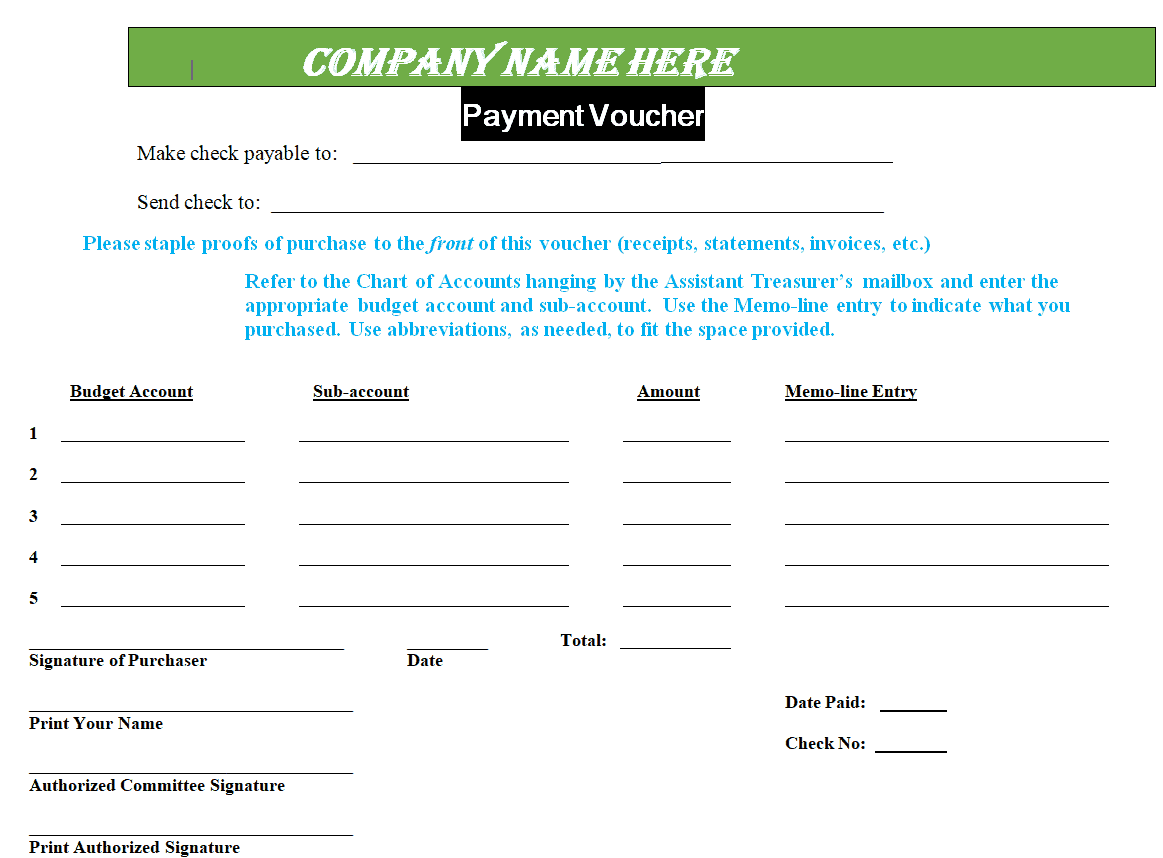
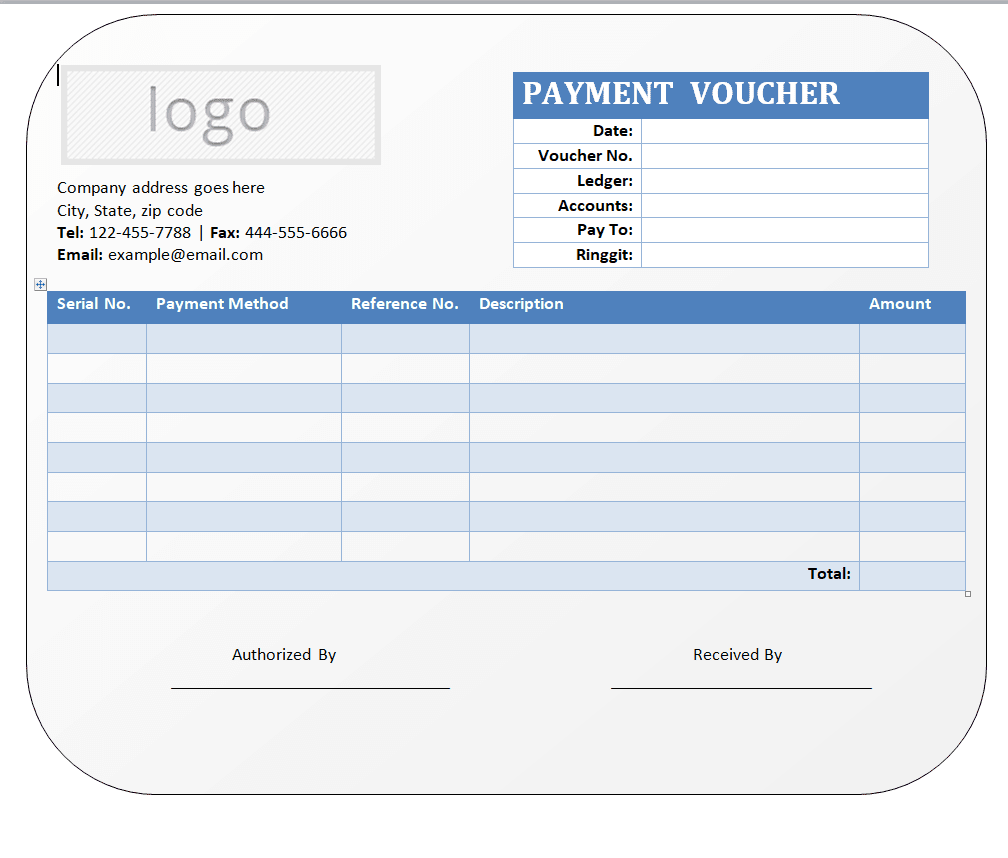
Company Payment Voucher Word Template
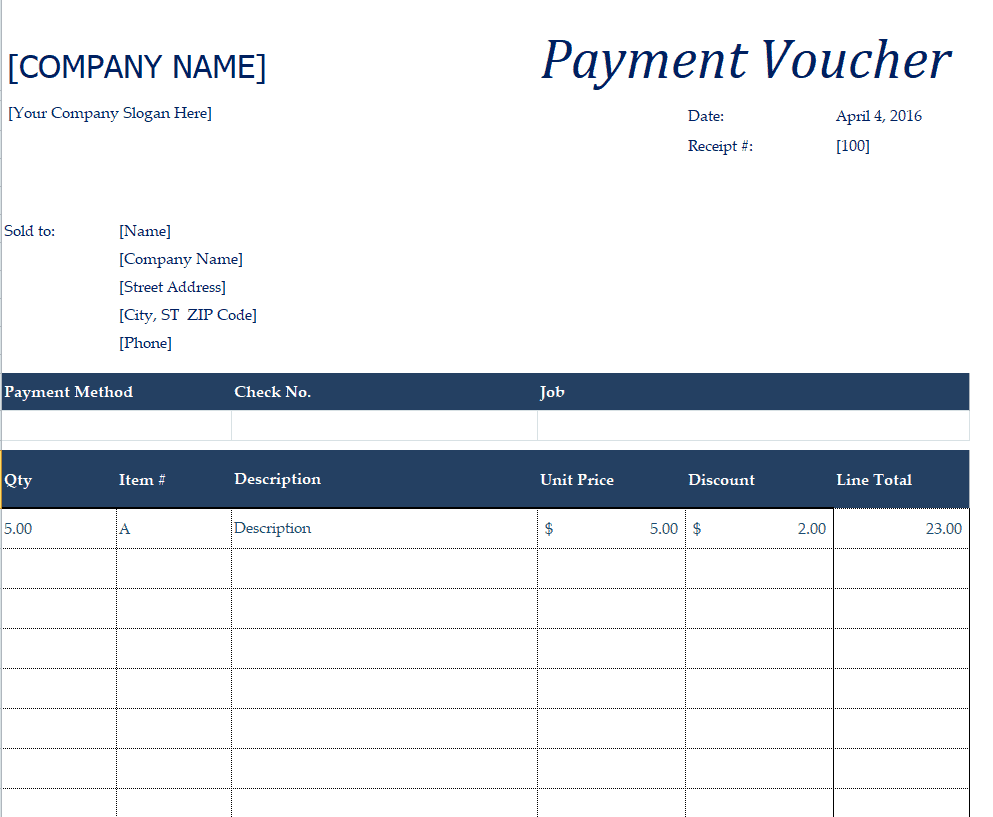
Excel Payment Voucher Template
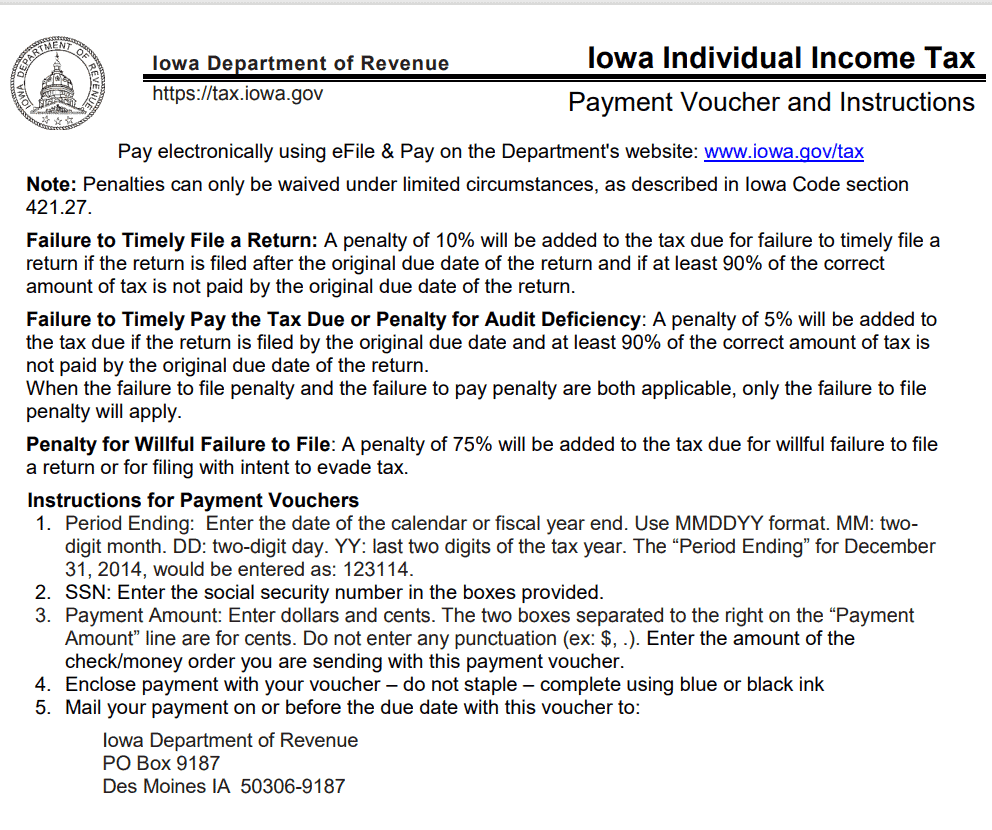
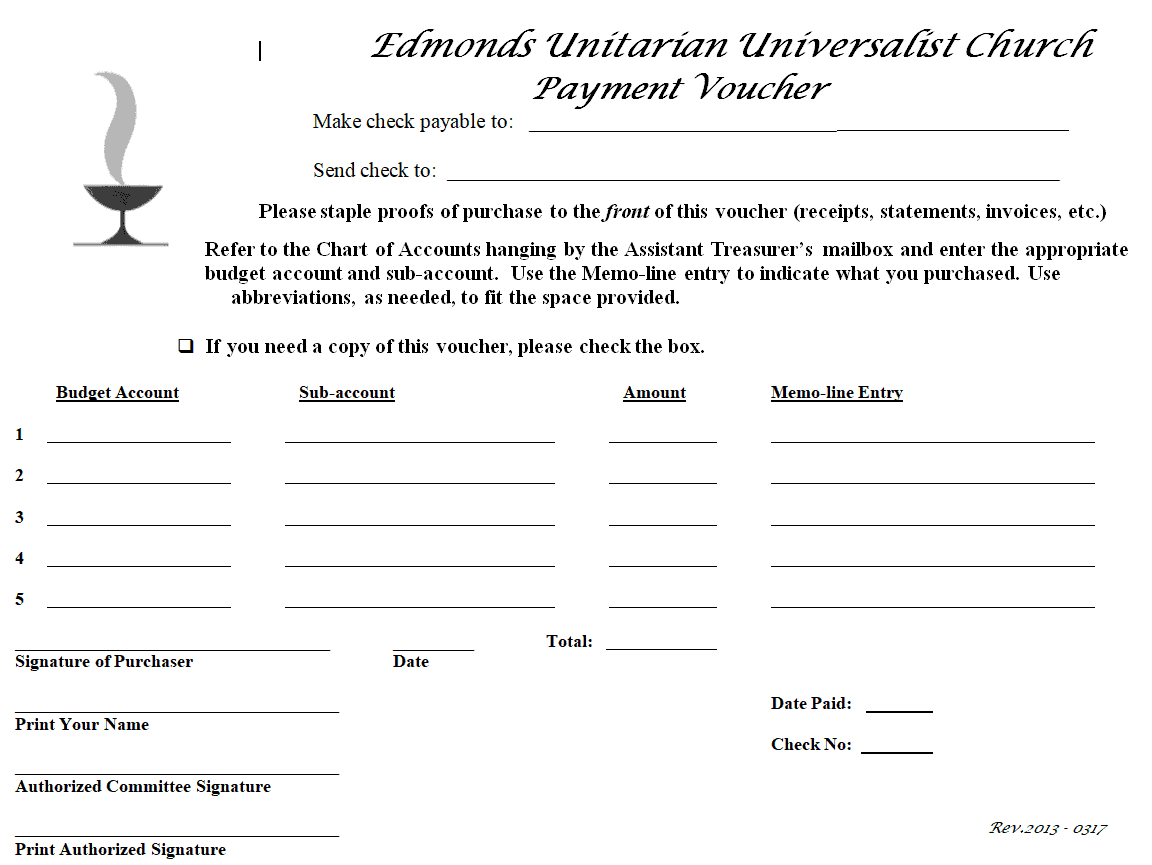
Payment Voucher PDF Template with Instructions
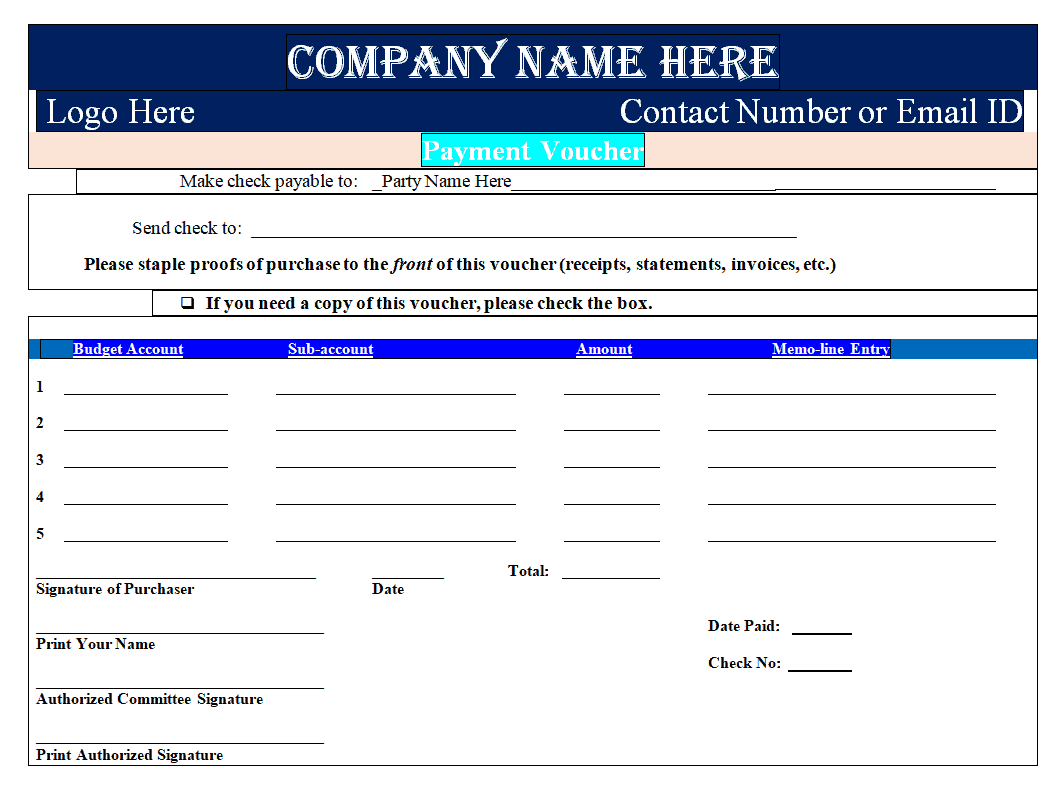
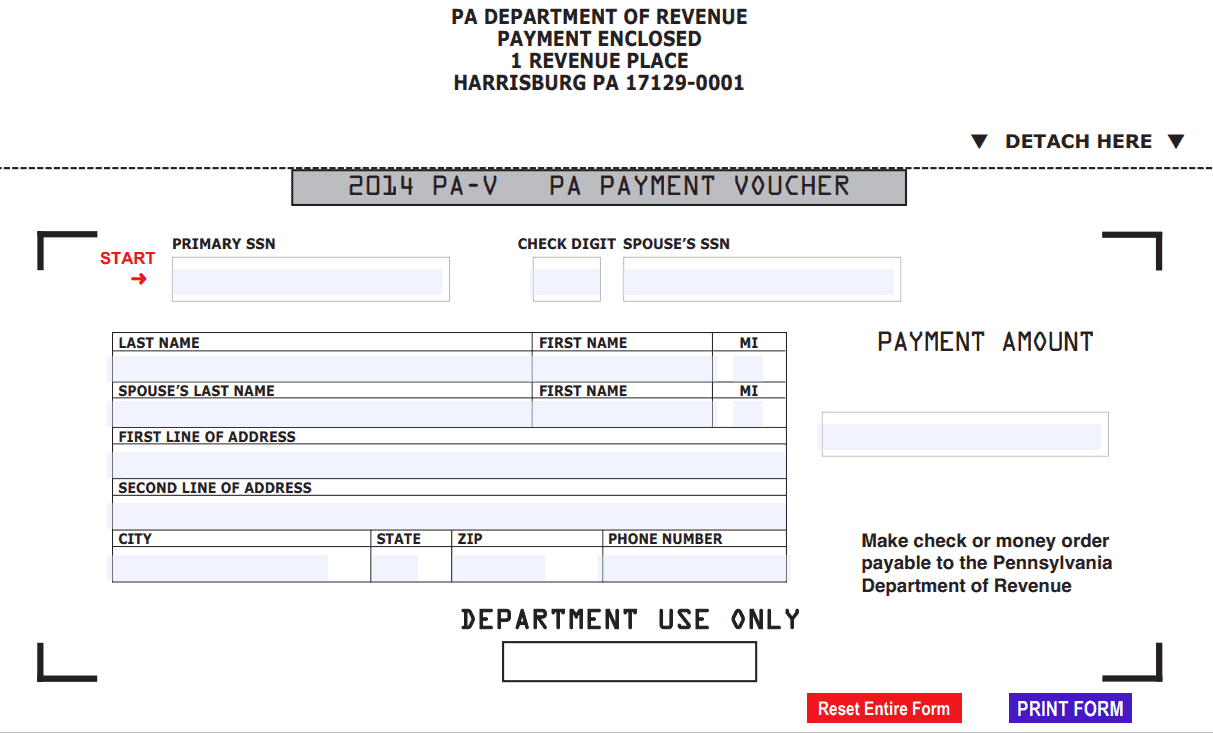
Official Editable Payment Voucher Template
Sample Payment Voucher Excel Template
Simple Payment Voucher Template DOC Format
Printable Payment Voucher Template
Special Payment Voucher Template MS WORD
Business Payment Voucher Template XLXS Format
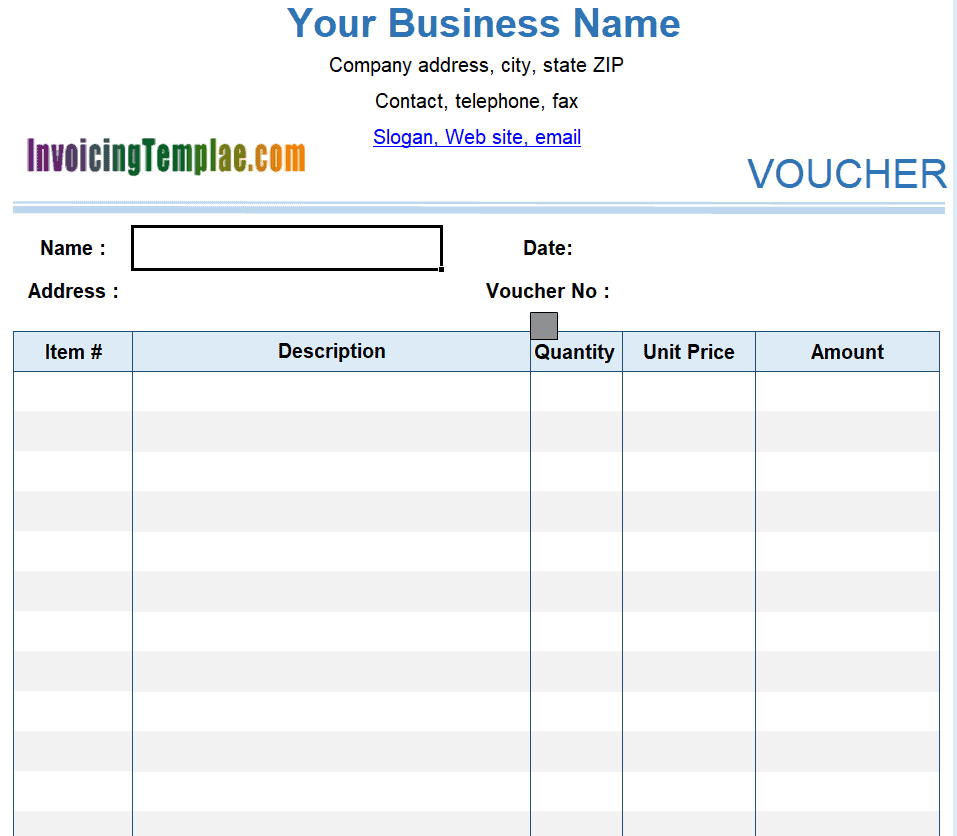
FREE Sample Payment Voucher Template in PDF
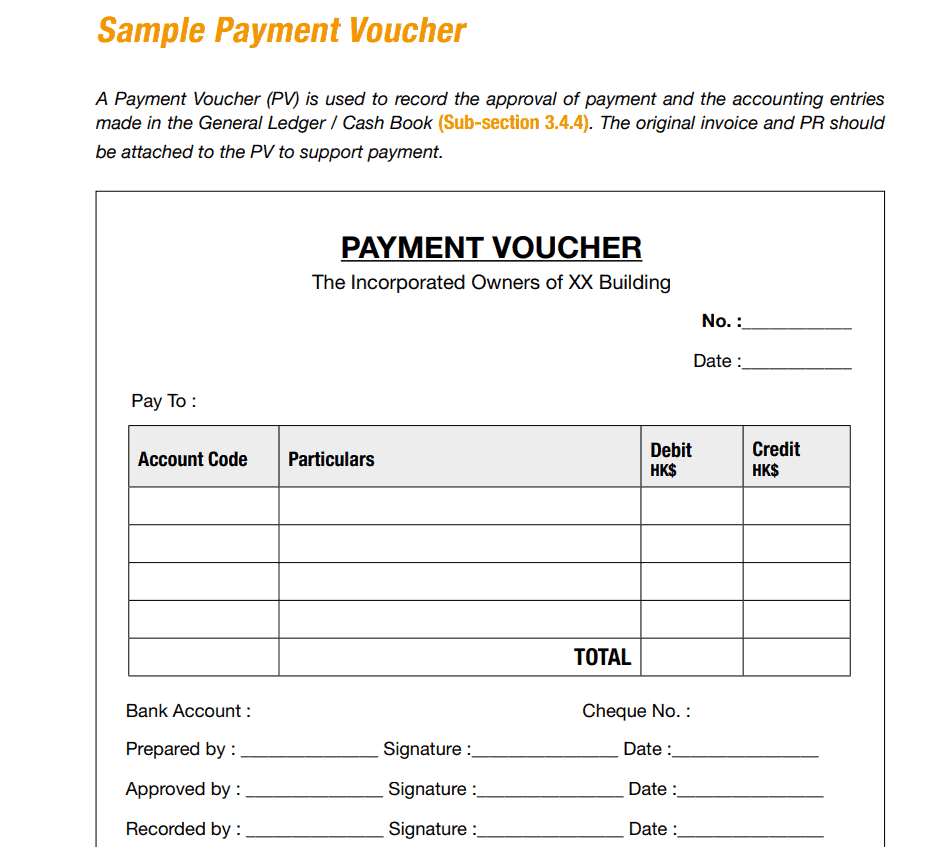
Basic Payment Voucher Format Template
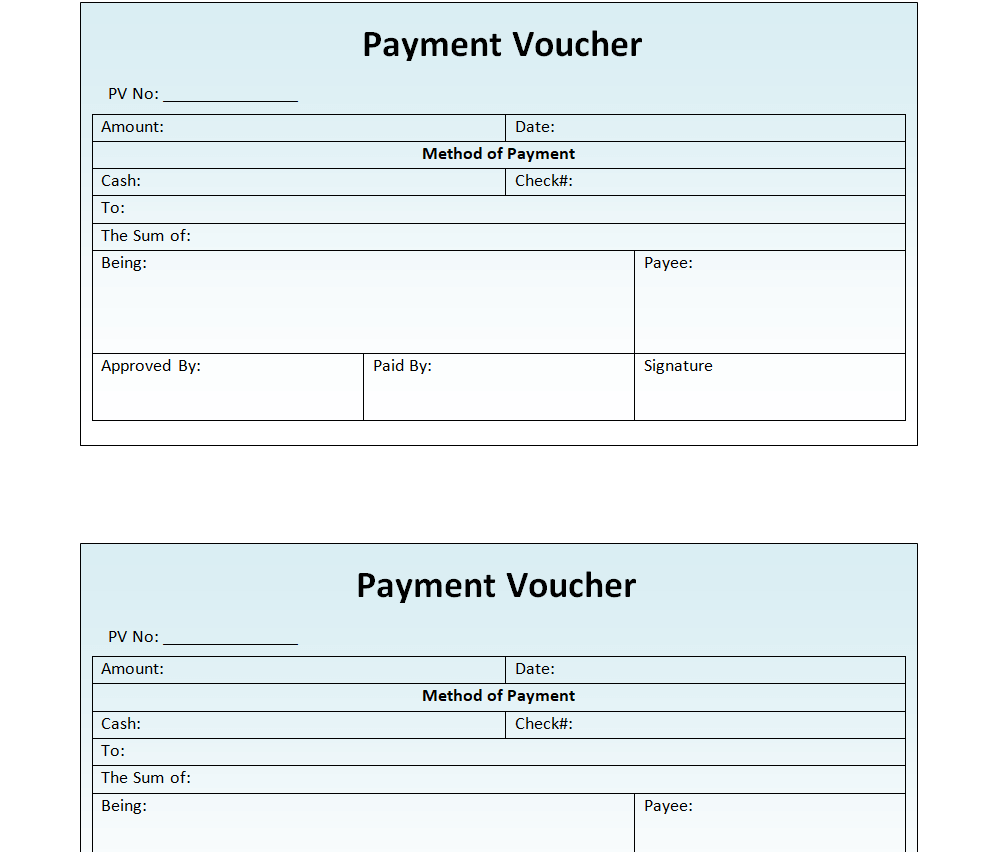
GST Payment Voucher Excel Template
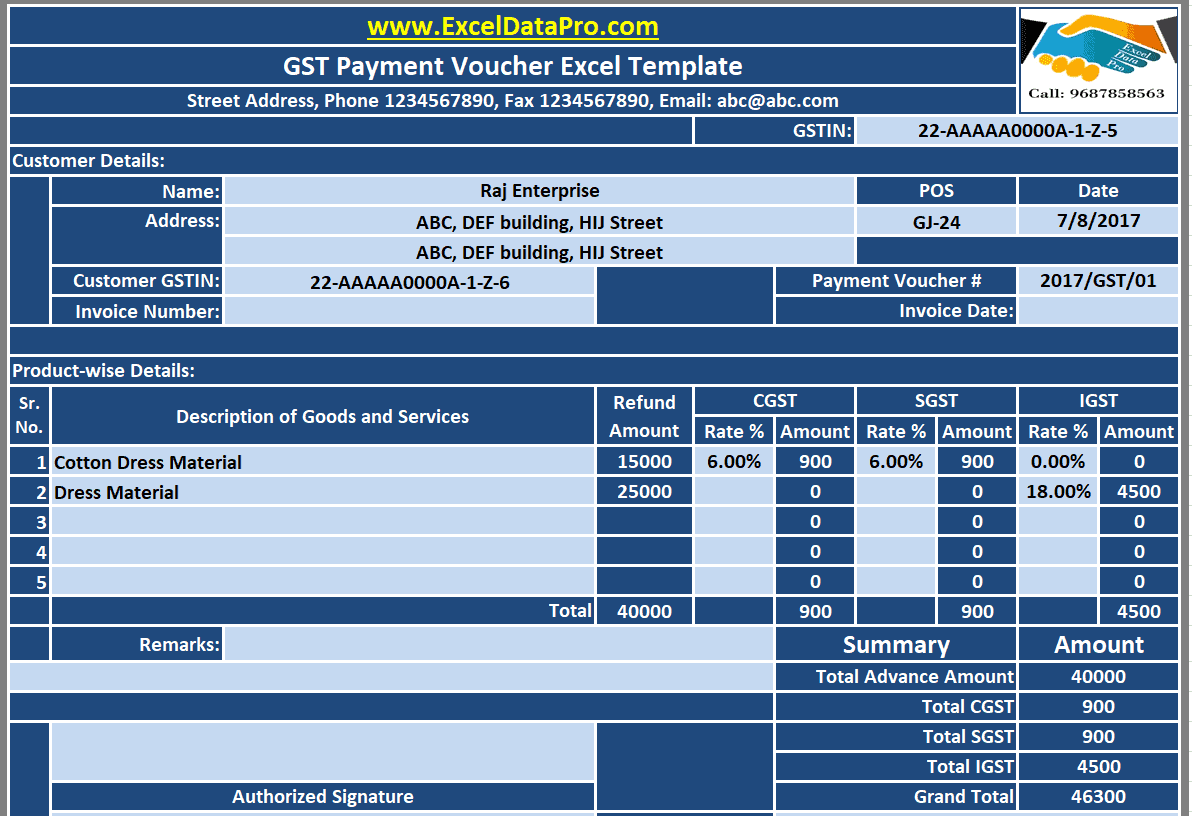
Frequently Asked Questions
Are these payment voucher templates free to download?
Yes, all twelve payment voucher templates on this page are free to download and use for your business or personal transactions.
Which file formats are available?
The templates are offered in Word, Excel, and PDF formats, so you can pick whichever works best for your workflow.
Can I add my company logo to the voucher?
Yes, the Word and Excel versions are fully editable, so you can add your logo, company name, and branding.
Do I need special software to use these templates?
No. The Word and Excel templates open in Microsoft Office as well as free alternatives like Google Docs, Google Sheets, or LibreOffice, and the PDF templates open in any standard PDF viewer.
Is a payment voucher the same as a receipt?
Not exactly. A receipt is typically given to a customer as proof of payment, while a payment voucher is often used internally to authorize and record a transaction, though many businesses use vouchers for both purposes.
Can I use these templates for GST or tax reporting?
Yes, several templates include fields suited to tax and GST documentation, including a dedicated GST payment voucher template in this collection.
Does the voucher need a signature to be valid?
An authorized signature is recommended, as it confirms the payment was reviewed and helps the voucher hold up in an audit or dispute.


You must be logged in to post a comment.