
An inventory count sheet should record SKU, location, counted quantity, counting date and person responsible. Keep expected system quantity in a separate column when investigating discrepancies.
Count physical inventory without hiding differences
Worked example: If the warehouse system shows 48 units but the physical count finds 44, record a variance of minus four and investigate receipts, breakage and fulfilment before adjusting the system.
Check before use: Use consistent units and count methods, freeze or track stock movements during the count, and require review of large adjustments rather than silently overwriting records.
For related resources, see 3 Excel Inventory Tracking Spreadsheet Templates and 3 Inventory Templates Spreadsheet Excel.
What’s Included in the Inventory Count Sheet Template
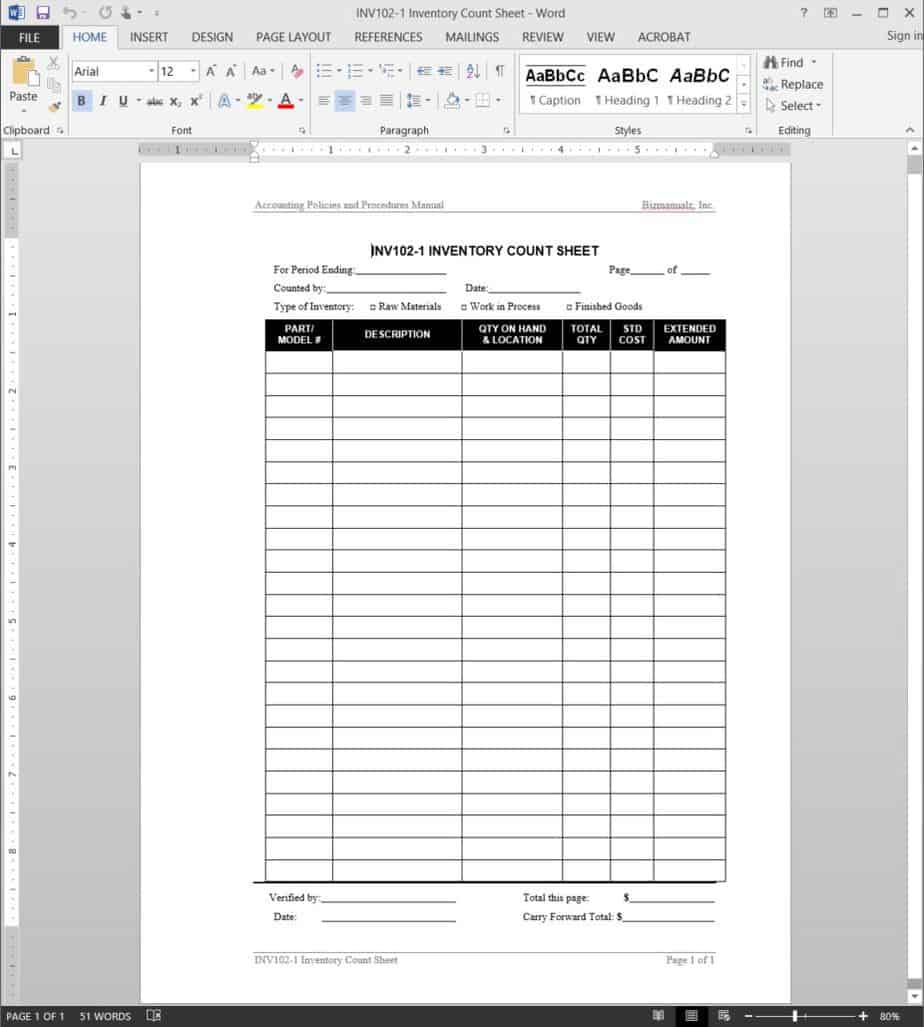
Item description field: Space to record the name or description of each inventory item. Quantity on hand column: A field for recording the counted quantity of each item. Date field: Space for recording when the count was conducted. Comments or notes section: A field for noting whether inventory levels are sufficient or flagging any issues found. Location or category field: Space for organizing items by storage location or product category. Counted by field: A field for recording who performed the count, useful for accountability.
Who Should Use These Templates?
Small business owners tracking inventory without dedicated management software. Warehouse staff conducting regular cycle counts. Retail store managers reconciling stock levels against sales records. Restaurant and food service managers tracking perishable and non-perishable inventory. Nonprofit organizations managing donated goods or supplies. Home-based sellers keeping track of products for online stores.
How to Start Using the Template in 3 Simple Steps
Step 1 — Choose a template style: Browse the 3 options below and select the format that best fits your inventory. Step 2 — Fill in your items and quantities: Add descriptions, count each item, and record the quantities. Step 3 — Review and update regularly: Compare counts against expected levels and repeat the process on a regular schedule.
Inventory Count Sheet vs. Inventory Management System
While both tools help track stock, an inventory count sheet and a full inventory management system serve different needs. An inventory count sheet is a simple, low-cost document used to manually record physical counts at a given point in time, ideal for small businesses with modest inventory volumes. A full inventory management system, by contrast, is dedicated software that can automatically track stock levels in real time, generate reorder alerts, and integrate with sales data. Many small businesses start with inventory count sheets and transition to management software only once their inventory volume and complexity grow beyond what manual tracking can reasonably handle.
Customizing the Template for Your Business
These templates are designed to be a flexible starting point rather than a fixed format. You can add your company’s specific product categories, adjust the columns to match your storage layout, or include additional fields for tracking unit costs or supplier information. Since the templates are provided in editable and printable formats, most adjustments take only a few minutes and let you tailor the sheet to fit your particular counting process.
Choosing the Right Format
With 3 different templates available, choosing the right one depends on how you plan to conduct your counts and how much detail you need to track. A simple printable sheet works well for quick manual counts on the warehouse or store floor, while an Excel-based template is useful when you want to calculate totals or track counts electronically. Reviewing each option before committing to one can help you find the layout that best fits your counting workflow.
Common Mistakes to Avoid
Skipping regular counts: Infrequent counting increases the risk of undetected shrinkage or errors. Inconsistent item descriptions: Use the same naming conventions across every count to avoid confusion. Not recording the count date: Always note when a count was conducted for accurate record-keeping. Rushing the count: Take the time to count carefully rather than estimating quantities. Failing to reconcile discrepancies: Investigate any differences between counted and expected quantities promptly.
Tips to Get the Most Out of Your Inventory Count Sheet Template
Conduct counts on a consistent schedule rather than only when problems arise. Assign clear responsibility for who counts which sections of inventory. Double-check high-value or fast-moving items more frequently than the rest of your stock. Keep completed count sheets on file for future reference and comparison. Reconcile counts against sales or purchase records to catch discrepancies early.
Setting Up a Regular Cycle Counting Schedule
Rather than conducting a single massive inventory count once a year, many businesses find it more manageable and accurate to implement cycle counting, where different sections of inventory are counted on a rotating basis throughout the year. This approach spreads the workload more evenly, reduces the disruption caused by a full inventory shutdown, and tends to catch discrepancies sooner since problems in any given section are identified within weeks or months rather than up to a year later. Establishing a clear rotation schedule, whether by product category, storage location, or item value, helps ensure that every part of the inventory gets counted regularly without overwhelming staff with one enormous counting event.
Training Staff to Conduct Accurate Counts
The accuracy of an inventory count sheet depends heavily on how well the people performing the count understand the process, making basic training an important investment for any business relying on manual counts. Staff should understand how to handle partial units, how to record damaged or expired goods, and how to flag items that don’t match their expected location or description. A short training session covering these details, along with a clear walkthrough of the count sheet itself, helps new staff conduct counts confidently and reduces the number of errors that need to be corrected after the fact.
Using Inventory Counts to Identify Shrinkage
Regular inventory counts serve an important function beyond simply confirming stock levels: they help businesses identify shrinkage, which refers to inventory losses from theft, damage, administrative errors, or supplier discrepancies. Comparing physical count results against expected inventory levels on a consistent basis makes it much easier to spot unusual patterns, such as a particular product category consistently coming up short. Investigating these discrepancies promptly, rather than writing them off as routine variance, can uncover underlying issues like process breakdowns or security gaps that are worth addressing directly.
Digital vs. Paper-Based Inventory Counting
Whether to conduct inventory counts on paper or using a digital device often comes down to the size of the business and the complexity of its inventory. Paper-based count sheets remain a practical, low-cost option for smaller operations, since they require no special equipment and are easy for any staff member to use immediately. Digital counting, whether through a spreadsheet on a tablet or dedicated inventory software, can speed up the process and reduce transcription errors for businesses with larger or more complex inventories, though it typically requires more upfront setup and training before it delivers those benefits.
Reconciling Count Sheets With Financial Records
Completed inventory count sheets play an important role beyond day-to-day stock management, since they also feed directly into a business’s financial records and cost of goods calculations. Reconciling counted quantities against the inventory values recorded in accounting software on a regular basis helps ensure that financial statements accurately reflect what’s actually on hand, rather than relying solely on purchase and sales records that can drift out of sync over time. Businesses that build this reconciliation step into their regular accounting close process tend to catch inventory-related discrepancies much earlier than those that only compare records during an annual audit.
Preparing for a Full Physical Inventory Count
Even businesses that rely primarily on cycle counting throughout the year often still conduct a full physical inventory count at least once annually, typically to satisfy accounting or tax requirements. Preparing for a full count in advance, by organizing storage areas, labeling items clearly, and scheduling enough staff time to complete the count without rushing, makes the process considerably smoother and more accurate. Blocking off a specific time window when regular operations are paused, such as after closing hours or on a slower business day, also reduces the risk of items being moved or sold mid-count, which can throw off the final numbers.
Get Free Inventory Count Sheet Templates For Free
Sample Inventory Count Sheet Template
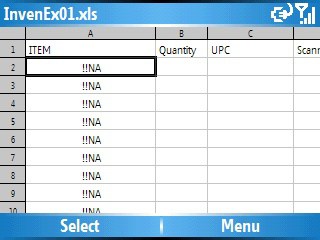

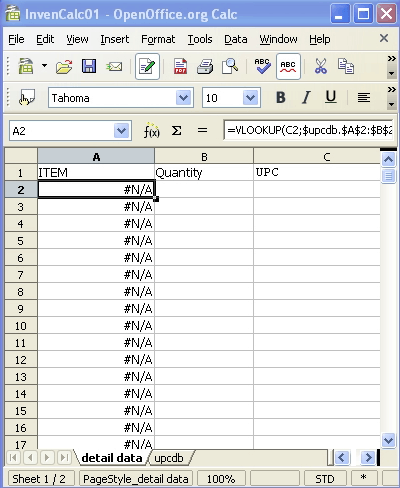
MS Excel Inventory Count Sheet Template
Printable Inventory Count Sheet Example
Frequently Asked Questions
Are these inventory count sheet templates free to download?
Yes, all 3 inventory count sheet templates on this page are free to download and use.
What file formats are these templates available in?
These templates are available in printable and Excel-compatible formats, so you can choose whichever fits your counting process.
Can I customize the fields on these templates?
Yes, since the templates are editable, you can add your own item categories, locations, and notes fields.
What’s the difference between an inventory count sheet and inventory management software?
A count sheet is a simple manual document for recording physical counts, while management software tracks inventory automatically in real time.
Can small businesses use these templates instead of dedicated software?
Yes, these templates work well for small businesses that need a simple, low-cost way to track inventory manually.
How often should I count my inventory?
It’s best to conduct counts on a regular schedule, such as through cycle counting, rather than only once a year.

You must be logged in to post a comment.