
A professional email should communicate its purpose in the subject and first paragraph, then provide context, a precise request and an appropriate next step. A job enquiry needs different language from a complaint or a meeting follow-up.
Editable downloads and previews
Download the editable Word template
Private, non-commercial use. Download help and usage terms.
Download Professional follow up email (.docx)
Open in Microsoft Word and replace the placeholders. Text and tables are editable; customize the colors and wording for your needs.
More template previews and sources
Use the file links where provided. Links labeled “View original source” open another website; check its current format, availability and terms. A preview image alone is not an editable document.
Template previews and source links
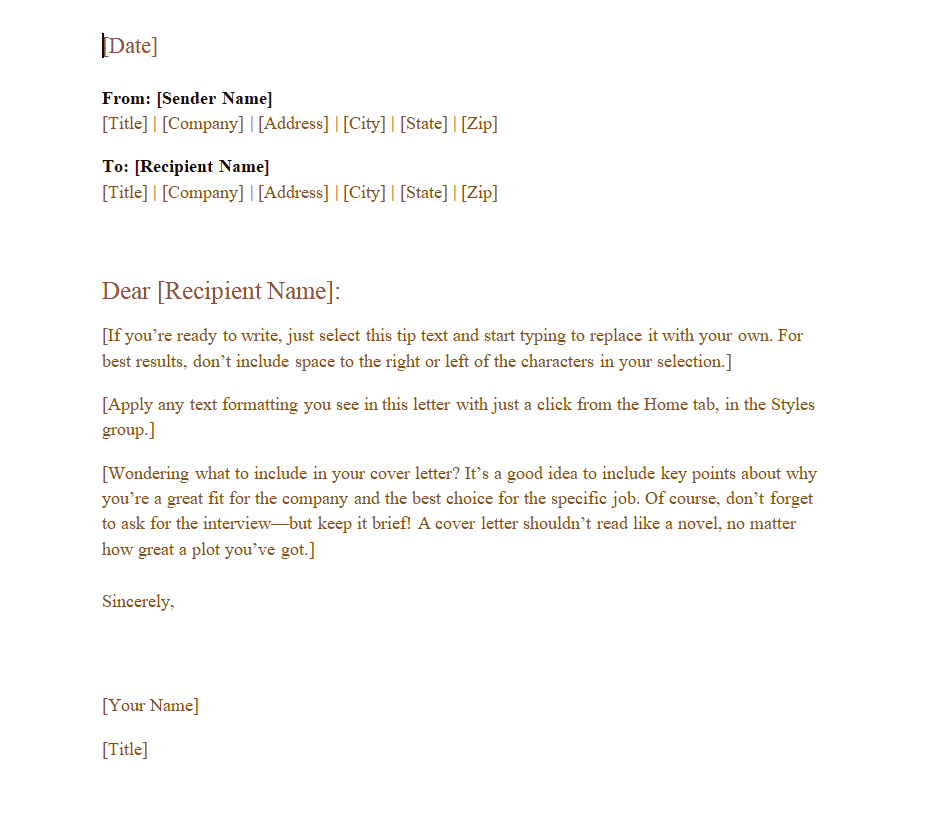
Sample Professional Email Template
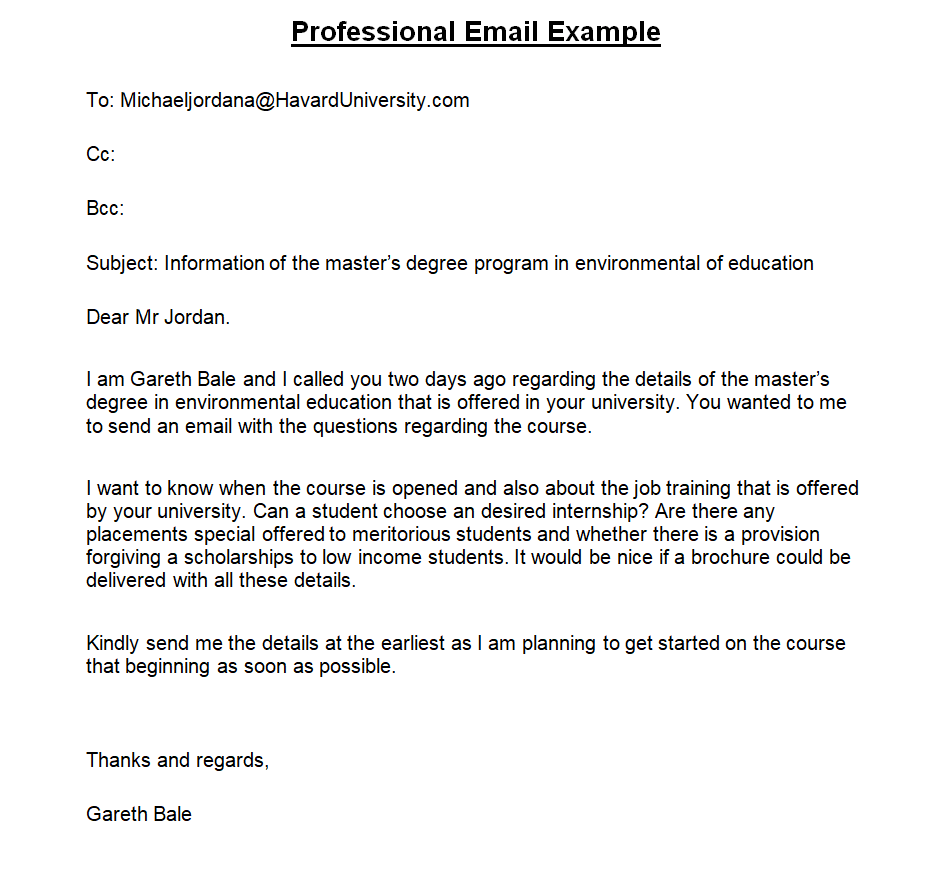
Business Email Sample
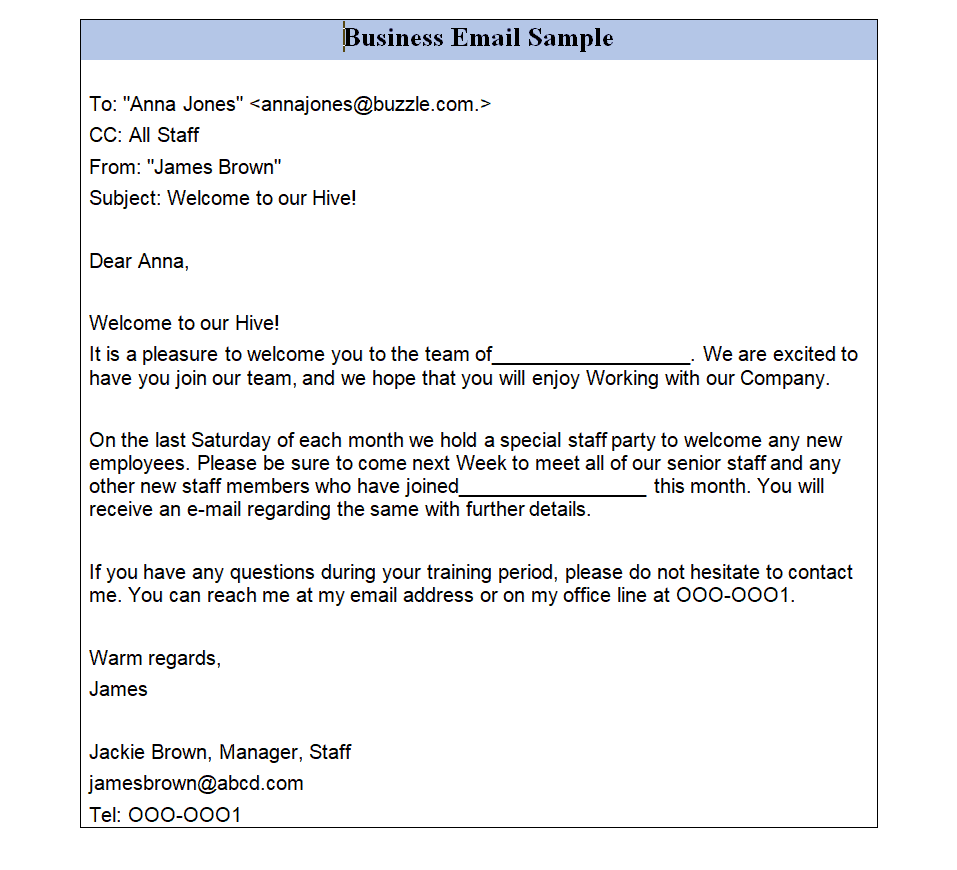
Copywriter’s Professional Email Template
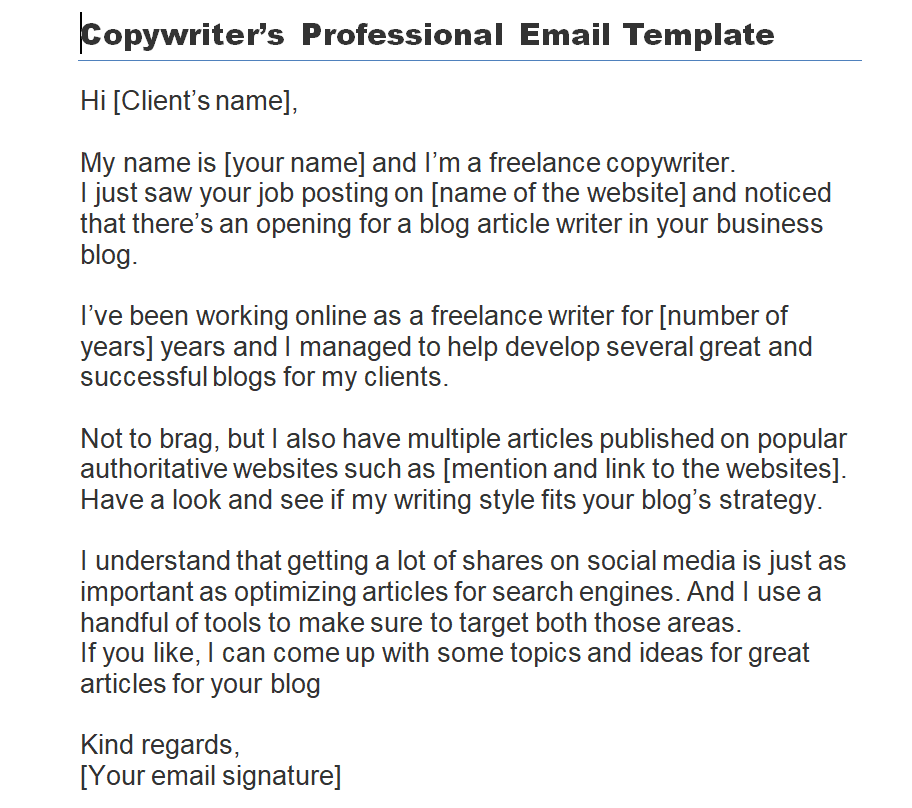
Professional Email Format Template
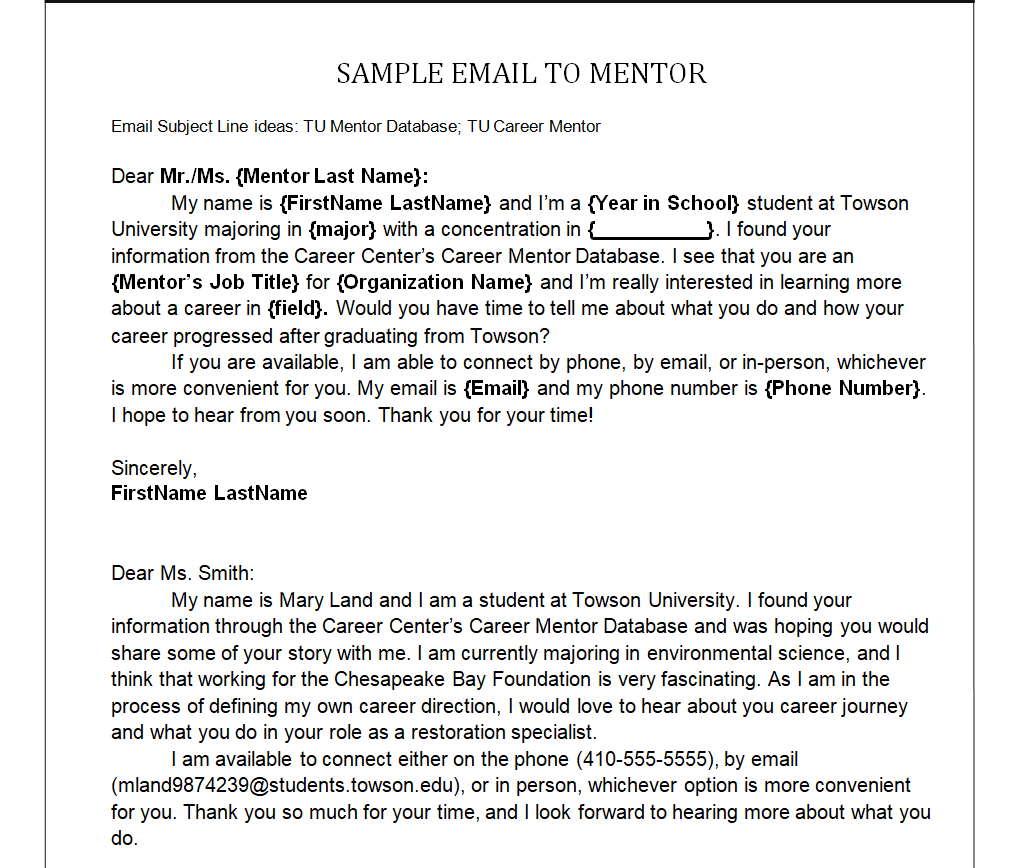
Sample Email to Mentor Template
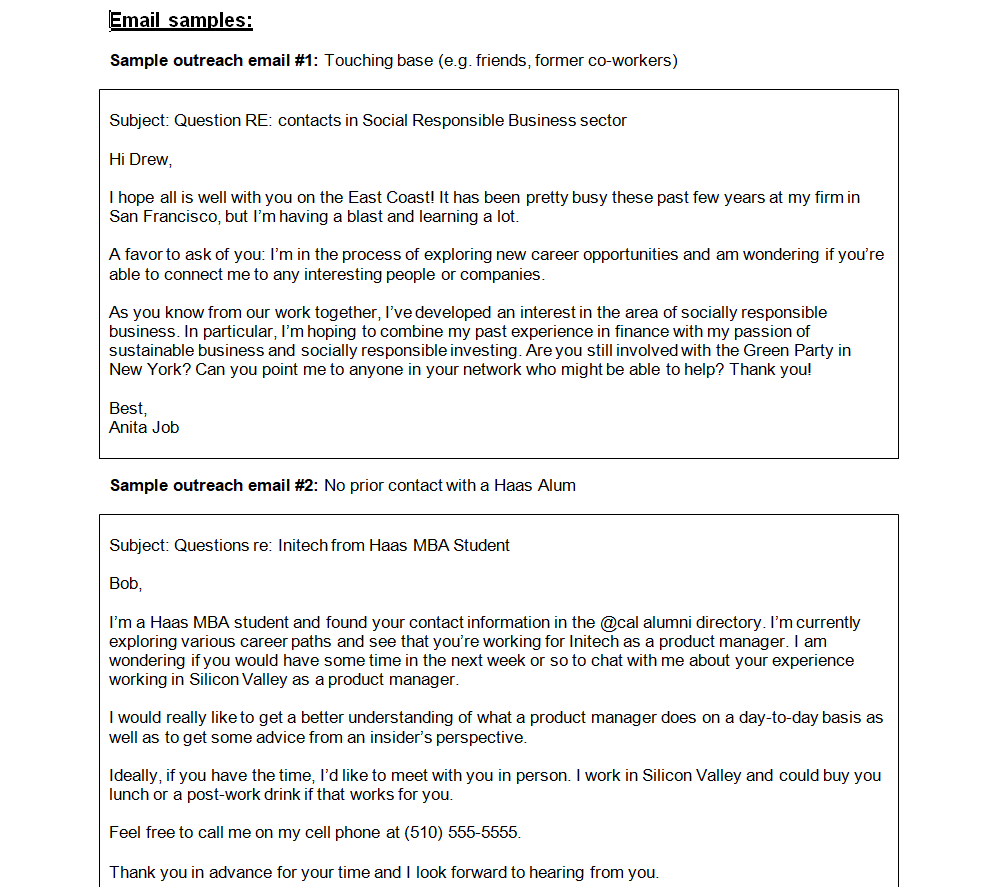
Sample Outreach Email Templates
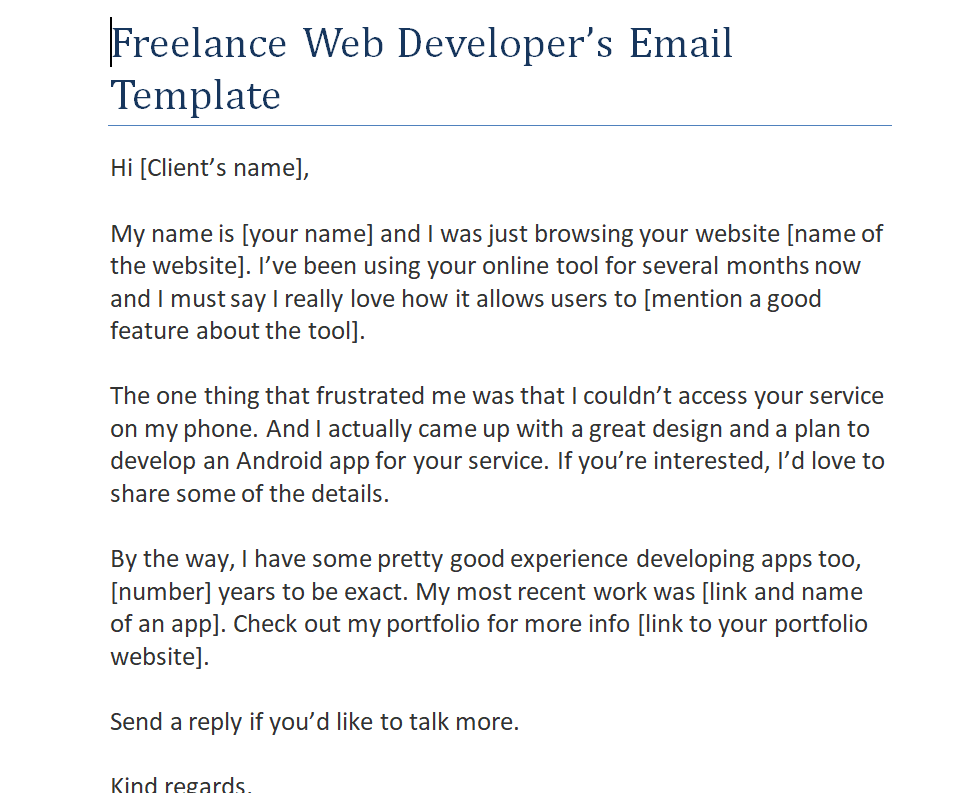
Freelance Web Developer’s Email Template
Standard Professional Email Template
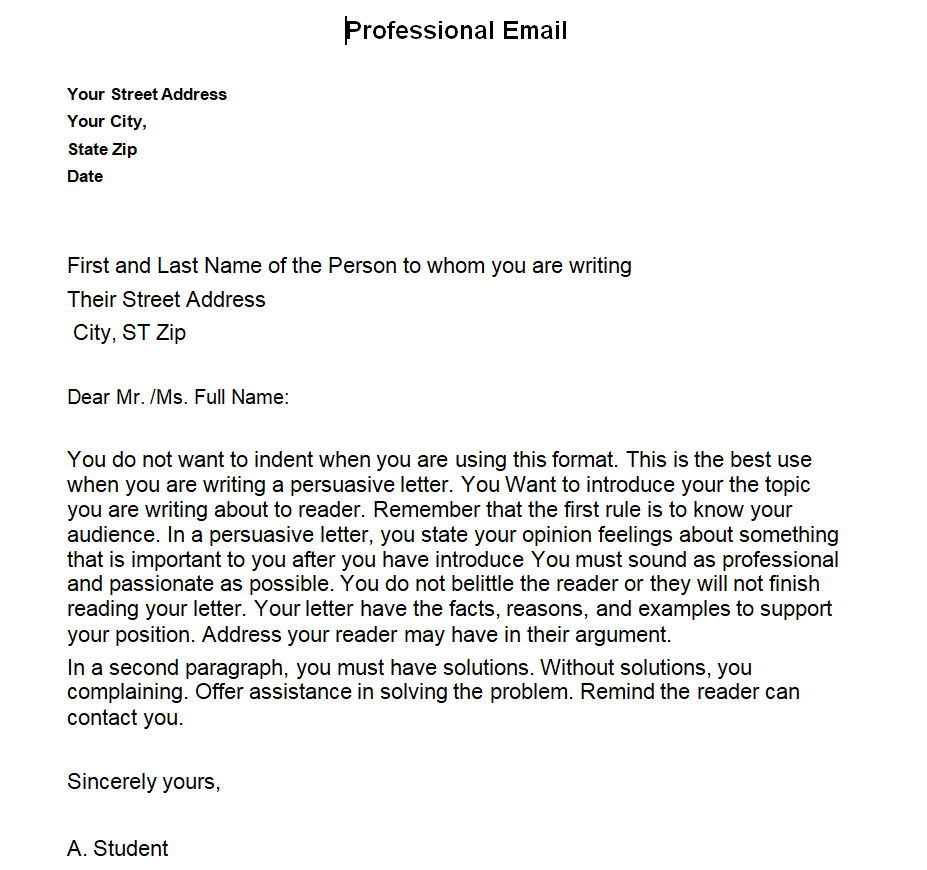
Professional Business Email Template
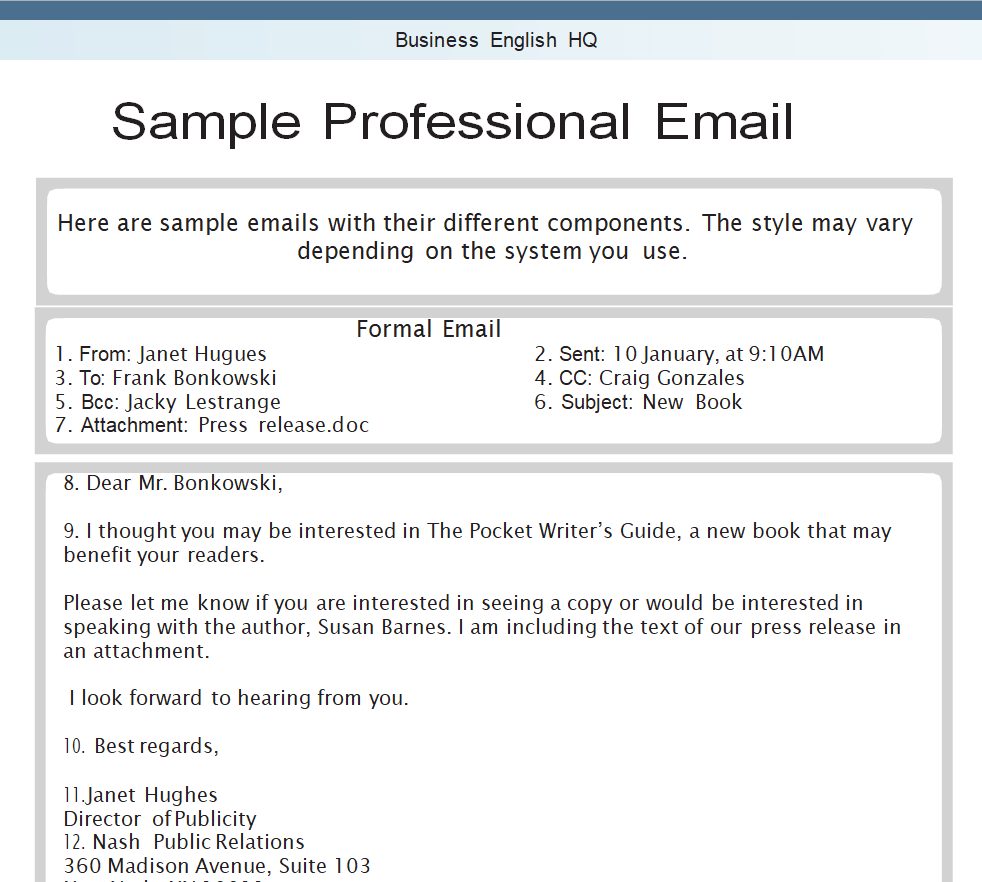
Example Professional Email Template
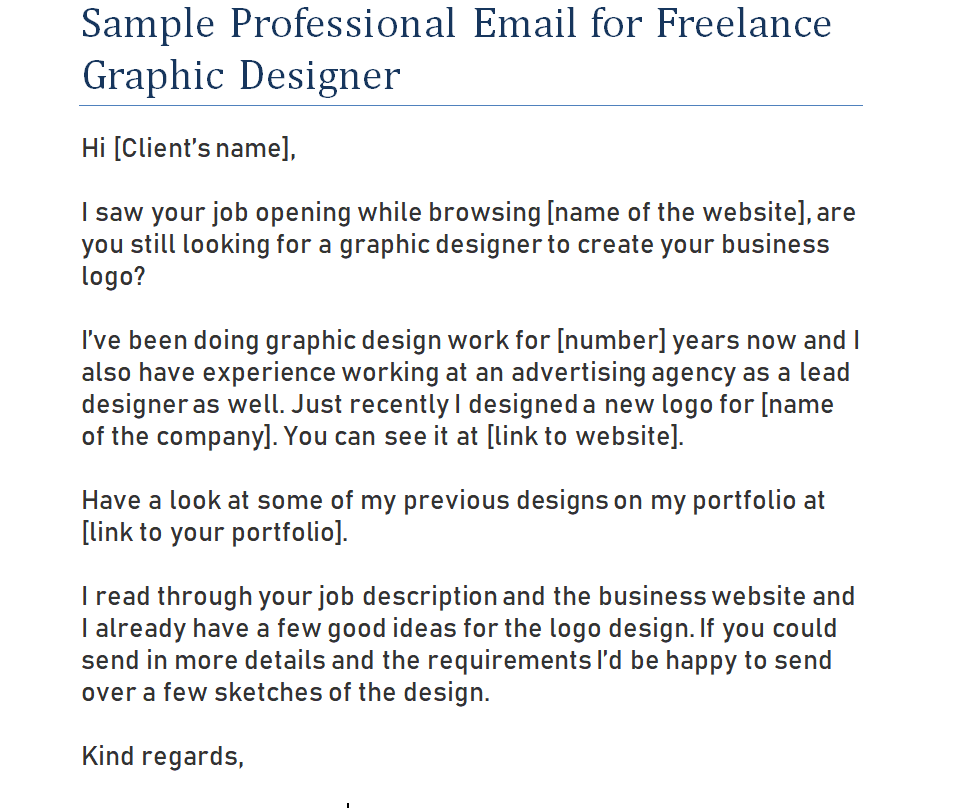
Sample Professional Email for Freelance Graphic Designer
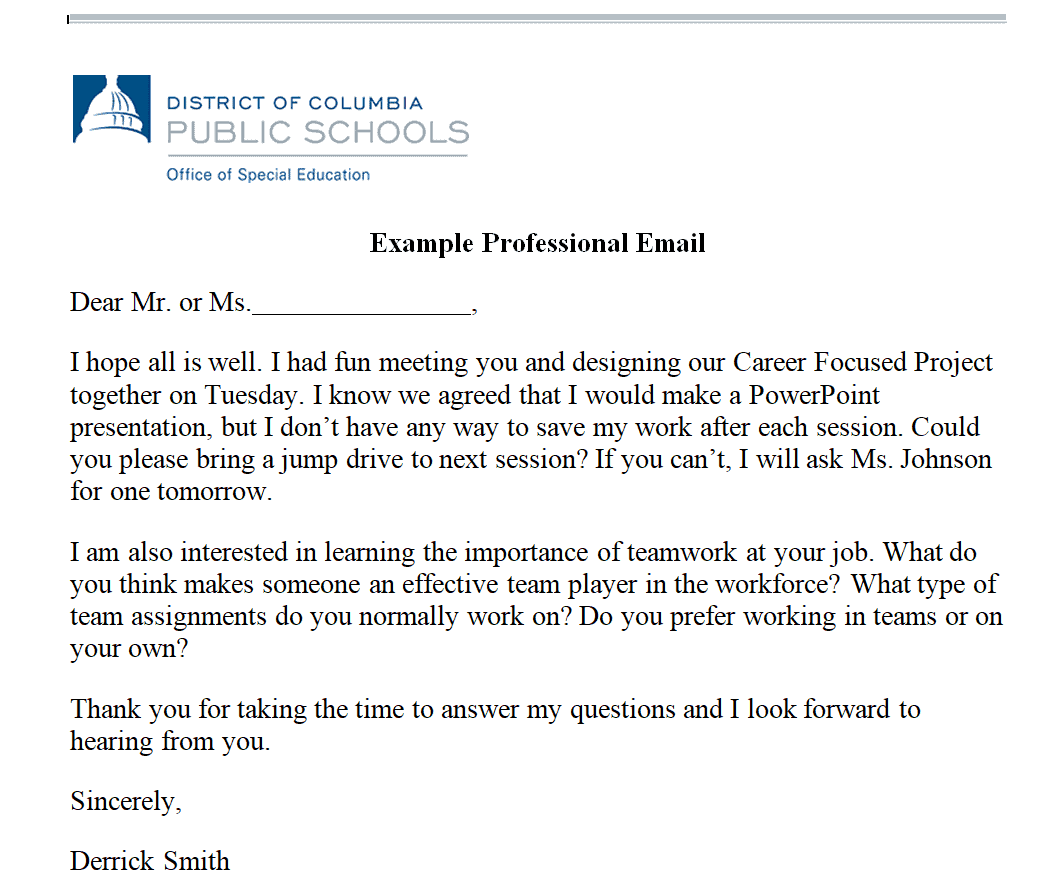
Practical Professional Email Sample
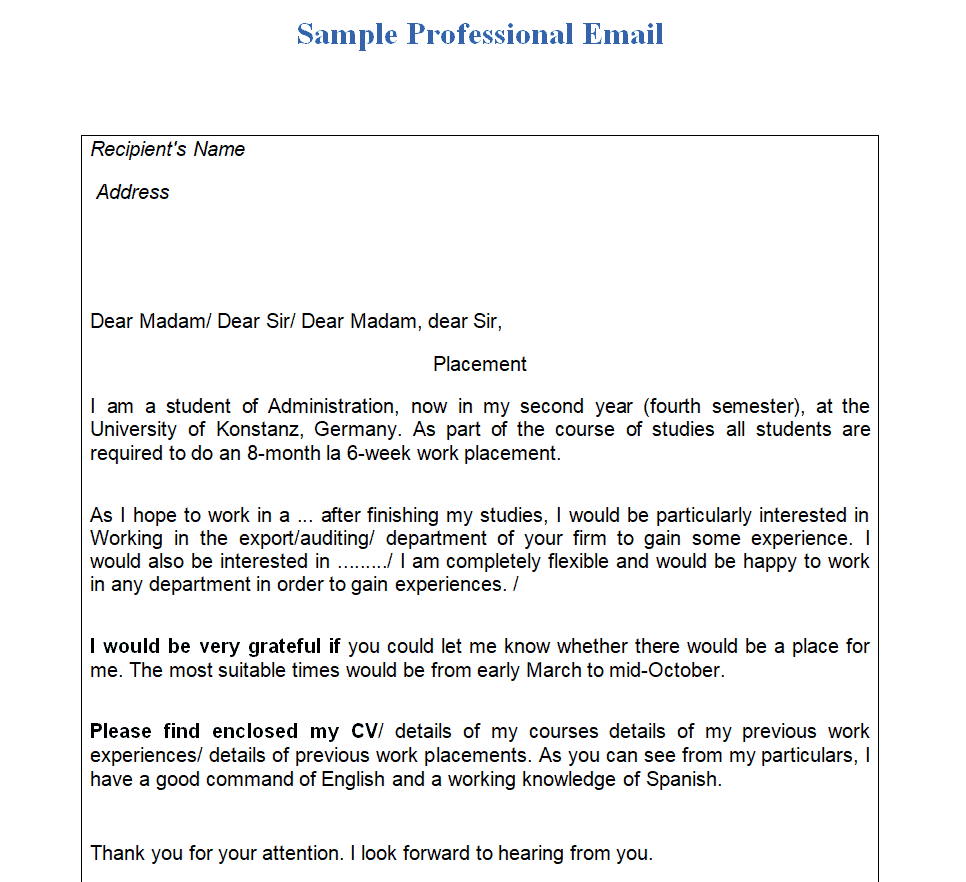
Job Application Email Template
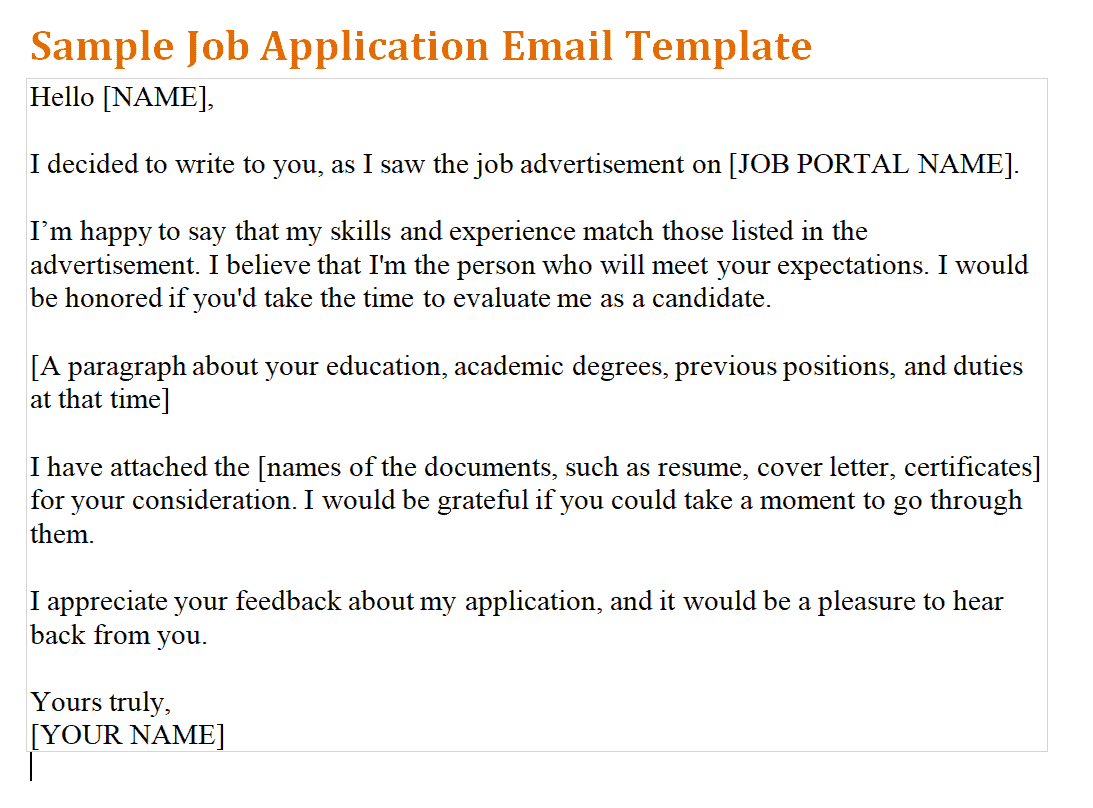
Web Designer’s Email Template
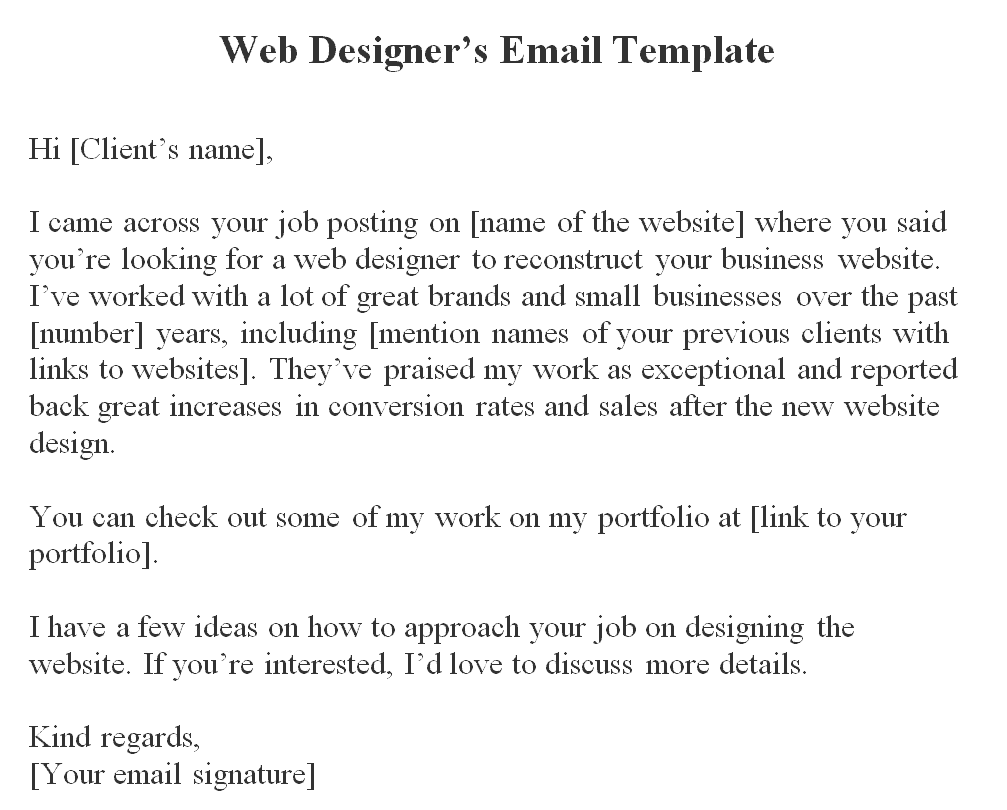
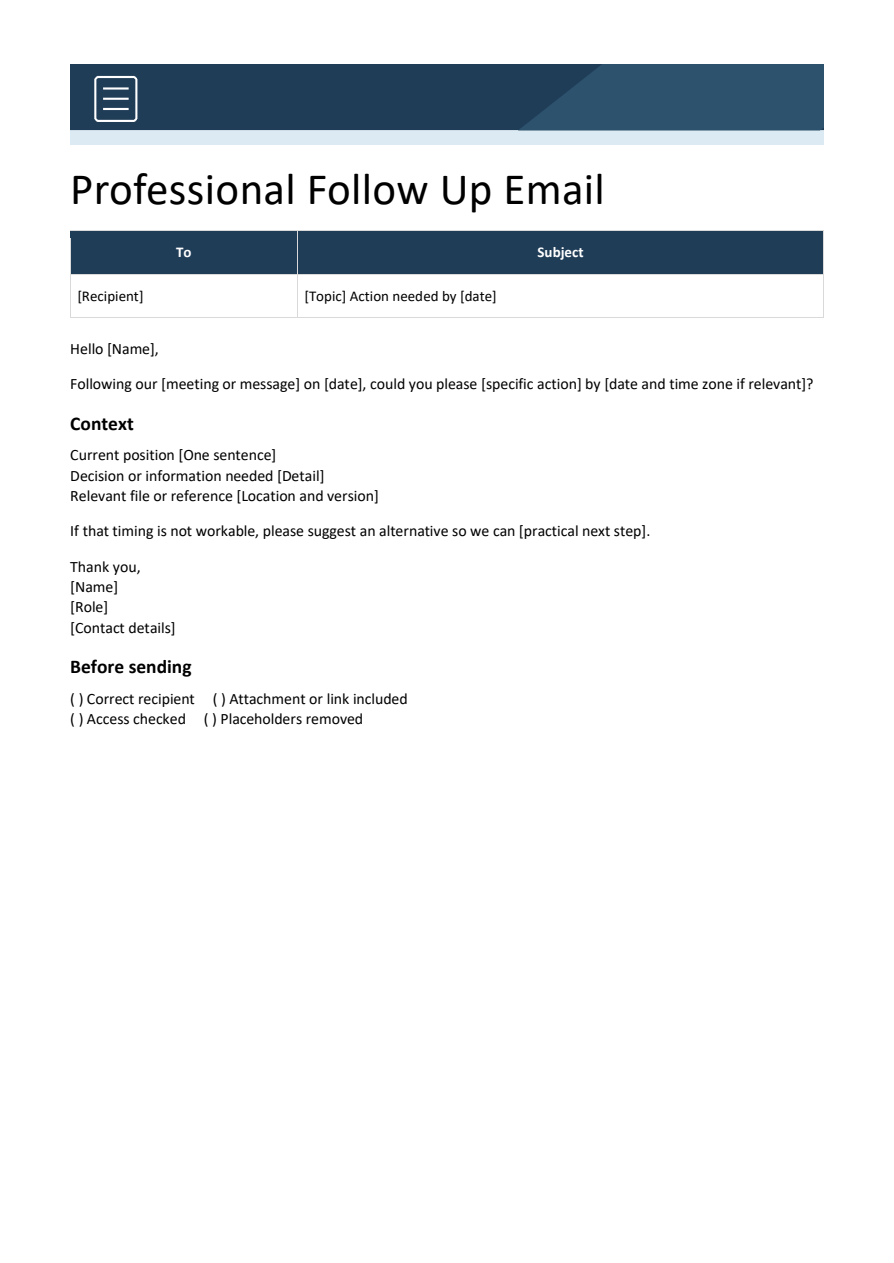
Bonus template: Professional follow-up email template
A useful follow-up states the decision or action still needed, gives enough context to act, and makes the response easy.
Copy and personalize this wording
Subject: [Project or topic] — [decision or action] by [date]

Hello [Name],

Following our [meeting / message] on [date], could you please [specific action] by [date and time zone if needed]?

For reference:
- Current position: [one sentence]
- Decision or information needed: [detail]
- Relevant file or reference: [location]

If that timing is not workable, please suggest an alternative so we can [practical next step].

Thank you,
[Name]
[Role or contact detail]
How to use this template
- Make the subject describe the requested action rather than only ‘Following up’.
- Use one primary request and identify the relevant file version.
- Match the deadline and tone to the actual situation; remove dates or urgency that have not been agreed.
Worked example: Subject: Website draft — approve homepage wording by Friday. Request: confirm the attached wording or identify the sections needing changes so the design review can proceed.
Check before use
- Confirm the attachment or link is included.
- Check recipient names and access permissions.
- Remove internal notes and placeholders before sending.
Choose an email format based on the action you need
Worked example: For a project update, put the decision required and due date near the top, then summarise progress and blockers. For a meeting request, include proposed times and a clear reason to attend.
Check before use: Check recipient names, tone, attachments and confidentiality before sending. Avoid vague subjects, unnecessary recipients and claims you cannot support.
For related resources, see 3 Two weeks’ notice letter Templates and Software Project Proposal Templates.
What’s Included in the Professional Email Template
- Subject line guidance: Suggested phrasing to help your email get opened and read.
- Greeting and salutation: A professional opening appropriate for business correspondence.
- Body structure: A clear layout for introducing your purpose, providing details, and making a request.
- Closing and sign-off: A polished closing line and signature block.
- Tone guidance: Wording examples that strike a formal but approachable tone.
- Editable placeholders: Bracketed fields you can replace with your own names, dates, and details.
How to Start Using the Template in 3 Simple Steps
- Step 1 — Choose a template style: Browse the the options below and select the layout that fits your purpose.
- Step 2 — Fill in your details: Replace the placeholder text with your recipient’s name, subject, and message.
- Step 3 — Review before sending: Proofread your email and confirm the tone matches the situation before hitting send.
Professional Email vs. Casual Email
While both formats serve the purpose of communication, a professional email and a casual email are built for very different situations. A professional email uses formal language, a clear subject line, and a structured layout suited for business correspondence, job applications, or client outreach. A casual email, by contrast, is typically shorter, uses informal language, and is reserved for friends, family, or colleagues with an established rapport. Choosing the right format for the situation matters, since a casual tone in a business context can come across as unprofessional, while an overly formal tone with a close colleague can feel stiff.
Writing Effective Subject Lines
The subject line is often the single biggest factor in whether a professional email gets opened at all, since busy recipients frequently decide whether to read a message based on the subject alone. A strong subject line is specific and states the purpose of the email clearly, such as “Follow-Up: Marketing Proposal Discussion” rather than a vague “Following Up.” Avoiding all caps, excessive punctuation, and generic phrases like “Quick Question” also helps an email stand out as a legitimate, professional message rather than something that looks like spam or a mass mailing.
Handling Follow-Up Emails Professionally
Following up after a period of silence is a normal part of business communication, but the way a follow-up is worded can significantly affect how it’s received. A good follow-up email briefly restates the original request, acknowledges that the recipient may be busy, and offers a low-pressure way to respond, rather than sounding impatient or accusatory. Waiting an appropriate amount of time before following up, typically a few business days to a week depending on the context, also helps ensure the follow-up feels considerate rather than pushy.
Adapting Templates for International Business Communication
When corresponding with recipients in other countries or cultures, a few adjustments to a standard professional email template can go a long way toward avoiding misunderstandings. Some cultures favor a more indirect, relationship-focused opening before getting to the point, while others expect the purpose of the email to be stated immediately. Being mindful of date formats, time zones, and formal titles when addressing international recipients also helps ensure the email is received the way it was intended, regardless of where in the world the reader is located.
Formatting Emails for Mobile Readers
A growing share of business emails are opened first on a phone, which makes formatting decisions that work well on a wide desktop screen less reliable than they used to be. Long, unbroken paragraphs that are easy to scan on a monitor can look like an intimidating wall of text on a small screen, so breaking your message into short paragraphs with clear line breaks helps ensure it reads well regardless of device. Testing how an important email looks before sending, particularly one going to a large group or a key client, is a small extra step that can meaningfully improve how the message is received.
Using Templates Without Sounding Generic
One concern with relying on a template is that an email can come across as impersonal or mass-produced if it’s sent without any customization. Taking a few extra moments to reference something specific to the recipient, such as a recent conversation, a shared connection, or a detail from their company, helps a templated email feel genuinely personal rather than copied and pasted. Treating the template as a starting framework rather than a finished product, and adjusting the wording to sound like your own natural voice, keeps the efficiency benefits of a template while avoiding the impersonal tone that can undermine it.
Frequently Asked Questions
Are these professional email templates free to download?
Yes, the templates on this page are free to download and use.
Can I edit the wording in these templates?
Yes, the templates are provided as editable documents so you can adjust the greeting, body, and closing to match your message.
What’s the difference between a professional email and a casual email?
A professional email uses formal language and a structured layout suited for business, while a casual email is shorter and more informal, typically reserved for people you know well.
Are these templates suitable for job applications?
Yes, several of these templates are designed specifically for job application and follow-up correspondence.
Can freelancers use these templates for client outreach?
Yes, several templates are geared toward freelancers reaching out to prospective clients or following up on proposals.
How do I avoid sounding generic when using a template?
Personalize the template by referencing something specific to the recipient, such as a shared connection or a recent conversation, before sending.
How long should a professional email be?
It’s best to keep professional emails brief and to the point, since recipients are often pressed for time and may skim longer messages.

You must be logged in to post a comment.