
A vendor list is more useful when it identifies each supplier’s category, service region, contact, payment terms, delivery performance, and last verification date. Names and email addresses alone are not enough for a reliable procurement reference.
Bonus template: Vendor verification and review record
Add a review record to the vendor list so contacts and commercial terms do not remain indefinitely marked as current.
Download the editable Excel workbook
Download Vendor directory review tracker (.xlsx)
Open in Microsoft Excel. Replace the fictional example data in the highlighted input cells; keep formula cells intact so the summaries update.
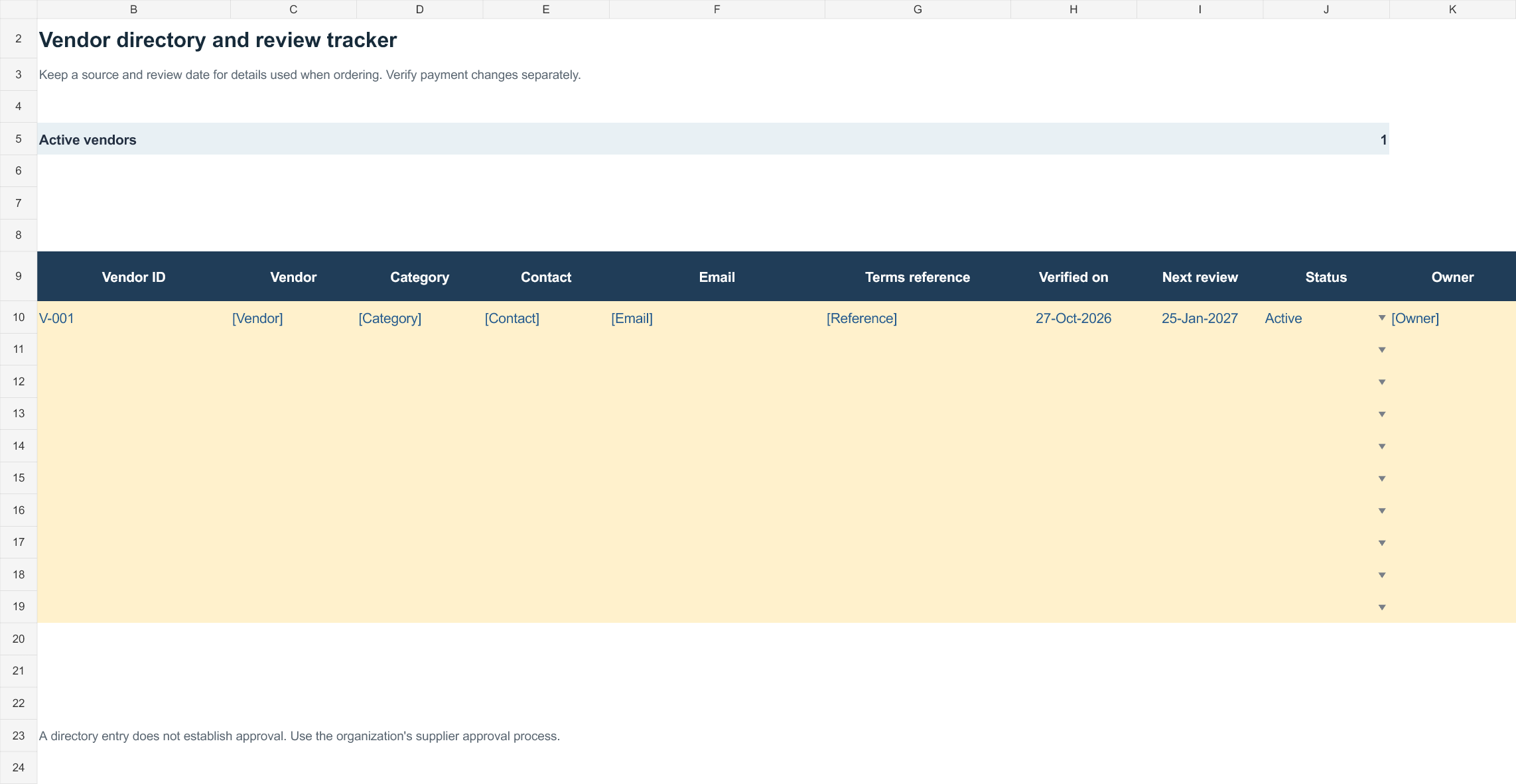
Set up the record
- Vendor ID and name: [details]
- Category / service area: [details]
- Internal owner: [name]
| Check | Verified detail | Source / date | Next review |
|---|---|---|---|
| Contact and ordering route | [official contact] | [source; date] | [date] |
| Products / service scope | [scope] | [source; date] | [date] |
| Commercial terms | [agreed terms reference] | [source; date] | [date] |
| Delivery / service performance | [observed measure] | [period] | [date] |
| Status | [active / hold / inactive] | [reviewer; date] | [date] |
How to use this template
- Give vendors stable references so similar names do not merge.
- Record the source and verification date for details relied on when ordering.
- Handle banking-detail changes through the organization’s separate verification process.
Worked example: Vendor V-018 remains active, but its old contact is marked superseded after confirmation through the approved route. Previous orders retain their original references.
Check before use
- Avoid unsupported ‘approved’ labels.
- Keep confidential pricing or payment details out of broadly shared directories.
- Name the person responsible for the next review.
Compare suppliers with consistent records
- Speeds up purchasing decisions: Having every vendor’s contact details in one place means you can reach out quickly when you need to place an order.
- Improves organization: A structured list replaces scattered notes and business cards with a single, searchable record.
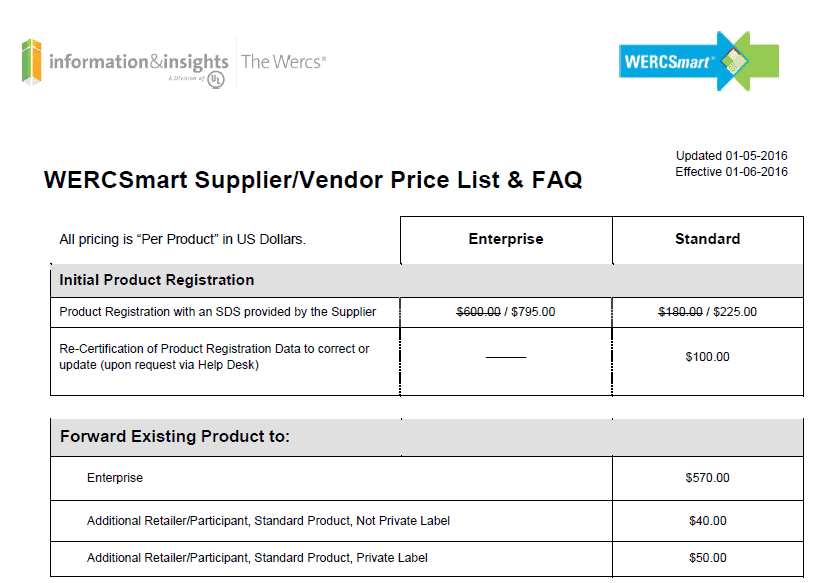
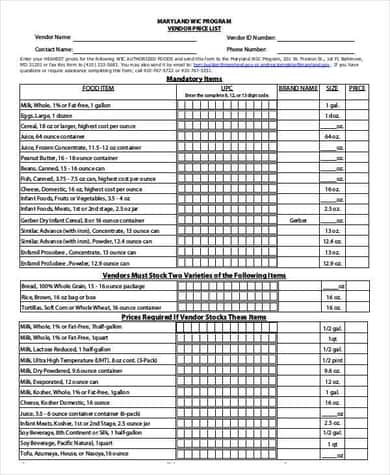
- Supports better vendor comparisons: Keeping details like pricing, certifications, and location side by side makes it easier to compare suppliers.
- Reduces missed opportunities: An up-to-date list means you’re less likely to forget about a reliable vendor you’ve worked with before.
- Helps with onboarding: New employees in purchasing roles can quickly get up to speed by reviewing an existing vendor list.
- Strengthens vendor relationships: Recording last contact dates and notes helps you follow up consistently and maintain good working relationships.
Worked example: If two packaging suppliers offer similar prices, record one supplier’s ten-day lead time and minimum order against the other’s three-day delivery and higher shipping cost. That makes sourcing decisions traceable.
Check before use: Avoid storing bank account information unnecessarily and restrict personal contacts to authorised users. Re-check certifications and terms rather than assuming a saved entry stays current.
For related resources, see 2 Requisition Form Templates and 3 Excel Inventory Tracking Spreadsheet Templates.
What’s Included in the Vendor List Template
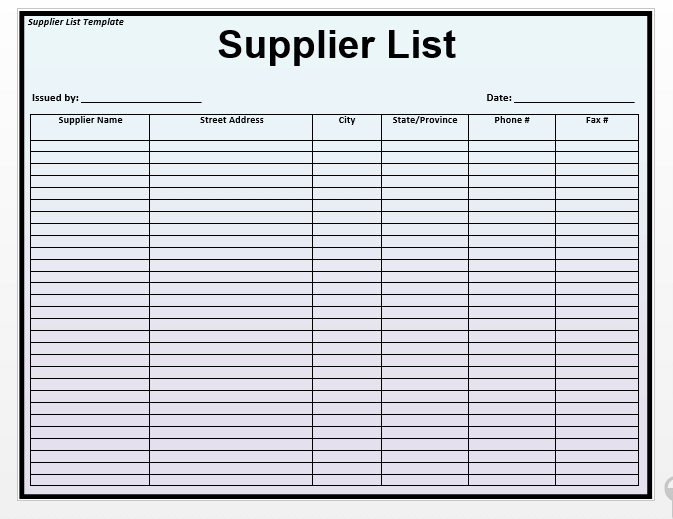
- Vendor name and ID: The vendor’s business name along with an internal reference or material code.
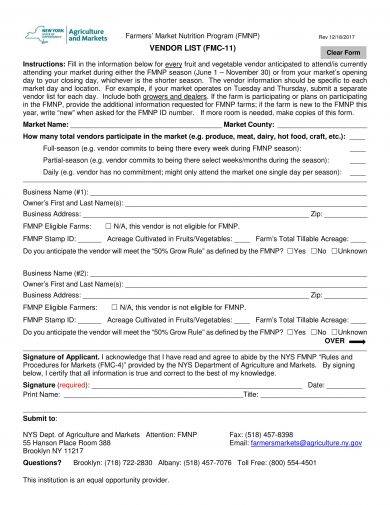
- Contact information: Phone number, email address, and contact person for quick communication.
- Location and address: The vendor’s physical address, useful for shipping coordination or in-person visits.
- Product or service category: A field noting what goods or services the vendor supplies.
- Certifications and compliance notes: Space to record any relevant certifications or compliance documentation.
- Last contact details: A field to track when the vendor was last contacted, useful for maintaining an active relationship.
Who Should Use These Templates?
- Purchasing managers and supervisors responsible for sourcing materials and maintaining supplier relationships.
- Small business owners who handle vendor management themselves without a dedicated procurement team.
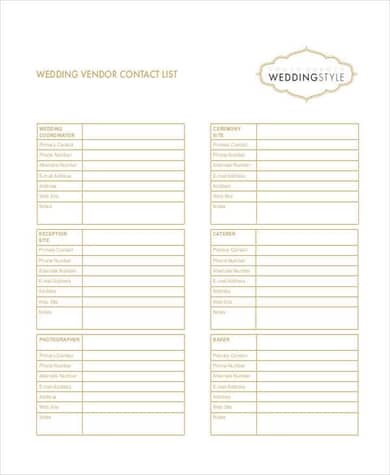
- Event planners tracking caterers, decorators, and other vendors for weddings or corporate events.
- Procurement and supply chain teams at larger organizations managing dozens or hundreds of suppliers.
- Retailers keeping track of product suppliers and wholesalers.
- Nonprofit organizations managing vendors for fundraising events or ongoing operational needs.
How to Start Using the Template in 3 Simple Steps
- Step 1 — Choose a format: Browse the eleven templates below and pick the layout that fits your business, whether that’s a simple contact list or a detailed master vendor record.
- Step 2 — Enter your vendor information: Add each vendor’s name, contact details, and any other relevant information to the list.
- Step 3 — Keep it updated: Review and update the list regularly as you add new vendors or as contact details change.
Vendor List vs. Approved Vendor List
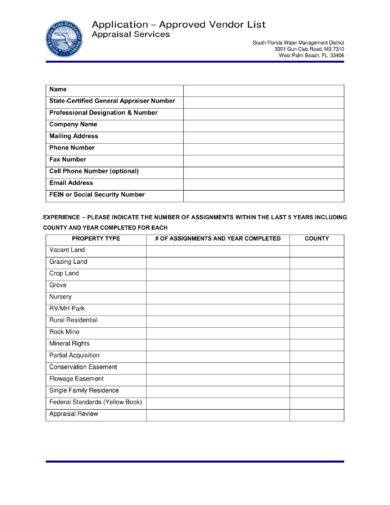
These two documents serve related but distinct purposes. A general vendor list simply records contact information for suppliers a business works with or has considered working with. An approved vendor list, on the other hand, is typically a more formal document used in procurement processes, listing only vendors that have passed a vetting or qualification process, such as meeting certain quality, compliance, or certification standards. Larger organizations often maintain both: a broad vendor list for general reference and a stricter approved vendor list for suppliers cleared to bid on contracts or fulfill purchase orders.
Customizing the Template for Your Business
These templates are a starting point you can adjust to match your company’s specific needs. You might add a column for payment terms or preferred payment methods, include a rating or performance score for each vendor, add a section for insurance or liability documentation, or organize vendors by category or region if your business works with suppliers across multiple areas. Since the templates are provided in editable Excel, Word, and PDF formats, most of these changes take only a few minutes to make.
Common Mistakes to Avoid
- Letting the list go stale: Outdated contact information can cause delays when you need to reach a vendor quickly.
- Missing key details: Leaving out fields like certifications or last contact date reduces how useful the list is over time.
- Keeping the list in multiple places: Scattered or duplicate vendor lists lead to confusion and outdated information.
- Not categorizing vendors: Without categories, it becomes harder to quickly find the right vendor for a specific need.
- Skipping certification tracking: For regulated industries, failing to track vendor certifications can create compliance risks.
Tips to Get the Most Out of Your Vendor List Template
- Review and update the list quarterly to keep contact information and vendor status current.
- Add notes after each interaction to build a useful history for future reference.
- Categorize vendors by type so you can quickly filter the list when sourcing a specific product or service.
- Back up the list regularly so vendor data isn’t lost if a file is corrupted or misplaced.
- Share access with relevant team members so everyone in purchasing is working from the same up-to-date information.
Managing Vendor Lists for Different Event Types
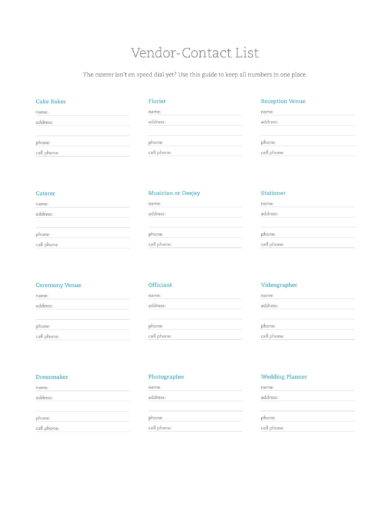
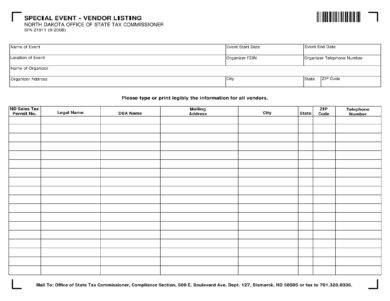
Beyond standard business purchasing, vendor lists are also widely used for planning special events such as weddings, conferences, and corporate functions. In this context, the list typically includes vendors like caterers, photographers, decorators, and venue coordinators, along with their pricing, availability, and contract status. Keeping a dedicated vendor list for each event, rather than mixing it with your general business supplier list, makes it far easier to manage the specific timeline and requirements of that event without cluttering your day-to-day vendor records.
Building Long-Term Vendor Relationships
A well-maintained vendor list isn’t just a static record; it’s also a tool for building stronger, longer-term relationships with the suppliers a business relies on most. By tracking notes on past interactions, pricing history, and reliability, purchasing teams can make more informed decisions about which vendors to prioritize for future work, and can spot patterns such as a vendor consistently delivering late or offering better pricing during certain seasons. Over time, this turns a simple contact list into a genuinely strategic resource for procurement decision-making.
Choosing Between the Different Template Styles
With eleven different templates available on this page, it helps to think about your business’s specific needs before picking one. A small business working with a handful of regular suppliers might only need one of the simpler contact list formats, while a company managing dozens of vendors across multiple categories will get more value from the detailed master list templates that include fields for certifications, pricing, and contract status. If your business handles specialized purchasing, such as event vendors or wedding suppliers, the templates designed specifically for those use cases will save you from having to adapt a general-purpose list. Trying a couple of formats early on is a good way to find which structure your team finds fastest to maintain.
Integrating a Vendor List into Your Broader Purchasing Process
A vendor list works best when it’s treated as a living part of your purchasing workflow rather than a document you fill out once and forget. Many businesses link their vendor list directly to their ordering process, referencing it every time a new purchase order is created and updating it whenever a vendor’s terms or contact details change. Some also use the list as the basis for periodic vendor reviews, comparing pricing and reliability across suppliers in the same category to ensure the business continues getting good value. Treating the list this way, as an active tool rather than a static record, is what turns a simple spreadsheet into a genuinely useful part of how a business manages its supply chain.
Vendor List Templates:
Editable Vendor List Template
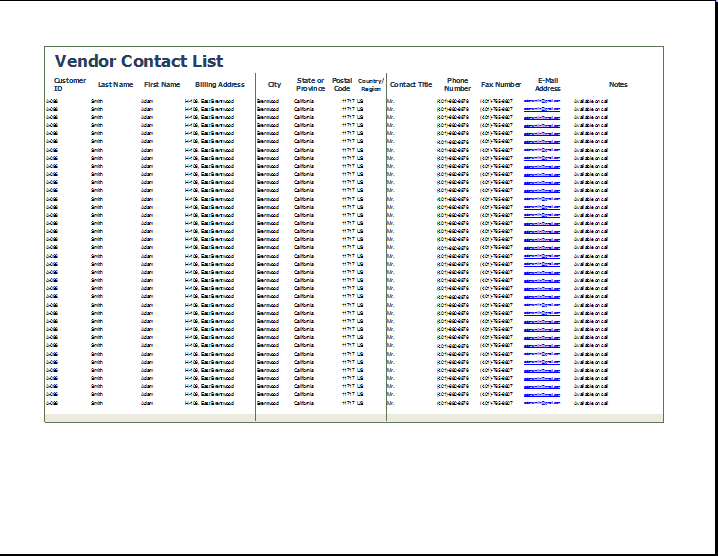

Vendor Contact List Template
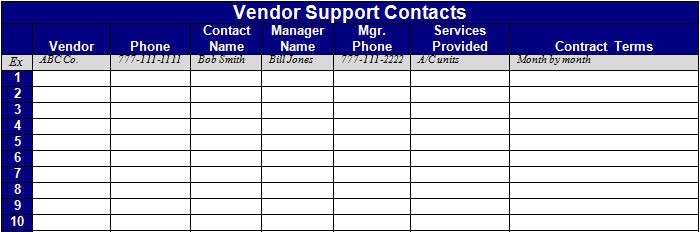
Vendor List Example
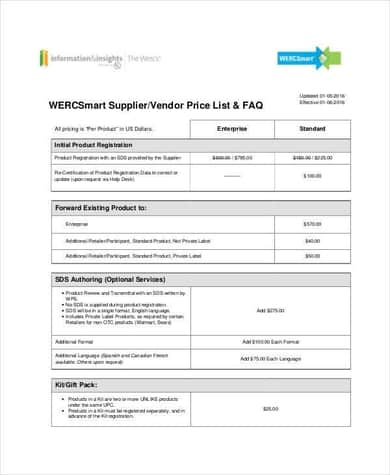
Vendor Master List Template
Frequently Asked Questions
Are these vendor list templates free to download?
Yes, all eleven vendor list templates on this page are free to download and use for your business.
Which file formats are available?
The templates are available in Excel, Word, and PDF formats, so you can choose whichever fits your workflow.
Can I add my own fields to the template?
Yes, the Excel and Word versions are fully editable, so you can add columns for payment terms, ratings, or any other detail relevant to your business.
What’s the difference between a vendor list and an approved vendor list?
A general vendor list records contact details for suppliers you work with, while an approved vendor list includes only vendors that have passed a formal qualification or vetting process.
Can I use these templates for event planning?
Yes, several templates, including the wedding and special event vendor list formats, are designed specifically for tracking event vendors.
Do I need Microsoft Excel to use these templates?
Most templates are built for Excel or Word but also open in free alternatives such as Google Sheets, Google Docs, or LibreOffice.
How often should I update my vendor list?
It’s a good practice to review and update your vendor list at least quarterly, or whenever a vendor’s contact details or status changes.

You must be logged in to post a comment.