
A student award certificate should state a clearly defined achievement, school or organisation, date and authorised issuer. Academic distinction, effort, citizenship and participation are different award categories.
Bonus template: Student award wording and evidence card
Make the award meaningful by naming a specific achievement. Use the evidence card to choose accurate wording, then copy the certificate text into your preferred design.
Download the editable Word template
Download Student achievement award (.docx)
Open in Microsoft Word and replace the placeholders. Text and tables are editable; customize the colors and wording for your needs.
Set up the record
- Recipient: [student name]
- Award category: [achievement / effort / service / improvement]
- Evidence: [specific example]
- Award period: [dates]
Copy and personalize this wording
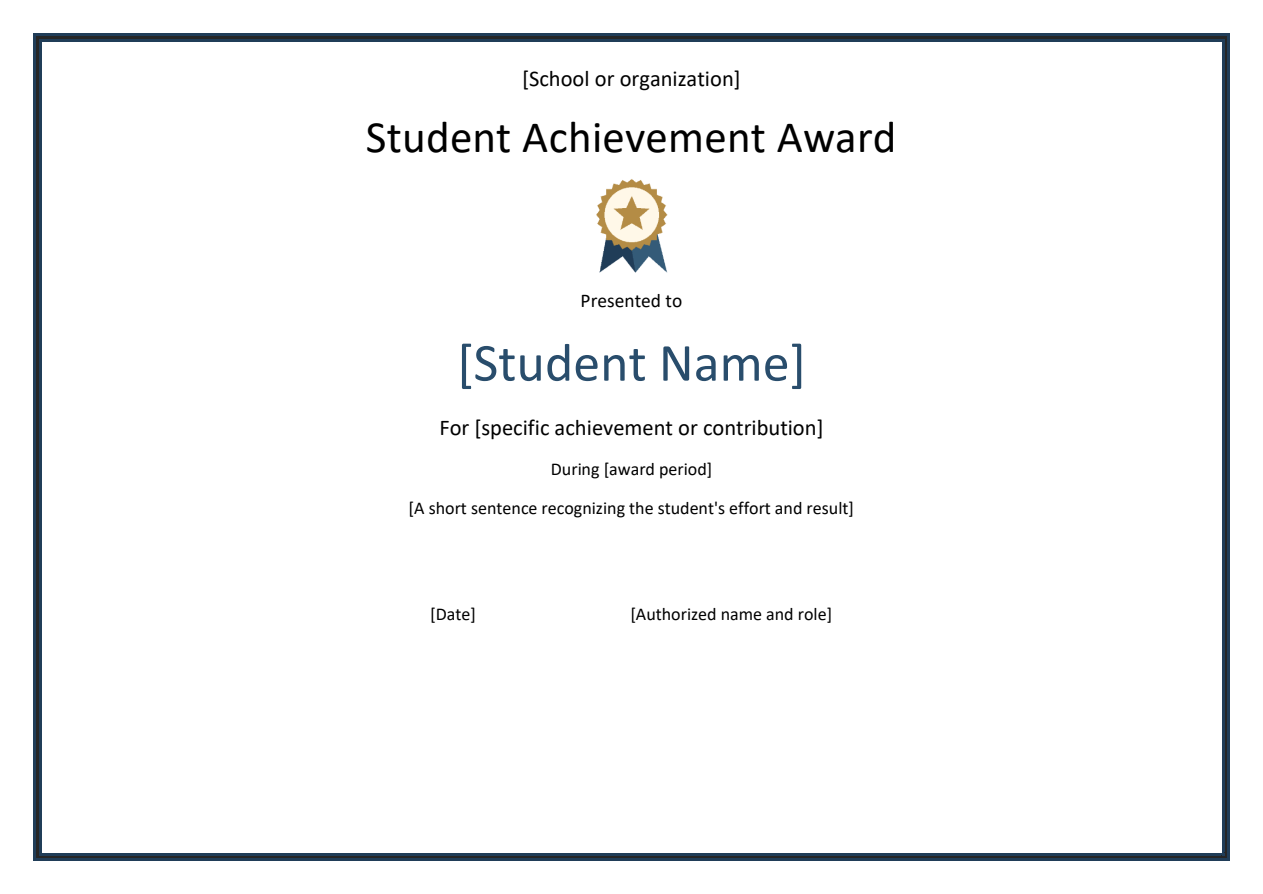
CERTIFICATE OF [AWARD CATEGORY]
Presented to [Student Name]
For [specific achievement or contribution] during [period].
Your [observable quality or action] contributed to [clear result].
Issued by [School or Organization]
Date: [date]
Authorized representative: [name and role]
How to use this template
- Choose one category rather than combining attendance, academic results and conduct into an unclear award.
- Check the student’s preferred spelling and the teacher’s supporting example.
- Match the wording to what was actually achieved; remove claims about grades or qualifications that the issuer has not confirmed.
Worked example: For consistent improvement in reading fluency during the spring term, shown through weekly practice and class reading activities.
Check before use
- Name the award period.
- Use a specific achievement rather than ‘best student’ without criteria.
- Confirm permission before displaying student information publicly.
Match student awards to the reason for recognition
Worked example: A student receiving a reading-progress award can be recognised for meeting a documented reading goal, while an academic excellence award should use the school’s actual criteria rather than an invented rank.
Check before use: Check name spelling and ensure the wording is age-appropriate. Avoid implying accreditation or test results that were not formally awarded.
- Saves design time: A ready-made layout means you can focus on recognizing students instead of designing a certificate from scratch.
- Builds student confidence: A formal certificate reinforces a student’s achievement and encourages continued effort.
- Professional appearance: A well-designed certificate presents student recognition in a polished, memorable format.
- Encourages positive values: Recognizing achievement helps promote positive behavior and academic effort among students.
- Easy to personalize: Editable fields let you quickly add each student’s name and specific accomplishment.
- Free and reusable: Download once and reuse the same template structure for every award ceremony.
For related resources, see Best 14+ Customizable Certificate of Achievement Templates and 20 Editable Certificate of Attendance Templates in MS WORD.
What’s Included in the Student Award Certificate Template
- Student name field: Space to enter the name of the student being recognized.
- Achievement description: A field describing the specific accomplishment or quality being honored.
- Institution name: Space for the name of the school or academic institution issuing the award.
- Date and academic year: Fields for recording when the award was presented.
- Signature lines: Space for a teacher, principal, or administrator to sign the certificate.
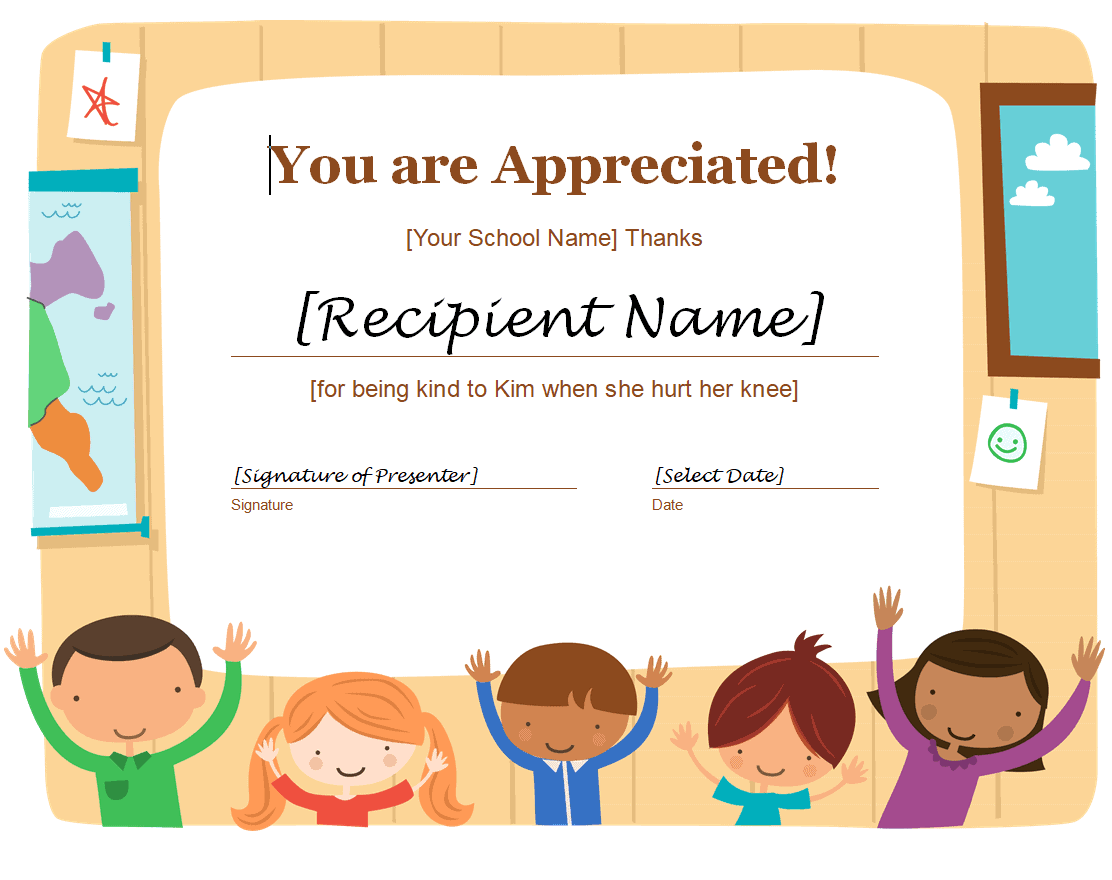
- Decorative design elements: Professional borders and graphics that give the certificate a formal appearance.
Who Should Use These Templates?
- Teachers recognizing individual student achievement in the classroom.
- School administrators preparing certificates for end-of-year award ceremonies.
- Principals honoring student leadership and academic excellence.
- PTA and school organizations presenting awards for extracurricular achievements.
- Homeschool educators recognizing progress and milestones for their students.
- Tutoring centers celebrating student improvement and effort.
How to Start Using the Template in 3 Simple Steps
- Step 1 — Choose a template style: Browse the 8 options below and select the format that best fits the occasion.
- Step 2 — Personalize the certificate: Add the student’s name, achievement, and issuing institution details.
- Step 3 — Print and present: Print the completed certificate and present it during a class or school ceremony.
Student Award Certificate vs. Diploma
While both documents recognize student accomplishment, a student award certificate and a diploma serve different purposes. A diploma formally certifies that a student has completed a specific course of study or graduated from a program. A student award certificate, by contrast, recognizes a specific achievement, quality, or contribution, such as academic excellence, leadership, or improvement, often presented during the school year rather than at graduation. Many schools use both together: diplomas for completion milestones and award certificates for ongoing recognition throughout a student’s academic journey.
Customizing the Template for Your School
These templates are designed to be a flexible starting point rather than a fixed format. You can add your school’s logo, adjust the wording to match a specific award category, or change the color scheme to match your school’s branding. Since the templates are provided in editable Word, PDF, and PowerPoint formats, most adjustments take only a few minutes and let you tailor the certificate to fit your particular recognition program.
Choosing the Right Format
With 8 different templates available in Word, PDF, and PowerPoint formats, choosing the right one depends on your school’s needs and the type of achievement being recognized. Word templates work well for quick text edits, PDF templates are great for consistent printing, and PowerPoint templates offer flexibility for schools that want to design certificates digitally. Reviewing each option before committing to one can help you find the layout that best fits your recognition program.
Common Mistakes to Avoid
- Misspelled names: Always double-check the spelling of the student’s name before printing.
- Vague achievement descriptions: Be specific about what the student is being recognized for.
- Missing signatures: A certificate feels more official when signed by a teacher or administrator.
- Inconsistent formatting: Use the same template style for all certificates presented at the same event.
- Printing on low-quality paper: Use quality paper or cardstock to give the certificate a more polished feel.
Tips to Get the Most Out of Your Student Award Certificate Template
- Personalize each certificate with a specific, meaningful description of the student’s achievement.
- Present certificates publicly when possible, such as during an assembly or classroom ceremony.
- Keep a record of which students received which awards for future reference.
- Use quality printing to give the certificate a more professional, lasting appearance.
- Involve students in nominating peers for certain awards to build a sense of community recognition.
Building a Meaningful Student Recognition Program
A single certificate can mean a great deal to a student, but building a consistent, ongoing recognition program often has a bigger impact on classroom culture and student motivation over time. Establishing regular intervals for handing out awards, such as monthly or quarterly, helps create anticipation and keeps students engaged in working toward recognition. Schools that vary their award categories, celebrating not just top grades but also improvement, kindness, and leadership, tend to create a more inclusive environment where more students feel their efforts are seen and valued.
Choosing the Right Award Categories
Selecting thoughtful award categories is just as important as the certificate design itself when it comes to building an effective recognition program. Categories like academic excellence, most improved, best attendance, leadership, and kindness each recognize a different kind of contribution and help ensure a broader range of students receive acknowledgment throughout the year. Rotating or expanding award categories periodically can also keep a recognition program feeling fresh and relevant to the specific strengths of each new group of students.
Presenting Certificates in a Way Students Remember
How a certificate is presented can matter just as much as the certificate itself when it comes to making the moment memorable for a student. A brief, genuine acknowledgment of the specific achievement, spoken aloud during the presentation, often means more to a student than the certificate alone. Taking a photo of the student receiving their award, with their permission, and sharing it with family or in a school newsletter can extend the sense of pride and recognition well beyond the ceremony itself.
Using Certificates to Support Student Motivation
Beyond the moment of presentation, a well-designed certificate can serve as a lasting reminder of achievement that continues to motivate a student long after the ceremony ends. Many students display certificates at home or in their locker, where the visual reminder of their accomplishment can reinforce positive academic habits over time. Educators who thoughtfully pair certificates with specific, encouraging feedback about what made the achievement possible often find that recognition translates into sustained effort rather than a one-time boost in motivation.
Involving Parents and Families in Recognition
Sharing a student’s award certificate with their family extends the impact of recognition well beyond the classroom, giving parents and guardians a chance to celebrate the achievement at home as well. Sending a photo or a brief note along with the certificate helps families understand exactly what their child accomplished and why it mattered. Schools that make a habit of communicating these moments to families often find it strengthens the overall home-school relationship, since parents get to see positive updates about their child’s progress rather than only hearing from the school when there’s a problem.
Digital and Printed Certificates for Remote Learning
For classrooms that include remote or hybrid learning components, digital certificates offer a practical way to recognize student achievement even when an in-person ceremony isn’t possible. A certificate can be completed digitally and emailed directly to the student and their family, or saved as a PDF for the student to print at home and display. Many educators find that combining digital delivery with a brief virtual acknowledgment during a video class session helps preserve the sense of occasion that comes with a more traditional, in-person presentation.
Storing and Reusing Certificate Templates Year After Year
Once a school or classroom settles on a certificate style that works well, keeping the editable file organized and accessible makes it easy to reuse for future award ceremonies without starting the design process over each time. Saving the template in a shared folder that other teachers or staff can access helps maintain consistency across classrooms and grade levels throughout the school. Updating the design occasionally, such as refreshing the color scheme every few years, can keep the certificates feeling current while still preserving the recognizable format families have come to associate with the school’s award program.
Download Student Award Certificate Templates:
Sample Student Award Certificate of Appreciation Template
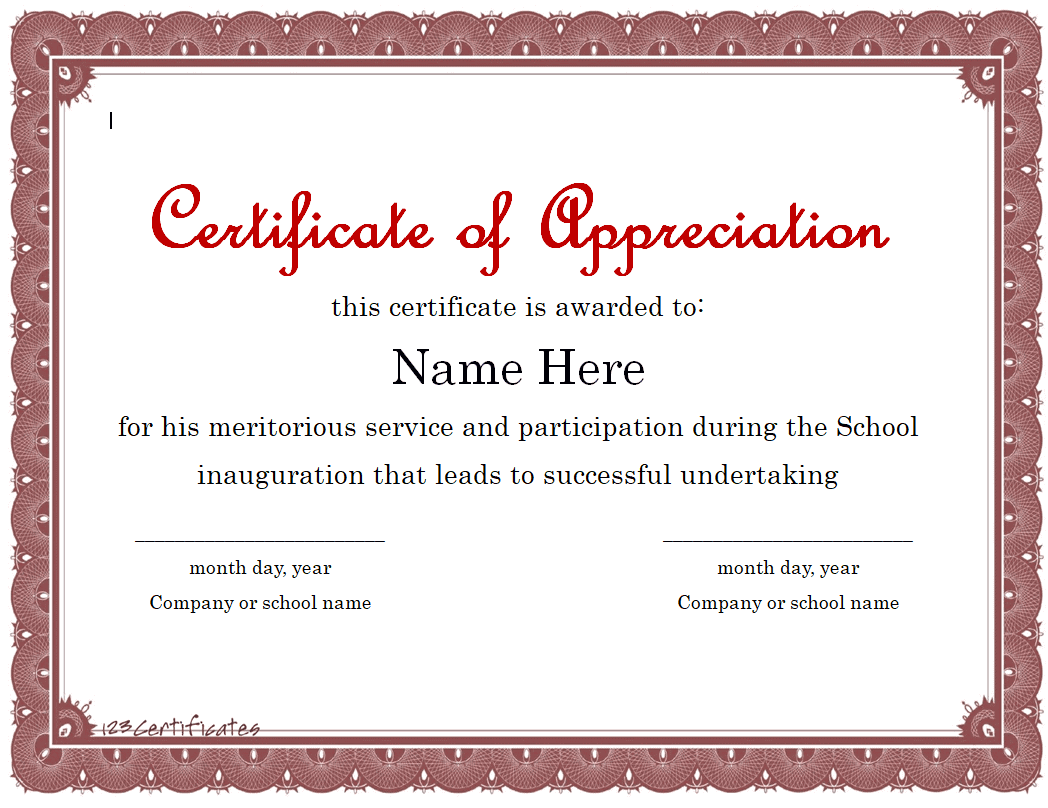
Blank Student Honor Award Certificate Template PDF
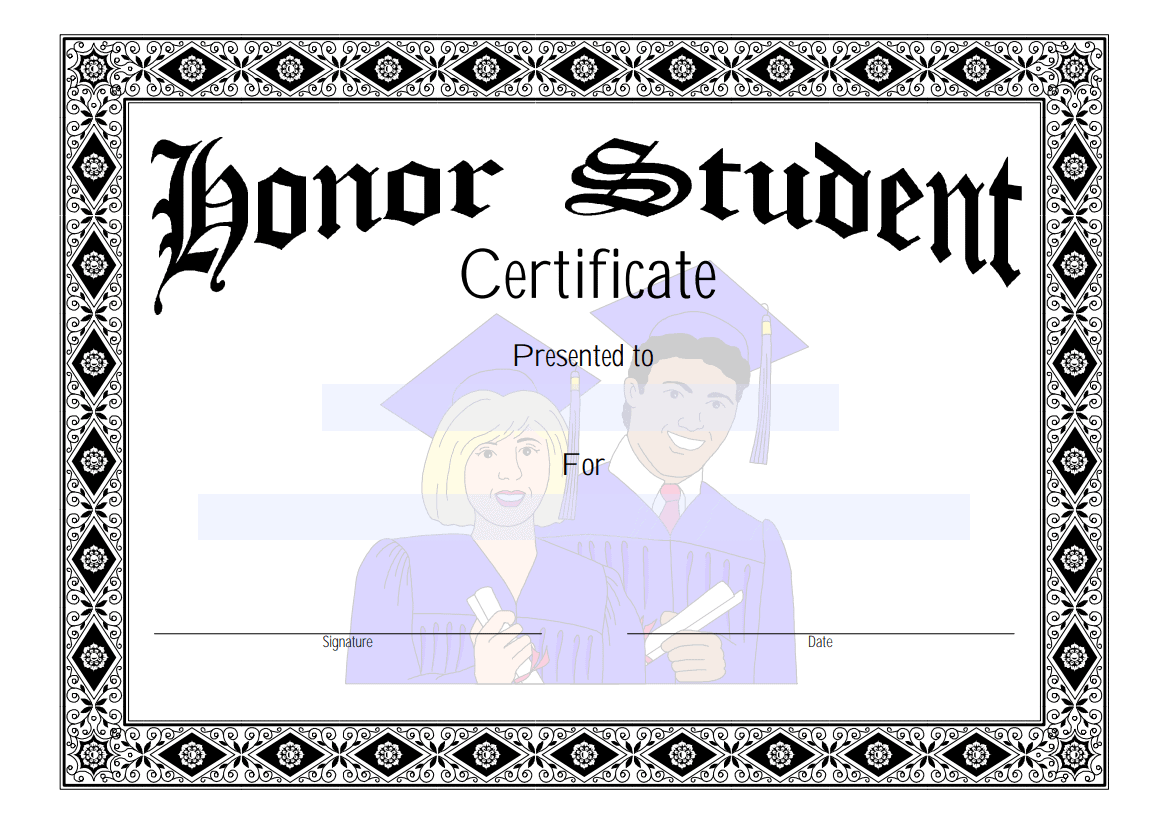
School Student Appreciation Award Certificate Template PowerPoint
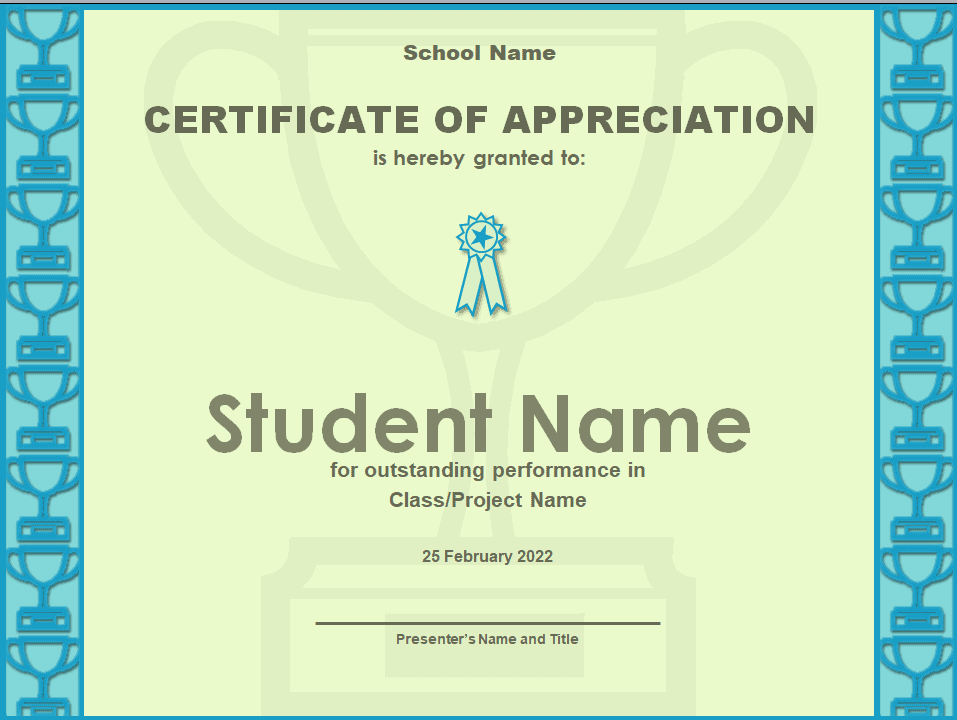
Printable Student Achievement Award Certificate Template
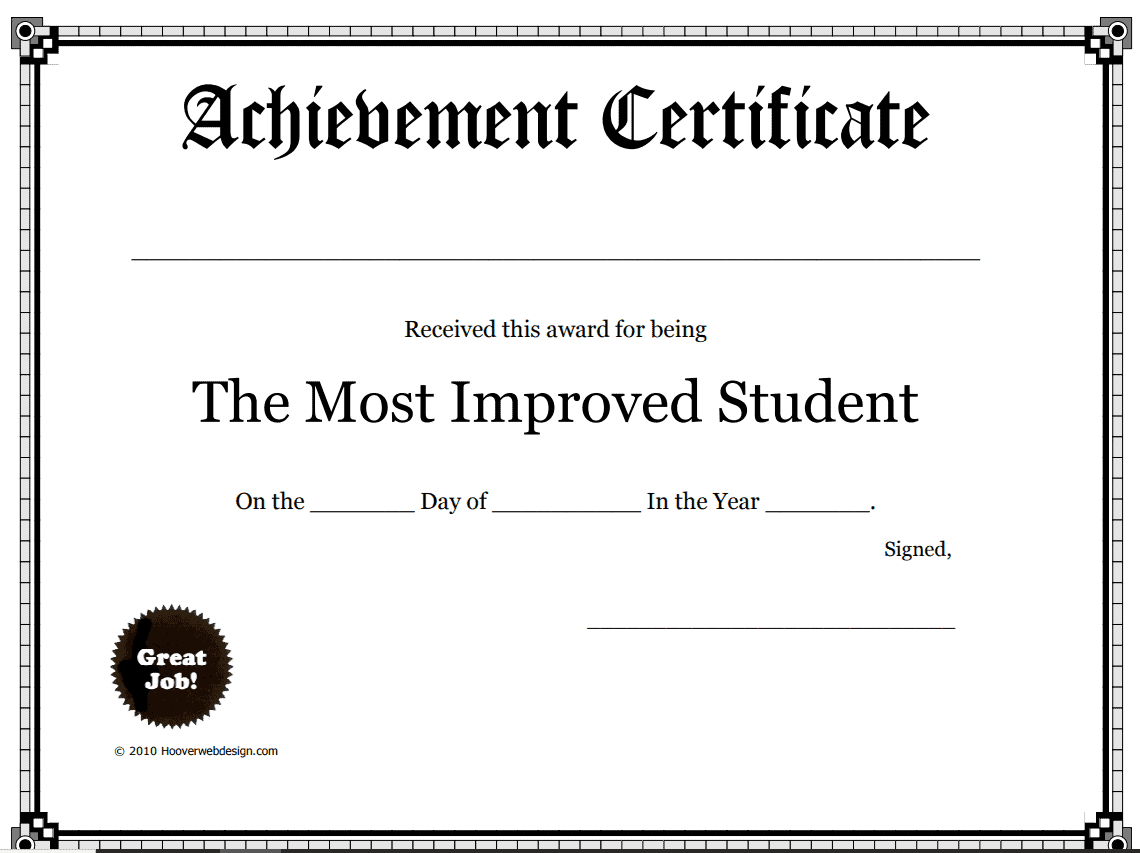
Simple Student Award Certificate Template WORD
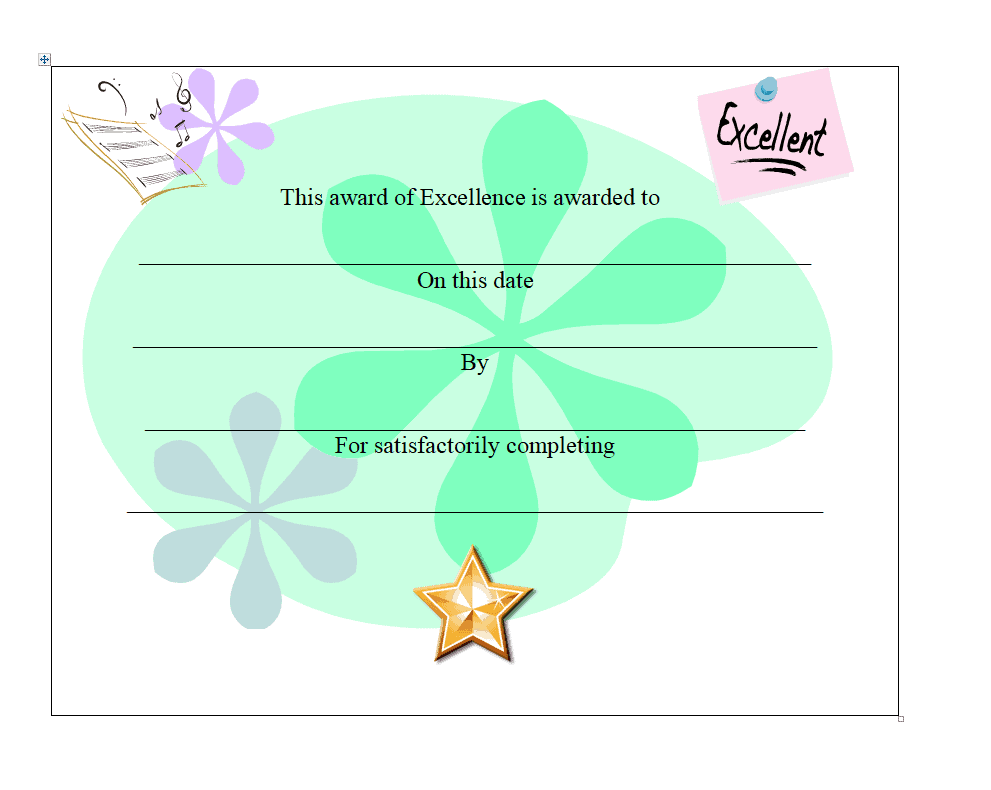
Sample Student Leadership Award Certificate Template MS WORD
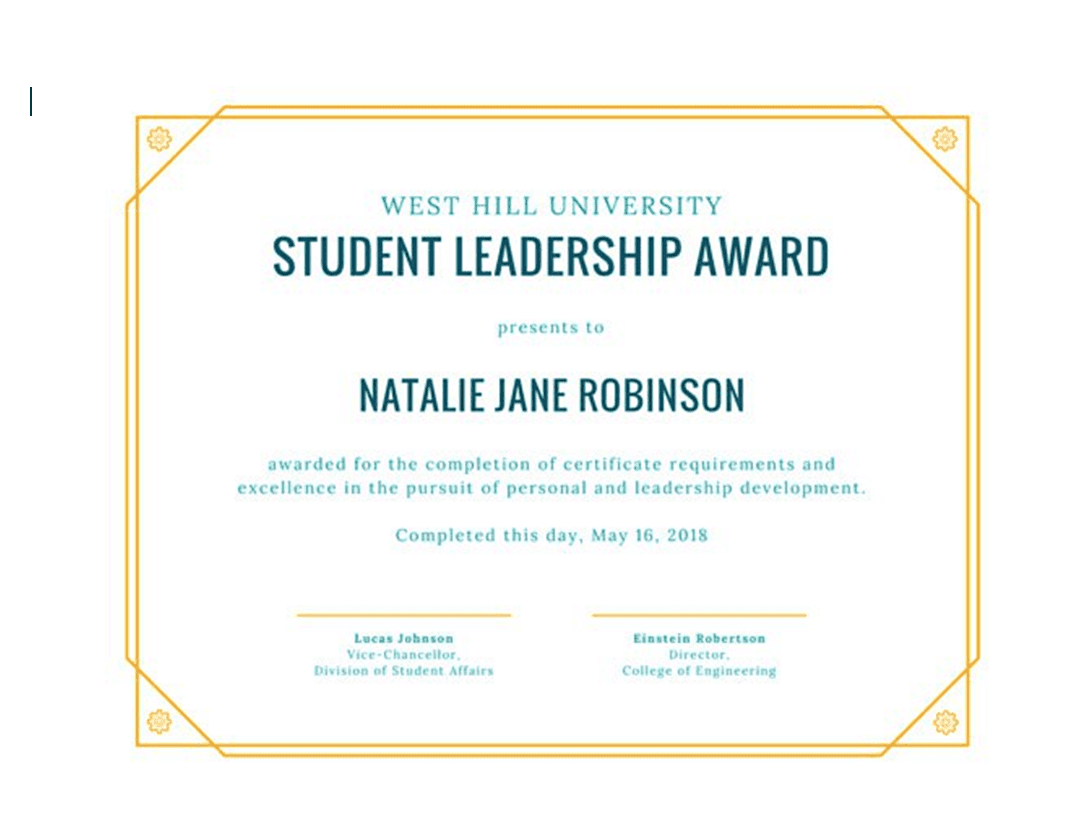
Student of the Month Award Certificate Template in PDF Format
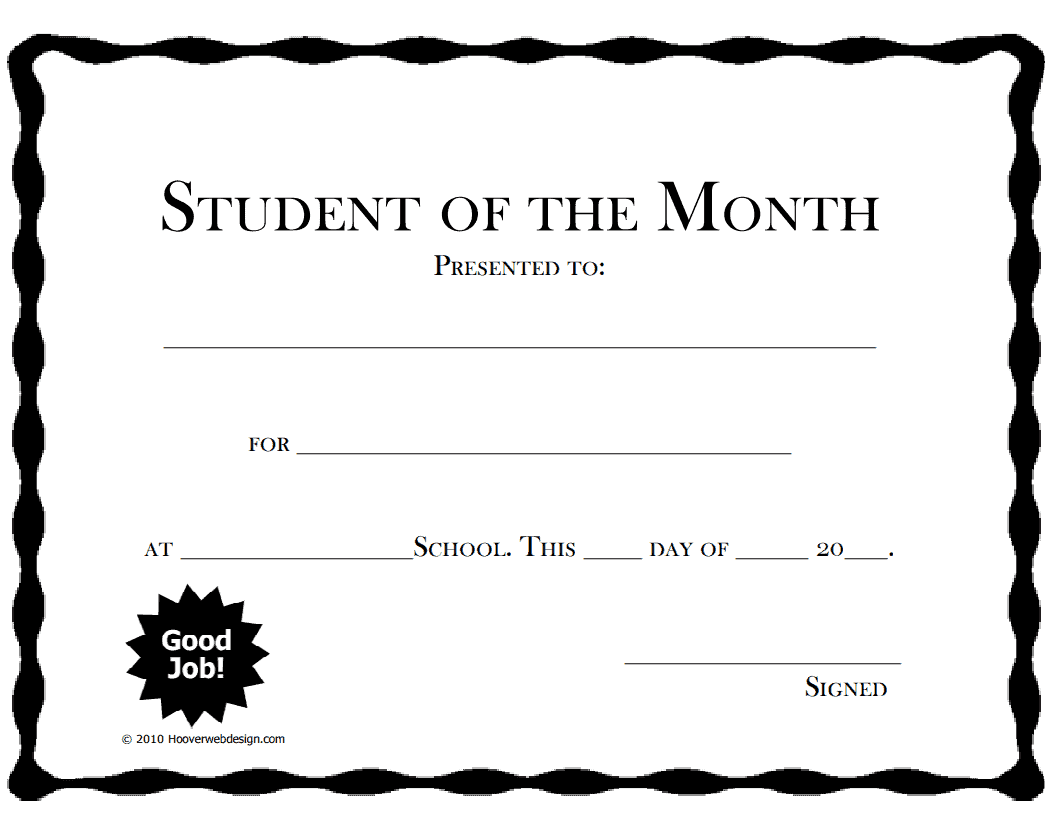
Elementary School Student Award Certificate WORD Template
Frequently Asked Questions
Are these student award certificate templates free to download?
Yes, all 8 student award certificate templates on this page are free to download and use.
Which file formats are these templates available in?
These templates are available in Word, PDF, and PowerPoint formats to suit different needs.
Can I customize the fields on these templates?
Yes, since the templates are fully editable, you can add your school’s logo and personalize the wording for each award.
Can these templates be used for homeschooling?
Yes, these templates work well for homeschool educators recognizing student progress and milestones.
What’s the difference between a certificate and a diploma?
A diploma certifies completion of a program, while a certificate recognizes a specific achievement or quality.
Can these certificates be sent digitally?
Yes, a completed certificate can be saved as a PDF and emailed to students and families for remote or hybrid classrooms.


You must be logged in to post a comment.