
A baseball score sheet needs a consistent notation for at-bats, substitutions, outs, runs and pitcher changes. The scorekeeper must be able to reconstruct how each inning unfolded, not just record the final score.
Bonus template: One-inning baseball scoring practice sheet
Practice recording the sequence of an inning before using a full-game sheet. Keep the batting order unchanged when a substitute enters, and record the substitution beside the original lineup slot.
Download the editable Excel workbook
Download Baseball game score sheet (.xlsx)
Open in Microsoft Excel. Replace the fictional example data in the highlighted input cells; keep formula cells intact so the summaries update.
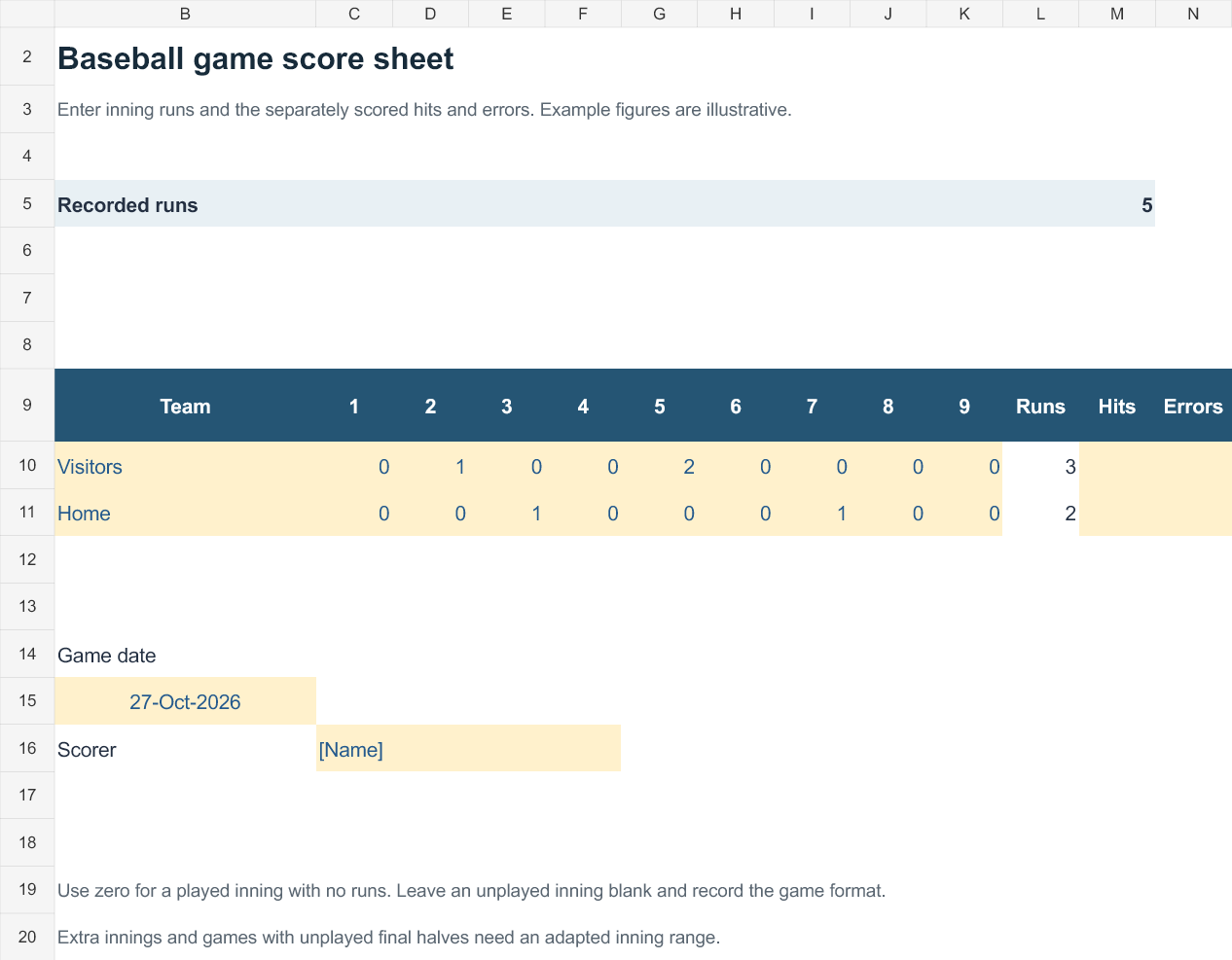
Set up the record
- Date: [date]
- Visiting team: [name]
- Home team: [name]
- Inning / half: [number; top or bottom]
- Scorer: [name]
| Batter / lineup slot | Play | Outs after play | Runs on play | Runners remaining |
|---|---|---|---|---|
| 1 | Single | 0 | 0 | First base |
| 2 | Groundout; runner advances | 1 | 0 | Second base |
| 3 | Single; runner scores | 1 | 1 | First base |
| 4 | Strikeout | 2 | 0 | First base |
| 5 | Flyout | 3 | 0 | One left on base |
How to use this template
- Write each play as it happens; do not reconstruct the inning from the final run total.
- Use a consistent notation key on your sheet, such as 1B for single and K for strikeout.
- At the end of the half-inning, total runs, hits and errors separately. A run is not the same as a hit.
Worked example: This practice half-inning has one run, two hits, no errors and one runner left on base. Its three outs are the groundout, strikeout and flyout.
Check before use
- Confirm exactly three outs in a completed half-inning.
- Record pitcher changes and substitutions at the play where they occur.
- Apply the competition’s scoring rules to unusual plays.
Use the score sheet to reconstruct each inning
- Saves preparation time: A ready-made grid means you can focus on watching the game instead of drawing scoring boxes by hand.
- Improves scoring accuracy: Clearly labeled columns for hits, runs, and outs reduce the chance of recording errors mid-game.
- Creates a lasting record: A completed score sheet becomes a permanent record you can reference for stats, disputes, or highlights later.
- Works for any skill level: Templates are available in both simple and detailed formats, suiting beginners and experienced scorekeepers alike.
- Supports multiple formats: Choose from printable PDF sheets or editable Excel versions that calculate totals automatically.
- Free and reusable: Download once and print or reuse the same template structure for every future game.
Worked example: When a runner advances after a single and then scores on a double, record both plays in the appropriate lineup and base-path boxes. Note lineup changes so later plate appearances remain attributable.
Check before use: Agree on scoring abbreviations before play and keep pitch or error decisions consistent. Check that inning totals and the final score reconcile with the recorded plays.
For related resources, see 8 Baseball Individual Stat Sheet Templates and 7+ Free Printable Baseball Scorecard Sheet Templates.
What’s Included in the Baseball Score Sheet Template
- Team and player rosters: Space to list the batting lineup for both the home and visiting teams.
- Inning-by-inning grid: A diamond-shaped scoring box for each at-bat, across all innings of the game.
- Hit and out tracking: Symbols and abbreviations for singles, doubles, triples, home runs, walks, and various types of outs.
- Pitcher and pitch count columns: Space to log which pitcher was on the mound and how many pitches were thrown.
- Running score totals: A summary row to track the cumulative score for each team after every inning.
- Notes section: Extra space for recording substitutions, injuries, or other game details worth remembering.
Who Should Use These Templates?
- Team coaches and managers who need a reliable record of every game for reviewing player performance.
- League and tournament scorekeepers responsible for maintaining official statistics across multiple games.
- Parents and volunteers tracking a child’s youth league games for fun or for personal record-keeping.
- Umpires who want a backup record to help resolve disputes about the official play-by-play.
- Sports statisticians compiling season-long data on player and team performance.
- Baseball fans who enjoy scoring games from the stands as a hobby.
How to Start Using the Template in 3 Simple Steps
- Step 1 — Choose a template style: Browse the 14 options below and select the design that best fits your scoring needs.
- Step 2 — Fill in the rosters: Enter both teams’ batting lineups and any starting pitcher information before the first pitch.
- Step 3 — Track each play: Record hits, runs, and outs inning by inning as the game progresses, then total the final score.
Baseball Score Sheet vs. Digital Scoring Apps
While both methods track the same information, a printable baseball score sheet and a digital scoring app serve slightly different purposes depending on your setting and preferences. A paper score sheet is simple, doesn’t rely on battery life or an internet connection, and gives you a tangible physical record you can file away or hand to a coach after the game. A digital scoring app, by contrast, can automatically calculate advanced statistics and sync data across devices, but requires a phone or tablet and some familiarity with the software. Choosing the right method depends on whether you prioritize simplicity and reliability or automated calculations and shareability.
Customizing the Template for Your League
These templates are designed to be a flexible starting point rather than a fixed format. You can add your team’s name and logo for a more official appearance, adjust the number of innings to match your league’s rules, or add extra columns for stats specific to your level of play, such as stolen bases or pitch counts. Since the Excel versions are fully editable, most adjustments take only a few minutes and let you tailor the score sheet to fit your specific league, tournament, or personal scoring style.
Choosing the Right Format
With 14 different templates available, choosing the right one depends on how much detail you want to capture and how you plan to use the sheet. A simple, uncluttered design works well for casual games or younger players just learning to keep score, while a more detailed layout is better suited for competitive tournaments where pitch counts and advanced stats matter. Reviewing what each template includes before downloading can help you find one that requires minimal setup for your specific game or season.
Common Mistakes to Avoid
- Misrecording the batting order: Always double-check the lineup before the game starts to avoid confusion later.
- Inconsistent scoring symbols: Stick to standard baseball scoring notation so anyone can read the sheet afterward.
- Forgetting substitutions: Always note when a pinch hitter or relief pitcher enters the game.
- Losing track of the inning: Double-check which inning you’re recording, especially during extra innings.
- Skipping the final review: Review totals and tallies carefully before filing the score sheet as an official record.
Tips to Get the Most Out of Your Baseball Score Sheet Template
- Print several copies in advance so you always have a fresh sheet ready before the next game.
- Keep completed sheets organized in a binder or folder for easy reference throughout the season.
- Learn standard scoring notation so your sheets stay consistent from game to game.
- Use a clipboard to keep your score sheet steady and legible while scoring from the stands or dugout.
- Photograph completed sheets as a digital backup in case the paper copy gets lost or damaged.
Understanding Standard Baseball Scoring Notation
Learning the numbering system used to identify each defensive position is one of the most useful skills for anyone new to scoring a game, since most score sheets rely on it to record plays quickly. In standard notation, each fielding position is assigned a number: the pitcher is 1, the catcher is 2, first base is 3, second base is 4, third base is 5, shortstop is 6, left field is 7, center field is 8, and right field is 9. A ground ball fielded by the shortstop and thrown to first base for an out, for example, is simply recorded as “6-3.” Once you’re comfortable with this shorthand, filling in a score sheet becomes much faster and the resulting record is far easier for other scorekeepers to read later.
Using Score Sheets for Youth Baseball Leagues
Youth baseball leagues often benefit from simpler score sheet templates that focus on the basics, such as runs, hits, and outs, without overwhelming younger players or first-time volunteer scorekeepers with advanced statistics. Many coaches use these templates not just to track the score, but as a teaching tool, walking young players through what each column represents so they begin to understand the game’s structure. Keeping score consistently throughout a youth season can also help coaches spot which skills a team needs to practice, whether that’s making consistent contact at the plate or reducing fielding errors.
Tracking Pitch Counts for Player Safety
Many youth and amateur leagues now enforce pitch count limits to protect young arms from overuse injuries, making a dedicated pitch count column one of the more important features on a modern score sheet. Recording each pitch as it’s thrown, rather than trying to reconstruct the count after the fact, helps coaches stay within league-mandated limits and know exactly when a pitcher needs to be pulled or given extra rest before their next outing. Templates that include a running pitch count alongside the standard scoring grid make it much easier for a coach or designated pitch counter to monitor this in real time without missing a play.
Using Excel Score Sheets to Calculate Season Stats
An Excel-based baseball score sheet template offers an advantage that a printed paper sheet can’t match: built-in formulas that automatically total hits, runs, and other statistics as you enter data for each game. Over the course of a season, these individual game sheets can be combined into a master spreadsheet to calculate batting averages, on-base percentages, and team win-loss records without any manual math. This makes the Excel format especially useful for team managers or league statisticians who need to track performance trends across many games rather than reviewing each score sheet in isolation.
Archiving and Sharing Completed Score Sheets
Once a game is complete, deciding how to store and share your score sheet can make a real difference in how useful it is later. Scanning or photographing paper sheets creates a searchable digital archive that’s easy to back up and share with coaches, players, or parents who want to review a specific game. For teams using the Excel format, saving each game as a separate file within a shared folder, or a cloud storage service, keeps the entire season’s records organized and accessible to everyone involved, making it simple to look back on a player’s progress from opening day through the playoffs.
Get Baseball Score Sheet Templates Here
Baseball Score Sheet for Tournament Template
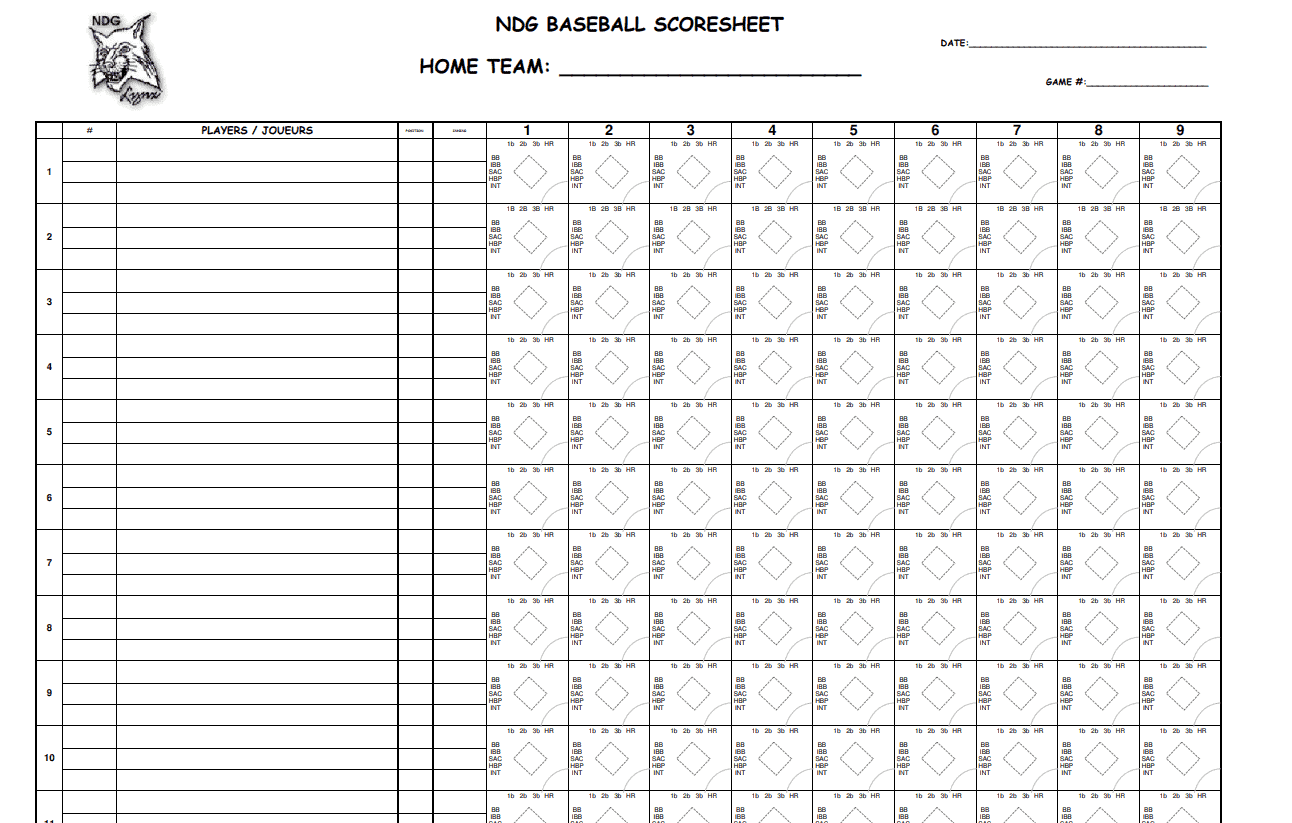
Sample Baseball Score Sheet Template
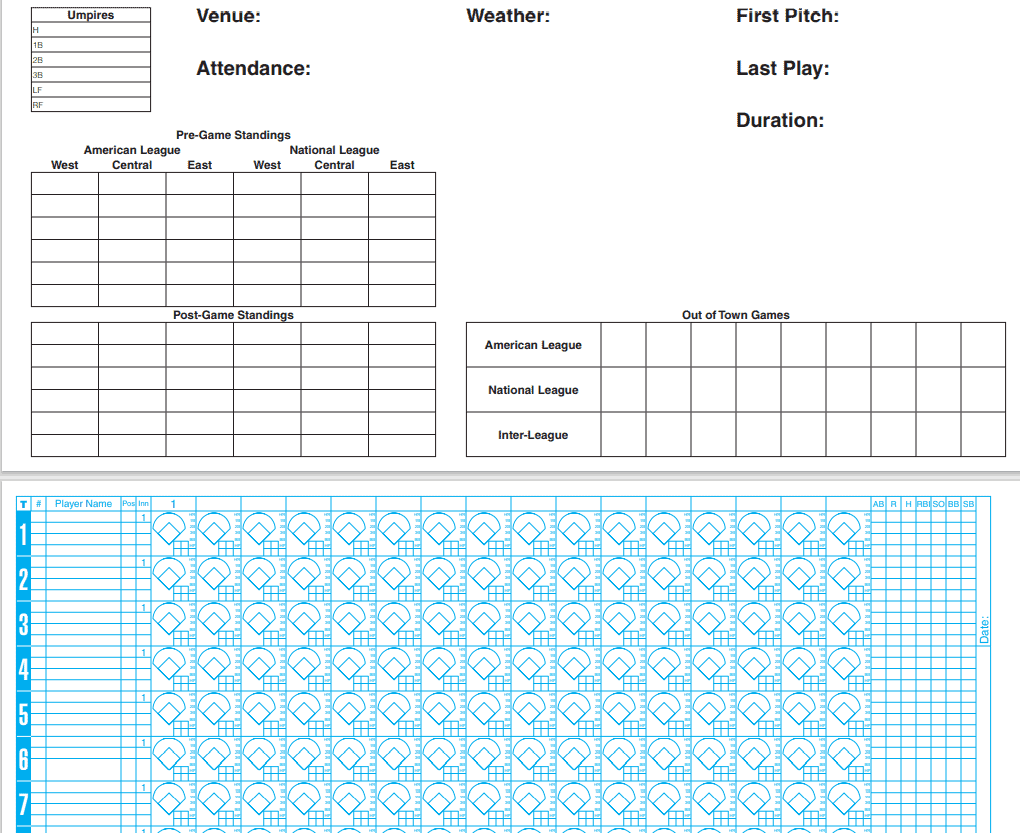
Printable Baseball Scorecard Template
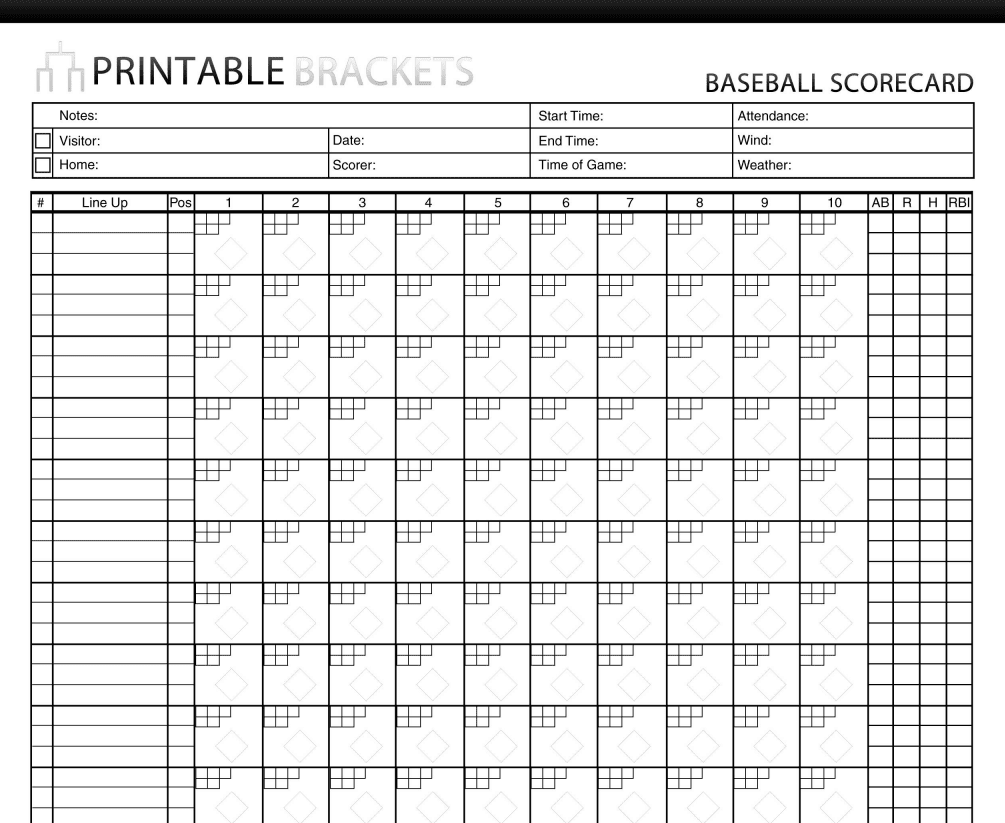
Standard Baseball Score Sheet Template
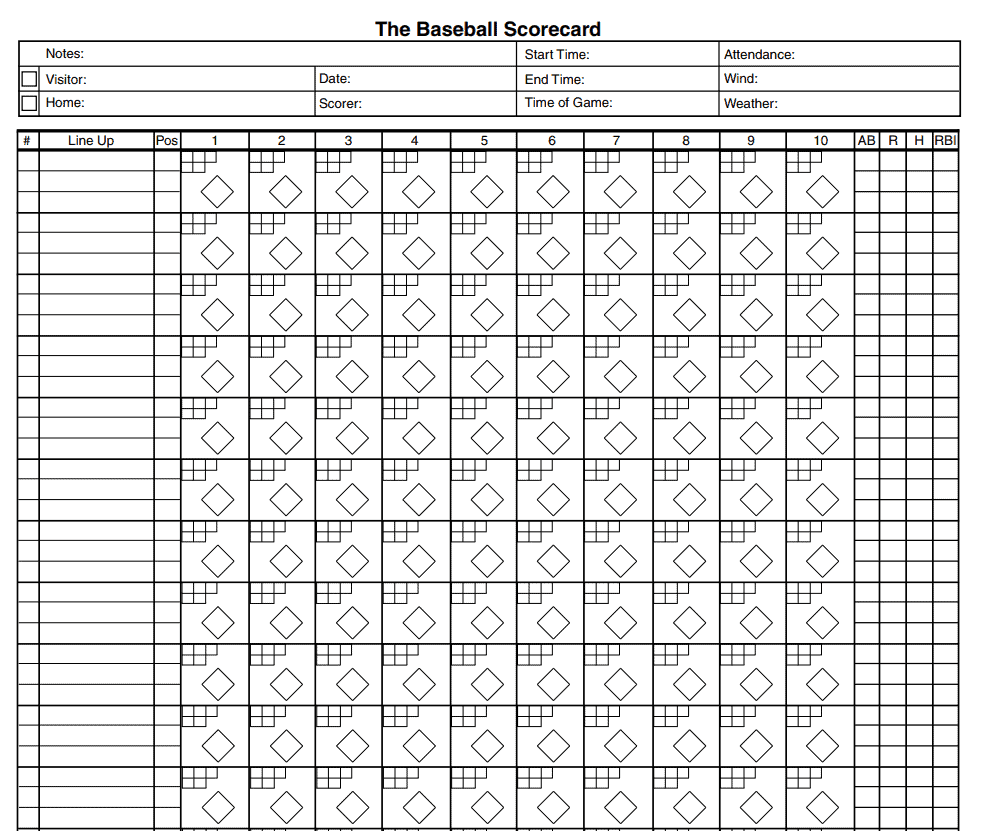
Fillable Baseball Score Sheet Template
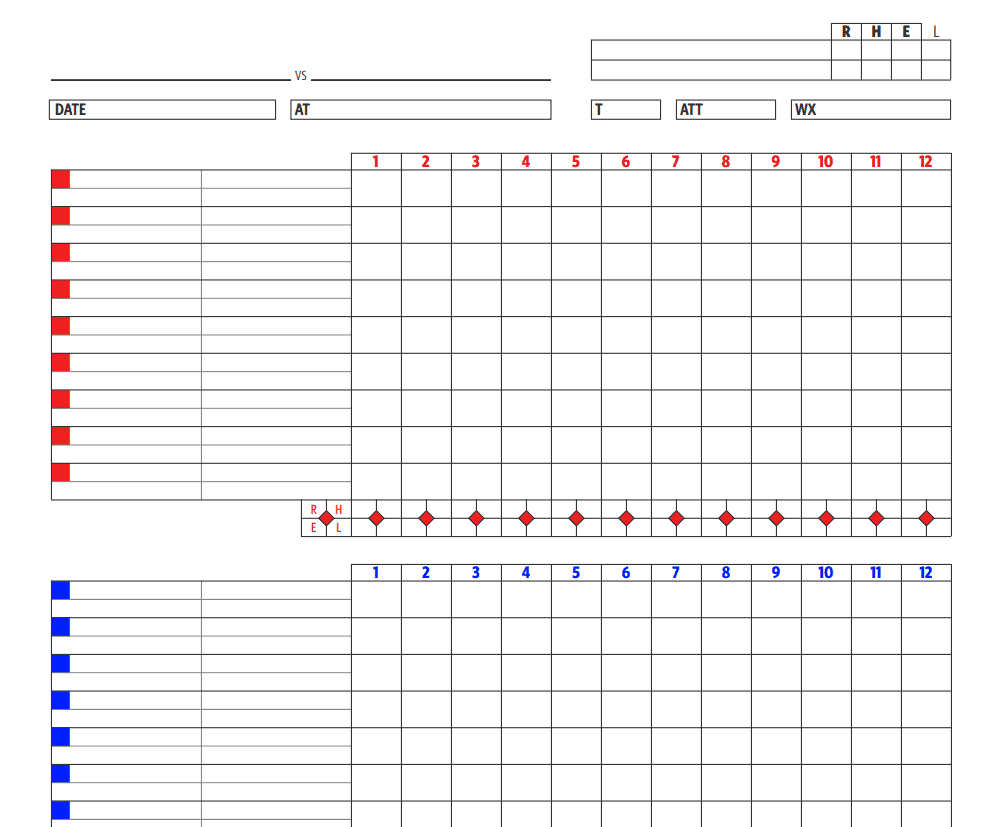
Baseball Score Sheet Template EXCEL
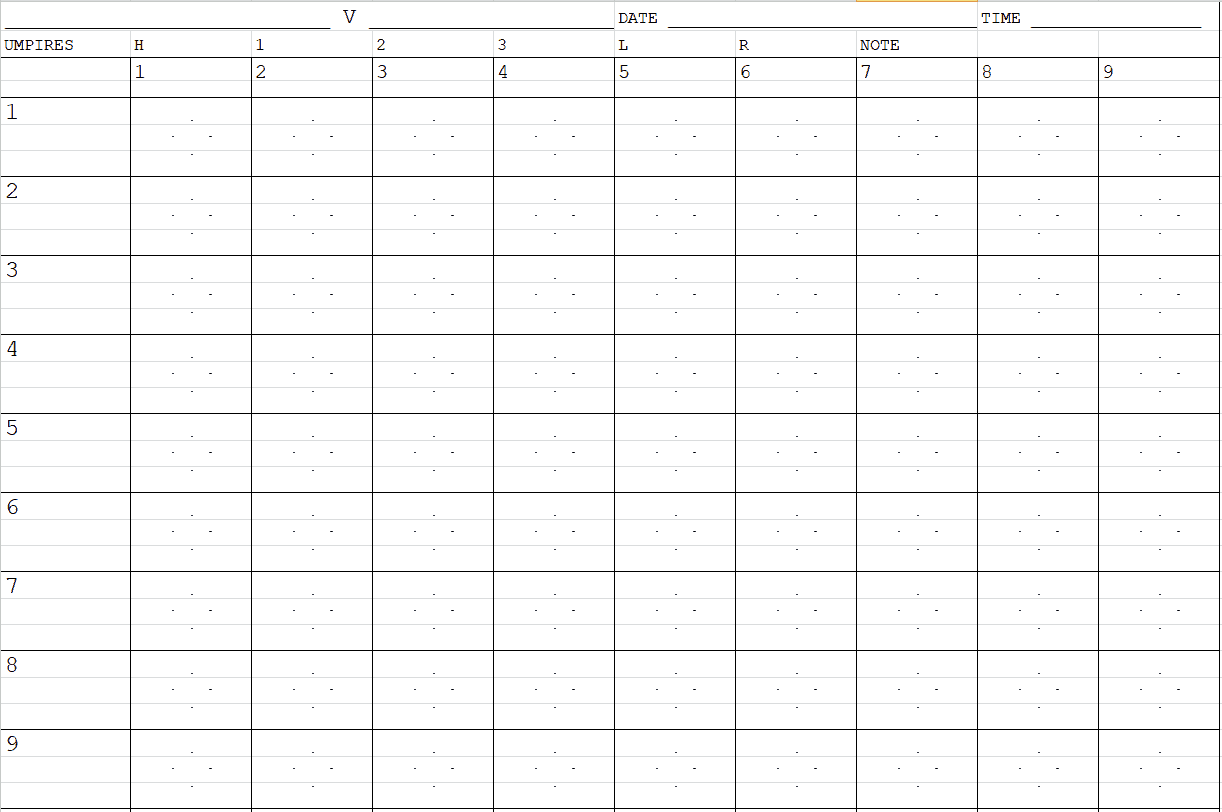
Detailed Baseball Score Sheet Template
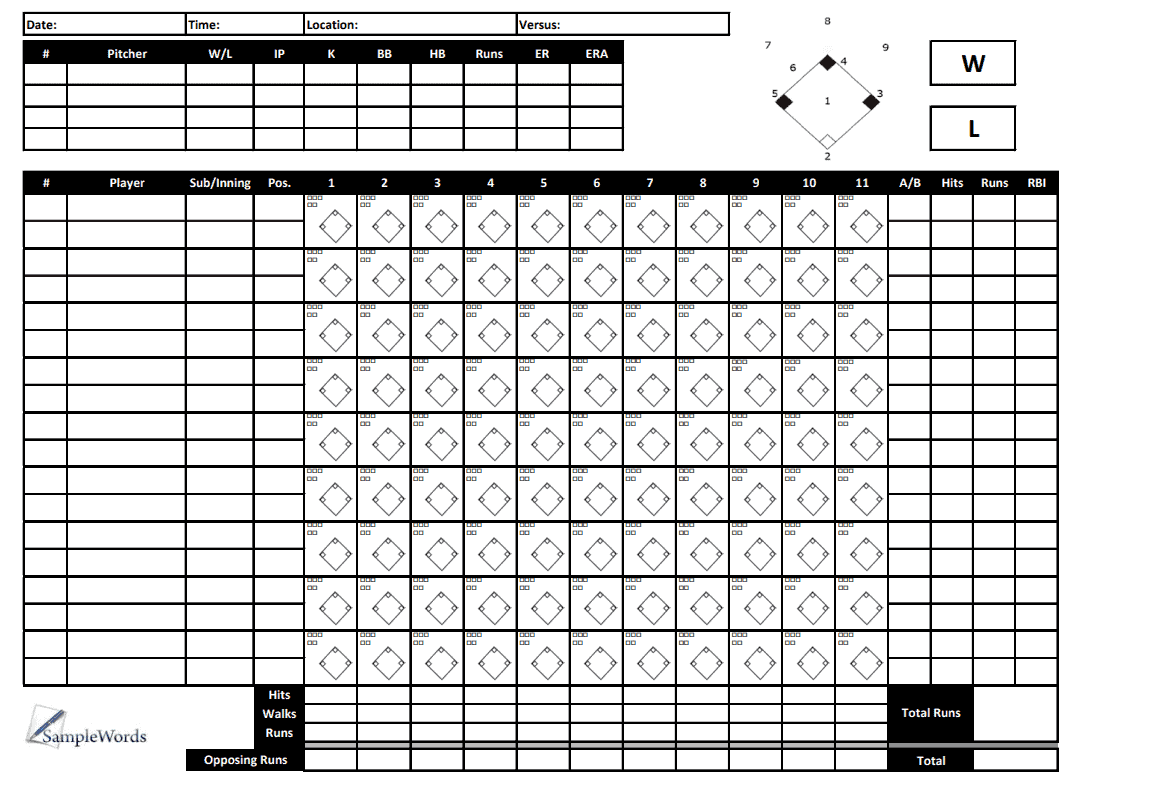
Youth Baseball Scorecard Template
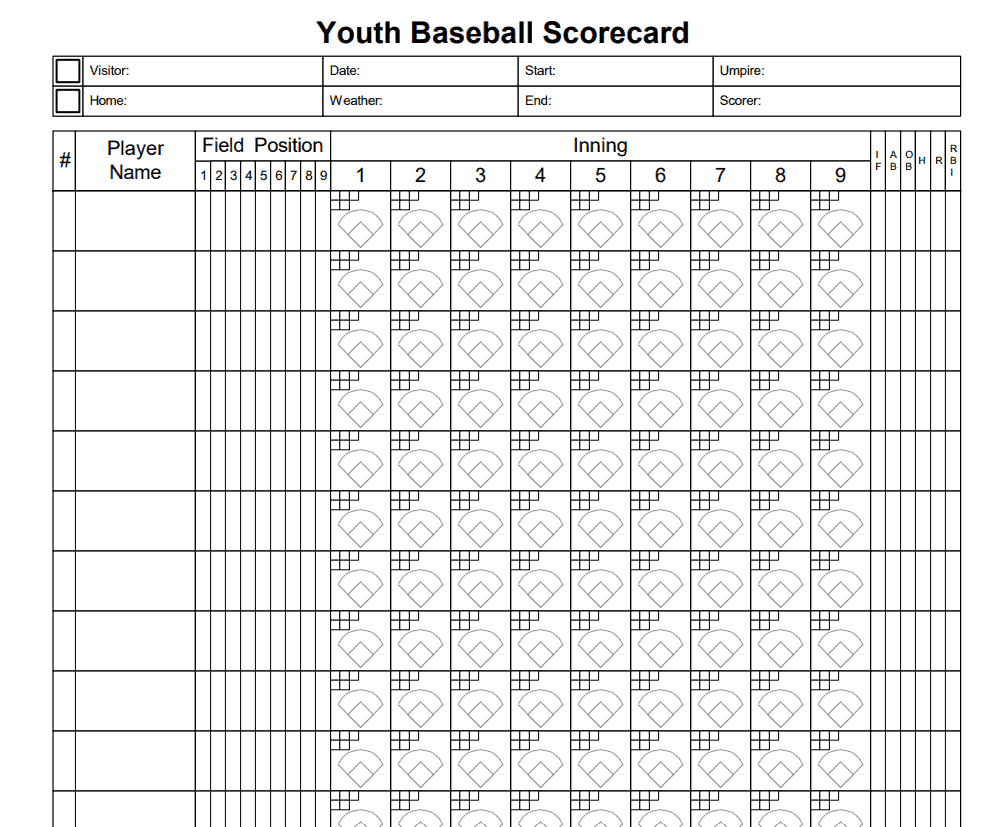
Elemental Baseball Score Sheet Template
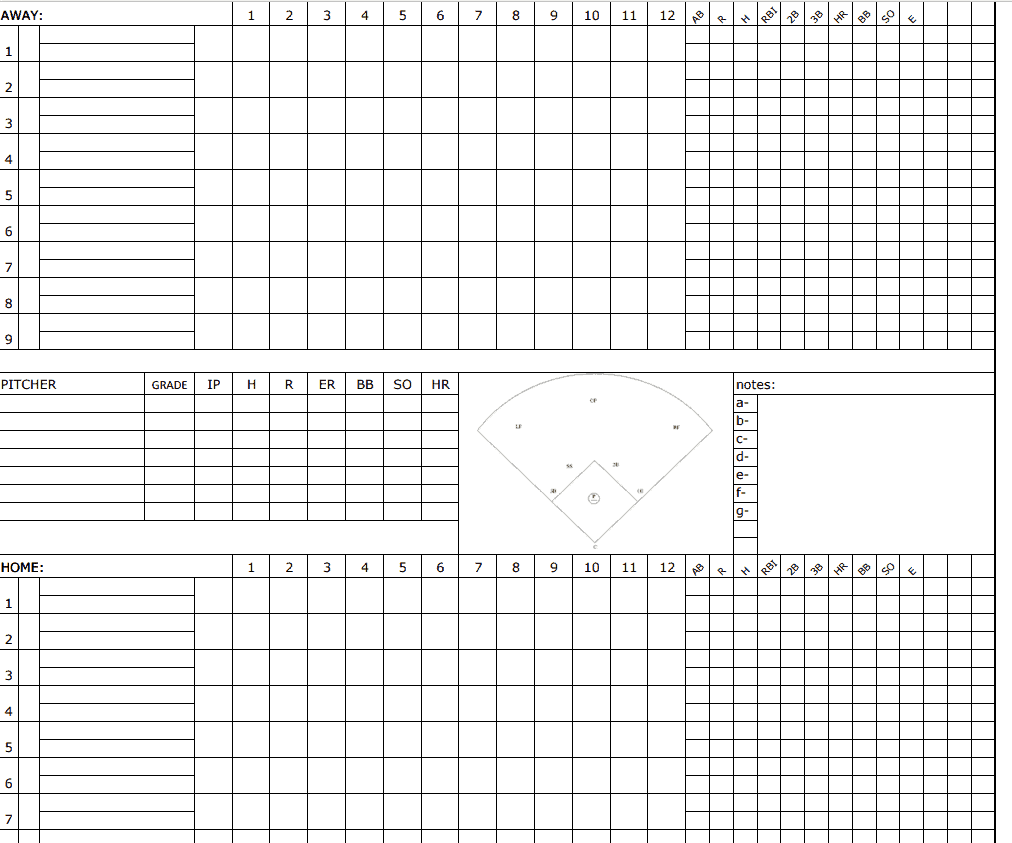
Sample Baseball Scorecard for Children Template
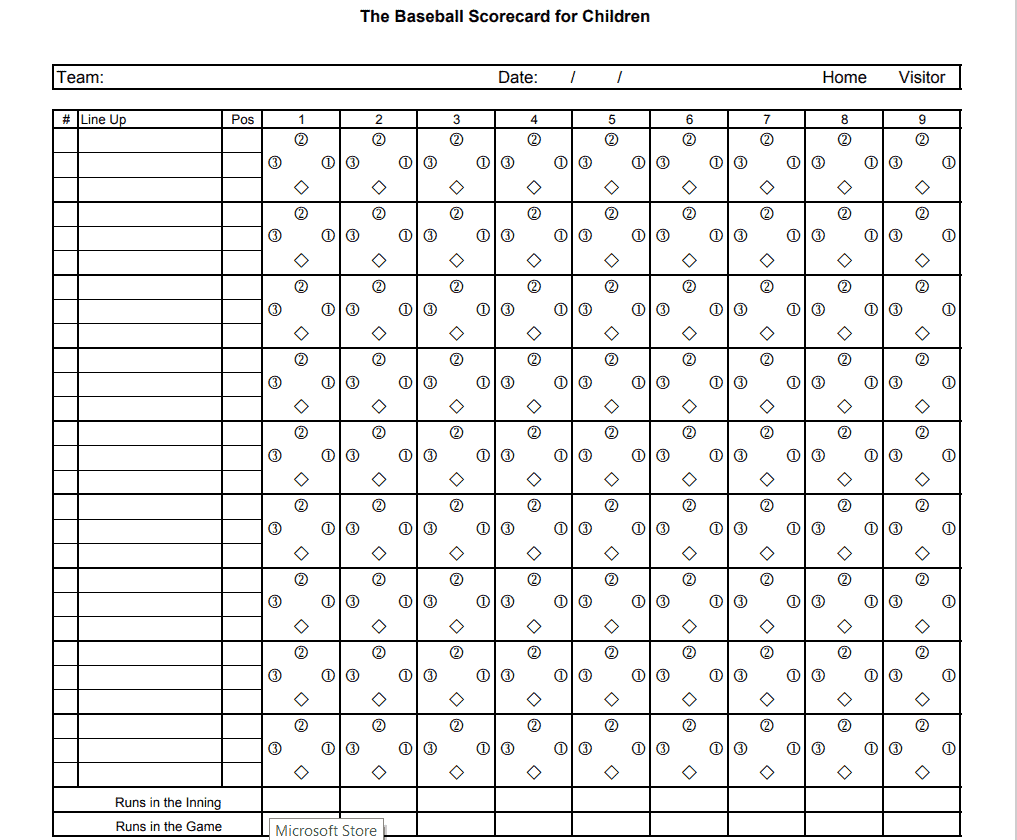
Example Baseball Score Sheet Template
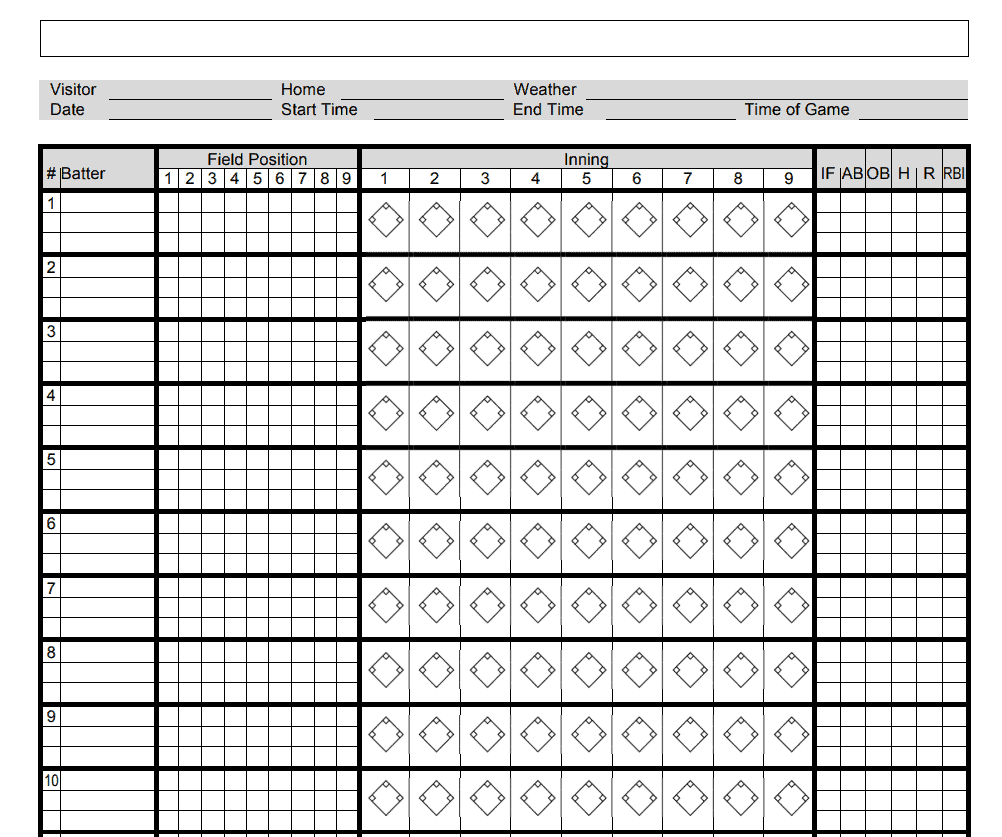
Baseball Scorecard EXCEL Sheet
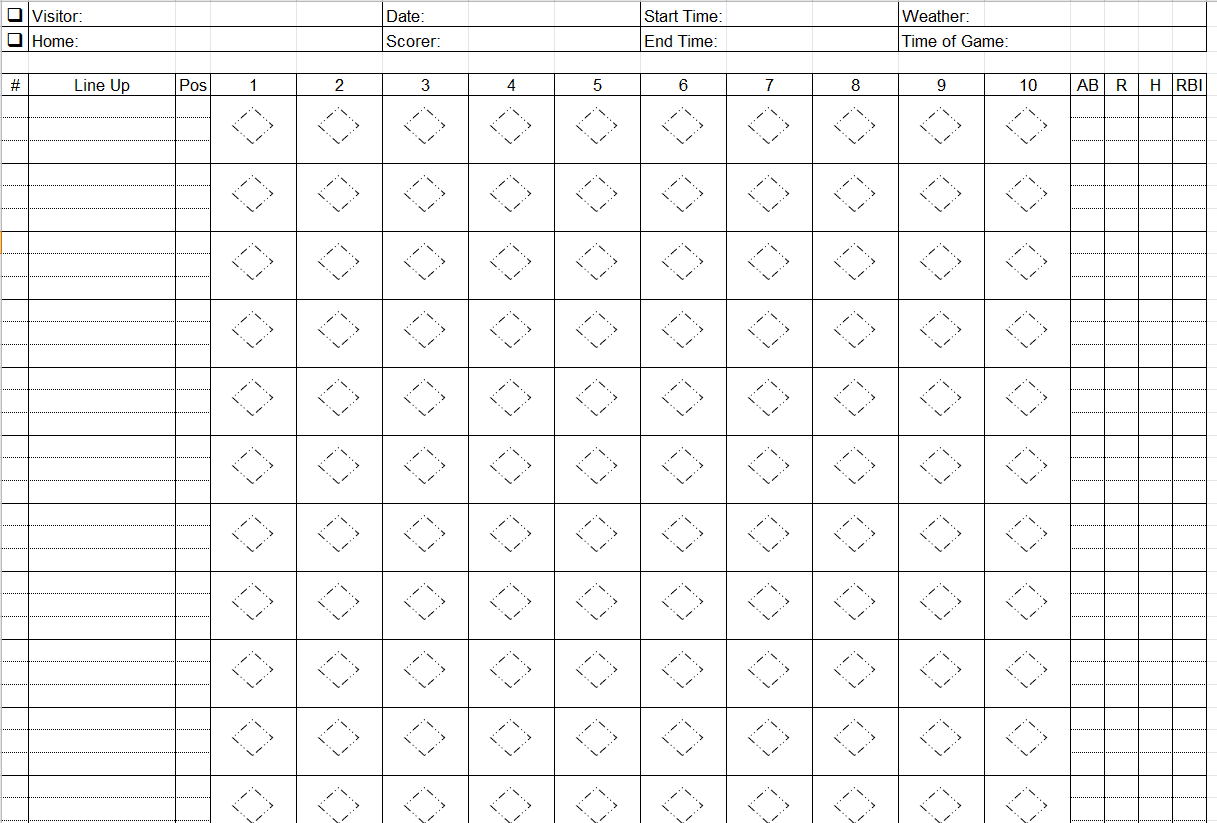
Baseball Scorecard Format Template
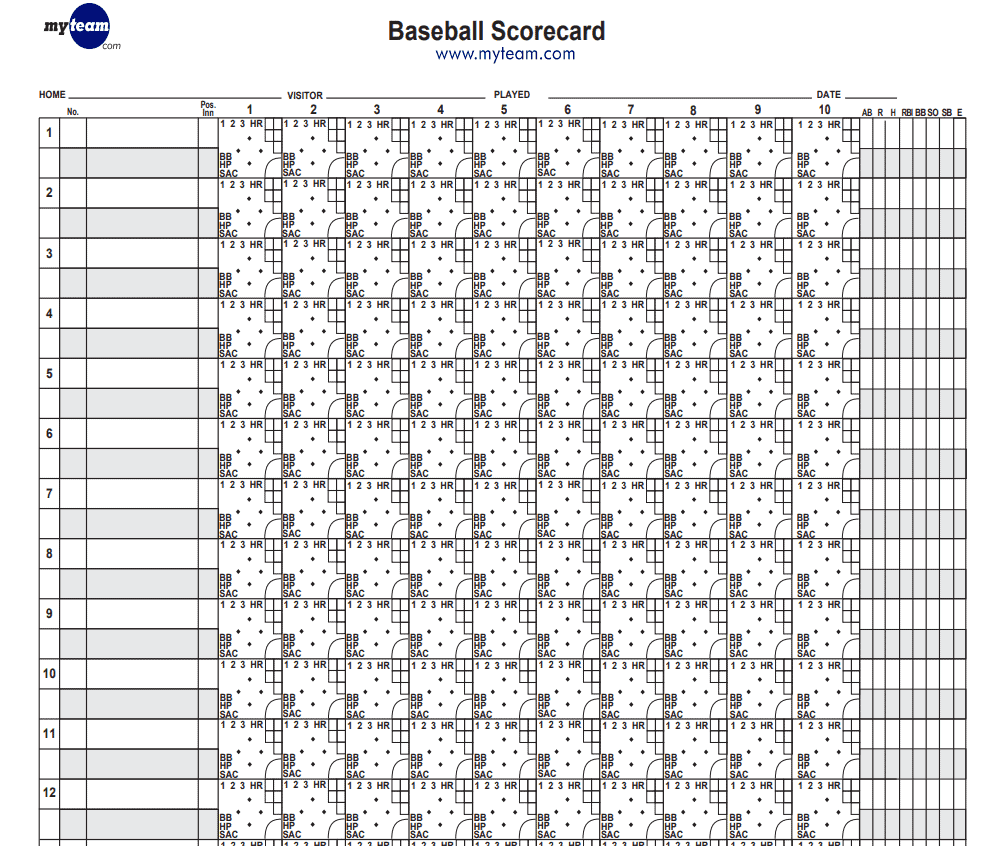
Practical Baseball Score Sheet Template
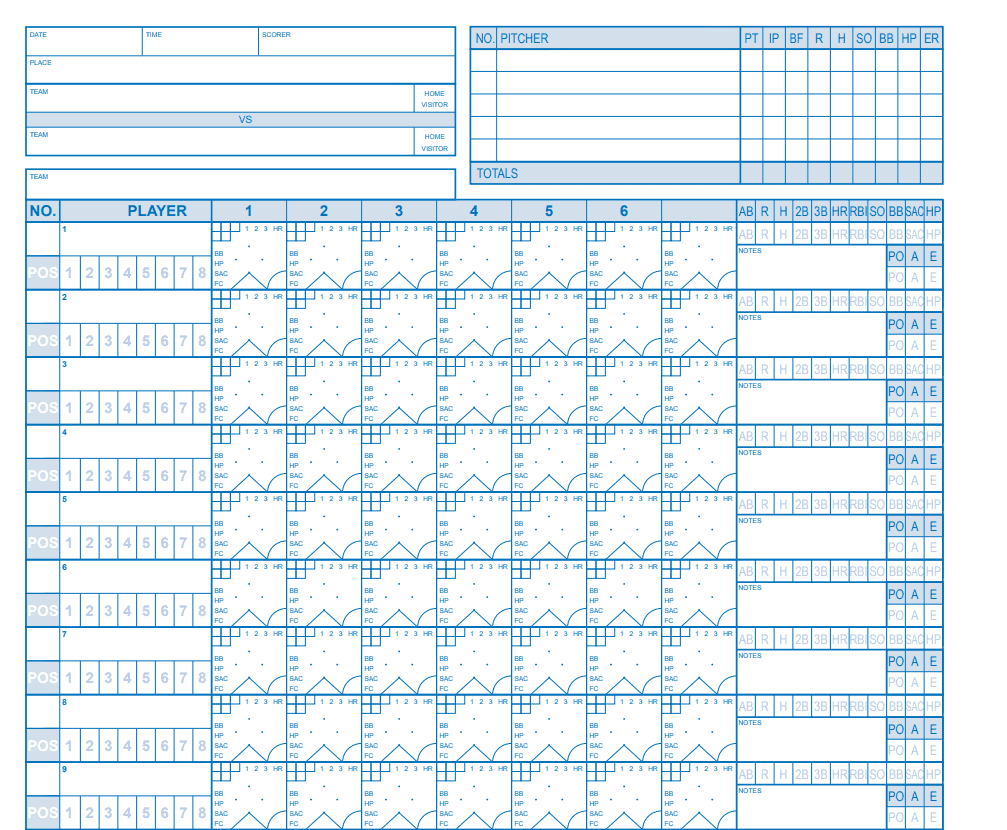
Frequently Asked Questions
Are these baseball score sheet templates free to download?
Yes, all 14 baseball score sheet templates on this page are free to download and use.
Which file formats are these templates available in?
The templates are available as printable PDF sheets and editable Excel spreadsheets.
Do I need to know baseball scoring notation to use these sheets?
No, but learning standard notation, such as position numbers, makes scoring faster and easier to read later.
Can I use these templates for youth baseball leagues?
Yes, several templates are simple enough for youth leagues and first-time volunteer scorekeepers.
Do the Excel templates calculate totals automatically?
Yes, the Excel versions include built-in formulas that automatically total hits, runs, and other statistics.
Can I track pitch counts with these templates?
Yes, several templates include a pitch count column to help monitor pitcher usage and enforce league limits.
Are these templates suitable for tournament play?
Yes, several of the more detailed templates are well suited for tracking tournament and competitive games.

You must be logged in to post a comment.