
An expense spreadsheet is most helpful when category, transaction date, vendor, amount, tax, reimbursable status and payment method are separate fields. That supports cleaner summaries and fewer duplicated totals.
Distinguish expense categories from payment methods
- Saves setup time: A ready-made structure means you can start logging expenses immediately instead of building a spreadsheet from scratch.
- Improves accuracy: Built-in formulas automatically calculate totals, reducing the risk of manual math errors.
- Simplifies reimbursement: A clear, organized expense report makes it easier for employers to review and approve reimbursement requests.
- Supports better budgeting: Consistent expense tracking helps individuals and businesses identify spending patterns over time.
- Works for many purposes: Templates are available for personal, business, travel, and household expense tracking alike.
- Free and reusable: Download once and reuse the same template for every future reporting period.
Worked example: A monthly phone bill of $60 paid by credit card belongs in the communications expense category, not a separate ‘credit card expense’ category. The card payment later settles a liability; it should not repeat the underlying expense.
Check before use: Retain receipts where required, assign consistent categories, and separate personal from business costs. Check that refunds and tax components are handled consistently across templates.
For related resources, see Download 13 BEST Expense Report Templates for FREE [EXCEL & WORD] and 4 Business Expense Tracker Templates.
What’s Included in the Excel Expense Template
- Date and category fields: Space to record when each expense occurred and what type of spending it was.
- Amount columns: Fields to enter the cost of each expense, often broken down by payment method.
- Automatic totals: Built-in formulas that calculate subtotals and grand totals as you enter data.
- Notes or description section: Space to add context or justification for specific expenses.
- Approval or signature line: Some templates include a section for manager or accounting sign-off.
- Category breakdown: A summary view showing spending by category, such as travel, meals, or supplies.
Who Should Use These Templates?
- Employees submitting expense reports for business travel or work-related purchases.
- Small business owners tracking company spending across departments or projects.
- Freelancers and contractors monitoring business expenses for tax and invoicing purposes.
- Households managing a monthly budget and tracking where money is being spent.
- Accounting and finance teams reviewing and approving reimbursement requests.
- Individuals who want a simple way to track personal spending habits.
How to Start Using the Template in 3 Simple Steps
- Step 1 — Choose a template style: Browse the 23 options below and select the format that matches your tracking needs.
- Step 2 — Enter your expenses: Add the date, category, and amount for each expense as it occurs.
- Step 3 — Review and submit: Check the automatic totals, then print, email, or submit the completed report as needed.
Excel Expense Template vs. Expense Tracking Software
Dedicated expense tracking software often includes features like receipt scanning, automatic categorization, and mobile apps, but these tools typically come with a subscription cost and a learning curve. An Excel expense template, by contrast, is free, works with software most people already have, and can be customized however you like without waiting on a developer to add a feature. For individuals or small businesses with straightforward tracking needs, a well-organized Excel template often provides everything necessary without the added expense or complexity of specialized software.
Customizing the Template for Your Needs
These templates are designed to be a flexible starting point rather than a rigid format. You can add extra expense categories specific to your industry, adjust the currency format for international use, or build in additional approval steps for larger organizations. Since the templates are provided in editable Excel format, most adjustments take just a few minutes and let you tailor the report to match exactly how your business or household tracks spending.
Choosing the Right Format
With 23 different templates available, selecting the right one depends on what you’re tracking and how detailed you need the report to be. Simple daily or weekly templates work well for personal budgeting, while templates with mileage logs or category breakdowns are better suited for business travel and reimbursement purposes. Reviewing what each template includes before downloading can help you avoid picking one that’s either too basic or unnecessarily complex for your situation.
Common Mistakes to Avoid
- Forgetting to save receipts: Keep physical or digital copies of receipts to back up entries on your expense report.
- Mixing personal and business expenses: Keep separate templates or clearly label entries to avoid confusion during tax season.
- Skipping regular updates: Log expenses as they happen rather than trying to remember them weeks later.
- Ignoring categories: Properly categorizing expenses makes it much easier to spot spending trends later on.
- Not double-checking totals: Verify that formulas are calculating correctly, especially after adding new rows.
Tips to Get the Most Out of Your Excel Expense Template
- Log expenses immediately rather than waiting until the end of the week or month to catch up.
- Use consistent categories across reporting periods to make comparisons easier over time.
- Back up your file regularly so you don’t lose months of expense data to a technical issue.
- Review totals monthly to catch any errors or unusual spending patterns early.
- Attach digital receipts in a linked folder for easy reference during audits or reimbursement reviews.
Business Expense Tracking vs. Personal Expense Tracking
Business expense tracking typically requires more detailed documentation, since expenses often need to be justified for reimbursement or tax deduction purposes, and may need approval from a manager or finance department before being processed. Personal expense tracking, on the other hand, is usually more about understanding spending habits and staying within a budget, with less need for formal categorization or approval workflows. Several of the templates below, such as the reimbursement form and mileage log options, are built specifically with business use in mind, while others focus on simpler personal or household budgeting.
Using Expense Reports for Tax Preparation
Well-organized expense records make tax season significantly less stressful, particularly for freelancers, contractors, and small business owners who need to document deductible expenses. Keeping a running Excel expense template throughout the year, rather than trying to reconstruct spending after the fact, ensures that categories like travel, supplies, and equipment are accurately tracked and ready to hand off to an accountant or enter directly into tax software. Even individuals who don’t run a business can benefit from organized records when claiming deductions related to medical expenses, charitable donations, or other itemized categories.
Tracking Shared or Team Expenses
When multiple people are contributing to the same budget, whether that’s a household, a small team, or a group trip, an Excel expense template can be adapted to track who paid for what and how costs should be split or reimbursed. Adding a column for the payer’s name alongside the standard date, category, and amount fields makes it easy to see at a glance who has covered which expenses, which is especially useful for splitting costs fairly among roommates, travel companions, or project team members. Reviewing this shared log together on a regular basis helps avoid confusion or disagreements about who owes what by the end of the tracking period.
Setting Up Expense Categories That Actually Work
The value of an expense template largely depends on how thoughtfully the categories are set up, since overly broad categories make it hard to see where money is really going, while overly specific ones can become tedious to maintain. A good starting point is to review a few months of past spending and group expenses into five to ten categories that reflect how you actually think about your budget, such as housing, transportation, food, and entertainment for personal tracking, or travel, supplies, software, and client entertainment for business use. Revisiting these categories periodically and adjusting them as spending habits change keeps the expense report useful rather than letting it become a static list that no longer reflects reality.
Using Excel Expense Templates on Mobile Devices
While Excel templates are traditionally associated with desktop use, most modern spreadsheet apps, including the mobile versions of Excel and Google Sheets, allow expenses to be logged directly from a phone shortly after they occur. This is especially useful for capturing small cash purchases or business meals that are easy to forget by the time you sit down at a computer later in the day. Syncing the spreadsheet through a cloud storage service ensures that entries made on a phone are immediately available on your desktop for further review, formula checks, or monthly reporting.
Comparing Monthly Expenses Over Time
One of the most useful habits an expense template can support is comparing spending across multiple months rather than reviewing each period in isolation. Keeping past months in separate tabs within the same workbook, or maintaining a running yearly summary sheet, makes it easy to spot trends, such as a category that’s steadily increasing or a one-time expense that skewed a particular month’s total. This kind of month-over-month comparison is often more revealing than any single report on its own, since it shows whether spending habits are trending in a sustainable direction or need adjustment before a small increase turns into a larger budget problem.
Download FREE Excel Expense Templates Below
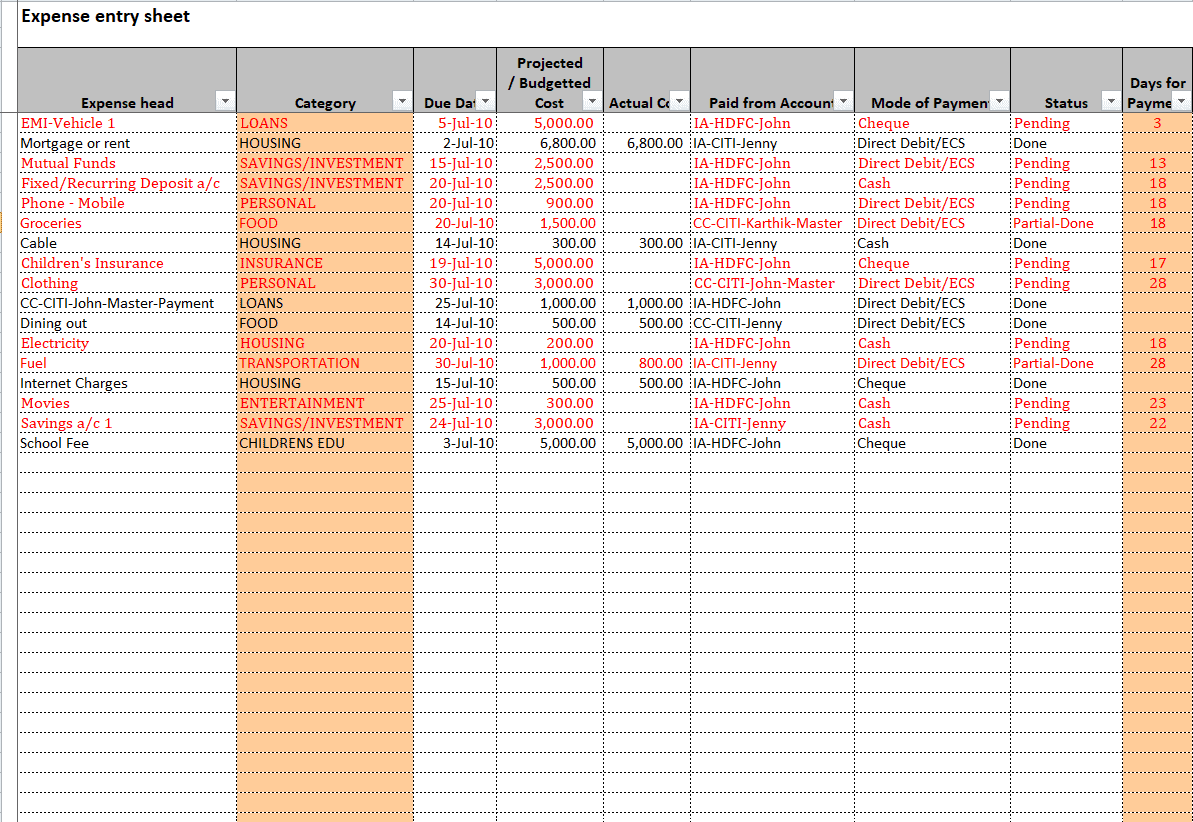
Excel Expense Entry Sheet Template
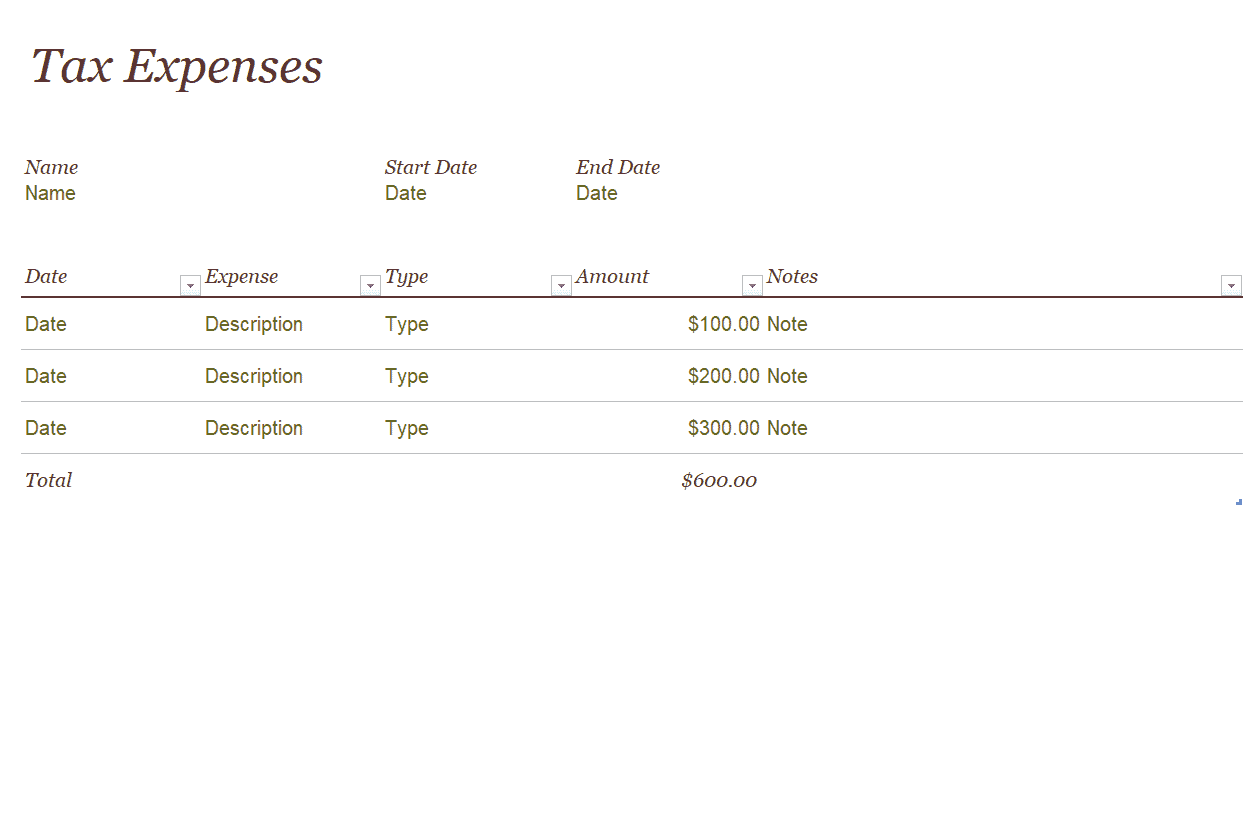
Excel Tax Expense Template
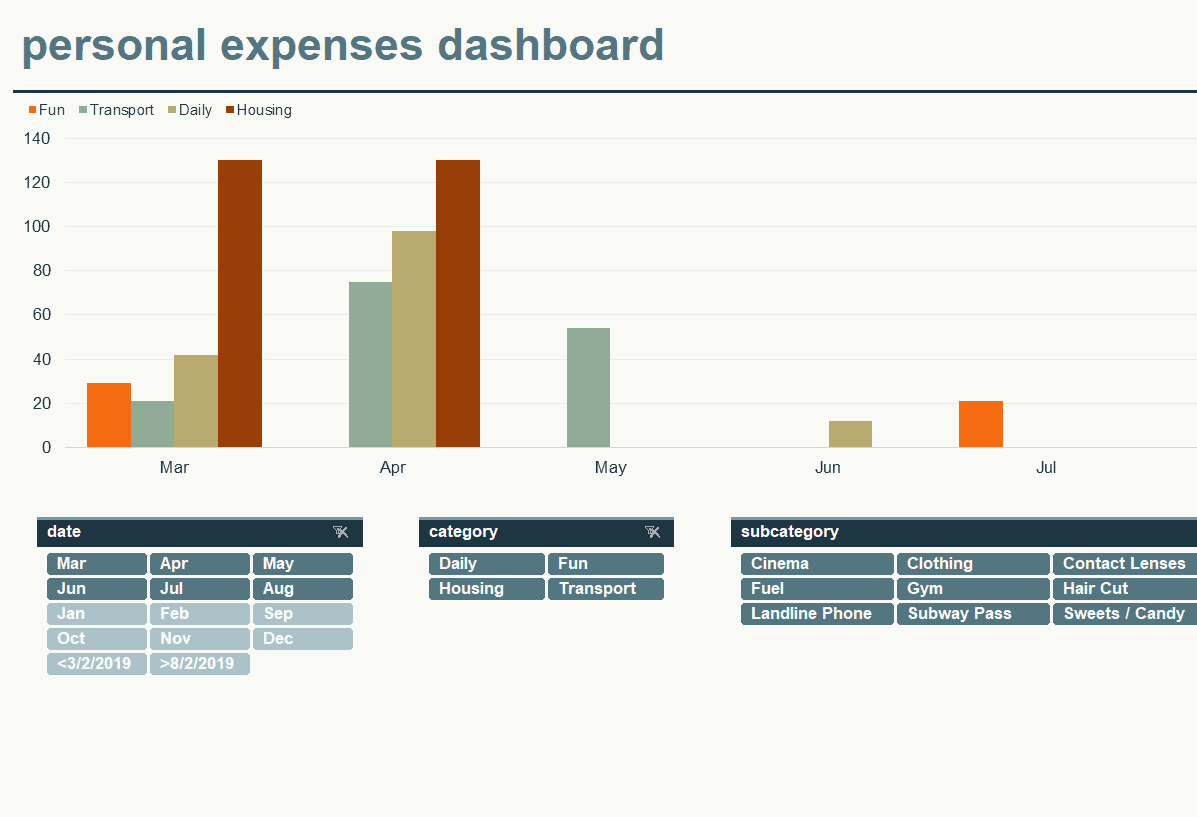
Excel Personal Expense Graph Template
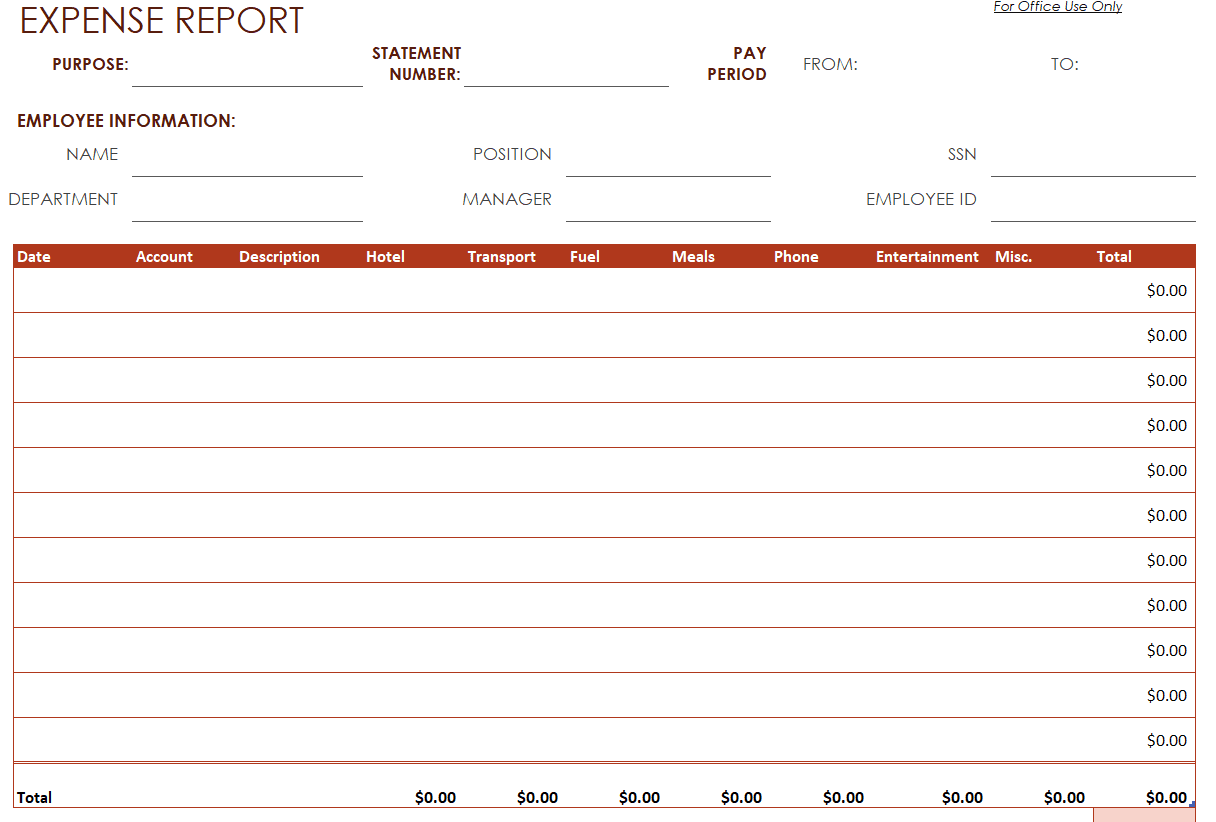
Blank Excel Expense Report Template
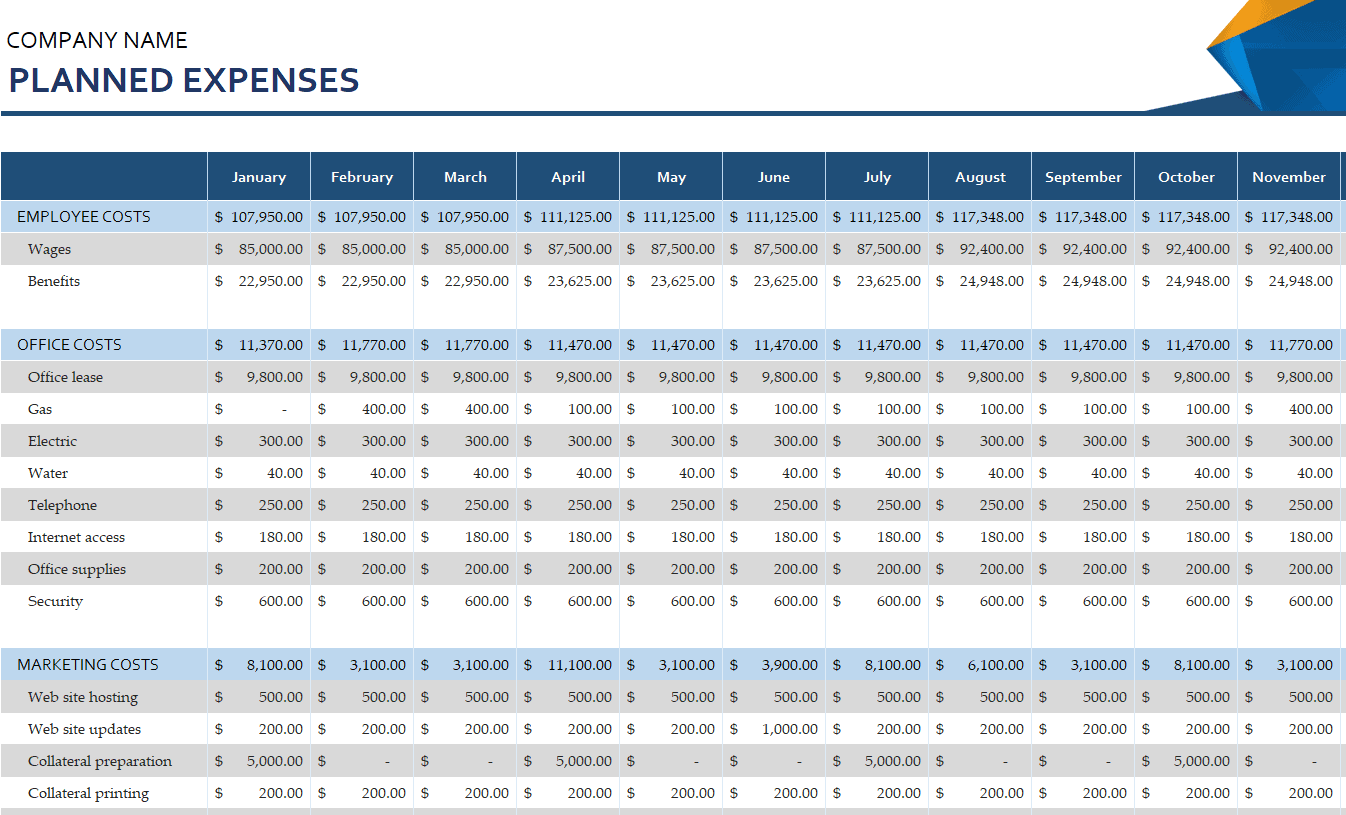
Company’s Planned Expenses Template
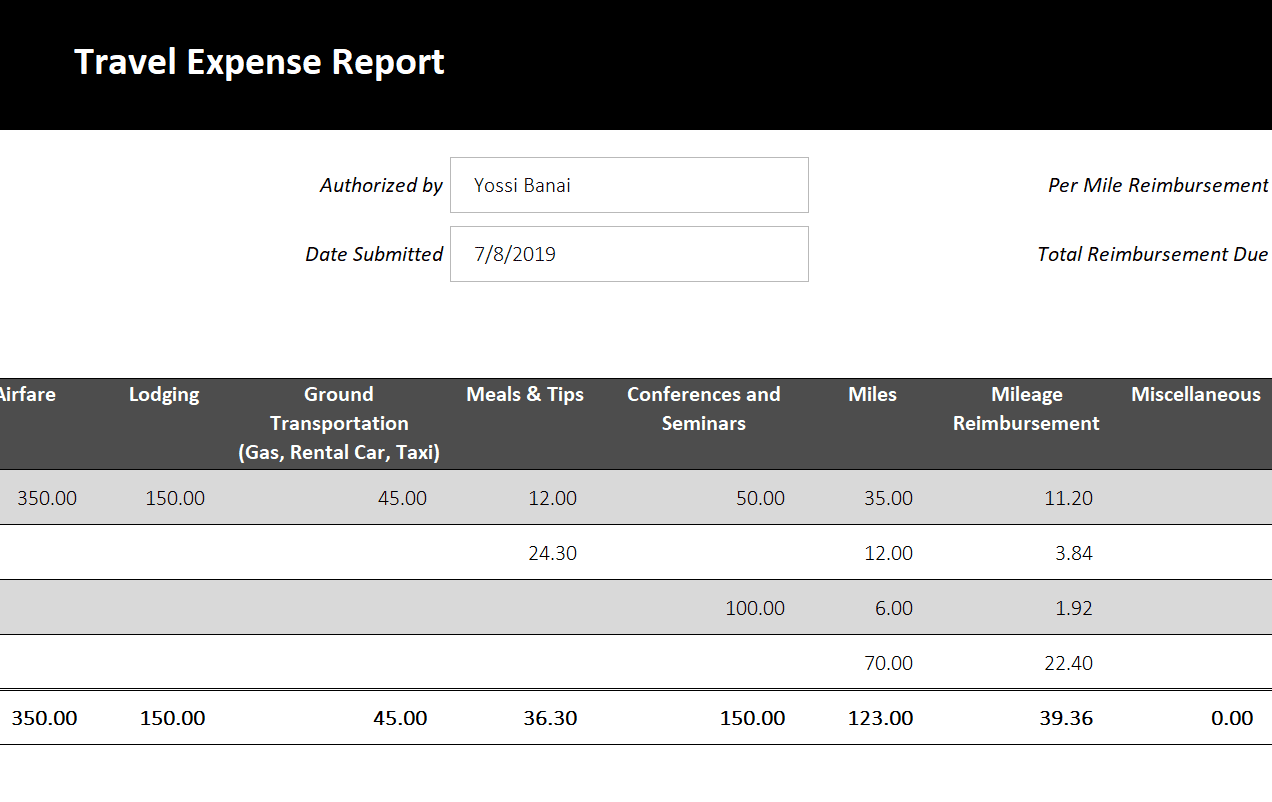
Excel Travel Expense Report Template
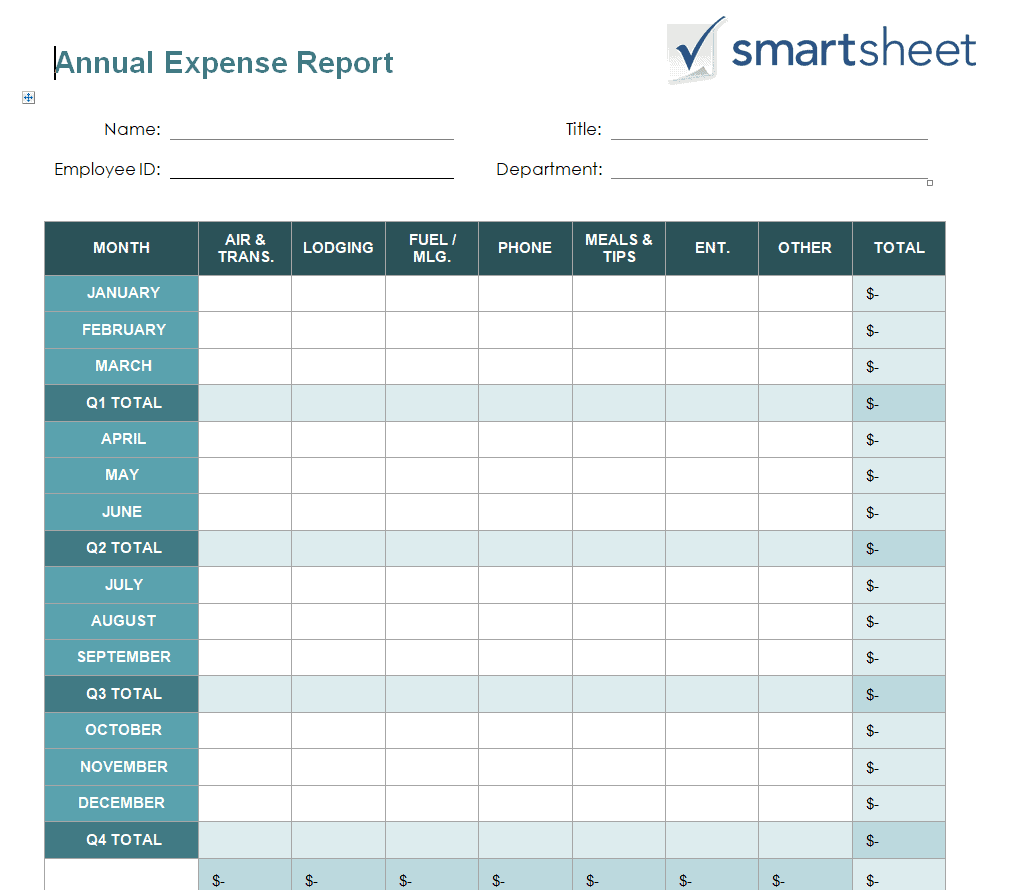
Annual Expense Report Template in DOC Format
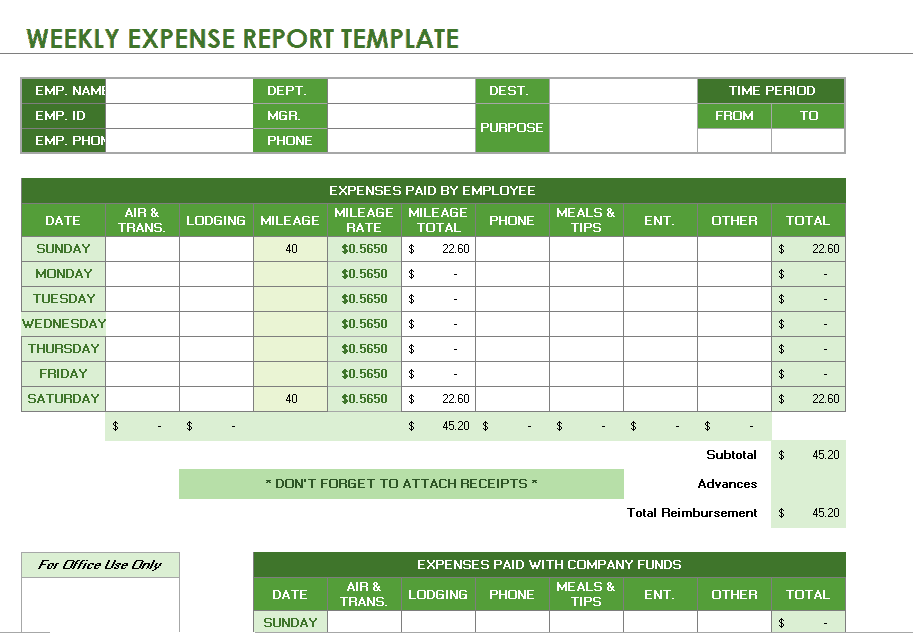
Weekly Excel Expense Template
Simple Excel Expense Report Template
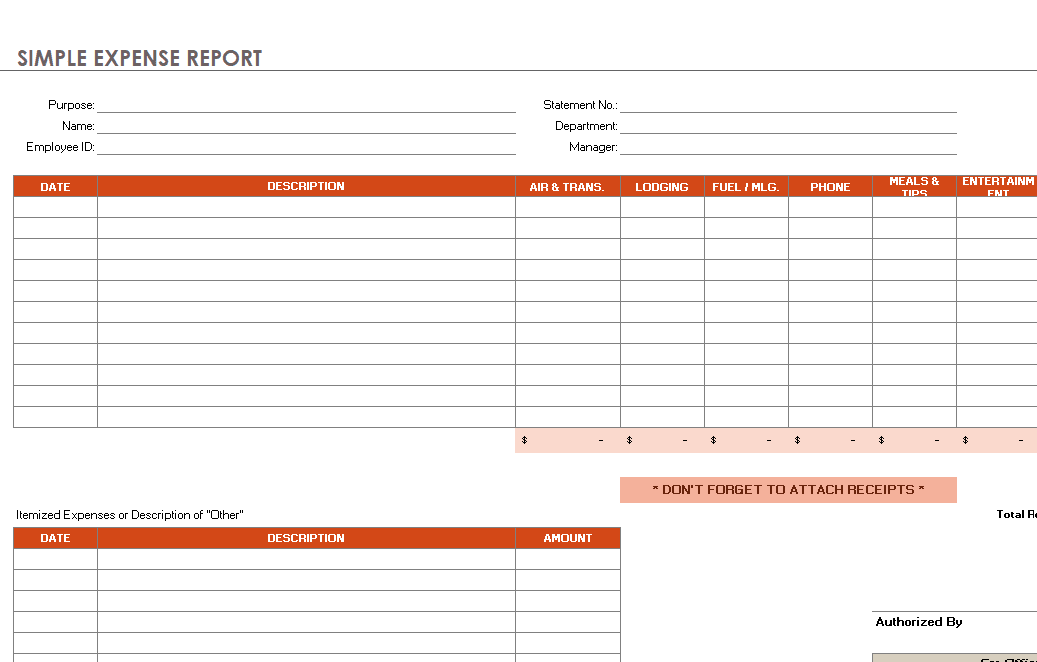
Standard Excel Expense Template
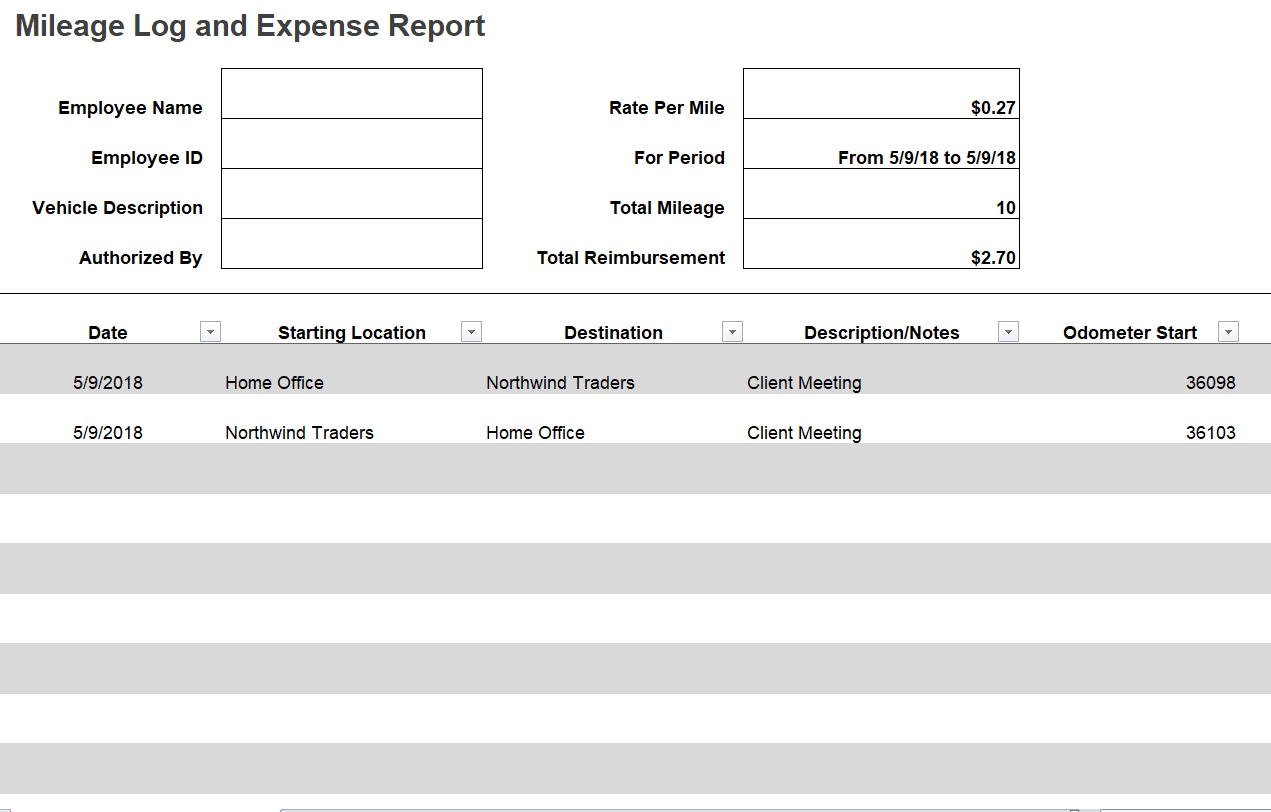
Excel Expense Report with Mileage Log Template
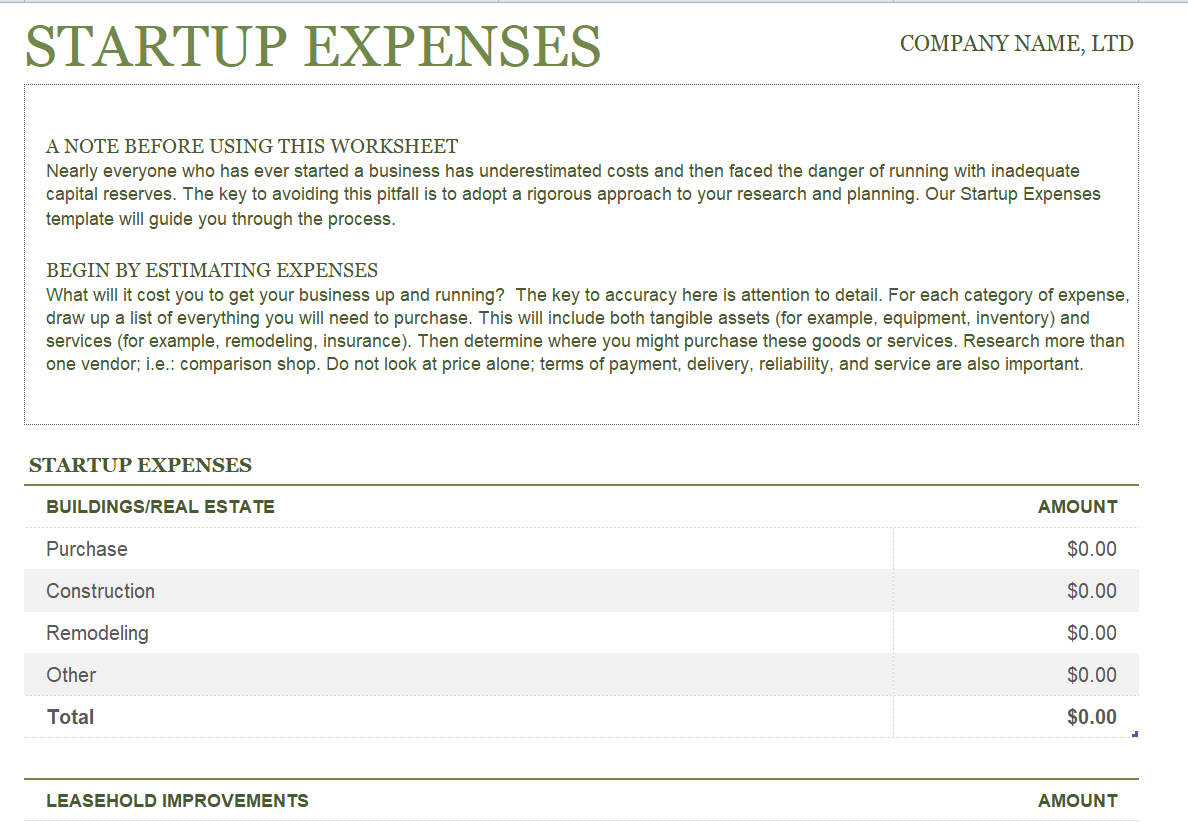
Startup’s Excel Expense Sheet Template
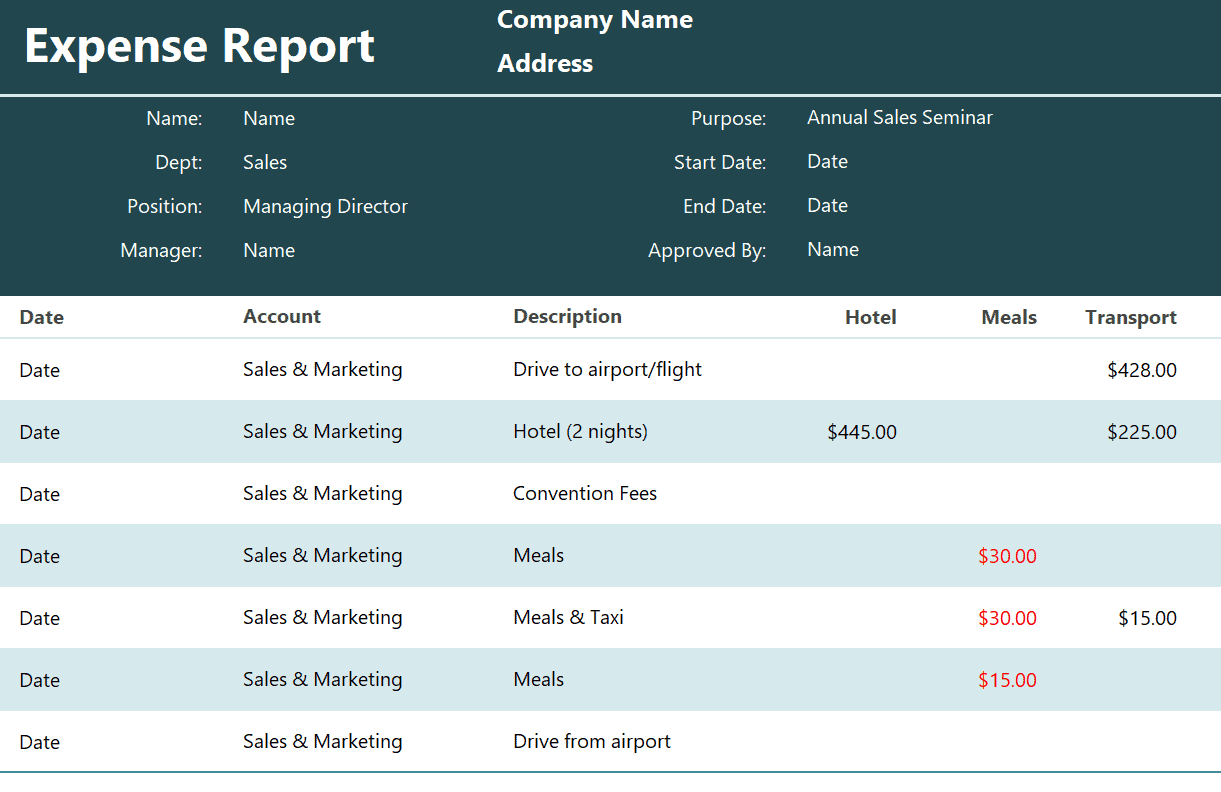
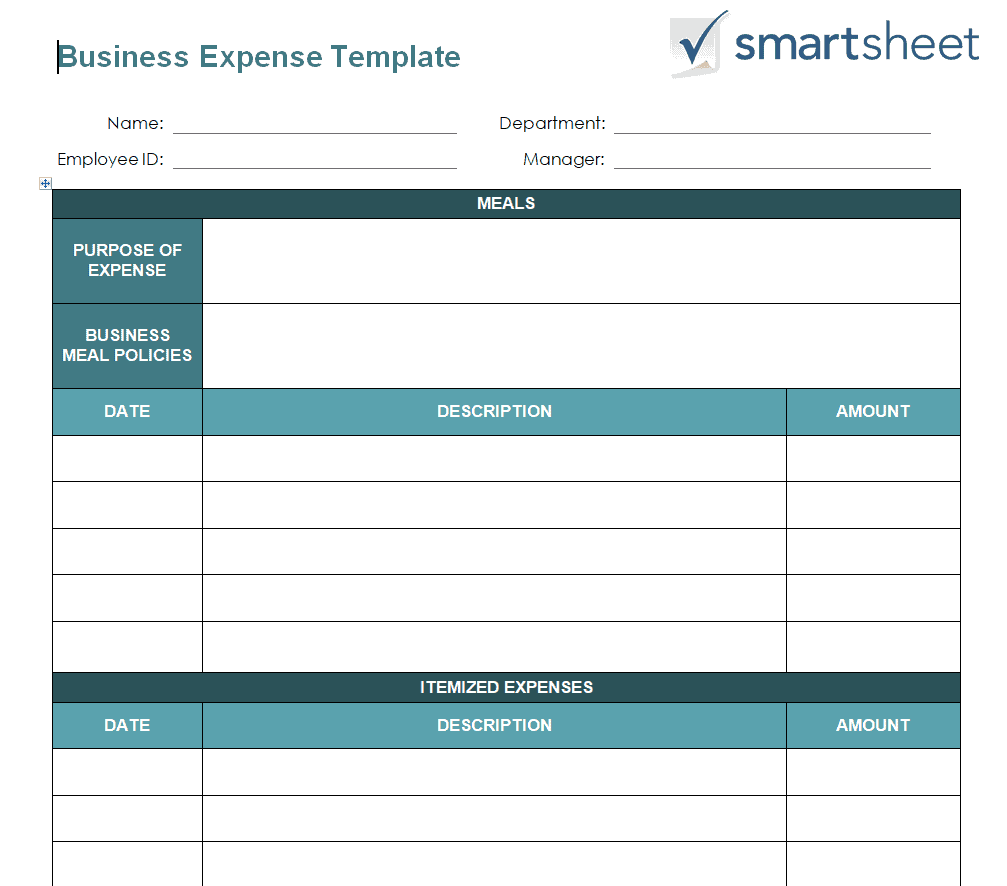
Business Expense Template WORD Format
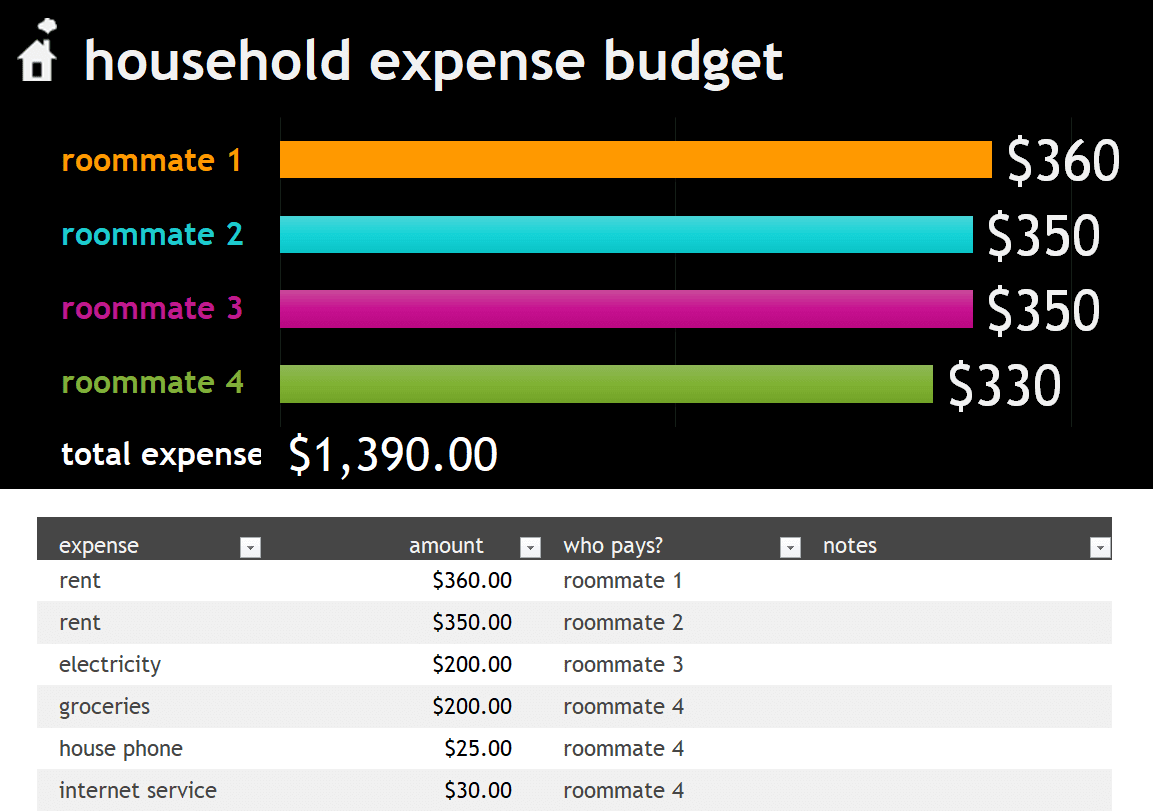
Household Excel Expense Budget Template
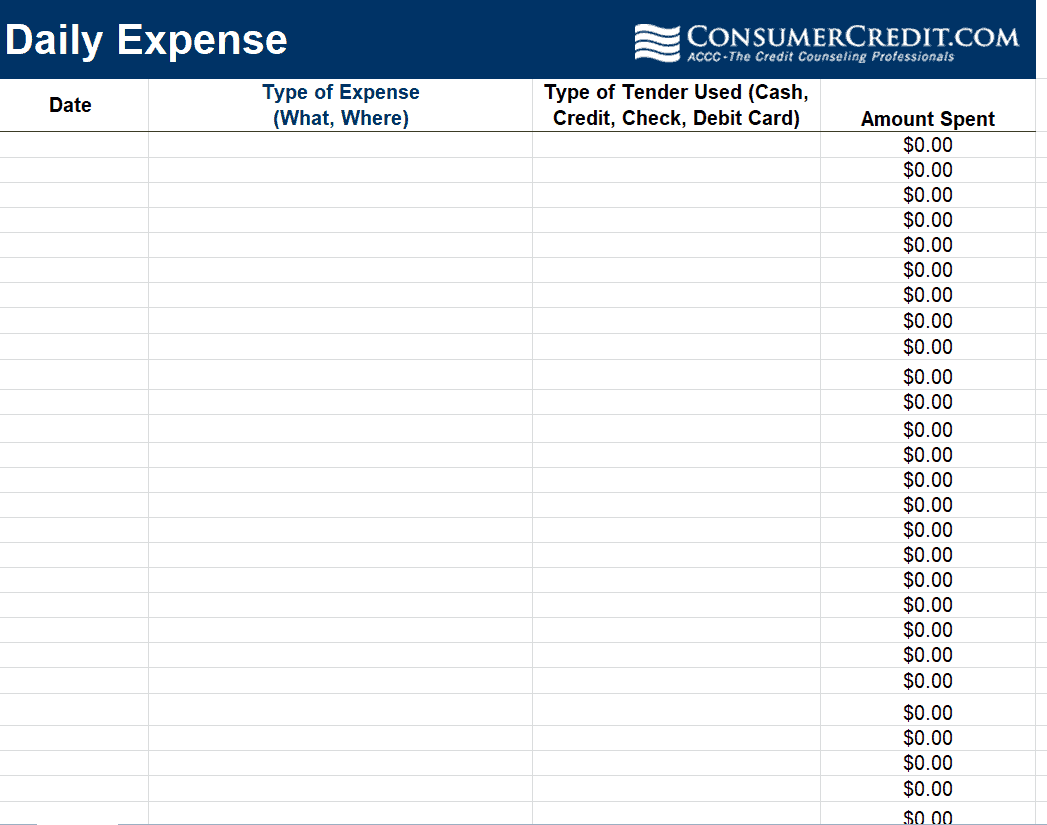
Daily Excel Expense Template
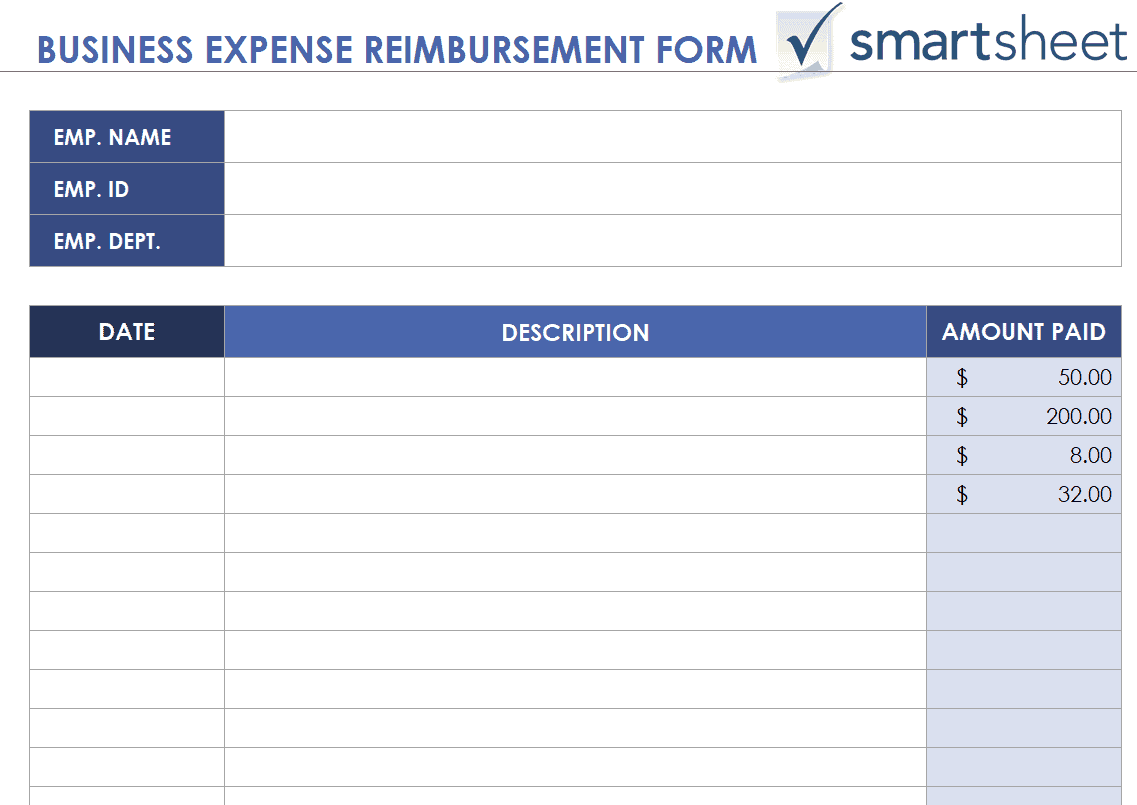
Business Expense Reimbursement Form Template EXCEL
Excel Expense Tracker Template
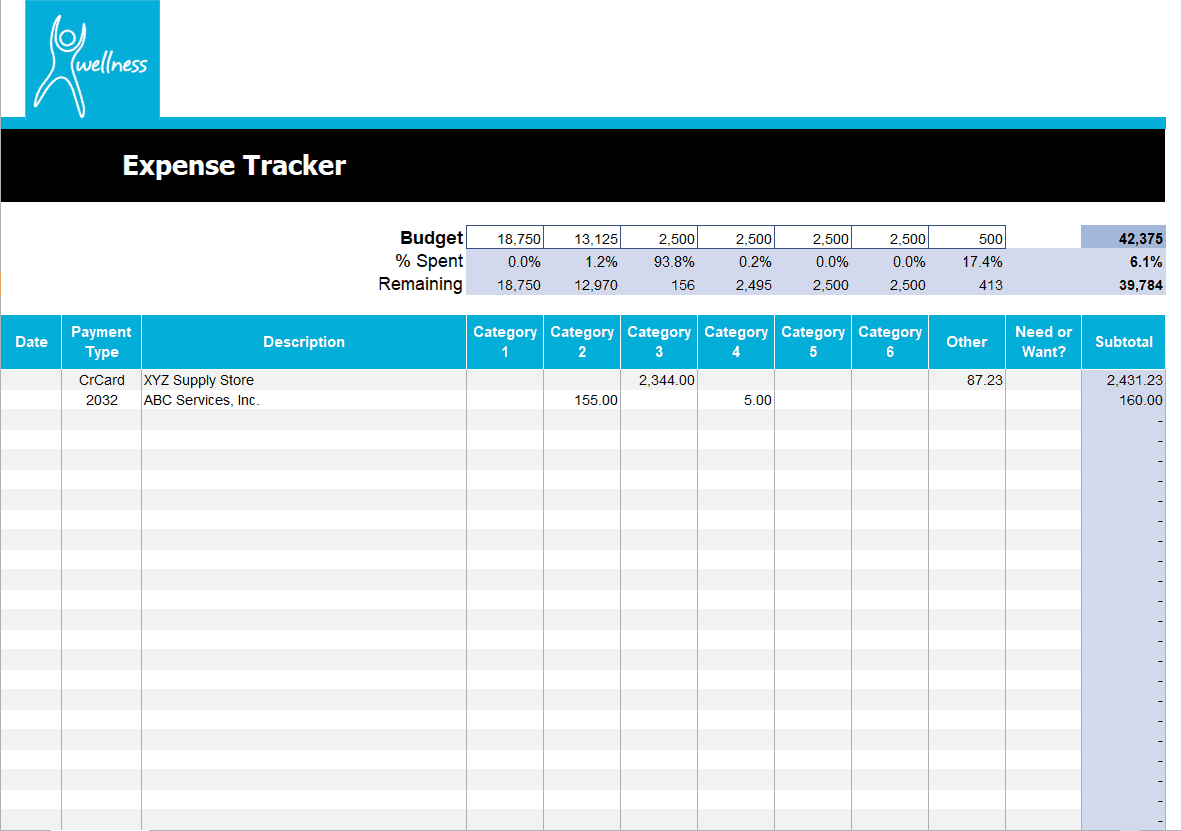
Sample Excel Expense Sheet Template
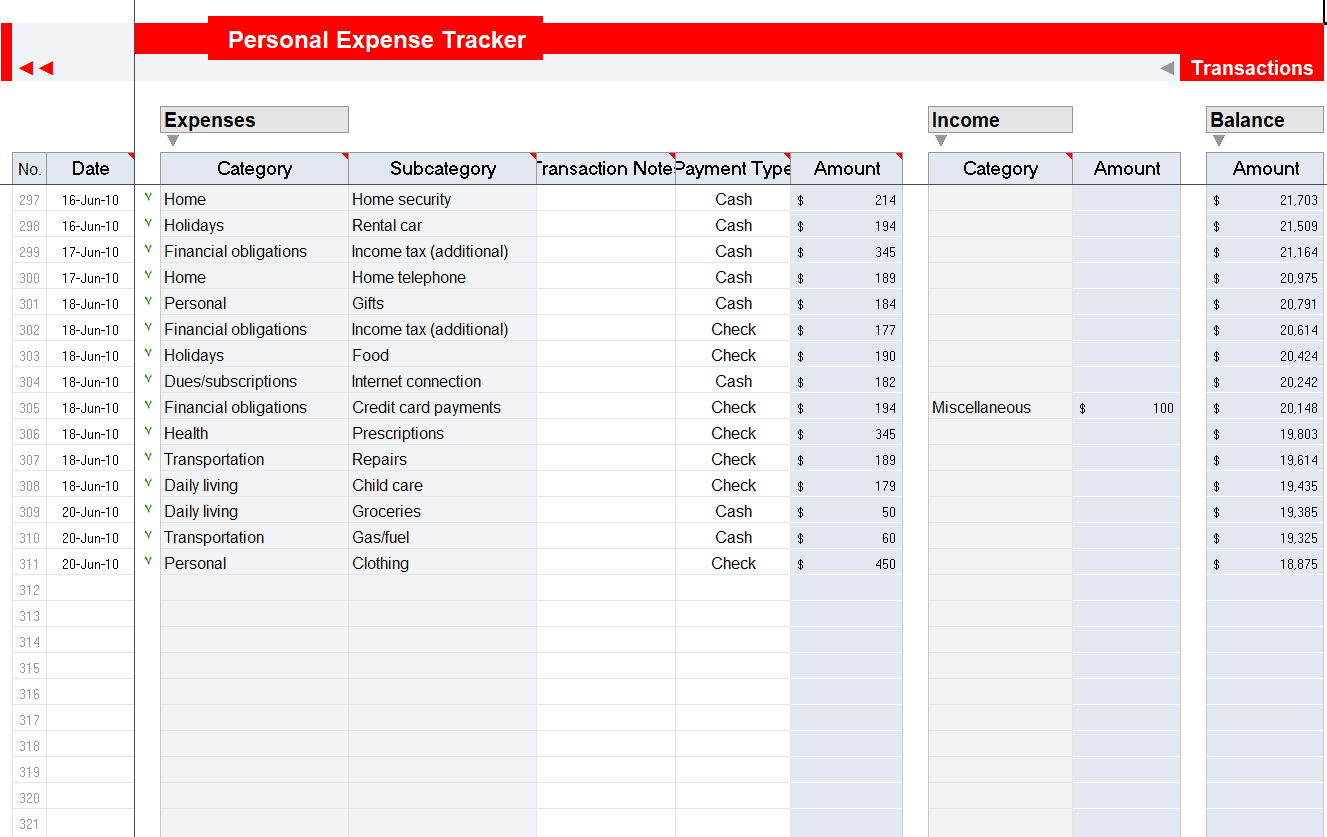
Personal Expense Tracker Template
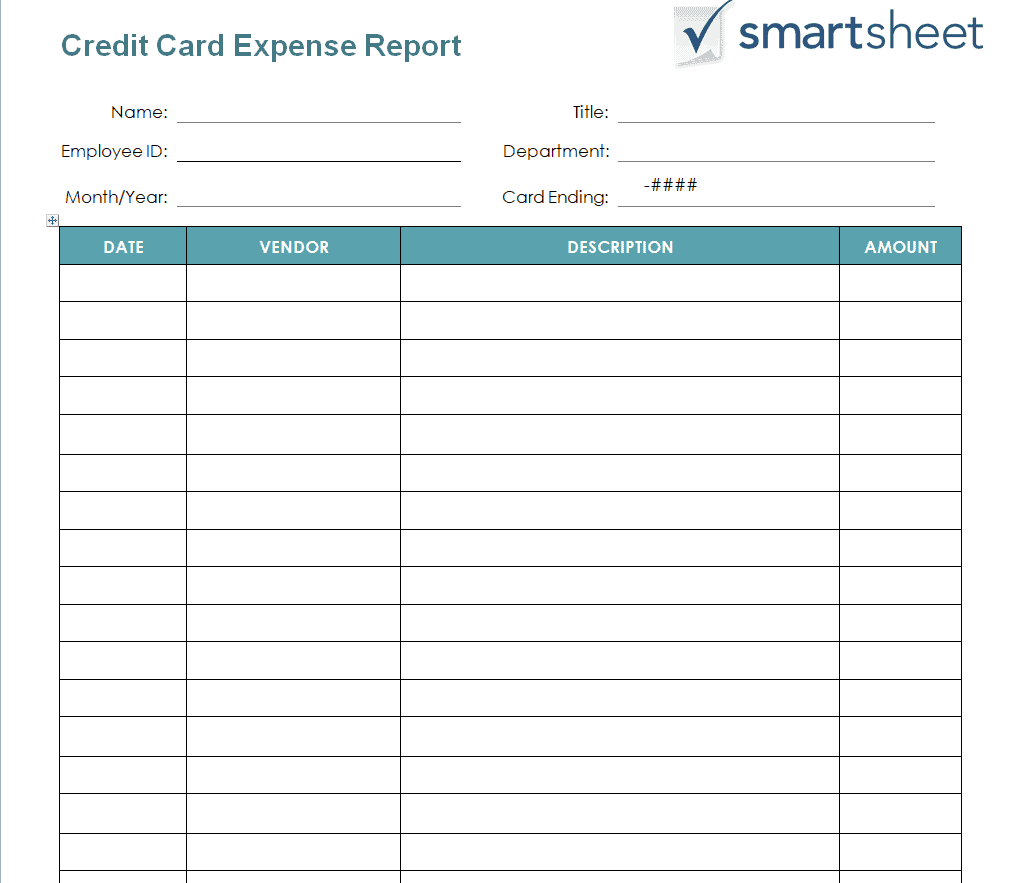
Credit Card Expense Report Template in MS WORD
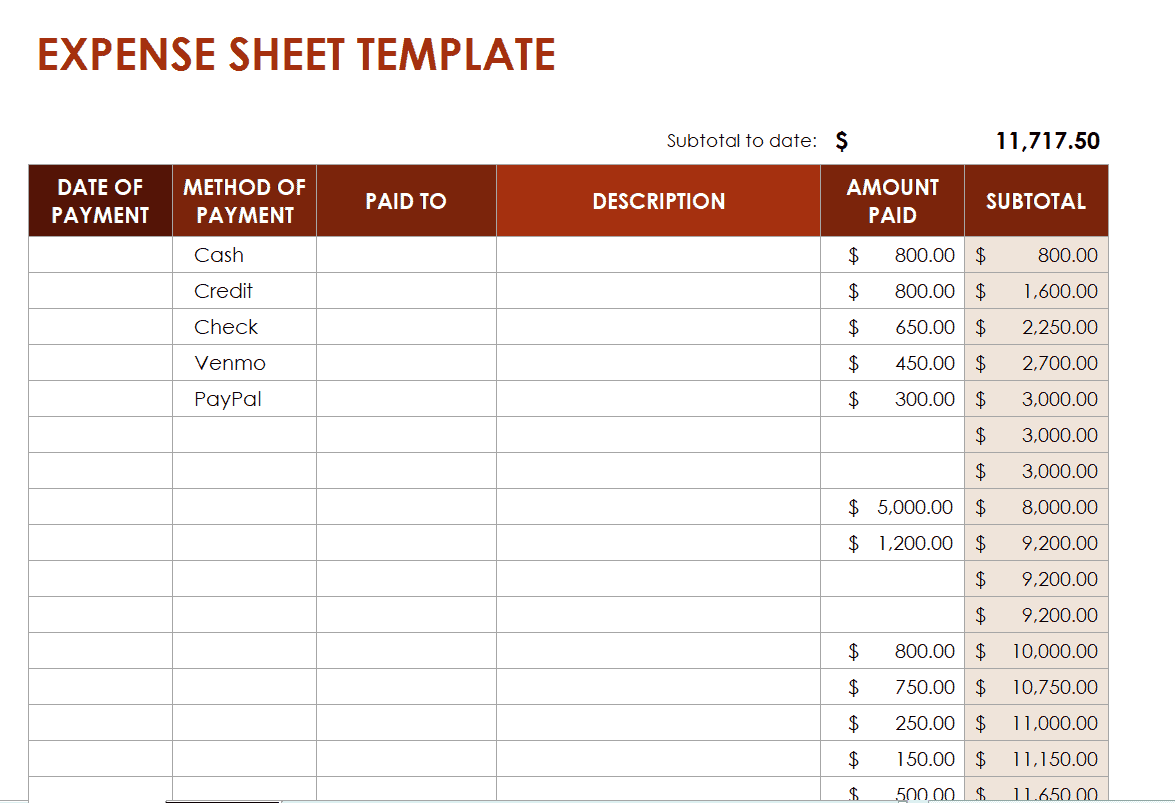
Official Excel Expense Template
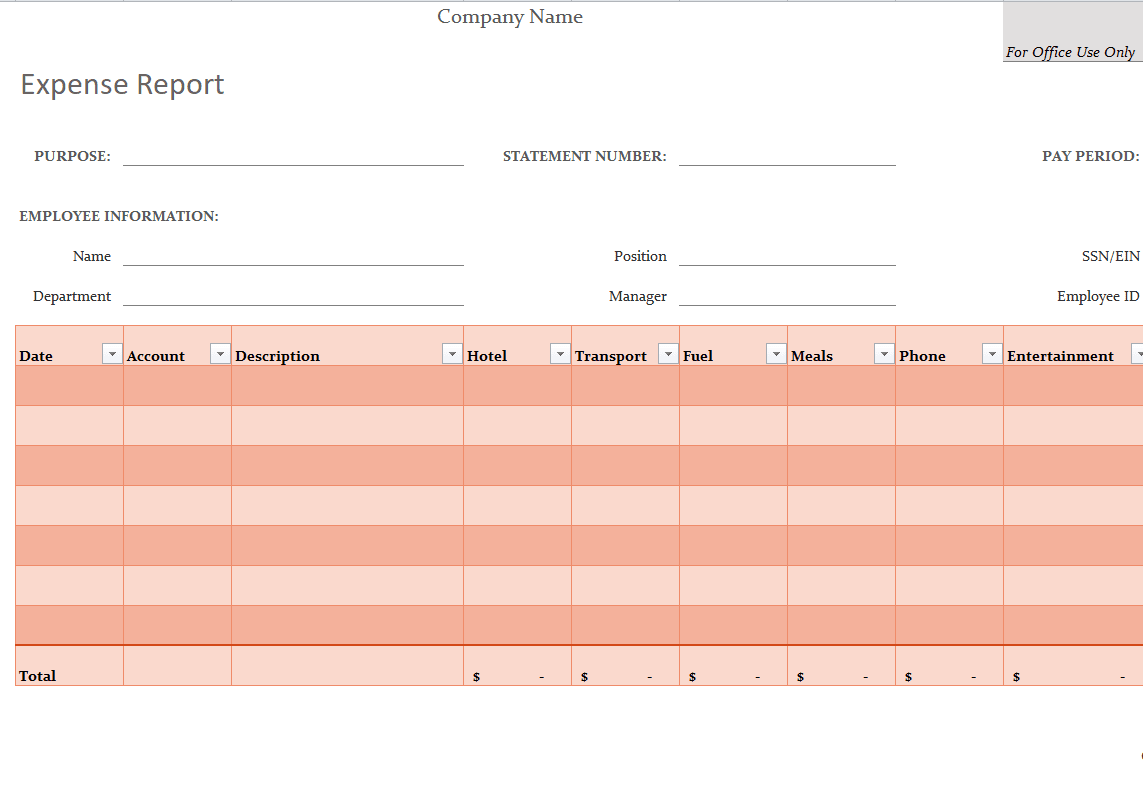
Example Excel Expense Template
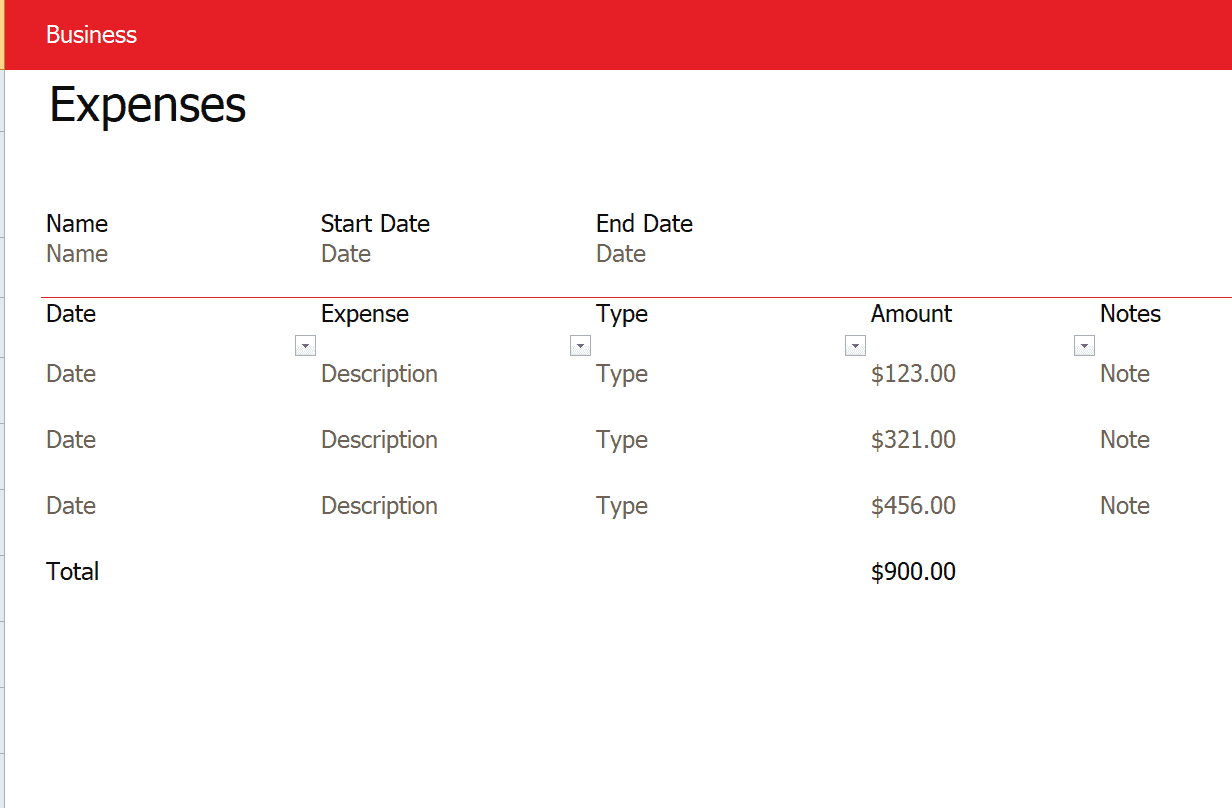
Practical Excel Expense Report Template
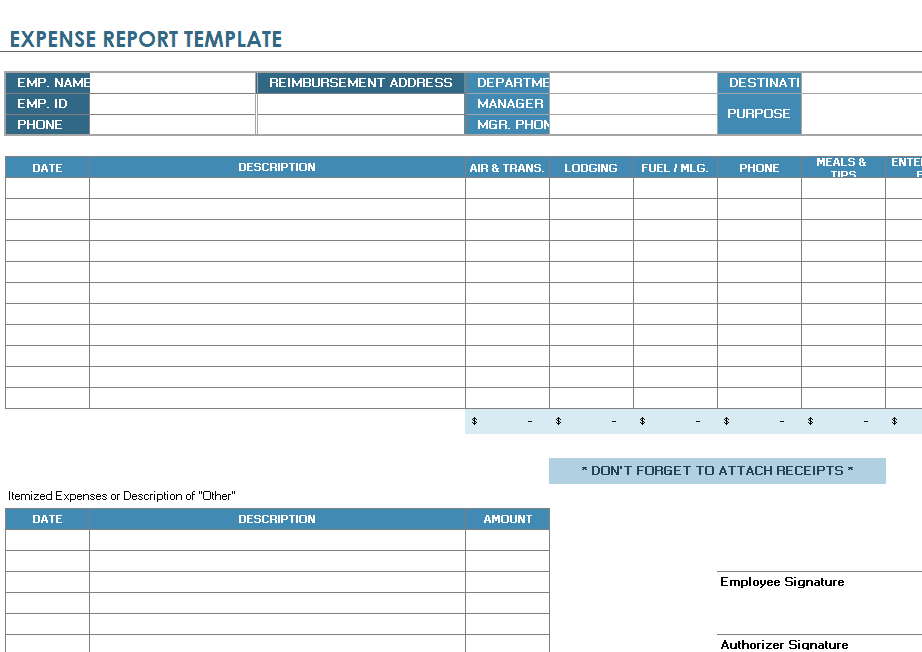
Frequently Asked Questions
Are these Excel expense templates free to download?
Yes, all 23 Excel expense templates on this page are free to download and use.
Which software do I need to use these templates?
These templates are built for Microsoft Excel, though many also work in Google Sheets or other compatible spreadsheet programs.
Can I use these templates for business expense reports?
Yes, several templates, including the mileage log and reimbursement form options, are designed specifically for business use.
Can I customize the categories in these templates?
Yes, all templates are fully editable, letting you add, remove, or rename expense categories as needed.
Do these templates calculate totals automatically?
Yes, most templates include built-in formulas that automatically calculate subtotals and grand totals as you enter data.
Are these templates suitable for personal budgeting?
Yes, several templates, including the household and personal expense options, are well suited for personal budget tracking.
Can I track travel expenses with these templates?
Yes, the travel expense report and mileage log templates are specifically designed for tracking travel-related costs.

You must be logged in to post a comment.