
A storyboard should communicate shot order, subject movement, camera framing, audio and timing. Each panel needs more than a drawing: add direction that a camera operator or editor can actually follow.
Translate a script into storyboard decisions
- Saves planning time: A ready-made layout means you can focus on planning scenes instead of designing a storyboard grid from scratch.
- Improves team communication: A clear visual plan helps directors, actors, and crew understand the vision before filming begins.
- Reduces production costs: Catching issues in the planning stage is far cheaper than reshooting scenes after the fact.
- Keeps projects organized: A structured storyboard helps keep track of which scenes have been shot and which remain.
- Works for various project types: Templates are suitable for films, commercials, animations, and web content alike.
- Free and reusable: Download once and reuse the same template structure for every future project.
Worked example: For a 15-second product clip, show an establishing shot, a close-up of the product in use and a final call-to-action frame. Note dialogue, approximate seconds and transitions alongside each panel.
Check before use: Number frames consistently, distinguish proposed shots from approved ones and make sure the page gives enough space for sketches. Complex movements may need multiple frames.
For related resources, see 15+ Customizable Event Program Templates WORD.
What’s Included in the Storyboard Template
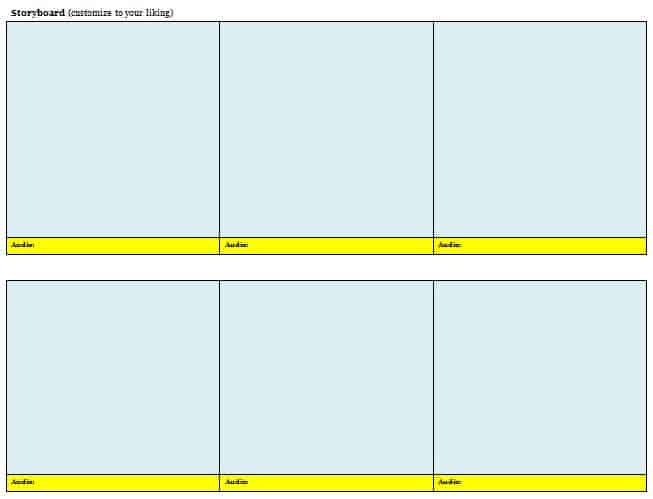
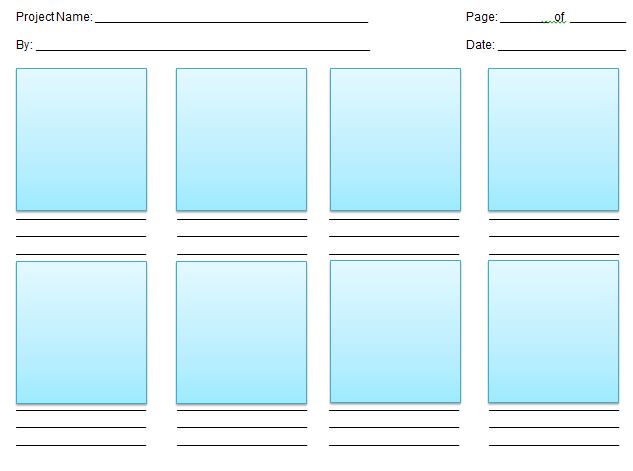
- Panel sections: Individual boxes for sketching out each key scene or shot in sequence.
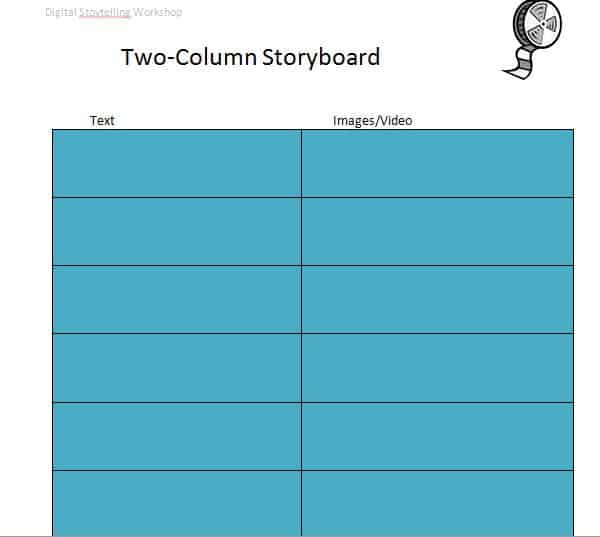
- Scene descriptions: Space to note what’s happening in each panel, including setting and action.
- Dialogue and audio notes: Room to record dialogue, sound effects, or music cues for each scene.
- Camera angle notes: Space to indicate camera movement, angle, and framing for each shot.
- Scene numbering: Sequential numbering to keep scenes organized in the correct order.
- Timing notes: Space to estimate the duration of each scene for pacing purposes.
Who Should Use These Templates?
- Filmmakers and directors planning out scenes before beginning production on a film or short.
- Advertising agencies mapping out commercials and promotional videos for clients.
- Animators planning sequences before beginning the animation process.
- Content creators organizing video content for social media or YouTube.
- Web developers planning the flow and layout of website pages and user journeys.
- Students working on film studies projects or media production coursework.
How to Start Using the Template in 3 Simple Steps
- Step 1 — Choose a template style: Browse the options below and select the design that best fits your project.
- Step 2 — Sketch your scenes: Fill in each panel with a rough sketch or description of the scene.
- Step 3 — Add details and share: Add dialogue, camera notes, and timing, then share the storyboard with your team.
Storyboard Template vs. Shot List
While both tools help plan a video production, a storyboard and a shot list serve slightly different purposes depending on the level of visual detail needed. A storyboard provides a visual sketch of each scene, helping the whole team understand the look and composition of a shot before filming begins. A shot list, by contrast, is typically a simpler text-based list of shots needed for a scene, often used alongside a storyboard for quick reference during filming. Choosing the right tool, or using both together, depends on how much visual planning your specific project requires.
Customizing the Template for Your Project
These templates are designed to be a flexible starting point rather than a fixed format. You can add more panels for longer scenes, adjust the layout to fit widescreen or vertical video formats, or add extra notes sections for specific production details relevant to your project. Since the templates can be edited digitally or printed and filled in by hand, most adjustments take only a few minutes and let you tailor the storyboard to fit your specific production needs.
Choosing the Right Format
With several different templates available, choosing the right one depends on the complexity and style of your project. A simple, minimal design works well for quick concept sketches or short social media videos, while a more detailed template with additional notes sections is better suited for longer productions like films or commercials. Reviewing what each template includes before downloading can help you find one that requires minimal restructuring for your specific project.
Common Mistakes to Avoid
- Skipping the storyboard entirely: Jumping straight to filming without a plan often leads to costly reshoots and wasted time.
- Overly detailed sketches: Storyboard panels don’t need to be polished artwork, just clear enough to communicate the shot.
- Missing scene numbers: Always number scenes sequentially to keep the production organized during filming.
- Ignoring pacing notes: Failing to note estimated timing can lead to a final video that runs too long or too short.
- Not sharing with the full team: Always distribute the storyboard to everyone involved in the production before filming begins.
Tips to Get the Most Out of Your Storyboard Template
- Keep sketches simple since the goal is clear communication, not polished artwork.
- Review the storyboard with your team before filming to catch any issues early.
- Number each panel clearly to keep scenes organized during production and editing.
- Note camera angles and movement to help the camera operator understand the intended shot.
- Keep a digital copy so the storyboard can be easily updated or shared with remote team members.
Using Storyboards for Advertising and Commercials
Advertising agencies rely heavily on storyboards to pitch commercial concepts to clients before any filming takes place, since a visual storyboard helps clients understand the creative direction far better than a written script alone. A well-crafted advertising storyboard typically includes not just the visual sequence but also notes on branding elements, product placement, and key messaging moments that need to land with the audience. Getting client approval on a storyboard before production begins also helps prevent costly revisions later, since major creative changes are far easier and cheaper to make at the planning stage.
Using Storyboards for Animation Projects
Animation projects depend on storyboards even more heavily than live-action productions, since every frame of movement needs to be planned before animators begin the time-intensive process of bringing characters to life. An animation storyboard typically includes more detailed notes on character expressions, movement arcs, and timing than a live-action storyboard, since animators need precise guidance on how each scene should unfold frame by frame. Many animation studios also use storyboards to create an “animatic,” a rough video version of the storyboard with timing and temporary audio, to test pacing before committing to full animation.
Digital vs. Hand-Drawn Storyboards
Deciding whether to create a storyboard digitally or by hand often comes down to personal preference and the specific needs of the project. Digital storyboards, created using templates and software, are easy to edit, share, and duplicate across a team, making them ideal for collaborative productions or projects requiring frequent revisions. Hand-drawn storyboards, while less convenient to edit, can be faster for quick concept sketches and allow for a more expressive, immediate way of capturing creative ideas before they’re lost.
Storyboarding for Website and App Development
Beyond film and video, storyboards have become a valuable planning tool for web developers and UX designers mapping out how users will navigate through a website or application. A development storyboard typically illustrates the user’s journey step by step, showing which screens they’ll encounter and what actions they’ll take at each stage of their experience. This approach helps development teams identify confusing navigation paths or missing steps before writing any code, saving significant time and resources during the actual build process.
Collaborating on Storyboards With Remote Teams
With more production teams working across different locations, sharing and collaborating on storyboards remotely has become increasingly common, making a clear, well-organized template even more valuable. Uploading a digital storyboard to a shared drive or project management tool allows directors, writers, and clients to review and leave comments on specific scenes without needing to be in the same room. Establishing a clear version-naming system, such as labeling each revision with a date, also helps remote teams avoid confusion about which storyboard draft is the most current one being discussed.
Turning a Storyboard Into a Shooting Schedule
Once a storyboard is finalized, many productions use it as the foundation for building a detailed shooting schedule that groups scenes by location, time of day, or cast availability rather than filming them in the story’s chronological order. This approach, often called “breaking down” the storyboard, helps production managers minimize costly location changes and reduce the number of days actors or equipment need to be on set. Reviewing the storyboard with this production lens in mind, rather than only a creative one, often reveals opportunities to combine or reorder scenes for a more efficient shoot.
Download Storyboard Templates:
Frequently Asked Questions
Are these storyboard templates free to download?
Yes, all the storyboard templates on this page are free to download and use.
Can I use these templates for animation projects?
Yes, these templates work well for planning animation sequences and creating animatics.
Do I need to be a skilled artist to use a storyboard template?
No, storyboard sketches only need to be clear enough to communicate the shot, not polished artwork.
Can I use these templates for advertising storyboards?
Yes, these templates are suitable for pitching commercial and advertising concepts to clients.
Can I print these templates and fill them in by hand?
Yes, the templates can be printed and hand-drawn or filled in digitally, whichever you prefer.
Are these templates suitable for web development planning?
Yes, storyboards are also useful for mapping out user journeys on websites and apps.
Can I customize the number of panels in the template?
Yes, you can add or remove panels as needed to fit the length of your specific project.


You must be logged in to post a comment.