
A gradebook should separate assessed tasks, their weighting, scores earned, dates and overall grades. Choose whether absent, exempt and unsubmitted work is left blank or scored as zero, since these produce very different summaries.
Record student performance against a consistent grading plan
- Saves preparation time: A ready-made structure means you can start entering grades immediately instead of building a spreadsheet from scratch.
- Reduces calculation errors: Built-in formulas automatically calculate averages, reducing the risk of manual math mistakes.
- Improves organization: A consistent layout makes it easy to track every student’s performance across the entire term.
- Simplifies reporting: A clear, organized gradebook makes it easier to share progress with parents, guardians, or school administration.
- Works for any subject: Templates can be adapted for any class, grade level, or subject area.
- Free and reusable: Download once and reuse the same template structure for every new term or class.
Worked example: If assignments are 40% and examinations 60% of a course, a student averaging 80% on assignments and 70% on exams earns 74% overall, assuming those category averages and weights are valid.
Check before use: Reconcile weights to 100%, protect student records and check school grading policies. Verify formulas especially where blank cells, retakes or extra credit can change the calculation.
For related resources, see 5 Multiple Choice Test Templates and 3 Attendance Excel Templates.
What’s Included in the Gradebook Template
- Student name list: Space to record the names of every student in the class.
- Assignment and test columns: Fields to enter scores for individual assignments, quizzes, and exams.
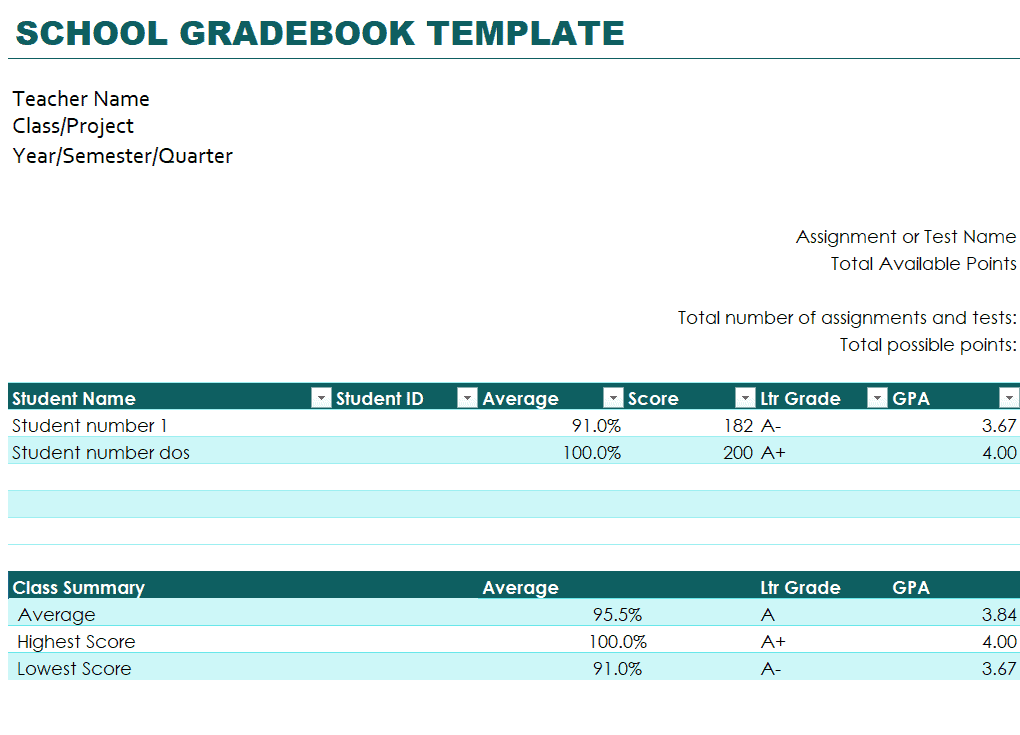
- Automatic average calculation: Built-in formulas that calculate each student’s overall grade automatically.
- Class and institute information: Space to record the class name, subject, and school or institute details.
- Teacher signature line: A section for the teacher’s name and signature to formalize the record.
- Grading scale reference: Some templates include a reference table showing how numeric scores translate to letter grades.
Who Should Use These Templates?
- Classroom teachers tracking student performance across assignments and exams throughout the term.
- School administrators reviewing grade records across multiple classes or departments.
- Homeschool parents keeping a formal record of their child’s academic progress.
- Tutors tracking the progress of individual students across tutoring sessions.
- College and university instructors managing grades for larger classes with multiple assessments.
- Substitute or student teachers who need a simple, ready-made way to record grades during a placement.
How to Start Using the Template in 3 Simple Steps
- Step 1 — Choose a template style: Browse the 9 options below and select the layout that best fits your class and grading style.
- Step 2 — Add student and class details: Enter student names along with the class, subject, and term information.
- Step 3 — Record and track grades: Enter scores as assignments and tests are completed, letting the built-in formulas calculate averages.
Gradebook vs. Report Card
While the two documents are related, a gradebook and a report card serve different purposes. A gradebook is the teacher’s working record, tracking every individual assignment, quiz, and test score throughout the term, while a report card is a summarized document shared with parents or guardians that typically shows only the final grade for each subject. In practice, the gradebook is where all the detailed tracking happens, and the report card is generated from that data once grading periods conclude, making an accurate and well-maintained gradebook essential to producing accurate report cards.
Customizing the Template for Your Classroom
These templates are designed to be a flexible starting point rather than a rigid format. You can adjust the weighting given to different assignment types, add extra columns for specific projects or participation grades, or modify the grading scale to match your school’s specific standards. Since the templates are provided in editable Excel format, most adjustments take only a few minutes and let you tailor the gradebook to match exactly how your classroom or institution grades student work.
Choosing the Right Format
With 9 different gradebook templates available, selecting the right one depends on your teaching context and grading preferences. Simpler templates work well for smaller classes or straightforward grading systems, while more detailed options with additional columns are better suited for classes with many assignment types or complex weighting systems. Reviewing what each template includes before downloading can help you find one that requires minimal adjustment for your specific classroom needs.
Common Mistakes to Avoid
- Forgetting to back up records: Save copies of your gradebook regularly to avoid losing an entire term’s worth of data.
- Inconsistent entry timing: Enter grades promptly after grading to avoid errors from relying on memory later.
- Ignoring formula errors: Double-check that automatic calculations are working correctly after adding new columns or rows.
- Mixing grading scales: Keep a consistent scale throughout the gradebook to avoid confusion when calculating final averages.
- Skipping student privacy protections: Store the gradebook securely, especially if it will be shared digitally with others.
Tips to Get the Most Out of Your Gradebook Template
- Update grades weekly rather than waiting until the end of the term to enter scores.
- Use color coding to visually flag students who may need additional academic support.
- Keep a master copy of the blank template so you always have a clean version ready for a new term.
- Double-check formulas whenever you add new assignments to make sure averages recalculate correctly.
- Share progress regularly with students or parents rather than only at official reporting periods.
Digital vs. Paper Gradebooks
While some teachers still prefer maintaining a paper gradebook for quick, in-class entry, a digital Excel-based gradebook offers clear advantages, including automatic grade calculations, easier organization across multiple classes, and simpler backup and sharing options. A digital gradebook also makes it much easier to spot trends in student performance over time, since sorting and filtering the data takes just a few clicks rather than flipping through pages. Many teachers find that combining a quick paper notepad for in-class notes with a digital gradebook for the official record offers the best balance of convenience and reliability.
Using Gradebooks to Support Struggling Students
Beyond simply recording scores, a well-maintained gradebook can be a valuable tool for identifying students who may be struggling before it becomes a larger problem. Reviewing the gradebook regularly to spot declining trends in a particular student’s scores, rather than waiting until a final grade is calculated, allows teachers to intervene earlier with additional support, tutoring referrals, or a conversation with parents. This kind of proactive review is much easier with a digital gradebook that lets you quickly sort or filter by student or assignment type to spot patterns that might not be obvious when scanning a printed page.
Setting Up Grade Weighting Correctly
Many gradebooks calculate a simple average of all scores, but a growing number of teachers prefer weighted grading, where categories like tests, homework, and participation each count for a different percentage of the final grade. Setting this up correctly in a spreadsheet typically involves multiplying each category’s average by its assigned weight and summing the results, which most of the templates below can be adapted to handle with a few formula adjustments. Deciding on weighting before the term begins, rather than changing it partway through, helps keep the grading system fair and transparent for students and parents alike.
Communicating Grades With Parents and Students
A gradebook is most useful when the information it contains actually reaches the people who need it, which means establishing a regular rhythm for sharing updates with students and parents rather than waiting for an official report card. Some teachers export a filtered view of the gradebook for individual students, while others simply share overall trends during parent conferences or through a class newsletter. Being proactive about this kind of communication, especially when a student’s grades start slipping, often makes a bigger difference than the grading system itself, since it gives families the chance to offer support at home before a small dip becomes a serious concern.
Managing Gradebooks Across Multiple Classes
Teachers who handle several classes or sections often find it easiest to maintain a separate tab within the same workbook for each class, rather than juggling multiple separate files that can become disorganized or go missing. This approach keeps all of a term’s grading data in one place while still allowing each class to have its own student list, assignment structure, and grading scale if needed. At the end of a grading period, having every class in one workbook also makes it much faster to review overall trends across your full teaching load rather than opening and comparing several different files.
End-of-Term Gradebook Review
Before finalizing grades at the end of a term, it’s worth setting aside dedicated time to review the entire gradebook for missing entries, formula errors, or inconsistencies that might have crept in over the weeks. Checking that every student has a complete set of scores, verifying that averages are calculating correctly, and confirming that the grading scale was applied consistently throughout the term all help catch mistakes before they turn into disputed grades or awkward corrections after report cards go out. Archiving a final, locked copy of the completed gradebook once the term ends also provides a reliable record to reference if questions about a student’s grade come up later.
Bonus template: Weighted-grade calculation worksheet
Use this worksheet to check a grading calculation before extending a gradebook. The policy for missing, exempt and unsubmitted work must be agreed separately.
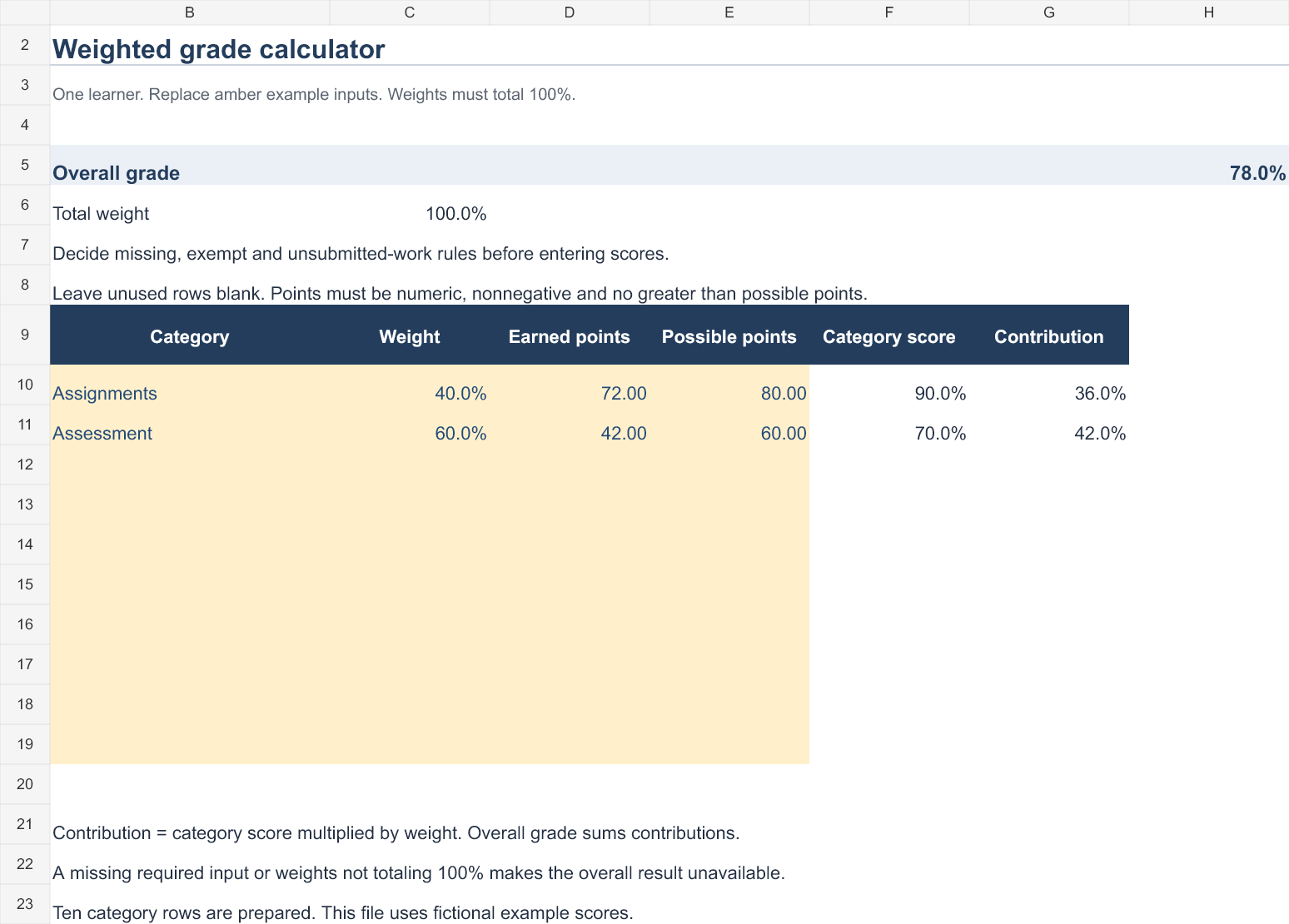
Excel calculator: Download the weighted grade calculator (.xlsx). Replace the amber example inputs to update the calculated results. This calculates one learner’s weighted category result and leaves the overall result unavailable when required inputs or weights are invalid.
Set up the record
- Class / period: [details]
- Student identifier: [reference]
- Grade policy version: [reference]
| Category | Weight | Earned points | Possible points | Category score | Contribution |
|---|---|---|---|---|---|
| Assignments | 40% | 72 | 80 | 90% | 36 percentage points |
| Assessment | 60% | 42 | 60 | 70% | 42 percentage points |
How to use this template
- For each category, divide earned points by possible points.
- Multiply that category score by its weight, then add the contributions.
- Check that the active weights total 100%. Do not silently treat missing work as zero or remove it from the denominator.
Worked example: The two weighted contributions are 36 and 42 percentage points, giving 78% overall. Averaging 90% and 70% directly would give 80% and would ignore the different weights.
Check before use
- Keep exempt work distinct from an unsubmitted task.
- Check that formulas include newly added assessments.
- Restrict access to identifiable student records.
Check Out Gradebook Templates Here
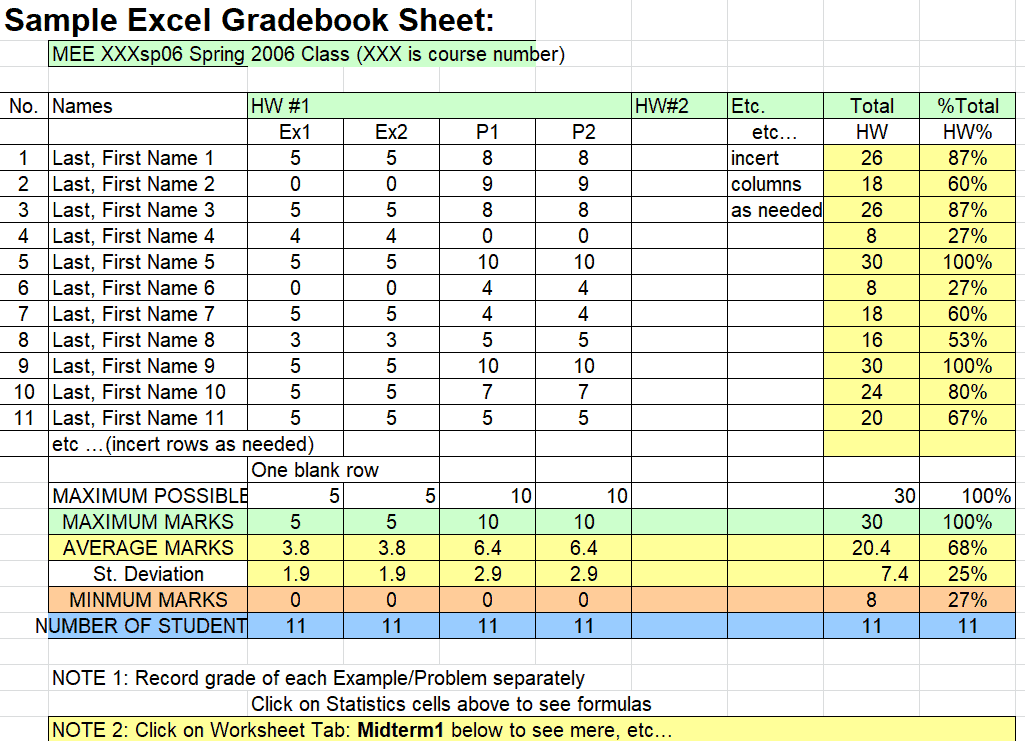
Sample Excel Gradebook Sheet Template
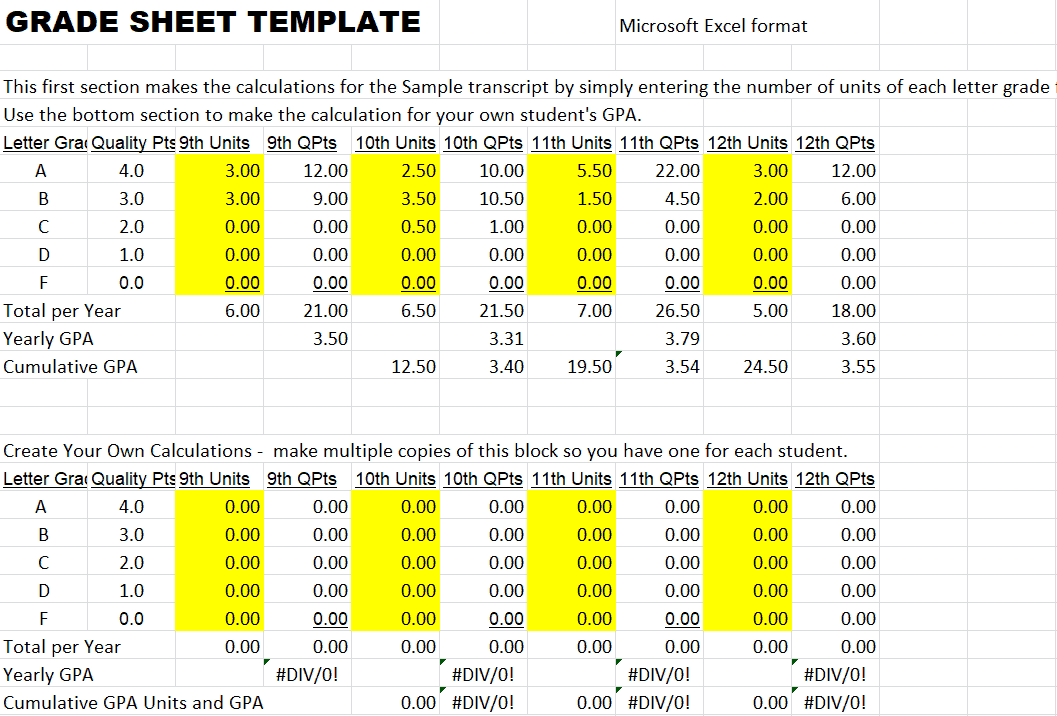
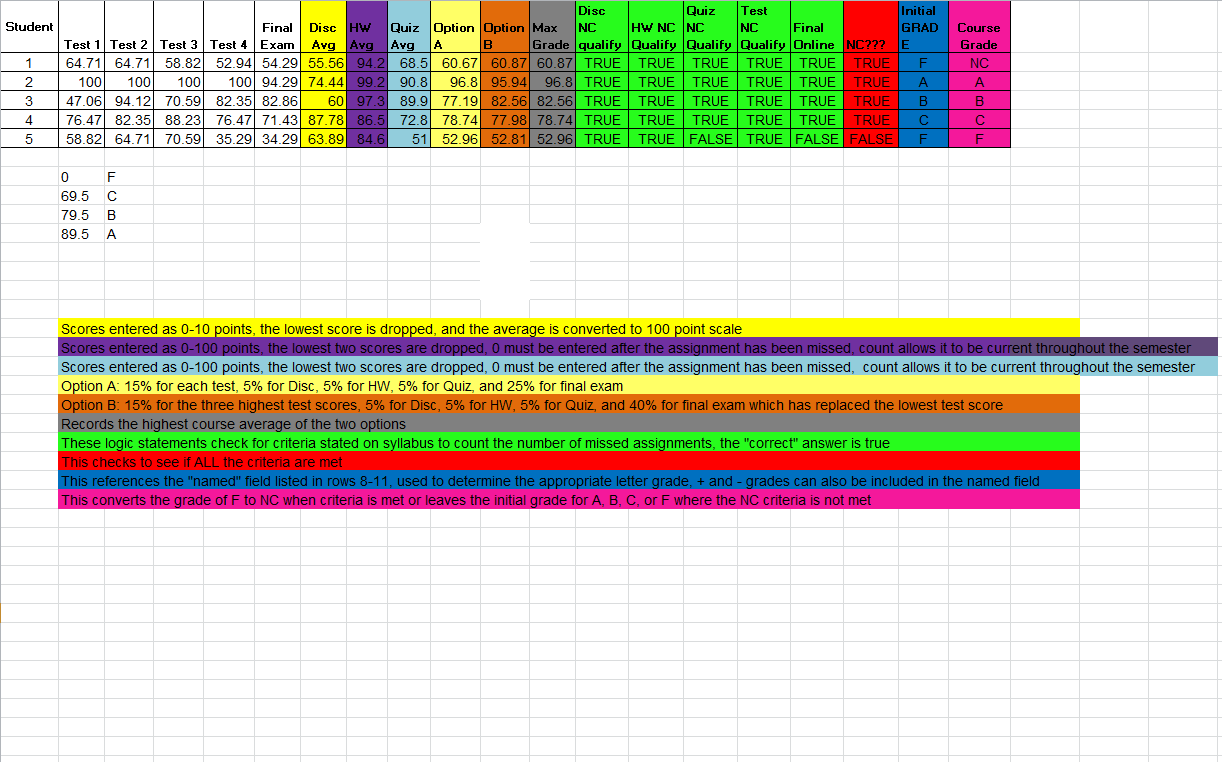
Example Grade Sheet Template
Official Gradebook Template
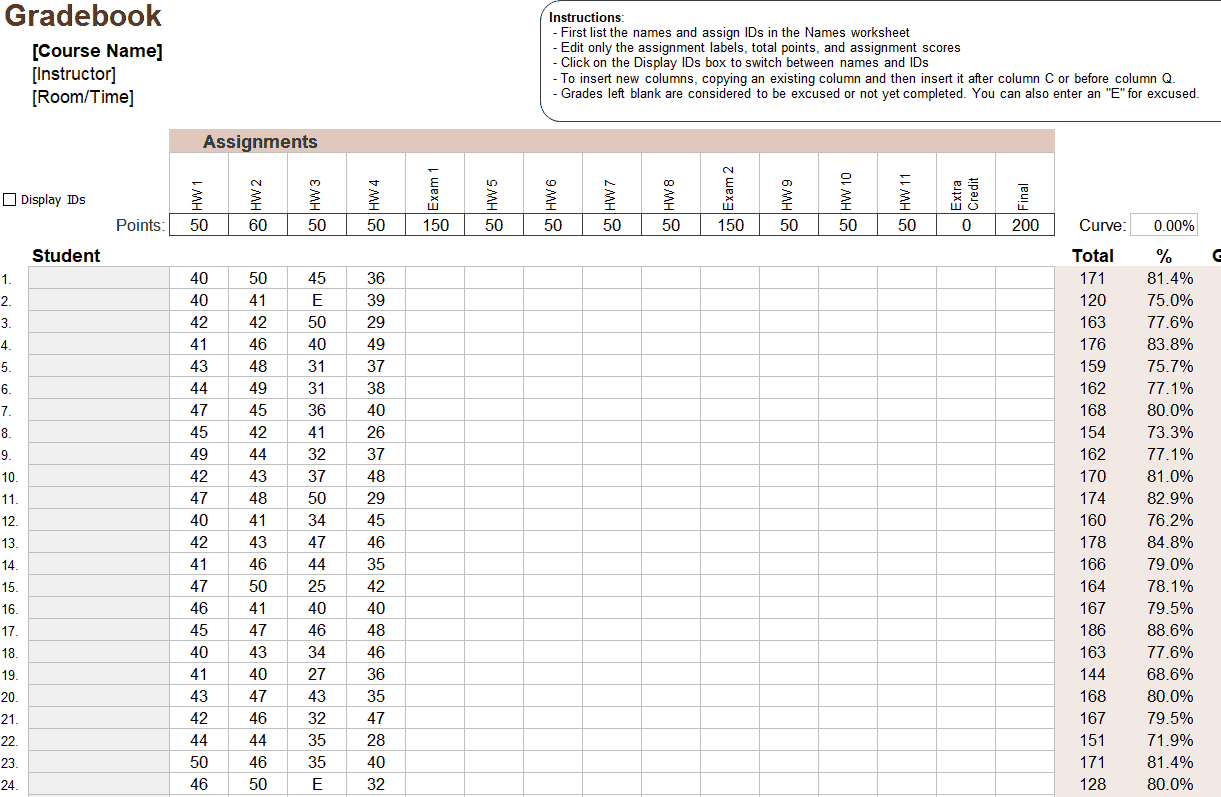
Blank Grade Sheet Template
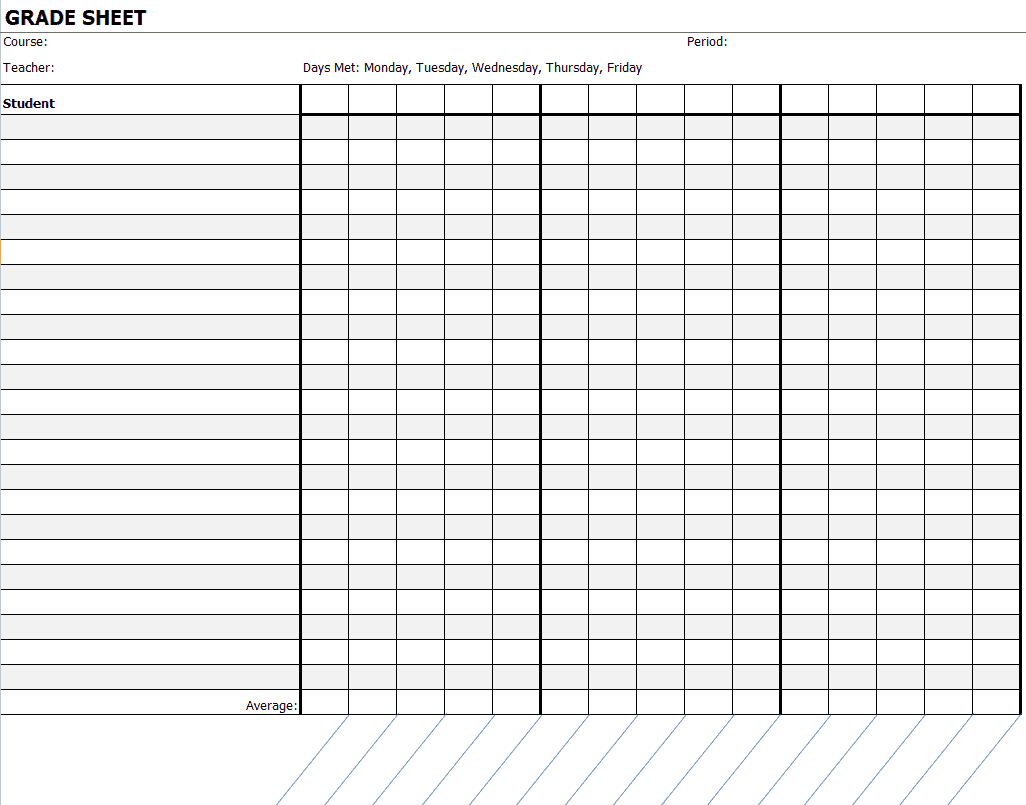
Printable Student Gradebook Template
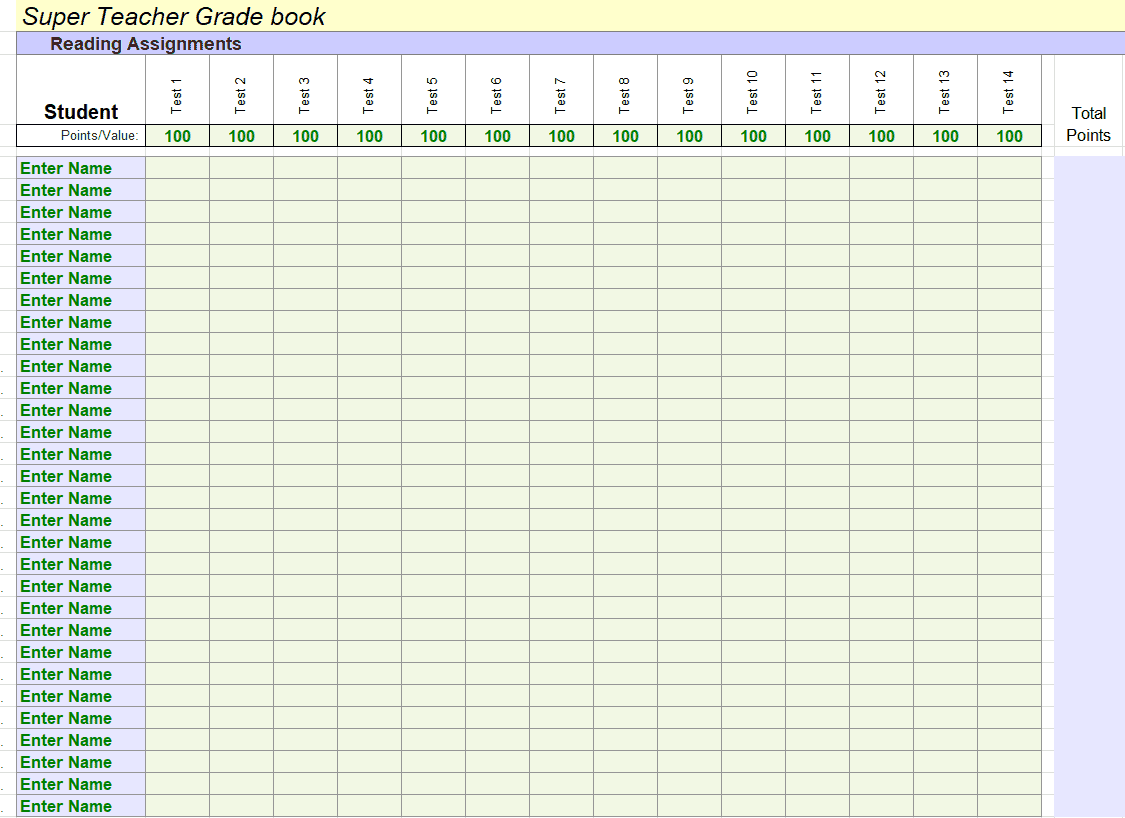
Editable Super Teacher Gradebook Template
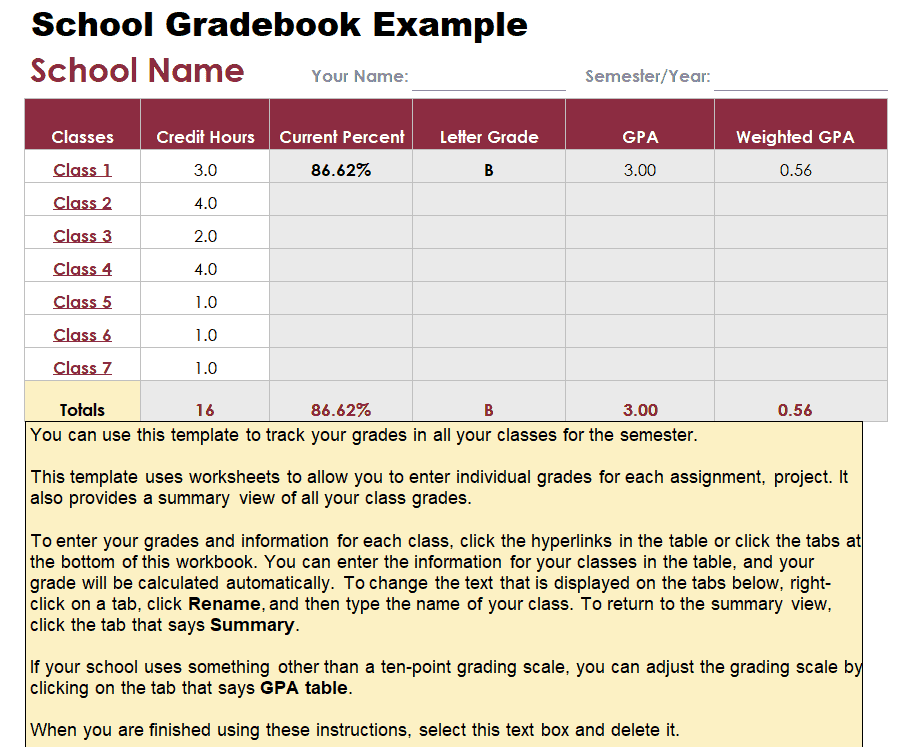
SChool Gradebook Example Template
Professional School Gradebook Template
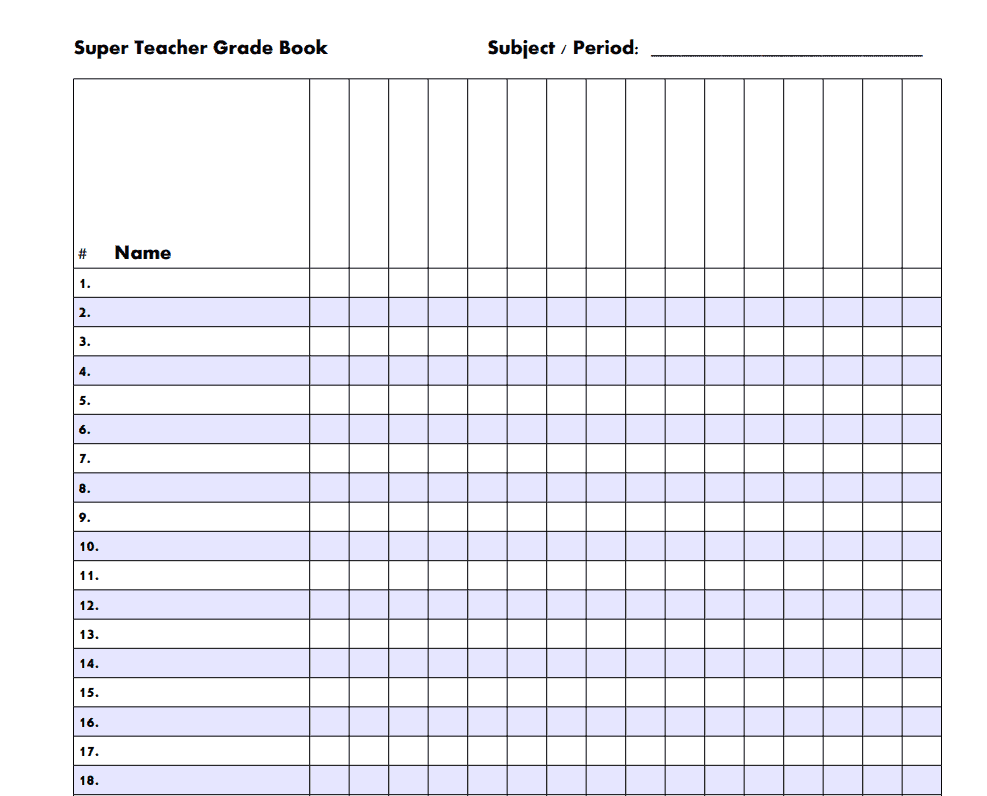
Super Teacher Gradebook Template PDF
Frequently Asked Questions
Are these gradebook templates free to download?
Yes, all 9 gradebook templates on this page are free to download and use.
Which software do I need to use these templates?
These templates are built for Microsoft Excel and work best when opened in Excel or a compatible spreadsheet program.
Can I customize these templates for my specific class?
Yes, all templates are fully editable, letting you add your own students, assignments, and grading scale.
Do these templates calculate grades automatically?
Yes, most templates include built-in formulas that automatically calculate student averages as scores are entered.
Are these templates suitable for homeschool use?
Yes, these gradebook templates work well for homeschool parents tracking a child’s academic progress.
Can I use these templates for college-level classes?
Yes, several templates can be adapted for larger classes with multiple assignments, common in college courses.
Can I track multiple classes in one gradebook file?
Yes, you can use separate tabs within the same workbook to track grades for multiple classes or sections.

You must be logged in to post a comment.