
Use product comparison templates to evaluate alternatives against the needs that actually matter. A useful comparison does more than place prices beside each other: it explains the required features, the evidence behind each entry, the tradeoffs, and the basis for a recommendation. The resources below offer several layouts for documents, spreadsheets, and presentations.
Editable downloads and previews
Use the file links where provided. Links labeled “View original source” open another website; check its current format, availability and terms. A preview image alone is not an editable document.
Template previews and source links
Sample Vendor’s Product Comparison Template
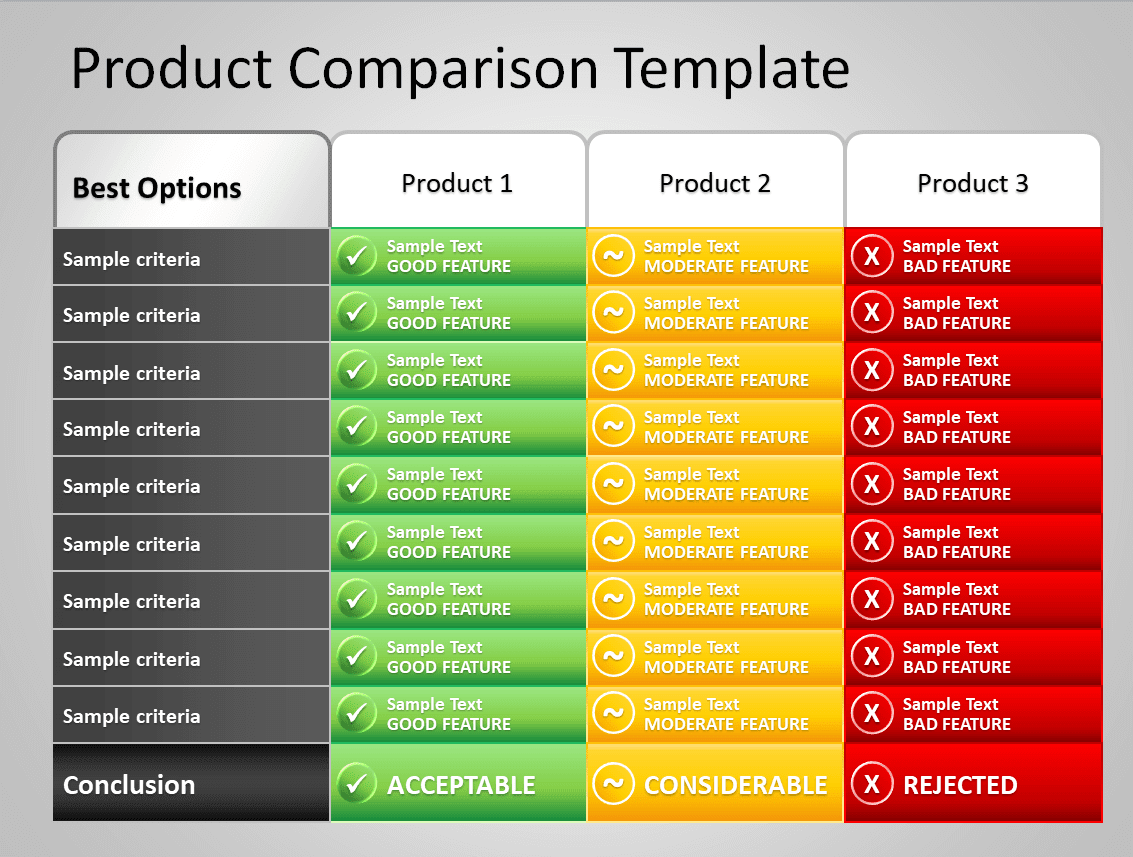
Standard Product Comparison Template in PPTX Format
Printable Security Product Comparison Chart Template

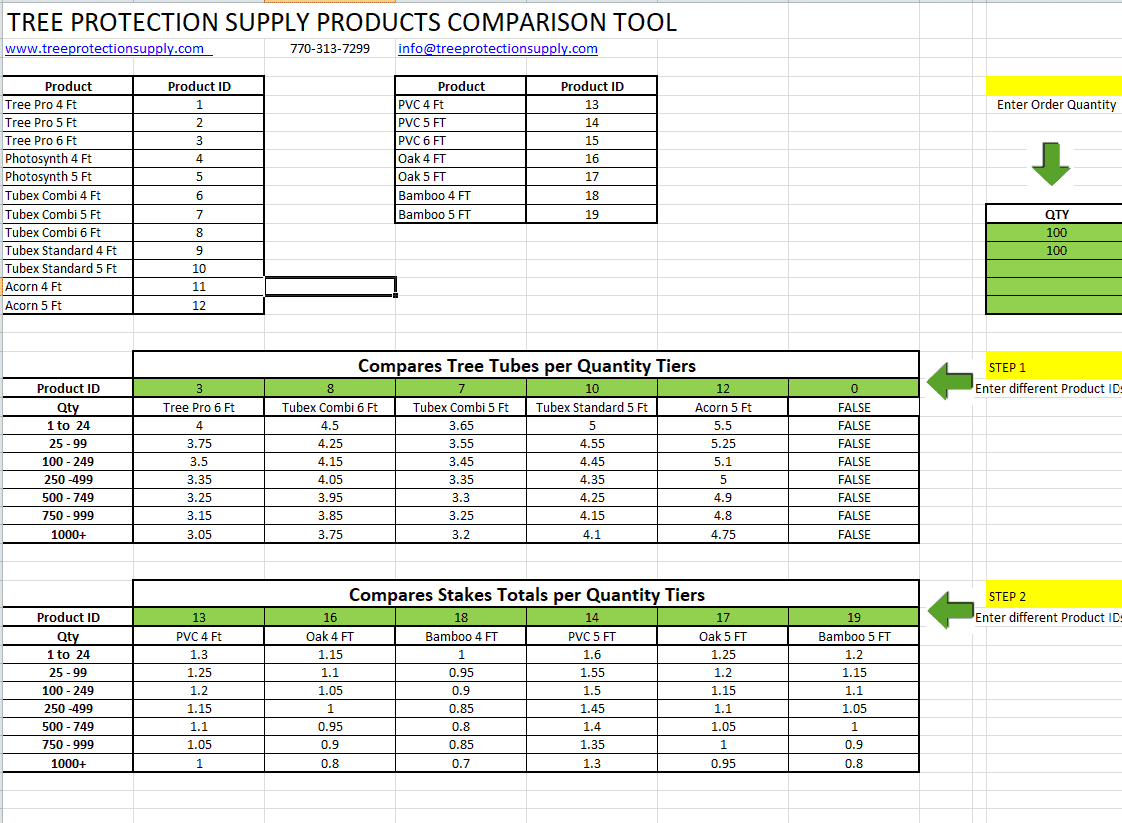
Suppluy Product Comparison Template EXCEL
Basic Product Comparison Template PDF

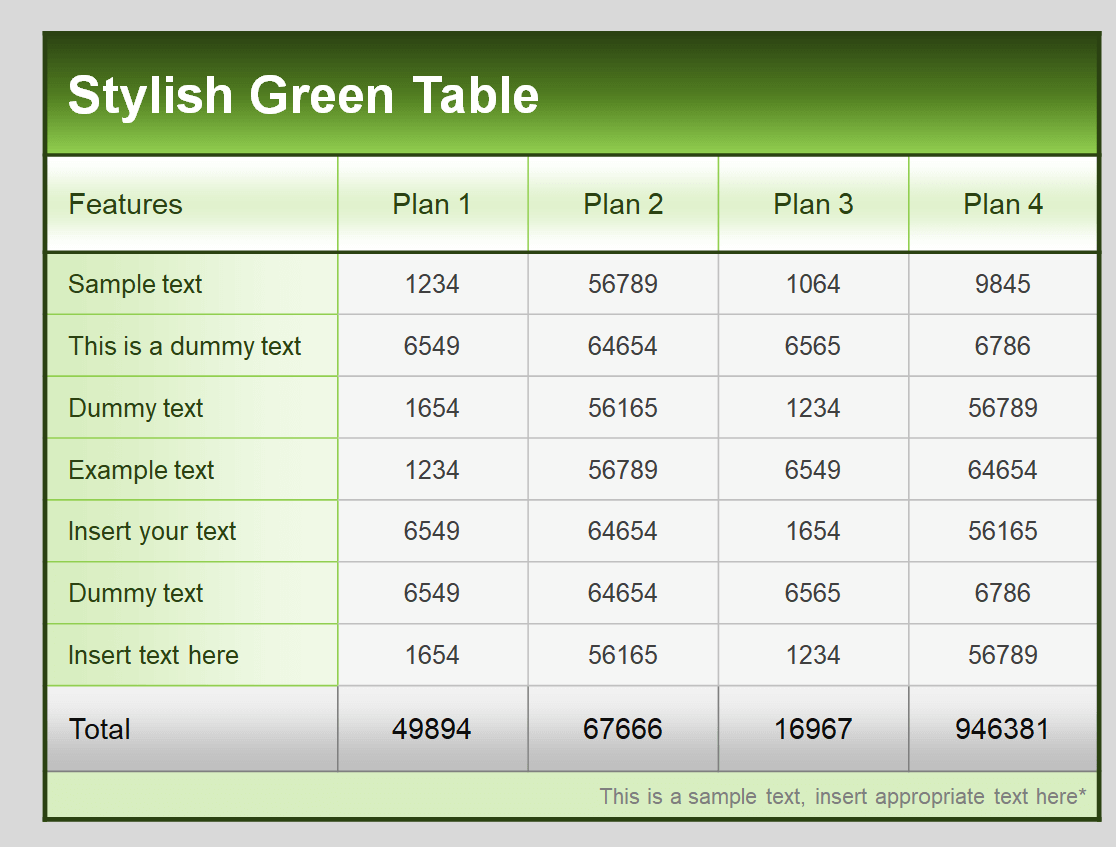
Stylish Product Comparison Table Template PowerPoint
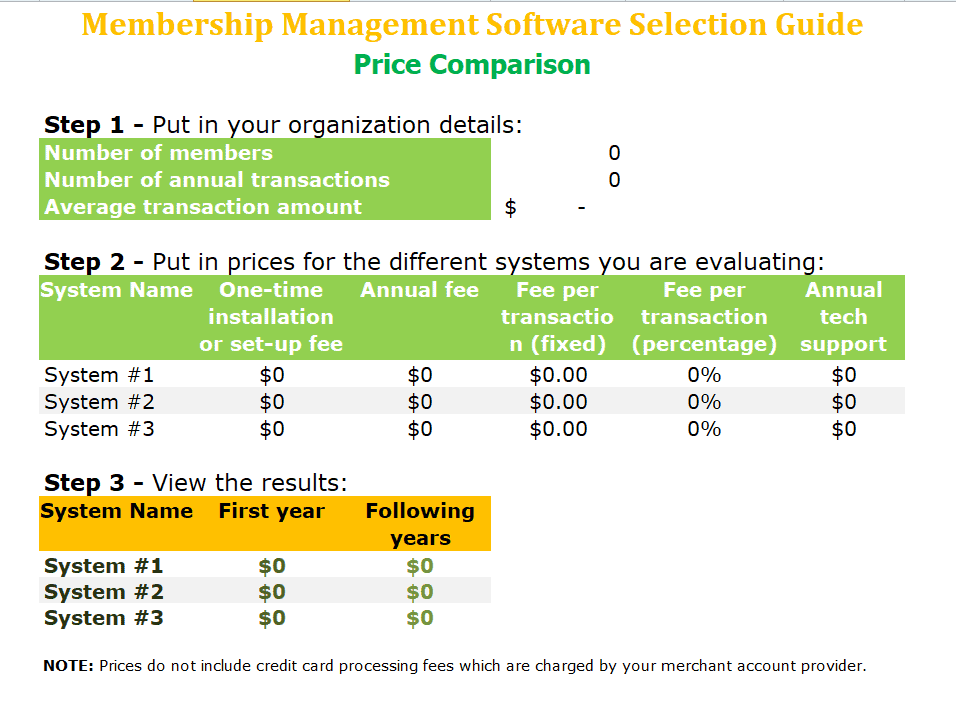
Software Price Comparison Template
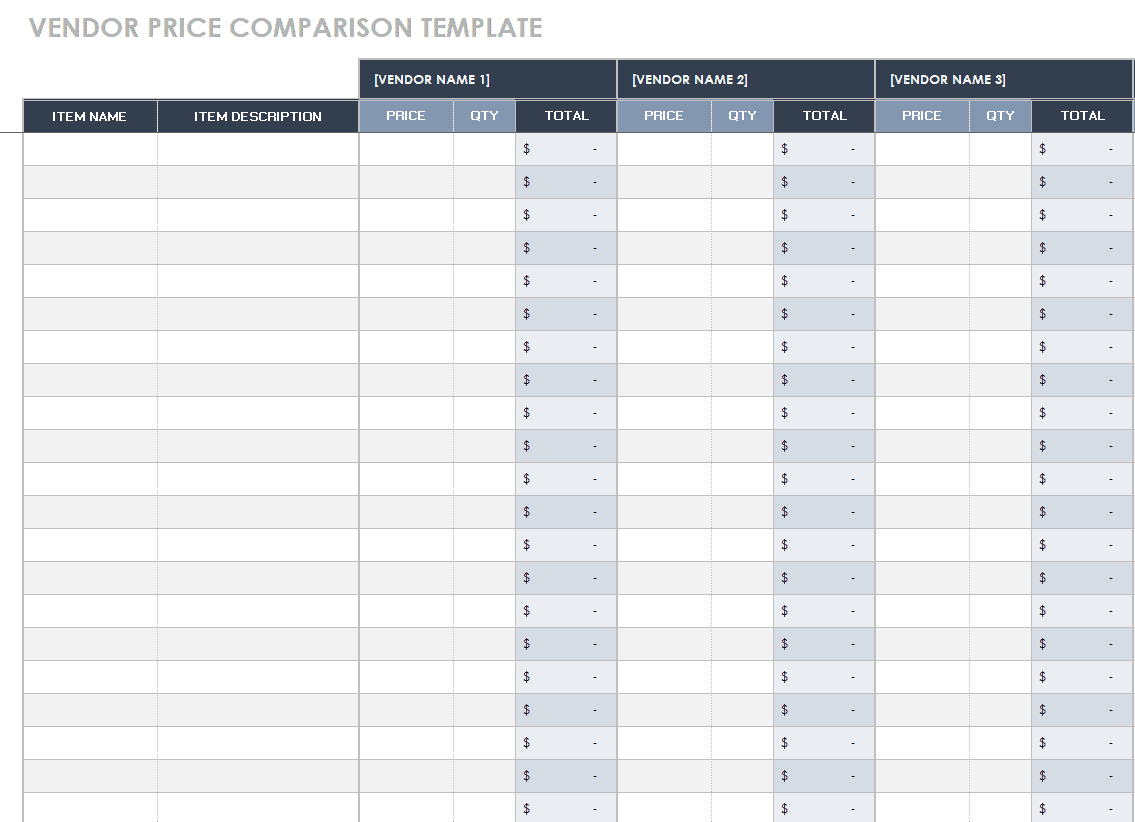
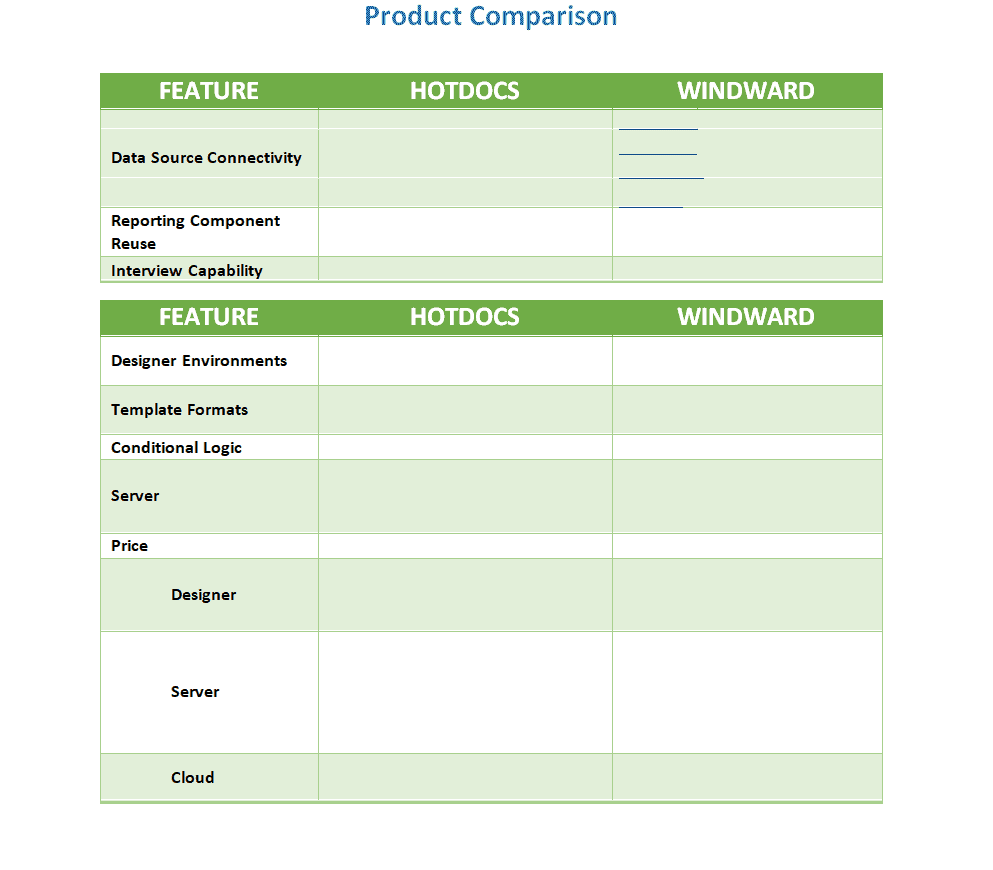
Software Price Comparison Template WORD
Start with the buying decision. A household choosing an appliance, a team buying software, and a company assessing supplies may need different criteria. The same product can be suitable for one situation and unsuitable for another. Define the intended use before copying a feature list or assigning scores.
Write the requirement before researching alternatives
Describe who will use the product, what task it must support, and any genuine constraints. Include budget, compatibility, size, delivery timing, or accessibility needs when relevant. Separate required conditions from preferences so an attractive feature cannot distract from a critical missing requirement.
For example, a printer comparison might require compatibility with an existing workflow and a certain paper size. Color, speed, and appearance may then be preferences with different importance. A product that fails a mandatory requirement should be flagged rather than receiving enough points elsewhere to quietly overcome the failure.
Compare the same version and specification
Identify the exact model, version, configuration, package, or service tier being assessed. A low advertised starting price may describe a different configuration from the one that includes the required features. Record the provider and the date checked.
Keep quantities and units comparable. A price per pack cannot be compared directly with a price per individual item unless the pack size is included. For subscriptions, specify the billing period and user count. Note whether the evidence describes the current offer, an older version, or a proposed future feature.
Build a short, useful criteria list
Choose criteria that explain the decision rather than every characteristic available in a brochure. Common categories include function, compatibility, ease of use, durability evidence, support, delivery, and cost. Avoid overlapping criteria that count the same advantage twice.
Use clear labels and a short definition for each. Reliable support could mean response channels, published coverage, or an agreed service commitment; it should not mean whatever each reviewer happens to assume. A manageable list encourages consistent evidence collection and makes the final recommendation easier to explain.
Record evidence rather than promotional claims
Use the appropriate manufacturer’s specification, provider terms, current quote, trial, or documented evaluation. Record a source reference and check date for important entries. Distinguish a verified specification from a salesperson’s statement or a reviewer’s impression.
Mark unavailable evidence as unknown instead of inventing a value. If a decision depends on an unknown item, identify the question to ask and who will confirm it. Reviews can provide context, but one person’s experience should not automatically be presented as a measured reliability rate for every buyer.
Separate price from total cost
Record the purchase price and currency, then identify the other costs relevant to the chosen period. These may include delivery, installation, accessories, recurring fees, consumables, support, or disposal. Do not include speculative amounts without explaining the assumptions.
Use Excel price comparison templates to organize current quotes and consistent quantity calculations. Keep the broader product comparison focused on suitability as well as price. A cheaper purchase can have higher ongoing costs, while a premium feature may provide little benefit for the actual task.
Use scoring only when the definitions are clear
A score is an organized judgment, not an objective fact simply because it is a number. Define the scale before reviewers assign values. For a one-to-five scale, explain what a low, middle, and high score mean for each criterion.
Keep the direction consistent: if five means more suitable, a high cost should not accidentally receive a high suitability score just because its raw number is larger. Distinguish measured data from translated ratings. Preserve the underlying values so the scoring does not hide important tradeoffs.
Weight criteria without hiding the assumptions
Assign weights that reflect the actual decision priorities and make them add to a stated total, such as 100%. Agree them before reviewing the preferred product’s score. Otherwise it becomes easy to change importance until a favored option wins.
A weighted score is usually the sum of each criterion’s score multiplied by its weight. Use one consistent scale and make the calculation visible. Do not use the overall number to ignore mandatory requirements. Explain which assumptions drive the result and whether a small weight change would reverse the ranking.
Worked example: two products and three criteria
Suppose the agreed criteria are compatibility at 50%, ease of use at 30%, and cost suitability at 20%. Product A scores 5, 3, and 2 on the defined scale. Its weighted score is 5 × 0.50 plus 3 × 0.30 plus 2 × 0.20, which equals 3.8.
Product B scores 4, 4, and 4, giving 4.0. Both must first meet the mandatory requirements. The small difference is a prompt to review the evidence and tradeoffs, not proof that B is universally better. Different priorities could change the recommendation, so the report retains the weights and supporting notes.
Include practical user feedback
Where appropriate, ask the people who will use the product to evaluate a realistic task. Give them the same scenario and an explained feedback structure. This produces more comparable observations than asking whether they generally like one product.
Use survey templates to collect structured feedback about specific tasks or features. Keep feedback distinct from technical specifications and avoid forcing a respondent to rate an option they did not use. Record limitations, such as a short trial or a small group, when summarizing the findings.
Make unknowns and risks visible
Add a notes column for uncertainty, dependencies, and questions needing confirmation. A blank cell can be overlooked or interpreted as zero; use an explicit label. Note assumptions about availability, integrations, lead time, or contractual terms when they affect the decision.
Consider how the choice would change if an important assumption proves wrong. This can reveal a need for a longer trial, another quote, or a written confirmation. Avoid making every possible concern a scoring category; a clear unresolved-question list can be more informative than a larger formula.
Choose the right file format
Excel is useful when scores, weights, and cost calculations need updating. A Word or PDF layout can be clearer for a reviewed decision record. PowerPoint may suit a short presentation, but it should retain enough context to explain the recommendation.
Check the actual linked resource before assuming a preview is editable. Keep the detailed evidence and calculation separately when presenting a concise summary. A slide with three colored columns should not be the only surviving record of how a significant purchasing decision was made.
Present a recommendation with reasons
State the recommended option, the use case, the decisive criteria, and any unresolved conditions. Explain the strongest alternative fairly. A good conclusion might recommend one product for compatibility while acknowledging that another has lower ongoing cost.
Use vendor list templates to maintain verified supplier contacts for the next purchasing step. A product recommendation and supplier approval are different decisions. Confirm current availability, quotes, and relevant terms through the actual procurement process before placing an order.
Maintain a dated comparison
Record the comparison date, reviewer, and version. Prices, specifications, subscriptions, and delivery promises can change. Recheck time-sensitive facts when the decision is made rather than relying on a table prepared months earlier.
Retain the evidence behind the reviewed version. If the shortlist or requirements change, update the comparison openly instead of replacing earlier assumptions without explanation. Keep confidential quotes or internal preferences in an appropriate controlled file, with a simpler summary for broader sharing.
Use the existing resources below
Compare the previews for criteria space, product identification, scoring support, and notes. Choose the simplest layout that explains your decision, then replace every sample product and unsupported claim. Check print readability and formula ranges before using the file with a larger shortlist.
A weighted product comparison is useful only when the criteria, weights, and evidence are understandable. Keep the important raw values beside their ratings and make mandatory requirements visible. The template should support a reasoned choice rather than disguise uncertainty behind a precise-looking total.
Features of a Product Comparison Template Excel
Not only do consumers and buyers use product comparison but businesses and companies also get benefits from it to analyze existing product lines as well as to determine how the competition is in the market and how they can manufacture products as per the needs of customers. A product comparison can be used to compare the quality of the products, their features, availability in the market, demand in the market and pricing range, etc. Comparing all aspects of different products individually can be a time-consuming and long process whereas the best way to compare the assured number of parameters of products would be to design a product comparison spreadsheet in excel.
Product comparison templates are provided in several different formats to note down all things that are common in different products and the differences between these parameters that are to be compared to get desired results. Instead of wasting time in making a product comparison from scratch, try to use the given below editable and printable product comparison templates, and save your time and effort.
Frequently asked questions
What is the difference between product and price comparison?
Price comparison focuses on the cost of comparable offers. Product comparison also evaluates suitability, features, compatibility, support, and other decision criteria. Include cost consistently, but do not assume that the cheapest offer is the best fit or that a higher price proves better quality.
How many products should I compare?
Use a shortlist small enough to investigate properly and large enough to represent realistic alternatives. First remove options that clearly fail mandatory requirements. Adding many poorly researched columns can make a comparison look comprehensive while making the actual decision harder to understand.
Should every criterion have the same weight?
Only if equal importance genuinely reflects the decision. Define priorities before scoring and explain the weights. Check whether reasonable changes would alter the result. A weighted total supports discussion, but mandatory requirements and unresolved evidence still need separate consideration.
What should I do when a specification is unknown?
Mark it unknown and identify the source or question needed to resolve it. Do not assign a favorable score or copy a similar product’s specification. If the unknown affects a mandatory requirement or a major cost, confirm it before making a firm recommendation.
Can a spreadsheet determine the best product automatically?
It can calculate a result from the entered scores and weights, but those depend on the chosen criteria and evidence. Inspect the calculations and explain the assumptions. The output does not establish that a product is universally best or that every important factor has been included.
How often should I update the comparison?
Recheck important time-sensitive information before the purchasing decision and when requirements or offers change. Keep dates and source references so stale information is identifiable. Preserve the reviewed version and explain significant revisions instead of silently changing the basis of an earlier recommendation.
