
An event program should tell guests what happens, when and where. Pair each agenda item with its expected start time, location and speaker or host, and distinguish confirmed sessions from optional activities.
Sequence an event program around the audience experience
- Saves planning time: A ready-made layout means you spend your time filling in details, not designing from scratch.
- Keeps guests informed: A clear program helps attendees know what to expect and when, reducing confusion during the event.
- Creates a professional impression: A well-formatted program reflects positively on the care put into the event.
- Reduces printing costs: Editable templates let you finalize the content before printing, avoiding wasted copies.
- Works for any event type: From weddings to conferences, the layouts here adapt to a wide range of occasions.
- Easy to update: If details change close to the event date, edits take just a few minutes in Word or Excel.
Worked example: For an awards evening, list guest arrival at 6:00 p.m., opening remarks at 6:30, dinner at 7:00 and presentations at 8:00, while allowing enough transition time between venues or speakers.
Check before use: Confirm names, accessibility information and timing with organisers before printing. Include essential wayfinding and contact details, but avoid publishing private participant information.
For related resources, see 14+ BEST Event Budget Templates [EXCEL, PDF, WORD] and Get 15 BEST Raffle Ticket Templates in MS WORD.
What’s Included in the Event Program Template
- Event title and date fields: Space to clearly identify the occasion and when it’s taking place.
- Schedule or order of events: A structured list showing the sequence of activities, speakers, or performances.
- Participant or guest names: Fields to credit speakers, performers, honorees, or organizers.
- Venue and timing details: Space for location information and specific start and end times.
- Design elements: Clean formatting and layout choices that suit formal and casual events alike.
- Print-ready formatting: A layout that looks polished whether printed as a booklet or handed out as a single sheet.
Who Should Use These Templates?
- Event planners organizing programs for clients across a variety of occasion types.
- Wedding and ceremony coordinators who need a formal, elegant program layout.
- School administrators and teachers preparing programs for graduations, plays, or assemblies.
- Church staff and volunteers creating service or event programs for their congregation.
- Corporate event organizers planning conferences, training sessions, or company celebrations.
- Community organizations hosting fundraisers, festivals, or public events.
How to Start Using the Template in 3 Simple Steps
- Step 1 — Choose a template style: Browse the sixteen options below and select the one that matches your event’s tone and format needs.
- Step 2 — Fill in your event details: Add the schedule, participant names, venue information, and any other specifics.
- Step 3 — Review, print, or share: Proofread the final version, then print copies for guests or share a digital version ahead of time.
Formal vs. Casual Event Programs
Not every event calls for the same tone, and this collection includes templates suited to both ends of the spectrum. A formal event, such as a wedding, graduation, or church ceremony, typically benefits from an elegant, understated layout with traditional fonts and minimal color, keeping the focus on the content and the occasion itself. A casual event, such as a school play, community festival, or entertainment show, has more room for bold colors and playful formatting that matches the lighter mood. Reviewing a few of the templates side by side before choosing one is a good way to find the tone that fits your specific event.
Customizing the Template for Your Event
These templates are built as a flexible starting point rather than a fixed format. You might add your organization’s logo, adjust the color scheme to match your event’s branding, include a welcome message from an organizer or host, or add acknowledgment sections thanking sponsors, volunteers, or contributors. Since the templates are provided in editable Word, Excel, and PDF formats, these kinds of changes are quick to make without needing design software.
Choosing the Right Format: Word, Excel, or PDF
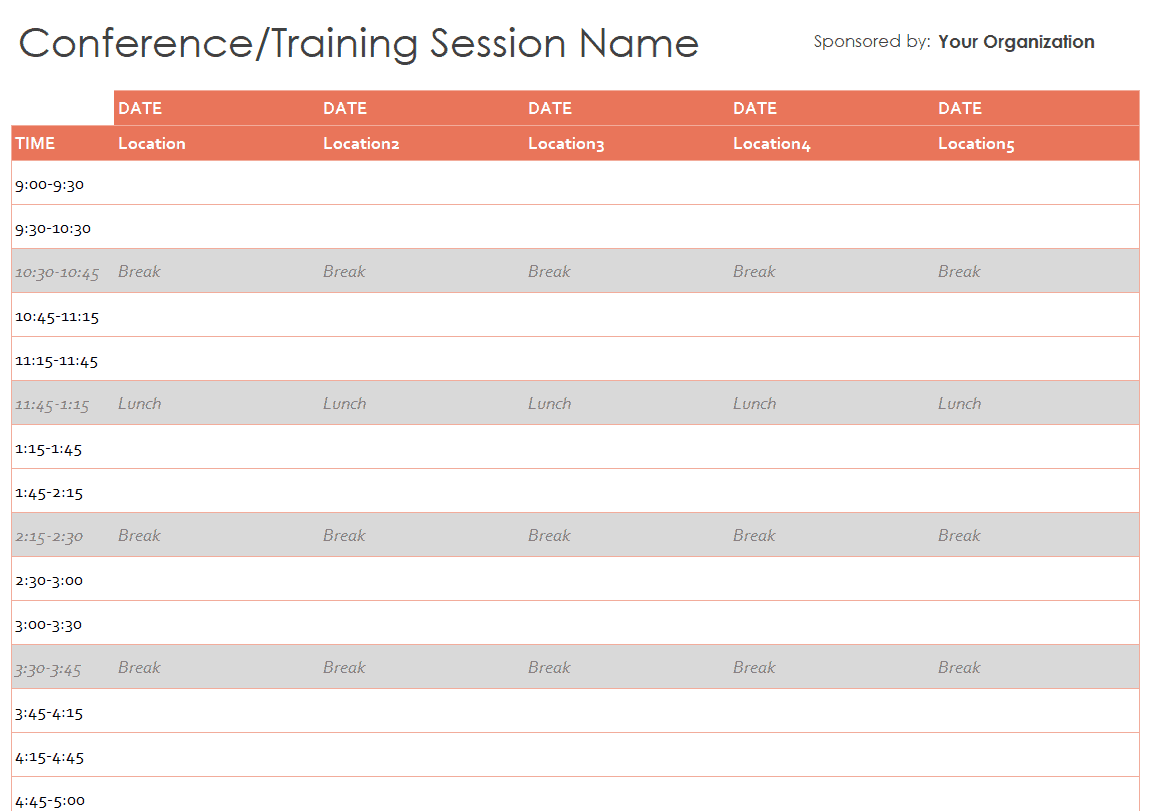
Each file format serves a slightly different purpose. Word documents are the easiest to fully customize, letting you adjust text, fonts, and layout freely, which makes them a good choice when you expect to make several rounds of edits. Excel versions work well for programs that rely on structured, table-based schedules, such as conference or training agendas with multiple time slots and sessions. PDF versions are ideal once your program is finalized, since they preserve the exact formatting and print consistently across different devices and printers, making them the safest choice for the final distributed copy.
Common Mistakes to Avoid
- Overcrowding the page: Too much text or too many design elements can make a program hard to read at a glance.
- Inconsistent formatting: Mixing fonts or spacing styles throughout the document looks unpolished.
- Leaving out key names: Forgetting to credit speakers, performers, or organizers is one of the most noticeable oversights.
- Skipping a final proofread: Typos or incorrect times are easy to miss without a careful review before printing.
- Printing too early: Finalize all details before printing large quantities to avoid wasted copies from last-minute changes.
Tips to Get the Most Out of Your Event Program Template
- Start early so you have time to confirm names, times, and details with everyone involved.
- Keep the schedule realistic by building in a few extra minutes between segments for transitions.
- Use consistent formatting for names, titles, and time listings throughout the program.
- Print a test copy before running the full batch to check that everything looks correct.
- Save a digital copy so you can quickly reuse or adapt the template for future events.
Designing Programs for Different Event Types
The right program style often depends heavily on the type of event you’re hosting. A wedding or graduation ceremony program tends to follow a fairly traditional structure, listing the processional, key moments, and closing remarks in a formal tone. A conference or training program, by contrast, usually needs a more detailed, table-based layout that clearly separates sessions, speakers, and break times across a full day or multi-day event. A school play or entertainment program often benefits from a livelier design that highlights cast or performer names alongside the sequence of acts or scenes. Having sixteen different templates to choose from makes it easier to match the program’s structure to the actual flow of your event, rather than forcing your event into a generic format.
Printing and Distribution Considerations
Once your program is finalized, think through how it will reach your guests. Many events print single-page or folded booklet-style programs to hand out at the entrance, which works well for the PDF versions in this collection since they maintain consistent formatting across printers. For larger events, some organizers also share a digital version by email or QR code ahead of time, giving guests the option to review the schedule on their phone. If you’re printing a large quantity, it’s worth ordering a small test batch first to check paper quality, color accuracy, and fold placement before committing to the full print run.
Acknowledging Contributors and Sponsors
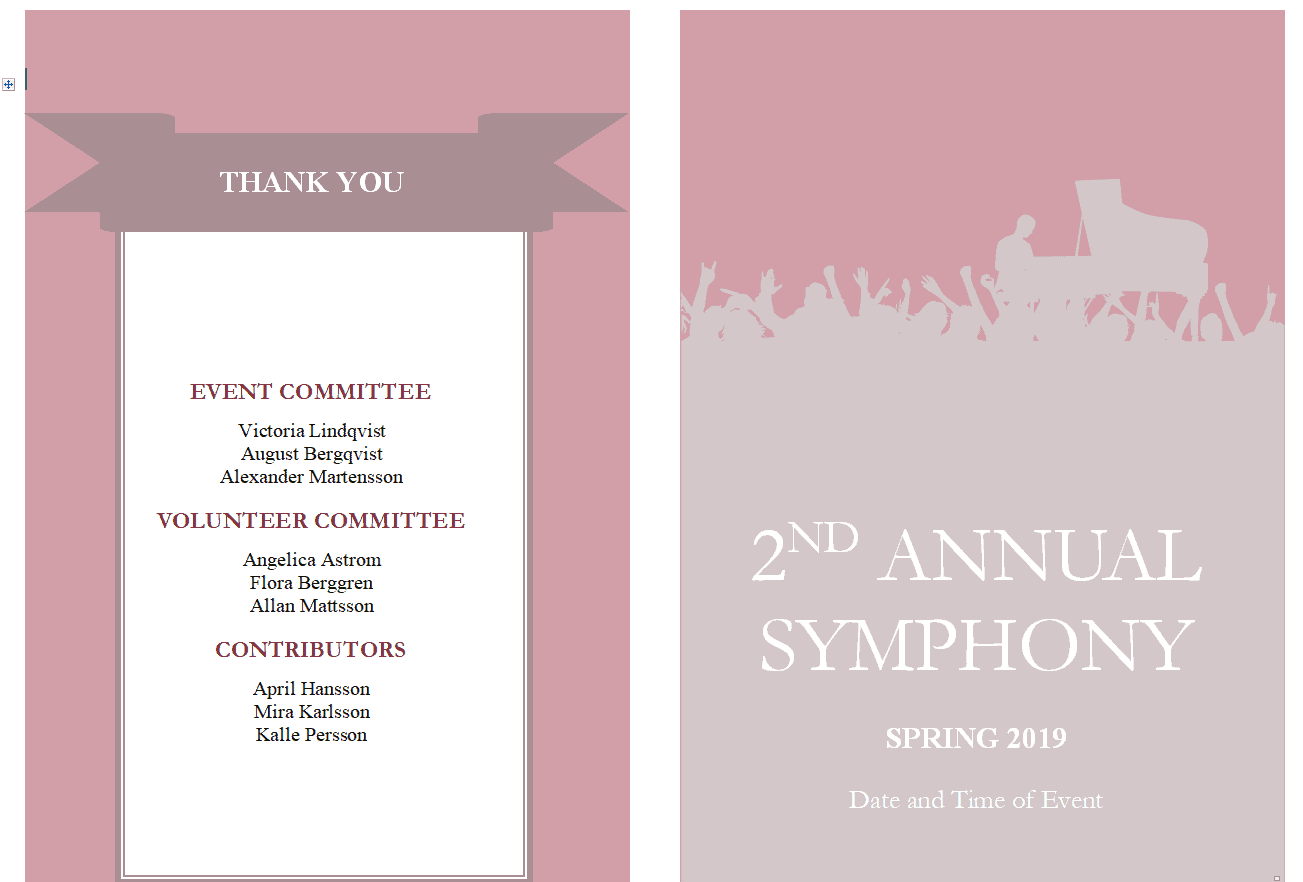
For many events, especially community fundraisers, conferences, and school programs, the event program also serves as a place to formally recognize the people and organizations that made the event possible. Setting aside a dedicated section for sponsors, volunteers, donors, or organizing committees is a simple way to show appreciation and can matter a great deal to those being recognized. Several of the templates in this collection include natural space for this kind of acknowledgment section, which you can expand or simplify depending on how many contributors you need to credit.
Coordinating the Program with Your Overall Event Timeline
An event program works best when it’s built directly from your master event timeline rather than created as a separate, disconnected document. Before finalizing the program, cross-check every listed time against your actual run-of-show schedule, including setup, vendor arrivals, and any behind-the-scenes transitions that guests won’t see but that affect when each segment can realistically start. This is especially important for multi-part events like conferences or wedding receptions, where a delay in one segment, such as a speech running long, can shift every listed time afterward. Building a small buffer into the printed schedule, rather than listing exact-to-the-minute times, helps the program stay accurate even if small delays occur during the actual event.
Working with a Team on the Final Program
Larger events often involve several people contributing to the program, from committee members supplying speaker names to vendors confirming their segment of the schedule. Using an editable Word or Excel version makes it easier to collect updates from multiple contributors before locking in a final version, since changes can be tracked and merged without redesigning the layout each time. Setting a firm deadline for all program content, a few days before printing, gives everyone involved time to review names, titles, and timing for accuracy while still leaving a buffer for last-minute corrections. Circulating a near-final draft to key stakeholders, such as the event host or lead organizer, for one last review before printing is also a good habit that catches errors an individual contributor might miss.
Download Event Program Templates Here:
Church Event Program Template
Graduation Ceremony Program Template
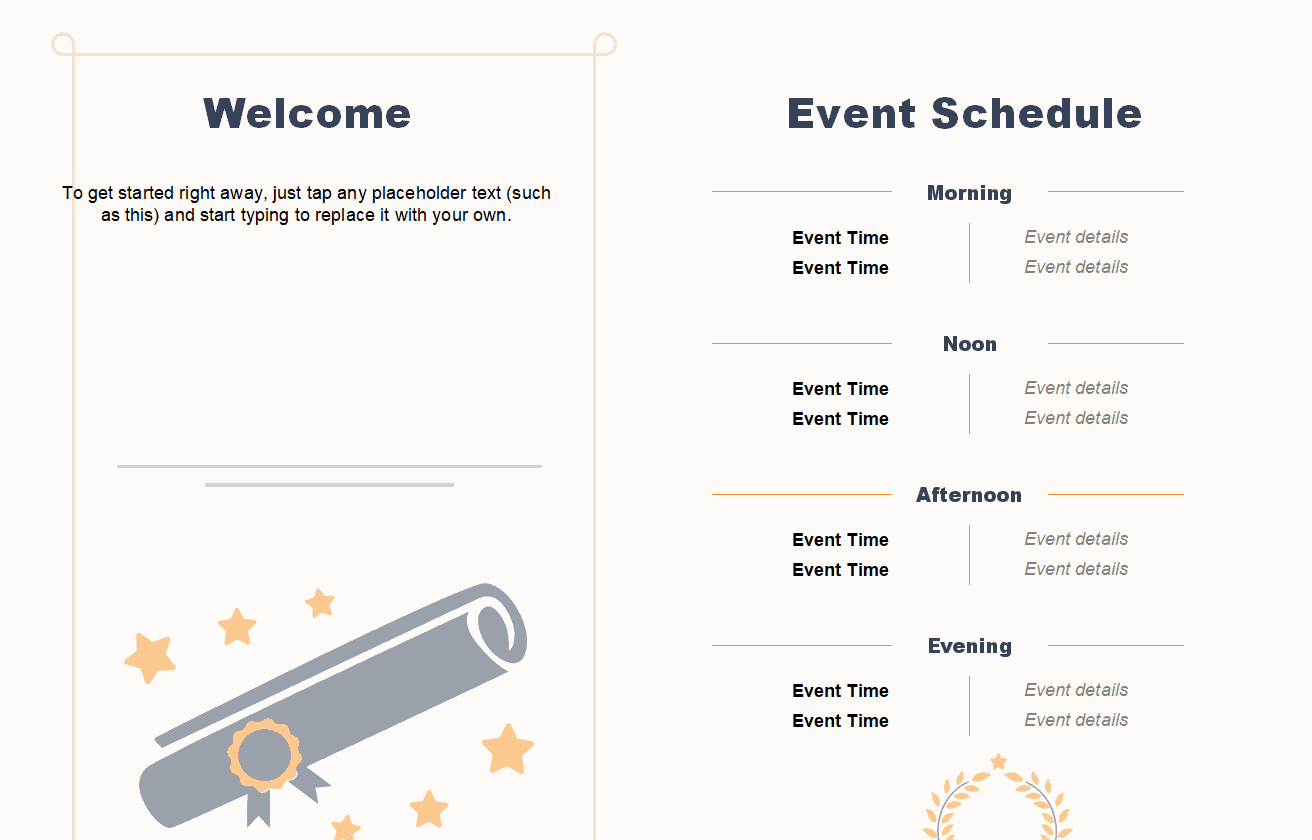
Sample Event Program Template
Official Event Program Template

Special Event Program Template
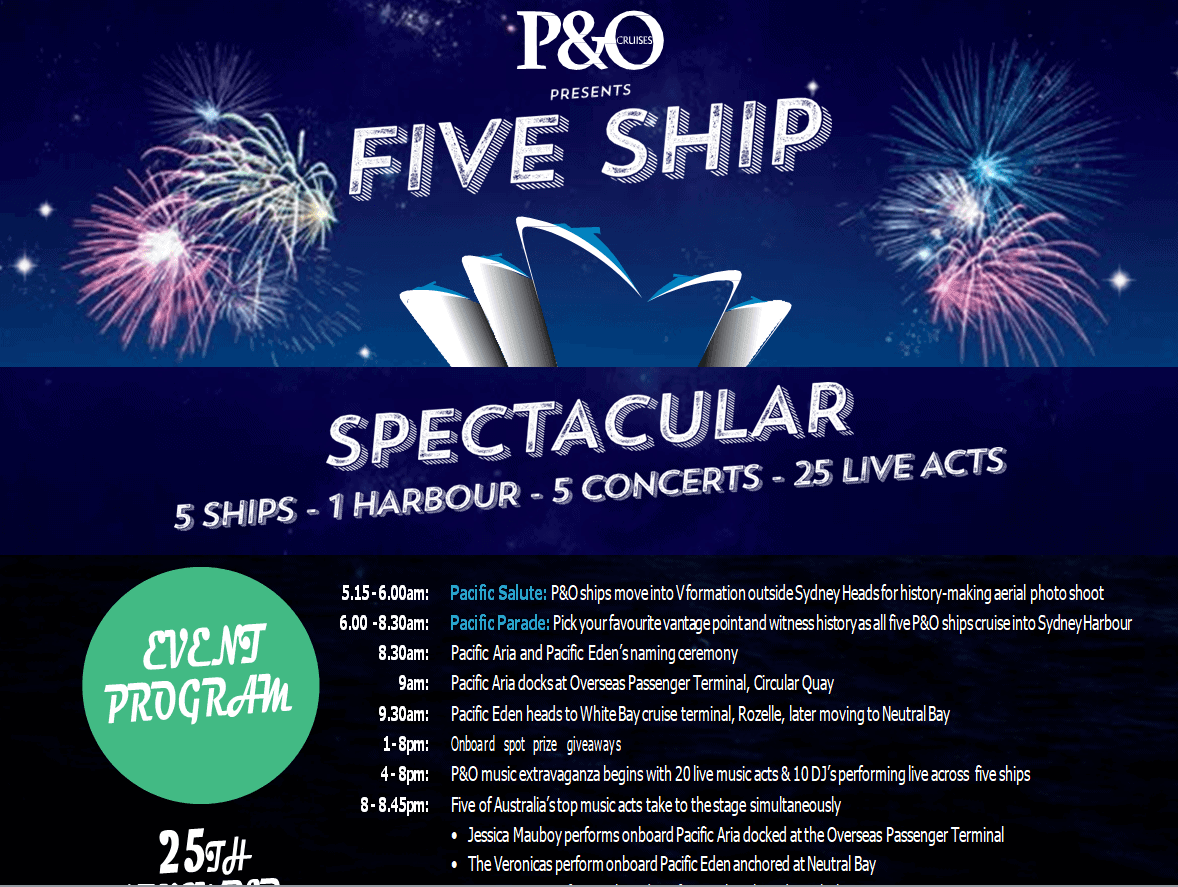
Research Institute’s Event Program Template
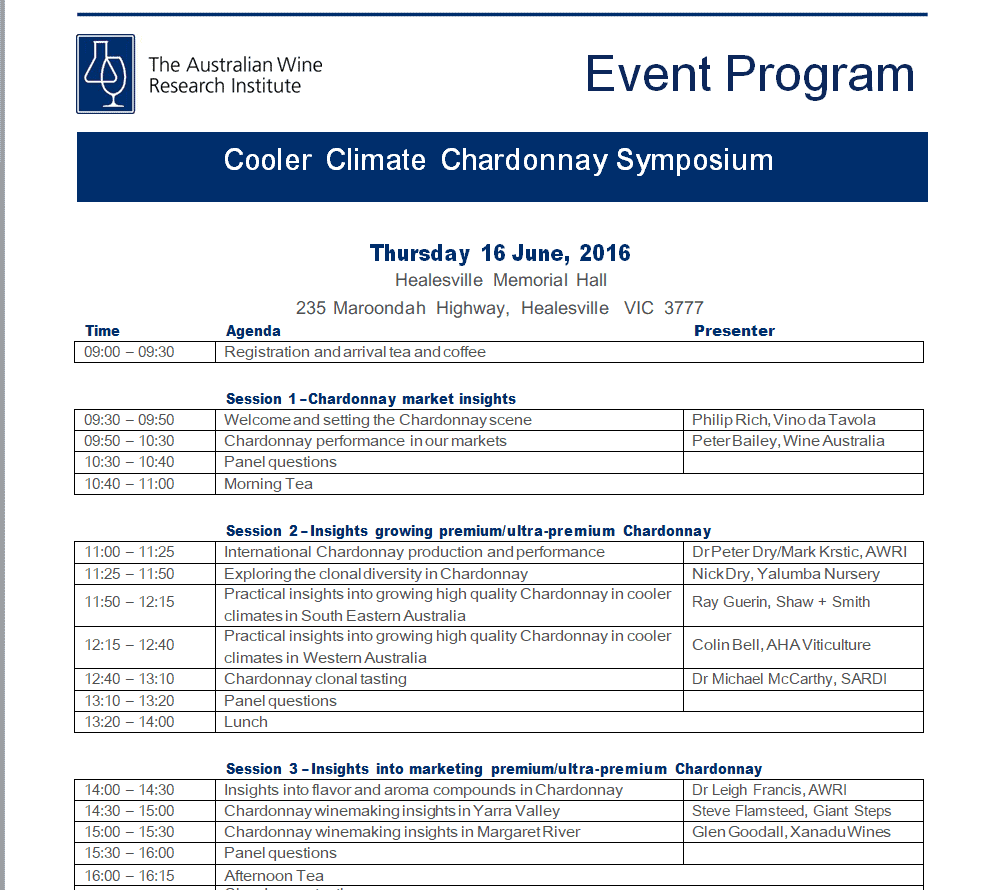
Blank Event Program Template PDF
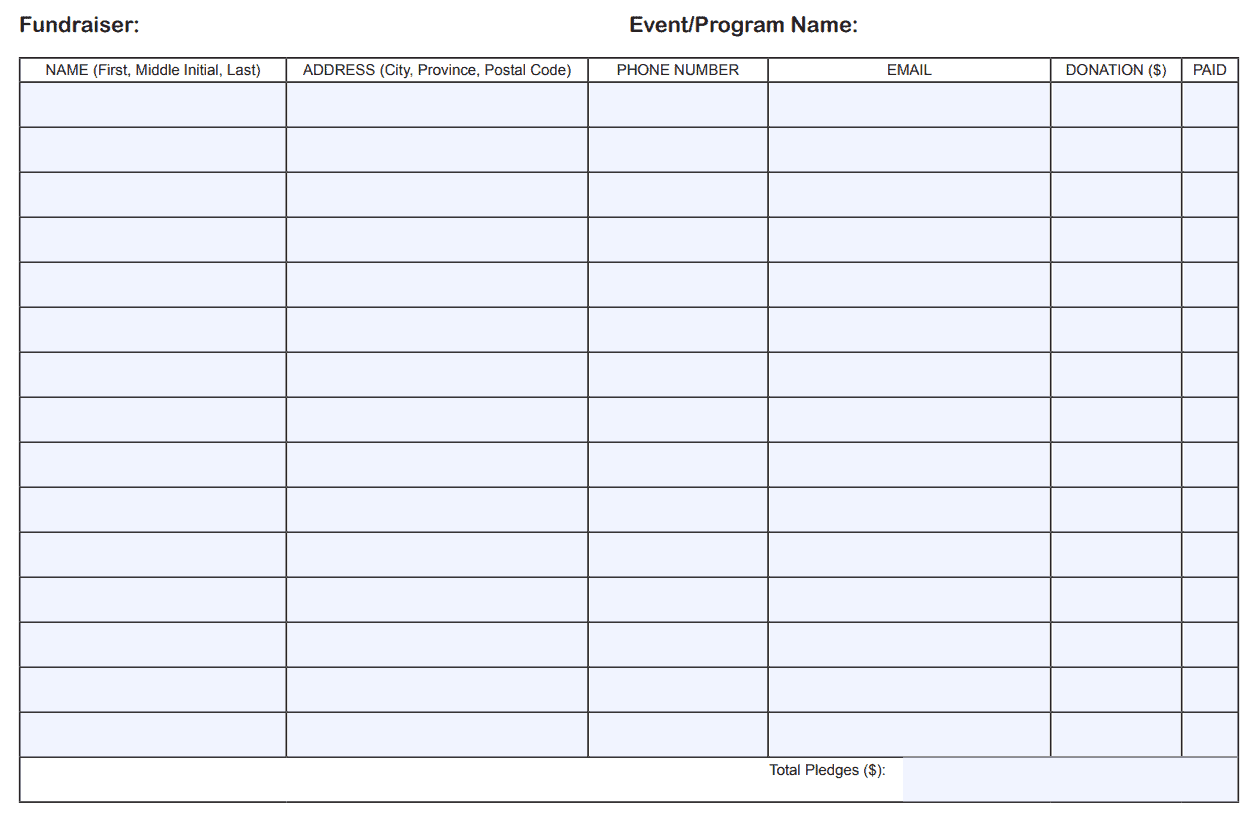
Wedding Ceremony Program Template
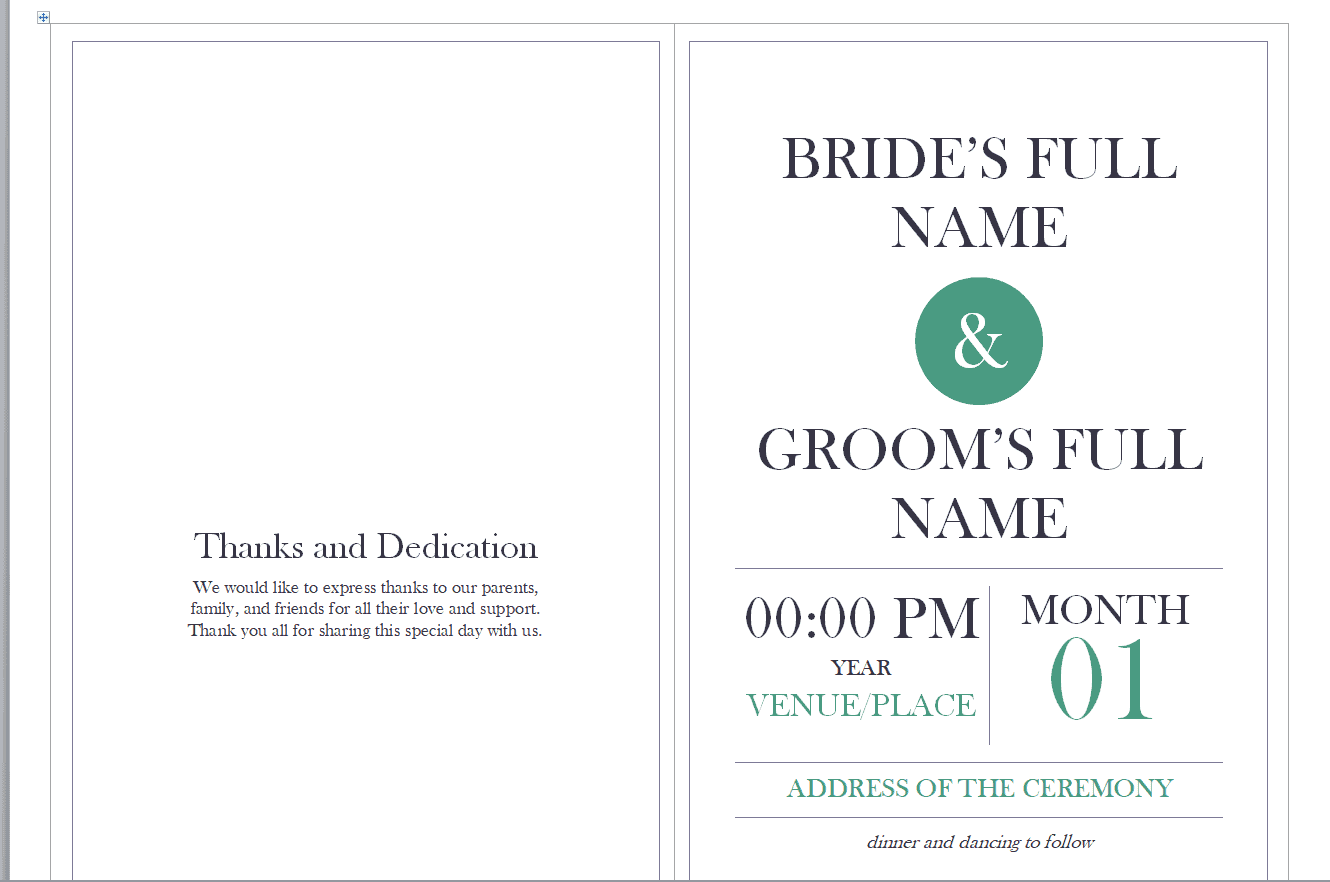
School Play Program Template
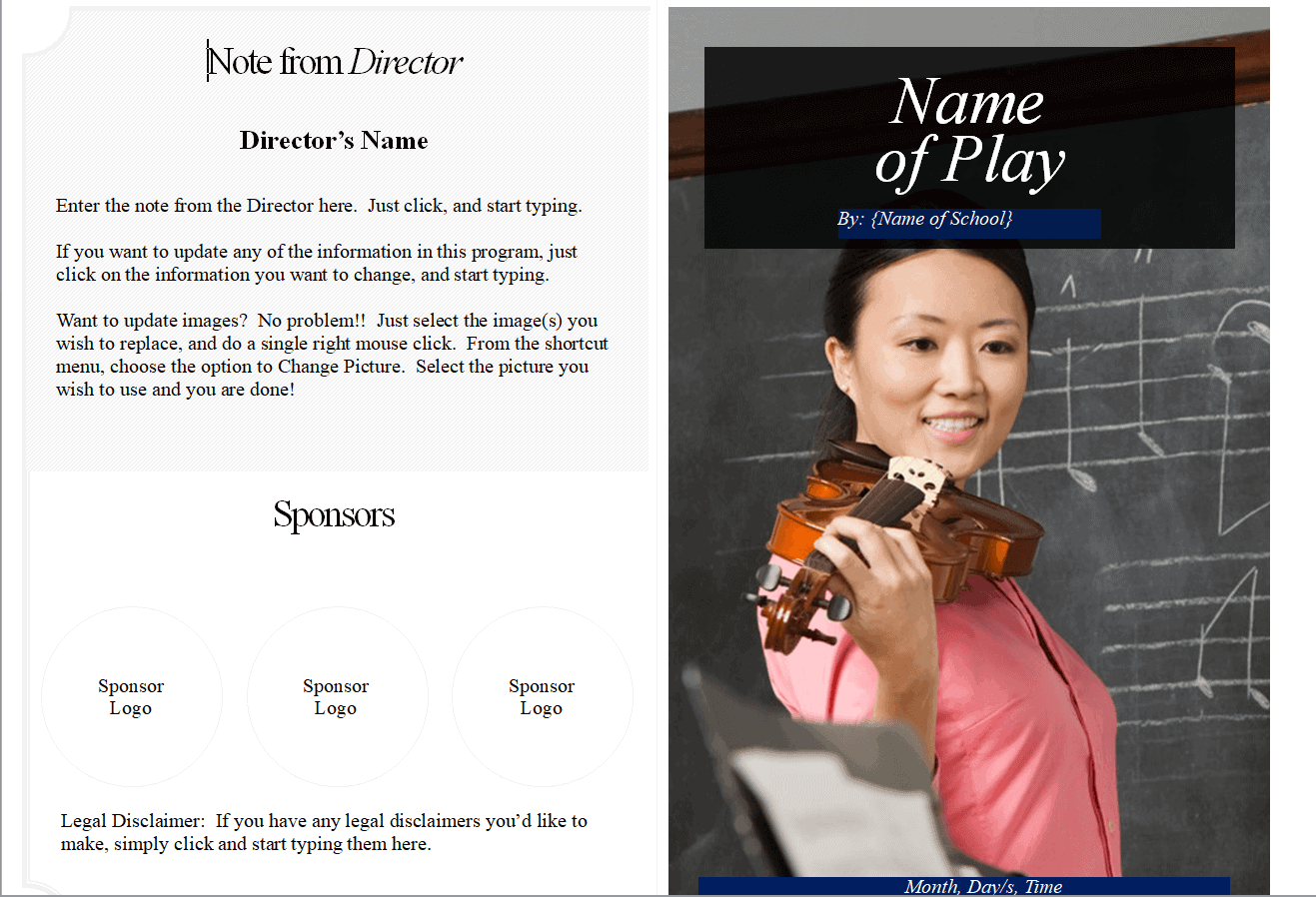
Company’s Event Program Template
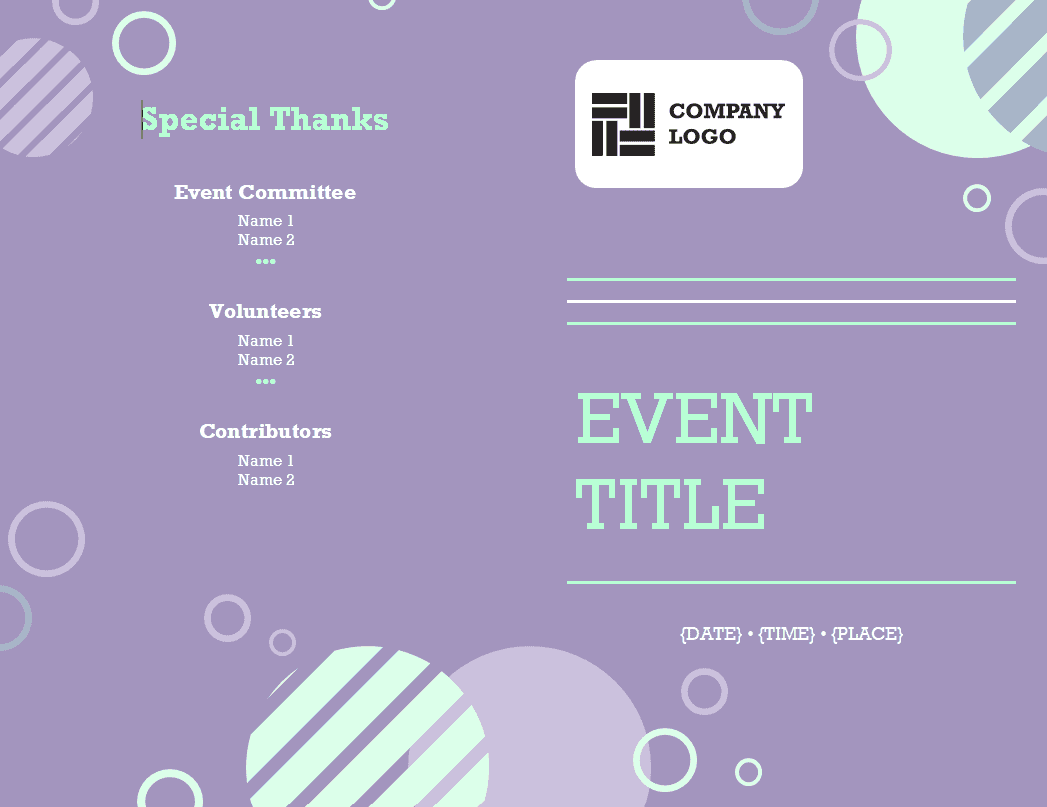
Conference/Training Program Template EXCEL
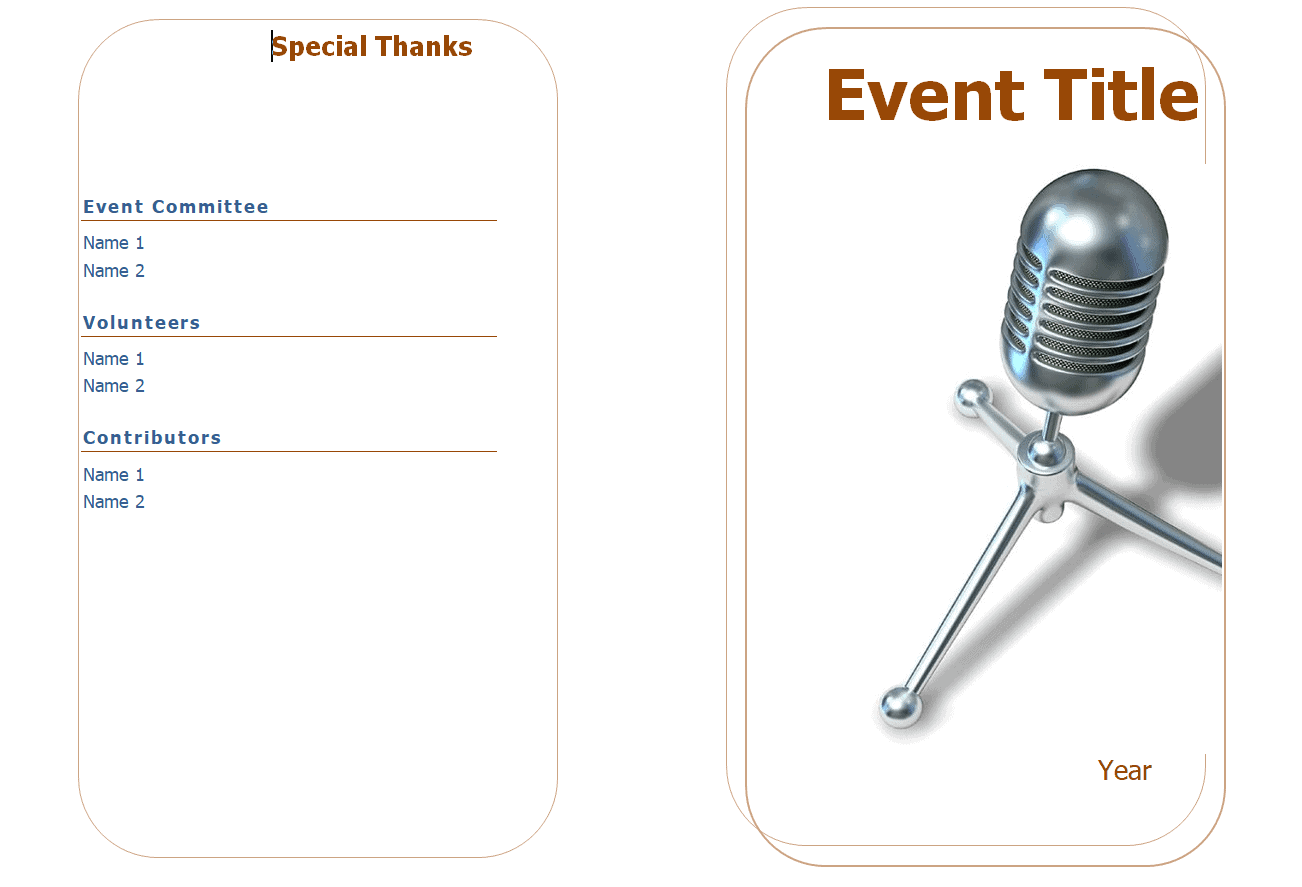
Important Event Program Template
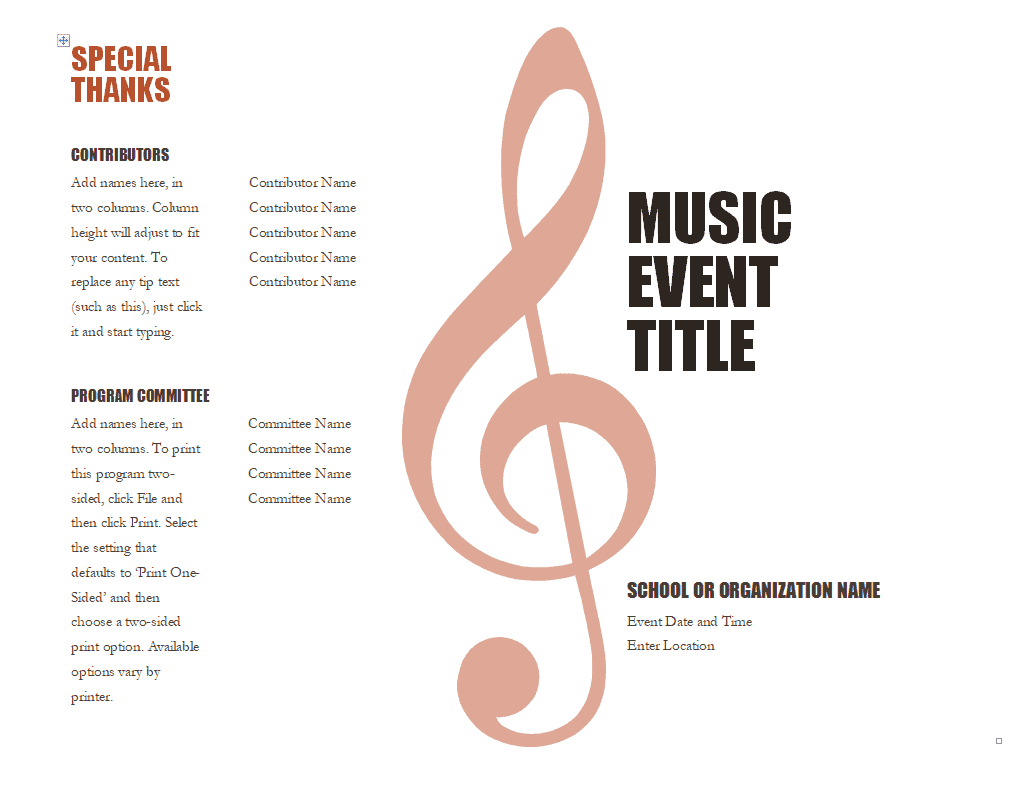
Music Event Program Template
Entertainment Event Program Template
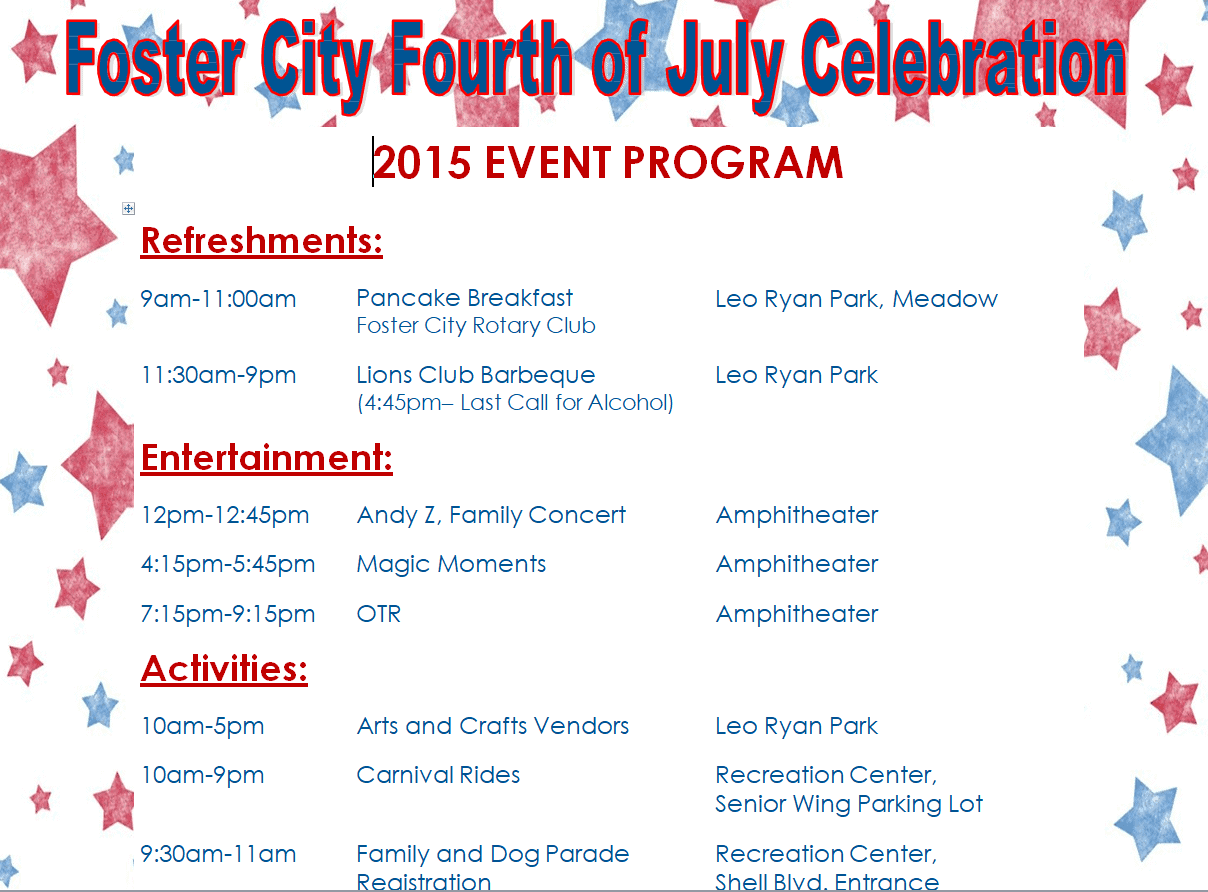
4th of July Celebration Event Program Template
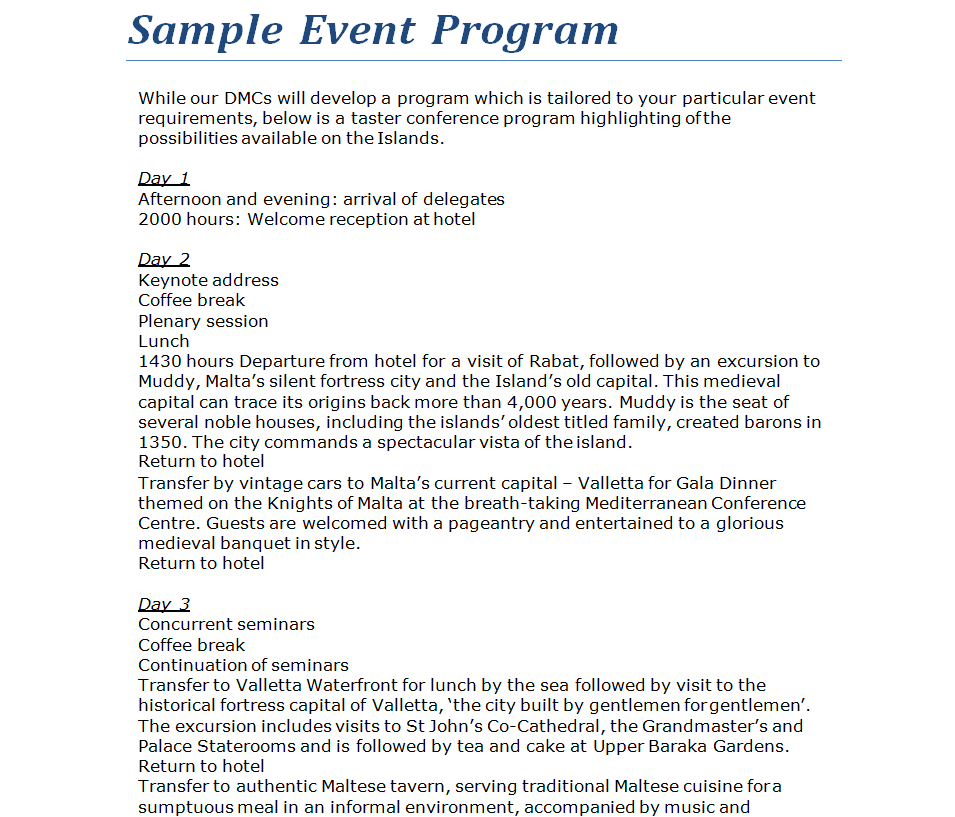
Sample Detailed Event Program Template
Frequently Asked Questions
Are these event program templates free to download?
Yes, all sixteen event program templates on this page are free to download and use.
Which file formats are available?
The templates are provided in Word, Excel, and PDF formats, so you can choose whichever fits your event and editing needs.
Can I customize the templates with my own event details?
Yes, the Word and Excel versions are fully editable, letting you add your schedule, names, venue details, and branding.
Are these templates suitable for formal events like weddings?
Yes, several of the templates use an elegant, formal layout well suited to weddings, graduations, and church ceremonies.
Can I use these templates for corporate events?
Yes, the collection includes structured, table-based templates designed for conferences and training programs.
Do I need Microsoft Office to use these templates?
Most templates are built for Word or Excel but also open in free alternatives such as Google Docs, Google Sheets, or LibreOffice.
How do I decide which template to use for my event?
Consider your event’s tone and structure; formal ceremonies suit the elegant layouts, while multi-session events benefit from the table-based designs.


You must be logged in to post a comment.