
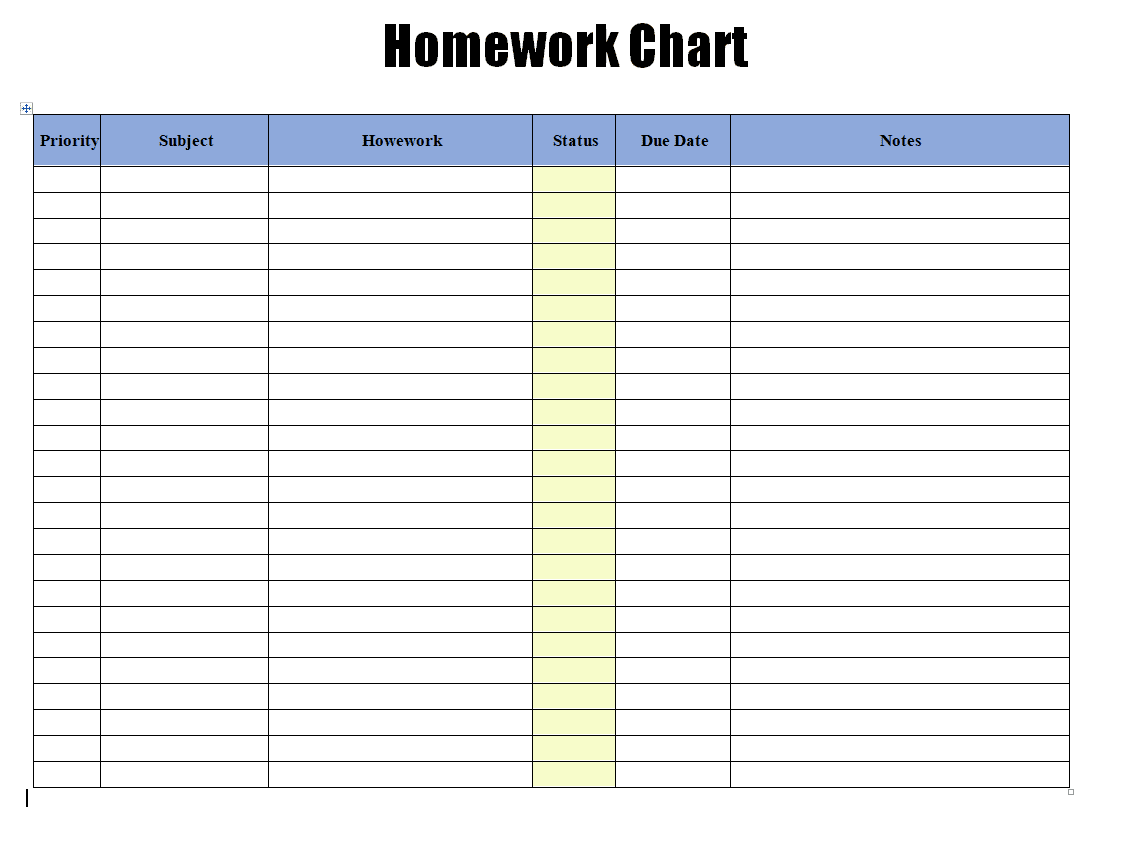
A homework planner should capture the course, exact assignment, due date, estimated study time, priority and completion status. Group tasks by deadline so an attractive weekly layout does not hide an unrealistic evening workload.
Turn a homework planner into a realistic weekly workload
- Improves time management: Seeing every assignment and its due date in one place makes it easier to plan study time effectively.
- Reduces missed deadlines: A clear, organized planner lowers the risk of forgetting an assignment until the last minute.
- Builds good study habits: Regularly using a planner helps students develop organizational skills that carry into higher education and beyond.
- Reduces stress: Knowing exactly what’s due and when removes the anxiety of trying to remember everything mentally.
- Helps parents stay involved: A shared planner makes it easy for parents to check in on what homework their child has pending.
- Supports better grades: Staying on top of assignments consistently tends to translate into better academic performance.
Worked example: If a student has a science report due Friday and a maths test Wednesday, schedule short report-writing blocks before Friday and earlier revision sessions for the test. Put longer work into free periods, not the night before.
Check before use: Check that recurring classes and holidays are reflected in the plan. Leave room for breaks and unexpected assignments, and mark completed tasks so the next session starts with accurate information.
For related resources, see FREE Download 8+ Homework Schedule Templates [WORD, PDF, EXCEL] and 12+ FREE Class Schedule Templates [WORD, EXCEL, PPTX].
What’s Included in the Homework Planner Template
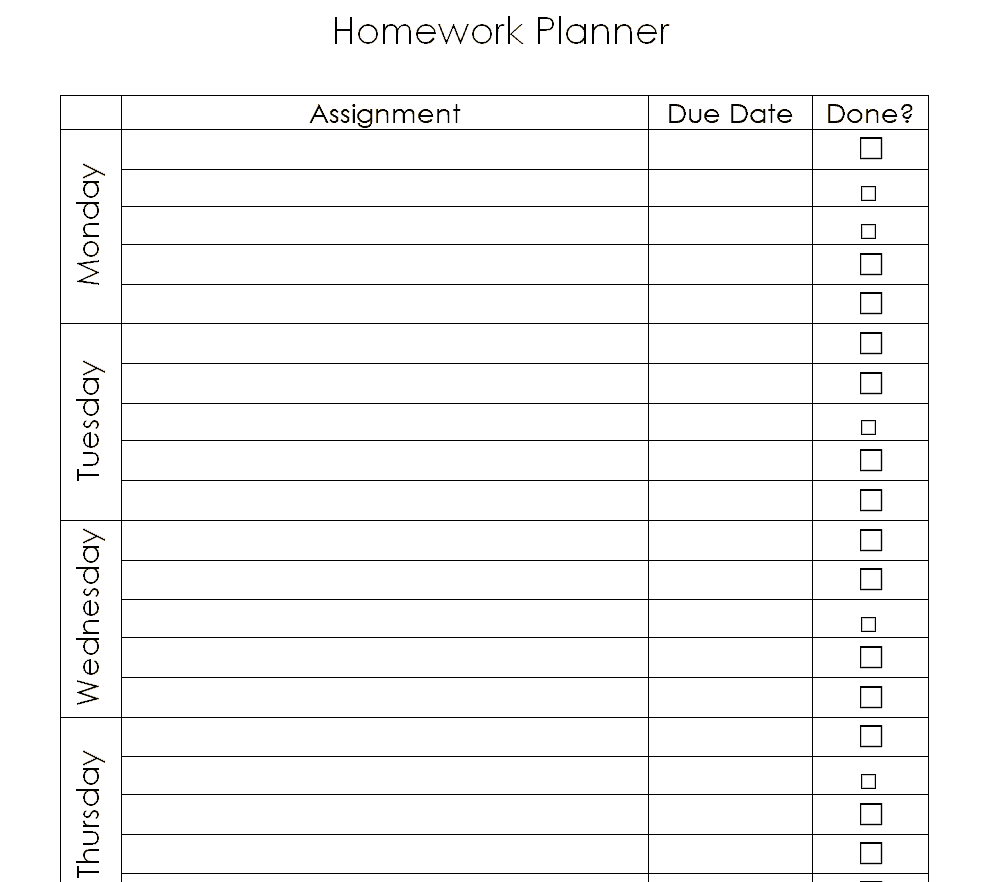
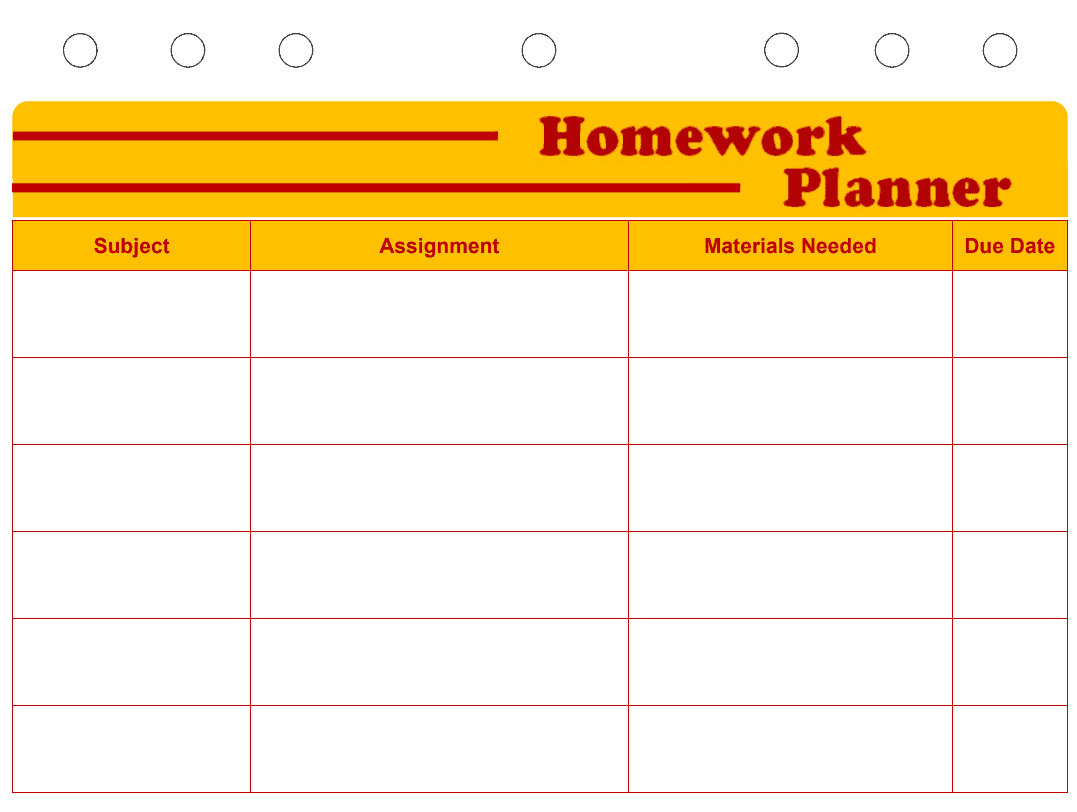
- Subject and assignment fields: Space to record which class and specific task each entry refers to.
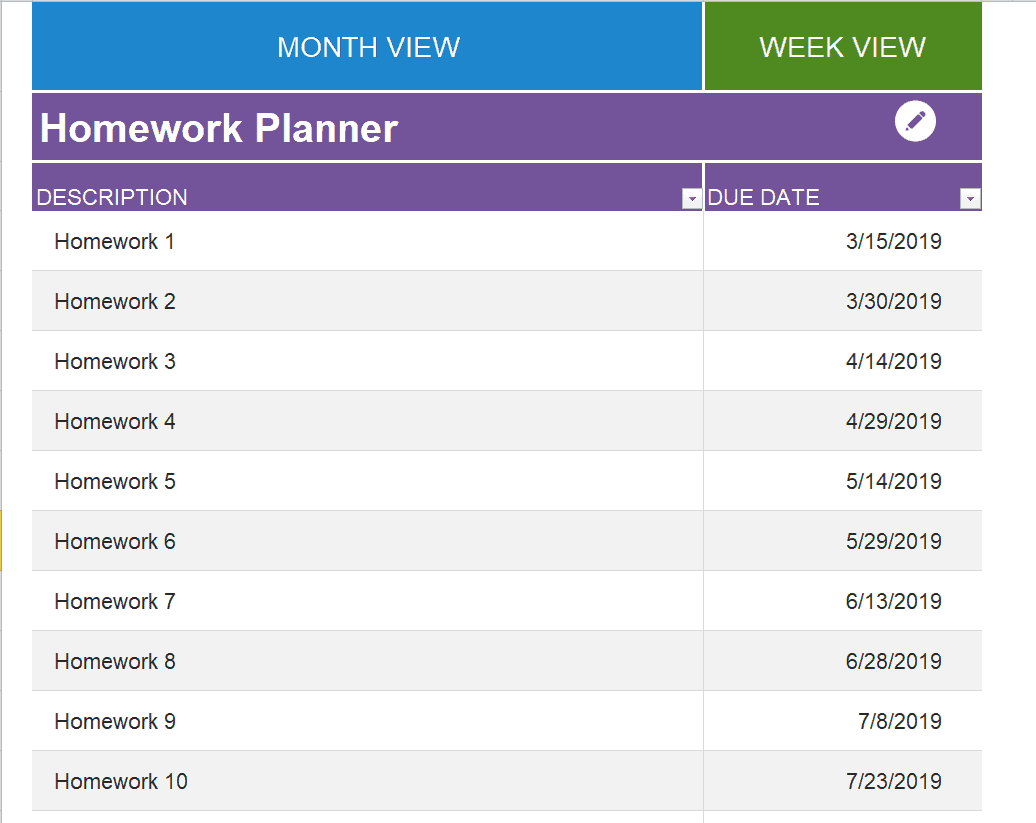
- Due date column: A clear field for when each assignment needs to be completed.
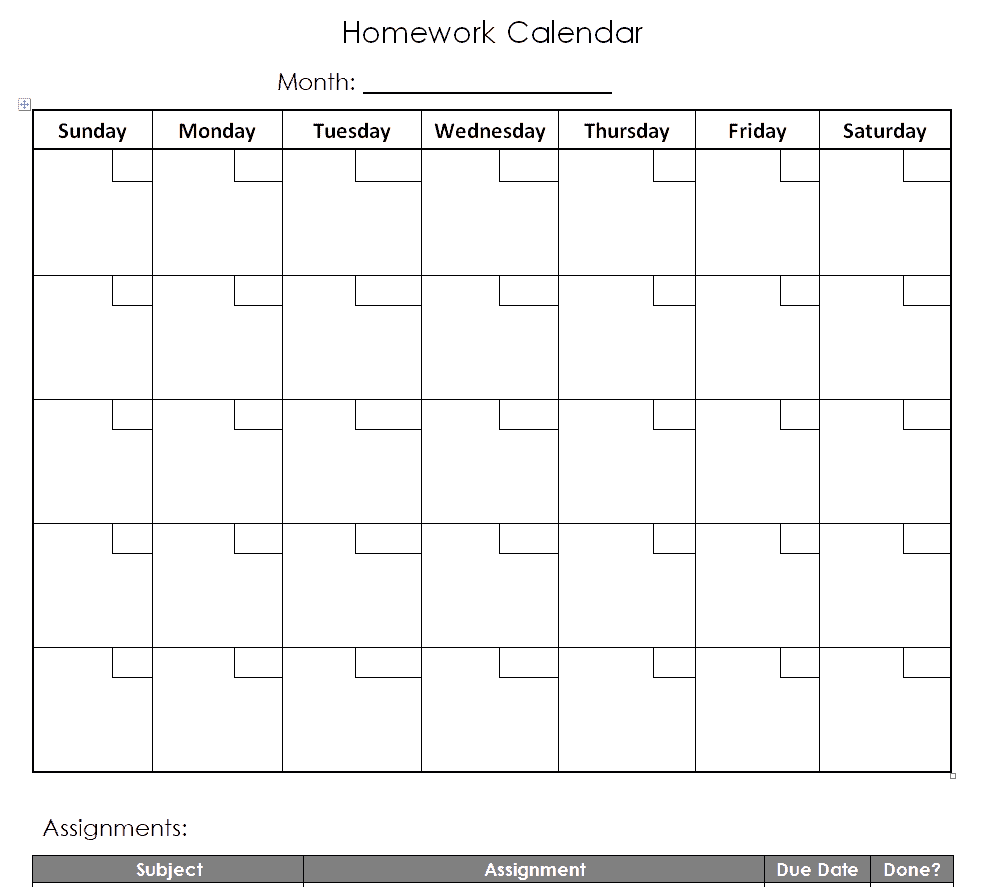
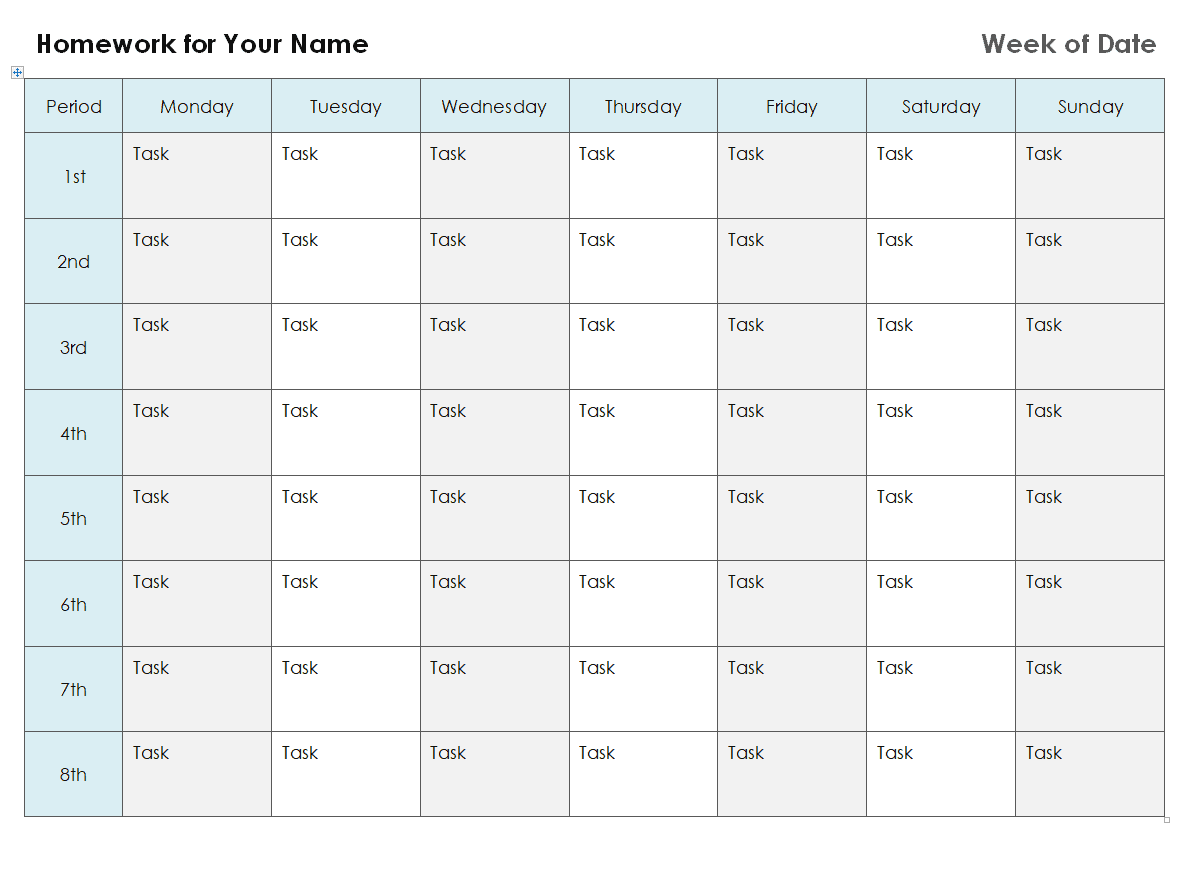
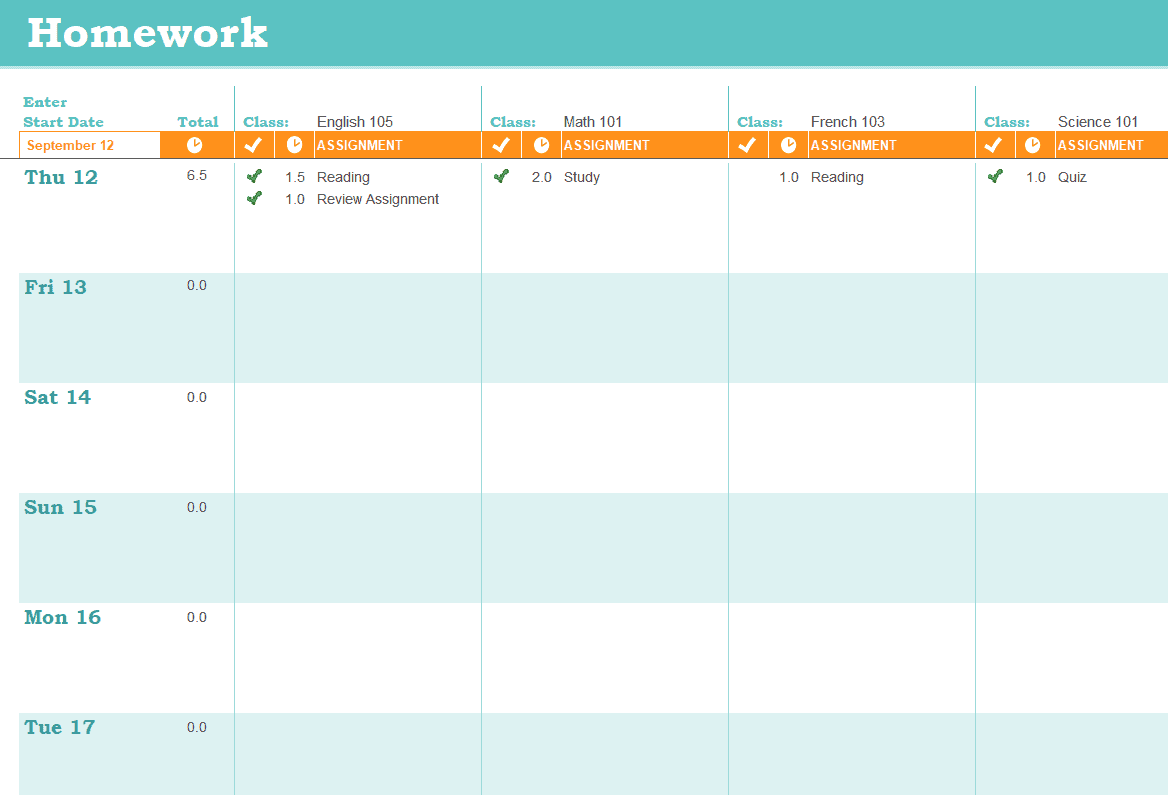
- Daily or weekly layout: A calendar-style grid that organizes assignments by day or week.
- Completion tracking: A checkbox or status field to mark assignments as done.
- Notes section: Extra space for details like required materials or specific instructions.
- Printable design: A clean layout that looks good whether printed or filled out digitally.
Who Should Use These Templates?
- Students of any grade level who want a reliable system for tracking assignments and deadlines.
- Parents who want to help their children stay organized and on top of schoolwork.
- Teachers who want to recommend or provide a consistent planning tool for their class.
- Tutors helping students build better organizational habits alongside academic support.
- College and university students managing coursework across multiple classes with different deadlines.
- Homeschooling families who need a simple system to track assignments across subjects.
How to Start Using the Template in 3 Simple Steps
- Step 1 — Choose a format: Browse the sixteen templates below and pick the Word, Excel, or PDF layout that fits your routine.
- Step 2 — Fill in your assignments: Add each subject, assignment, and due date as it’s assigned throughout the week.
- Step 3 — Check off completed work: Mark assignments as done and review the planner regularly to stay on track.
Daily vs. Weekly Homework Planners
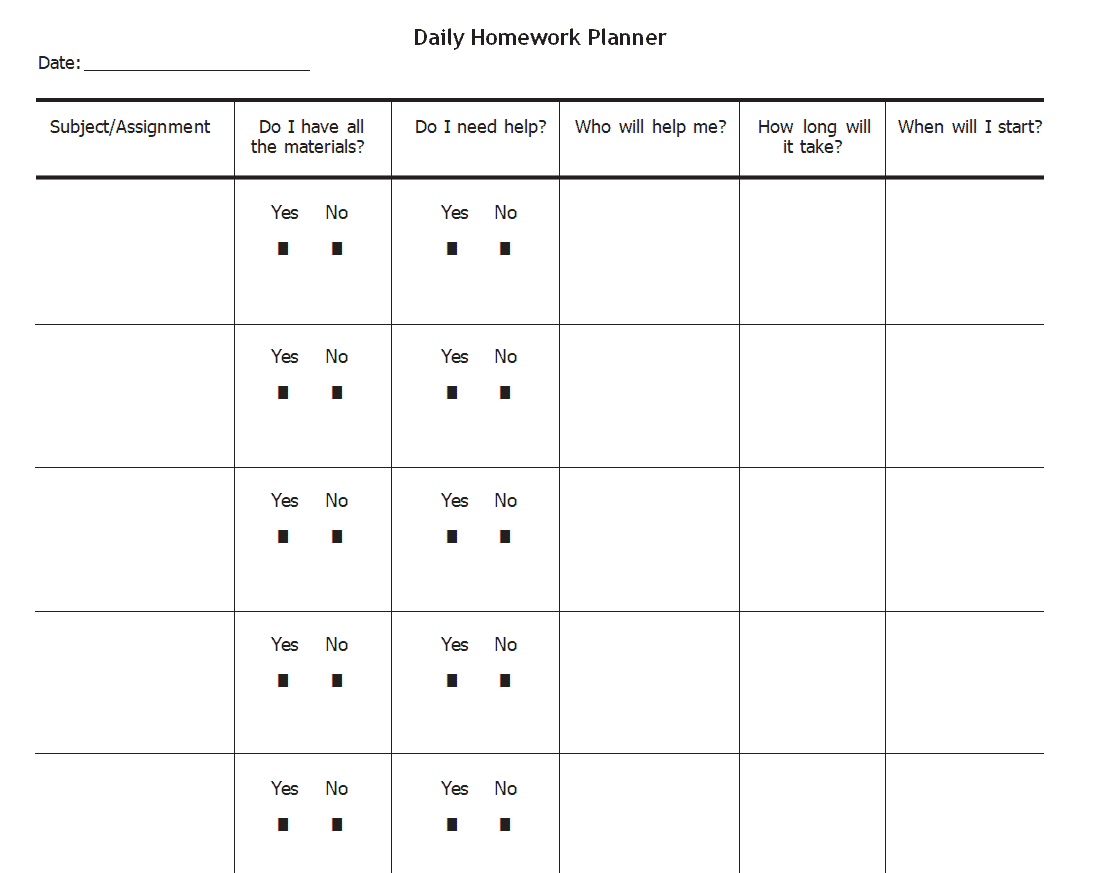
These two formats serve slightly different purposes, and this collection includes both. A daily planner focuses on a single day at a time, which works well for students juggling a heavy, fast-changing workload who need to see exactly what’s due today and tomorrow. A weekly planner, by contrast, shows the full week at a glance, making it easier to spot upcoming deadlines early and plan study time across several days rather than reacting one day at a time. Many students find that using a weekly planner for overall visibility, paired with a daily planner for the specifics of each day, works better than relying on just one format alone.
Customizing the Template for Your Routine
These templates are meant to be a starting point you can adjust to fit your own study habits. You might add a color-coding system to distinguish between subjects, include a priority column to flag which assignments are most urgent, add space for extracurricular commitments alongside homework, or adjust the layout from weekly to monthly if you prefer planning further ahead. Since the templates are provided in editable Word, Excel, and PDF formats, these changes take only a few minutes to make.
Digital vs. Printed Homework Planners
Some students prefer filling out their planner directly on a laptop or tablet, while others find that writing assignments down by hand on a printed sheet helps them remember better. Both approaches work well with the templates on this page: the Excel and Word versions can be filled in digitally and easily edited as plans change, while all of the templates print cleanly for students who prefer a physical planner they can keep in their backpack or on their desk. Many students use a hybrid approach, keeping a digital master copy for reference while printing a fresh weekly sheet to fill in by hand.
Common Mistakes to Avoid
- Not updating the planner daily: A planner only works if it’s kept current, so make updating it part of your daily routine.
- Vague assignment descriptions: Write enough detail that you’ll remember exactly what’s required when you sit down to do the work.
- Ignoring long-term assignments: Break larger projects into smaller milestones so they don’t get lost among daily homework.
- Skipping the notes section: Small details like required materials or specific instructions are easy to forget without writing them down.
- Not reviewing the planner regularly: Checking the planner only occasionally defeats its purpose; make it a daily habit.
Tips to Get the Most Out of Your Homework Planner Template
- Fill it in immediately after each class so assignments don’t get forgotten by the end of the day.
- Color-code by subject to make the planner easier to scan at a glance.
- Set aside a consistent time each day to review and update the planner.
- Break large assignments into smaller tasks spread across several days rather than one entry due all at once.
- Keep the planner visible on a desk or in a backpack so it’s easy to check throughout the day.
Helping Younger Students Build Planning Habits
For younger students who are just learning to manage their own schedules, a homework planner can be an especially valuable tool for building independence. Parents and teachers can use the simpler, more visual templates in this collection to introduce the habit of writing down assignments and checking them off, gradually shifting more responsibility to the student over time. Starting this habit early, even with occasional parent check-ins using the planner as a shared reference, tends to make the transition to fully independent planning in later grades much smoother.
Choosing the Right Planner Among Sixteen Options
With sixteen different templates available on this page, it helps to think about what kind of student and schedule you’re planning for before picking one. A student with a light, predictable workload might do fine with one of the simpler daily or weekly layouts, while a student juggling multiple classes, extracurriculars, and long-term projects will likely benefit more from one of the detailed or colored templates that offer more room for notes and priority tracking. The calendar-style templates work particularly well for students who think visually and want to see their whole month at a glance, while the outline-style templates suit students who prefer a straightforward list format. Trying a couple of different layouts in the first week or two of a new term is a good way to find the one that actually gets used consistently, rather than picking based on appearance alone.
Using a Homework Planner Alongside a Digital Calendar
Many students find that a dedicated homework planner works best as a companion to, rather than a replacement for, a digital calendar app used for scheduling classes, extracurriculars, and other commitments. The planner becomes the detailed, subject-specific record of exactly what’s due and what materials are needed, while the calendar app handles the broader view of the day’s events. Some students transfer major deadlines from their planner into their phone’s calendar as reminders, giving them two layers of visibility into the same set of due dates. This combination tends to catch more potential missed deadlines than relying on either tool alone.
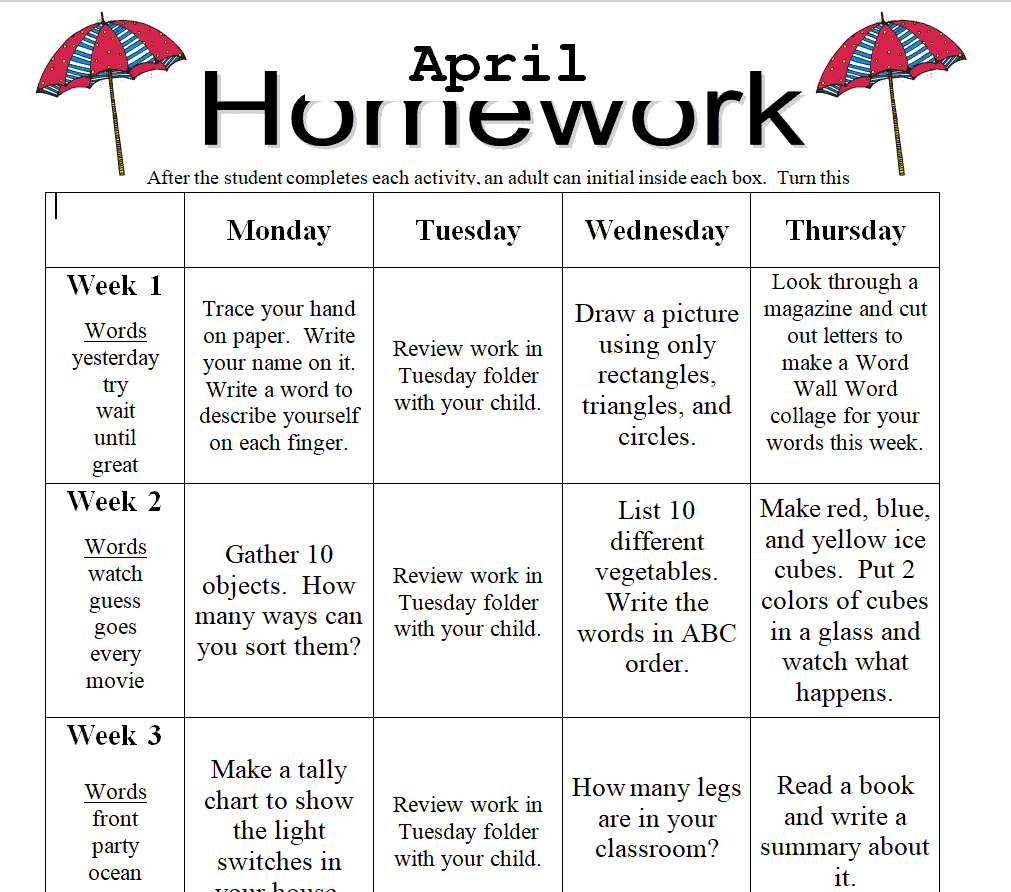
Homework Planner Templates WORD
Complete Homework Planner Template
Blank Homework Calendar Template
Assignment Homework Planner Template
Detailed Homework Planner Template
Daily Homework Planner Template
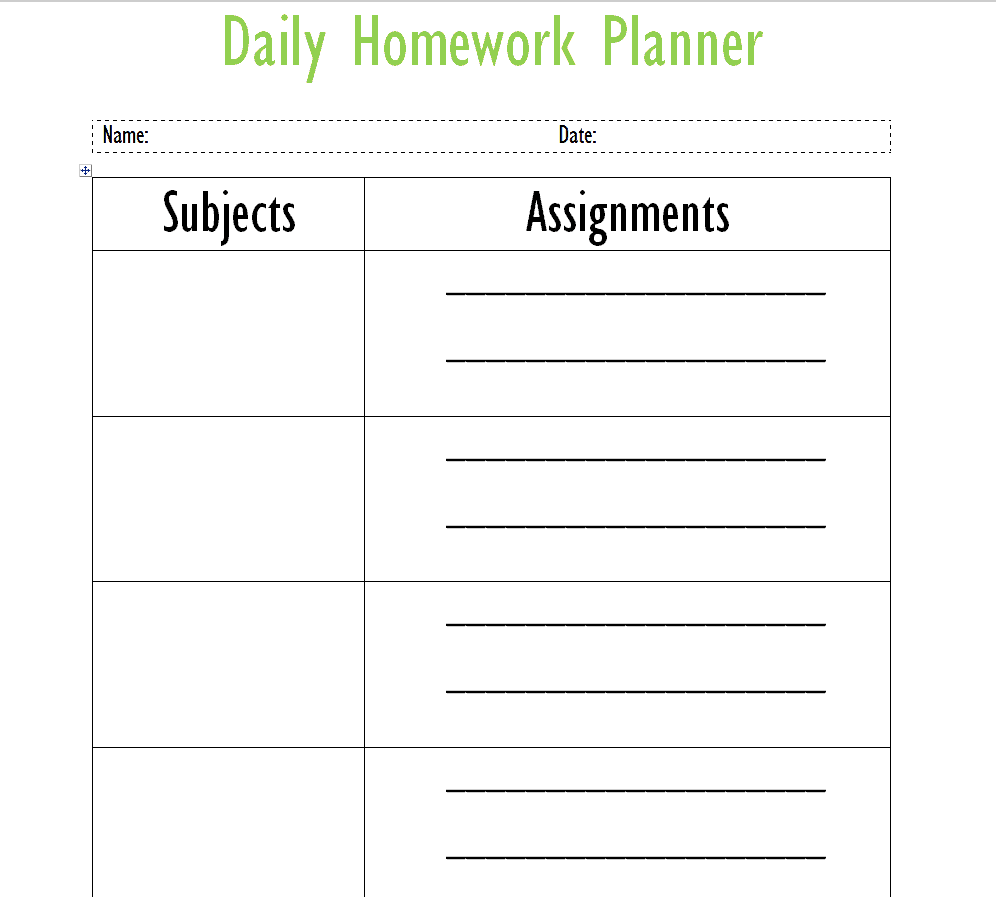
Simple Homework Planner Template
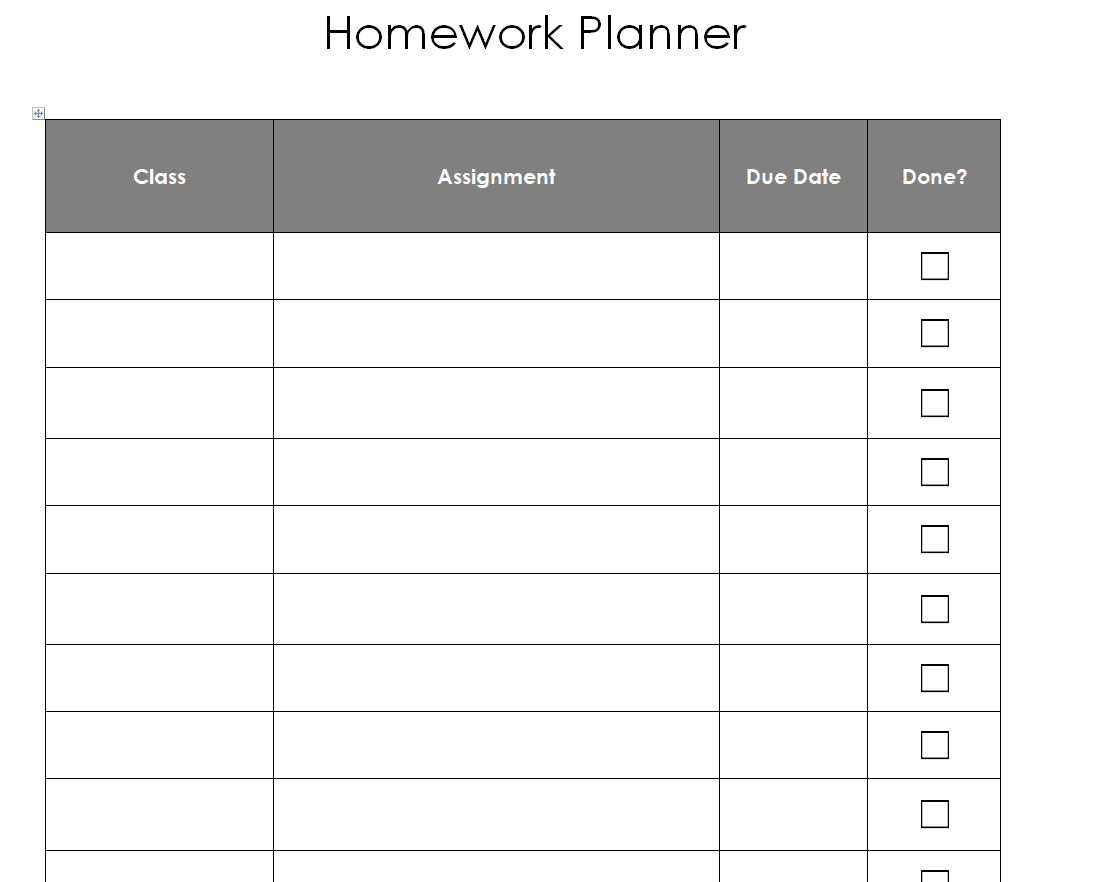
Example Homework Planner Template
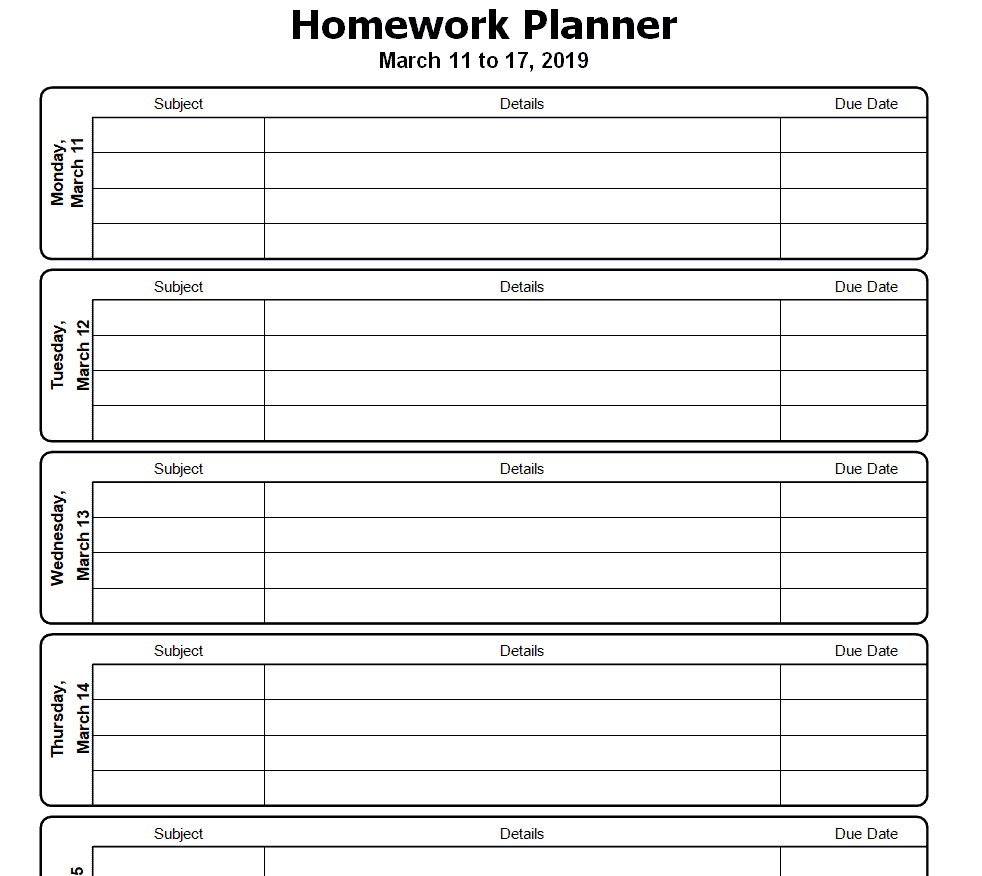
Student’s Homework Planner Template
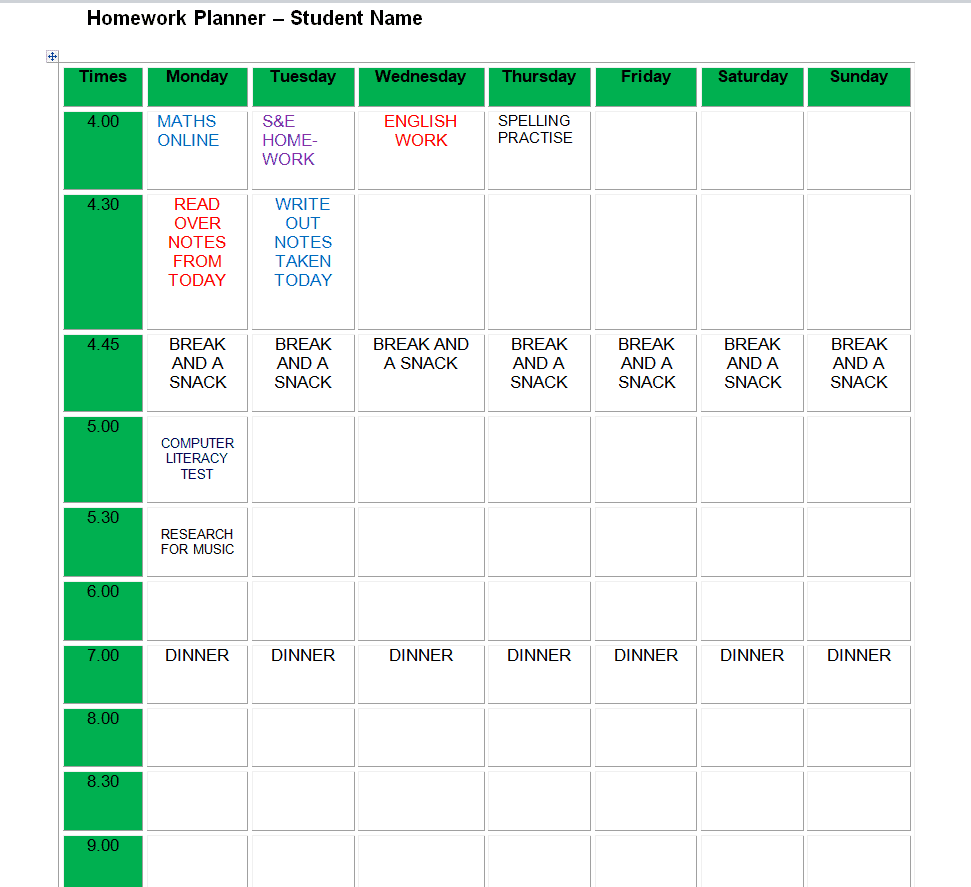
Fillable Homework Chart Template
Online Daily Homework Planner Template
Homework Planner Templates EXCEL
Official Homework Planner Template
Colored Homework Planner Template
Weekly Homework Planner Format Template
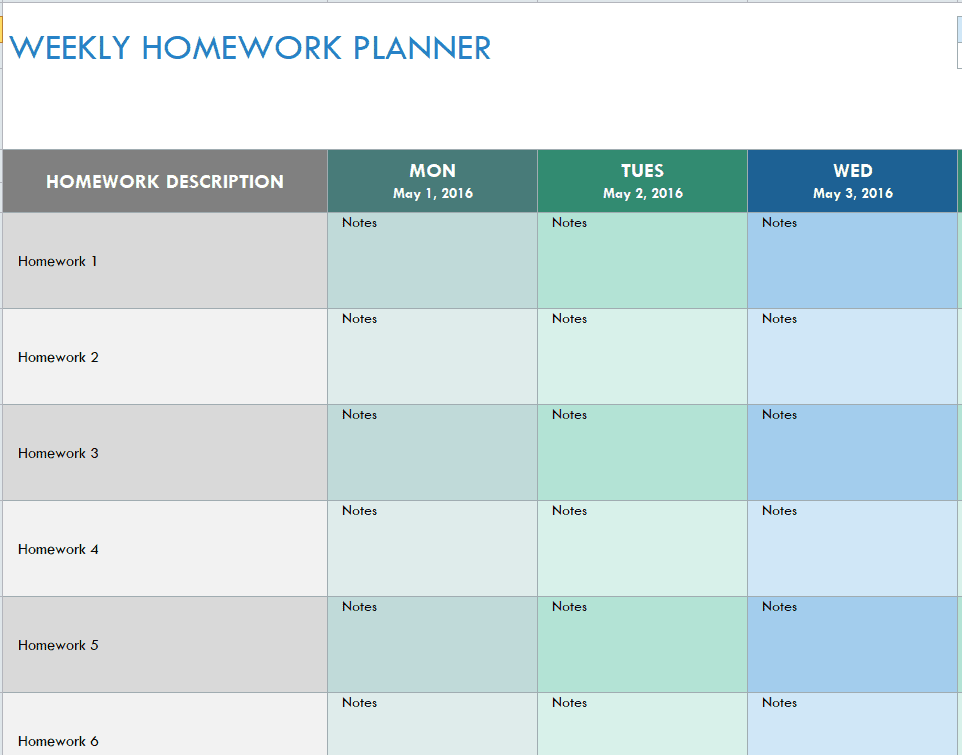
Useful Homework Planner Template with Calendar
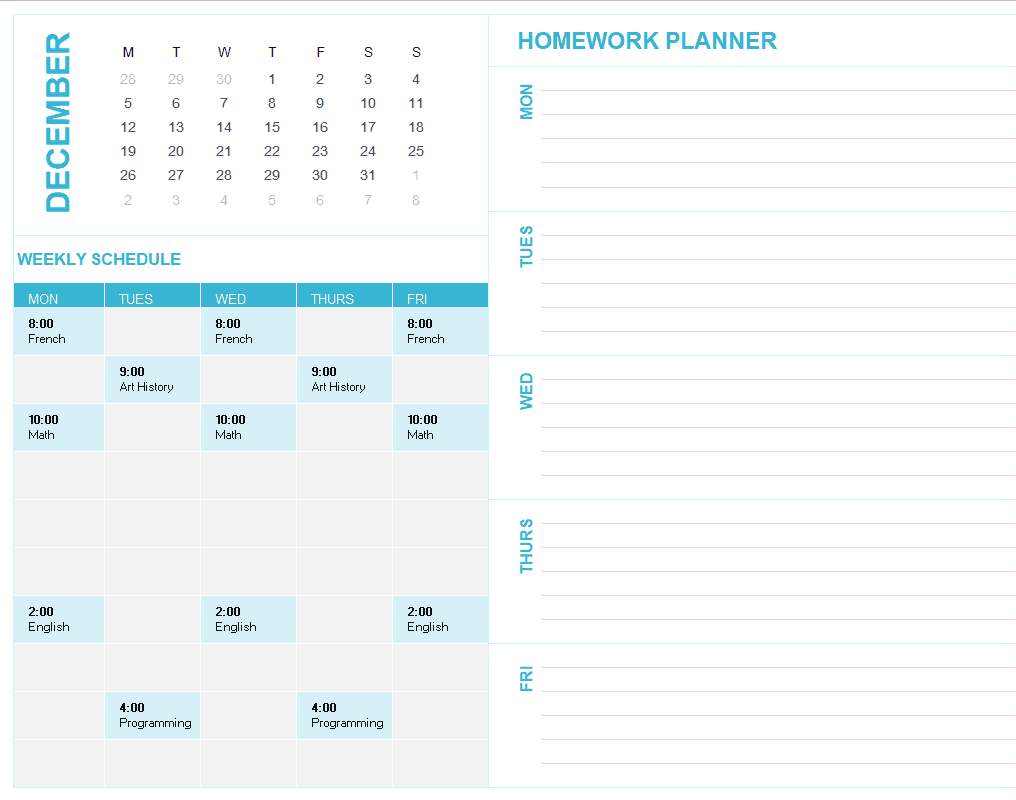
Homework Planner Outline Template
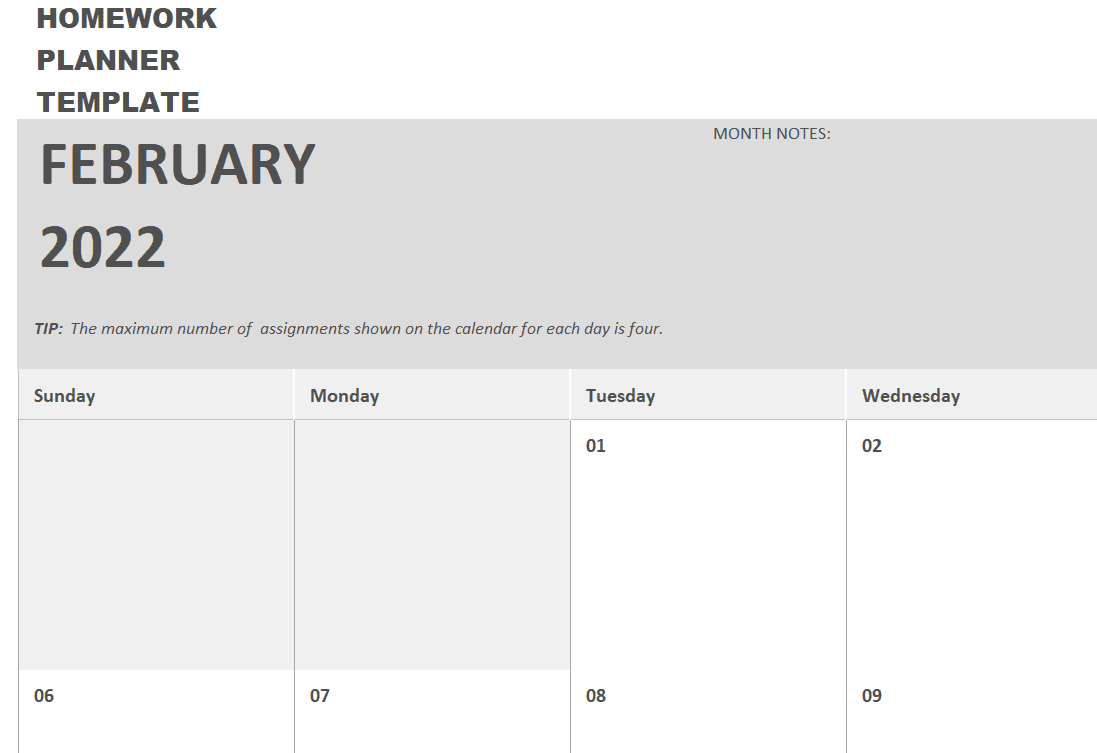
Free Practical Homework Planner Template
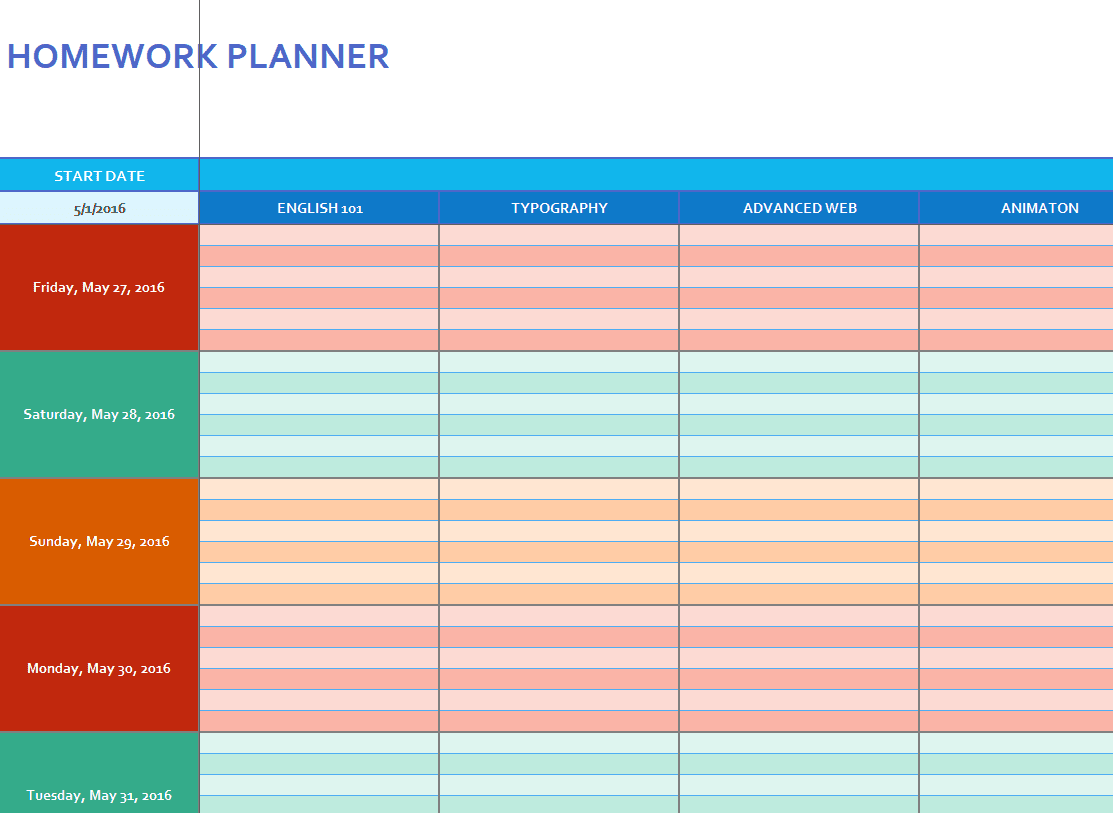
Homework Planner Template in PDF Format
Frequently Asked Questions
Are these homework planner templates free to download?
Yes, all sixteen homework planner templates on this page are free to download and use.
Which file formats are available?
The templates are available in Word, Excel, and PDF formats, so you can choose whichever fits how you like to plan.
Can I edit the template to add my own categories?
Yes, the Word and Excel versions are fully editable, so you can add columns, change labels, or adjust the layout to fit your needs.
Are these templates suitable for younger students?
Yes, several of the simpler templates work well for younger students, while the more detailed formats suit older students with heavier workloads.
Do I need Microsoft Office to use these templates?
Most templates are built for Word or Excel but also open in free alternatives such as Google Docs, Google Sheets, or LibreOffice.
Can parents use these templates to track their child’s homework?
Yes, many parents use these templates as a shared reference to stay involved in their child’s assignments and deadlines.
Should I use a daily or weekly planner?
It depends on your workload and preference; a weekly planner gives a broader view of upcoming deadlines, while a daily planner focuses on what’s due each day.

You must be logged in to post a comment.