
A doctor’s note for work is a clinical document issued or authorised by a healthcare professional. The relevant content may include dates, work limitations and return-to-work recommendations, depending on local practice and patient consent.
Use medical-note templates only for authentic provider documentation
Worked example: An employee who attended a genuine appointment may receive a provider-issued attendance note. A workplace may instead need a functional-restrictions statement without a detailed diagnosis.
Check before use: Never fabricate signatures, clinic identifiers, diagnoses or examination dates. A printable sample does not establish that a clinician assessed a patient; verify workplace and privacy requirements.
- Saves documentation time: A ready-made layout means you can focus on patient care instead of formatting a note from scratch.
- Reduces errors: A consistent structure minimizes the chance of missing important details on the note.
- Professional appearance: A well-formatted note presents medical verification in a polished, credible format.
- Speeds up patient visits: Having a template ready lets you quickly complete a note during or after an appointment.
- Easy to customize: Editable fields let you quickly add patient-specific details and medical guidance.
- Free and reusable: Download once and reuse the same template structure for every patient who needs one.
For related resources, see 18+ Sample Employment Certificate Templates WORD and 3 Two weeks’ notice letter Templates.
What’s Included in the Doctor’s Note for Work Template
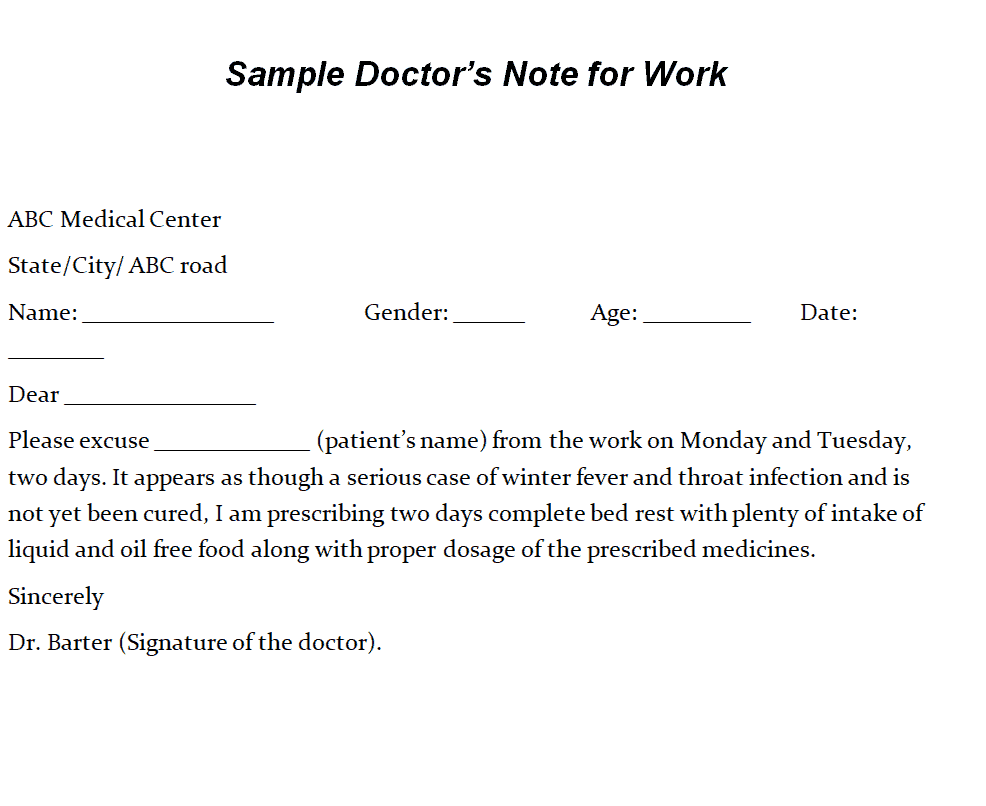
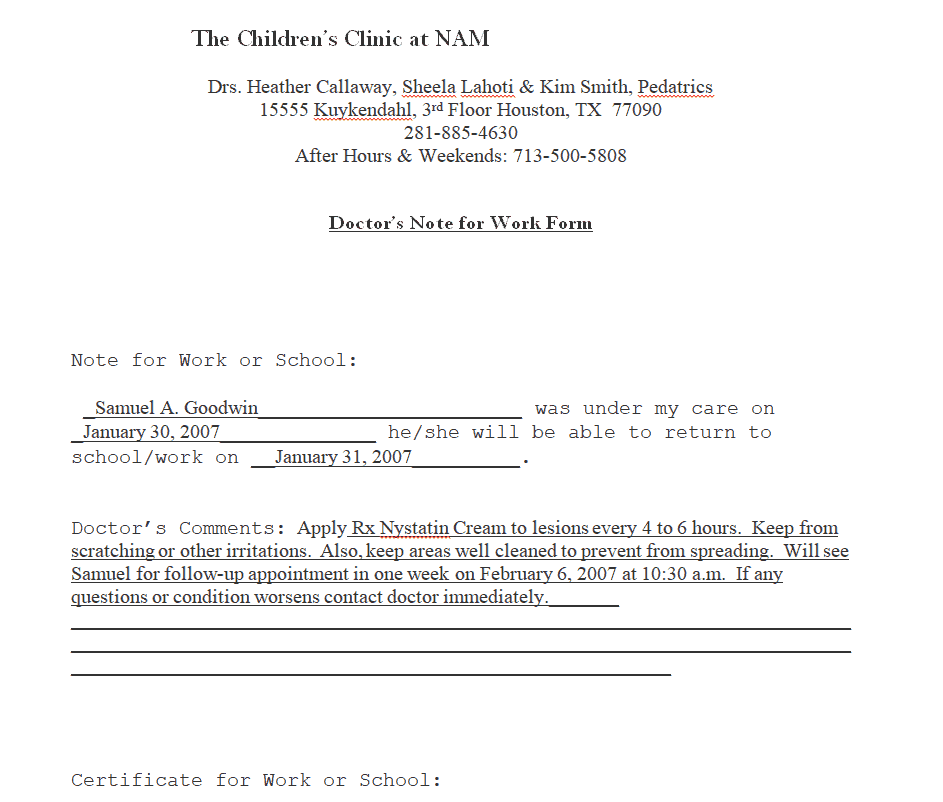
- Patient name field: Space to enter the name of the patient the note is issued for.
- Date of visit: A field recording when the patient was examined.
- Reason for absence: Space for a general description of the medical reason, without disclosing unnecessary private details.
- Return-to-work date: A field specifying when the employee is expected to be able to resume work.
- Doctor’s signature and credentials: Space for the physician’s signature, license number, and practice information.
- Clinic or hospital letterhead area: A section for the issuing medical facility’s name and contact details.
Who Should Use These Templates?
- Doctors and physicians issuing medical excuse notes for patients.
- Clinic administrative staff preparing documentation on behalf of the medical team.
- Urgent care centers providing quick medical verification for walk-in patients.
- Hospitals issuing formal documentation for inpatient or outpatient treatment.
- Telehealth providers issuing digital notes following virtual consultations.
- New doctors looking for a professional starting point for their own documentation.
How to Start Using the Template in 3 Simple Steps
- Step 1 — Choose a template style: Browse the 14 options below and select the format that best fits your practice’s needs.
- Step 2 — Fill in patient details: Add the patient’s name, visit date, and return-to-work information.
- Step 3 — Sign and provide to the patient: Complete the note with a signature and hand it to the patient for their employer.
Doctor’s Note vs. Medical Certificate
While both documents serve to verify a patient’s health condition, a doctor’s note for work and a medical certificate are sometimes used somewhat differently depending on the context. A doctor’s note for work is typically a brief document confirming that an employee was unable to work due to illness and stating when they can return. A medical certificate, by contrast, can be a more formal or detailed document, sometimes required for insurance claims, extended leave, or legal purposes, and may include more specific diagnostic information. Many workplaces accept either document for short-term absences, but longer or more complex situations may call for the more detailed medical certificate.
Customizing the Template for Your Practice
These templates are designed to be a flexible starting point rather than a fixed format. You can add your clinic’s letterhead, adjust the wording to match your practice’s standard language, or include additional fields relevant to your specialty. Since the templates are provided in editable MS Word format, most adjustments take only a few minutes and let you tailor the note to fit your particular documentation requirements.
Choosing the Right Format
With 14 different templates available in MS Word format, choosing the right one depends on your practice’s style and the level of detail you typically include. Some designs are simple and minimal, suited for quick, routine excuses, while others include more structured fields for practices that document more thoroughly. Reviewing each option before committing to one can help you find the layout that best fits your workflow.
Common Mistakes to Avoid
- Missing signatures: A note should always be signed by the issuing physician to be considered valid.
- Vague return-to-work dates: Be specific about when the employee is expected to return.
- Oversharing medical details: Keep the note general enough to protect patient privacy while still verifying the absence.
- Inconsistent formatting: Use the same template style for all notes issued by your practice.
- Forgetting contact information: Include clinic contact details in case the employer needs to verify the note.
Tips to Get the Most Out of Your Doctor’s Note for Work Template
- Keep a digital copy of each completed note on file for your practice’s records.
- Use clear, professional language that an employer can easily understand.
- Confirm patient details before finalizing the note to avoid errors.
- Provide the note promptly so the patient can submit it to their employer without delay.
- Keep the template updated with your current practice information and letterhead.
Balancing Patient Privacy With Employer Verification Needs
One of the more delicate aspects of writing a doctor’s note for work is providing enough information to satisfy an employer’s need for verification while still protecting the patient’s medical privacy. In most cases, a note does not need to disclose the specific diagnosis, and simply stating that the patient was examined and is unable to work for medical reasons is sufficient. Physicians who are mindful of this balance help patients avoid unnecessary disclosure of sensitive health information while still providing employers with the documentation they’re entitled to request.
Issuing Notes for Extended or Recurring Absences
While many doctor’s notes cover a single, short-term absence, some situations call for documentation of an extended or recurring health issue that affects an employee’s attendance over time. In these cases, it’s often helpful to include a broader date range or a note indicating that follow-up documentation may be required as the situation develops. Clear communication between the physician and patient about what the employer specifically needs can help ensure the note serves its purpose without requiring repeated office visits solely for paperwork.
Using Digital Notes for Telehealth Visits
As telehealth becomes an increasingly common way for patients to see a doctor, many practices now issue doctor’s notes digitally following a virtual consultation. A completed note can be emailed directly to the patient as a PDF, allowing them to forward it to their employer without needing an in-person visit to pick up a physical copy. Practices that build a smooth digital workflow for these notes, including electronic signatures where permitted, often find it improves both patient convenience and staff efficiency.
Storing and Reusing Templates Across Your Practice
Once a practice settles on a note format that works well, keeping the editable file organized and accessible makes it easy for any staff member to generate a consistent, professional note without starting from scratch each time. Saving the template in a shared folder accessible to front-desk and clinical staff helps maintain consistency across the practice. Updating the template occasionally, such as refreshing contact details or letterhead branding, keeps the notes looking current while preserving a format that patients and employers already recognize.
What Employers Typically Look for in a Doctor’s Note
Understanding what an employer typically needs from a doctor’s note can help physicians write documentation that satisfies workplace policies without unnecessary back-and-forth. Most employers primarily want confirmation that the employee was seen by a licensed medical provider, the dates the employee was unable to work, and when they are expected to return. Including clear, legible contact information for the issuing practice also helps employers who may need to verify the note’s authenticity, which can prevent delays in processing an employee’s leave or return to work.
Training Office Staff to Prepare Notes Accurately
In busier practices, administrative staff often assist in preparing the initial draft of a doctor’s note before a physician reviews and signs it, making proper training essential to avoid errors. Walking new staff through the standard template and clarifying which fields require direct physician input, such as diagnosis-related language, versus which can be filled in administratively helps maintain both accuracy and appropriate boundaries. Practices that establish a clear, repeatable process for this workflow tend to produce more consistent documentation and reduce the physician’s time spent on routine paperwork.
Keeping Records for Compliance and Future Reference
Maintaining a copy of every doctor’s note issued, whether on paper or digitally, supports both compliance with medical record-keeping requirements and the practice’s own future reference needs. A well-organized filing system, whether physical or electronic, makes it easy to retrieve a past note if a patient or employer requests a duplicate or follow-up documentation later. Practices that integrate note storage into their existing patient record system, rather than treating it as a separate process, tend to find recordkeeping far less burdensome over time.
Check Out Our Doctors Note For Work Templates Here
Sample Doctor’s Note for Work Template
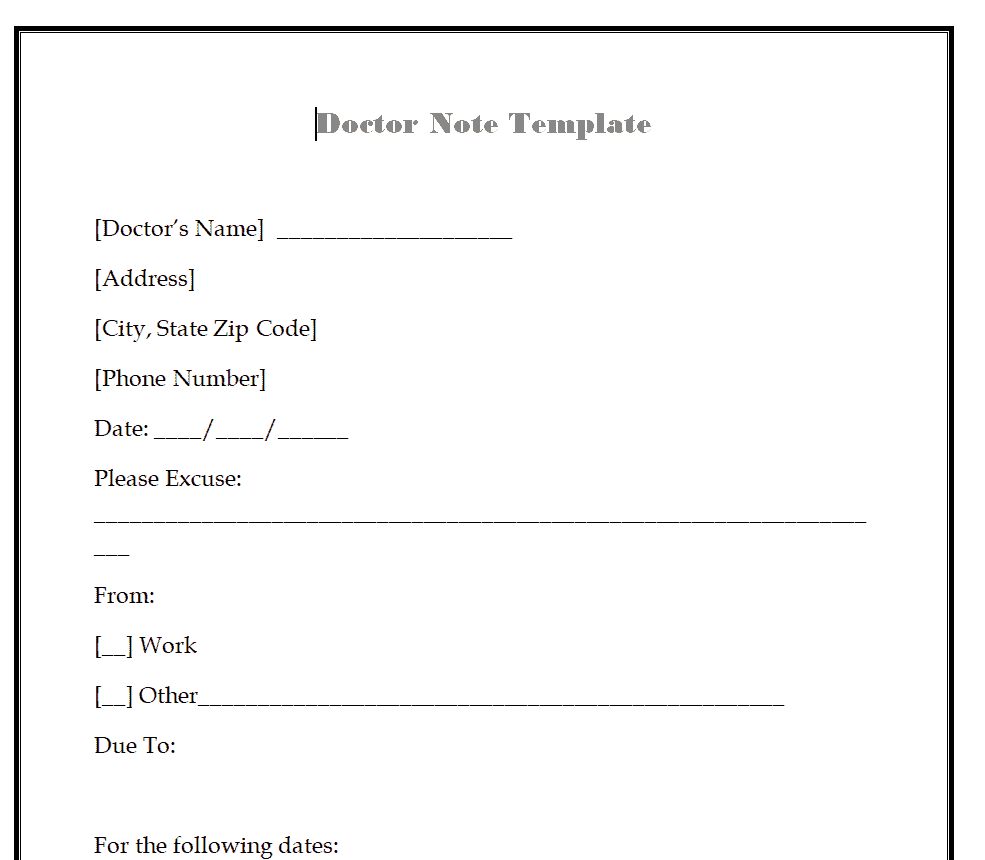
Doctor’s Note for Work Format Template
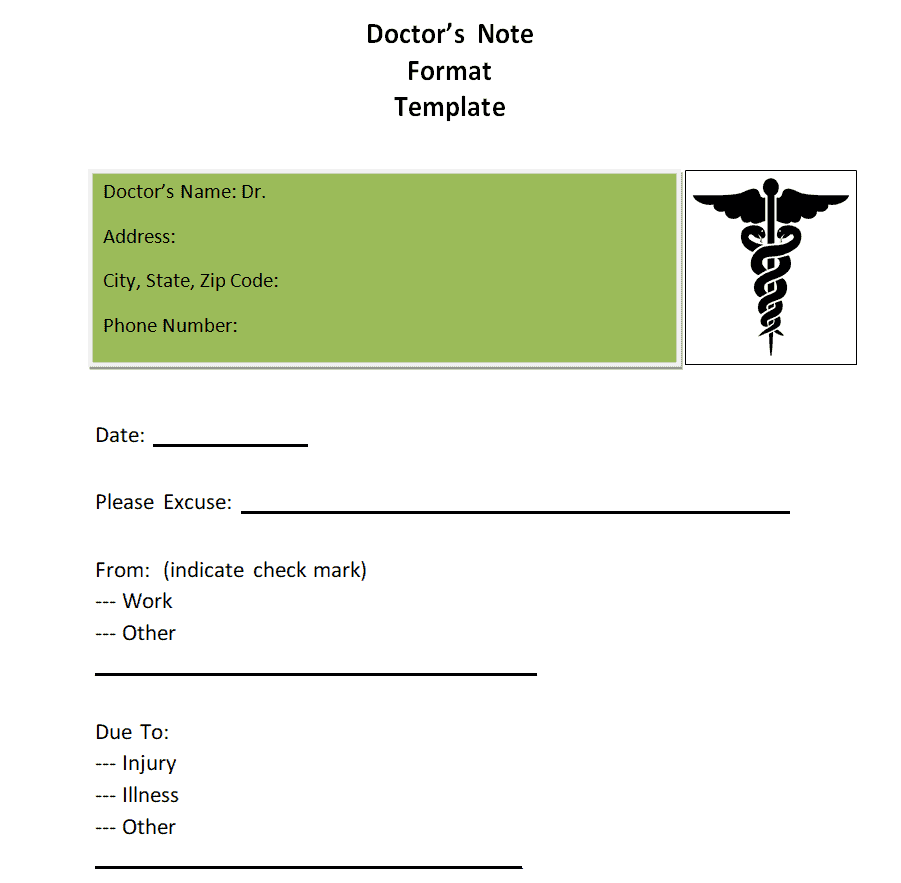
Official Doctor’s Note for Work Template
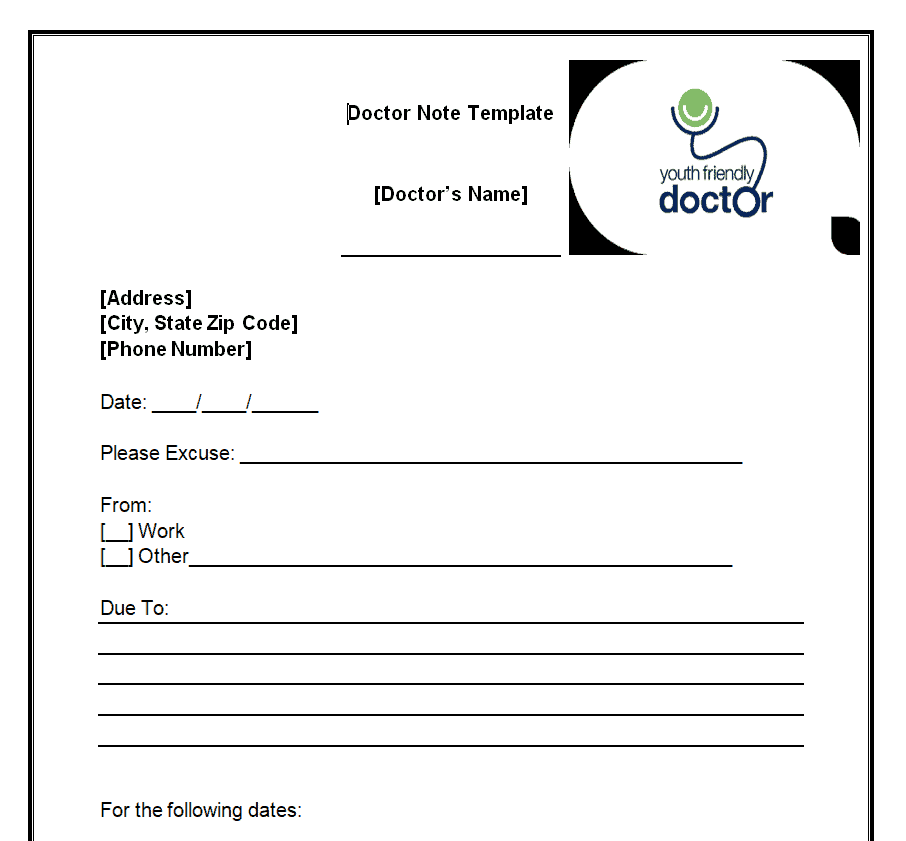
Sample Doctor’s Note for Work Template Word
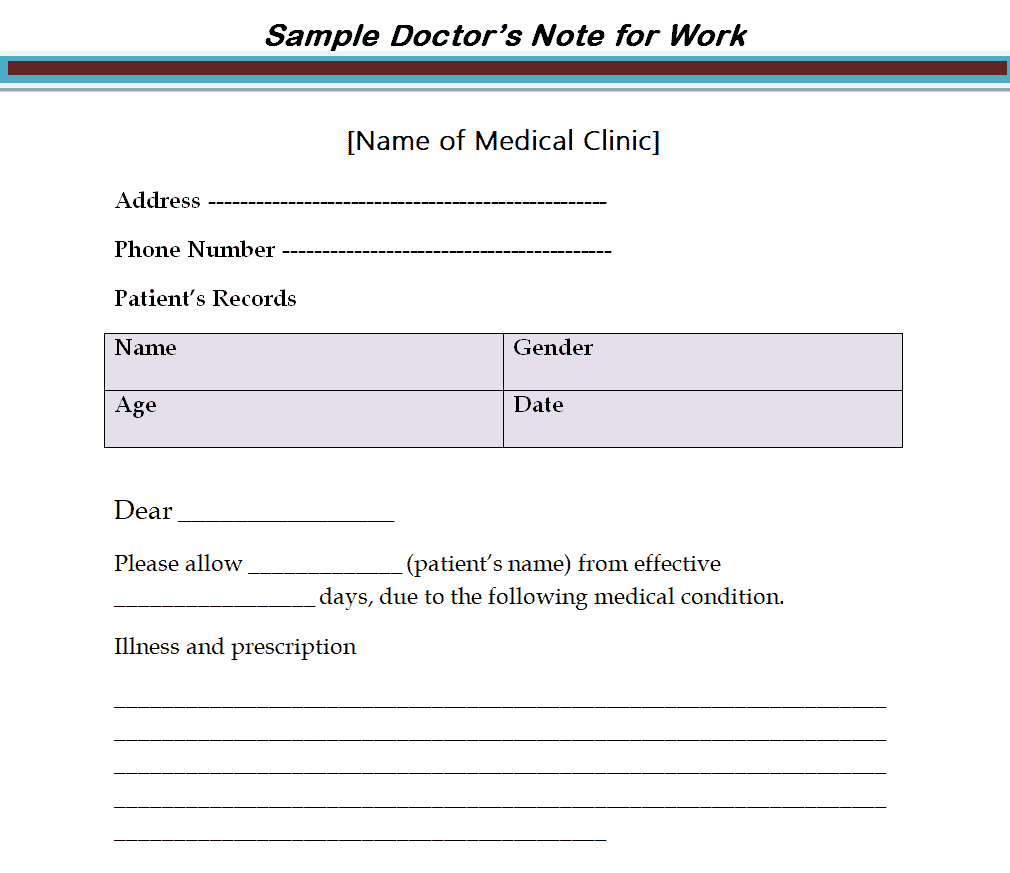
Simple Doctor’s Note for Work Template
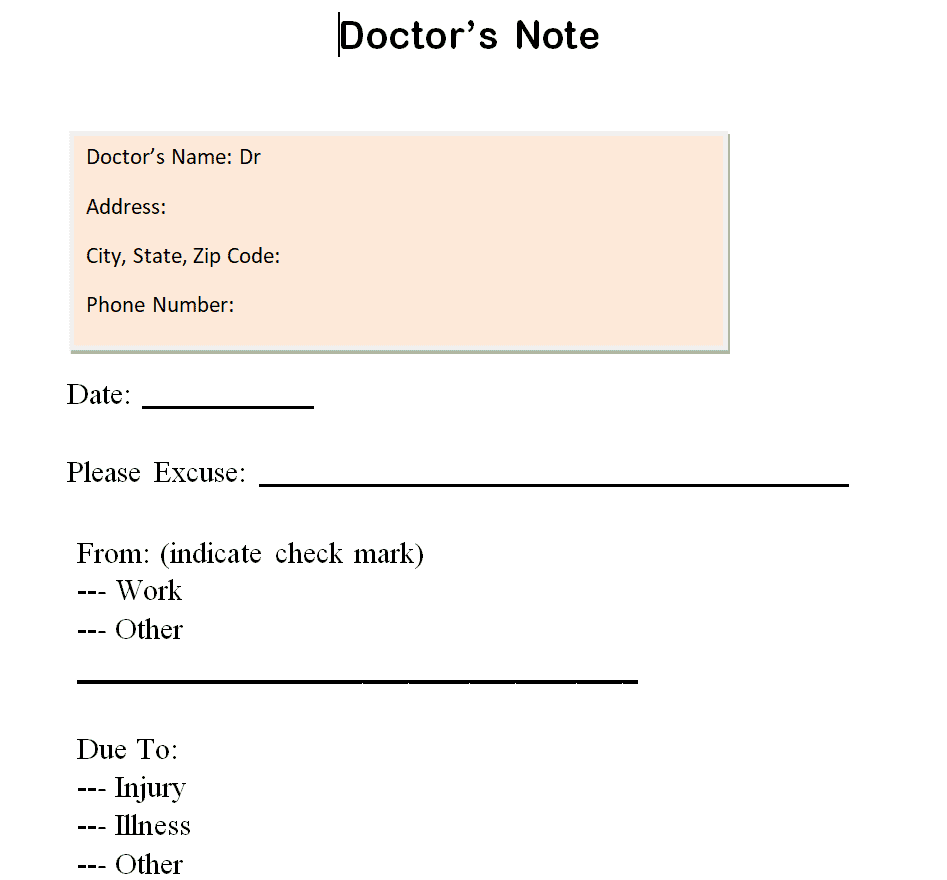
Fillable Doctor’s Note for Work Template
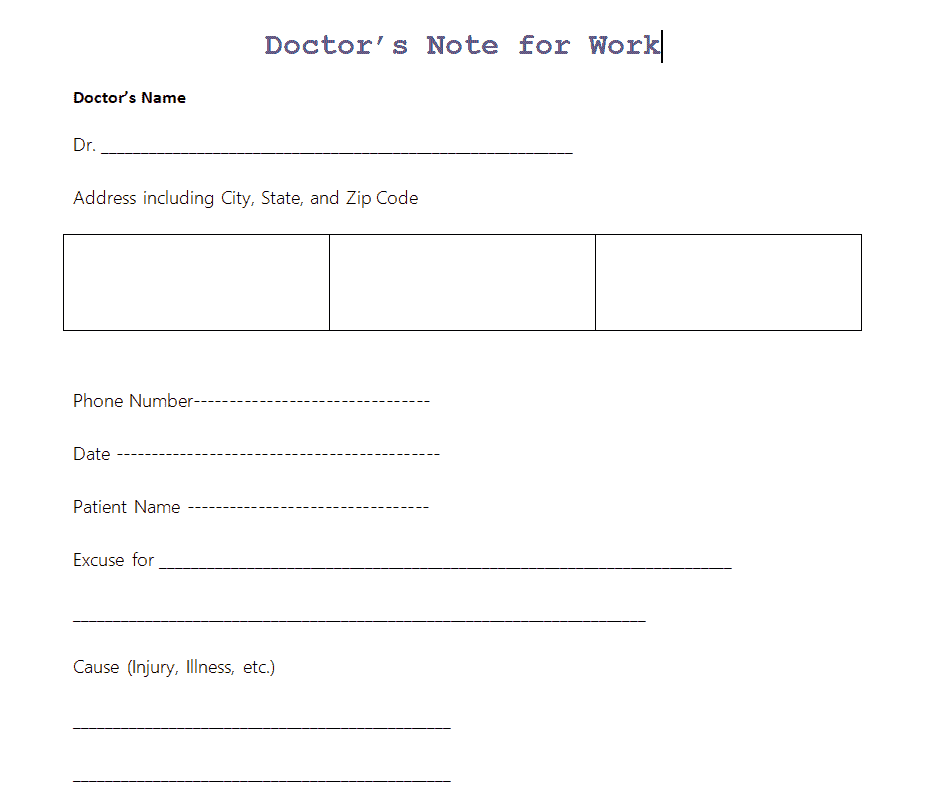
Free Doctor’s Note for Work Template
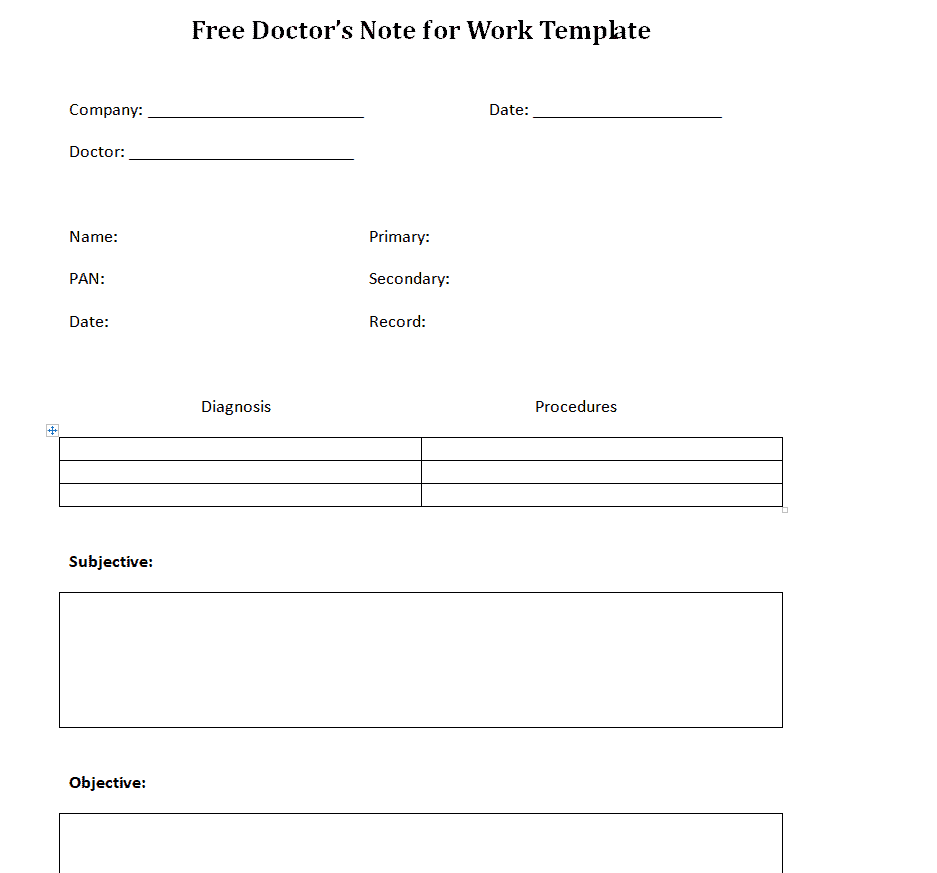
Blank Doctor’s Note for Work Template
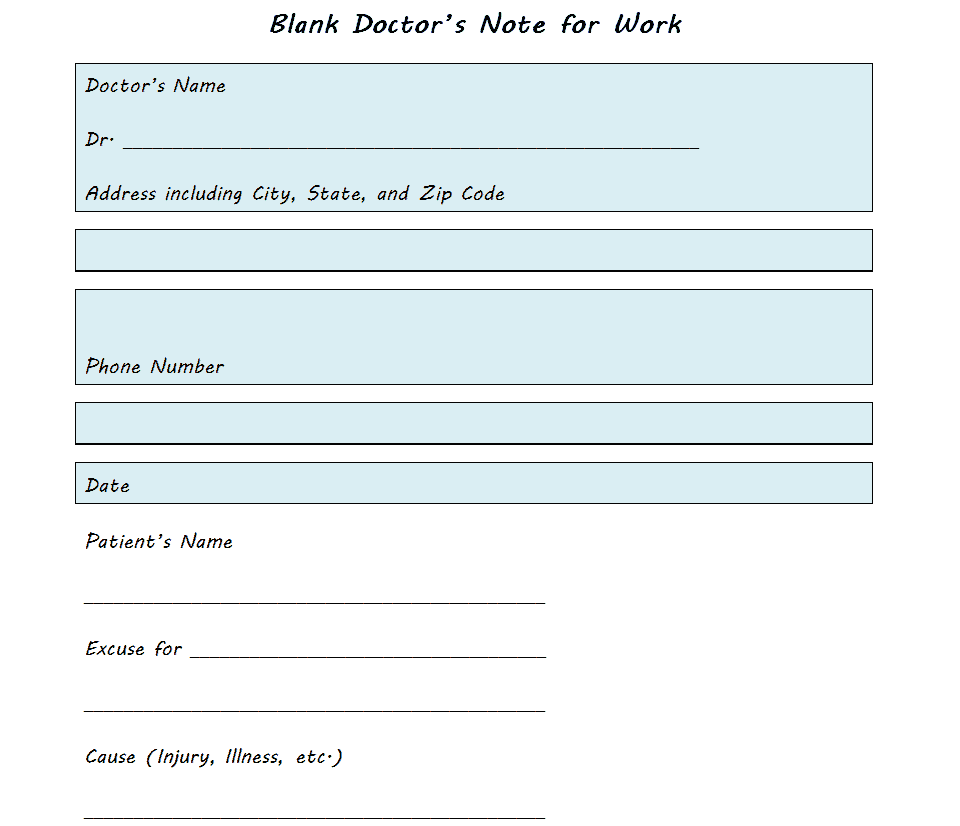
Doctor’s Note for Work Example Template
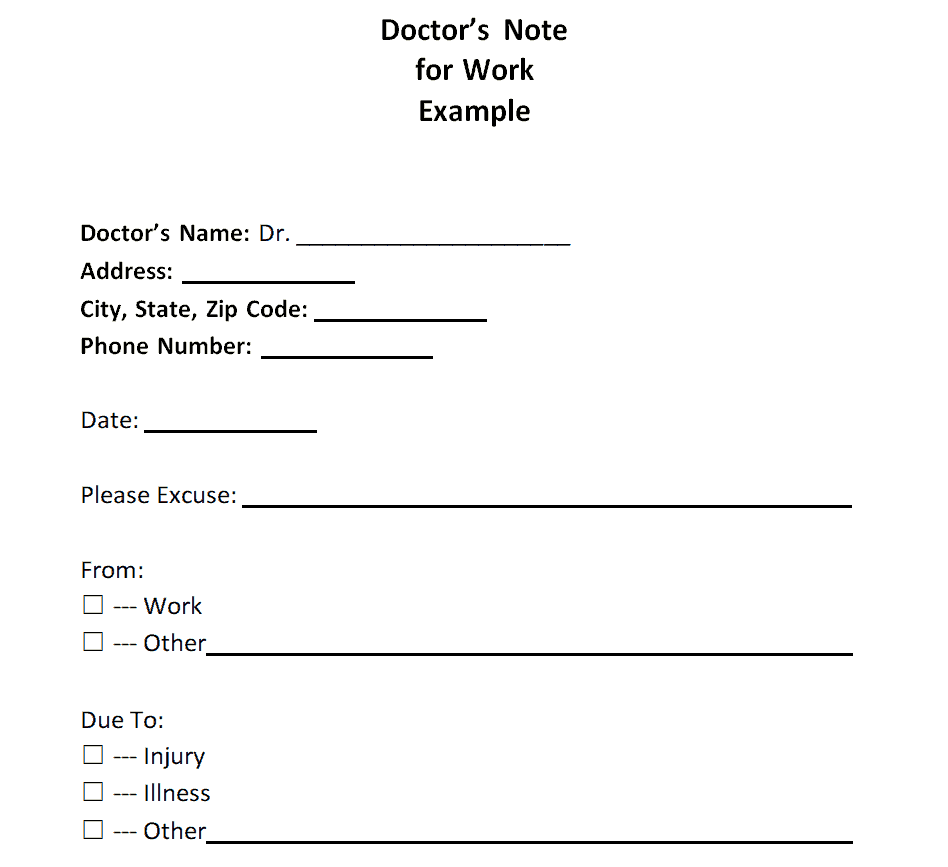
Doctor’s Note for Work Outline Template
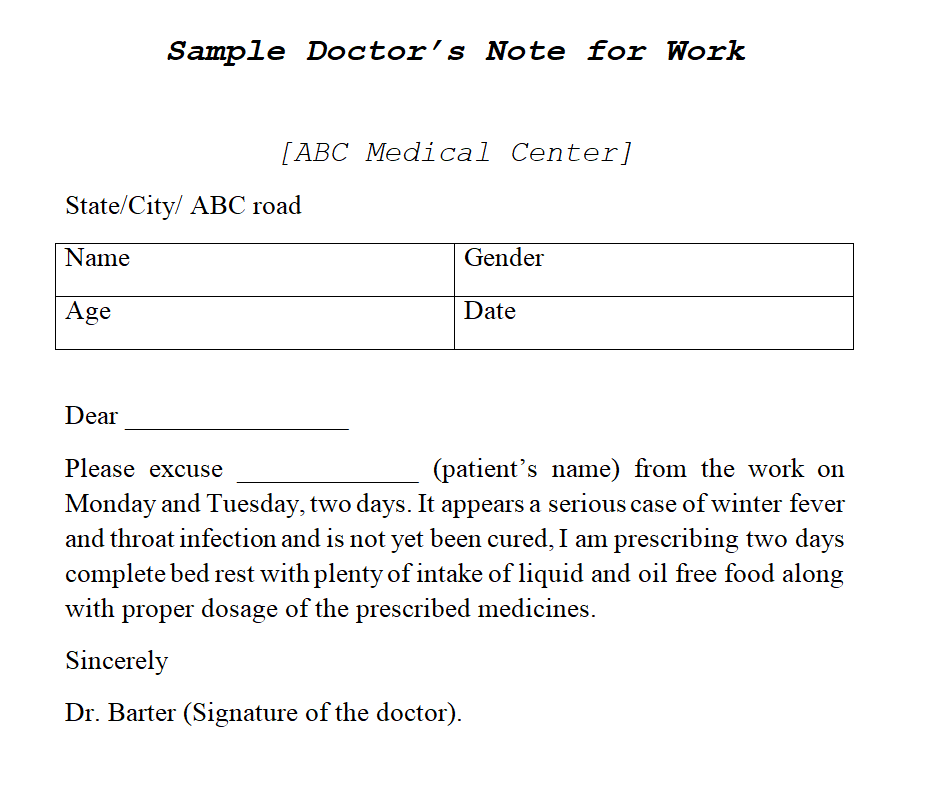
Printable Doctor’s Note for Work Template
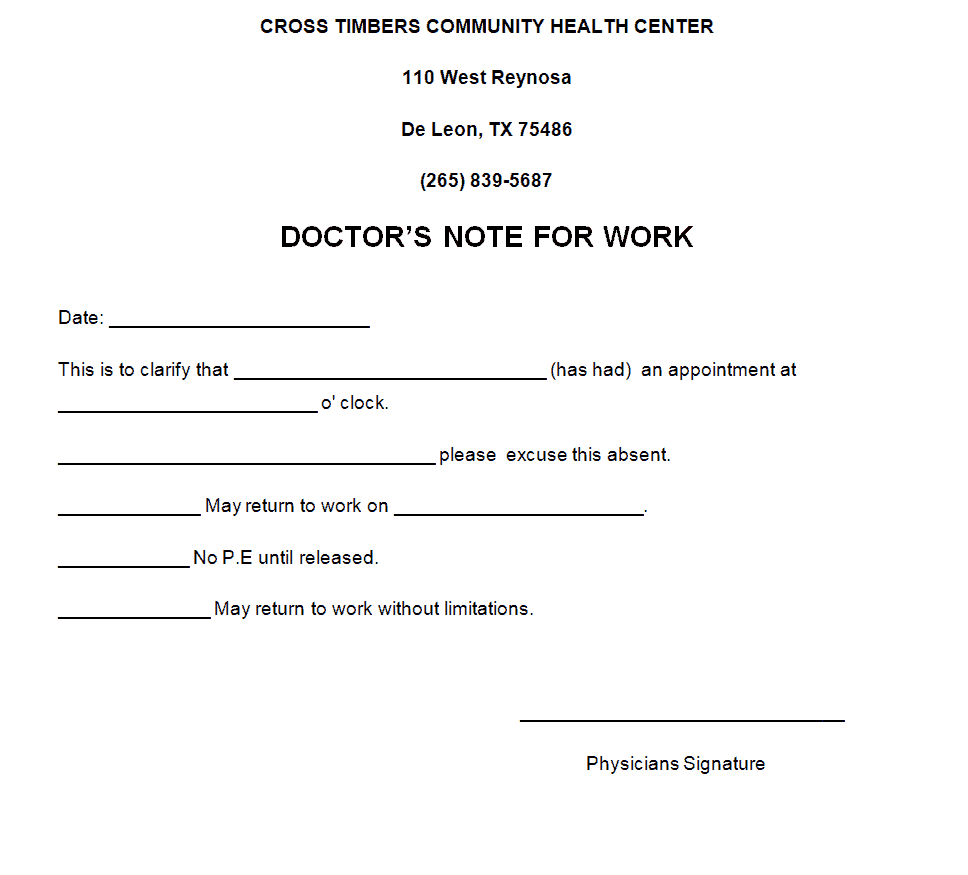
Example Doctor’s Note for Work/Doctor’s Excuse Slip Template
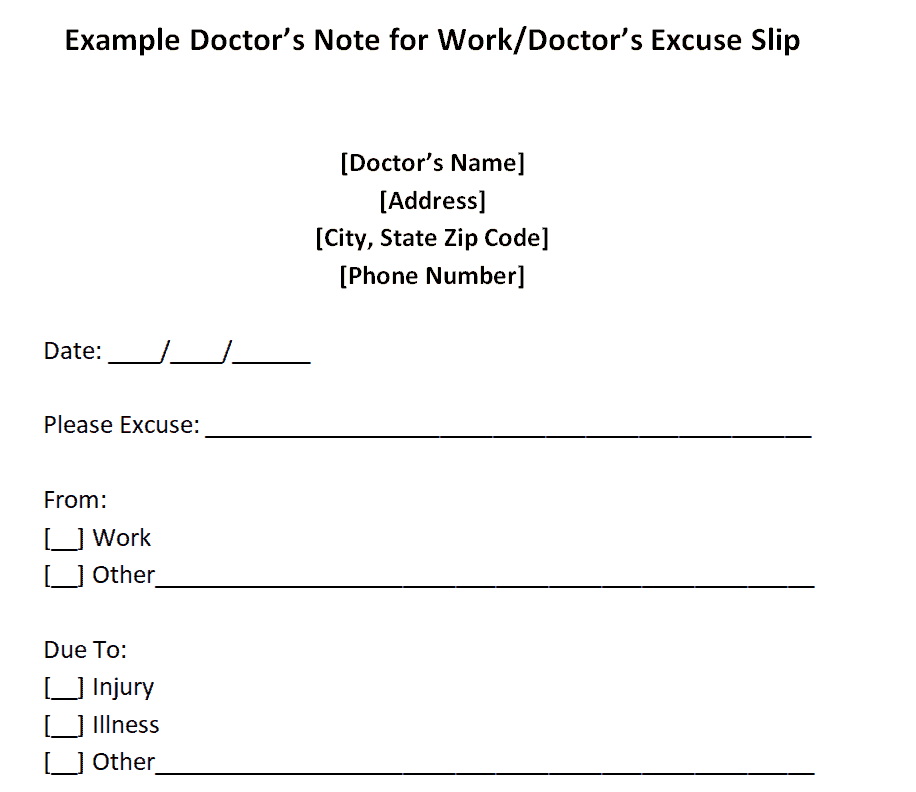
Formal Doctor’s Note for Work Sample Template
Doctor’s Note for Work Form Template
Frequently Asked Questions
Are these doctor’s note for work templates free to download?
Yes, all 14 doctor’s note for work templates on this page are free to download and use.
What file format are these templates available in?
These templates are available in MS Word format, making them easy to edit and customize.
Can I customize the fields on these templates?
Yes, since the templates are fully editable, you can add your clinic’s letterhead and adjust the fields to match your practice’s needs.
Does a doctor’s note need to include a specific diagnosis?
No, most notes only need to confirm the patient was examined and state the dates of absence, without disclosing the specific diagnosis.
Can these notes be issued after a telehealth visit?
Yes, a completed note can be filled out digitally and emailed to the patient following a virtual consultation.
What’s the difference between a doctor’s note and a medical certificate?
A doctor’s note typically confirms a short-term absence, while a medical certificate is often a more formal document with more detailed information.

You must be logged in to post a comment.