
Use holiday gift certificate templates to create a seasonal gift certificate with a clear benefit, a genuine issuer, and an understandable redemption process.
Editable downloads and previews
Use the file links where provided. Links labeled “View original source” open another website; check its current format, availability and terms. A preview image alone is not an editable document.
Check Out Holiday Gift Certificate Templates:
Christmas Holiday Gift Certificate Template
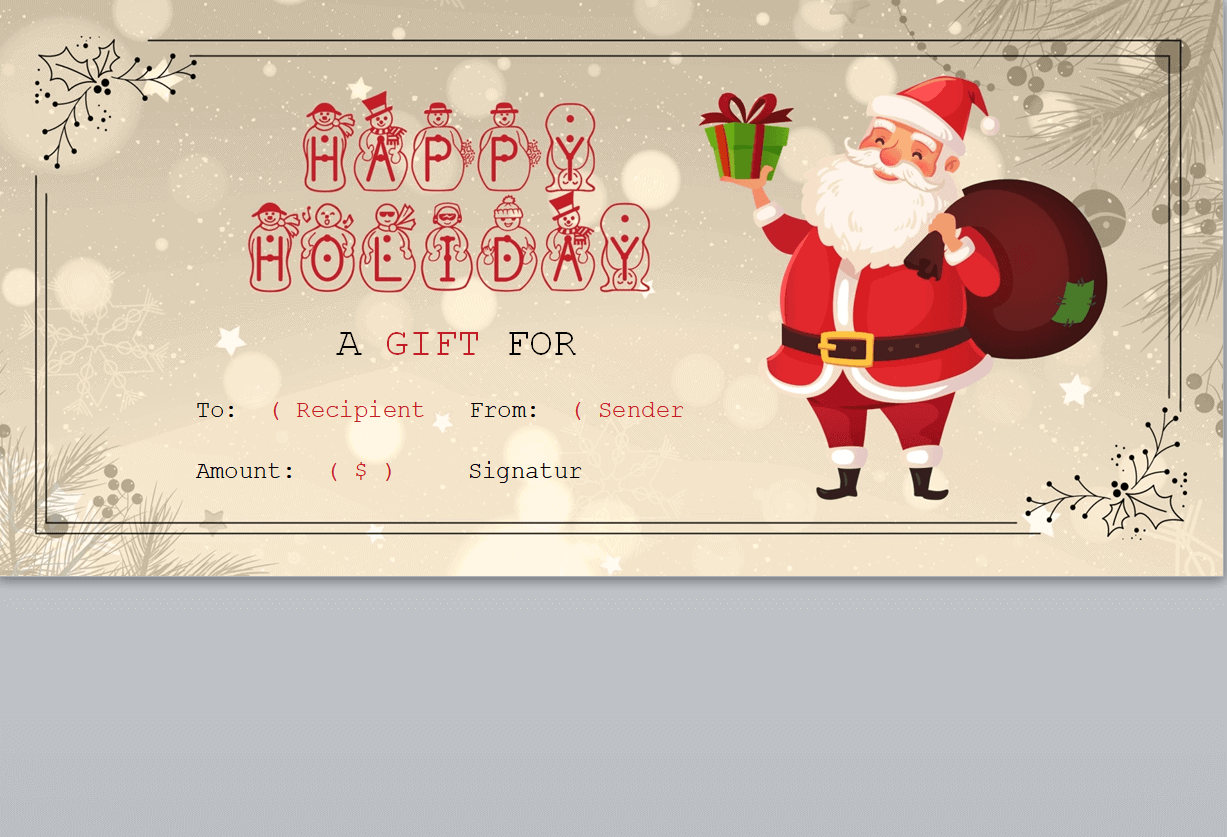
Sample Holiday Gift Certificate Template

Special Holiday Gift Certificate Template
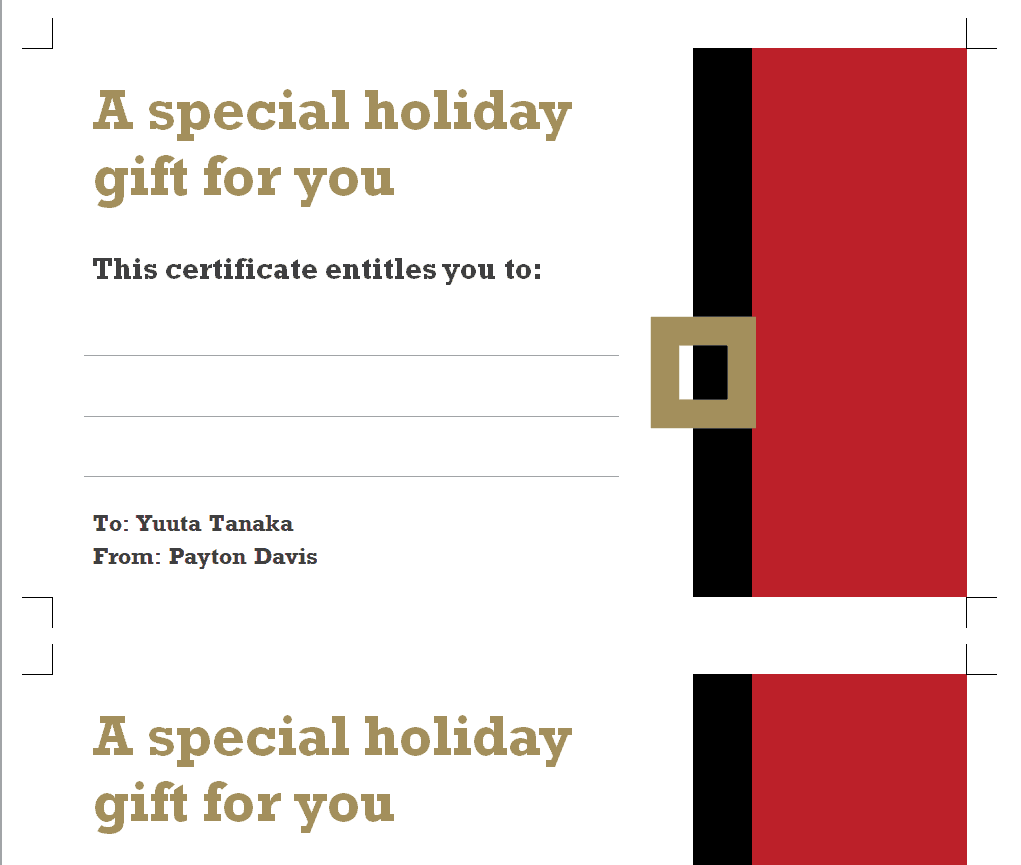
Official Holiday Gift Certificate Template
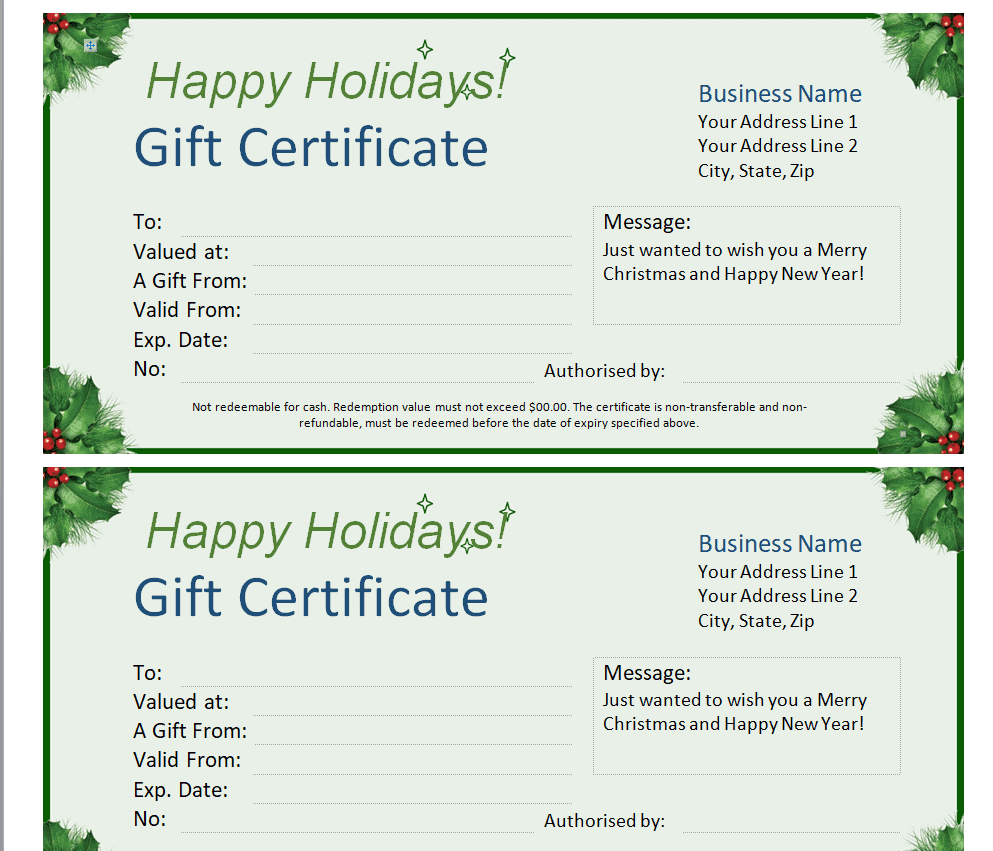
Stylish Holiday Gift Certificate Template
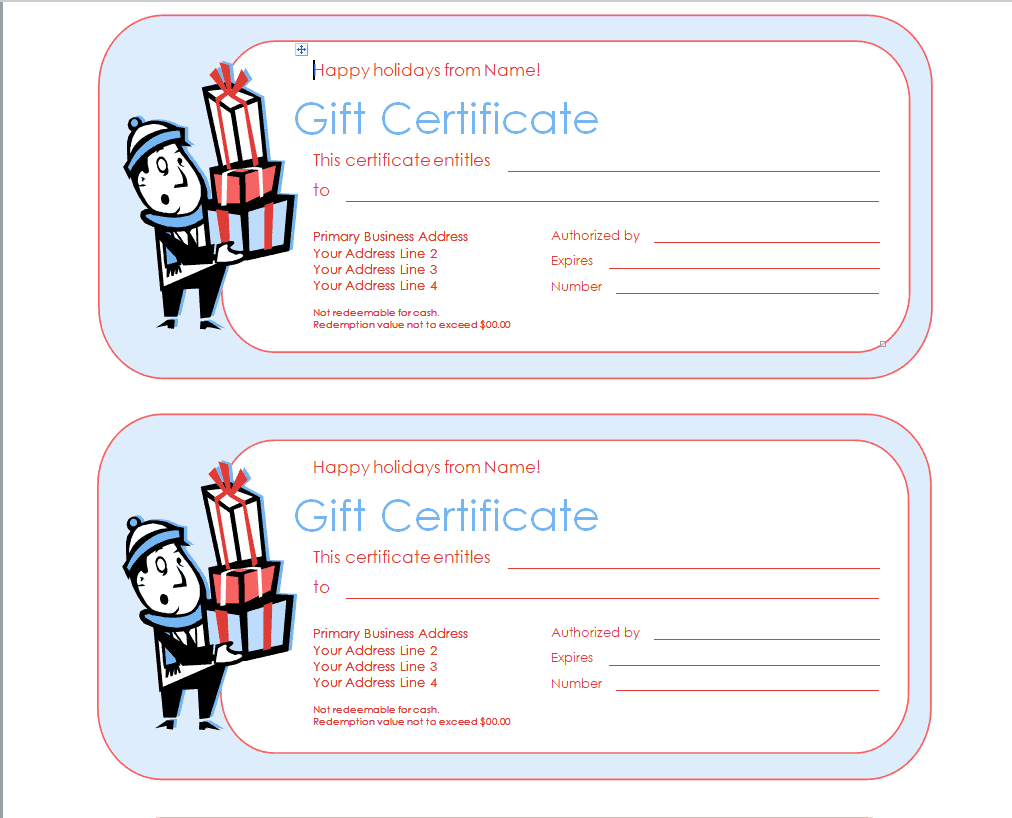
Simple Holiday Gift Certificate Template

Company’s Holiday Gift Certificate Template
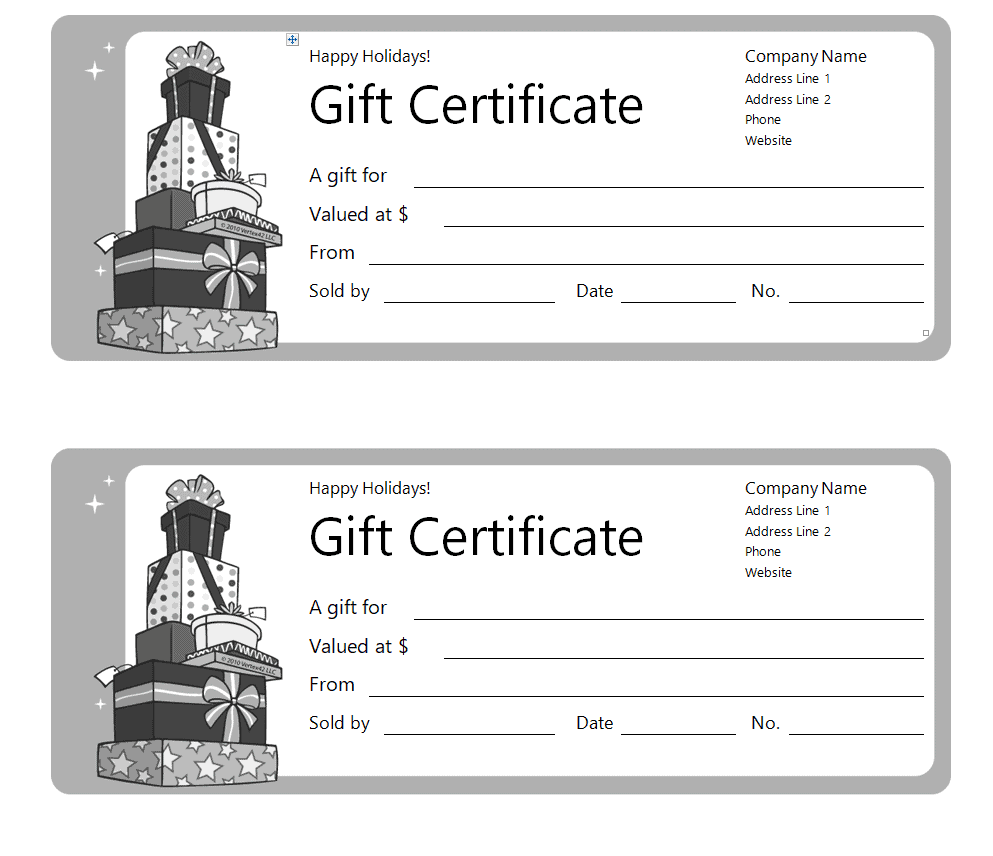
Holiday artwork can make a gift feel personal, but the promise must still be clear. Decide whether the certificate represents a monetary balance, a defined service, or a personal favor before editing a Word layout. A Christmas design does not create credit at another business or authorize the use of its branding. Keep the recipient’s greeting separate from the practical instructions.
Choose a suitable template
Decide what the certificate or voucher promises before selecting its layout. Monetary credit, a named service, a discount, and a personal favor need different wording and records. A sample design does not create a funded balance or oblige another business to accept it. Choose a resource that leaves the essential benefit and issuer information visible, then check the actual editable format and permitted use.
Use gift voucher templates to compare layouts for cash-value and service gifts.
Important details to prepare
Issuer and holiday occasion
Identify who will honor the gift and the occasion the design celebrates. A business should use its authorized name and contact details; a personal gift should name the person making the promise. Choose artwork suited to the recipient rather than assuming every holiday gift must use the same religious or seasonal imagery. Check the wording with the person who will honor the certificate. The design should reflect an actual agreed benefit rather than a broad phrase that staff later need to reinterpret.
Gift value or service
State the monetary amount and currency, or describe the exact experience, service, or item included. A meal certificate should explain its actual scope instead of promising an unlimited evening. Do not use a sample value simply because it fits the design. Confirm that the giver or issuer can provide what the certificate says. Keep this information prominent enough to find quickly. A recipient should not have to contact several unrelated parties to understand the basic promise.
Recipient and personal message
Provide enough space for the recipient’s name and a short greeting from the giver. Check spelling before printing or sending. Keep essential value and redemption details readable even when the greeting is long. For business gifts, do not include private customer information in a display copy intended for public presentation. Connect the detail with the issuance record where appropriate. A readable certificate and a traceable register work together to reduce duplicate or mistaken redemption.
Reference and issue record
Use a unique reference for business issuance and connect it to the actual register. Record the issue date, approved benefit, and status. A decorative code has little value if staff cannot check it. Track replacements against the original reference so a lost copy cannot create two independent claims on the same gift. Personalize carefully and proofread the final copy. A greeting can be warm without obscuring the value, service, reference, or instructions.
Redemption and booking
Explain the next practical step: the booking contact, location, or approved redemption route. If a service requires an appointment, describe that honestly instead of promising availability on any date. Check the issuer’s actual terms and applicable requirements before adding expiry dates, fees, or restrictions copied from an unrelated sample. Check the condition against the approved terms and applicable requirements before using it. Copying a restriction from another business’s example does not make it suitable.
Remaining value and seasonal support
Where partial redemption is supported, keep the redeemed amount and remaining balance clear in the register. Explain whom the recipient can contact after the holiday period, when opening hours or staff may differ. Keep the business’s instructions consistent across the printed certificate, accompanying email, and staff guidance. Record changes through the same controlled process used for the original issue. A replacement should retain a clear relationship to the certificate it supersedes.
How to complete the template
Draft the benefit in plain language and agree the redemption process with the person responsible for honoring it. Add the issuer, reference, issue details, and appropriate recipient message. Keep marketing language separate from the actual promise. For business issuance, enter the certificate in the issue register before delivery and use the approved terms consistently across the certificate, email, and staff instructions.
Worked example
A small workshop sells a holiday certificate for one named introductory class. The certificate identifies the workshop, recipient, class, unique reference, and booking contact. It does not promise a specific class date until availability is confirmed. The issuer records the sale and reference before delivery. When the recipient books, staff check the register; after attendance, the certificate is marked redeemed. A seasonal greeting adds warmth without changing the actual service promise. These are illustrative workflow details, not a claim that every business uses the same terms.
Use professional email templates to write a clear accompanying delivery message.
Check accuracy before use
Review the design from the recipient’s point of view. The recipient should know what is available, who provides it, and what practical step to take next. Check monetary amounts and currencies, contact details, and the reference against the register. Print or view the final copy at its intended size. Important conditions should remain readable and should not depend on tiny text hidden inside an image.
Authoritative guidance
For U.S. gift-card questions, review current FTC consumer guidance and the actual issuer’s terms. Requirements depend on the product and jurisdiction; a holiday design does not establish lawful fees or expiration conditions. See FTC holiday gift-card tips.


You must be logged in to post a comment.