
Writing a solid multiple choice test from scratch takes more time than most teachers have between lesson planning, grading, and everything else on their plate. A ready-made multiple choice test template solves that problem by giving you a clean, professional layout you can fill in with your own questions in a fraction of the time. Below you’ll find five free, downloadable multiple choice test templates in Word format, each with a slightly different layout, so you can pick the style that best matches your class, subject, or grade level.
What Is a Multiple Choice Test Template?
A multiple choice test template is a pre-formatted document, usually built in Microsoft Word, that provides the structure for a test made up of questions with several possible answers, only one of which is correct. Rather than designing the layout, spacing, and answer format every time you write a new test, you simply enter your questions and answer choices into the existing structure. This is especially useful for teachers who create tests regularly, since it keeps every test looking consistent and professional without extra formatting work.
Why You Need a Multiple Choice Test Template: Key Benefits
- Saves preparation time: A ready-made layout means you can focus on writing good questions instead of formatting the page.
- Keeps tests consistent: Using the same template across a semester gives students a familiar, predictable format to work with.
- Looks professional: A clean, well-organized test reflects positively on the instructor and the institution.
- Reduces student confusion: Clear formatting and spacing make it easier for students to read questions and mark their answers correctly.
- Speeds up grading: A consistent answer format makes it faster to score tests, especially for large classes.
- Works for any subject: The same basic structure applies whether you’re testing math, history, science, or language skills.
What’s Included in the Multiple Choice Test Template
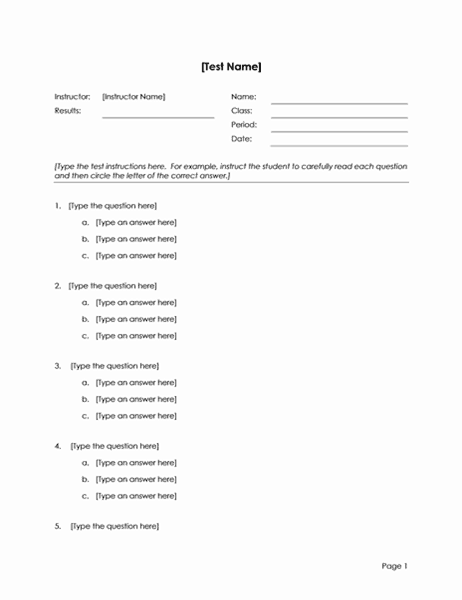
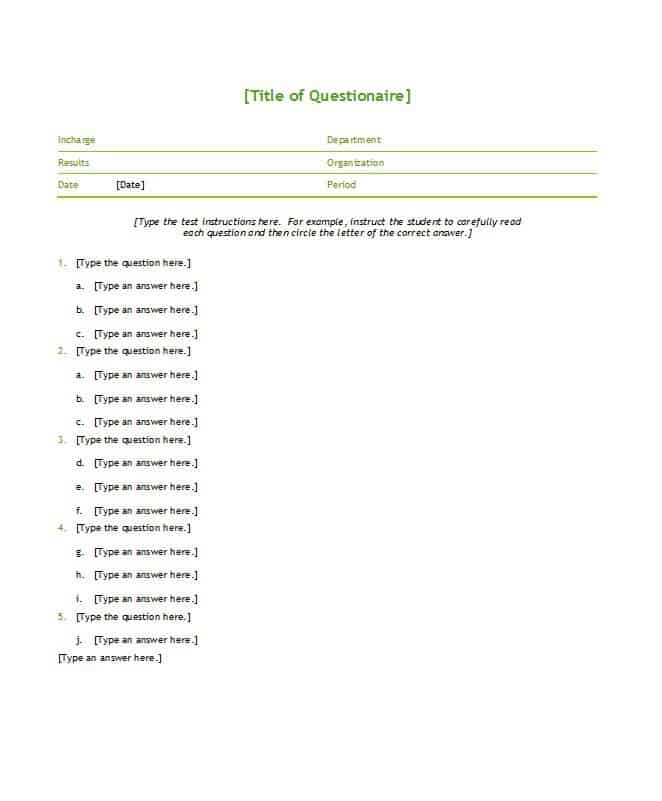
- Header section: Space for the test title, subject, date, and student name fields.
- Numbered question format: A clean, consistent layout for listing each question in order.
- Multiple answer choices: Pre-formatted spacing for four or five answer options per question, typically labeled A through D or E.
- Instructions area: A space at the top of the test to explain how students should mark their answers.
- Answer marking space: Clear formatting that makes it easy for students to circle or fill in their chosen answer.
- Editable layout: A fully customizable Word document that can be adjusted for question count, spacing, and font.
Who Should Use These Templates?
- Teachers and professors preparing regular quizzes and exams for their classes.
- Training coordinators creating knowledge checks for corporate or professional development programs.
- Tutors designing practice tests to help students prepare for upcoming exams.
- Homeschooling parents who need a simple way to create and administer tests at home.
- Certification and licensing bodies drafting practice or sample question sets.
- School administrators standardizing test formats across a department or grade level.
How to Start Using the Template in 3 Simple Steps
- Step 1 — Choose a layout: Browse the five templates below and pick the format that best matches your test style.
- Step 2 — Add your questions and answers: Type in your questions along with the answer choices for each one.
- Step 3 — Review and print: Proofread the finished test, then print or share it digitally with your students.
Multiple Choice Tests vs. Open-Ended Tests
Multiple choice tests and open-ended or essay-style tests each serve a different purpose in the classroom. Multiple choice tests are faster to grade, easier to standardize across a large class, and well suited for testing recall of facts, definitions, or specific concepts. Open-ended tests, by contrast, are better for evaluating a student’s ability to reason through a problem, explain their thinking, or construct an argument in their own words. Many instructors combine both formats in a single exam, using multiple choice questions to cover a broad range of material quickly and reserving open-ended questions for deeper, more analytical topics.
Customizing the Template for Your Class
These templates are meant to be a starting point you can adapt to your own teaching style and subject matter. You might add your school’s logo and letterhead, adjust the number of answer choices from four to five, include a scoring key at the bottom for self-graded practice tests, or change the font and spacing to fit more questions on a single page. Since the templates are built in editable Word format, these adjustments take only a few minutes.
Writing Effective Multiple Choice Questions
A good template is only half the equation; the quality of the questions themselves matters just as much. Effective multiple choice questions have one clearly correct answer, avoid overly similar or ambiguous wording between choices, and steer clear of trick questions that test reading comprehension more than subject knowledge. Including plausible but incorrect distractor answers, rather than obviously wrong ones, also helps the test more accurately measure whether students truly understand the material rather than simply eliminating unlikely options.
Common Mistakes to Avoid
- Ambiguous answer choices: Make sure only one answer choice is clearly correct to avoid disputes over grading.
- Inconsistent formatting: Keep spacing and answer labeling consistent throughout the test to avoid confusing students.
- Too many or too few questions: Match the length of the test to the time available and the material being covered.
- Missing instructions: Always include clear instructions on how students should mark their answers.
- Skipping a proofread: Typos or unclear wording in a question can unfairly confuse students during a timed test.
- Reusing the exact same test every semester: Vary your questions periodically to keep the test format fresh and prevent answer sharing.
Tips to Get the Most Out of Your Multiple Choice Test Template
- Keep a master copy of the blank template so you always have a clean version ready for the next test.
- Randomize answer order occasionally between different versions of the test to reduce copying.
- Include a mix of difficulty levels so the test can distinguish between different levels of student understanding.
- Leave enough space between questions so the test is easy to read and mark.
- Save completed tests as a question bank you can draw from for future exams.
Using Multiple Choice Templates for Digital Testing
While these templates are built for printable Word documents, many instructors also use them as the starting point for digital tests delivered through a learning management system or online form tool. Drafting the questions and answer choices in the Word template first makes it easy to organize your test bank before copying the content into whichever digital platform your school or organization uses. This approach also gives you a printable backup version of every test, which is useful in case of technical issues on testing day or for students who need a paper accommodation.
Multiple Choice Tests for Different Grade Levels
The right multiple choice format can vary quite a bit depending on the age and grade level of the students taking it. Younger students generally benefit from fewer answer choices, larger fonts, and simpler wording, while older students and adult learners can handle denser tests with more questions per page and more nuanced answer choices. Several of the templates on this page use slightly different spacing and layout styles for exactly this reason, giving you the flexibility to choose a format that fits an elementary classroom, a high school exam, or a college-level assessment without redesigning the test from scratch each time.
Building a Reusable Test Bank
One of the most efficient habits a teacher can build around these templates is maintaining a running question bank rather than writing every test from scratch each semester. As you write questions for one test, save them in a separate document organized by topic and difficulty level, so future tests can be assembled quickly by pulling from questions you’ve already written and refined. Over time, this bank becomes a valuable resource that not only saves preparation time but also lets you track which questions consistently trip students up, which can be a useful signal for revisiting how a particular topic is being taught.
Choosing the Right Template for Your Test
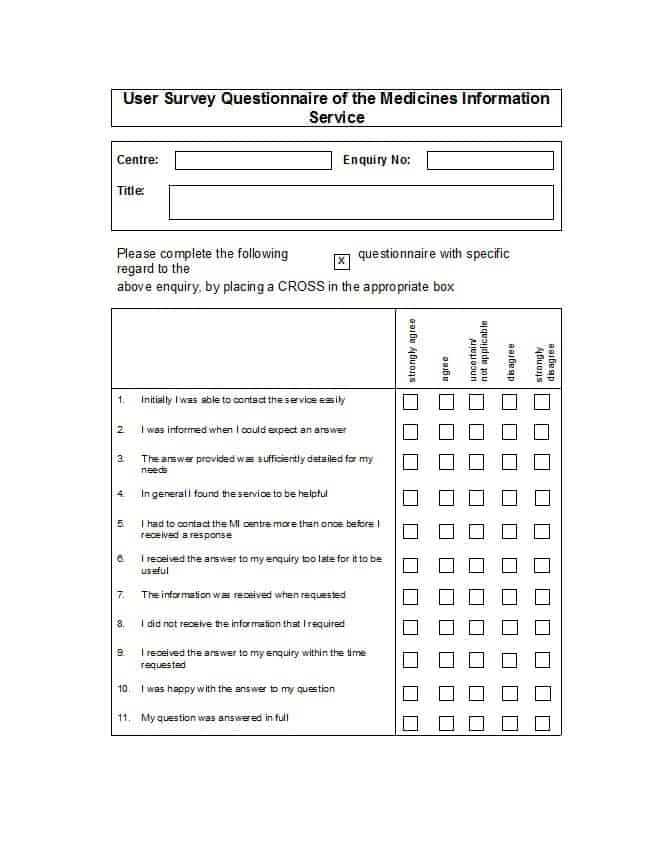
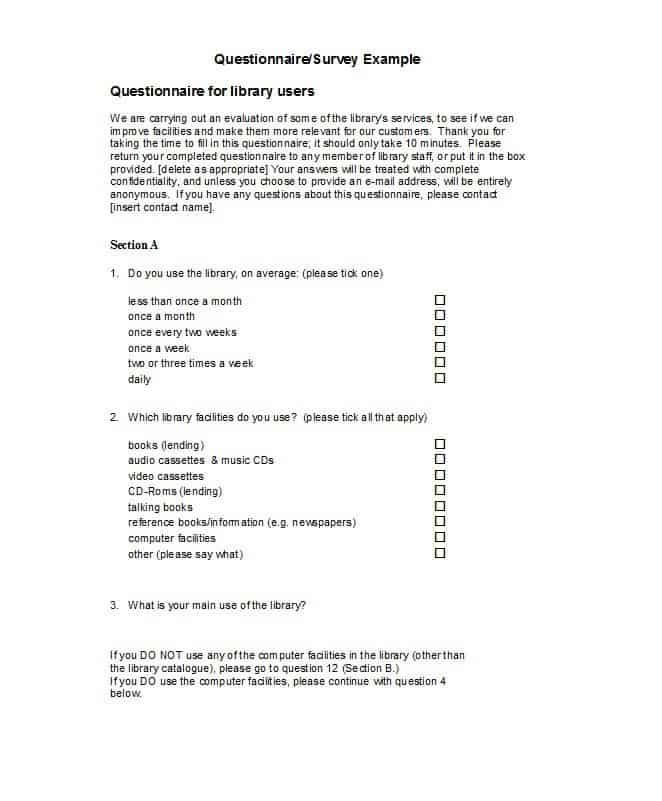
With five different layouts available on this page, it’s worth taking a moment to consider which one fits your specific test before you start filling it in. A shorter quiz with only a handful of questions might work best with a spacious layout that leaves plenty of room per question, while a comprehensive final exam benefits from a denser format that fits more questions on fewer pages without feeling cramped. If you administer tests to students with visual accommodations, look for a template with larger fonts and generous spacing between answer choices. Reviewing all five options before committing to one for the semester can save you from having to reformat a test partway through the term.
Get Multiple Choice Test Templates Here
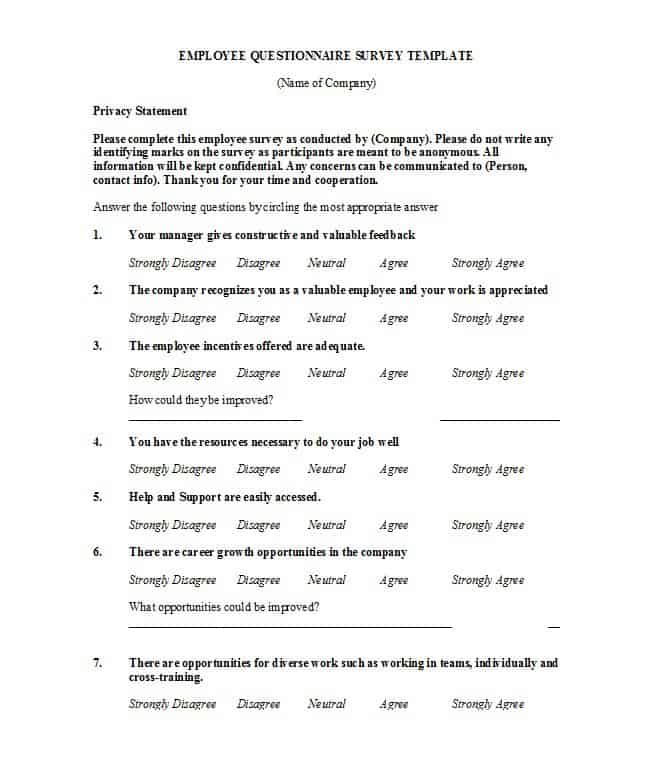
Sample Multiple Choice Test Template

Frequently Asked Questions
Are these multiple choice test templates free to download?
Yes, all five templates on this page are free to download and use for creating your own tests.
Can I edit the number of answer choices per question?
Yes, since the templates are fully editable Word documents, you can change the number of answer choices from four to five or adjust the layout as needed.
Do I need Microsoft Word to use these templates?
The templates are built for Word but also open in free alternatives such as Google Docs or LibreOffice Writer.
Can I add my school or company logo to the test?
Yes, you can add a logo, header, or letterhead to any of the templates since they are fully editable.
Are these templates suitable for online or digital tests?
While built for print, many instructors use these templates to draft questions before transferring them into a learning management system or online form tool.
Can I use these templates for corporate training assessments?
Yes, the templates work well for any setting that needs a structured multiple choice format, including corporate training and certification programs.
How many questions can I fit on one template?
There’s no fixed limit. You can add or remove questions as needed, and adjust spacing to fit more or fewer questions per page.

You must be logged in to post a comment.