
A direct-deposit form is an instruction for payments into a designated account. Typical details include payee name, financial institution, account and routing information, authorisation and effective date, subject to local requirements.
Handle direct-deposit instructions as sensitive bank data
Worked example: When an employee changes salary-payment accounts, payroll should verify the new instructions through a secure channel and confirm which pay cycle is affected instead of relying only on an emailed form.
Check before use: Limit access, avoid unnecessary copies and do not embed real bank details in example downloads. Verify regional standards because account numbers and routing formats differ.
- Saves onboarding time: A ready-made layout means new hires can complete their payroll setup quickly and accurately.
- Reduces errors: Clearly labeled fields for bank account and routing numbers help ensure nothing important is left out.
- Speeds up payroll processing: A complete, properly filled-out form helps payroll staff set up deposits faster.
- Eliminates paper checks: Once set up, direct deposit removes the need to distribute or cash physical paychecks.
- Ensures timely payment: Employees receive their pay automatically on payday without visiting a bank branch.
- Free and reusable: Download once and reuse the same template structure for every new employee.
For related resources, see 3 Bank Deposit Slip Templates.
What’s Included in the Direct Deposit Form Template
- Employee information: Fields for the employee’s name, employee code, and contact details.
- Bank account details: Space to record the bank name, account number, and routing number.
- Account type: A field indicating whether the account is checking or savings.
- Deposit allocation: Space to split pay between multiple accounts, if the employer allows it.
- Authorization statement: Language confirming the employee authorizes the employer to make deposits.
- Signature line: Space for the employee to sign and date the authorization.
Who Should Use These Templates?
- New employees setting up direct deposit during onboarding.
- HR departments collecting banking information from staff.
- Payroll administrators processing deposit setup or changes for a company.
- Small business owners managing payroll without a full HR department.
- Contractors and freelancers being paid directly by a client’s payroll system.
- Nonprofit organizations paying staff and part-time workers.
How to Start Using the Template in 3 Simple Steps
- Step 1 — Choose a template style: Browse the 5 options below and select the format that best fits your company’s needs.
- Step 2 — Enter your banking information: Fill in your bank name, account number, routing number, and account type.
- Step 3 — Sign and submit: Sign the form and return it to your employer’s payroll or HR department.
Direct Deposit Form vs. Voided Check
While both documents relate to setting up direct deposit, a direct deposit form and a voided check serve different purposes. A direct deposit form is the official authorization document that records your banking details and gives your employer permission to deposit funds. A voided check, by contrast, is often requested alongside the form to independently verify your account and routing numbers directly from your bank. Many employers require both together to reduce the risk of typos or incorrect account information causing a failed deposit.
Customizing the Template for Your Company
These templates are designed to be a flexible starting point rather than a fixed format. You can add your company logo, adjust the fields to match your specific payroll system’s requirements, or include additional notes about deposit allocation across multiple accounts. Since the templates are provided in editable formats, most adjustments take only a few minutes and let you tailor the form to fit your business’s specific payroll process.
Choosing the Right Format
With 5 different templates available, choosing the right one depends on your company’s payroll system and the level of detail you need to collect. Some employers prefer a simple, single-account form, while others need a more detailed layout that allows for split deposits across multiple accounts. Reviewing each option before committing to one can help you find the layout that’s easiest for your employees to complete accurately.
Common Mistakes to Avoid
- Incorrect account or routing numbers: Double-check these numbers carefully, since even a single wrong digit can cause a failed deposit.
- Missing signature: An unsigned form is not considered a valid authorization by most payroll departments.
- Wrong account type: Confirm whether your account is checking or savings before submitting the form.
- Outdated bank information: Remember to update your direct deposit form whenever you switch banks or accounts.
- Not keeping a copy: Always keep a copy of the submitted form for your own records.
Tips to Get the Most Out of Your Direct Deposit Form Template
- Verify your account details against a voided check or bank statement before submitting the form.
- Keep a copy of every submitted form for your personal records and future reference.
- Update your form promptly whenever you open a new account or switch banks.
- Confirm with payroll that your first direct deposit was processed successfully.
- Digitize completed forms for easier searching and long-term record-keeping.
How Direct Deposit Benefits Employers
Beyond convenience for employees, direct deposit offers meaningful advantages for employers as well, including reduced administrative costs associated with printing, distributing, and reconciling paper checks. Employers also benefit from fewer lost or stolen checks, since funds are transferred electronically and securely straight into an employee’s account. Many businesses find that switching to direct deposit reduces the time payroll staff spend each pay period handling check-related issues, freeing them up for other tasks.
Setting Up Split Direct Deposits
Some employees prefer to divide their paycheck between multiple accounts, such as sending a portion to a checking account for everyday expenses and the remainder to a savings account. A direct deposit form that supports split deposits typically includes fields for entering a percentage or fixed dollar amount for each account, along with the corresponding routing and account numbers. Setting this up correctly from the start helps ensure funds are distributed as intended from the very first payday.
What Happens When You Switch Banks
When you open a new bank account or close an old one, updating your direct deposit information promptly is essential to avoid a missed or delayed paycheck. Most employers recommend submitting a new direct deposit form as soon as possible and keeping the old account open for at least one pay cycle in case a deposit is still routed there during the transition. Confirming with your payroll department that the update has been processed before your next pay date can help you avoid any unexpected disruptions.
Direct Deposit for Contractors and Freelancers
While direct deposit is most commonly associated with traditional employees, many contractors and freelancers now receive payments the same way through a client’s payroll or accounts payable system. Completing a direct deposit form for contract work follows a similar process to employee setup, though the form may be adapted to reflect a 1099 or contractor relationship rather than standard employment. Freelancers who work with multiple clients may find it useful to keep a saved copy of their banking details handy to speed up onboarding with each new client.
Keeping Payroll Records Secure
Because a direct deposit form contains sensitive banking information, both employees and employers should take care to store and transmit completed forms securely. Employers typically keep these forms in confidential personnel files, separate from other general employment records, and limit access to authorized payroll staff only. Employees submitting a form electronically should confirm that their employer uses a secure method, such as an encrypted portal, rather than sending sensitive account details over unprotected email.
Troubleshooting a Failed or Delayed Deposit
If a direct deposit doesn’t arrive on the expected payday, the most common causes are an incorrect account or routing number, a form that was submitted too close to the payroll cutoff date, or a bank account that was closed without payroll being notified in time. Contacting your payroll department as soon as you notice a missing deposit gives them the best chance to trace the transfer or issue a replacement payment quickly. Keeping a copy of your submitted direct deposit form on hand makes it much easier to confirm exactly what information was provided if a discrepancy needs to be investigated.
Direct Deposit and Payday Timing
Understanding how direct deposit timing works can help set the right expectations around when funds actually become available. Many payroll systems initiate the transfer a day or two before the official payday, but the exact time funds post to your account depends on your bank’s own processing schedule. Employees switching to direct deposit for the first time often notice a short delay on their very first cycle while the new account information is verified, so checking with payroll about what to expect during the transition can help avoid unnecessary concern.
Updating Direct Deposit After Life Changes
Certain life events, such as marriage, moving to a new city, or closing a joint account after a separation, often mean an employee’s banking details need to be updated as well. Submitting a revised direct deposit form promptly whenever these changes happen helps prevent a paycheck from being routed to an account that’s no longer active or accessible. Keeping payroll informed of any banking changes, even ones that seem minor, is one of the simplest ways to keep your pay arriving without interruption.
Download direct deposit form templates here
Direct Deposit Form Sample
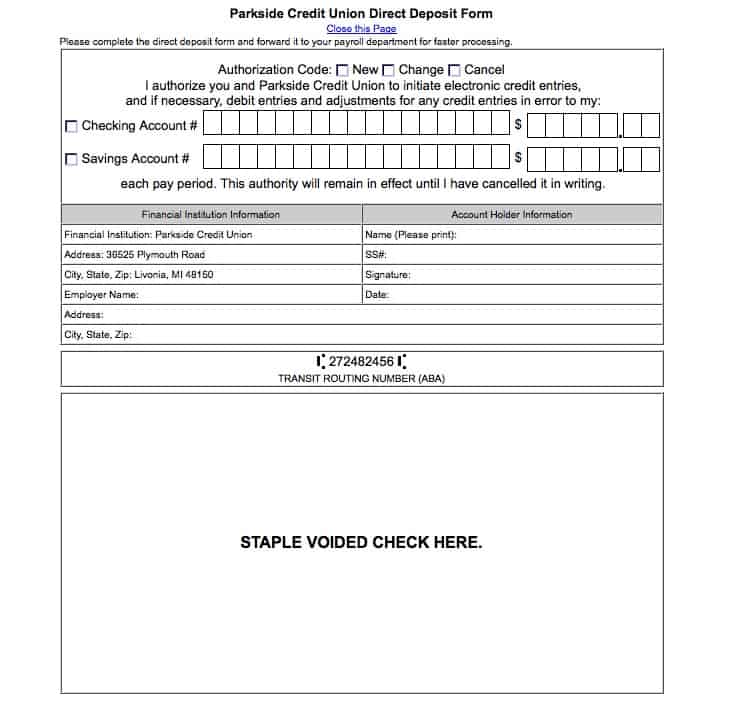

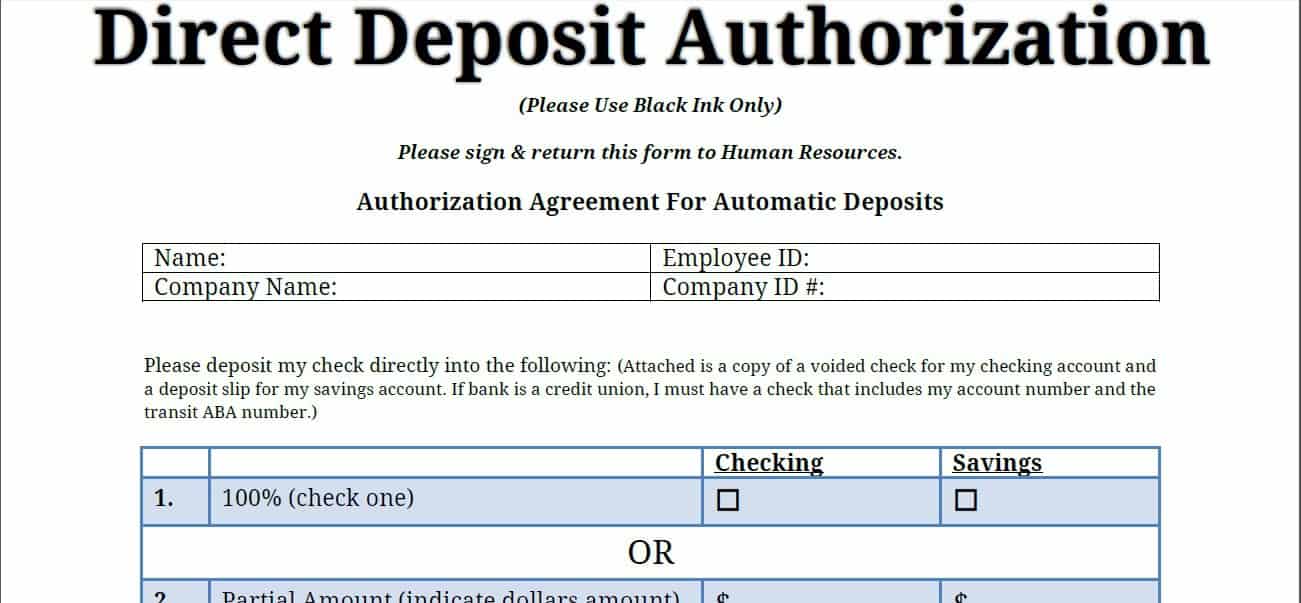
Direct Deposit Authorization Form
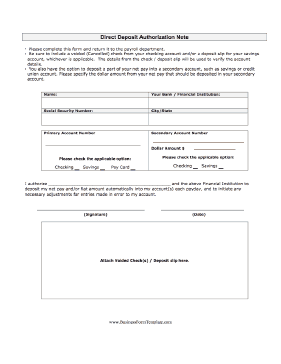
Direct Deposit Form Template Free
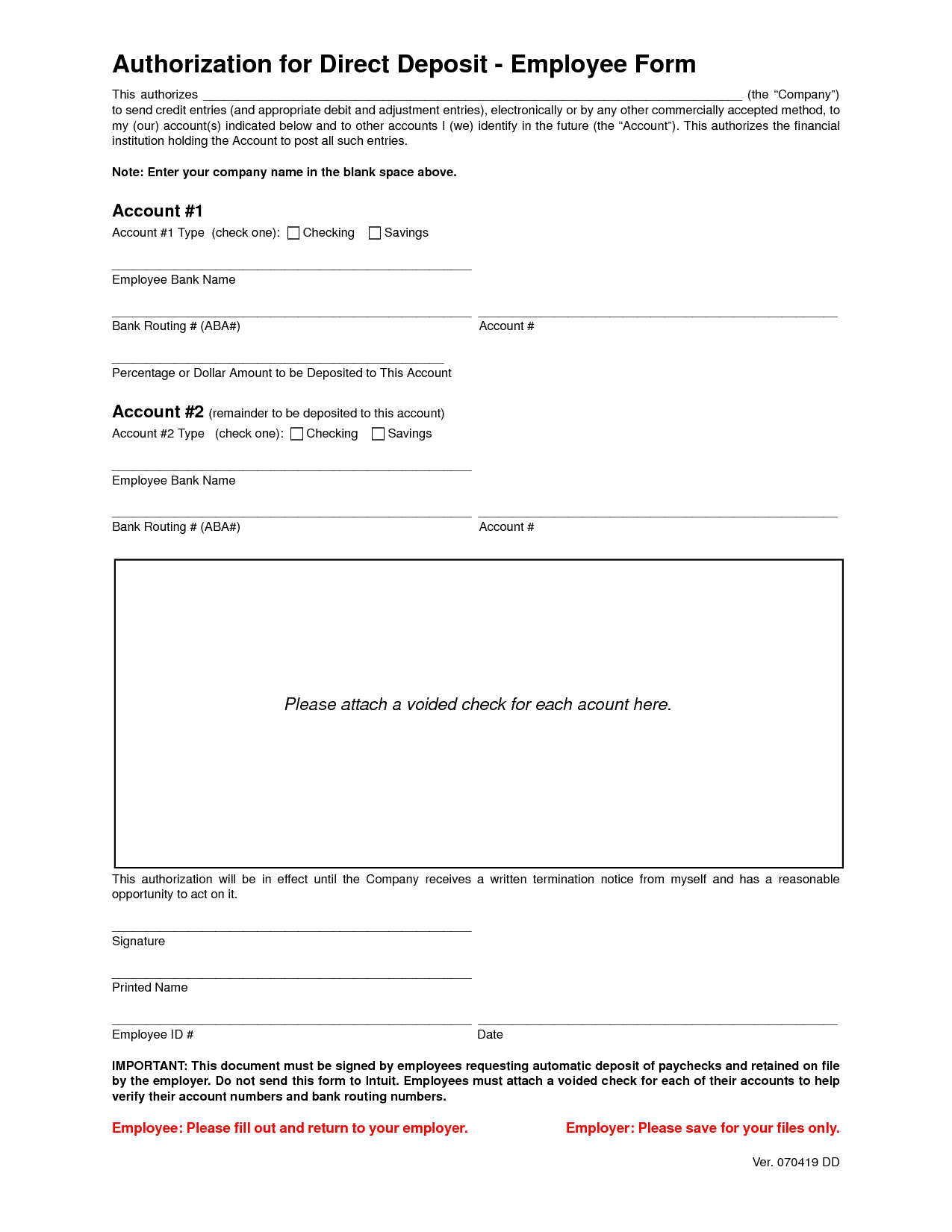
Payroll Direct Deposit Form Example
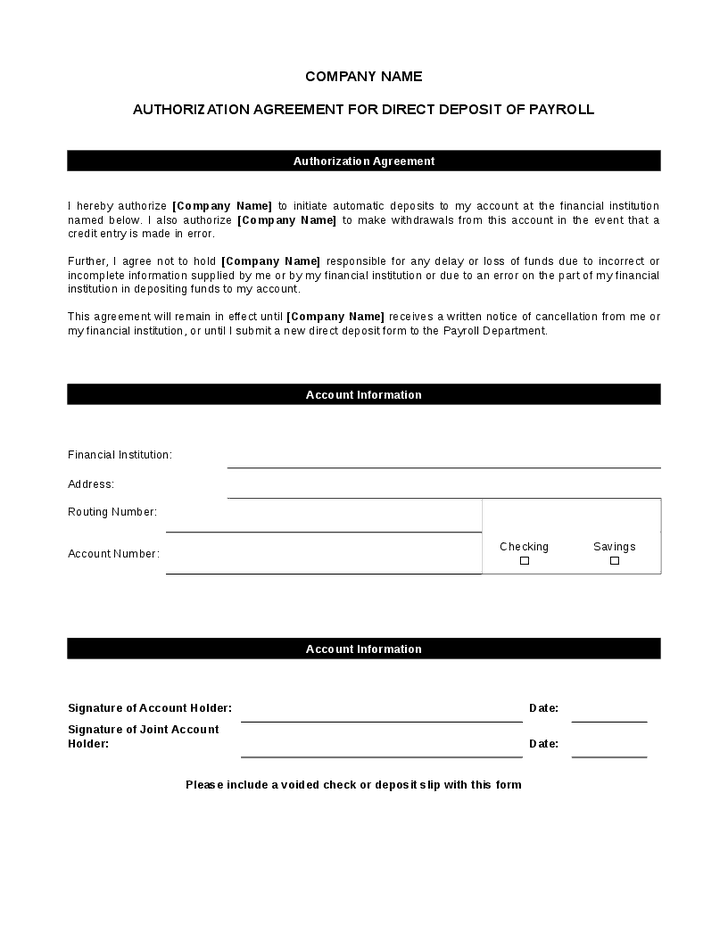
Direct Deposit Authorization
Frequently Asked Questions
Are these direct deposit form templates free to download?
Yes, all 5 direct deposit form templates on this page are free to download and use.
Can I customize the fields on these templates?
Yes, since the templates are fully editable, you can adjust the fields to match your company’s specific payroll requirements.
Do I need to attach a voided check with this form?
Many employers request a voided check alongside the form to verify your account and routing numbers, though requirements vary by company.
Can I split my paycheck between two accounts?
Some templates support split deposits across multiple accounts, letting you allocate a percentage or fixed amount to each one.
What information is required on a direct deposit form?
A complete form should include the employee’s name, bank name, account number, routing number, account type, and signature.
How do I update my direct deposit after switching banks?
Submit a new direct deposit form with your updated banking details to your employer’s payroll or HR department as soon as possible.

You must be logged in to post a comment.