
A checkbook register tracks payments, deposits and running balances, but must also account for transactions not yet cleared by the bank. Separate transaction date, reference, amount and cleared status.
Reconcile a checkbook register with the bank
Worked example: With a $1,000 starting balance, a $125 cheque and a $400 deposit, the running book balance is $1,275, assuming both entries are valid. The bank’s current displayed balance may differ until all items clear.
Check before use: Review bank fees, refunds and automatic debits during reconciliation. Avoid exposing account details and never assume a spreadsheet balance proves funds are available.
- Saves setup time: A ready-made structure means you can focus on recording transactions instead of designing a tracking sheet from scratch.
- Reduces reconciliation errors: A structured register makes it easier to catch discrepancies before they turn into overdrafts.
- Improves budgeting accuracy: Seeing a running balance after every transaction helps you avoid overspending.
- Categorizes spending clearly: Consistent columns make it easier to see where your money is going each month.
- Easy to customize: Editable fields let you quickly adapt the template to your own accounts and categories.
- Free and reusable: Download once and reuse the same structure for every new register period.
For related resources, see 5 Printable Payment Record Templates.
What’s Included in the Checkbook Register Template
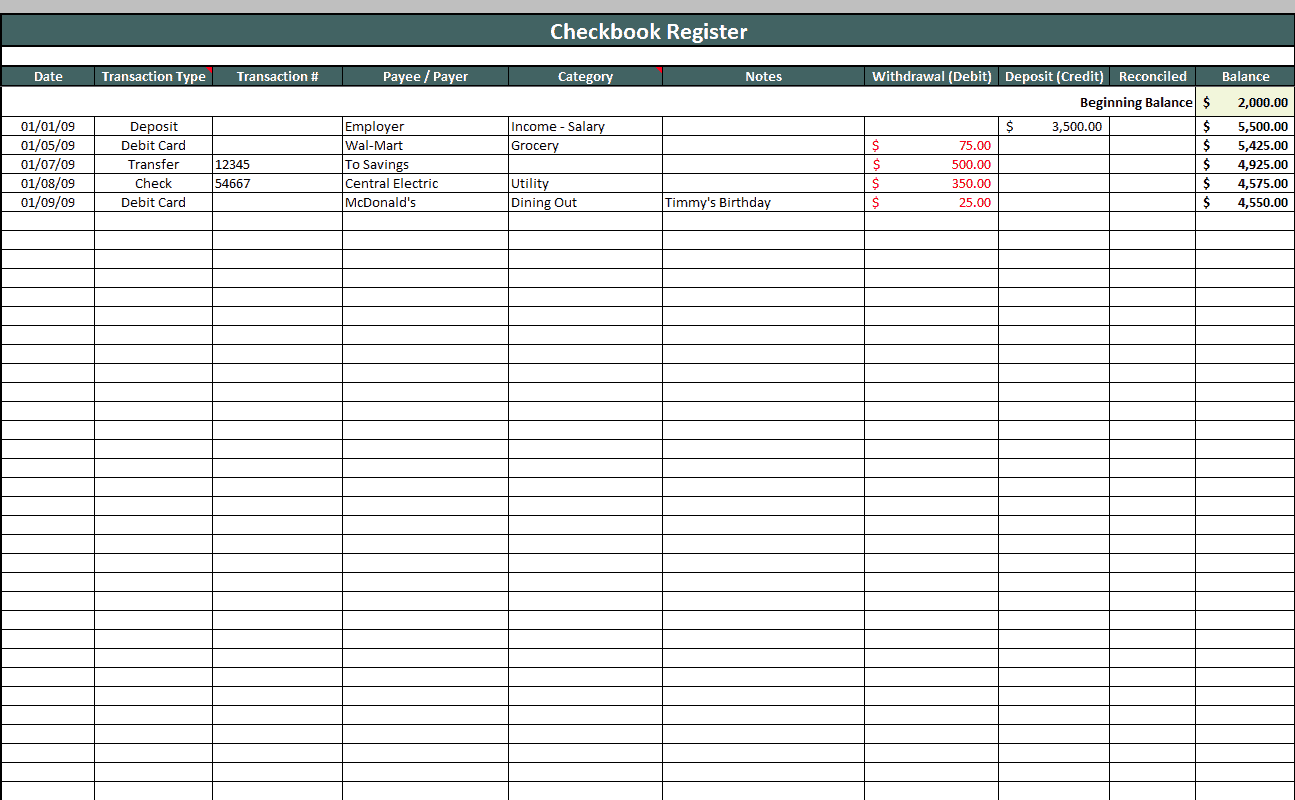
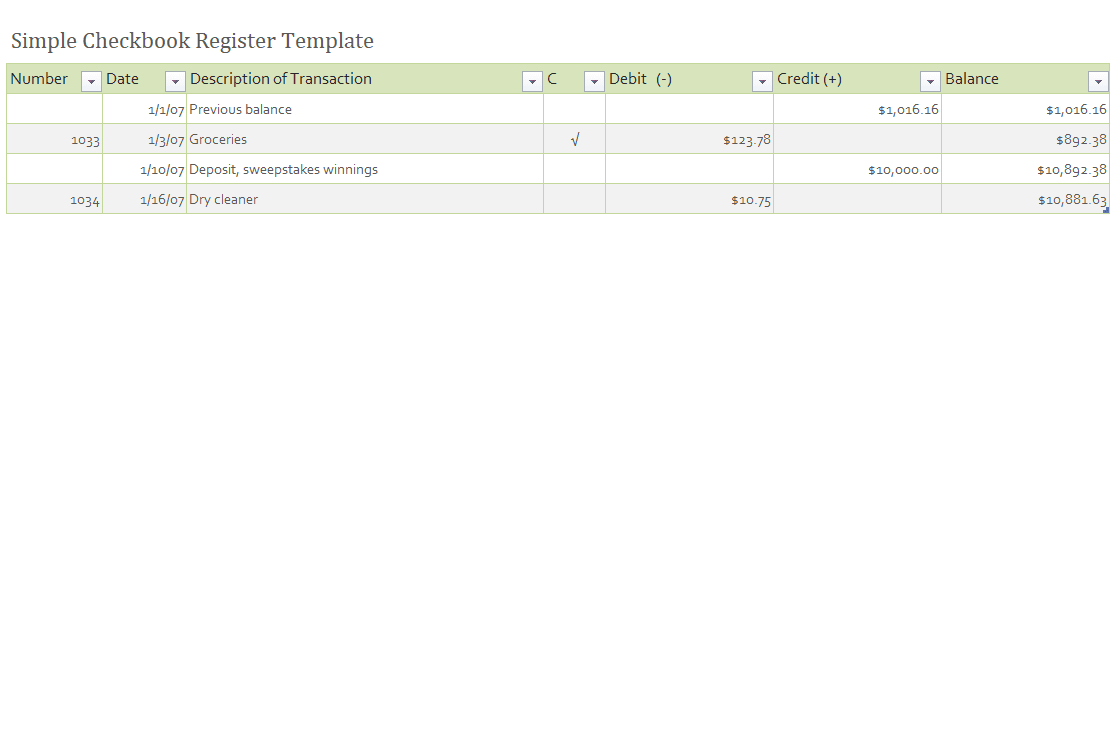
- Date field: Space to record the date of each transaction.
- Description field: An area to note the payee or source of a deposit.
- Debit and credit columns: Separate columns for money leaving and entering the account.
- Running balance column: An automatically or manually updated total after each entry.
- Check number field: Space to record the check number for each written check.
- Notes section: An area for additional comments about specific transactions.
Who Should Use These Templates?
- Individuals and families tracking personal checking account activity.
- Small business owners monitoring business account transactions.
- Bookkeepers and accountants maintaining accurate client records.
- Students learning to manage a checking account for the first time.
- Nonprofit treasurers tracking organizational spending and deposits.
- Anyone reconciling their account against monthly bank statements.
How to Start Using the Template in 3 Simple Steps
- Step 1 — Choose a template style: Browse the 10 options below and select the layout that fits your needs.
- Step 2 — Enter your starting balance: Record your current account balance to begin tracking from an accurate starting point.
- Step 3 — Log every transaction: Record each check, deposit, and withdrawal as it happens to keep the running balance accurate.
Checkbook Register vs. Bank Statement
While both track the same account, a checkbook register and a bank statement serve different purposes and cover different timeframes. A checkbook register is maintained by the account holder in real time, updated immediately after each transaction, which gives an up-to-the-minute view of the available balance. A bank statement, by contrast, is issued by the bank on a monthly basis and reflects only the transactions the bank has processed by that date. Comparing the two regularly, a process known as reconciliation, helps catch errors, uncashed checks, or unauthorized transactions before they become larger problems.
Customizing the Template for Your Needs
These templates are designed to be a flexible starting point rather than a fixed format. You can adjust the columns to match your specific tracking needs, add a category column to break down spending by type, or include a section for tracking automatic payments separately from written checks. Since the templates are provided in editable Excel format, most adjustments take only a few minutes and let you tailor the register to fit your particular account and habits.
Choosing the Right Format
With 10 different templates available, choosing the right one depends on your specific needs and how detailed your tracking needs to be. A simple layout works well for personal accounts with straightforward transactions, while a more detailed template suits small businesses tracking multiple categories of income and expense. Reviewing each option before committing to one can help you find the format that best fits your checkbook register needs, whether that’s personal budgeting or business bookkeeping.
Common Mistakes to Avoid
- Forgetting to record small transactions: Skipping minor purchases can throw off the running balance over time.
- Not reconciling regularly: Waiting too long between reconciliations makes it harder to spot errors.
- Mixing personal and business transactions: Combining the two in one register makes bookkeeping more difficult.
- Failing to record check numbers: Skipping this detail makes it harder to track down a specific transaction later.
- Not backing up completed registers: Losing a digital register without a backup can mean losing months of financial history.
Tips to Get the Most Out of Your Checkbook Register Template
- Update the register immediately after each transaction rather than waiting until the end of the day.
- Double-check your math when calculating the running balance to avoid compounding errors.
- Reconcile against your bank statement monthly to catch discrepancies early.
- Keep the template consistent across periods to make historical comparisons easier.
- Back up completed registers regularly to avoid losing important financial records.
Reconciling Your Register with Your Bank Statement
Reconciliation is the process of comparing your checkbook register against your bank statement to confirm that both show the same balance, accounting for any transactions still in process. Starting with your register balance and your statement balance, you add back any deposits you’ve recorded that haven’t yet cleared the bank and subtract any checks you’ve written that haven’t yet been cashed. If the two figures don’t match after making these adjustments, reviewing each transaction line by line usually reveals a missed entry, a math error, or occasionally a bank error that needs to be reported.
Switching from Paper to Digital Tracking
While a printed checkbook register has long been the traditional method for tracking a checking account, many people now prefer maintaining their register in Excel, where formulas can automatically calculate the running balance after each entry. Making the switch from paper to a digital spreadsheet reduces the risk of math errors and makes it easier to search past transactions or generate simple spending summaries. Choosing a template that’s already set up with the right formulas, rather than building one from scratch, makes this transition considerably easier for anyone used to tracking their account on paper.
Using a Checkbook Register for Small Business Bookkeeping
For a small business, a well-maintained checkbook register can serve as a simple first layer of bookkeeping, giving an owner a clear, chronological view of cash flow without the complexity of full accounting software. Recording each transaction with a brief but specific description, rather than a vague note, makes the register far more useful when it comes time to categorize expenses for tax purposes or review spending trends. While a checkbook register alone isn’t a substitute for proper accounting once a business grows more complex, it remains a valuable habit for staying on top of day-to-day cash movement in the meantime.
Tracking Recurring Payments and Subscriptions
Automatic payments and subscriptions can be easy to lose track of in a checkbook register if they aren’t recorded consistently, since they don’t involve the deliberate act of writing a check. Setting aside a few minutes at the start of each month to enter all known recurring charges, from utility bills to streaming subscriptions, helps ensure the register reflects a realistic picture of upcoming account activity rather than only the transactions that happen to be top of mind. Reviewing this list periodically also makes it easier to spot a forgotten subscription that’s quietly draining the account each month.
Building a Habit of Consistent Record-Keeping
The value of a checkbook register depends almost entirely on how consistently it’s updated, since a register with gaps or delayed entries quickly becomes an unreliable picture of an account’s true balance. Setting a specific time, whether it’s daily or a few times a week, to sit down and log any outstanding transactions helps turn record-keeping into a routine rather than an occasional catch-up task. Pairing this habit with keeping receipts or a simple notes app for on-the-go purchases makes it much easier to enter accurate details into the register later without relying on memory alone.
Storing and Archiving Completed Registers
Once a checkbook register is filled or a period closes out, deciding how to store it matters for both practical and financial reasons, since old registers can be useful for resolving disputes, supporting tax filings, or simply reviewing spending history. Keeping digital registers organized in dated folders, or scanning completed paper registers before filing them away, makes past records much easier to locate when they’re needed months or years later. Establishing a consistent retention period, rather than deciding case by case whether to keep or discard an old register, also helps avoid the situation of needing a record that was thrown away too soon.
Get Excel Checkbook Register Templates Here
Sample Checkbook Register Template
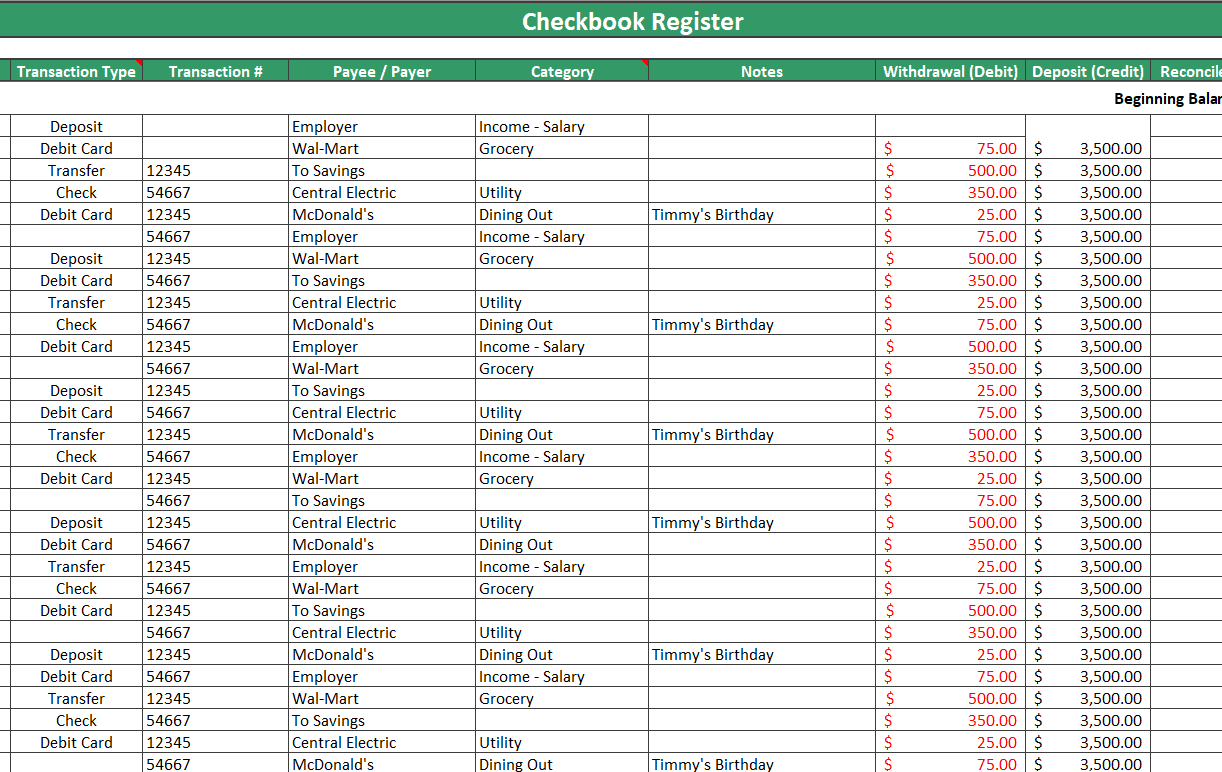
Business Checkbook Register Template
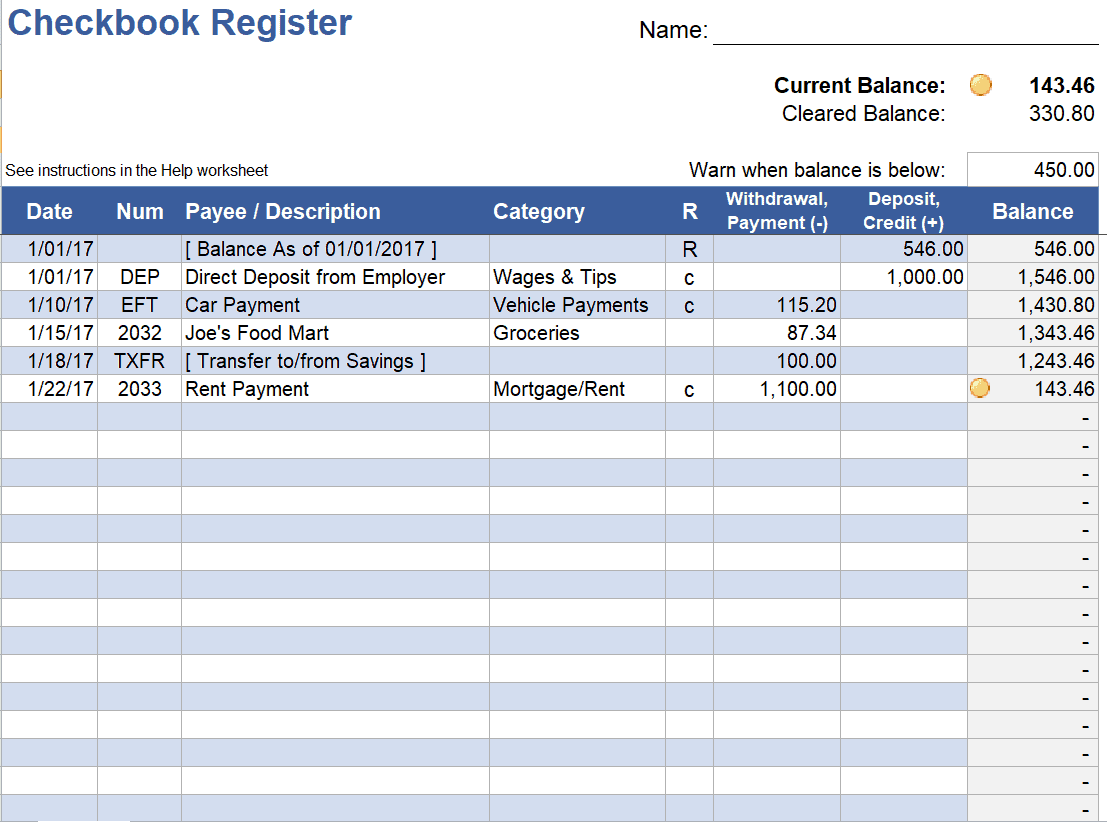
Summarized Checkbook Register Template
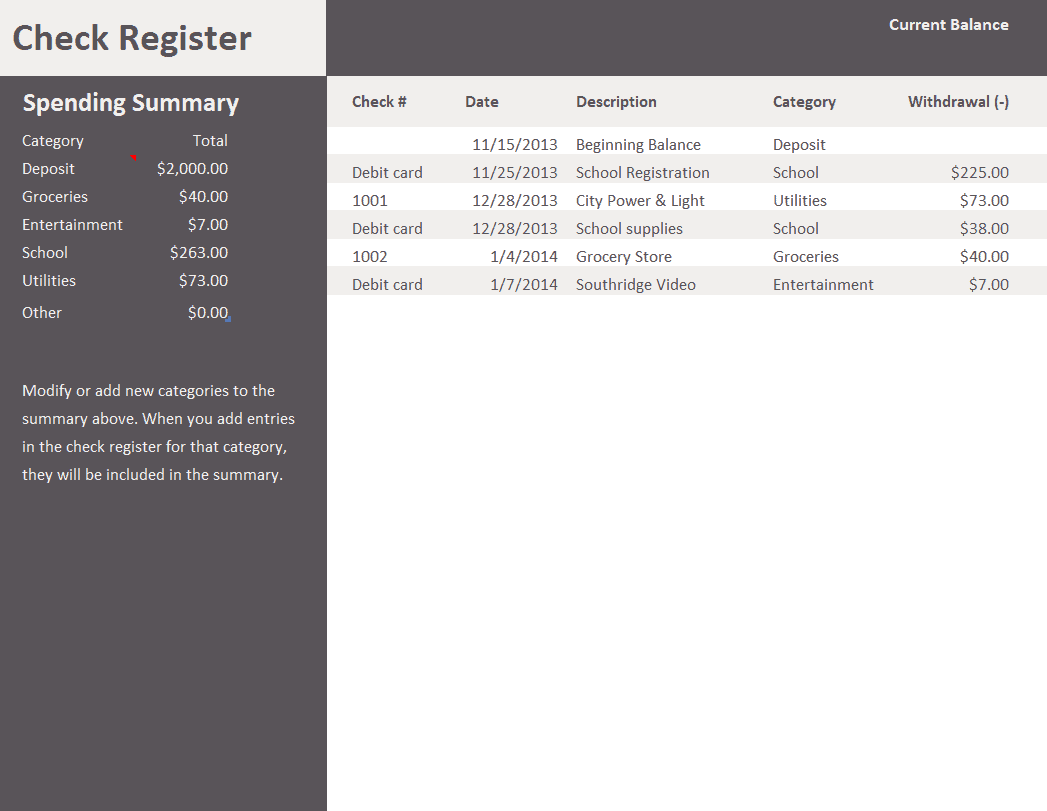
Blank Check Register Template
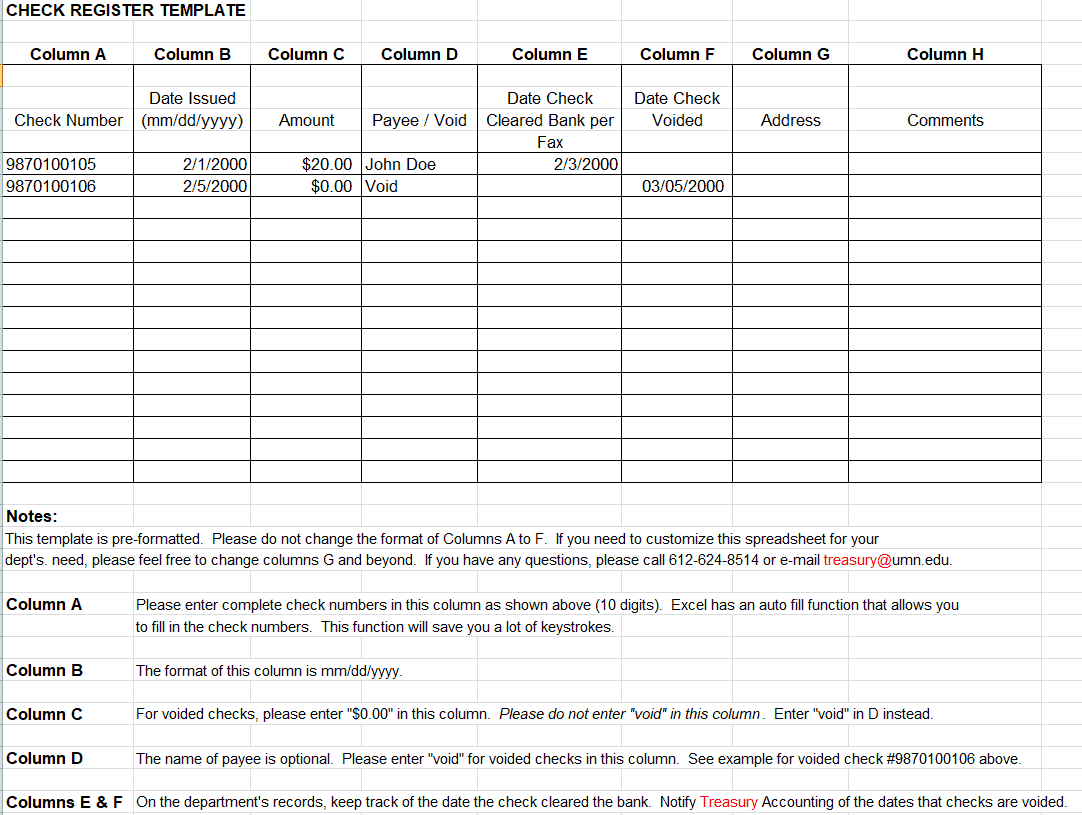
Professional Check Register Template
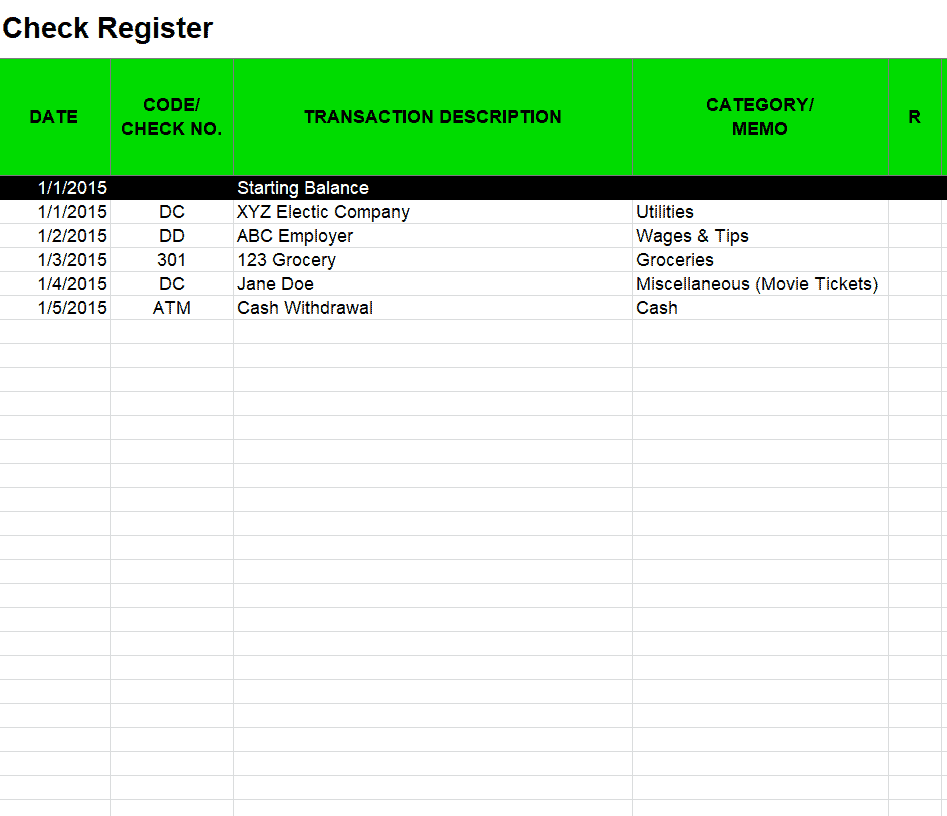
Example Checkbook Register Template
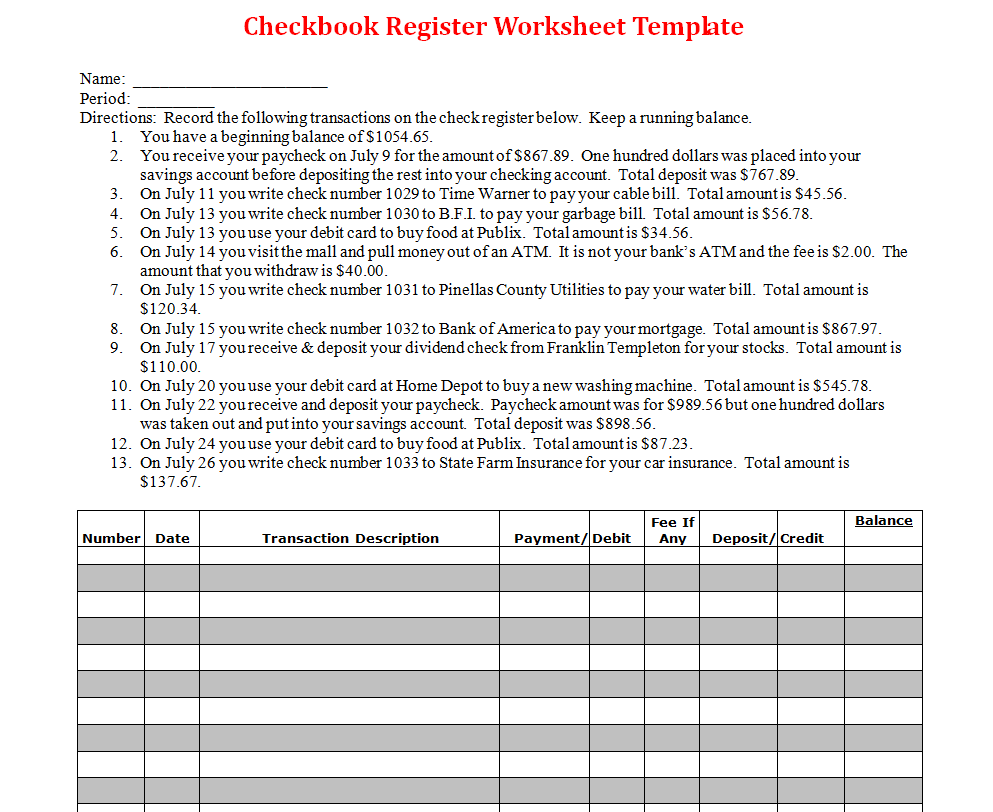
Checkbook Register Worksheet Template WORD
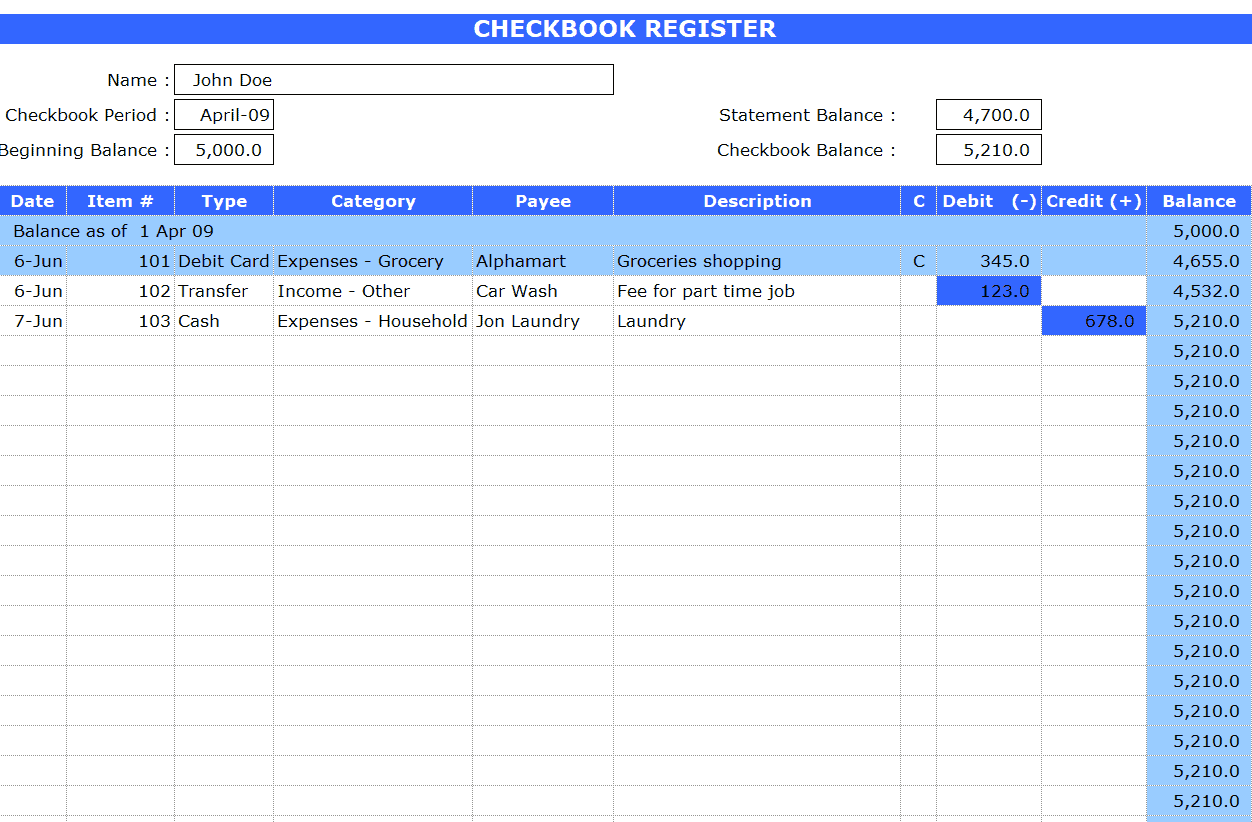
Detailed Checkbook Register Template
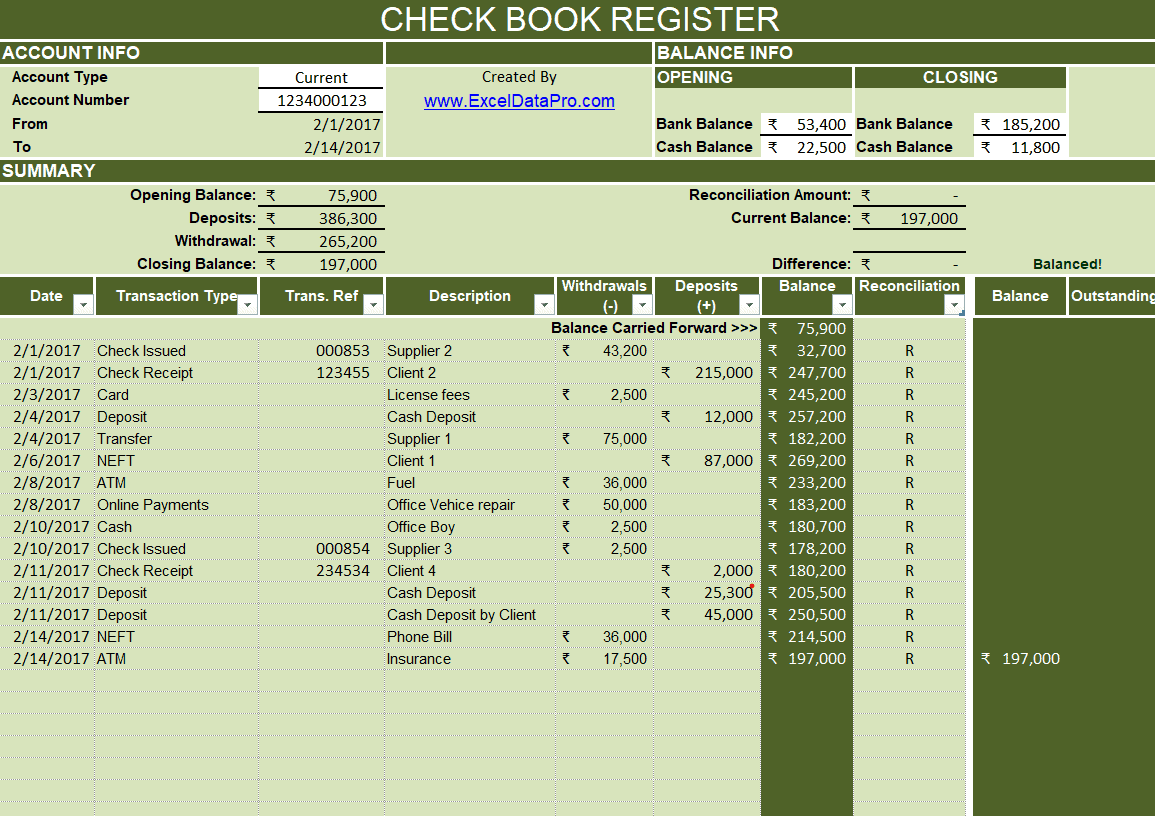
Checkbook Register Format Template
Simple Checkbook Register Template
Frequently Asked Questions
Are these checkbook register templates free to download?
Yes, all 10 checkbook register templates on this page are free to download and use.
Can I edit these templates in Excel?
Yes, all elements of the templates are editable in Microsoft Excel, so you can adjust columns and formulas to fit your needs.
What’s the difference between a checkbook register and a bank statement?
A checkbook register is updated by you in real time after each transaction, while a bank statement is issued monthly by the bank and reflects only processed transactions.
Are these templates suitable for small businesses?
Yes, several of these templates work well for small business bookkeeping in addition to personal account tracking.
How often should I update my checkbook register?
It’s best to update the register immediately after each transaction to keep the running balance accurate.
How do I reconcile my register with my bank statement?
Compare your register balance to your statement balance, adjusting for deposits or checks that haven’t yet cleared, to confirm the two figures match.
Can I use these templates to track multiple accounts?
Yes, since the templates are free and reusable, you can download a separate copy to track each account you manage.

You must be logged in to post a comment.