
A gift voucher should show the issuer, value or service, issue date, redemption instructions and any legitimate restrictions. The design must work when printed and the recipient should know how to use it without calling the business.
Set clear redemption terms on a gift voucher
- Saves design time: A ready-made layout means you don’t need graphic design skills to create a professional-looking voucher.
- Fully customizable: Add your own message, amount, and branding to personalize each voucher.
- Cost-effective: Printing your own voucher at home costs far less than purchasing pre-made gift cards.
- Works for any occasion: From birthdays to holidays to business promotions, these templates suit a wide range of uses.
- Great for businesses: Companies can use vouchers to promote products and reward loyal customers.
- Easy to print or share digitally: Vouchers can be printed at home or shared as a digital file.
Worked example: For a spa voucher worth $100, state whether it can be applied to any treatment, how remaining credit is handled, and the contact details for booking. A unique serial number can help the issuer track redemption.
Check before use: Review consumer-law requirements before adding expiry dates or fees; rules vary by jurisdiction. Test voucher codes and check that images do not obscure small but important terms.
For related resources, see Get 15 BEST Raffle Ticket Templates in MS WORD and 25+ Sample Price List Templates in WORD & EXCEL Templates.
What’s Included in the Gift Voucher Template
- Value or amount field: Space to specify the monetary value of the voucher.
- Recipient and sender fields: Areas to personalize who the voucher is from and for.
- Message space: Room to add a personal note or special occasion greeting.
- Expiration date field: Many templates include space to note a redemption deadline.
- Professional design elements: Attractive borders, colors, and fonts suited to gifting.
- Print-ready formatting: A layout that looks polished whether printed at home or professionally.
Who Should Use These Templates?
- Individuals looking for a personalized, budget-friendly gift for friends or family.
- Small business owners wanting to offer gift vouchers without expensive gift card systems.
- Retailers and shops promoting products or services through voucher-based marketing.
- Event planners creating vouchers as prizes or giveaways for events.
- Restaurants and salons offering vouchers for services as gifts or promotions.
- Anyone celebrating a special occasion who wants a flexible, thoughtful gift option.
How to Start Using the Template in 3 Simple Steps
- Step 1 — Choose a template style: Browse the fourteen options below and select the design that fits your occasion.
- Step 2 — Personalize the details: Add the value, recipient’s name, message, and any expiration date.
- Step 3 — Print or share: Print the voucher at home or send it as a digital file to the recipient.
Personal Gift Vouchers vs. Business Vouchers
While both types of vouchers follow a similar basic format, they tend to serve different purposes. A personal gift voucher, given to a friend or family member, often emphasizes a warm, personalized message and a design that matches the recipient’s taste or the occasion, such as a birthday or holiday. A business voucher, used for promotions or customer rewards, usually needs to reflect the company’s branding, including logo placement and consistent colors, since it also functions as a marketing tool. Choosing a template style that matches your specific purpose helps the voucher feel appropriate for its intended use.
Customizing the Template for Your Occasion
These templates are meant to be a flexible starting point rather than a fixed design. You might add a photo or graphic relevant to the occasion, adjust the color scheme to match a holiday or celebration theme, include your business logo for promotional vouchers, or add terms and conditions for redemption. Since the templates are provided in editable Word format, these kinds of changes take only a few minutes to make.
Choosing the Right Design for Your Gift
With fourteen different templates to choose from, picking the right design depends largely on who you’re giving the voucher to and the occasion itself. An elegant or formal design works well for special occasions like anniversaries or milestone birthdays, while a catchy or colorful design suits more casual gifts or younger recipients. For business use, a clean, professional template that leaves room for your logo and branding will look more polished and trustworthy to customers than an overly decorative option.
Common Mistakes to Avoid
- Forgetting the redemption details: Always include clear instructions on how and where the voucher can be redeemed.
- Missing an expiration date: Without one, vouchers can be redeemed indefinitely, which may not suit your intentions.
- Inconsistent branding: For business vouchers, mismatched colors or fonts can look unprofessional.
- Overcomplicating the design: Too many design elements can make the voucher’s key information hard to read.
- Skipping a final proofread: Double-check the amount and recipient details before printing or sending.
Tips to Get the Most Out of Your Gift Voucher Template
- Use quality paper when printing to give the voucher a more premium, gift-worthy feel.
- Personalize the message to make the voucher feel more thoughtful than a generic gift card.
- Keep a record of issued vouchers, especially for business use, to track redemptions.
- Pair with packaging like a nice envelope or small box to enhance the presentation.
- Consider a digital version for recipients who prefer email or text over physical gifts.
Using Gift Vouchers for Business Promotions
Beyond personal gifting, vouchers are a popular tool for businesses looking to attract new customers or reward loyal ones. A well-designed voucher can serve as an effective promotional item, whether distributed at events, included with a purchase, or offered as part of a marketing campaign. When using vouchers for business purposes, it helps to track redemption rates to understand how effective the promotion is, and to set clear terms, such as minimum purchase requirements or applicable products, to avoid confusion at the point of redemption.
Printing and Presenting Your Gift Voucher
How you print and present a gift voucher can significantly affect how it’s received, especially for personal gifts. Using heavier cardstock rather than standard printer paper gives the voucher a more substantial, premium feel that better matches the effort of choosing a thoughtful gift. For an extra touch, consider folding the voucher like a card, adding a wax seal or ribbon, or placing it inside a small decorative envelope. For business vouchers distributed in bulk, standard paper and a straightforward design are usually more practical, prioritizing clarity and ease of redemption over decorative presentation.
Setting Clear Terms and Conditions
Whether personal or business-related, a gift voucher works best when its terms are clearly stated to avoid confusion later. This includes specifying what the voucher can be redeemed for, whether it covers the full purchase or just a portion, any minimum spend requirements, and whether it can be combined with other offers or discounts. For business vouchers in particular, clearly printed terms protect both the business and the customer from misunderstandings at checkout, and they help staff process redemptions consistently regardless of who is working the register that day. Even for a personal gift, a brief note about how long the voucher is valid helps the recipient know when to use it.
Tracking and Managing Issued Vouchers
For businesses issuing vouchers regularly, keeping a simple record of what’s been distributed helps prevent both lost revenue from unredeemed vouchers going unaccounted for and confusion over duplicate or expired vouchers being presented for redemption. A basic spreadsheet noting the voucher amount, recipient, issue date, and redemption status is usually sufficient for a small business, while larger operations might prefer a more structured tracking system or point-of-sale integration. Even for personal use, jotting down which vouchers you’ve given out and to whom can be helpful if you ever need to verify a voucher’s authenticity or value down the line.
Gift Vouchers as an Alternative to Traditional Gifts
A gift voucher offers a unique middle ground between the impersonal feel of cash and the risk of choosing a physical gift the recipient may not actually want or need. This flexibility makes vouchers especially useful for recipients who are difficult to shop for, live far away, or have very specific tastes that are hard to guess. Unlike a generic store-bought gift card, a personalized voucher template lets you add a handwritten-style message and a design that reflects your relationship with the recipient, which can make the gift feel considerably more thoughtful even though the underlying concept, letting the recipient choose their own item, remains the same as a standard gift card.
Get FREE Gift Voucher Templates Here:
Sample Gift Voucher Template
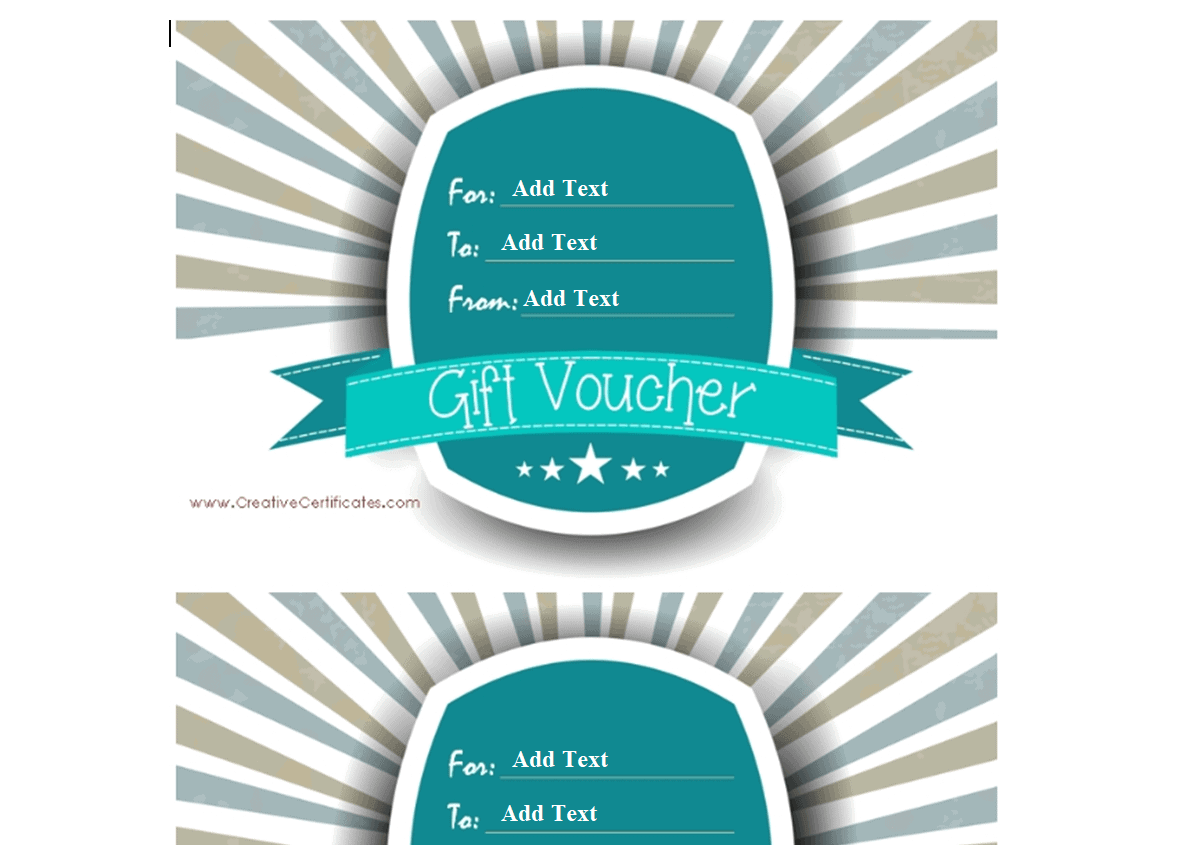
Elegant Design Gift Voucher Template
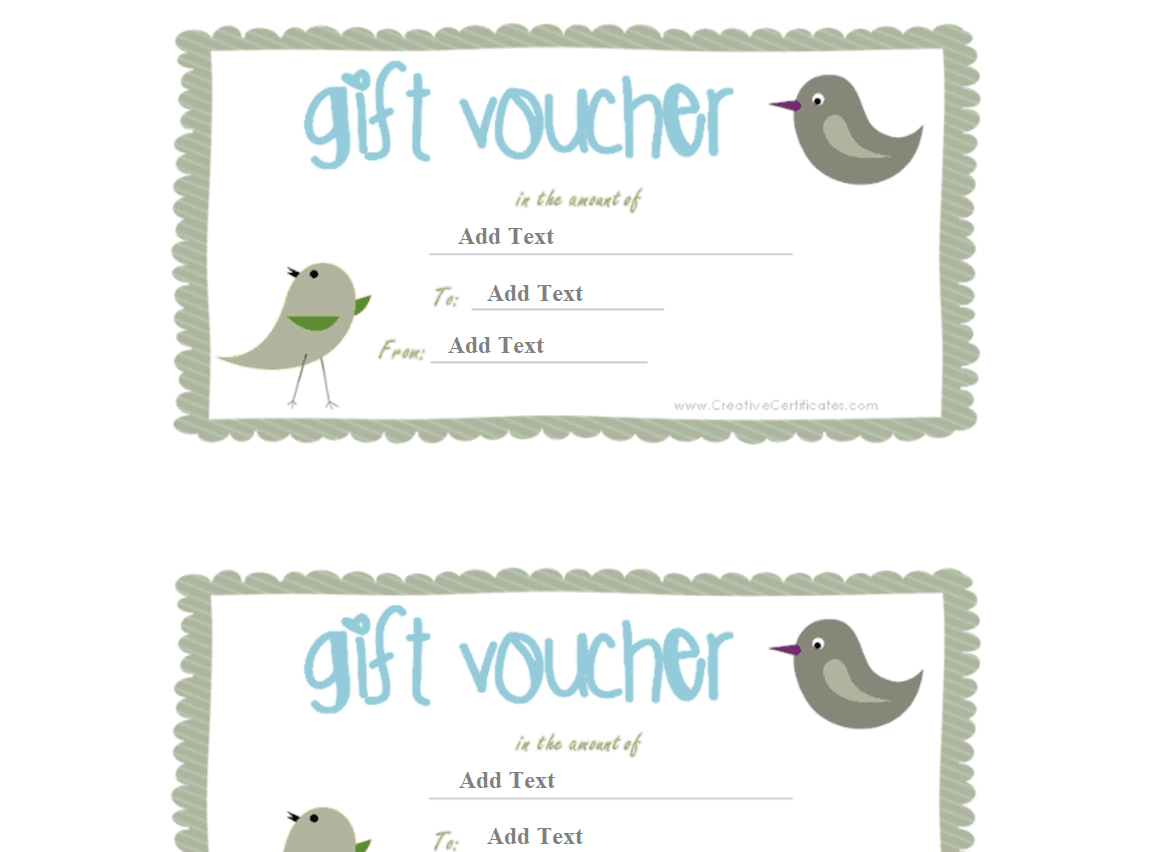
Shopping Gift Voucher Template
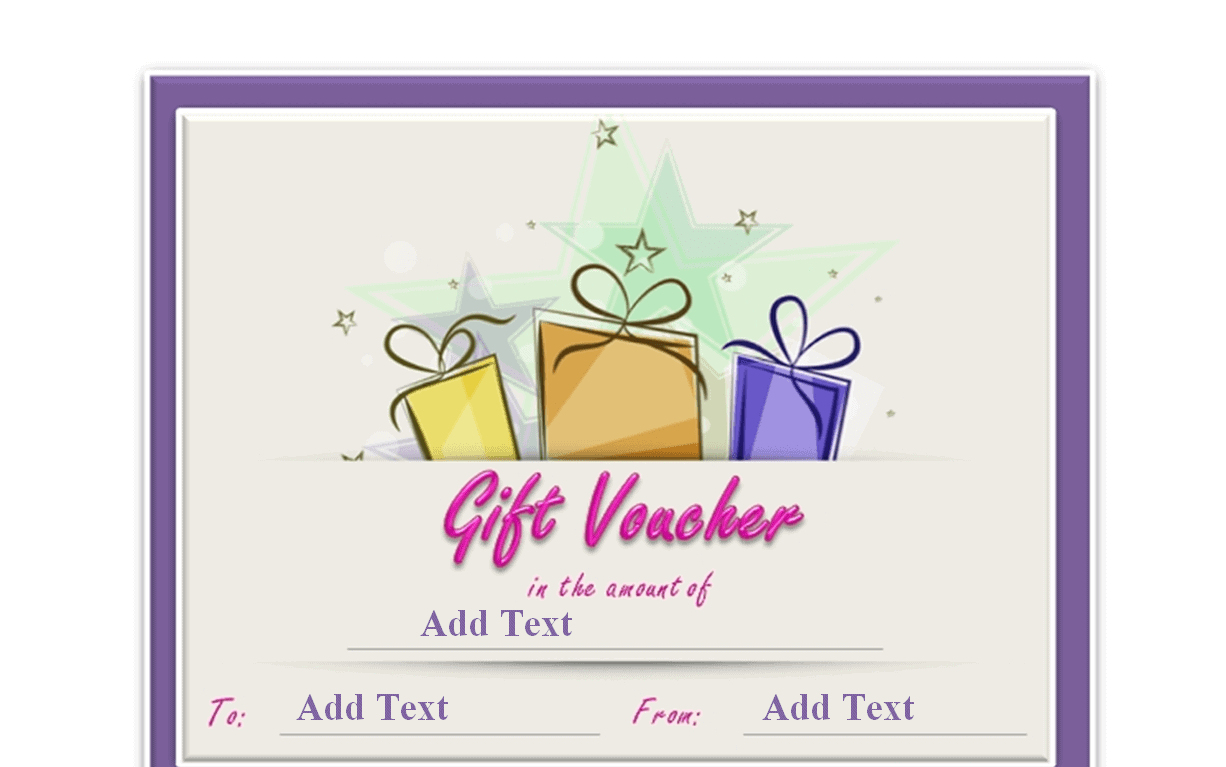
Unique Gift Voucher Template
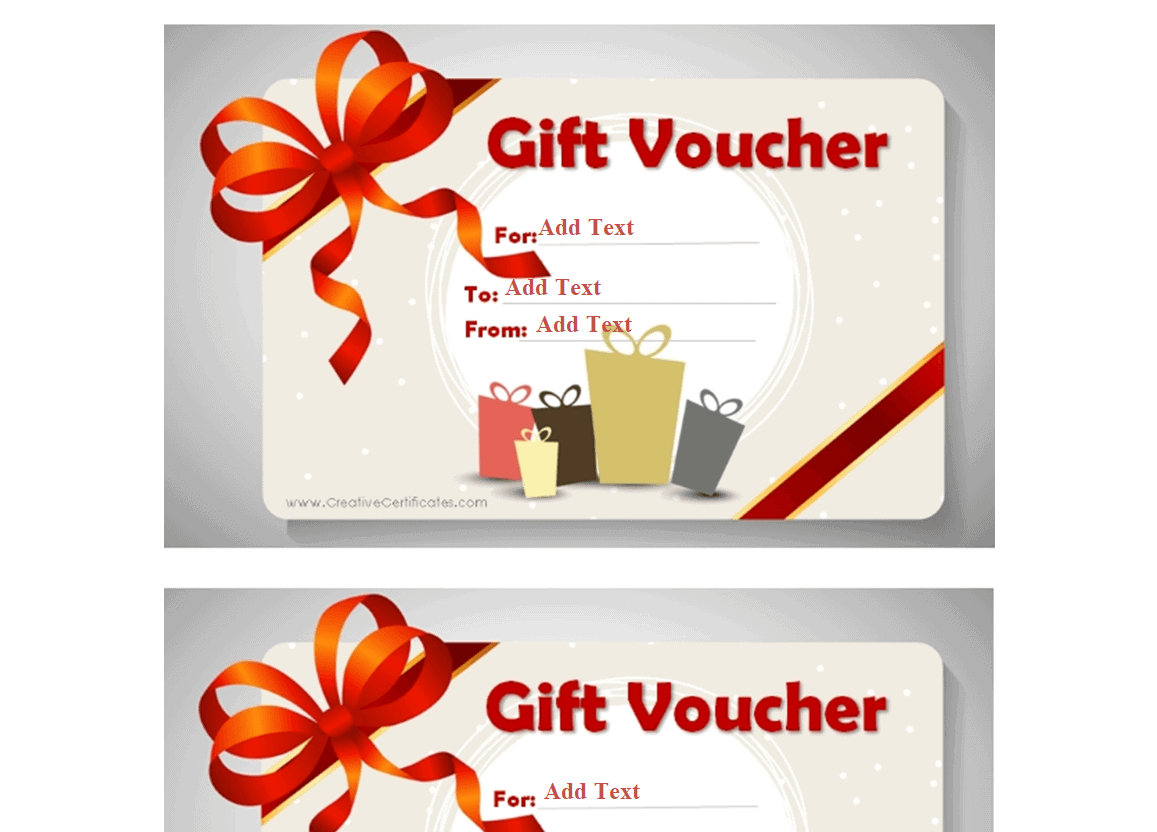
Simple Gift Voucher Template
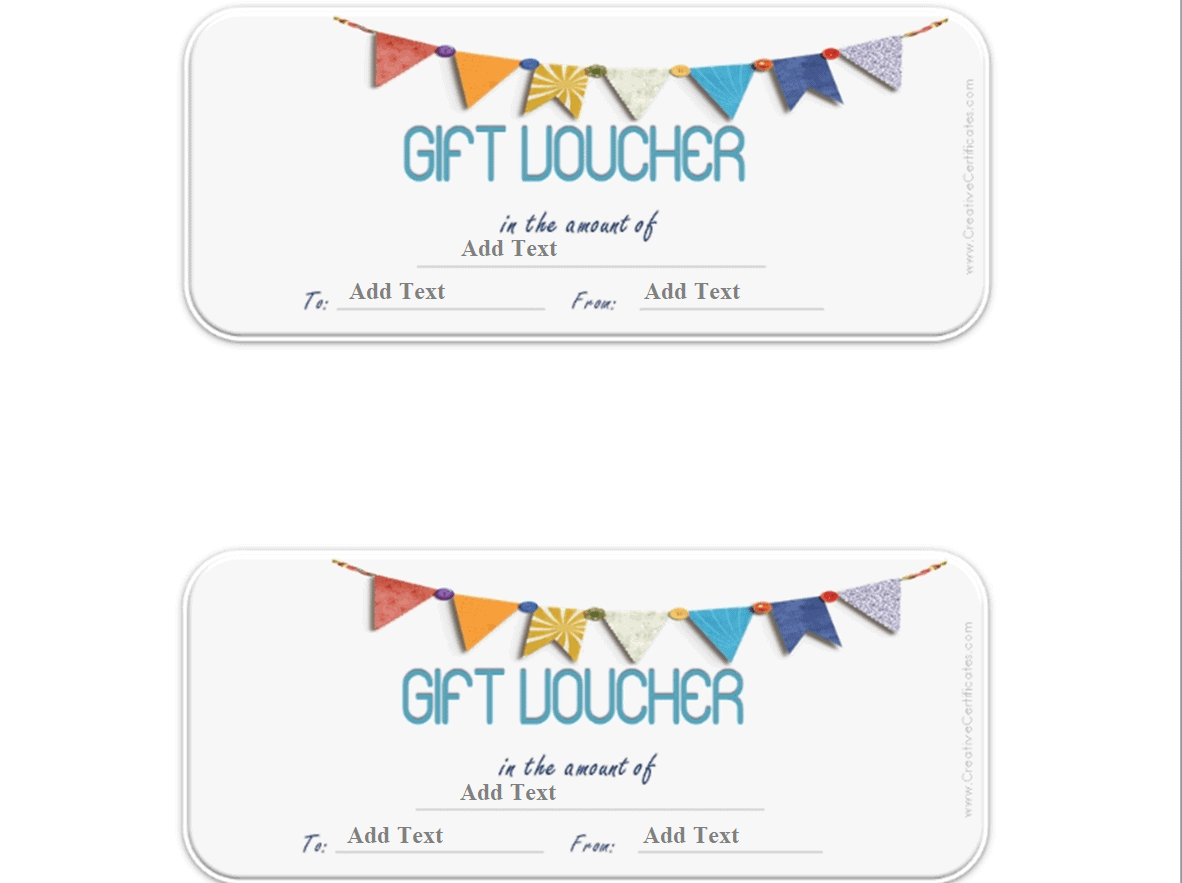
Basic Gift Voucher Template
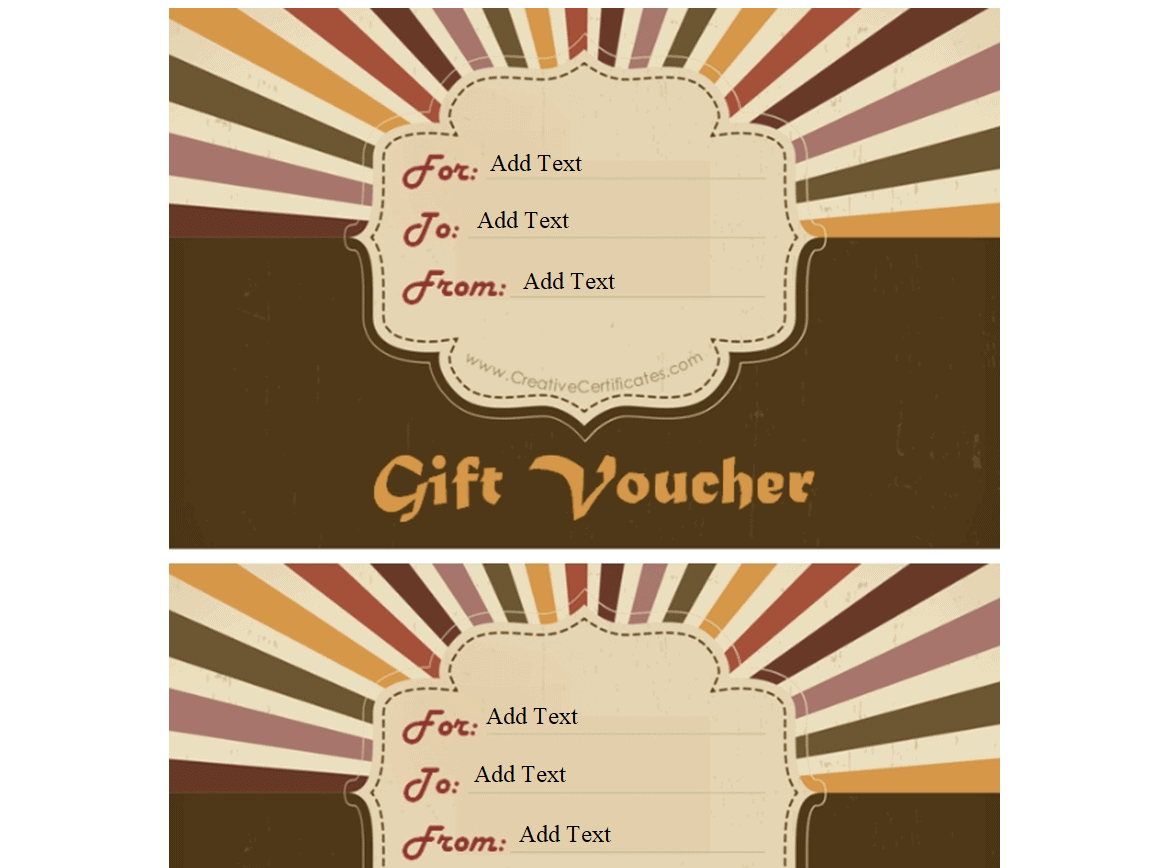
Catchy Gift Voucher Template
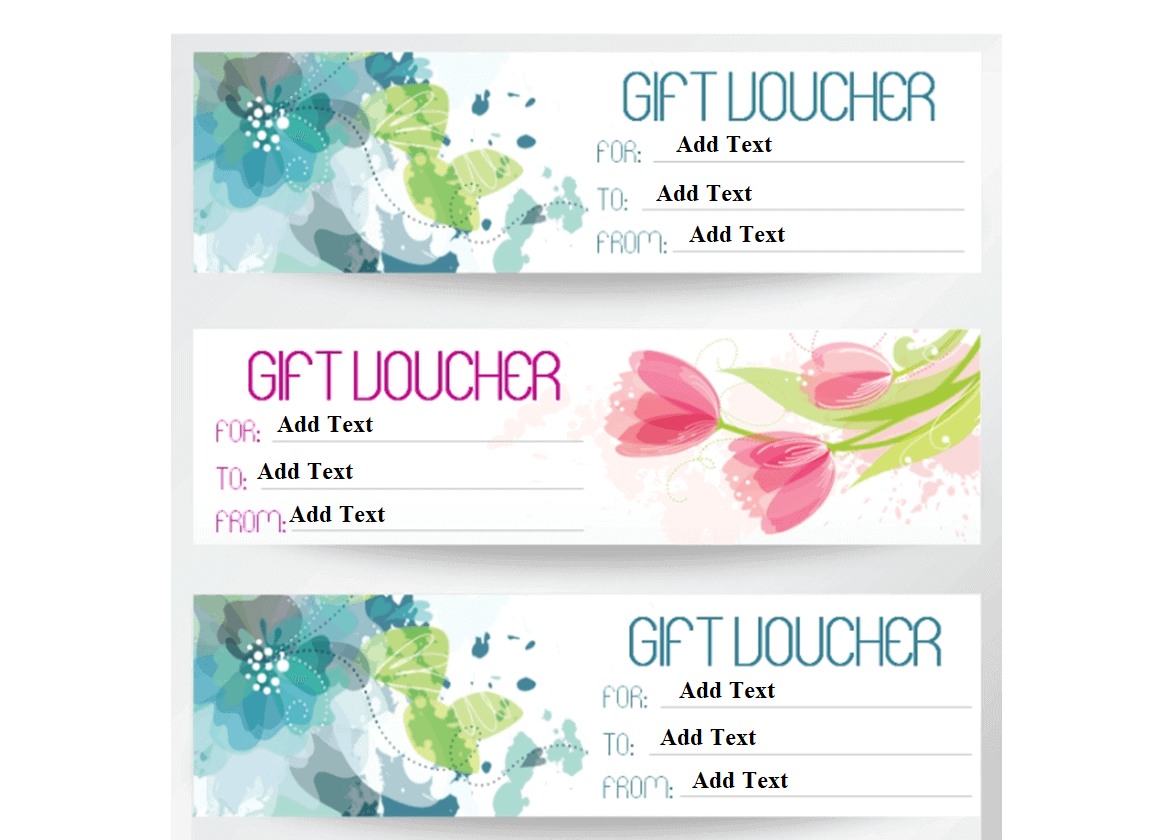
Simplistic Gift Voucher Template
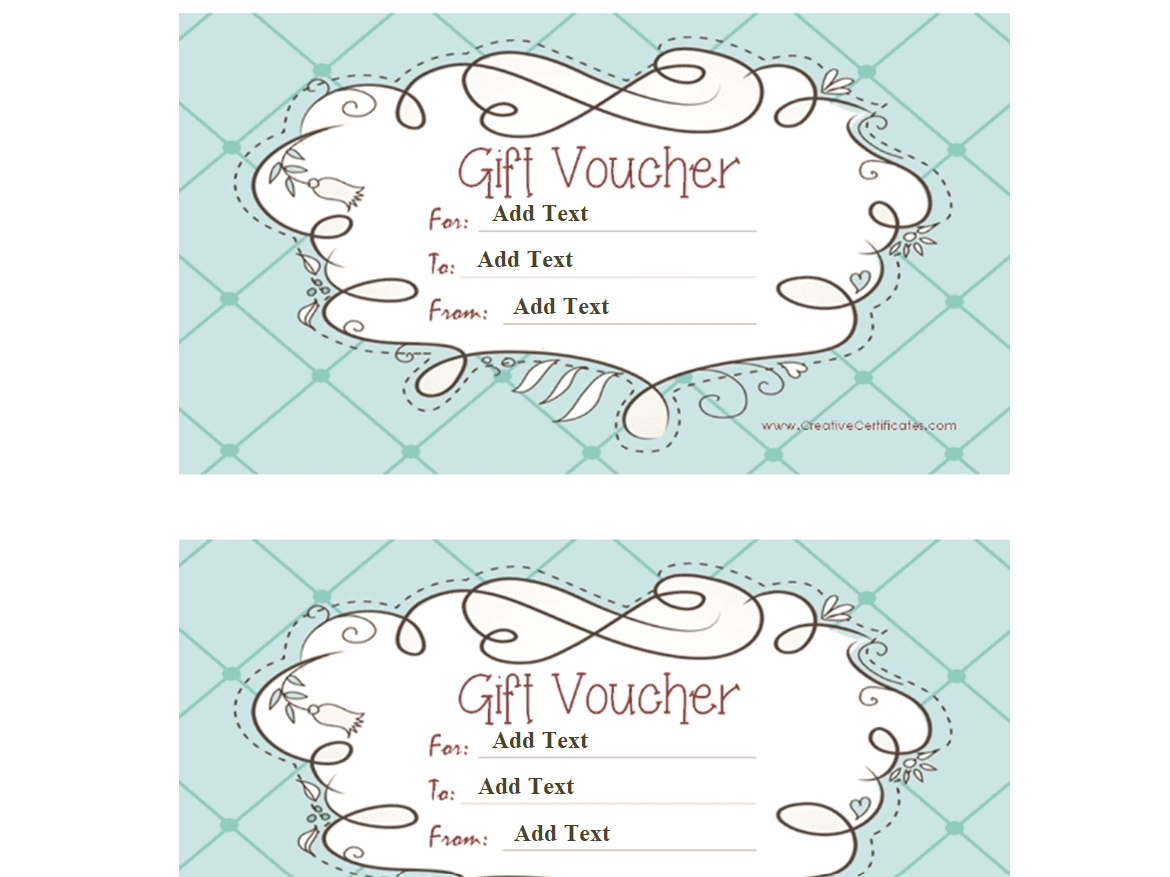
Example Gift Voucher Template
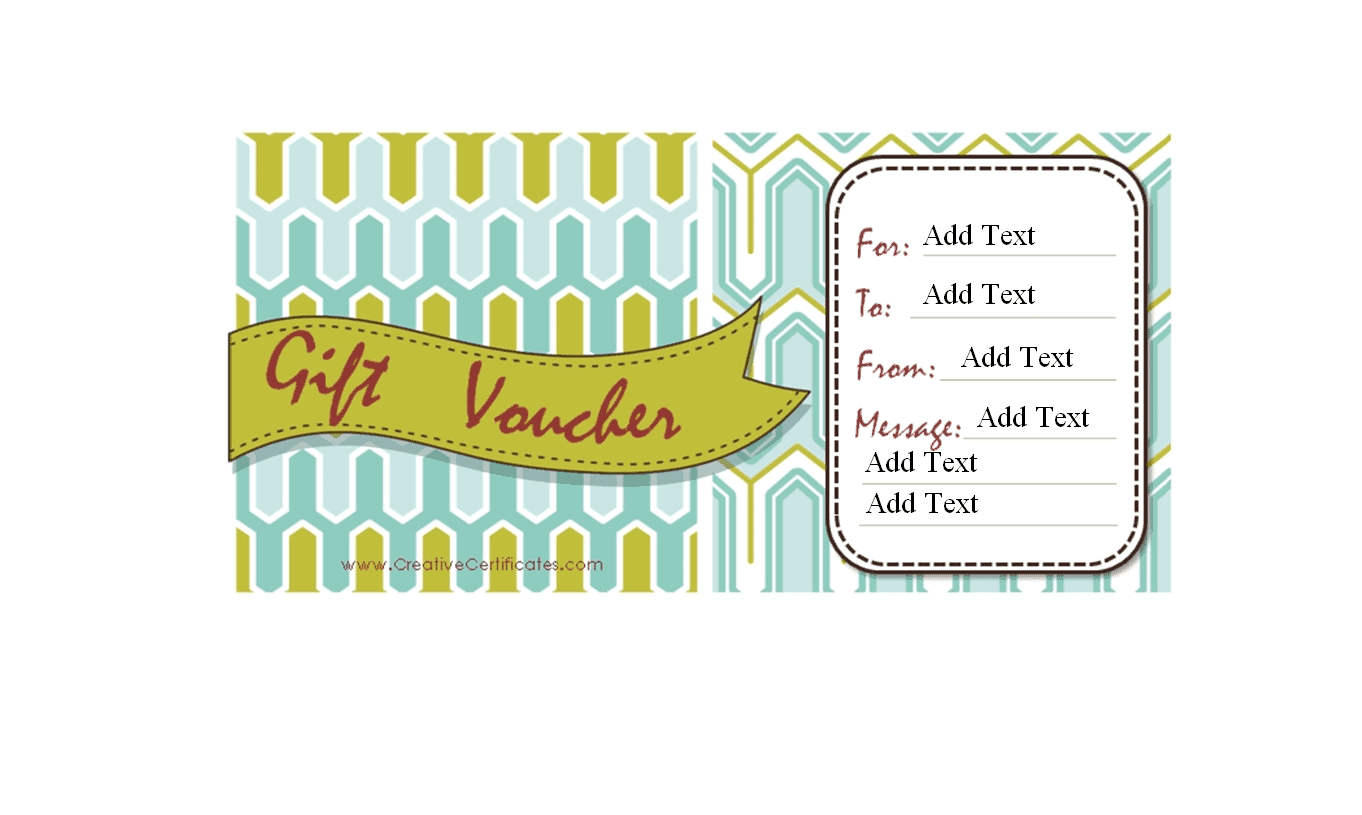
Gift Voucher Sample Template
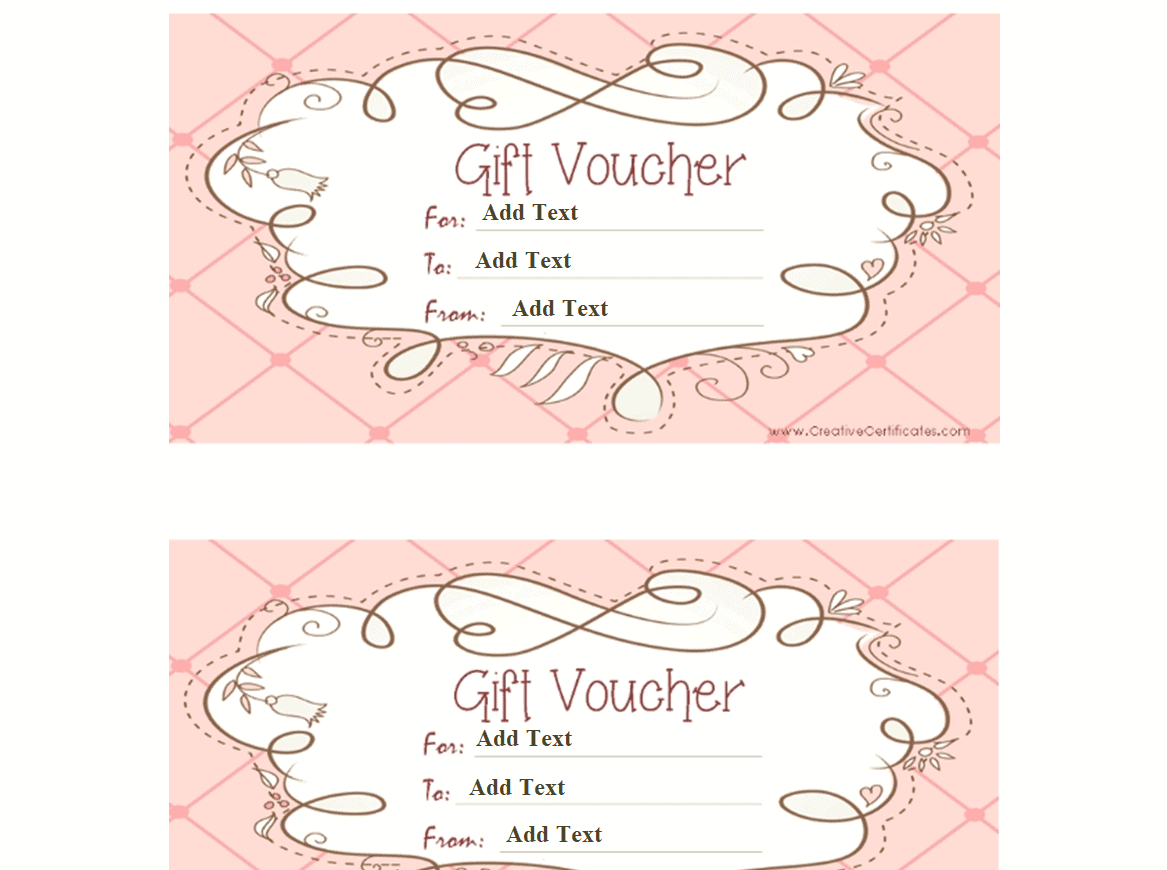
Attractive Gift Voucher Template
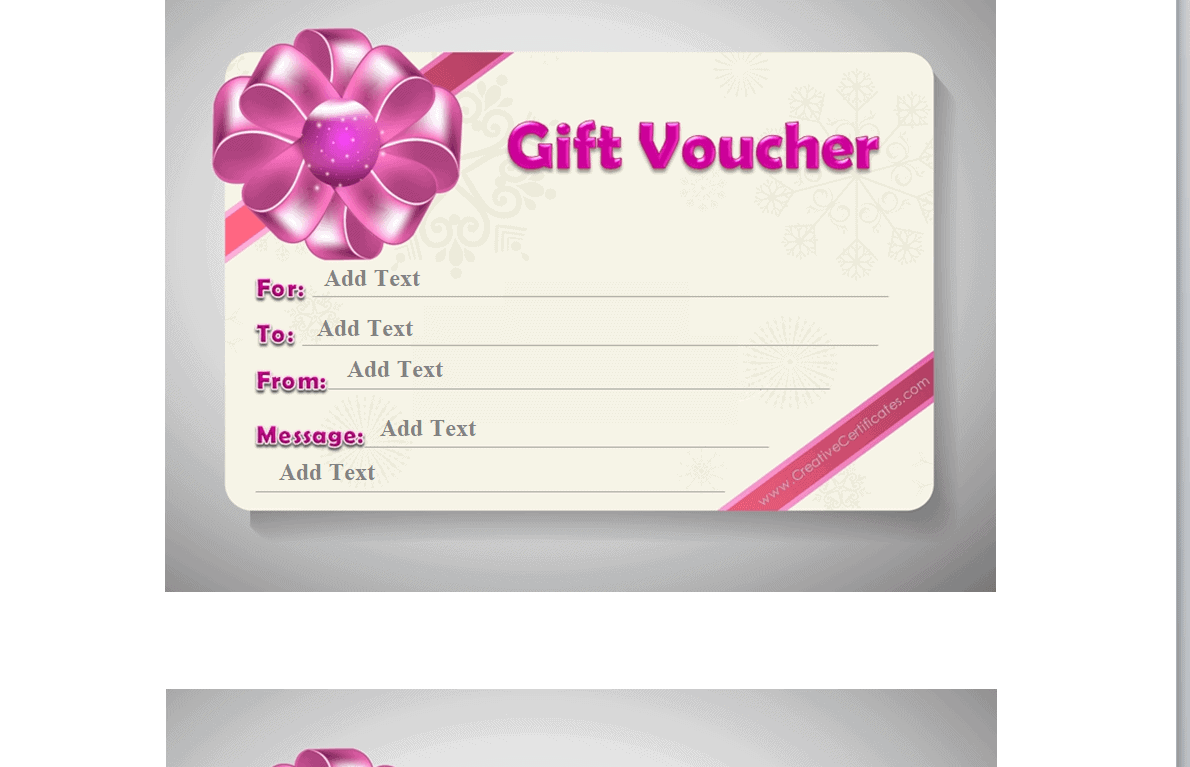
Small Business Gift Voucher Card Template
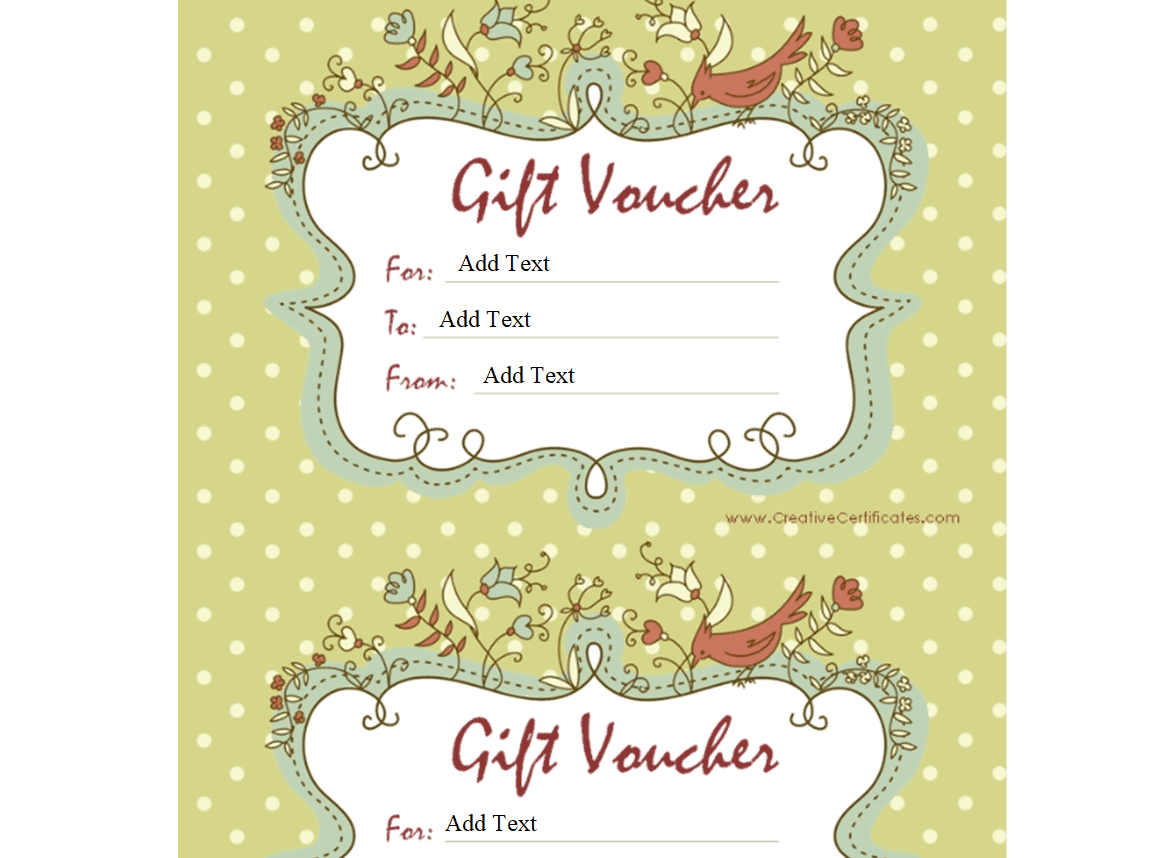
Professional Gift Voucher Template
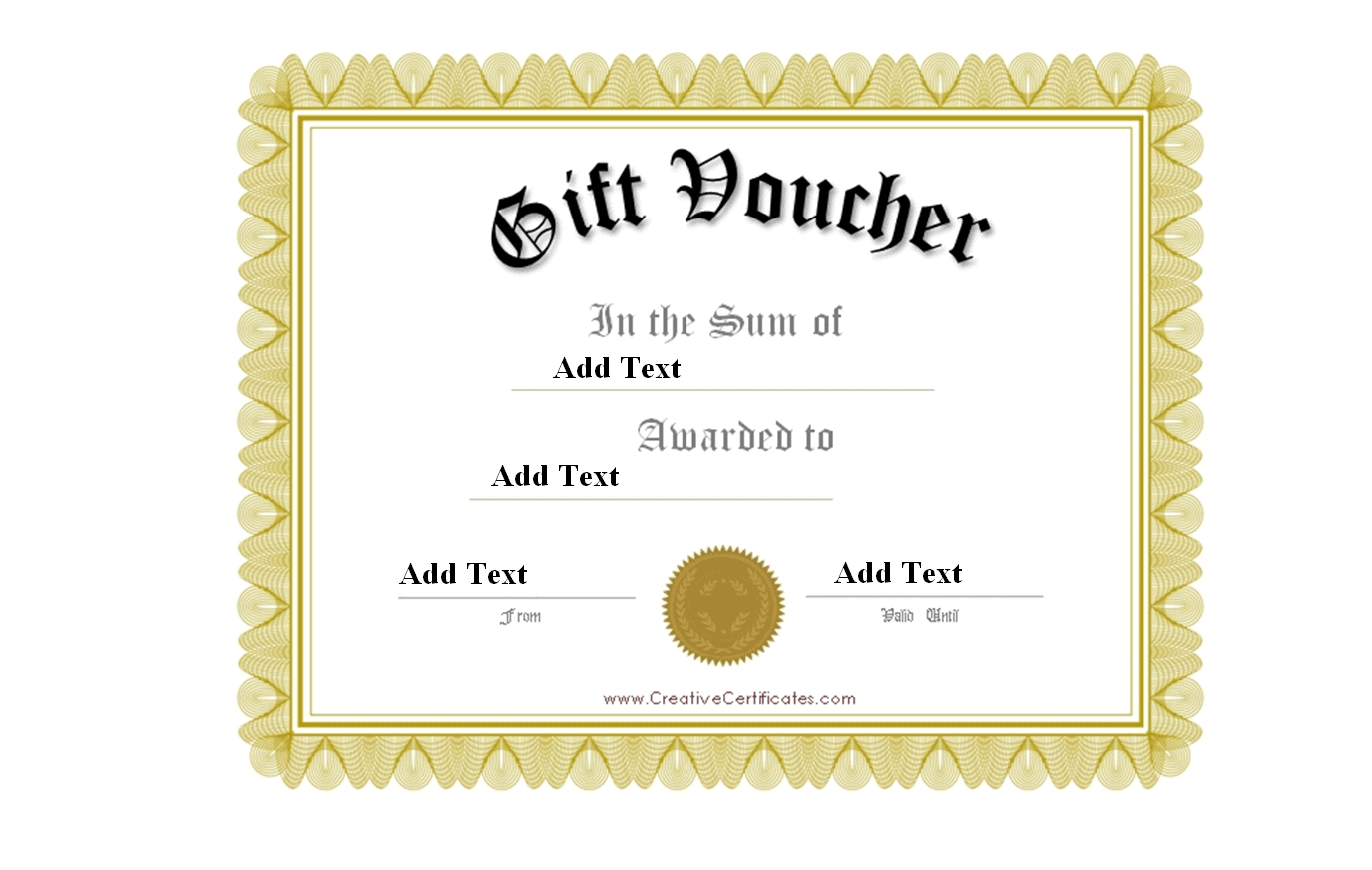
Special Gift Voucher Template
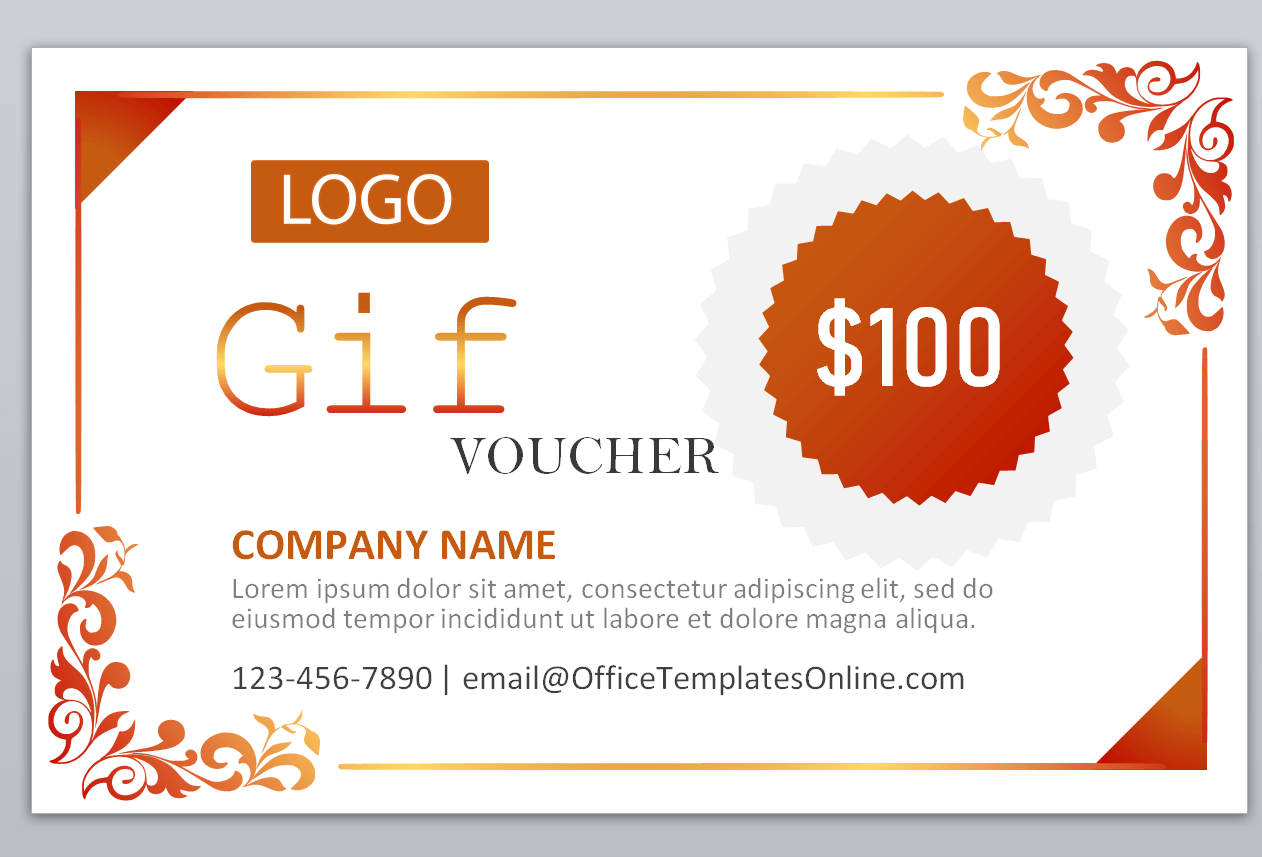
Frequently Asked Questions
Are these gift voucher templates free to download?
Yes, all fourteen gift voucher templates on this page are free to download and use.
Which file format are these templates available in?
The templates are provided in Word format, making them easy to edit and print.
Can I customize the amount and message on these templates?
Yes, all templates are fully editable, letting you add your own value, message, and recipient details.
Are these templates suitable for business use?
Yes, several templates work well for business promotions and can be customized with your branding.
Can I add an expiration date to the voucher?
Yes, most templates include space to add an expiration date for redemption.
Do I need Microsoft Word to use these templates?
Most templates are built for Word but also open in free alternatives such as Google Docs or LibreOffice.
What’s the best way to present a printed gift voucher?
Using cardstock paper and pairing it with a nice envelope or card gives the voucher a more premium feel.

You must be logged in to post a comment.