
A merit certificate should identify the recipient, educational or organisational setting, achievement category, date and issuing authority. Recognition for effort, academic achievement and service should have distinct language.
Make merit certificates reflect transparent criteria
Worked example: For a mathematics merit award, identify the school term and the verified accomplishment. A participation certificate should not imply the same competitive ranking as a first-place award.
Check before use: Confirm dates, names and award criteria, and check layout at the intended print size. Avoid adding official seals or accreditation statements without permission.
- Saves design time: A ready-made layout means you can focus on the recognition instead of designing a certificate from scratch.
- Boosts morale: A formal, professional-looking certificate makes recognition feel more meaningful to the recipient.
- Maintains consistency: Using the same template for every certificate keeps your organization’s recognition program uniform.
- Easy to customize: Editable fields let you quickly adapt the template to any name, achievement, or date.
- Builds a paper trail: Printed certificates serve as a lasting record of accomplishment for the recipient.
- Free and reusable: Download once and reuse the same design for every recognition event.
For related resources, see 8 BEST Student Award Certificate Templates [WORD, PDF, PPTX] and Best 14+ Customizable Certificate of Achievement Templates.
What’s Included in the Merit Certificate Template
- Recipient name field: Space to fill in the full name of the person being recognized.
- Achievement description field: An area to describe the specific accomplishment or performance being honored.
- Date field: Space to note when the certificate was awarded.
- Signature line: An area for an authorized signature, such as a principal, manager, or director.
- Organization details: Space to include the name and logo of the issuing school, company, or institution.
- Decorative border: A professional design element that gives the certificate a formal, polished appearance.
Who Should Use These Templates?
- School administrators and teachers recognizing student achievement and academic excellence.
- Human resources professionals honoring employee performance and contributions.
- Training coordinators awarding certificates for course completion and outstanding participation.
- Business owners recognizing staff milestones and accomplishments.
- Club and organization leaders honoring members for their contributions.
- University departments recognizing research and academic contributions.
How to Start Using the Template in 3 Simple Steps
- Step 1 — Choose a template style: Browse the 15 options below and select the design that fits your occasion.
- Step 2 — Fill in the details: Add the recipient’s name, achievement, date, and authorizing signature.
- Step 3 — Print or share: Print the certificate on quality paper or share it digitally with the recipient.
Merit Certificate vs. Certificate of Achievement
While the two documents are closely related, a merit certificate and a certificate of achievement are typically used in slightly different contexts. A merit certificate generally recognizes consistent good performance or exemplary conduct over time, such as strong academic performance across a term or reliable work performance over a year. A certificate of achievement, by contrast, often recognizes a specific milestone or completed goal, such as finishing a course or reaching a sales target. Many organizations use both types depending on whether they’re recognizing an ongoing pattern of excellence or a single accomplishment.
Customizing the Template for Your Organization
These templates are designed to be a flexible starting point rather than a fixed format. You can add your organization’s logo, adjust the color scheme to match your branding, or reword the achievement description to fit the specific accomplishment being recognized. Since the templates are provided in editable PDF or Word format, most adjustments take only a few minutes and let you tailor the certificate to fit the occasion and the recipient.
Choosing the Right Format
With 15 different templates available, choosing the right one depends on your organization’s specific needs and how formal the occasion is. The printable PDF templates work well when you need a ready-to-print certificate without further editing, while the editable Word templates offer more flexibility when you want to personalize the wording or design. Reviewing each option before committing to one can help you find the design that best fits your recognition program.
Common Mistakes to Avoid
- Misspelling the recipient’s name: Double-check the spelling before printing, since this is the most noticeable error on a certificate.
- Using vague achievement descriptions: A generic description feels less meaningful than one that specifically names the accomplishment.
- Skipping the signature: An unsigned certificate can feel less official and less personal.
- Printing on low-quality paper: The paper stock affects how formal and lasting the certificate feels.
- Inconsistent design across certificates: Switching templates frequently can make your recognition program feel less cohesive.
Tips to Get the Most Out of Your Merit Certificate Template
- Present the certificate in person when possible to make the recognition feel more meaningful.
- Use quality paper or cardstock to give the certificate a more formal, lasting feel.
- Keep the achievement description specific so the recipient understands exactly what’s being recognized.
- Maintain a consistent template across your organization’s recognition program.
- Keep a digital record of certificates issued for future reference.
Building a Recognition Program Around Merit Certificates
A single certificate can brighten someone’s day, but the real value of merit certificates often comes from using them as part of a broader, consistent recognition program rather than as an occasional gesture. Establishing clear, well-communicated criteria for when a certificate is awarded, whether that’s a monthly employee spotlight or an end-of-term academic honor roll, helps recipients understand what’s being valued and encourages others to work toward similar recognition. A predictable, fair recognition program tends to have a much stronger effect on morale and motivation than certificates awarded sporadically or without clear criteria.
Digital vs. Printed Merit Certificates
While a printed certificate on quality paper still carries a certain formal weight, many organizations now also issue digital versions that can be emailed, shared on social media, or added to a recipient’s professional portfolio. A digital certificate offers convenience and immediacy, particularly for remote teams or online courses where an in-person presentation isn’t practical, while a printed certificate offers a tangible keepsake that can be framed and displayed. Many organizations find that offering both, a digital copy for sharing and a printed copy for keeping, gives recipients the best of both formats.
Writing Meaningful Achievement Descriptions
The text describing the recipient’s achievement is often the most important part of a merit certificate, yet it’s also the part most likely to be filled in hastily with generic language. Taking a moment to name the specific accomplishment, such as “for outstanding leadership in the Q3 sales campaign” rather than simply “for good work,” makes the recognition feel far more personal and genuine to the recipient. This small amount of extra effort in wording the achievement description is often what separates a certificate that gets framed and displayed from one that gets set aside and forgotten.
Certificate Presentation Etiquette
How a certificate is presented can matter almost as much as the certificate itself, since a thoughtful presentation reinforces the sense that the recognition is genuine and valued by the organization. Presenting certificates during a team meeting, school assembly, or company event, rather than simply leaving them on a desk, gives the moment appropriate visibility and allows colleagues or classmates to share in celebrating the accomplishment. A brief, sincere statement about why the recognition is being given, spoken aloud during the presentation, often leaves a stronger impression on the recipient than the certificate document alone.
Framing and Displaying Your Merit Certificate
For many recipients, a merit certificate becomes something worth displaying, whether that’s on an office wall, a bedroom wall, or a family refrigerator, and a few small choices can help it hold up well over time. Choosing a simple, sturdy frame that complements the certificate’s design, rather than an overly ornate one that competes with it, tends to give the certificate a cleaner, more professional appearance when displayed. Keeping the certificate out of direct sunlight also helps prevent the paper and ink from fading over the months and years it may end up staying on display.
Adapting Templates for Different Age Groups
A merit certificate intended for a young student often benefits from a different tone and design than one intended for a working professional, even when the underlying purpose of recognizing achievement is the same. Brighter colors, simpler language, and a more playful border tend to resonate better with younger recipients, while a more understated, formal design tends to feel more appropriate in a corporate or university setting. Reviewing who the certificate is actually going to before finalizing the design helps ensure the tone matches the audience rather than feeling either too childish or too sterile for the occasion.
Download Printable Merit Certificate Templates in PDF:
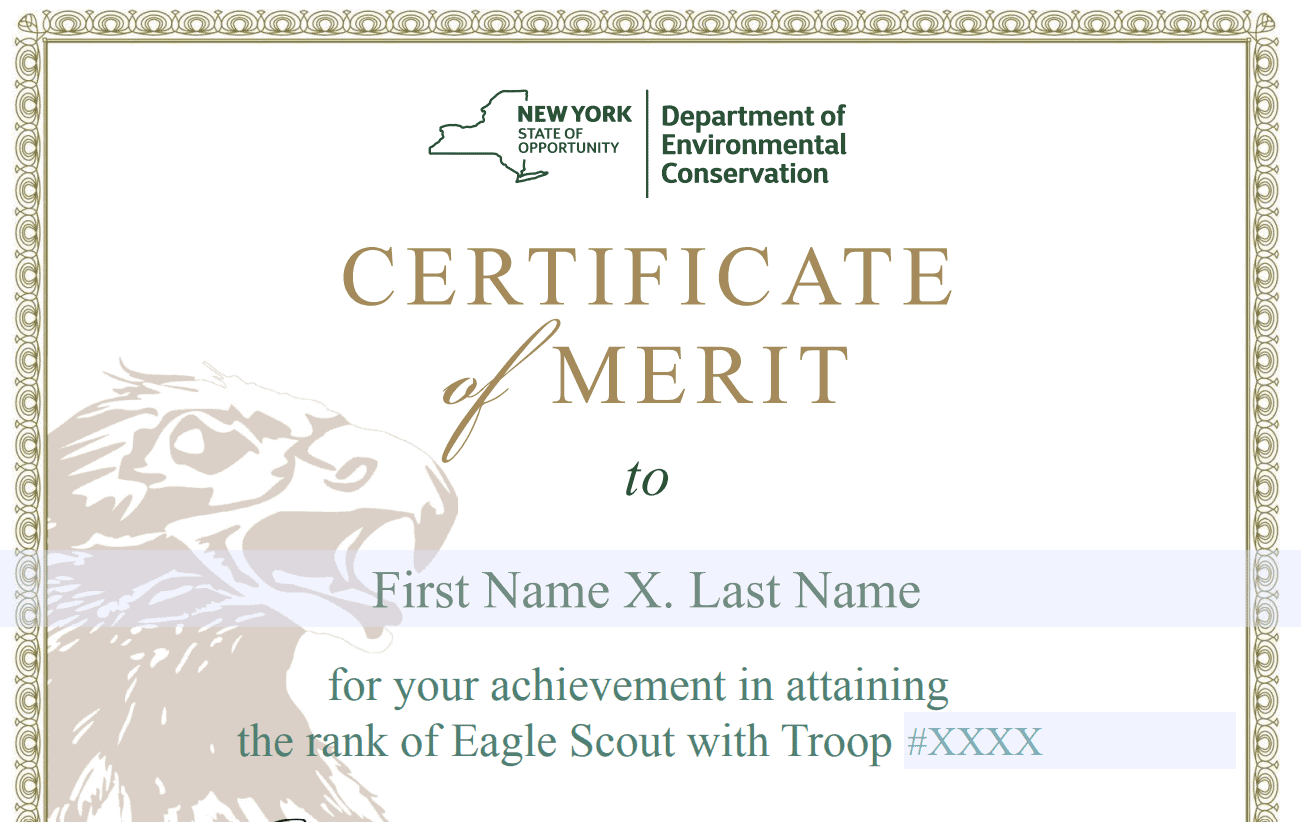
Departmental Merit Certificate Template
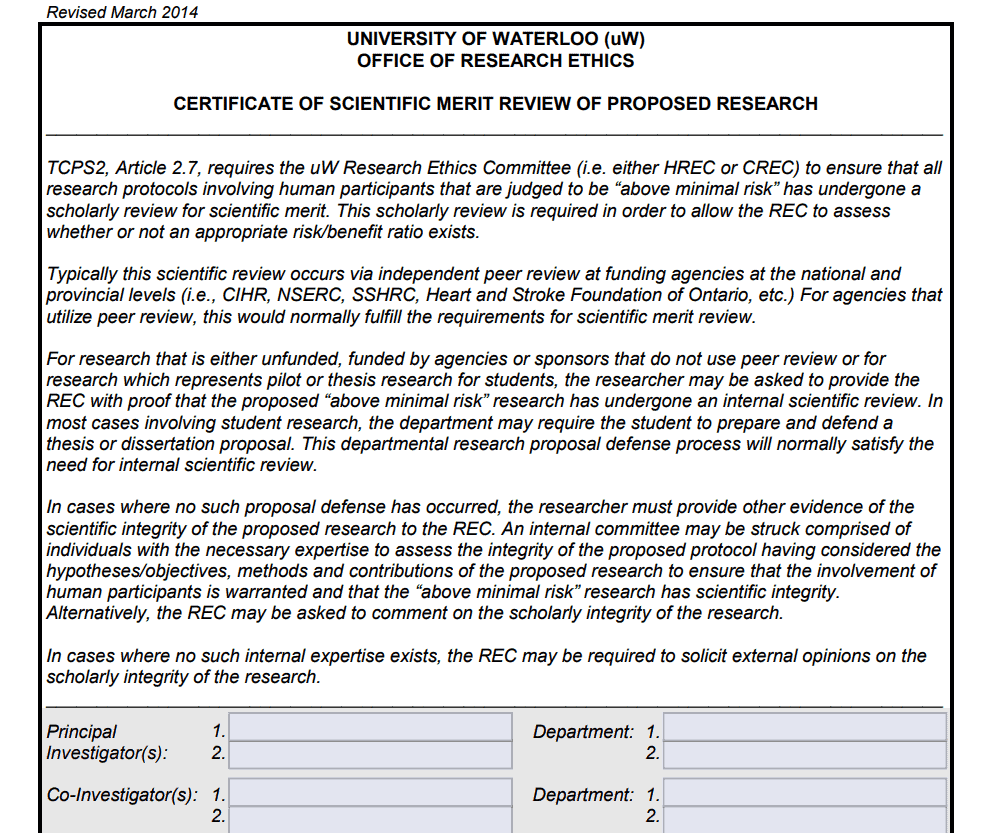
Scientific Research Merit Certificate Template
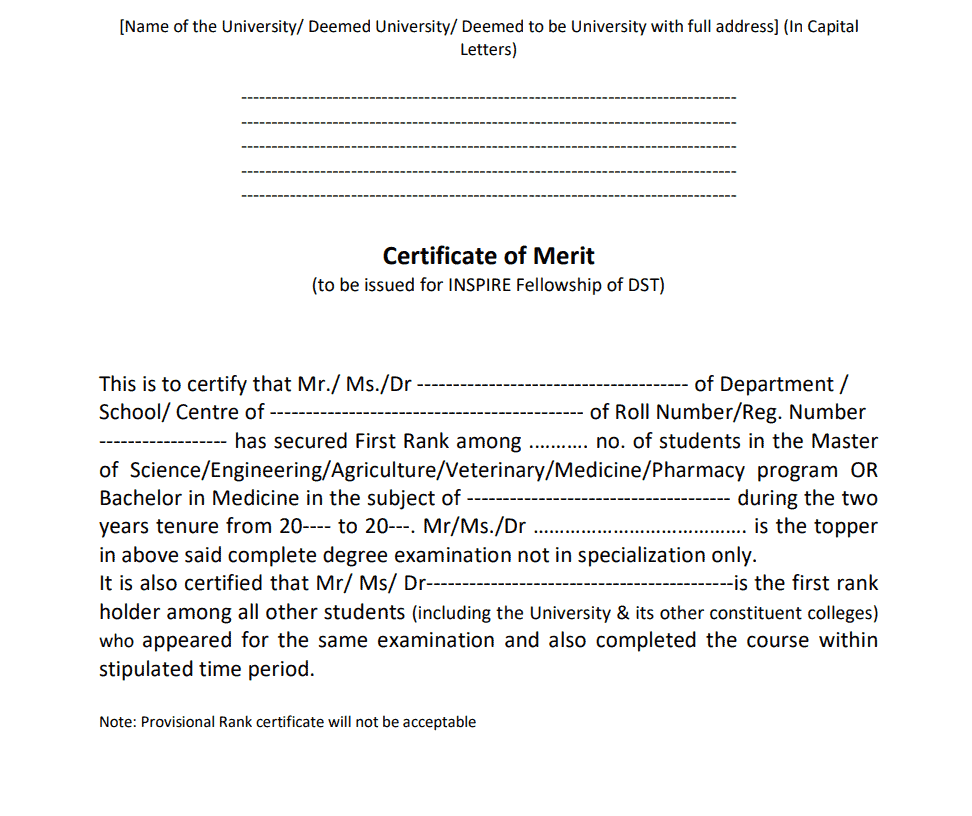
University’s Merit Certificate Template
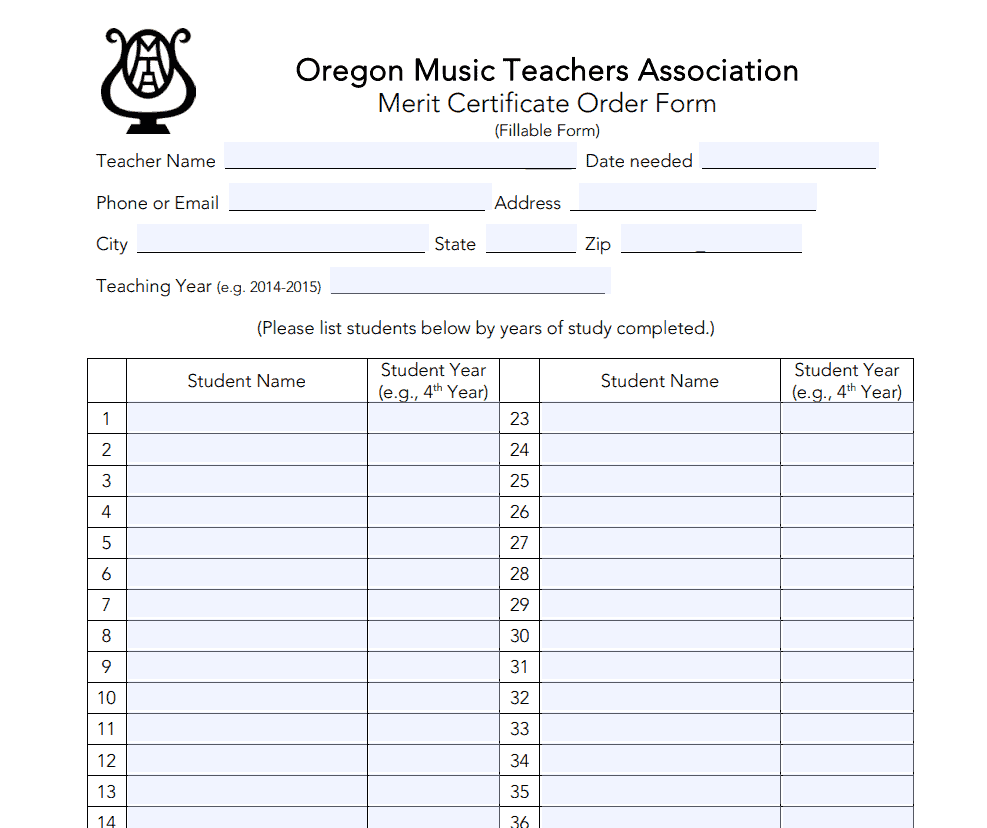
Merit Certificate Order Form Template
Students Merit Certificate Template
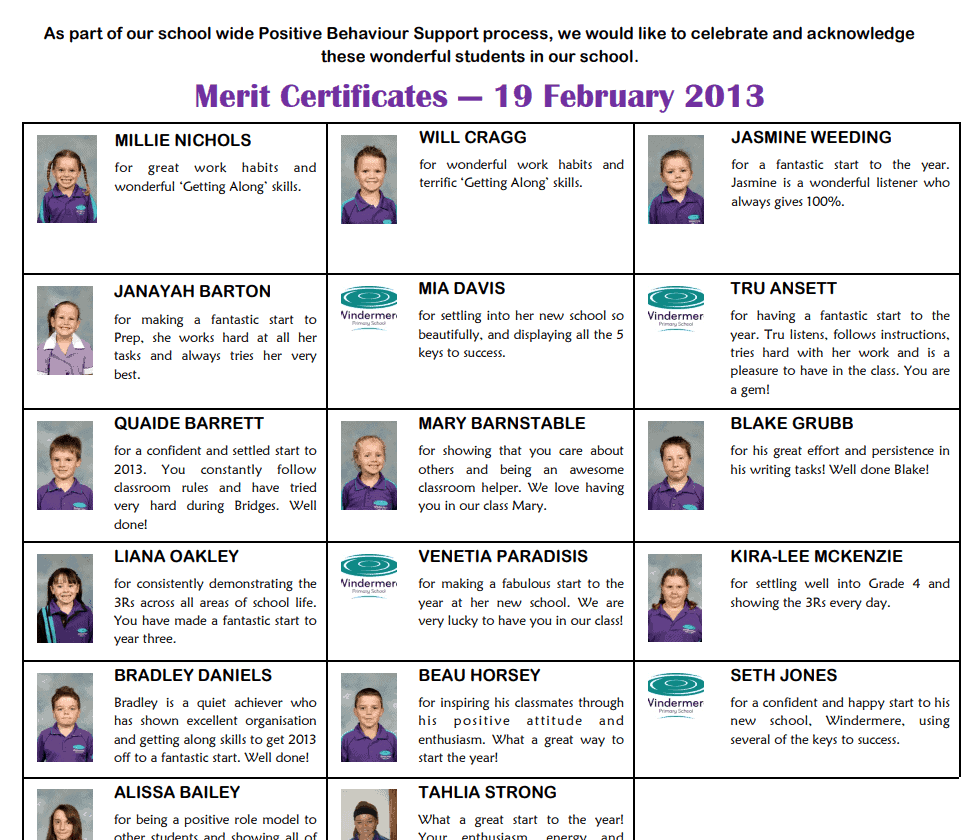
District Award of Merit Certificate Template
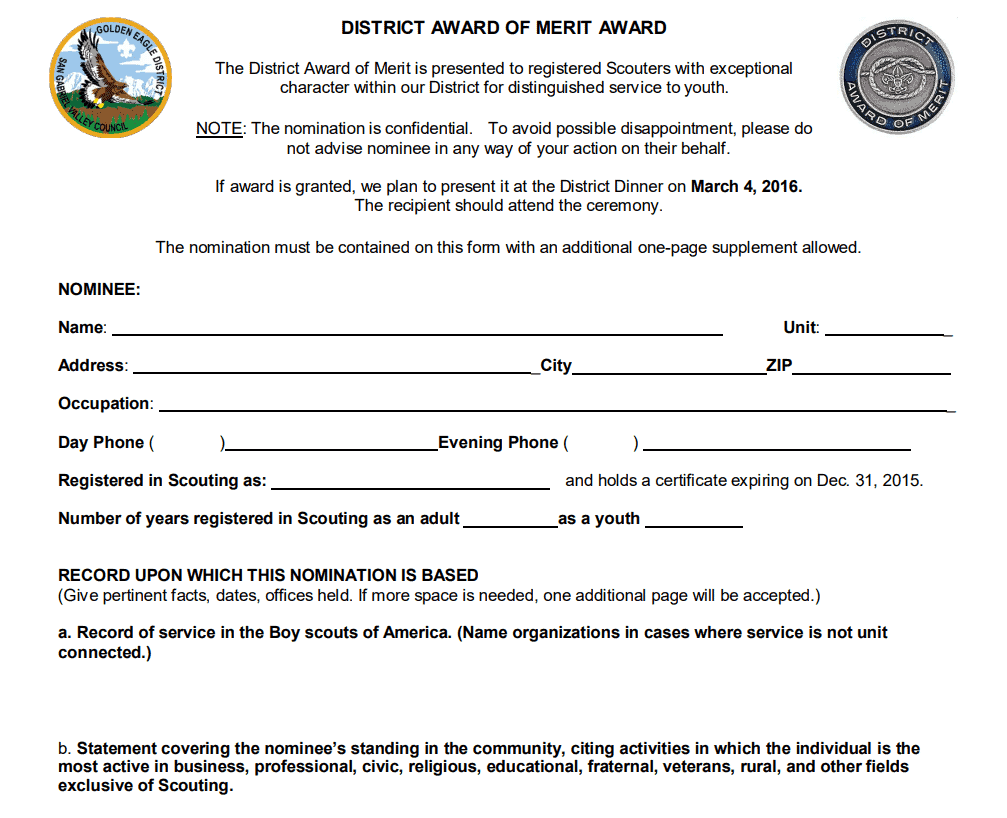
Sample Merit Certificate Template
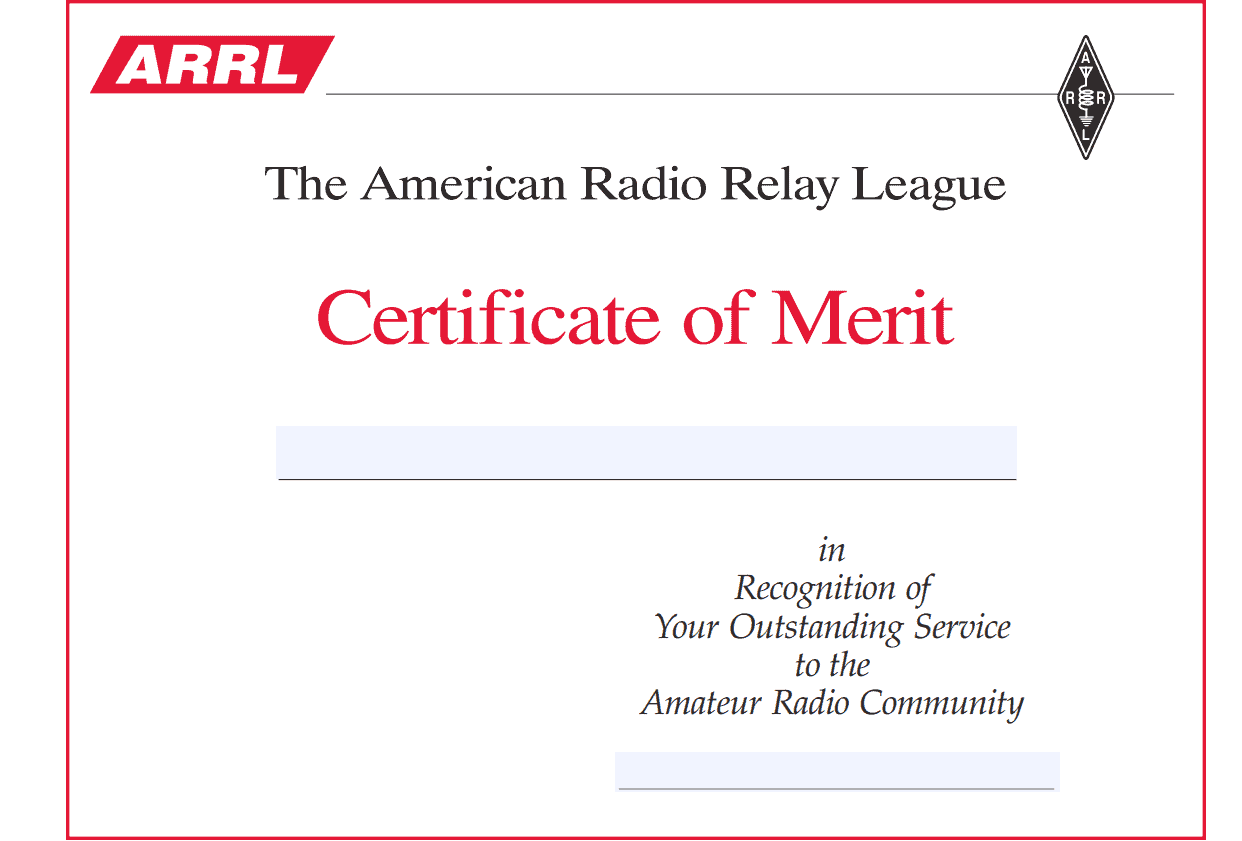
Example Merit Certificate Template
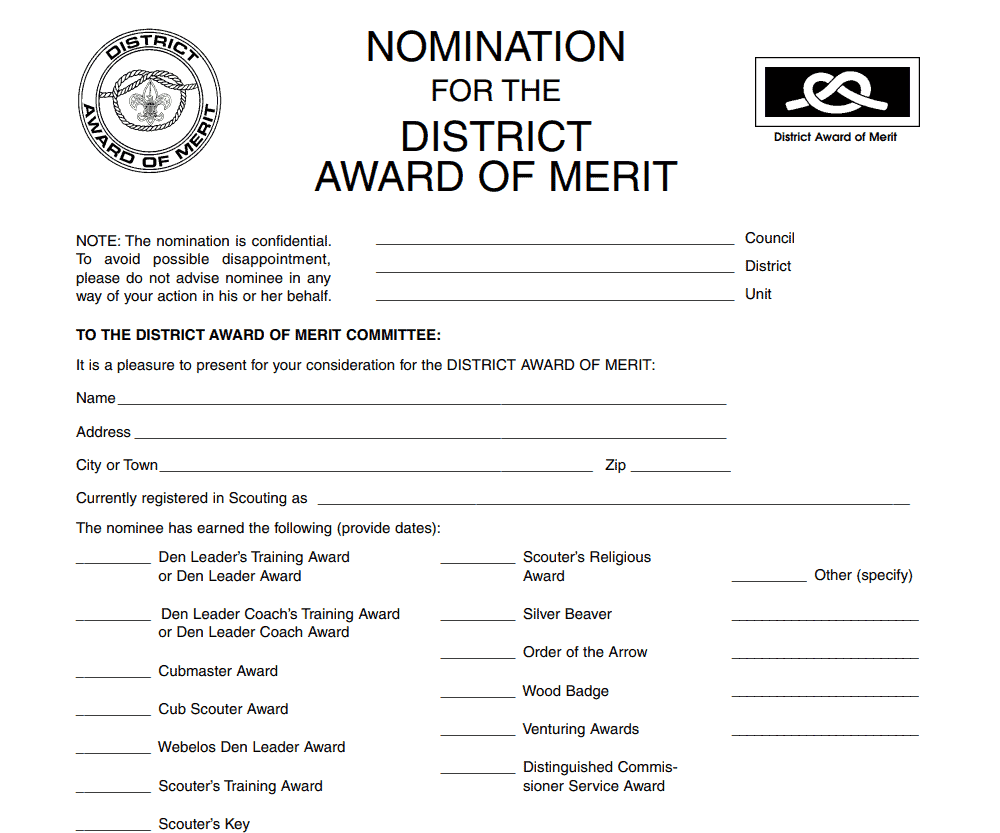
School Student Merit Certificate Template
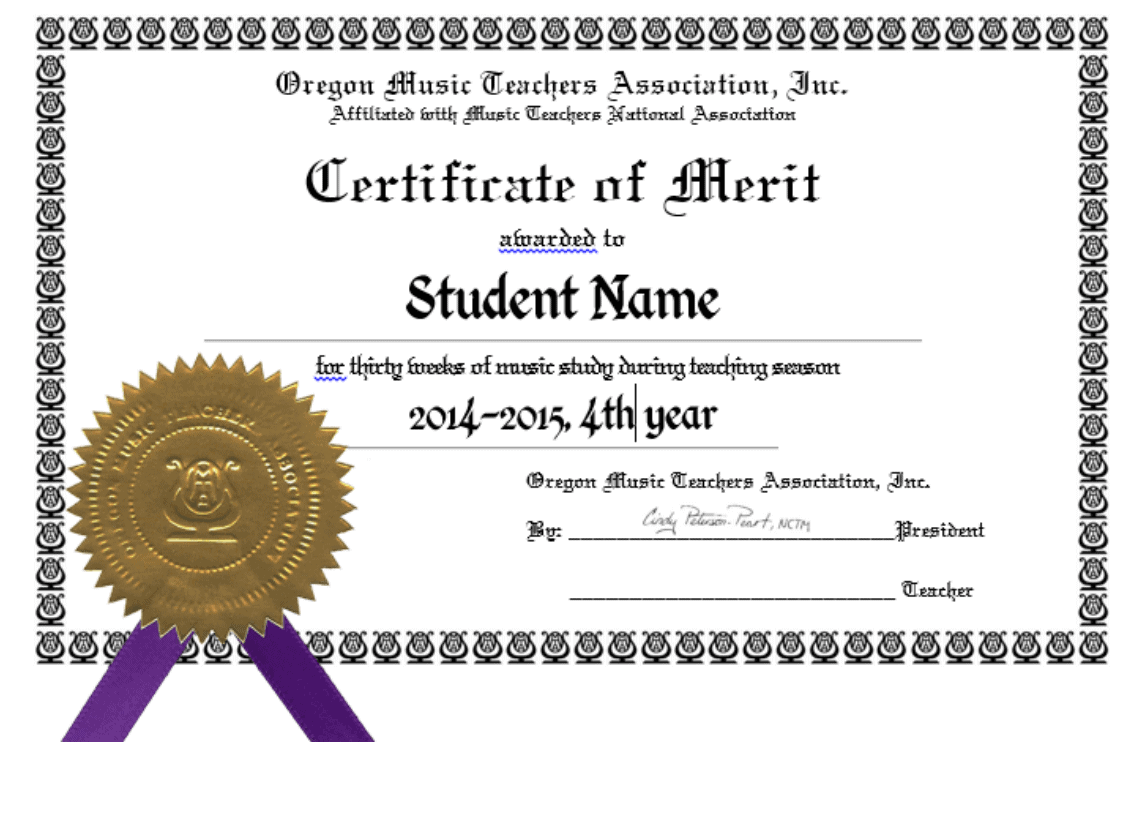
Official Merit Certificate Template
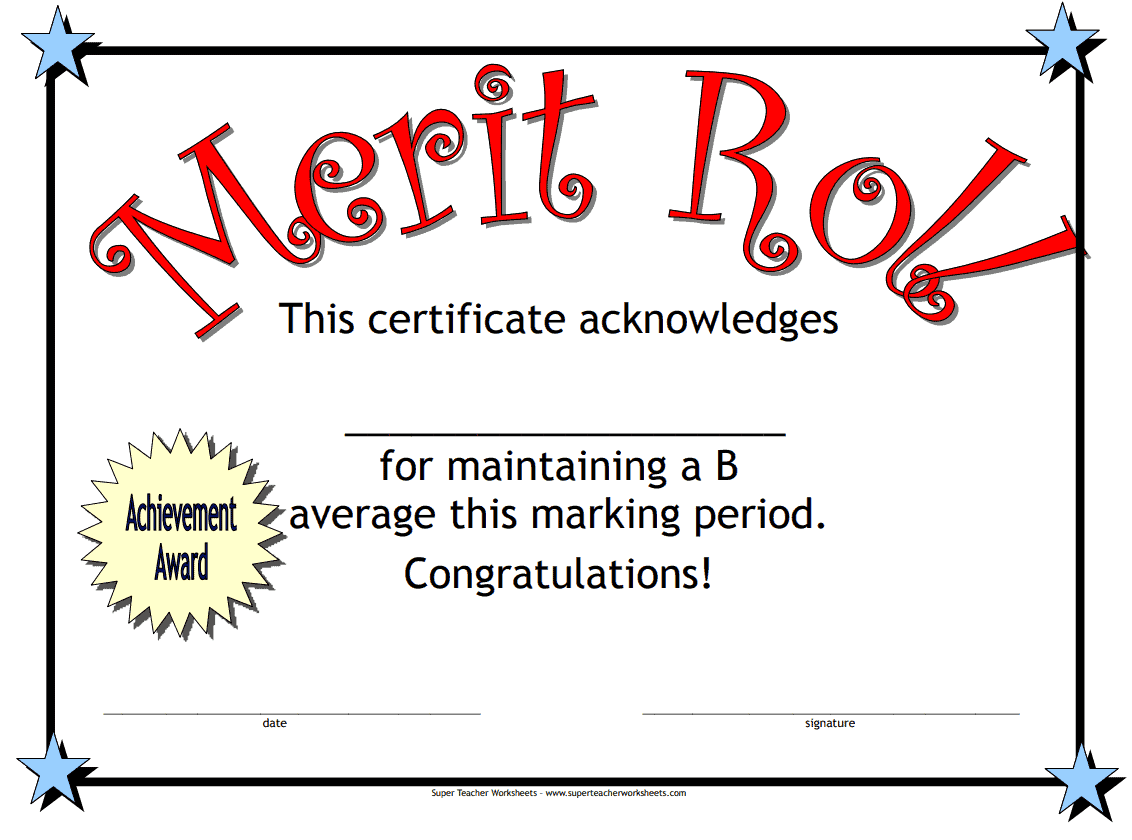
Download Editable Merit Certificate Templates in MS WORD
Proper Merit Certificate Template
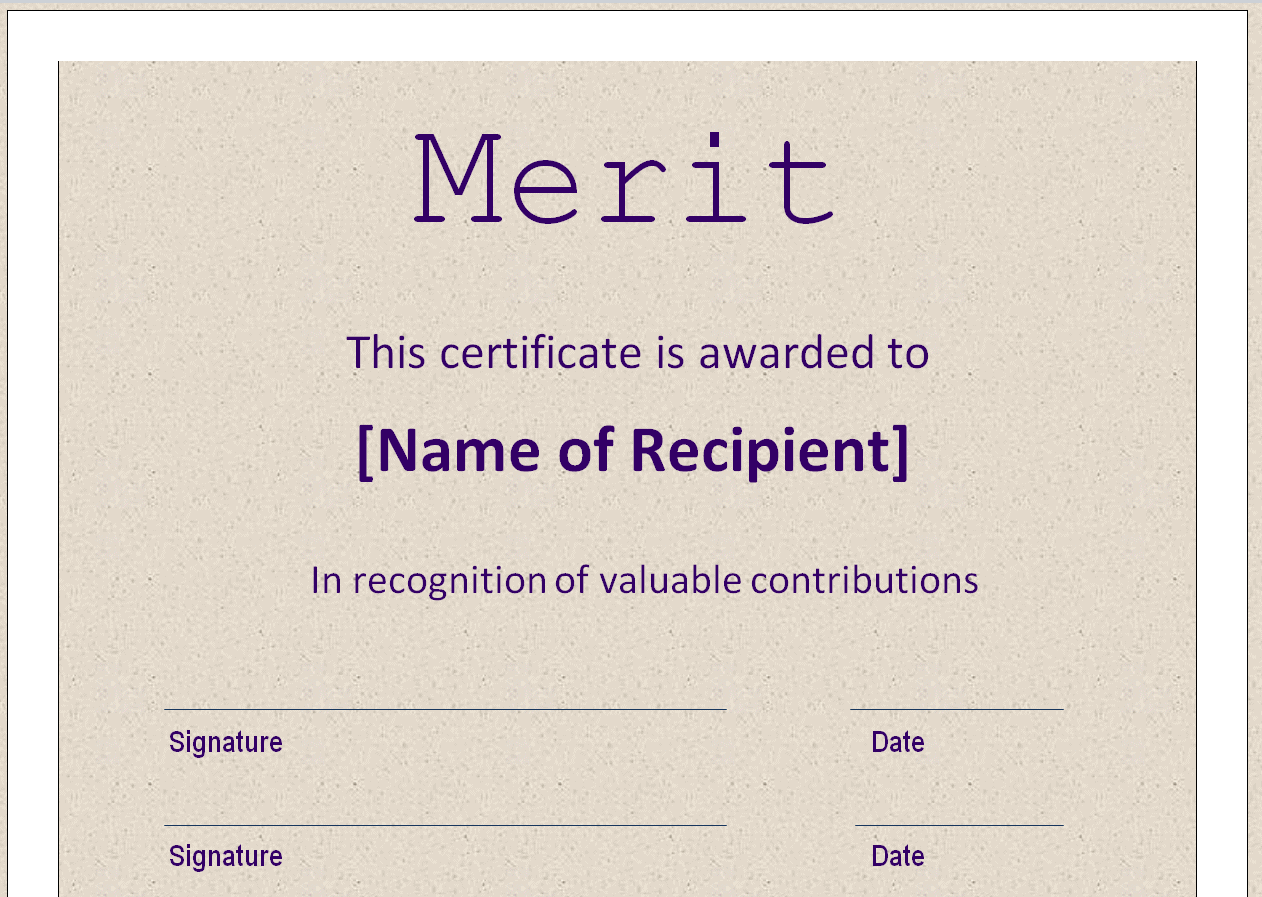
Merit Certificate for Contributions Template
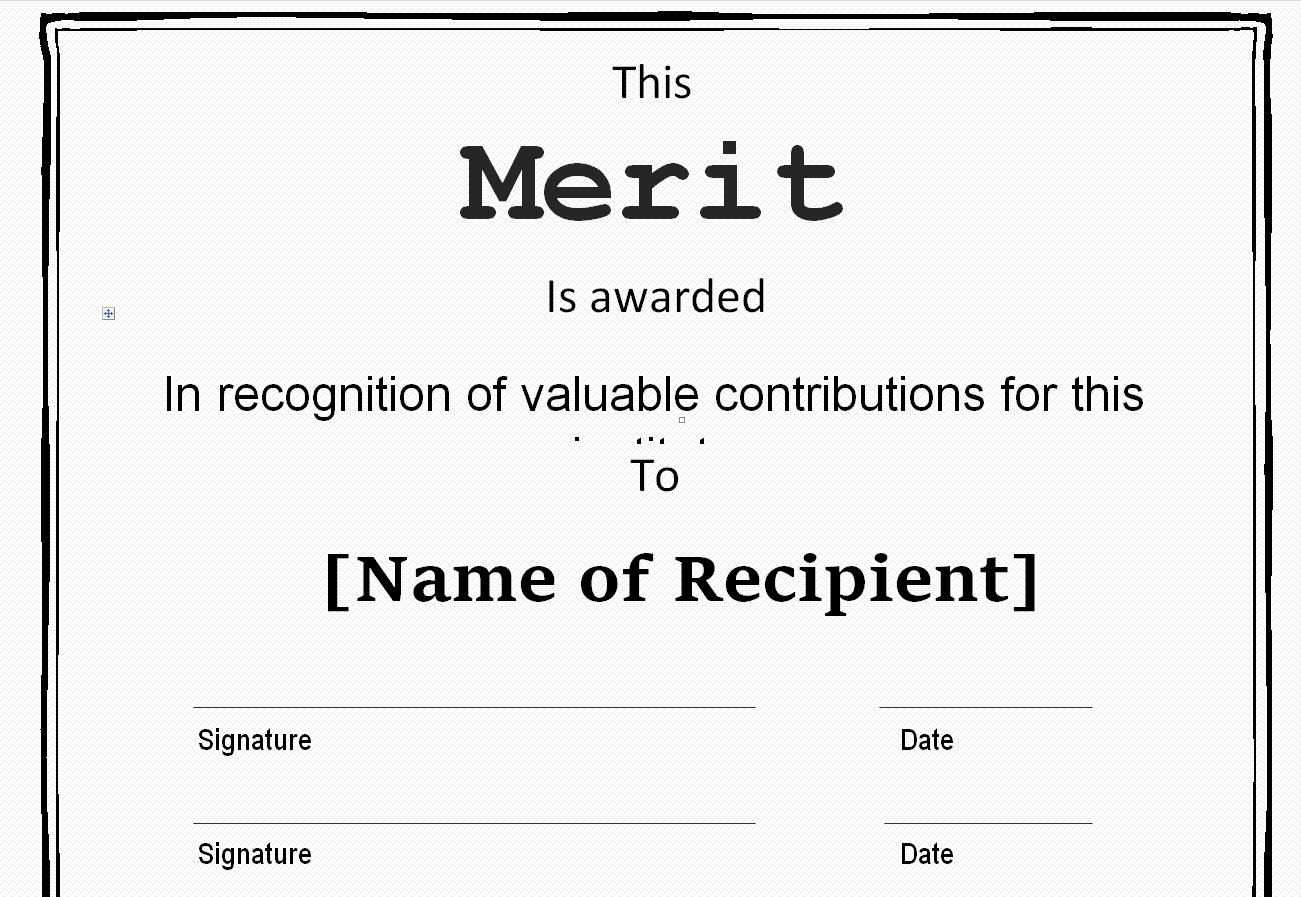
Merit Certificate Format Template
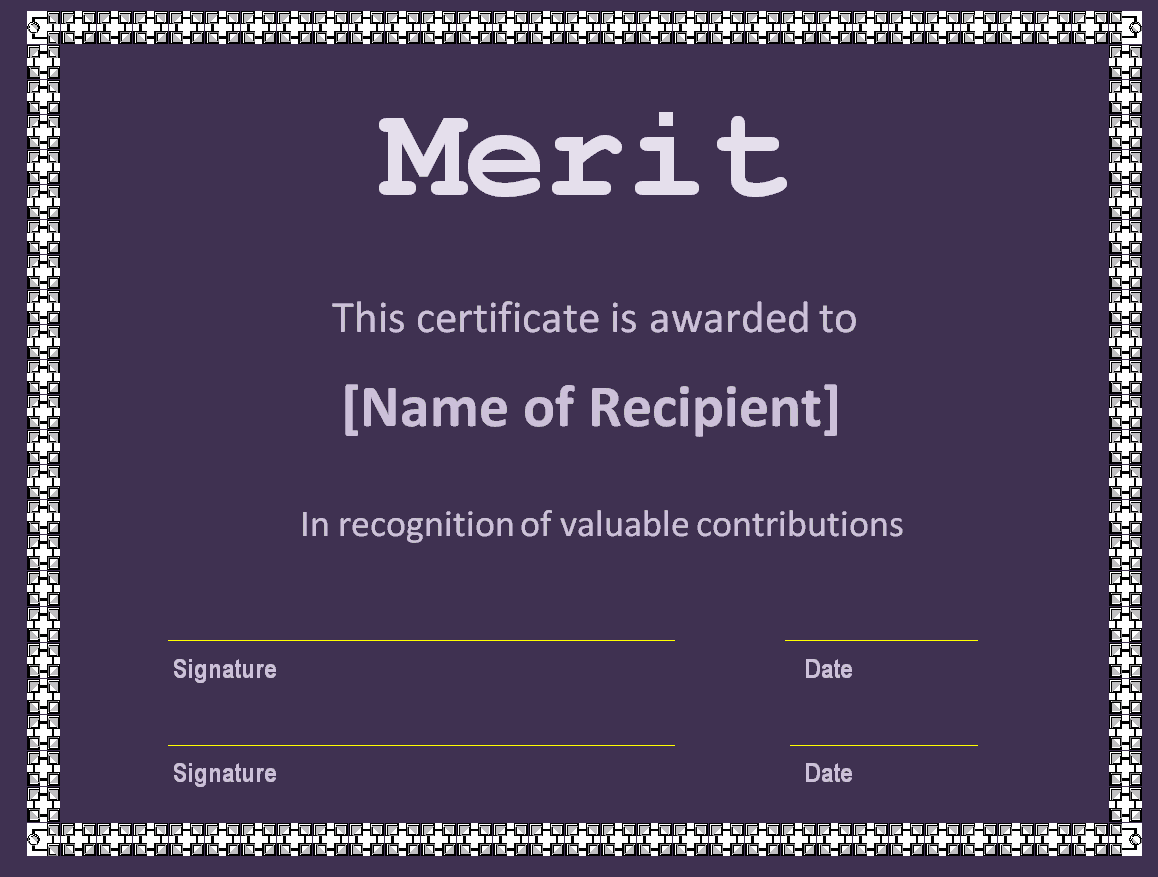
Stylish Merit Certificate Template
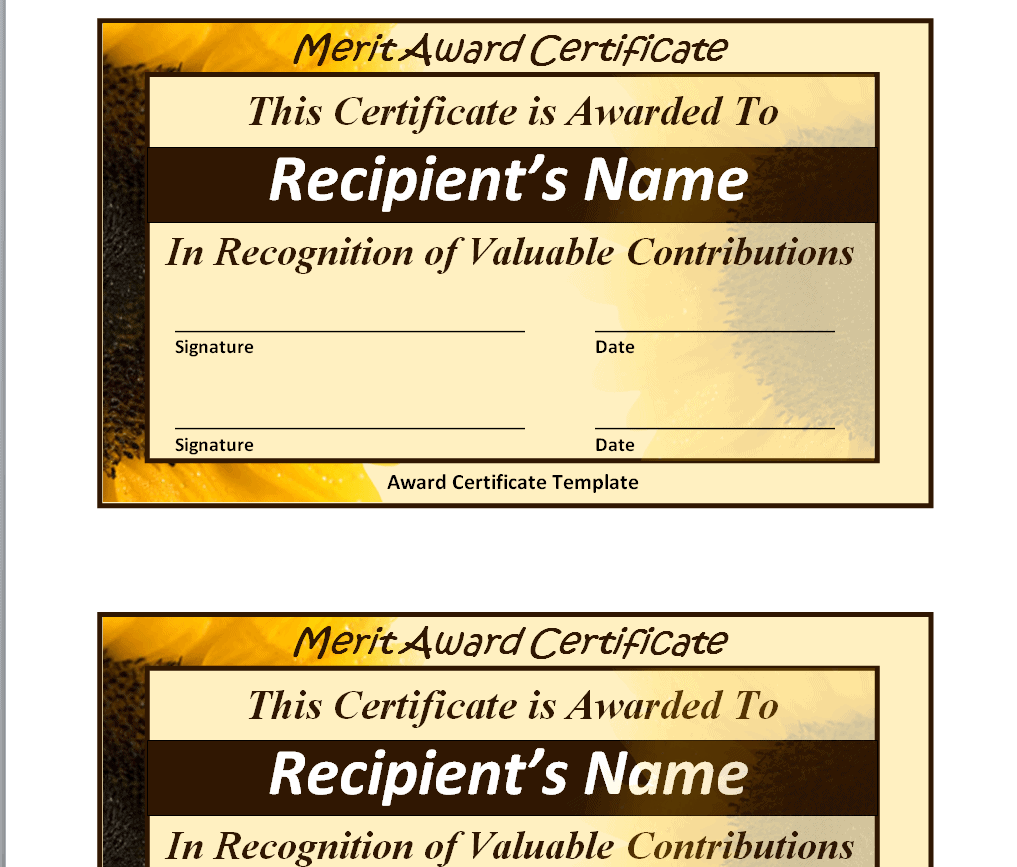
Professional Merit Certificate Template
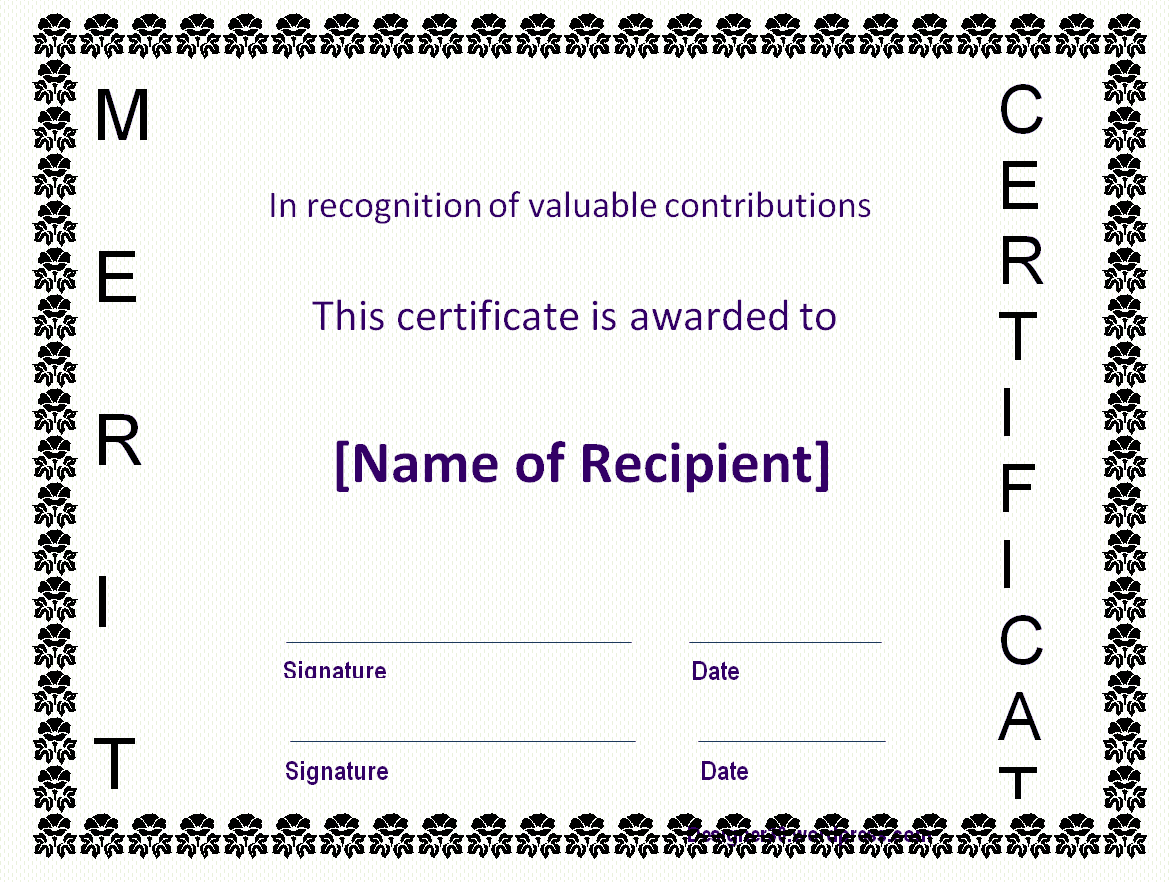
Frequently Asked Questions
Are these merit certificate templates free to download?
Yes, all 15 merit certificate templates on this page are free to download and use.
Can I customize the fields on these templates?
Yes, the editable Word templates let you add the recipient’s name, achievement, and organization details, while the PDF templates are ready to print.
What’s the difference between a merit certificate and a certificate of achievement?
A merit certificate typically recognizes consistent good performance, while a certificate of achievement usually recognizes a specific completed milestone.
Are these templates suitable for schools?
Yes, several of the templates are designed specifically for recognizing student academic achievement.
Can these templates be used for employee recognition?
Yes, these templates can be adapted for recognizing employee performance and workplace contributions.
What software do I need to edit the Word templates?
You’ll need Microsoft Word or a compatible word processor to edit the customizable templates.

You must be logged in to post a comment.