
A travel planner should distinguish fixed commitments such as flights and hotel check-ins from optional activities. Keep transport, confirmation numbers, opening times, local addresses and contingency details accessible.
Plan a trip around confirmed bookings and flexible time
- Keeps everything in one place: Flights, hotels, activities, and contact numbers are all organized in a single document instead of scattered across emails and apps.
- Saves planning time: A ready-made structure means you spend less time formatting and more time actually planning your trip.
- Reduces travel stress: Having a clear plan on hand helps you feel prepared and reduces the chance of forgetting important details.
- Works for any trip type: Personal, family, business, or group travel can all be organized using the same adaptable format.
- Easy to share: A completed planner can be printed or emailed to travel companions, family members, or coworkers who need the itinerary.
- Free and reusable: Download once and use the template again for every future trip you take.
Worked example: For a three-day city break, put the arrival transfer and check-in on the first day, group nearby attractions on the second, and leave a reasonable buffer before departure. Track reservations separately from ideas not yet booked.
Check before use: Reconfirm times and entry requirements from official providers close to departure. Store passport and payment details securely rather than sharing them in a public itinerary.
For related resources, see 12+ FREE Itinerary Templates [PDF, EXCEL, WORD].
What’s Included in the Travel Planner Template
- Trip overview: Space for destination, travel dates, and the overall purpose of the trip.
- Transportation details: Fields for flight numbers, departure and arrival times, and car rental information.
- Accommodation information: A section to record hotel names, addresses, confirmation numbers, and check-in and check-out dates.
- Daily itinerary: A day-by-day breakdown of activities, reservations, and sightseeing plans.
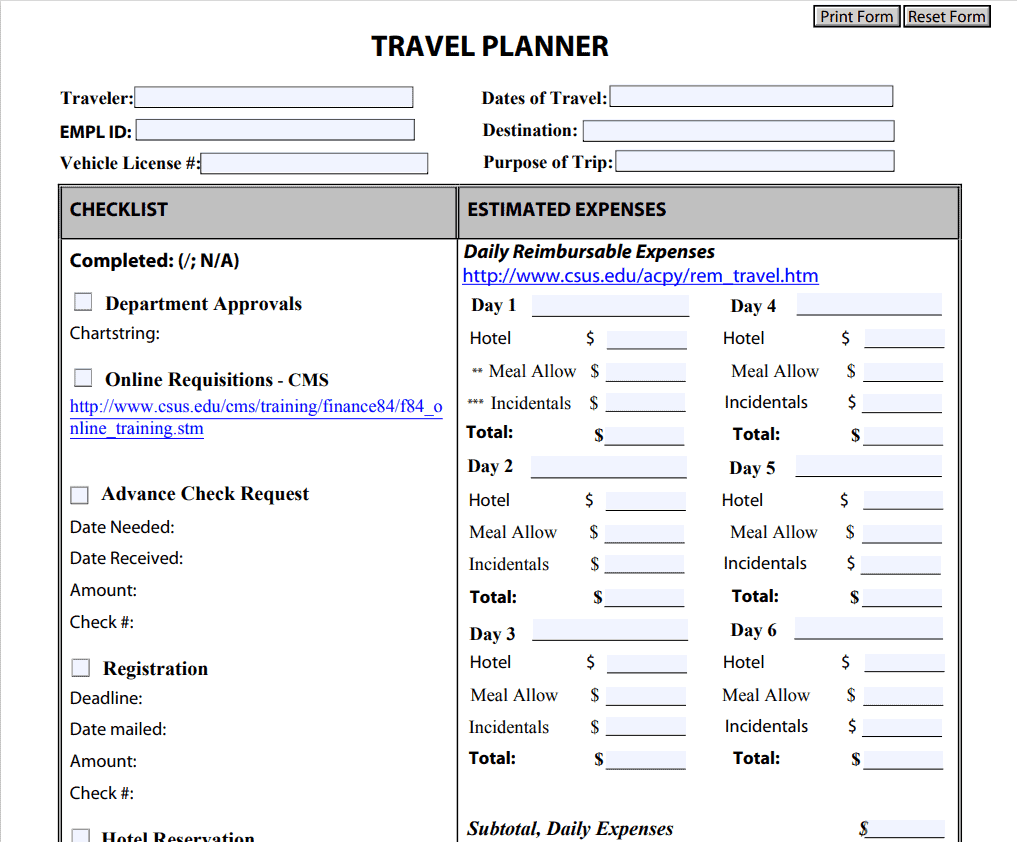
- Budget tracker: Space to estimate and track expenses across categories like lodging, food, and activities.
- Packing checklist: Some templates include a section to note essential items so nothing gets left behind.
Who Should Use These Templates?
- Families coordinating a vacation with multiple travelers, activities, and schedules to manage.
- Business travelers who need to track flights, meetings, and accommodation details for work trips.
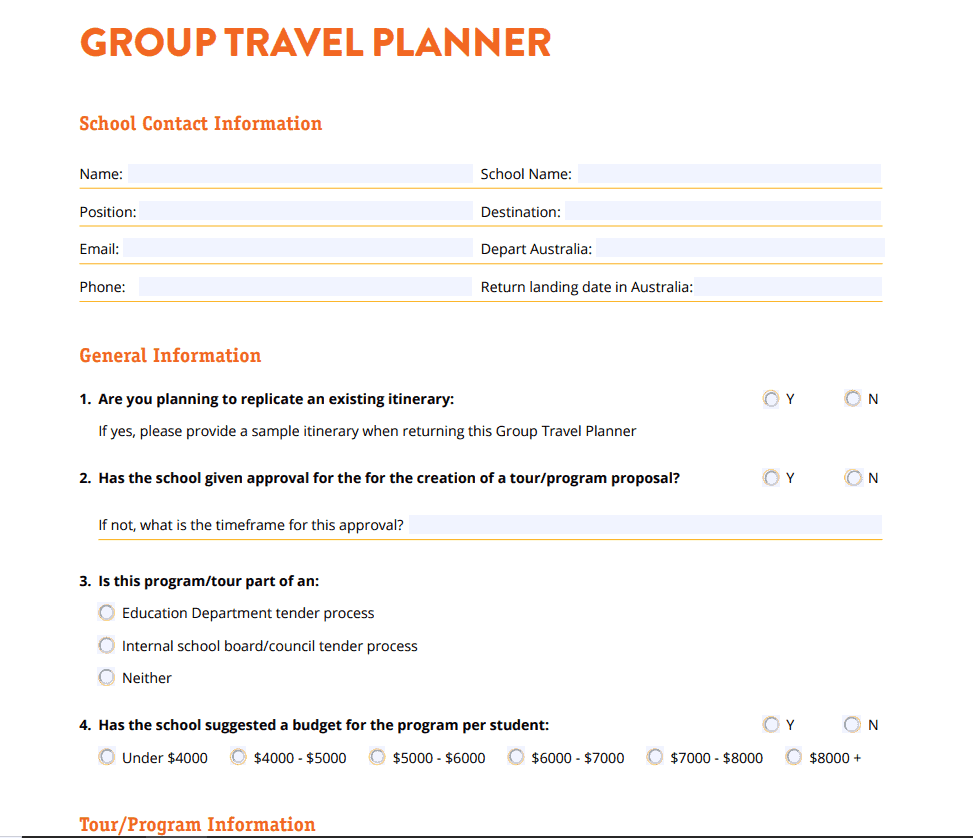
- Group trip organizers planning travel for friends, clubs, or larger parties.
- Solo travelers who want a reliable way to keep their itinerary and important documents organized.
- Travel agents and assistants preparing detailed itineraries on behalf of clients or employers.
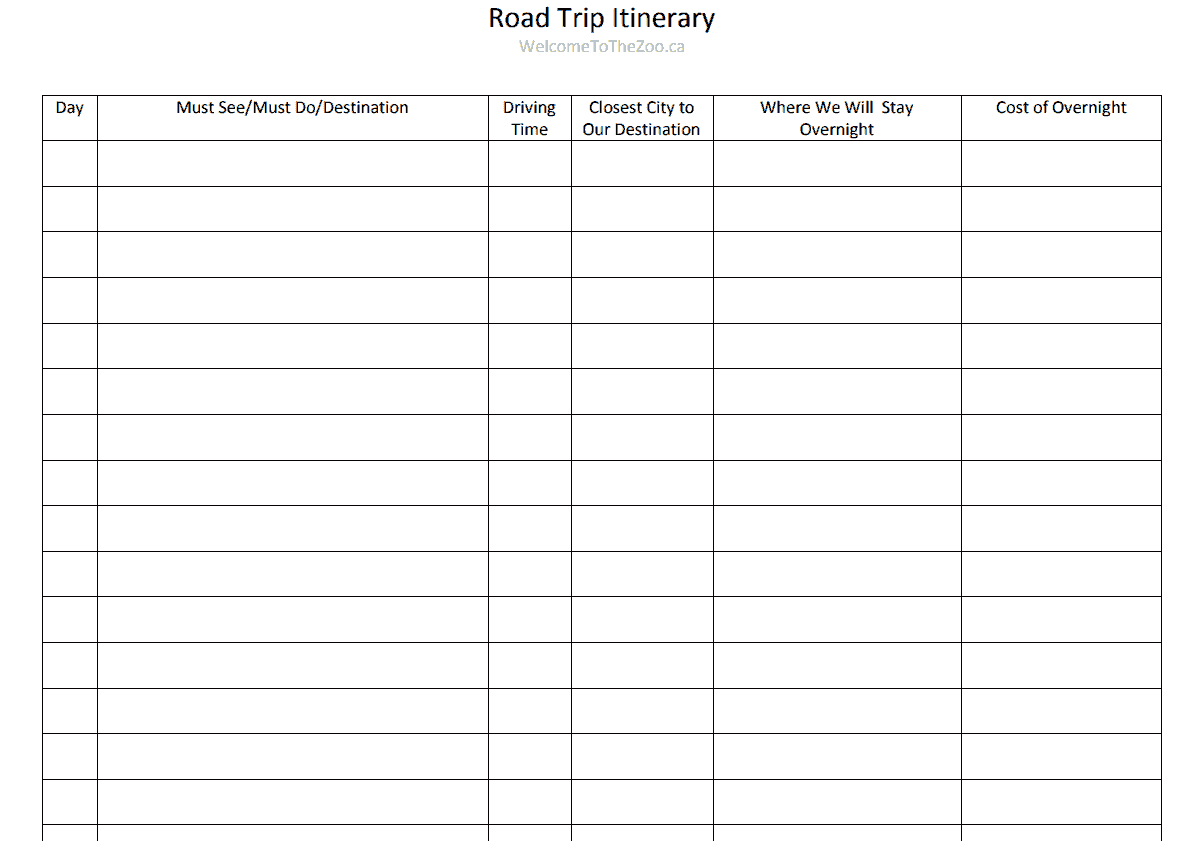
- Road trippers mapping out stops, driving routes, and overnight stays along the way.
How to Start Using the Template in 3 Simple Steps
- Step 1 — Choose a template style: Browse the 17 options below and pick the format, PDF, Word, or Excel, that best fits your trip.
- Step 2 — Fill in your trip details: Add your destinations, dates, transportation, and accommodation information.
- Step 3 — Print or share: Print a hard copy to carry with you or share the digital version with your travel companions.
Travel Planner vs. Travel Itinerary
While the terms are often used interchangeably, a travel planner tends to be a broader document that covers the full scope of a trip, including budgeting, packing, and pre-trip preparation, while a travel itinerary usually focuses more narrowly on the day-by-day schedule of activities and transportation. Many of the templates below blend both approaches, giving you space to plan the logistics of your trip alongside a detailed daily schedule. Understanding this distinction can help you choose a template that matches how much detail you want to track, whether that’s a simple day-by-day itinerary or a comprehensive planner covering every aspect of your travel.
Customizing the Template for Your Trip
These templates are designed to be a flexible starting point rather than a rigid format. You can add extra rows for additional destinations, adjust the layout to include a section for travel documents like passports and visas, or remove sections that don’t apply to your specific trip. Since the templates are provided in editable Word and Excel formats, most adjustments take only a few minutes and let you tailor the planner to the exact style of trip you’re taking, whether that’s a relaxed vacation or a tightly scheduled business itinerary.
Choosing the Right Format
With 17 different templates available in PDF, Word, and Excel, selecting the right one depends on how you plan to use it. PDF templates work well for printing a clean, ready-to-fill layout you can carry with you or hand out to travel companions. Word templates are ideal if you want to type in your trip details digitally and keep the document easy to edit as plans change. Excel templates are especially useful for travelers who want to track a detailed budget alongside their itinerary, since spreadsheet formulas can automatically total expenses as you go.
Common Mistakes to Avoid
- Leaving out contact information: Always include hotel and emergency contact numbers in case plans change unexpectedly.
- Overpacking the schedule: Leave buffer time between activities so delays don’t throw off your entire itinerary.
- Forgetting confirmation numbers: Record flight, hotel, and rental confirmation numbers directly in the planner for quick reference.
- Not sharing the plan: Send a copy of your itinerary to a family member or friend who isn’t traveling with you.
- Skipping the budget section: Track your spending as you go to avoid surprises when you return home.
Tips to Get the Most Out of Your Travel Planner Template
- Fill it out before you leave so you have a clear plan rather than figuring out logistics on the go.
- Keep a digital and printed copy in case you lose access to your phone or internet during the trip.
- Update it as plans change so the version you’re carrying always reflects your current itinerary.
- Color-code by category like transportation, lodging, and activities for a planner that’s easy to scan at a glance.
- Review it the night before each travel day to make sure you’re prepared for what’s coming next.
Planning for International vs. Domestic Travel
International trips typically require more detailed planning than domestic travel, since factors like passport and visa requirements, currency exchange, time zone differences, and international phone plans all need to be accounted for. A travel planner template can be adapted to include a dedicated section for travel documents and entry requirements when heading abroad, while domestic trips may only need basic transportation and lodging details. Regardless of destination, having a written plan reduces the mental load of remembering every detail and gives you a single reference point to consult throughout the trip.
Business Travel vs. Leisure Travel Planning
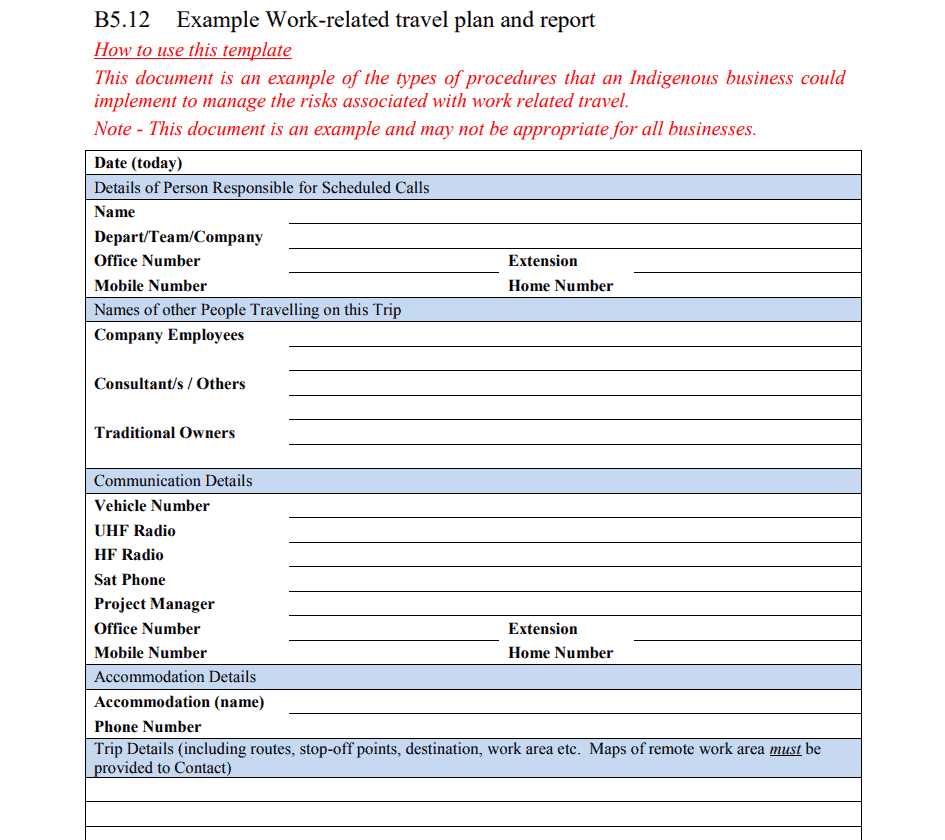
Business travelers often need a planner that emphasizes meeting schedules, transportation between venues, and expense tracking for reimbursement purposes, while leisure travelers tend to prioritize activities, sightseeing, and relaxation time. Some of the templates below, like the work-related and assistant travel planner options, are specifically suited to business trips, while others, such as the vacation and family itinerary templates, are built with leisure travel in mind. Choosing a template that matches your trip’s purpose makes it easier to capture the details that actually matter for that particular journey.
Digital vs. Printed Travel Planners
Both digital and printed travel planners have their advantages, and many travelers find that using both together works best. A printed copy is reliable even without internet access or battery life, which is especially useful during flights or in areas with limited connectivity, while a digital version can be quickly updated and shared with travel companions in real time. Filling out a Word or Excel template digitally before your trip and then printing a copy to carry with you combines the convenience of easy editing with the reliability of a physical backup.
Keeping Your Travel Documents Organized Alongside Your Planner
A travel planner works best when paired with organized copies of your important travel documents, including passports, boarding passes, hotel confirmations, and travel insurance information. Some travelers attach printed copies of these documents directly behind their travel planner or store digital scans in a dedicated folder on their phone, so everything is accessible in one place if something is misplaced during the trip. Taking a few extra minutes before departure to gather and organize these documents alongside your completed planner can save significant stress if you need quick access to a confirmation number or document while traveling.
Using a Travel Planner for Multi-Destination Trips
Trips that involve multiple cities or countries benefit especially from a detailed travel planner, since keeping track of transportation between destinations, varying check-in dates, and different local currencies or languages can quickly become overwhelming without a written plan. Breaking a multi-destination trip into separate sections within your planner, one for each city or stop along the way, makes it easier to review the details for a specific leg of the journey without sifting through the entire itinerary. This approach also makes it simpler to spot potential scheduling conflicts, such as an overly tight connection between a hotel check-out and a flight departure, well before you actually depart.
See and Get Travel Planner Templates Here
Group Travel Planner Template
Online Travel Planner Form Template
Work Related Travel Planner Template
Sample Road Trip Itinerary Template
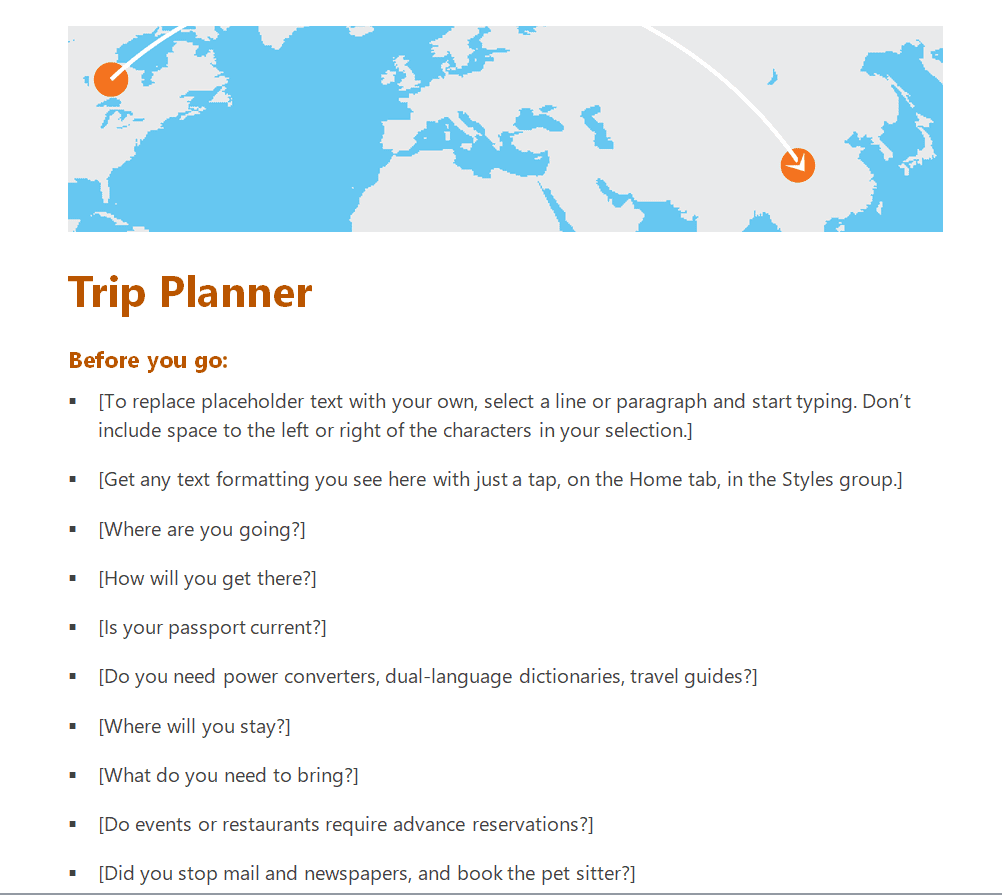
Sample Trip Planner with Written Instructions in MS Word
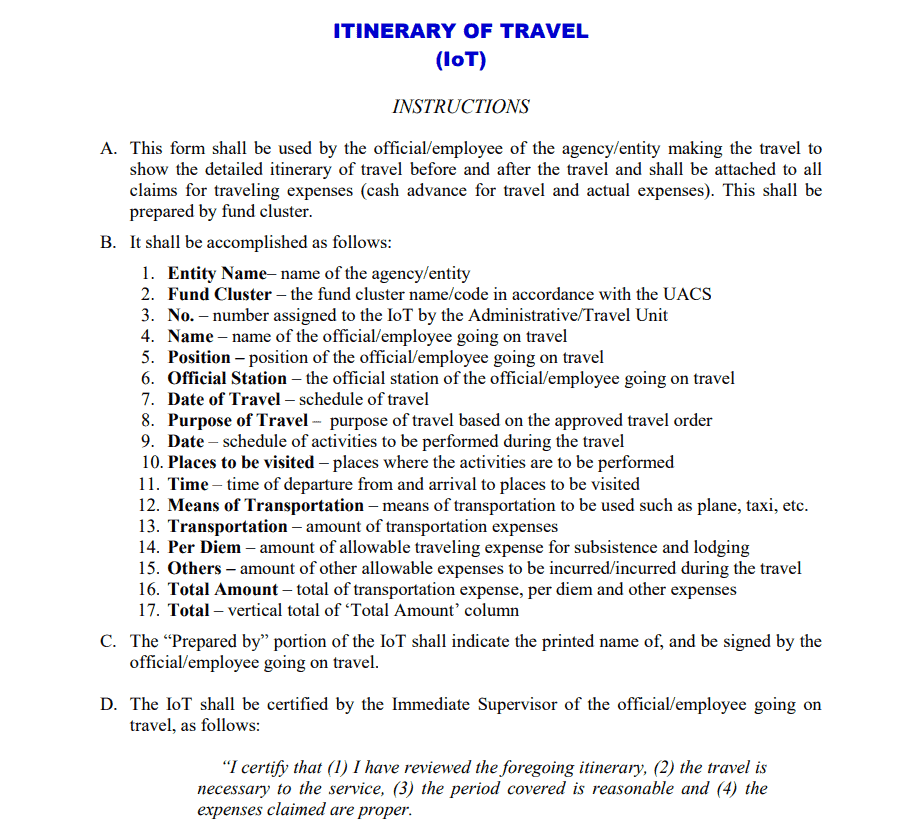
Itinerary of Travel Template with Instructions
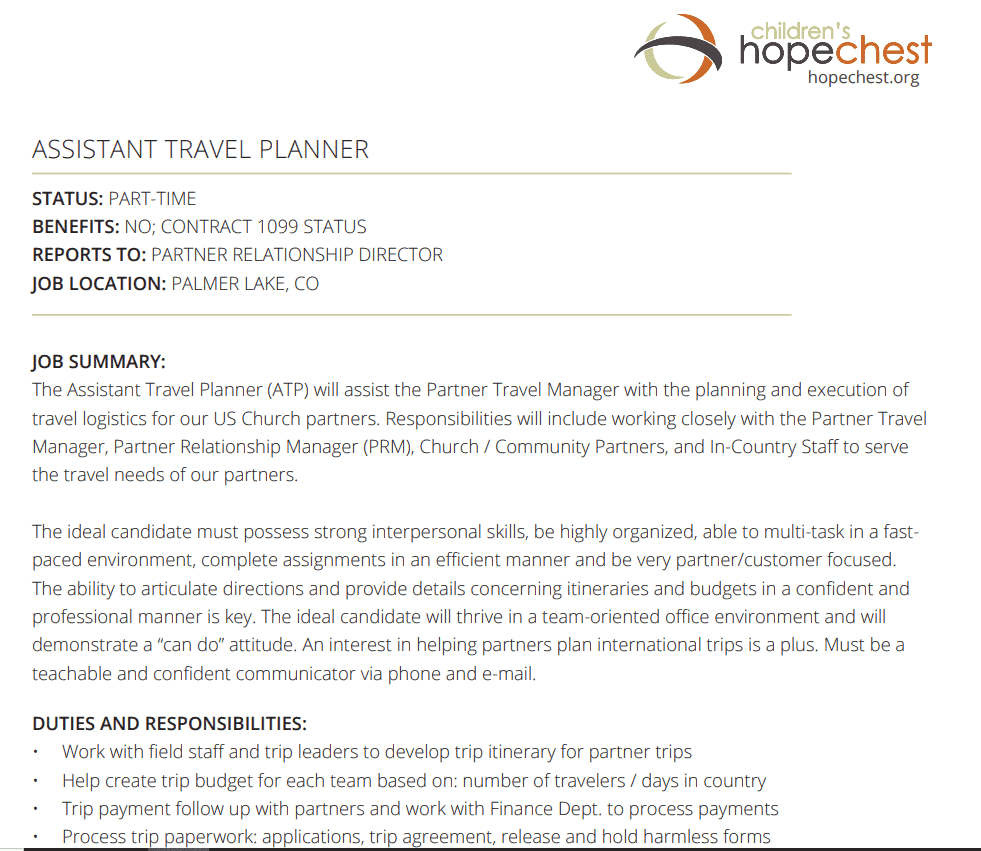
Assistant Travel Planner Template
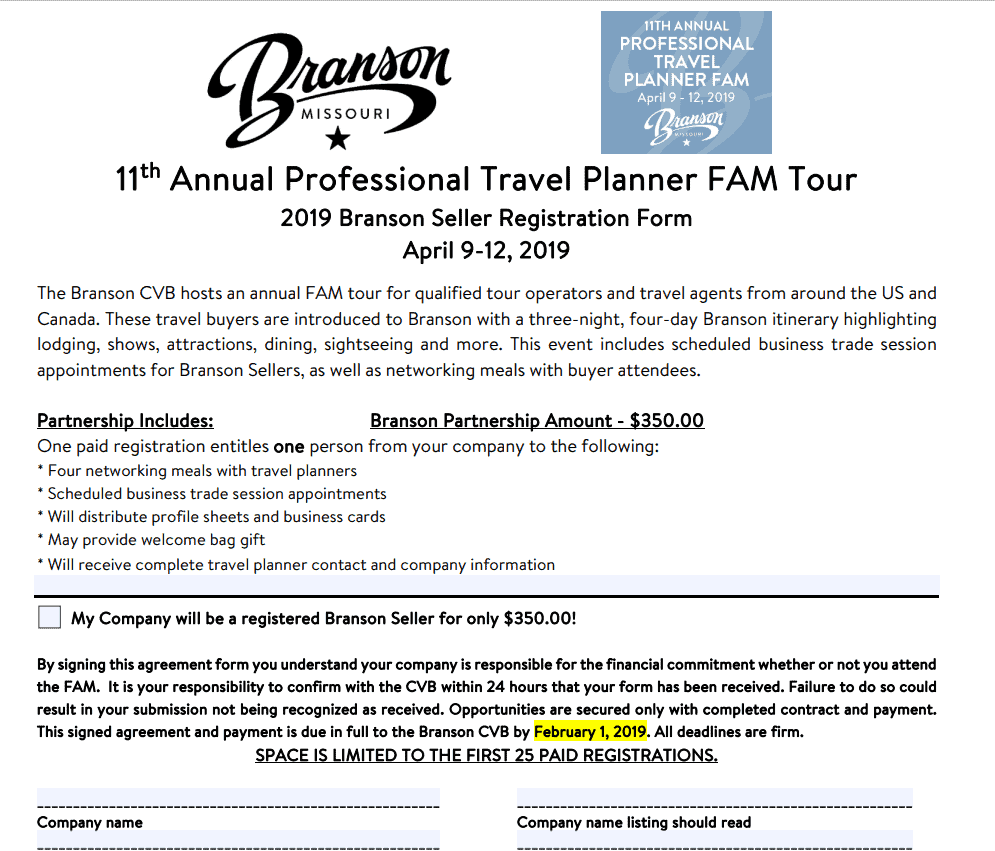
Annual Professional Travel Planner Template
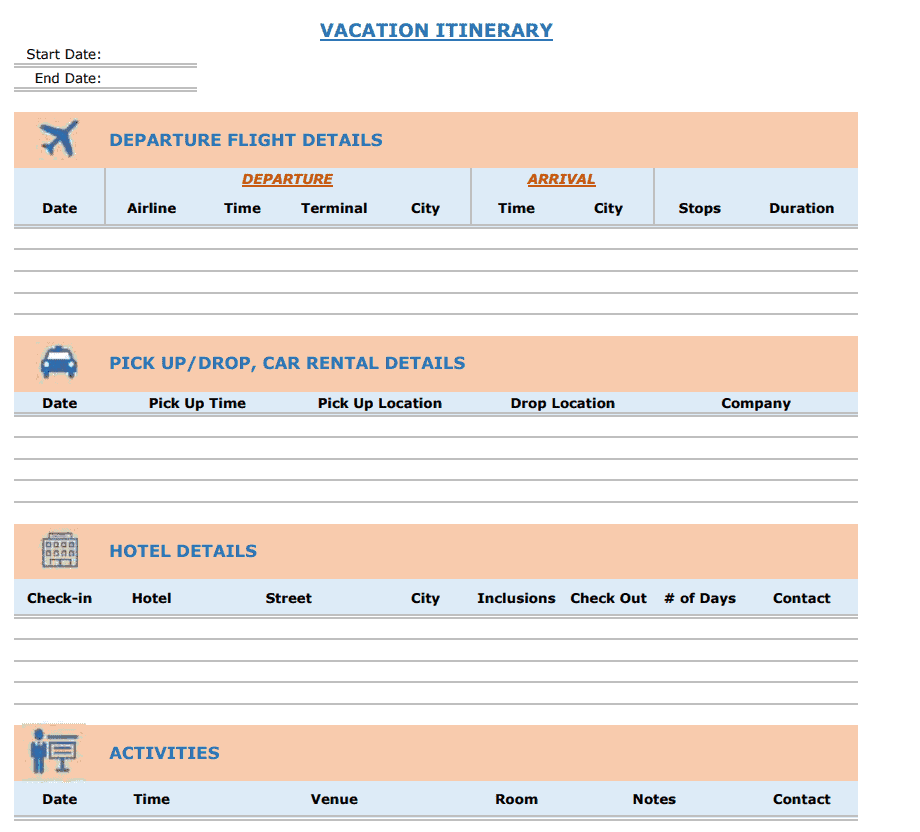
Sample Vacation Itinerary Planner Template
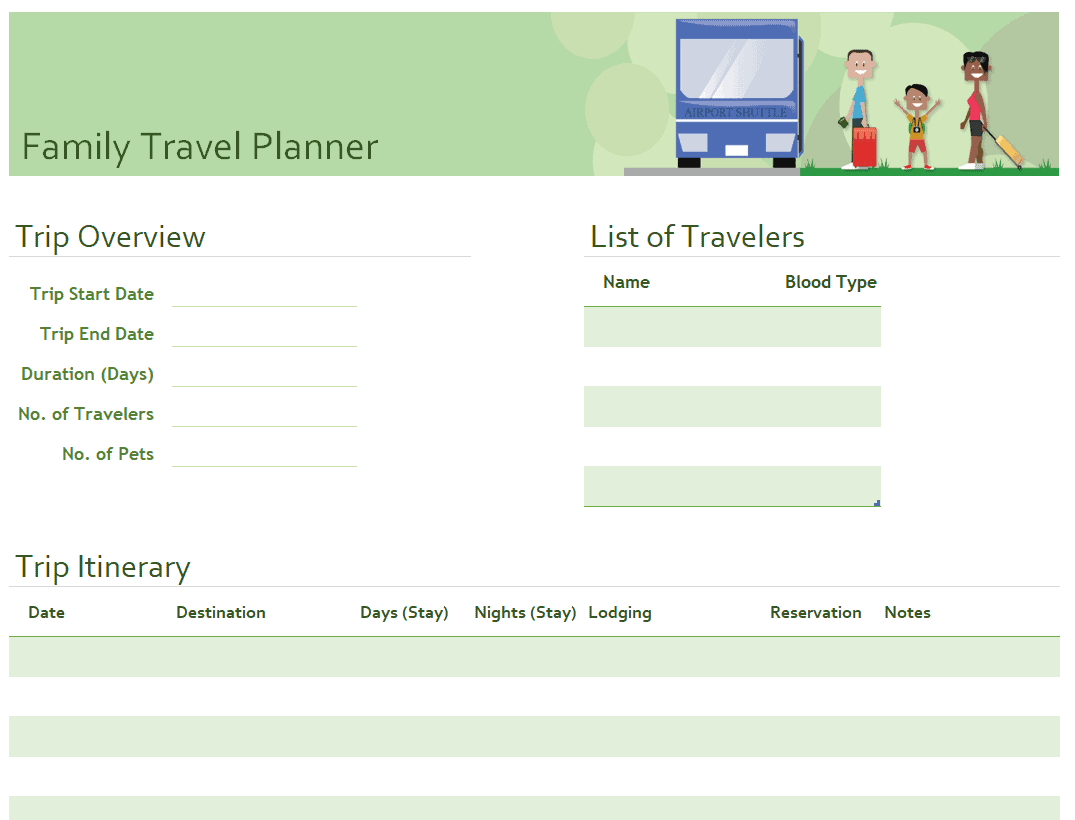
Family Travel Planner Template Excel
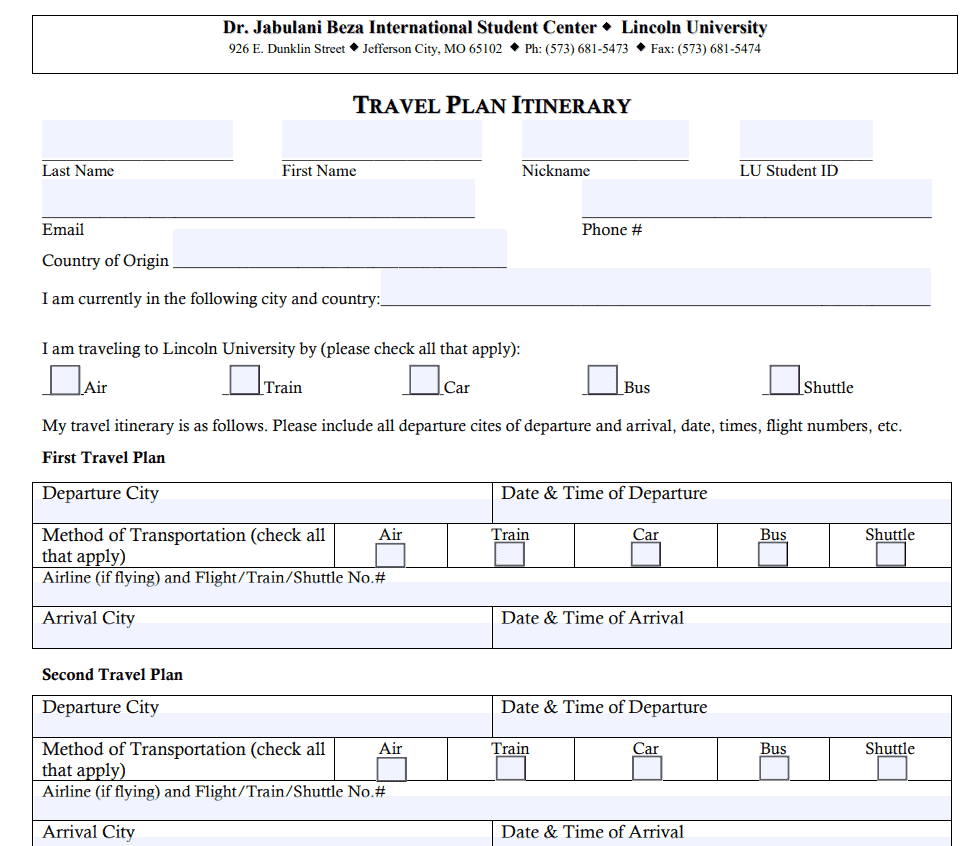
Blank Travel Plan Itinerary Template
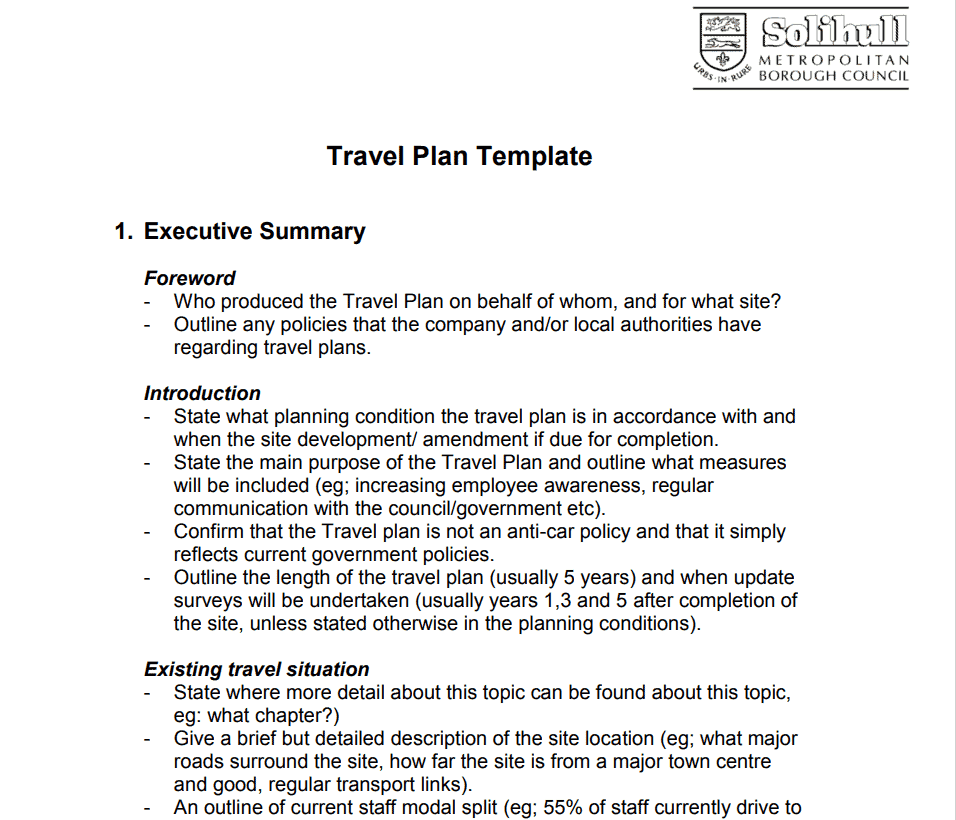
Detailed Travel Plan Template
Professional Travel Planner Template

Example Homestead Travel Planner Template

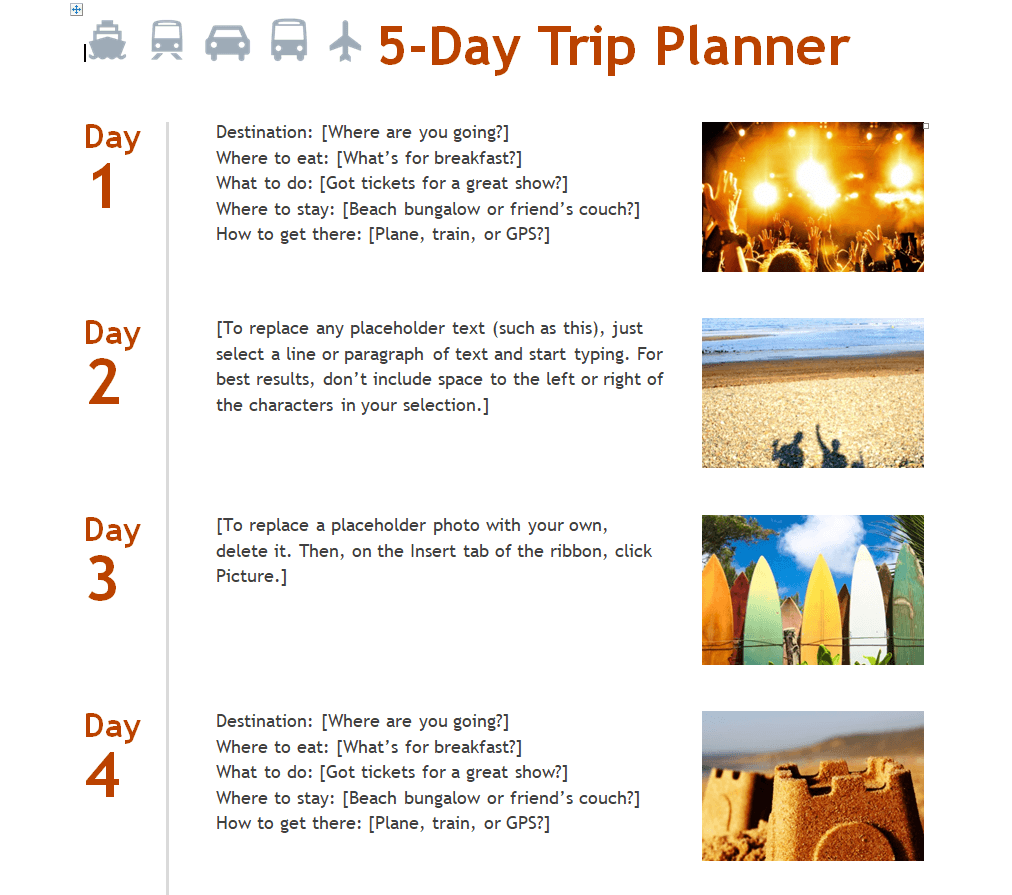
5-Day Travel Planner Template in DOC Format
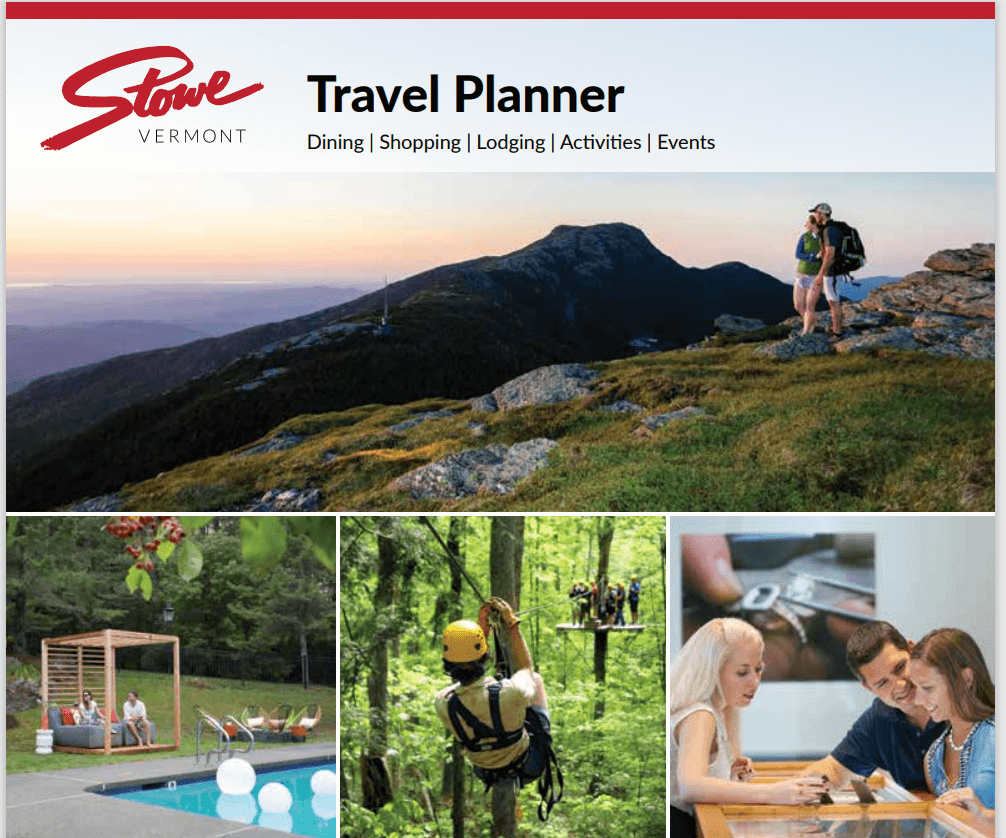
Official Travel Planner Template
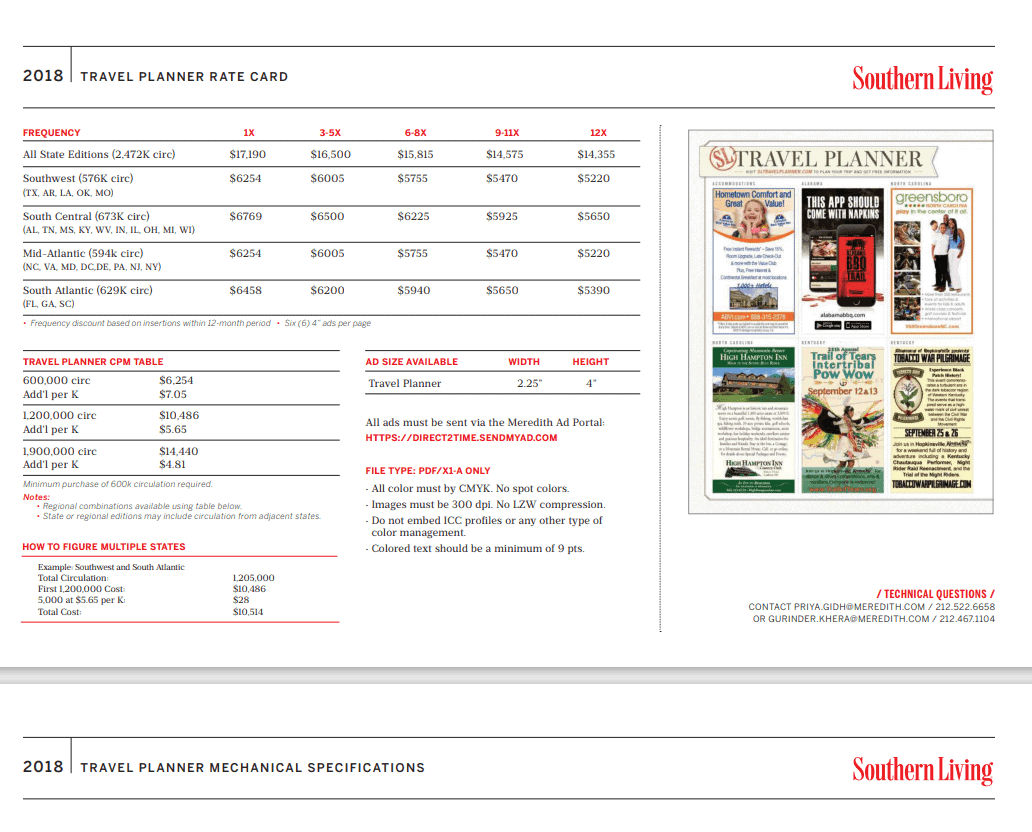
Example Travel Planner Rate Card Template
Frequently Asked Questions
Are these travel planner templates free to download?
Yes, all 17 travel planner templates on this page are free to download and use.
Which file formats are these templates available in?
The templates are available in PDF, Word, and Excel formats.
Can I use these templates for business travel?
Yes, several templates, including the work-related and assistant travel planner options, are well suited for business trips.
Can I customize the templates with my own trip details?
Yes, the Word and Excel versions are fully editable, letting you add your own destinations, dates, and itinerary details.
Are these templates suitable for group or family trips?
Yes, the group and family travel planner templates are designed specifically for coordinating trips with multiple travelers.
Can I print these templates instead of filling them out digitally?
Yes, all templates can be printed and filled out by hand if you prefer a physical copy to carry with you.
Do these templates include a budget tracker?
Several of the templates, especially the Excel versions, include space to track and total your trip expenses.

You must be logged in to post a comment.