
A sales-call log should show the date, account, decision-maker, call purpose, objections, agreed next step and follow-up date. Separate actual opportunities from calls that did not progress.
Record sales calls so the next conversation improves
Worked example: A representative speaking with a retailer about a bulk order can record the requested volume, pricing concern and promised quotation date. At the next call, the representative should see exactly what was agreed.
Check before use: Use consistent pipeline stages and don’t record more personal information than necessary. A call log is not a consent register; follow privacy and marketing-contact rules.
- Saves preparation time: A ready-made layout means you can focus on making calls instead of designing a tracking sheet from scratch.
- Keeps outreach organized: Clearly labeled fields for date, contact, and call outcome reduce confusion when following up.
- Improves follow-up consistency: A complete call log makes it easier to know exactly when and how to follow up with each prospect.
- Supports sales performance tracking: Reviewing call logs over time helps identify which outreach efforts are converting best.
- Works for various business types: Templates are suitable for B2B sales, retail outreach, service businesses, and more.
- Free and reusable: Download once and reuse the same template structure for every future sales campaign.
For related resources, see 4 Sales Log Templates and 15 Practical Sales Plan Templates [WORD & EXCEL].
What’s Included in the Sales Call Log Template
- Sales representative name: Space to record who made each call.
- Date and time of call: Fields to log exactly when each call took place.
- Customer name and contact details: Space to record who was called and how to reach them again.
- Call status: A field noting whether the call was answered, went to voicemail, or resulted in a sale.
- Next follow-up date: Space to note when to make contact again.
- Notes section: An area to record details discussed during the call for future reference.
Who Should Use These Templates?
- Sales representatives tracking daily calls to prospective and existing customers.
- Small business owners managing their own outreach without a dedicated CRM system.
- Sales managers reviewing team call activity and performance.
- Telemarketing teams logging call outcomes across large calling campaigns.
- Freelancers and consultants tracking client outreach and follow-up.
- Startups needing a simple, low-cost way to manage sales activity before investing in dedicated software.
How to Start Using the Template in 3 Simple Steps
- Step 1 — Choose a template style: Browse the 4 options below and select the layout that best fits your needs.
- Step 2 — Log your calls: Enter the date, contact details, and outcome for each call you make.
- Step 3 — Review and follow up: Use the log to schedule and track follow-up calls with prospects.
Sales Call Log vs. CRM Software
While both tools help manage sales outreach, a sales call log spreadsheet and dedicated CRM software serve different needs depending on the size and complexity of your sales operation. A spreadsheet-based call log is simple, free, and easy to use for individuals or small teams that don’t need advanced features like automated reminders or pipeline forecasting. CRM software, by contrast, offers more robust features but typically requires a subscription and a learning curve for the sales team. Choosing the right approach depends on your team’s size, budget, and how much functionality you actually need.
Customizing the Template for Your Business
These templates are designed to be a flexible starting point rather than a fixed format. You can add extra columns for lead source, deal value, or priority level, or adjust the layout to match your team’s specific sales process. Since the templates are provided in editable Excel format, most adjustments take only a few minutes and let you tailor the call log to fit your specific business needs.
Choosing the Right Format
With 4 different templates available, choosing the right one depends on how much detail you need to track for each call. A simple log works well for straightforward outreach tracking, while a more detailed format with additional fields is better suited for teams tracking multiple touchpoints per prospect. Reviewing your specific tracking needs before choosing a template can help you avoid switching formats partway through a sales campaign.
Common Mistakes to Avoid
- Forgetting to log a call immediately: Record each call right after it happens to avoid missing details later.
- Leaving fields incomplete: Always fill in the date, contact, and outcome for every entry to keep the log useful.
- Not scheduling follow-ups: Always note the next follow-up date to avoid losing track of a promising lead.
- Mixing personal and business contacts: Keep the log focused solely on sales-related calls to avoid confusion.
- Not backing up the file: Keep a backup copy of your call log in case the original file is lost or corrupted.
Tips to Get the Most Out of Your Sales Call Log Template
- Update the log immediately after each call to keep your records accurate and complete.
- Review your call log weekly to spot patterns in what’s converting and what isn’t.
- Color-code entries by outcome to make the log easier to scan at a glance.
- Set reminders for follow-up dates so no promising lead falls through the cracks.
- Share the log with your team if multiple people are making calls to the same customer base.
Using Call Logs to Improve Sales Performance
A well-maintained sales call log does more than just track outreach; it can become a valuable tool for identifying what’s actually working in your sales process. Reviewing which types of calls, times of day, or talking points lead to the most conversions can help refine your approach over time rather than relying on guesswork. Sales managers in particular benefit from reviewing team call logs regularly, since patterns across multiple representatives can reveal coaching opportunities or highlight top performers whose techniques could be shared with the rest of the team.
Building an Effective Follow-Up Routine
Many sales opportunities are lost not because of a bad first call, but because of inconsistent or missed follow-up, which is why the follow-up date field in a call log template is one of its most valuable features. Establishing a consistent routine, such as reviewing upcoming follow-ups every morning before making new calls, helps ensure that no prospect is left waiting too long for a response. Some sales teams find it helpful to categorize follow-ups by urgency or likelihood to close, allowing representatives to prioritize their time on the calls most likely to result in a sale.
Transitioning From a Call Log to a Full CRM System
As a sales team grows, many businesses eventually outgrow a spreadsheet-based call log and transition to a dedicated CRM system that offers automation, reporting, and integration with other business tools. Starting with a simple call log template is still a smart first step, since it helps establish good tracking habits and clarifies exactly what fields and data points matter most to your sales process before investing in more complex software. When the time comes to make that transition, having historical call log data already organized in a spreadsheet makes it much easier to import records into a new CRM system without losing valuable customer history.
Analyzing Call Log Data for Better Decision-Making
Beyond day-to-day tracking, a sales call log accumulated over weeks or months becomes a valuable source of data for making broader business decisions, such as which lead sources are producing the most qualified prospects or which times of day yield the highest answer rates. Using simple spreadsheet functions like filters, sorting, and pivot tables can turn a raw call log into a quick performance summary without needing specialized analytics software. Reviewing this data on a regular cadence, such as monthly, helps sales managers spot trends early and adjust strategy before a slow period turns into a larger problem.
Training New Sales Representatives With a Call Log
A well-organized sales call log can also serve as a valuable training tool for onboarding new sales representatives, giving them a concrete example of how experienced team members structure their outreach and document call outcomes. Reviewing a seasoned representative’s call log alongside their actual results can help a new hire understand what a productive calling day looks like and what kind of notes are useful to capture. Having new hires maintain their own call log from day one, even before they’re fully ramped up, also creates an early habit of disciplined tracking that tends to pay off throughout their time on the team.
Combining Call Logs With Other Sales Tracking Tools
Many small businesses find that a call log template works best when used alongside other simple tracking tools, such as a separate spreadsheet for tracking overall sales pipeline stages or a shared calendar for scheduling follow-up calls across the team. Linking these tools together, even manually, can prevent the kind of disconnect that happens when call activity is logged in one place but pipeline status lives somewhere else entirely. As long as everyone on the team understands and follows the same process for updating each tool, this lightweight combination can carry a growing sales operation a long way before more sophisticated software becomes necessary.
Sales Call Log Excel Templates Are Given Below
Sales Call Log Excel Example
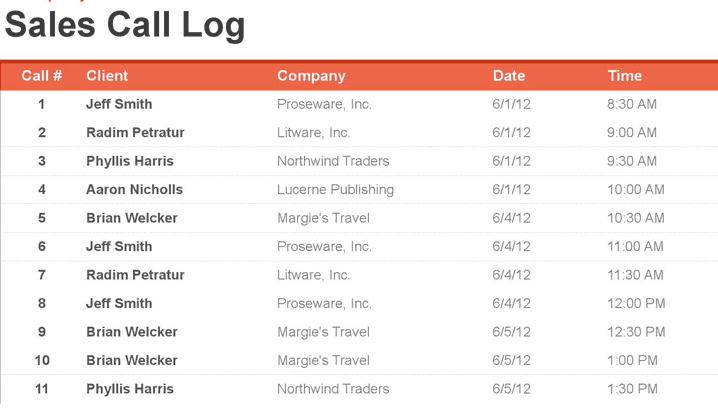

Sales Call Log Excel Template Free
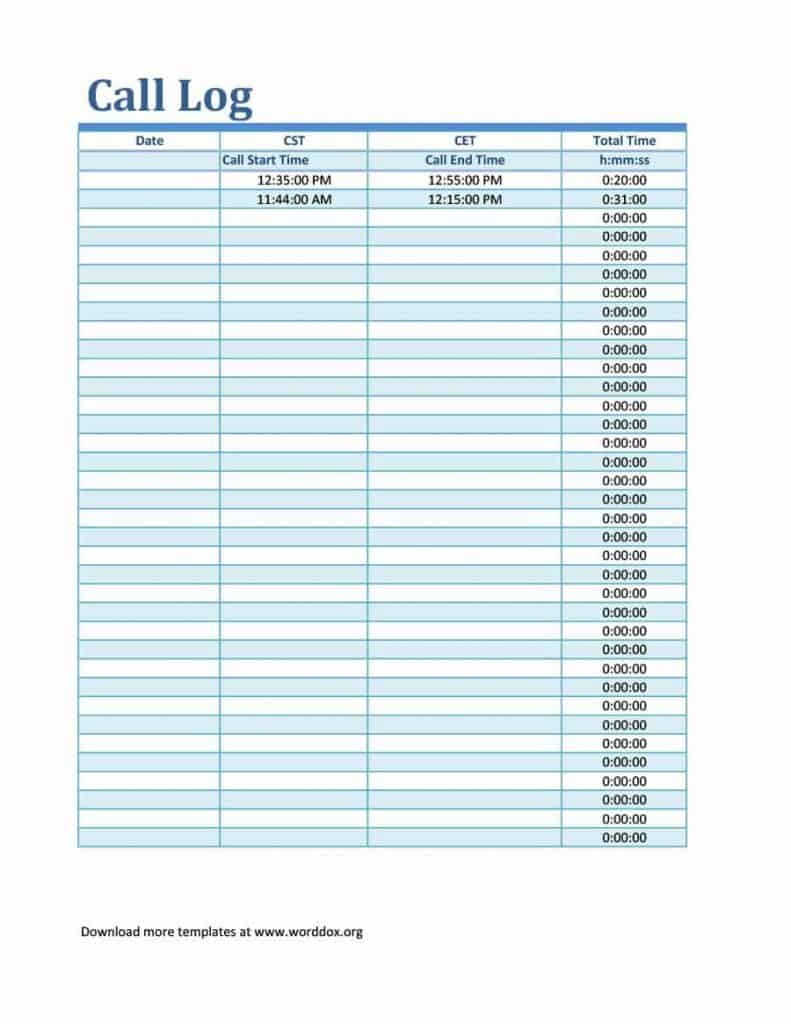
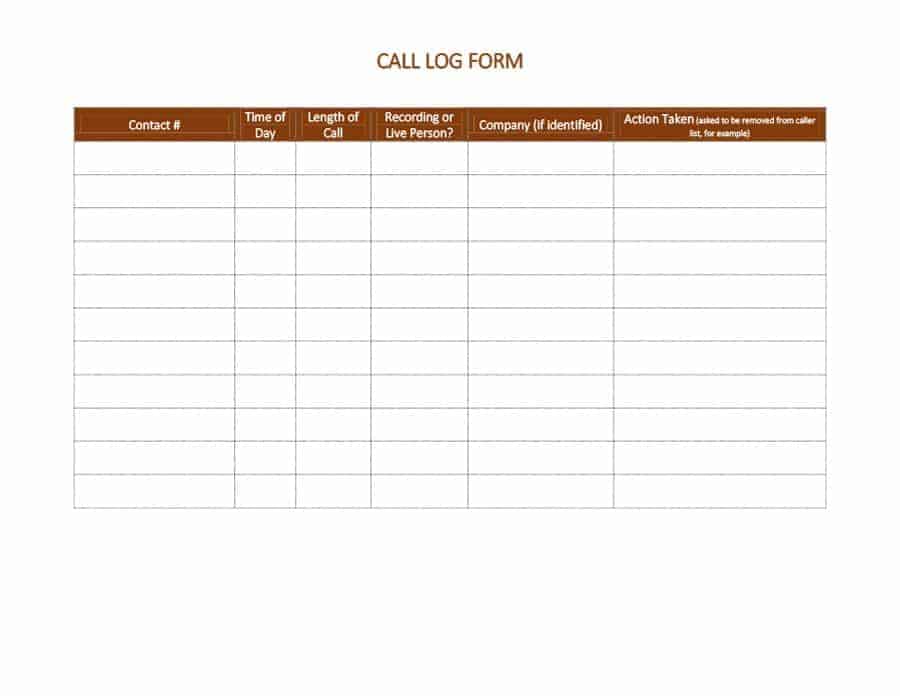
Frequently Asked Questions
Are these sales call log templates free to download?
Yes, all 4 sales call log Excel templates on this page are free to download and use.
Which file format are these templates available in?
These templates are available in Microsoft Excel format and are compatible with all Excel versions.
Can I customize the fields on these templates?
Yes, since the templates are fully editable, you can add or adjust fields to match your specific sales process.
Is a call log the same as a CRM system?
No, a call log is a simple spreadsheet for tracking calls, while a CRM system offers more advanced features like automation and reporting.
Can these templates be used by a sales team?
Yes, these templates work well for individual sales representatives as well as teams tracking calls together.
How often should I update my sales call log?
It’s best to update your call log immediately after each call to keep your records accurate and complete.
Can I use these templates to track follow-up calls?
Yes, these templates include a field for noting the next follow-up date for each contact.

You must be logged in to post a comment.