
An expense report should include the employee or project, dates, merchant, business purpose, currency and receipts. Show advances or reimbursement already paid separately from new amounts due.
Bonus template: Expense report with advance reconciliation
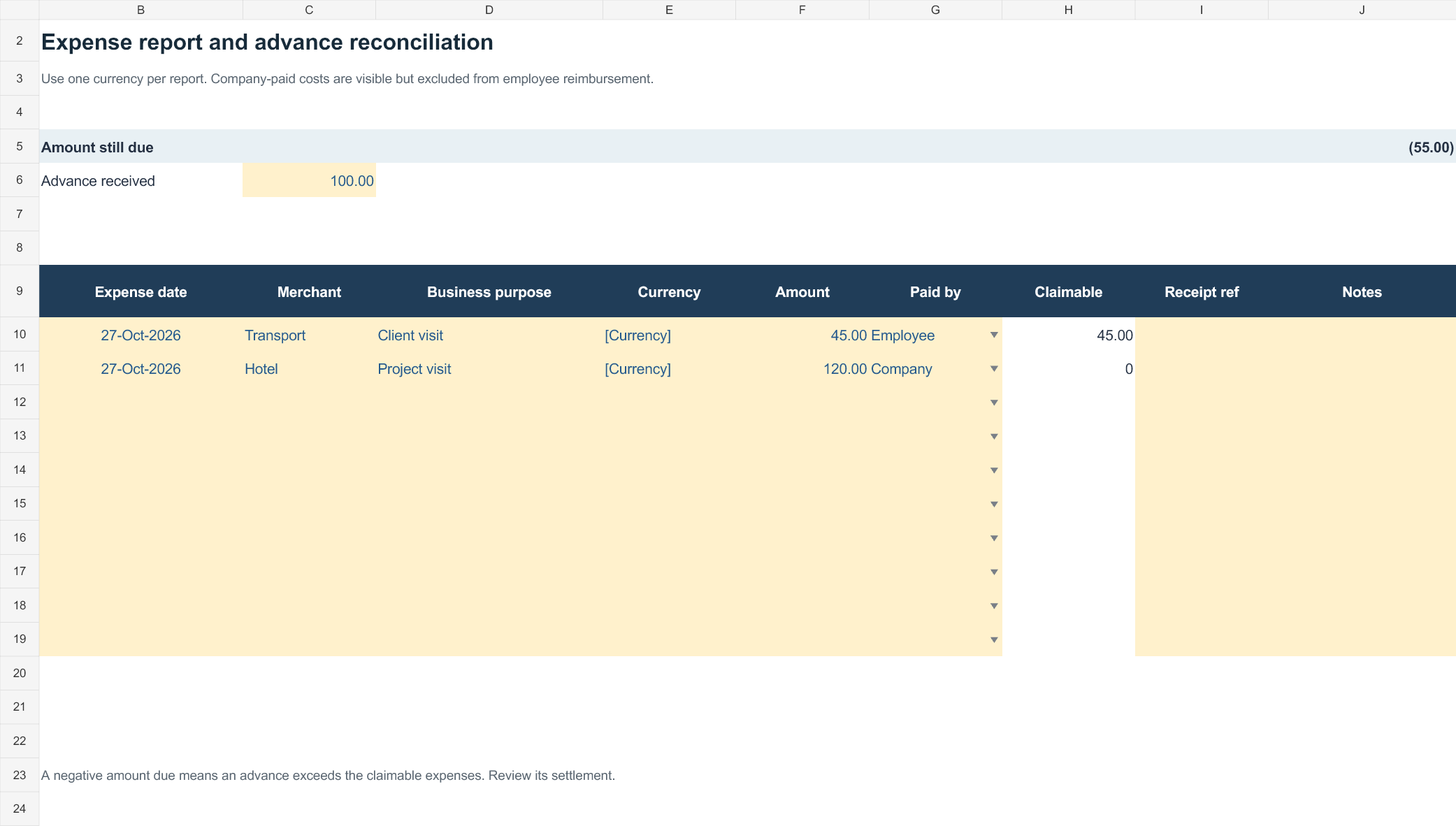
This report separates the cost of a trip or project from the amount still owed to the employee. Record company-paid costs so they are visible without claiming them again.
Download the editable Excel workbook
Download Expense report reconciliation (.xlsx)
Open in Microsoft Excel. Replace the fictional example data in the highlighted input cells; keep formula cells intact so the summaries update.
Set up the record
- Employee / project: [details]
- Reporting dates: [dates]
- Report reference: [reference]
- Currency: [currency]
| Date | Merchant / purpose | Receipt reference | Expense | Paid by | Claimable amount |
|---|---|---|---|---|---|
| [date] | Travel for client meeting | R-01 | 45.00 | Employee | 45.00 |
| [date] | Hotel | R-02 | 120.00 | Company | 0.00 |
How to use this template
- List each expense once and retain its supporting receipt reference.
- Total eligible employee-paid expenses, then deduct advances or reimbursement already received.
- Use a documented conversion method if expenses were paid in different currencies.
Worked example: Eligible employee-paid expenses of 180.00 minus a 100.00 advance leave 80.00 due. Company-paid hotel costs are not added to the employee’s reimbursement.
Check before use
- Do not claim the same receipt on two reports.
- Separate reimbursable amounts from company-paid amounts.
- Flag a missing receipt for review instead of creating one.
Connect expense claims to receipts and approval
Worked example: An employee pays $120 for client travel and $35 for parking, with a $50 advance. The eligible total is $155; if all items qualify, the remaining reimbursement is $105.
Check before use: Define permitted categories and approval limits before using a form. Check tax details, currency conversions and duplicate submissions, and avoid assuming all costs are reimbursable.
- Saves preparation time: A ready-made layout means you can focus on entering expense data instead of designing a tracker from scratch.
- Keeps records organized: Clearly labeled fields for date, category, and amount reduce confusion when reviewing past spending.
- Speeds up reimbursement: A complete, well-organized expense report helps employees get reimbursed faster by management.
- Supports accurate budgeting: A detailed spending history makes it easier to plan future budgets and identify cost-saving opportunities.
- Works for various purposes: Templates are suitable for travel, office, food, and other recurring expense categories.
- Free and reusable: Download once and reuse the same template structure for every future reporting period.
For related resources, see Top 22+ Excel Expense Templates.
What’s Included in the Expense Report Template
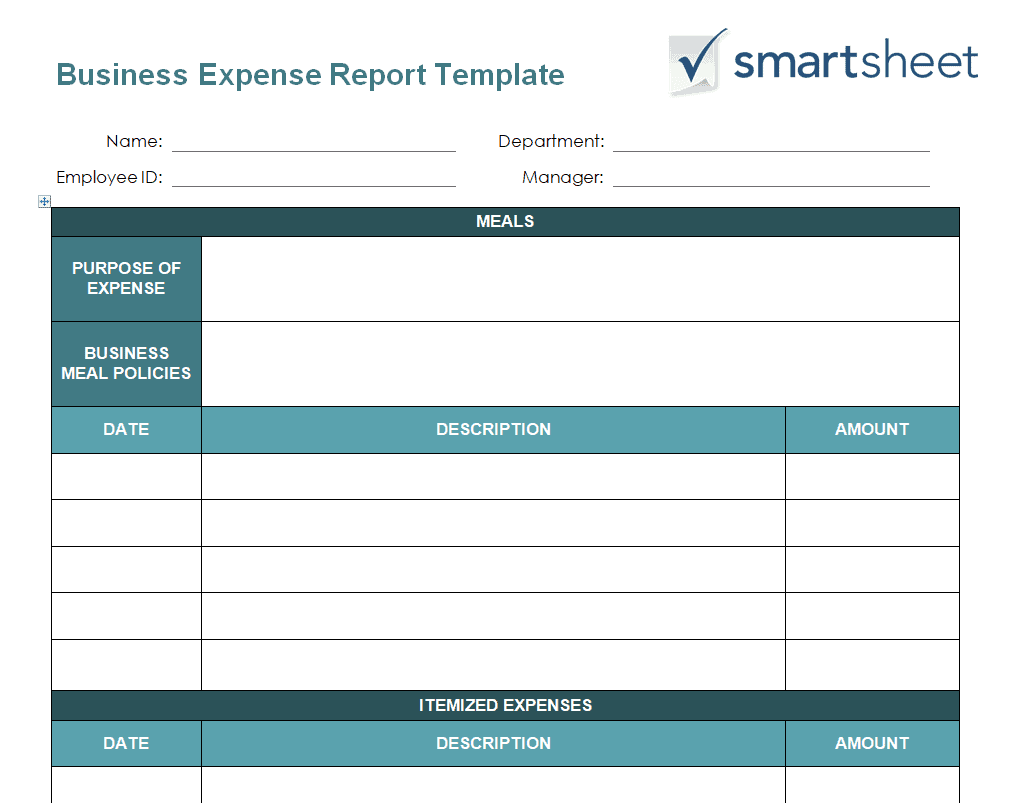
- Expense date field: Space to record the exact date each expense occurred.
- Expense category: A field to classify spending, such as travel, office supplies, or meals.
- Amount spent: Space to log the dollar amount for each expense.
- Description or purpose: A field explaining what the expense was for.
- Payment method: Space to note how the expense was paid, such as cash, card, or company account.
- Running total: Some templates include a section calculating the total expenses for the reporting period.
Who Should Use These Templates?
- Employees submitting expense reports for business travel or work-related purchases.
- Small business owners tracking company spending for budgeting and tax purposes.
- Freelancers and contractors monitoring business expenses for accurate invoicing and tax deductions.
- Managers reviewing and approving team expense reports.
- Individuals tracking personal spending for household budgeting.
- Accountants and bookkeepers maintaining organized expense records for clients.
How to Start Using the Template in 3 Simple Steps
- Step 1 — Choose a template style: Browse the 13 options below and select the format that best fits your needs.
- Step 2 — Enter your expense details: Fill in dates, categories, and amounts for each expense.
- Step 3 — Review and submit: Double-check totals before submitting for reimbursement or filing for your records.
Expense Report vs. Budget
While both documents relate to money management, an expense report and a budget serve different purposes. A budget is a forward-looking plan that estimates how much will be spent in different categories over a future period. An expense report, by contrast, is a backward-looking record documenting what has actually been spent, used for reimbursement, tax filing, or comparing actual spending against the original budget. Businesses and individuals often use both together: a budget to plan spending, and expense reports to track and verify what actually happened.
Customizing the Template for Your Needs
These templates are designed to be a flexible starting point rather than a fixed format. You can add extra columns for tax categories, project codes, or client billing information, or adjust the layout to match daily, weekly, or monthly tracking. Since the templates are provided in editable Excel and Word formats, most adjustments take only a few minutes and let you tailor the expense report to fit your specific personal or business needs.
Choosing the Right Format
With 13 different templates available in both Excel and Word formats, choosing the right one depends on how you plan to use it. The Excel-based templates work best when you need to calculate totals automatically or track expenses across multiple categories. The Word-based templates are better suited as simple, printable forms for quick documentation or manual entry.
Common Mistakes to Avoid
- Forgetting to log an expense immediately: Record each expense as soon as it happens to avoid missing entries later.
- Leaving fields incomplete: Always fill in the date, category, and amount for every entry to keep the report useful.
- Not keeping receipts: Save physical or digital copies of receipts to support each expense report entry.
- Mixing personal and business expenses: Keep separate reports for personal and business spending to avoid confusion.
- Submitting reports late: Submit expense reports promptly to avoid delays in reimbursement.
Tips to Get the Most Out of Your Expense Report Template
- Update the report immediately after each expense to keep your records accurate and complete.
- Review your spending periodically to spot trends or areas where costs can be reduced.
- Keep supporting receipts organized alongside your expense report for easy reference.
- Color-code entries by category to make the report easier to scan at a glance.
- Export or print periodic summaries for tax filing or budgeting purposes.
Using Expense Reports for Business Reimbursement
For employees who travel or make purchases on behalf of their company, a well-organized expense report is essential for getting reimbursed quickly and accurately. Including clear descriptions, accurate dates, and supporting receipts for each entry reduces the back-and-forth often involved in the approval process, since managers and finance teams can review the report without needing to ask for clarification. Many companies also have specific policies about which categories of expenses are reimbursable, so reviewing those guidelines before submitting a report can help avoid delays or rejected claims.
Tracking Business Expenses for Tax Deductions
Freelancers, contractors, and small business owners often use expense reports throughout the year to track deductible business expenses, which can significantly reduce their tax liability when filed correctly. Categorizing expenses consistently, such as separating office supplies from travel or marketing costs, makes it much easier to complete tax forms accurately at filing time. Keeping a running expense report throughout the year, rather than trying to reconstruct spending from memory or scattered receipts in April, can save significant time and reduce the risk of missing deductible expenses.
Comparing Actual Expenses to Budgeted Amounts
One of the most valuable uses of an expense report is comparing actual spending against a previously set budget, which can reveal whether a department, project, or household is on track financially. Reviewing this comparison regularly, rather than only at the end of a reporting period, makes it possible to catch overspending early and adjust course before it becomes a larger problem. Businesses that track this comparison consistently over multiple periods often find it easier to create more accurate budgets in the future, since they can base new estimates on actual historical spending patterns rather than rough guesses.
Managing Team Expense Reports as a Manager
Managers responsible for reviewing and approving team expense reports benefit from establishing a consistent process, such as requiring receipts above a certain dollar amount or setting a regular deadline for report submission each month. Reviewing reports promptly rather than letting them pile up helps keep team members from feeling like reimbursement takes too long, which can otherwise discourage accurate and timely expense tracking. Comparing expense patterns across team members can also help identify training opportunities, such as employees who may benefit from guidance on cost-effective travel booking or vendor selection.
Tracking Personal Household Expenses
Beyond business use, expense report templates are also a practical tool for individuals and families looking to get a clearer picture of household spending over time. Logging expenses by category, such as groceries, utilities, and entertainment, makes it easier to spot where money is going and identify areas where cutting back could make a meaningful difference to monthly savings. Reviewing a personal expense report alongside a household budget at the end of each month can also help families set more realistic spending goals based on actual habits rather than assumptions about where their money typically goes.
Digitizing and Storing Expense Records
Keeping both a completed expense report and its supporting receipts organized digitally can save significant time and stress if records are ever needed for an audit, tax inquiry, or dispute over a reimbursement. Scanning or photographing paper receipts as expenses occur, rather than waiting until the end of a reporting period, reduces the risk of losing physical copies or having them fade over time. Many people find it helpful to store digital copies in folders organized by month or category, matching the structure of their expense report template, so that any specific entry can be quickly cross-referenced with its supporting documentation when needed.
Preparing for an Expense Audit
Whether it’s an internal company audit or a review by a tax authority, having a consistently maintained expense report with clear documentation makes the process far less stressful than scrambling to reconstruct records after the fact. Auditors typically look for a clear link between each logged expense, its supporting receipt, and its stated business purpose, so maintaining that connection from the start rather than trying to recreate it later is well worth the extra few minutes per entry. Businesses that treat their expense reports as an ongoing habit rather than a once-a-year scramble tend to sail through audits with far less disruption to daily operations.
Get Expense Report EXCEL Templates Here
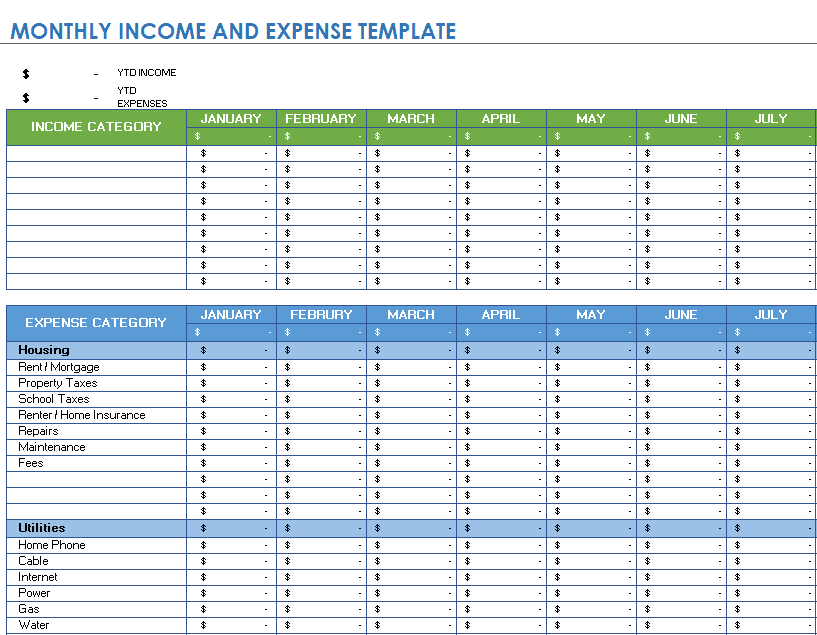
Monthly Income and Expense Report Template
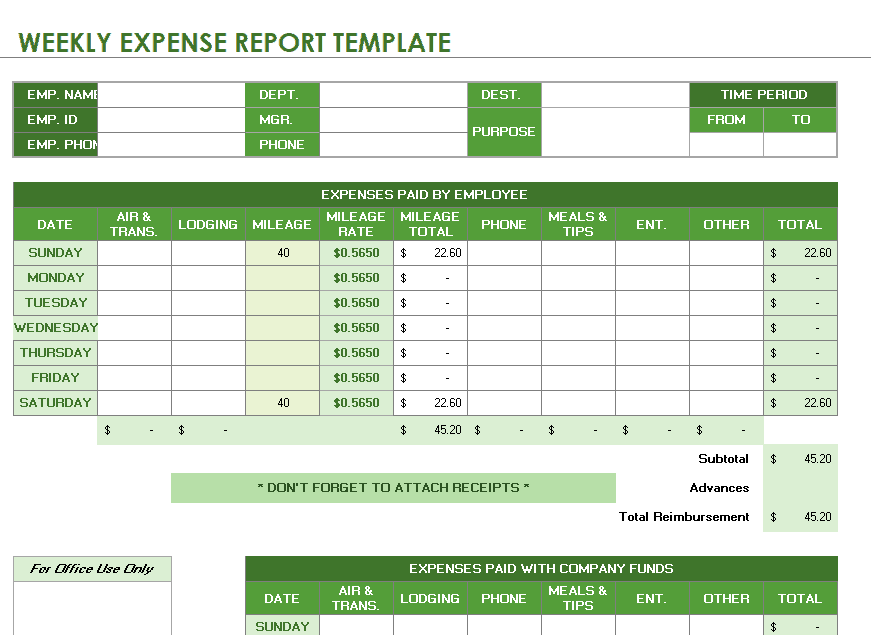
Weekly Expense Report Excel Template
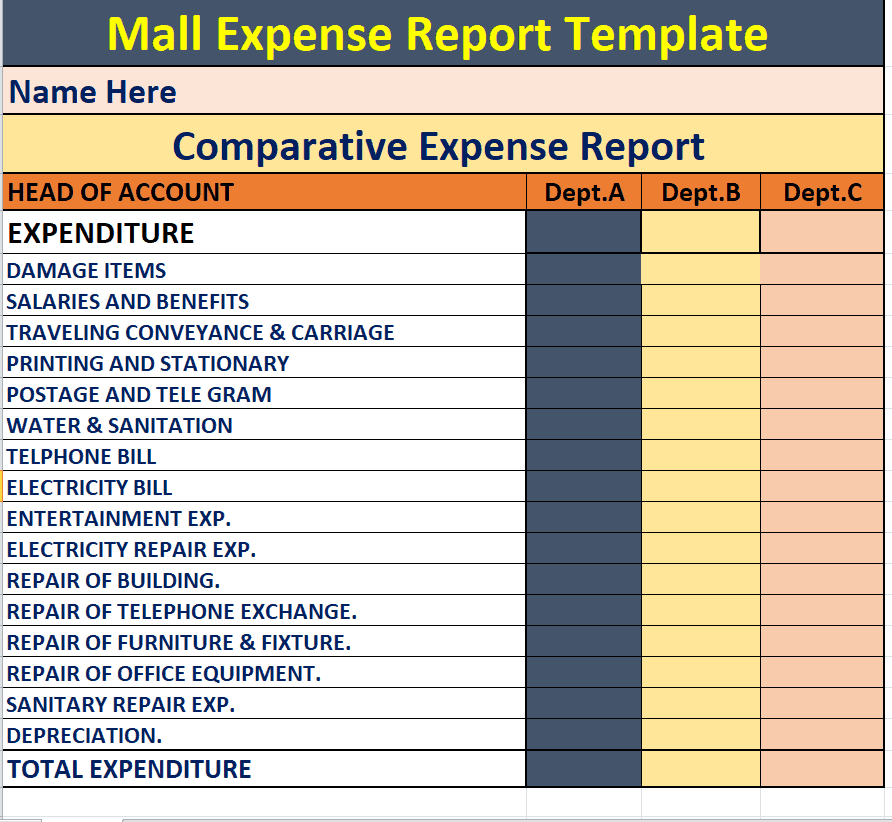
Sample Comparative Expense Report Template
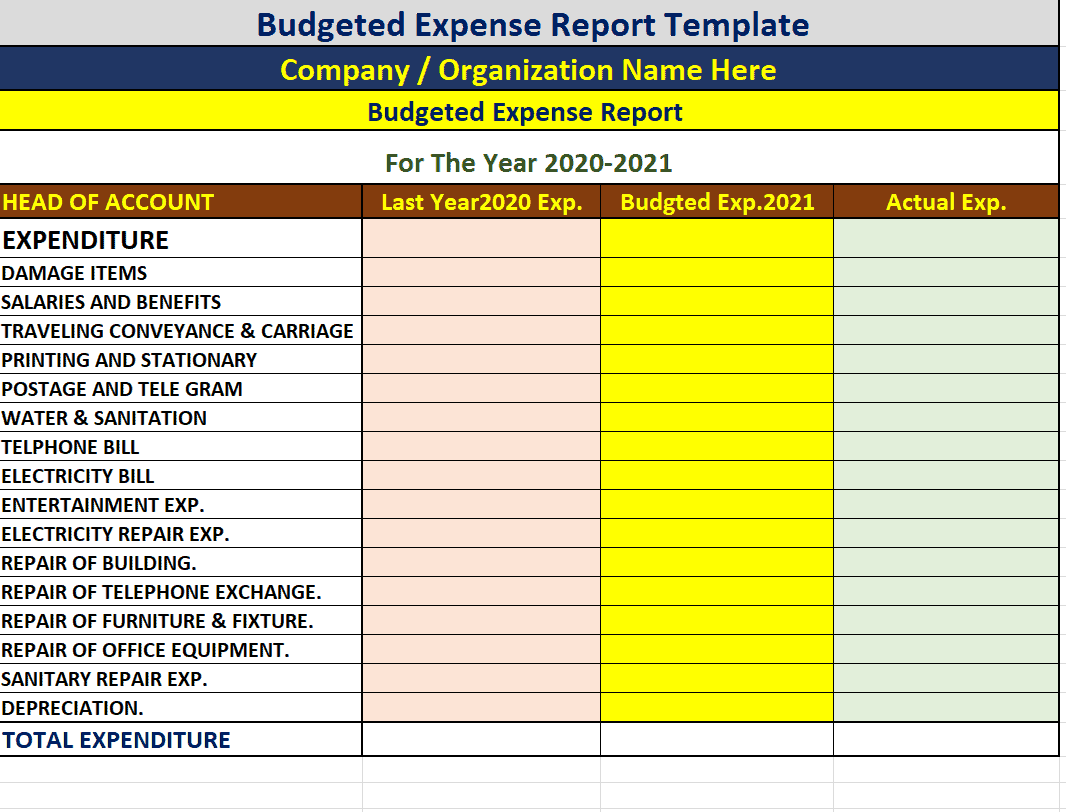
Company’s Budgeted Expense Report Template
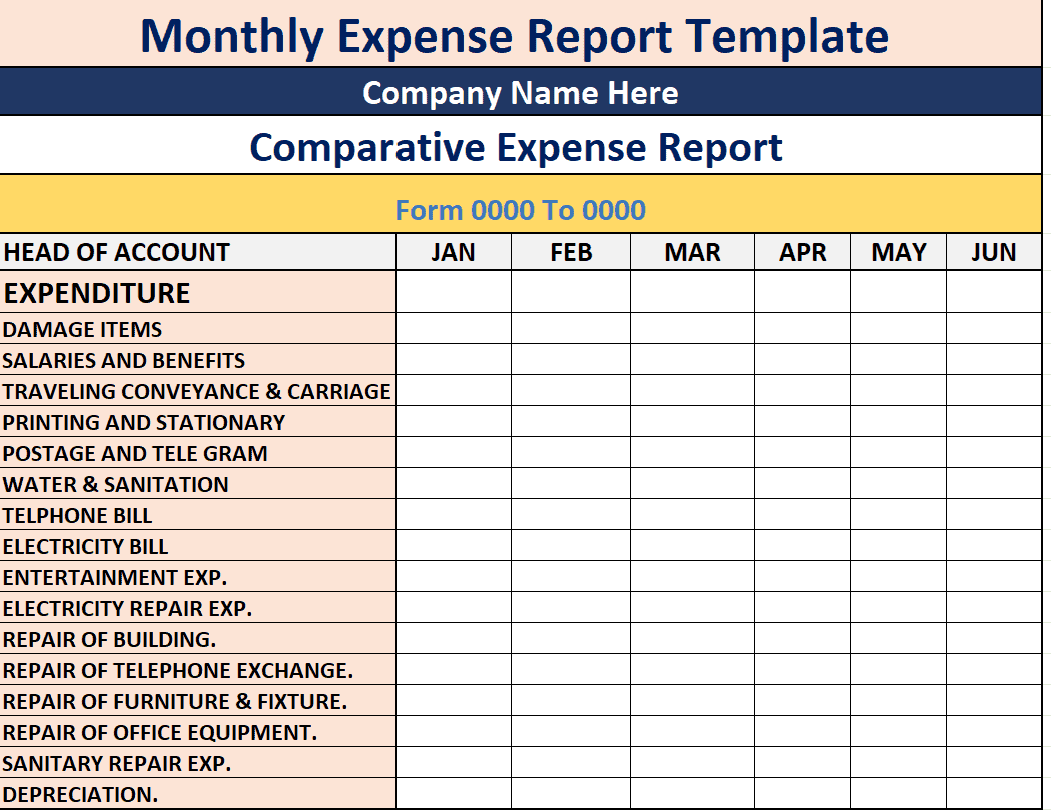
Example Monthly Expense Report Template
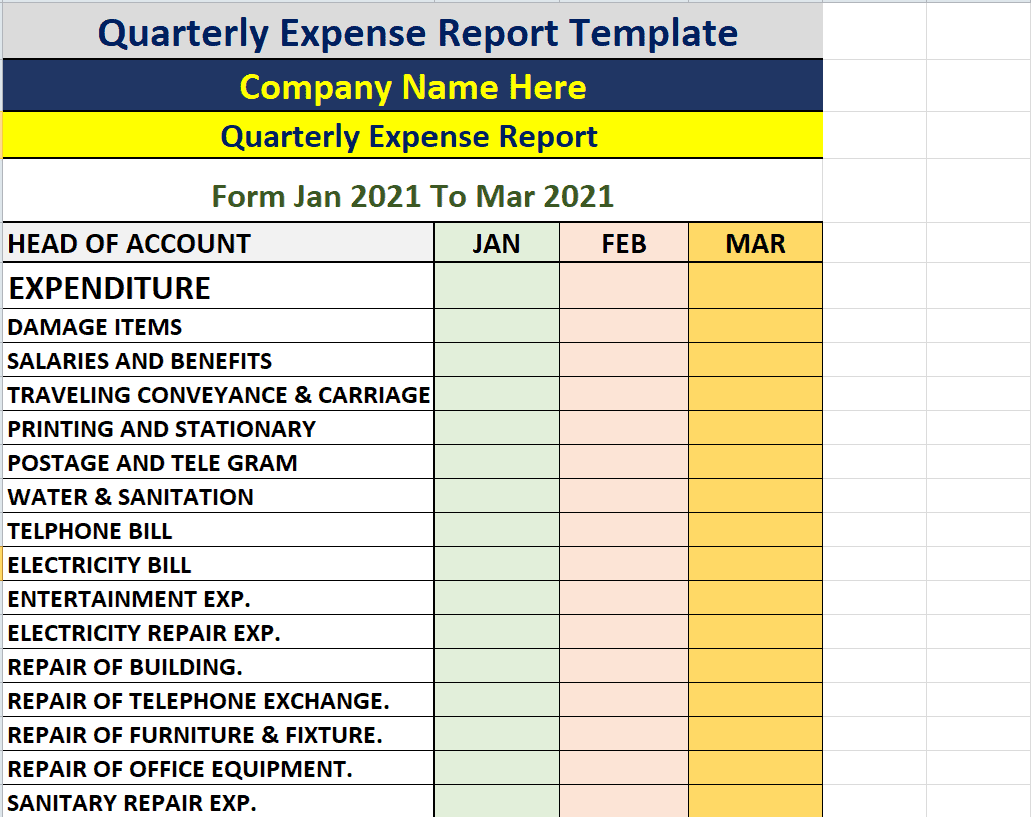
Basic Quarterly Expense Report Format Template
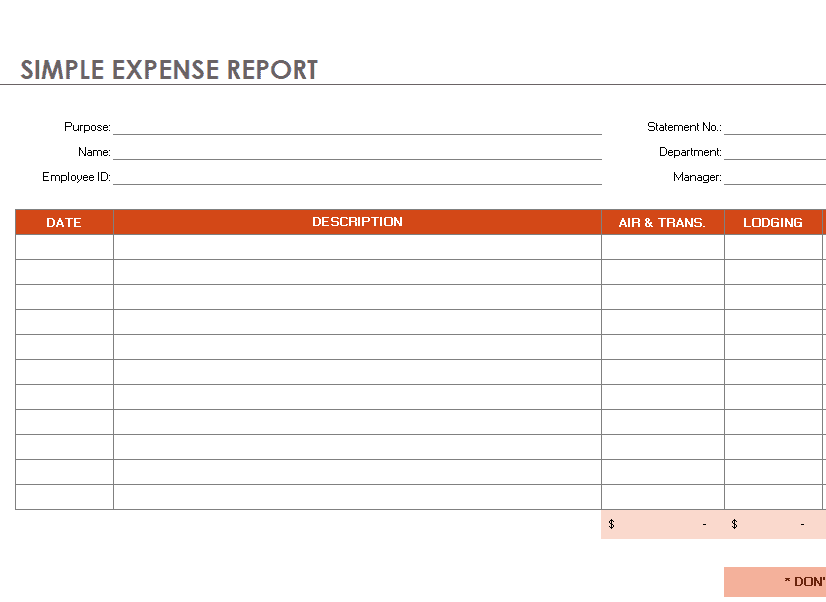
Simple Expense Report Outline Template
Bank Expense Expense Report Template
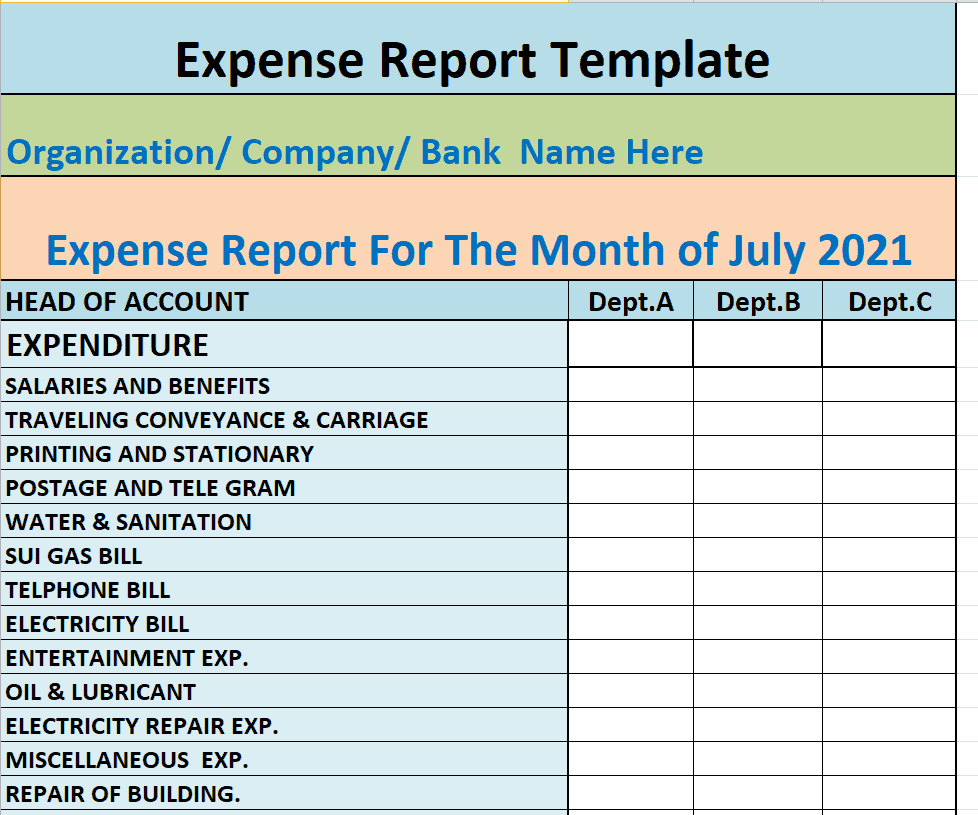
Excel Expense Sheet Template
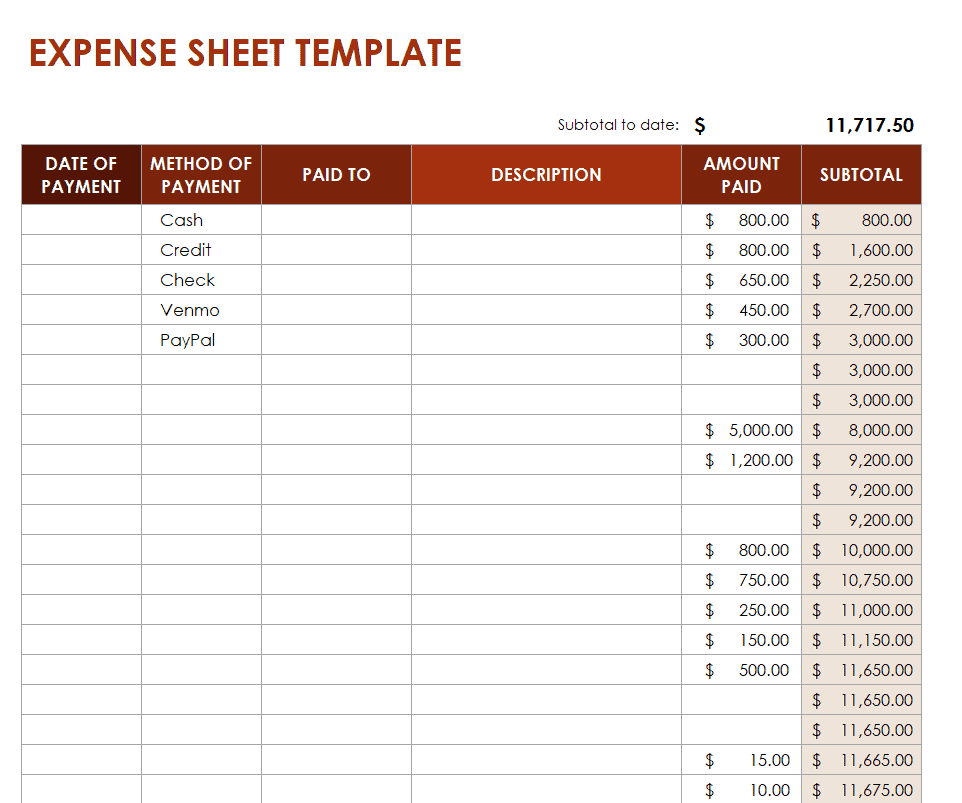
Get Expense Report WORD Templates Here
Annual Expense Report Word Template
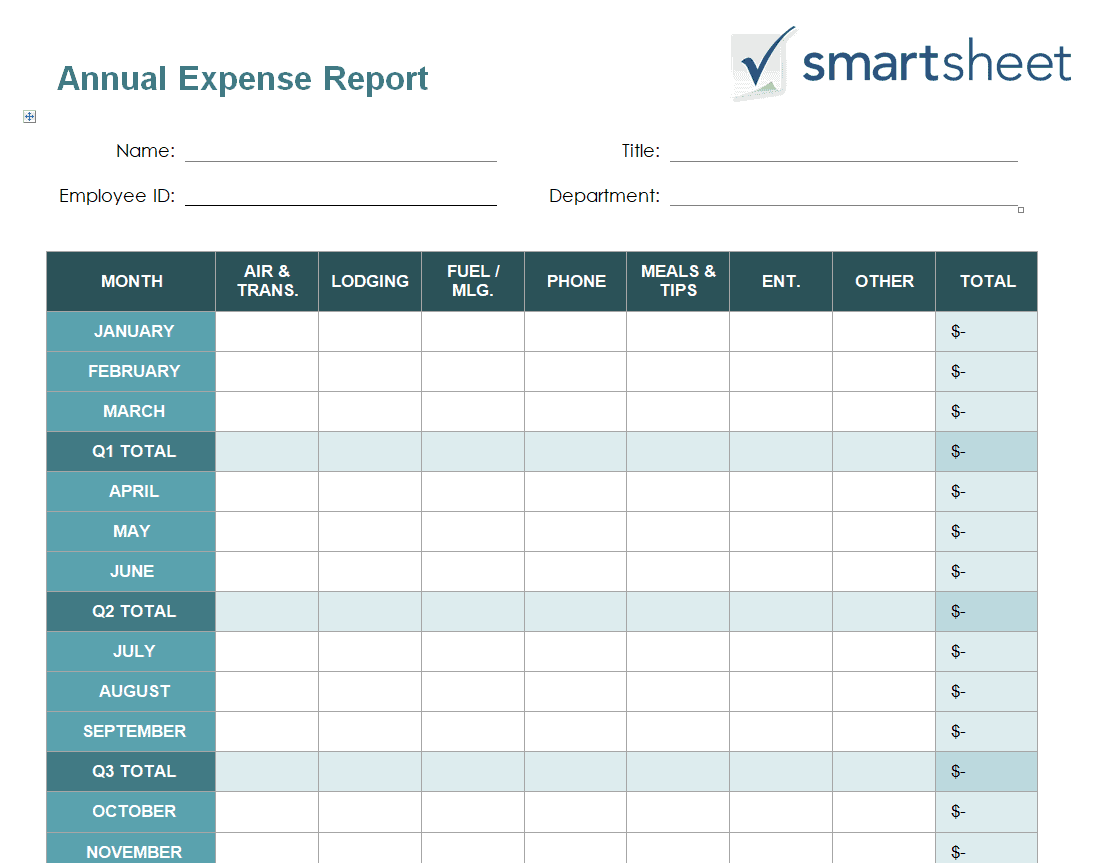
Official Credit Card Expense Report Template
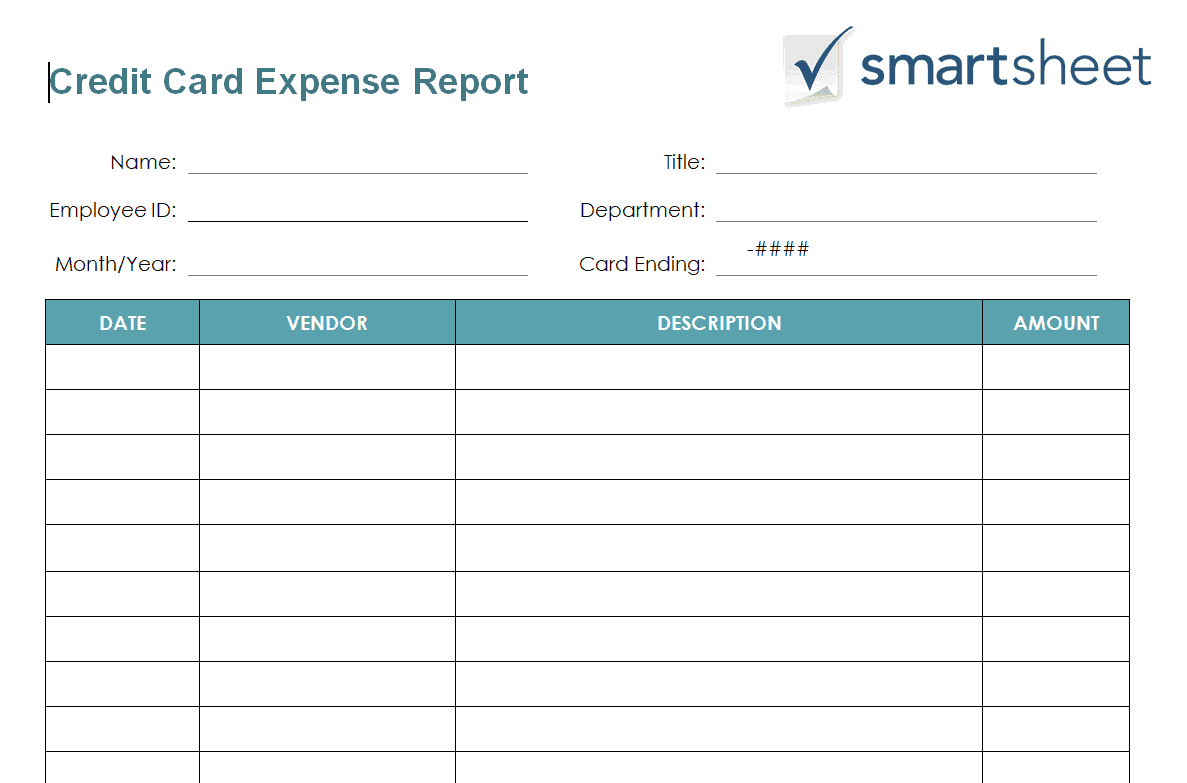
Blank Business Expense Report Template
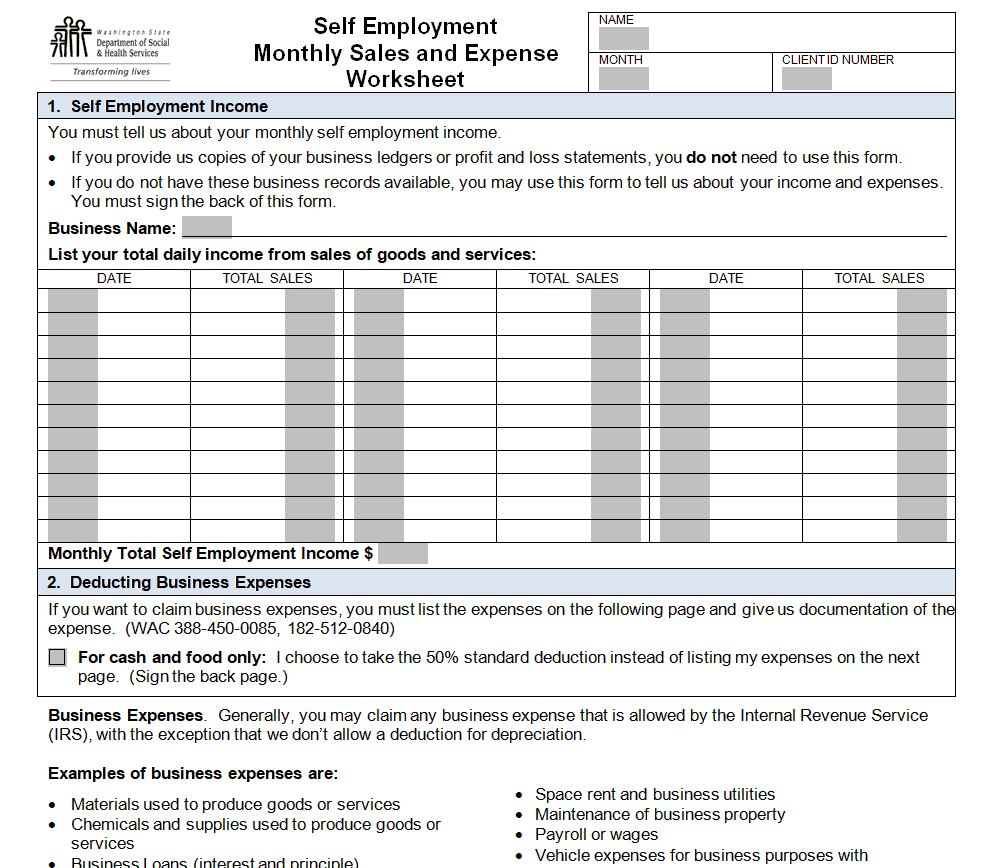
Monthly Sales and Expense Worksheet Template
Frequently Asked Questions
Are these expense report templates free to download?
Yes, all 13 expense report templates on this page are free to download and use.
Which file formats are these templates available in?
These templates are available in Microsoft Excel and Microsoft Word formats.
Can I customize the fields on these templates?
Yes, since the templates are fully editable, you can add or adjust fields to match your specific tracking needs.
Is an expense report the same as a budget?
No, a budget plans future spending, while an expense report documents what has already been spent.
Can these templates help with tax deductions?
Yes, a well-organized expense report makes it easier to track deductible business expenses at tax time.
Are these templates suitable for personal use?
Yes, these templates work well for tracking personal or household spending in addition to business expenses.
How often should I update my expense report?
It’s best to update your expense report immediately after each expense to keep it accurate and complete.

You must be logged in to post a comment.