
Download an editable Word completion certificate for a course or program. Personalize the participant, provider, completion date and verified requirement, then check the final wording and print layout before issue.
Editable downloads and previews
Editable Word certificate
Private, non-commercial use. Download help and usage terms.
Download the Word certificate (.docx)
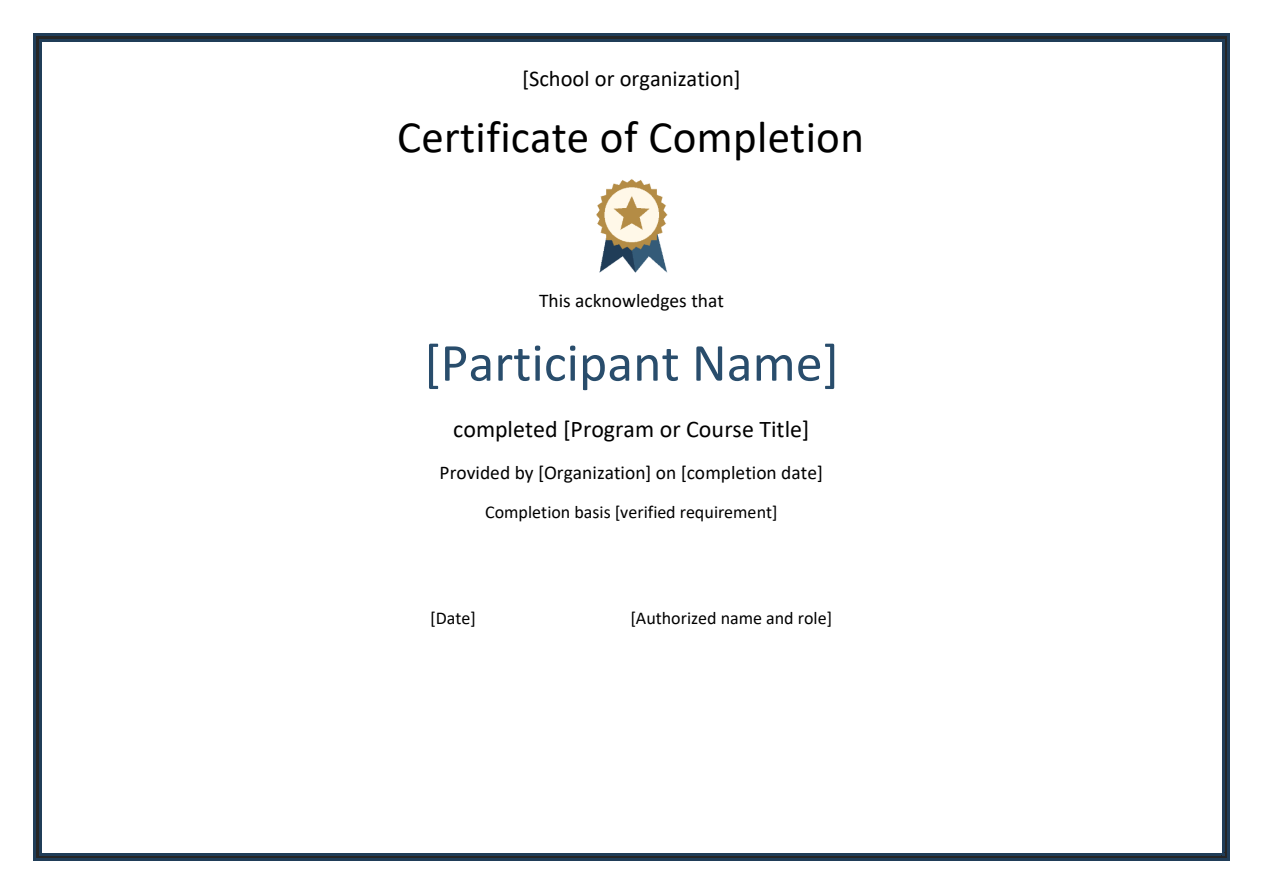
One A4 landscape page with editable text, a decorative border and medal graphic. Replace the placeholders in Microsoft Word and use only authorized signatures and logos.
More template previews and sources
Use the file links where provided. Links labeled “View original source” open another website; check its current format, availability and terms. A preview image alone is not an editable document.
Template previews and source links

Completion is a specific claim about an activity. It should not automatically imply attendance alone, mastery of every skill, academic credit, or professional licensing. Define the completion requirement before issuing the certificate and keep the supporting record with the responsible provider.
Choose a suitable template
Choose the certificate wording before choosing its decorative border. Decide exactly what the issuer is authorized to confirm and which record supports that claim. A formal-looking design does not expand that authority. Compare layouts for readable names, appropriate signature space, and room for the activity or award description. Check the actual resource format before assuming that every preview is an editable document.
Important details to prepare
Recipient
Use the verified participant name and resolve spelling or identity questions before issue. Avoid unnecessary personal identifiers on the display copy. Check this detail against the approved issue record before personalizing the design. A certificate is often kept for years, so a small error can continue to cause confusion long after the presentation.
Activity
Name the actual course, project, or program. A broad title should not imply completion of work outside the recorded scope. Use clear wording that remains understandable without the event invitation or course brochure. Avoid abbreviations that only the current organizing team will recognize.
Requirements
State or reference the completion basis, such as submitted work or approved project closure. Do not certify an assessment that did not occur. Keep the claim within the evidence available to the issuer. Recognition can be meaningful without adding unsupported language about qualification, licensing, or universal competence.
Dates
Include the completion date and relevant program dates where useful. Distinguish the issue date from the date the activity ended. Check the final rendered text rather than only the source field. Automatic capitalization, long entries, and font substitutions can change the appearance or readability of an otherwise correct detail.
Provider
Identify the authorized organization and signatory. Any accreditation or credit claim needs specific support and appropriate authorization. Confirm authorization through the provider’s actual process. Copying a logo or signature from an old example does not establish permission to use it on a new certificate.
Issue record
Assign a reference and retain the issuance decision. Provide a legitimate verification route if the provider offers one. Keep any reference useful and traceable. The recipient should not be led to believe that a code verifies the certificate if the issuer has no process for checking it.
How to complete the template
Prepare the wording from an approved participant or award record. Confirm the claim, recipient, dates, and signatory, then personalize a working copy. Separate the issue date from the achievement or completion date where both matter. Keep any decorative quotation secondary to the factual statement. If several people receive certificates, use a controlled roster and verify each personalized copy rather than relying on the first proof alone.
Worked example
A workshop provider requires attendance plus a completed practical assignment. After checking both records, it issues a certificate naming the workshop and completion date. The wording confirms completion of that workshop, while any separate qualification claim is omitted. A reference allows the provider to identify the issue record later.
Check accuracy before use
Read the finished certificate as a recipient would. Can the reader identify who issued it, what it recognizes, and when the relevant activity occurred? Check long names, punctuation, date formats, and the exact claim. Confirm that signatures and logos are authorized. Print one proof at actual size to inspect margins and readability before producing the full set or distributing final digital copies.
Related resources for the next step
Use certificate of attendance templates to choose precise attendance-only wording.
Use achievement certificate templates to recognize a separately demonstrated result.
Use recognition certificate templates to acknowledge contributions beyond course completion.


You must be logged in to post a comment.