
Use debt snowball Excel templates to organize a smallest-balance-first repayment scenario while keeping minimum payments and interest assumptions visible. This page currently provides layout examples and source references rather than an editable download.
Layout examples and source links
Use the file links where provided. Links labeled “View original source” open another website; check its current format, availability and terms. A preview image alone is not an editable document.
Get Debt Snowball Excel Templates Here
Debt Snowball Plan Sheet
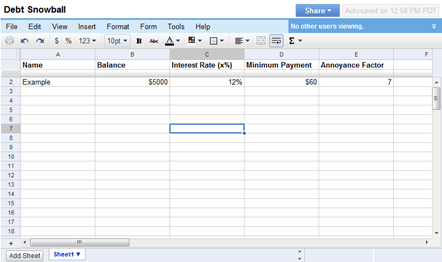 View original source for Debt Snowball Plan Sheet
Debt Snowball Worksheet Sample
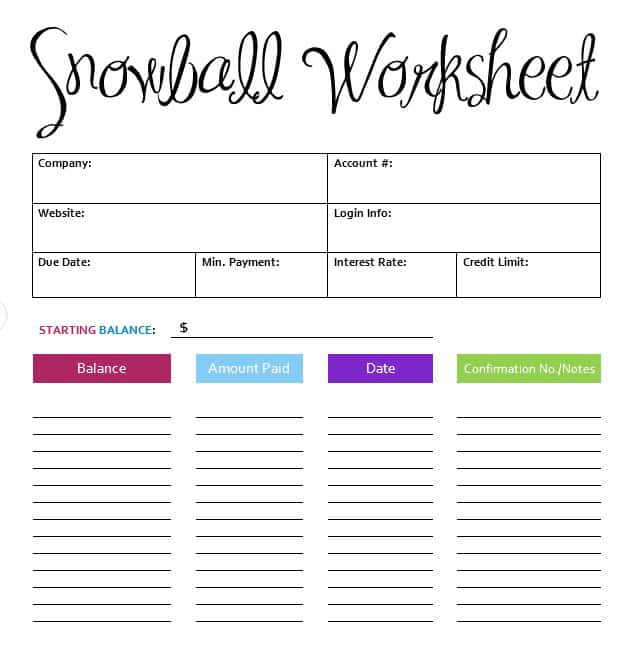 View original source for Debt Snowball Worksheet Sample
Debt Snowball Calculator Printable
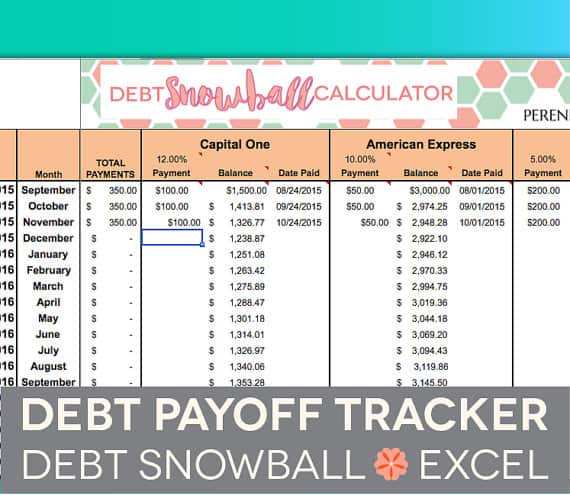 View original source for Debt Snowball Calculator Printable
MS Excel Debt Snowball Method Template
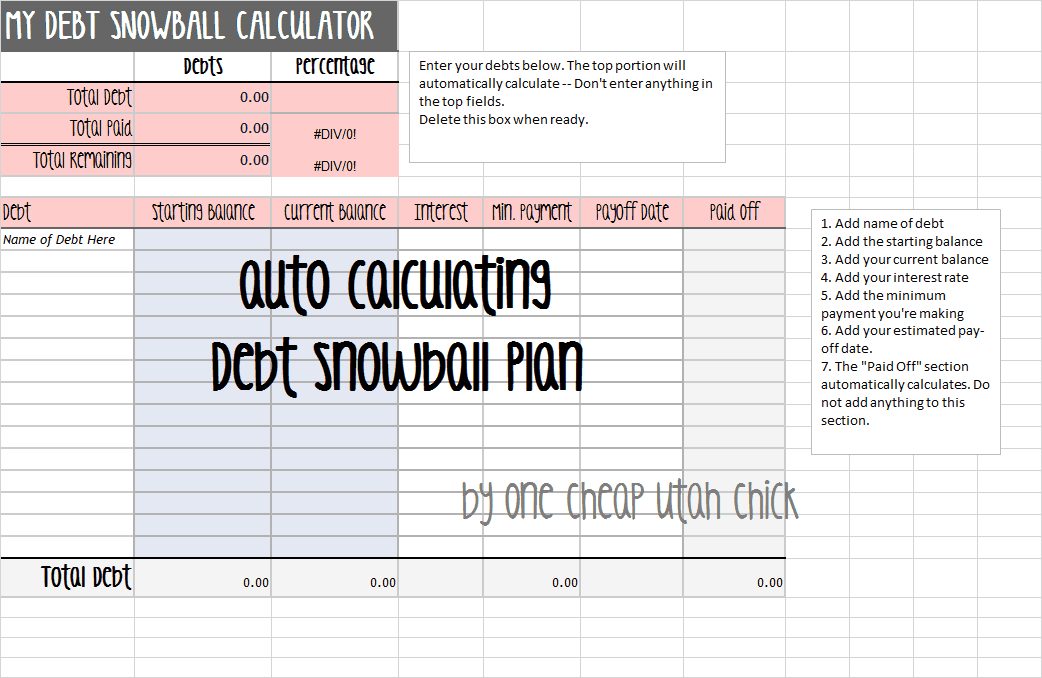 The older external file is unavailable. Its preview is retained for reference.
Debt Snowball Sample Sheet
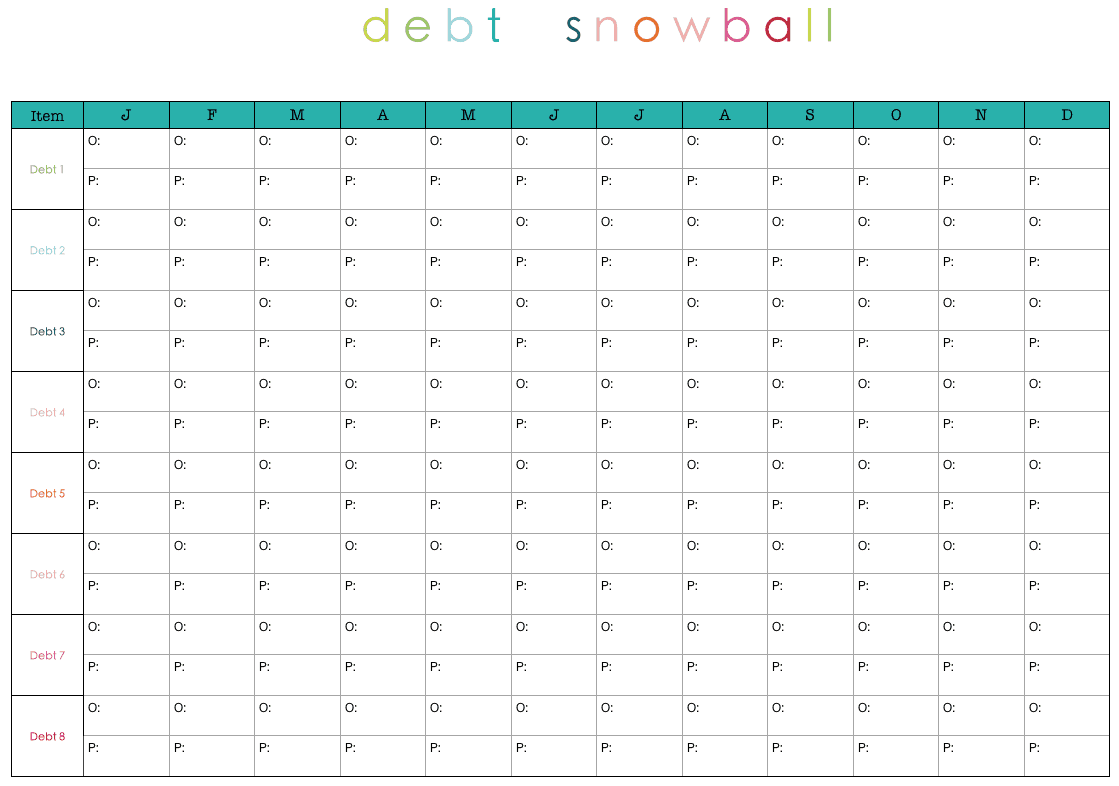
The debt snowball method directs extra repayment toward the smallest balance while maintaining required payments on other debts. A highest-interest-first approach uses a different priority and may reduce modeled interest more under comparable conditions. A worksheet should show that tradeoff rather than promising a universal best outcome.
Choose a suitable template
Choose a calculator for the model it actually supports, not just the title on the preview. Identify its inputs, outputs, time periods, and assumptions. A fixed-rate model, for example, may not support changing rates or irregular timing without substantial revision. If the downloaded resource does not expose or explain its formulas, treat the displayed result cautiously and compare it with an independent worked example.
Important details to prepare
Debt inventory
Record each actual balance, lender reference, and statement date. Keep sensitive account numbers out of a widely shared workbook. Record the source and effective date of this input. A calculator can process an unsupported assumption perfectly and still produce a result that is unsuitable for the decision being considered.
Required payments
Enter current minimum or contractual payments and due dates. Update them when lender terms or statements change. Check the unit and time basis before using the value. Annual, monthly, daily, percentage, and decimal inputs are not interchangeable merely because the worksheet accepts a number.
Interest assumptions
Use rates and calculation methods appropriate to the model. Promotional rates, fees, and changing minimums may require additional treatment. Use a simple baseline and retain it before changing this assumption. The comparison should explain the effect of the change rather than combining several unexplained changes into one attractive result.
Extra budget
Choose an amount that fits realistic cash availability after essential obligations. Avoid treating uncertain future income as already available. Trace how the input reaches the result and check whether the formula range includes all relevant periods or observations. Pay particular attention to copied formulas and inserted rows.
Priority and rollover
Order by the chosen smallest-balance rule and define how freed payments move to the next debt after payoff. Label the output in terms that describe what was calculated. Do not replace a qualified modeled result with a broader claim that the calculation cannot support.
Actual progress
Record payments actually made separately from projections. Reconcile balances with statements and revise the plan when circumstances change. Keep the scenario date and assumptions with the result when sharing it. Someone reading only the last page should still be able to understand the principal limitations of the estimate.
How to complete the template
Create a baseline before trying alternatives. Enter a complete, internally consistent set of inputs, save the assumptions, and label the resulting scenario. Change one meaningful input at a time when investigating its effect. Keep units, rates, dates, and periods aligned. Distinguish a modeled estimate from an actual contractual amount, approved benefit, or guaranteed outcome; those require confirmation from the responsible source.
Worked example
Three debts have balances of 400, 1,200, and 3,000. Under a snowball scenario, extra money goes to the 400 balance while the required payments continue on all three. After payoff, the released payment joins the extra amount targeting the 1,200 debt. The workbook also compares a highest-rate-first scenario rather than assuming both methods have identical interest costs.
Check accuracy before use
Check formulas with a small example that can be calculated by hand. Review zero values, missing inputs, unusual dates, and any denominator that could become zero. Confirm that percentage inputs are stored as intended rather than as values one hundred times too large. Inspect the final period or boundary case as well as the first result. A realistic-looking chart is not a substitute for a reliable calculation.
Related resources for the next step
Use debt calculator templates to compare alternative repayment assumptions.
Use cash flow worksheets to check the extra-payment budget.
Use payment record templates to track actual payments.
Authoritative guidance
The CFPB describes smallest-balance and highest-interest-rate repayment strategies. Compare their tradeoffs using realistic payment assumptions. See CFPB debt reduction methods.
