
A contact-information template should separate name, role, organisation, phone, email and notes so users can filter and update entries without retyping. The fields depend on whether it serves clients, family or emergency contacts.
Collect contact details in a usable directory
Worked example: For a project team, include each person’s area of responsibility, preferred channel and backup contact. For a school emergency list, prioritise guardians and authorised pickup contacts instead.
Check before use: Check consent and who can access the directory, do not collect unnecessary sensitive details, and add a last-verified date to catch stale phone numbers.
- Saves preparation time: A ready-made layout means you can focus on gathering contact details instead of designing a list from scratch.
- Keeps records organized: Clearly labeled fields for names, numbers, and addresses reduce confusion when searching for a contact.
- Improves communication speed: Having accurate contact information on hand makes it faster to reach employees, clients, or family members when needed.
- Reduces data entry errors: A structured template with defined fields helps prevent missing or mismatched information.
- Works for various purposes: Templates are suitable for employee records, customer lists, vendor directories, and personal contacts alike.
- Free and reusable: Download once and reuse the same template structure for every new contact list you need to build.
For related resources, see 3 Excel Client Database Templates and 12+ Free Phone Tree Templates.
What’s Included in the Contact Info Template
- Full name field: Space to record the first and last name of the contact being logged.
- Phone number columns: Fields for home, mobile, and work phone numbers where applicable.
- Email address: A dedicated field for recording the contact’s email for written correspondence.
- Mailing address: Space to log the contact’s home or business street address.
- Relationship or role: A field to note the contact’s role, such as employee, vendor, or family member.
- Emergency or alternate contact: Some templates include a secondary contact field for emergencies.
Who Should Use These Templates?
- Business owners and managers keeping organized records of employee and staff contact details.
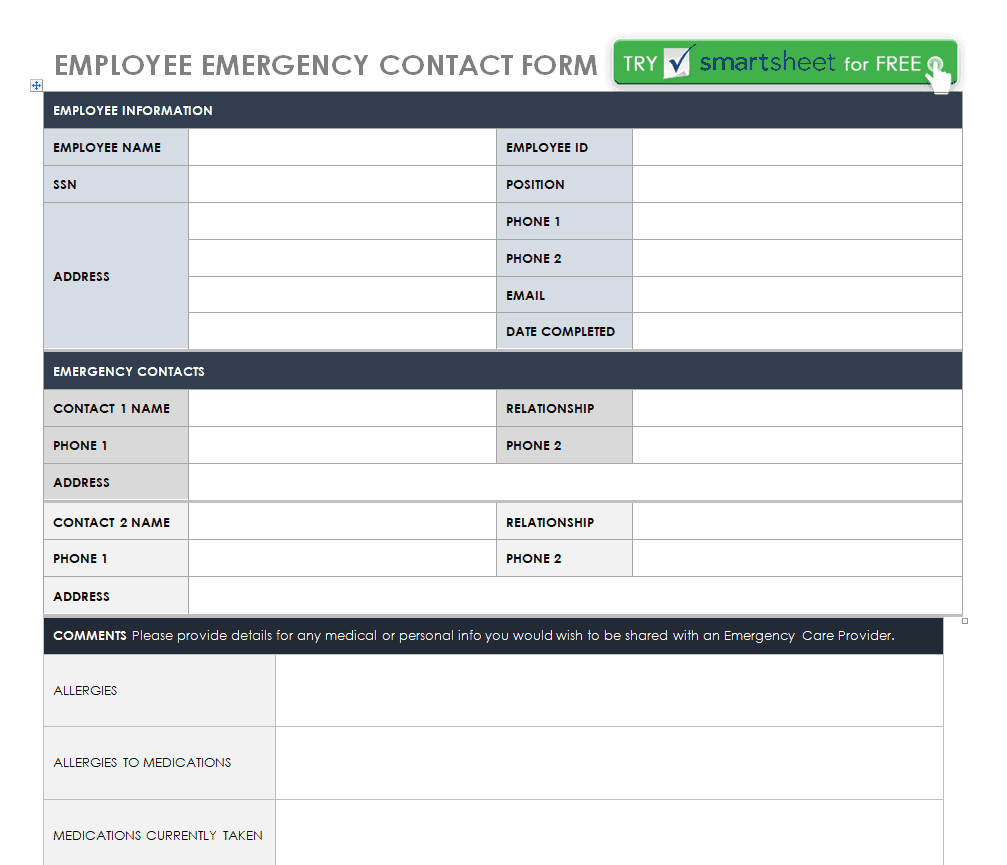
- Human resources teams maintaining emergency contact information for all employees.
- Customer service teams tracking client contact details for follow-up and support.
- Vendors and suppliers coordinators logging supplier contact information for procurement purposes.
- Teachers and school administrators recording parent or guardian contact information for students.
- Individuals organizing personal contacts for family, friends, and service providers.
How to Start Using the Template in 3 Simple Steps
- Step 1 — Choose a template style: Browse the 12 options below and select the design that best fits your purpose.
- Step 2 — Add contact details: Fill in names, phone numbers, emails, and addresses for each contact.
- Step 3 — Save and update regularly: Keep the completed list saved in an accessible location and update it as contact details change.
Contact Info Templates vs. Digital Contact Management Apps
While both approaches help you keep track of contacts, a printable or editable template and a dedicated contact management app serve different needs depending on the scale of your contact list. A template is simple, free, and easy to share as a document or spreadsheet, making it ideal for smaller lists or one-time projects like an event roster. A dedicated app, by contrast, can sync contacts across devices and send automatic reminders, but often requires a subscription and account setup. Choosing the right approach depends on how many contacts you need to manage and whether you need the list to sync across multiple devices.
Customizing the Template for Your Needs
These templates are designed to be a flexible starting point rather than a fixed format. You can add your company’s logo for a more official appearance, adjust the columns to include fields specific to your organization, or add extra rows for additional contacts. Since the templates are provided in editable Word and Excel formats, most adjustments take only a few minutes and let you tailor the contact list to fit your specific record-keeping needs.
Choosing the Right Format
With 12 different templates available, choosing the right one depends on how you plan to use and share the contact list. An Excel-based template works best when you need to sort, filter, or search through a large number of contacts, while a Word or PDF template is better suited for a printable list you can post or file away. Reviewing what each template includes before downloading can help you find one that requires minimal restructuring for your specific use case.
Common Mistakes to Avoid
- Leaving fields incomplete: Always fill in every available field so the record is useful when you need it most.
- Using outdated information: Regularly review and update contact details as phone numbers and addresses change.
- Storing sensitive data insecurely: Keep contact lists containing personal information in a secure, access-controlled location.
- Duplicating entries: Check for existing entries before adding a new contact to avoid duplicate records.
- Ignoring backup copies: Keep a backup of your contact list in case the original file is lost or corrupted.
Tips to Get the Most Out of Your Contact Info Template
- Sort contacts alphabetically or by category to make the list easier to search through.
- Color-code entries in Excel-based templates to quickly identify different types of contacts.
- Set a reminder to review the list periodically so outdated information doesn’t linger.
- Keep a digital and printed copy so the list is accessible even without a computer.
- Limit access to the contact list to those who genuinely need it, especially for employee or customer records.
Using Contact Info Templates for Employee Records
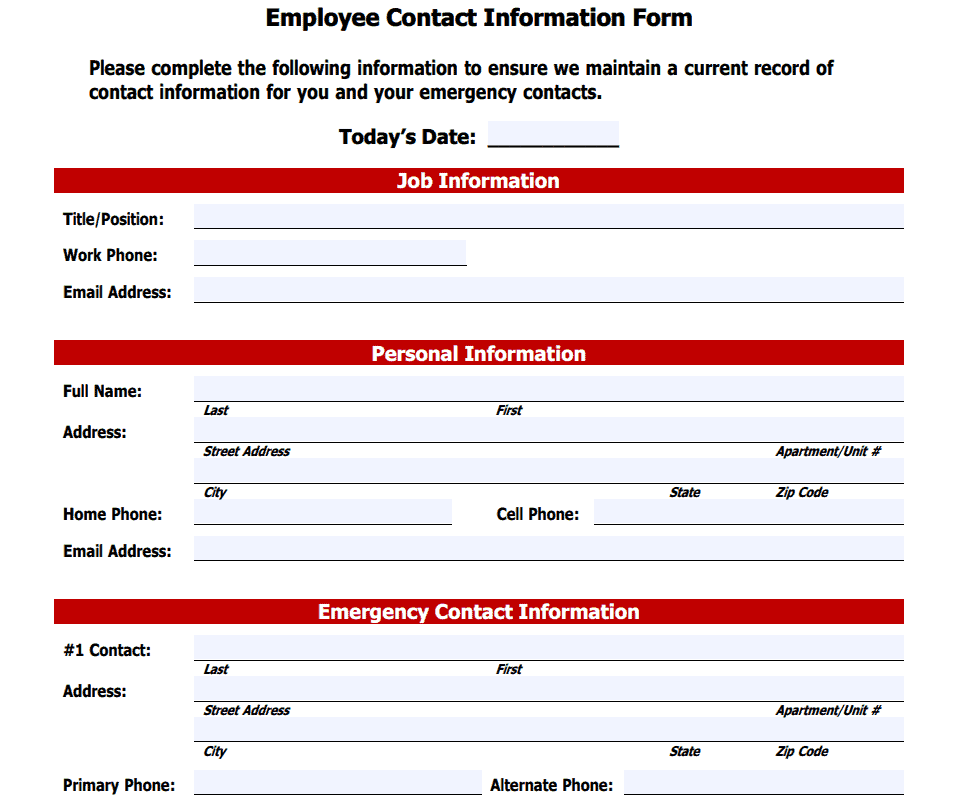
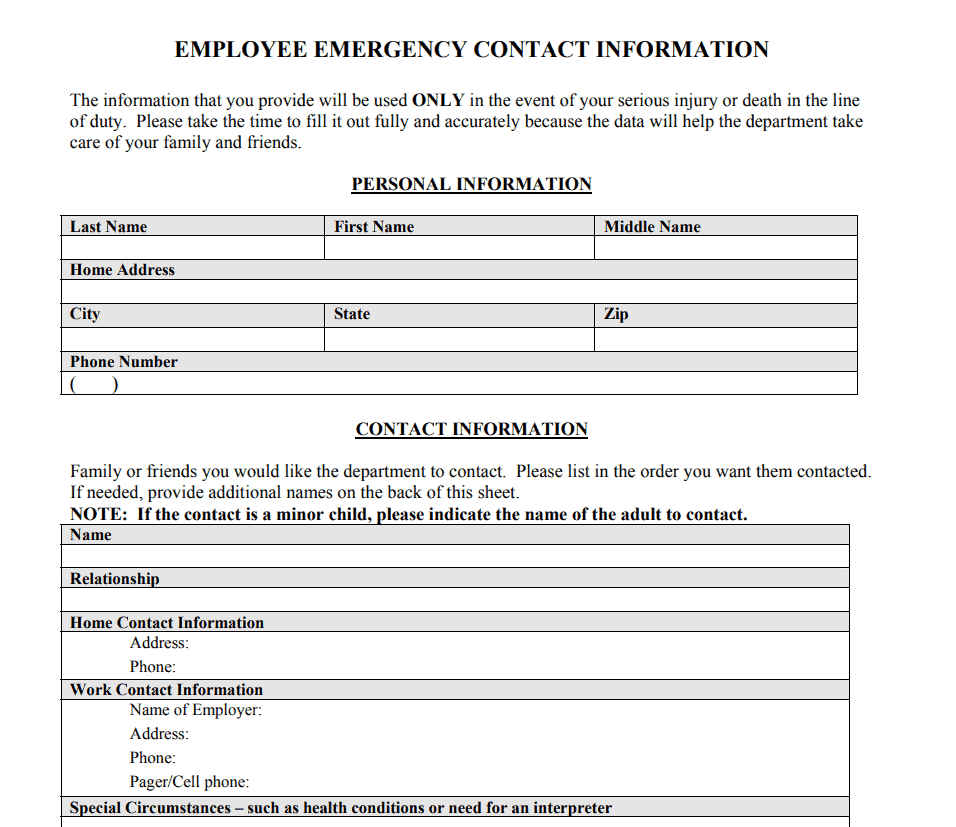
Employers rely on accurate employee contact information for everything from routine scheduling communication to urgent emergency notifications, making a well-maintained contact template an essential HR tool. Recording emergency contacts alongside standard phone and email details ensures that the business can reach the right person quickly if something happens during work hours. Many organizations review and update employee contact records at the start of each year or during onboarding, since outdated information can cause serious delays when timely communication matters most.
Managing Customer and Client Contact Lists
Businesses that maintain a customer contact list benefit from being able to quickly follow up on orders, respond to inquiries, and send updates about products or services. A well-organized customer contact template makes it easier to segment clients by purchase history, location, or communication preference when planning outreach. Keeping this information current is also important for compliance with data privacy expectations, since customers generally expect businesses to use their contact details responsibly and only for the purposes they agreed to.
Keeping Vendor and Supplier Contacts Organized
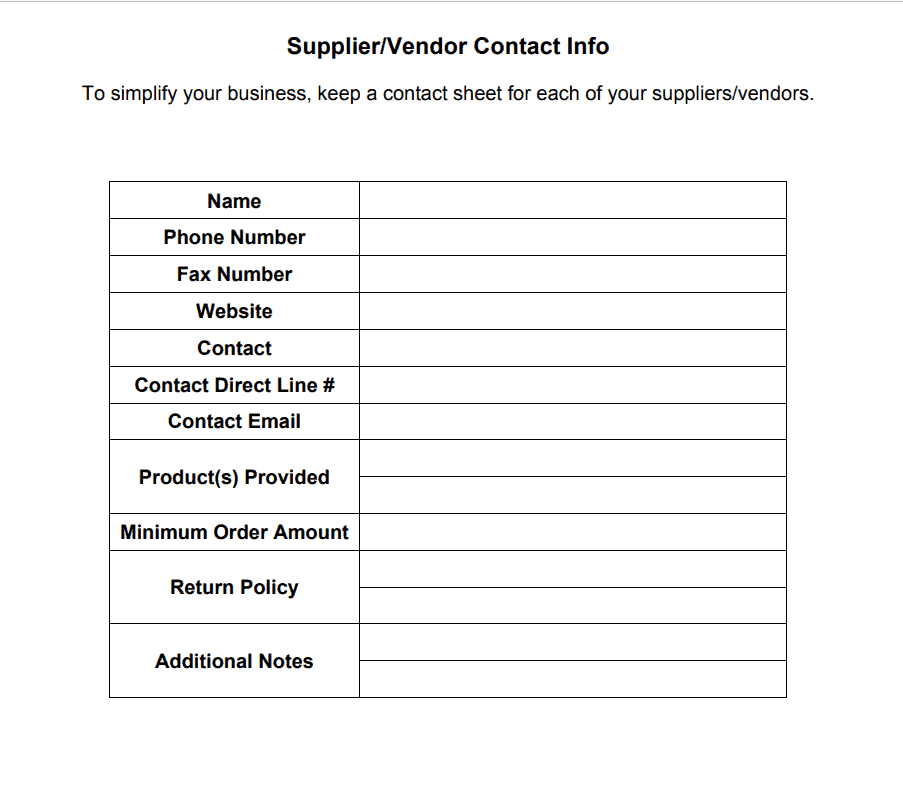
A dedicated vendor or supplier contact list helps procurement teams quickly reach the right representative when placing orders, resolving issues, or negotiating terms. Recording details such as account numbers, preferred contact methods, and business hours alongside standard contact fields can save time during time-sensitive situations like supply shortages or delivery delays. Reviewing vendor contact records periodically also helps identify outdated relationships or suppliers that may no longer be active.
Protecting Privacy in Shared Contact Lists
Contact lists often contain personal information, so it’s important to think carefully about who has access to a completed template and how it’s stored or shared. Password-protecting digital files, limiting printed copies, and avoiding email attachments sent to unauthorized recipients are all simple ways to reduce the risk of a contact list being misused. Organizations handling larger volumes of contact data may also want to establish a clear policy on how long records are kept and when outdated contact information should be securely deleted.
Building a Personal Contact List for Family and Friends
Beyond business use, a contact info template is also useful for keeping track of personal contacts such as extended family, close friends, and household service providers like plumbers or babysitters. Having this information organized in one place makes it much easier to plan gatherings, share updates, or reach someone quickly during a household emergency. Many people find it helpful to keep a printed copy in a kitchen drawer or binder alongside a digital version, so the list stays accessible even if a phone or computer is unavailable.
Transferring Contact Data Between Formats
At some point, you may need to move contact information from a printed or Word-based template into a spreadsheet or digital address book, especially as a list grows larger. Excel-based contact templates make this transition easier, since the structured columns can often be imported directly into contact management software or email platforms. When converting between formats, it’s worth double-checking that phone numbers and email addresses carried over correctly, since formatting differences between programs can sometimes cause data to shift into the wrong fields.
Updating and Maintaining Your Contact List Over Time
A contact info template is most useful when it’s treated as a living document rather than something filled out once and forgotten. Setting a recurring reminder, such as quarterly or at the start of each new year, to review and update entries helps catch outdated phone numbers, old addresses, and contacts who are no longer relevant. For shared lists used by a team or organization, assigning one person as the owner responsible for keeping the list current can prevent the confusion that happens when multiple people make uncoordinated edits to the same document.
Download Contact Info Templates Here
Parent/Gaurdian Contact Info Template
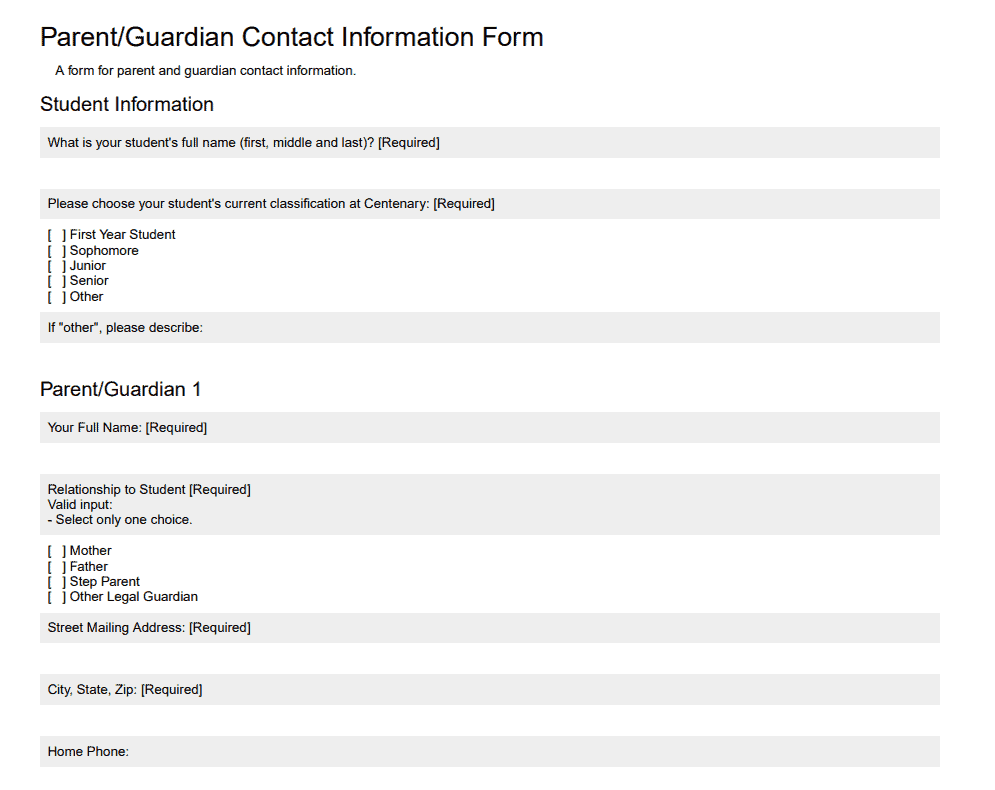
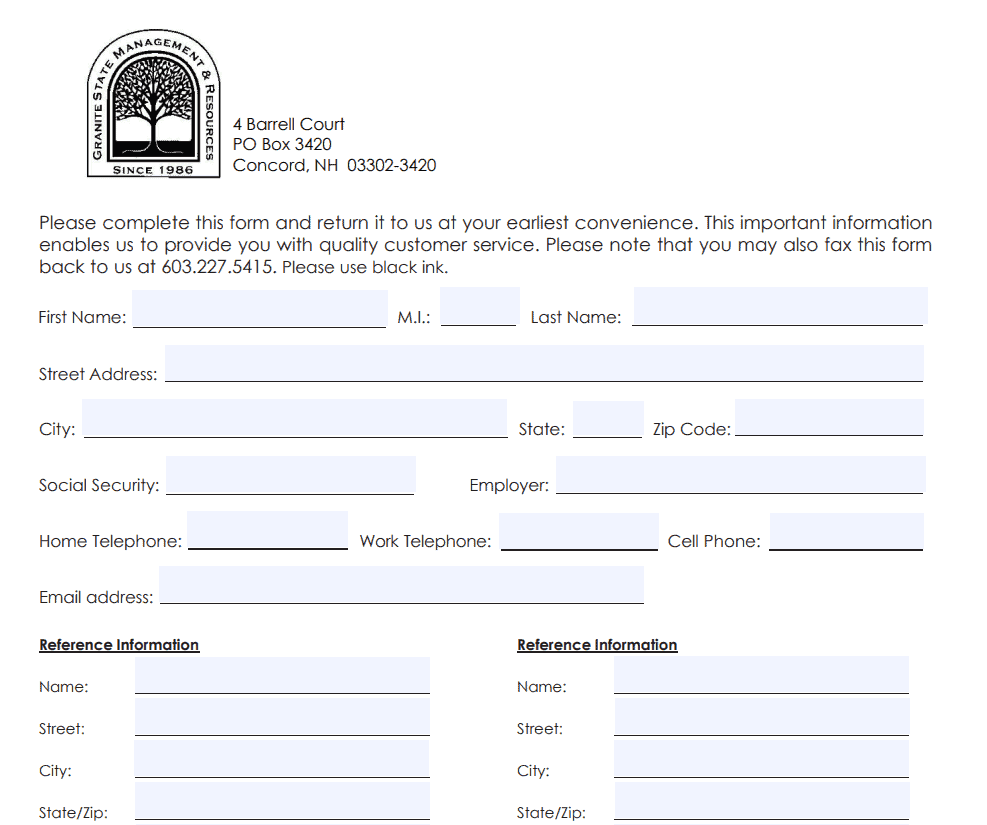
Sample Contact Info Template
Employee Contact Info Form Template
Employee Emergency Contact Form Template WORD
Blank Contact Info Template
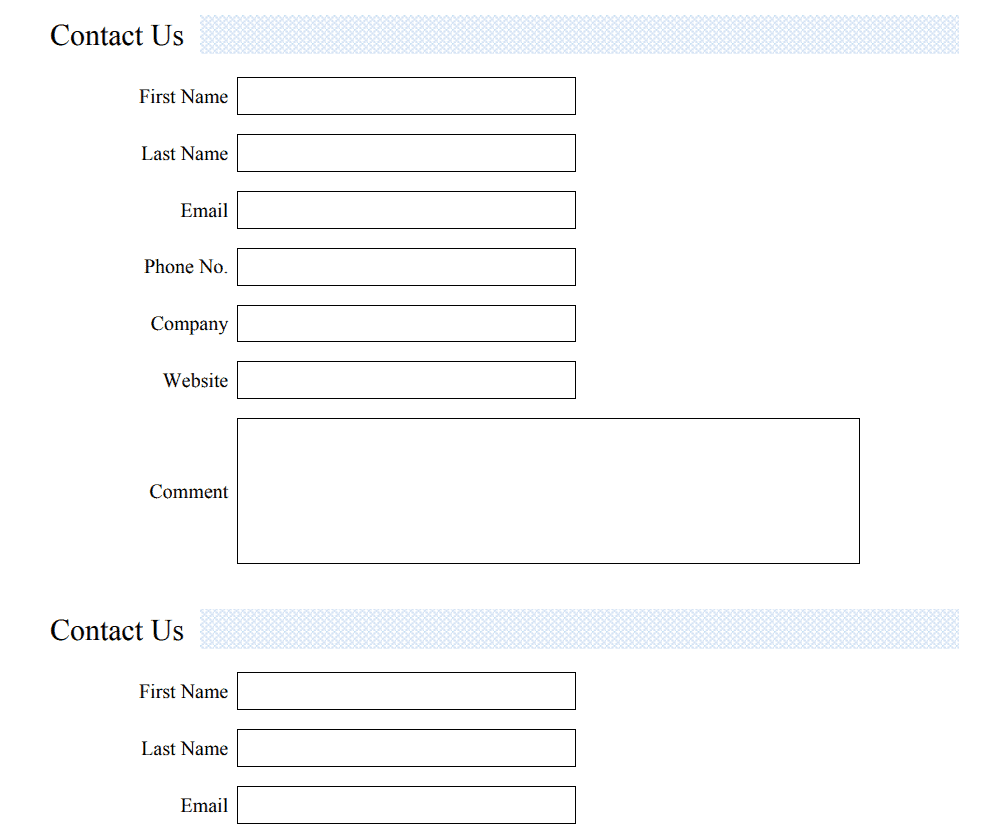
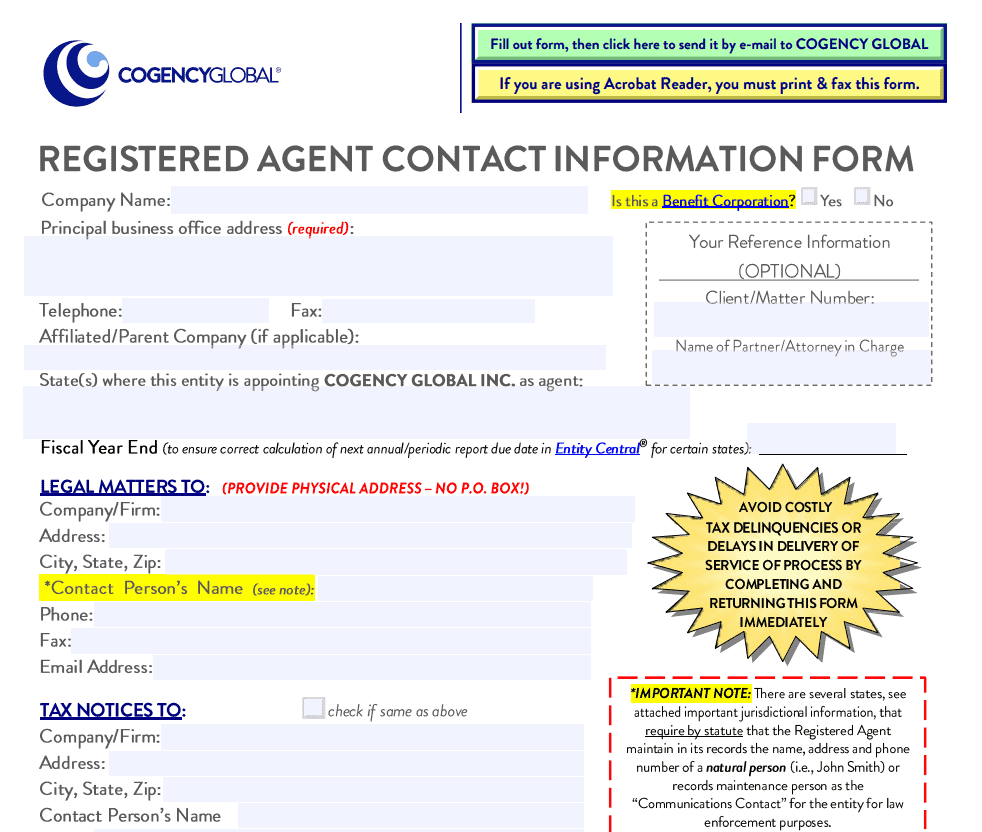
Agent’s Contact Info Template
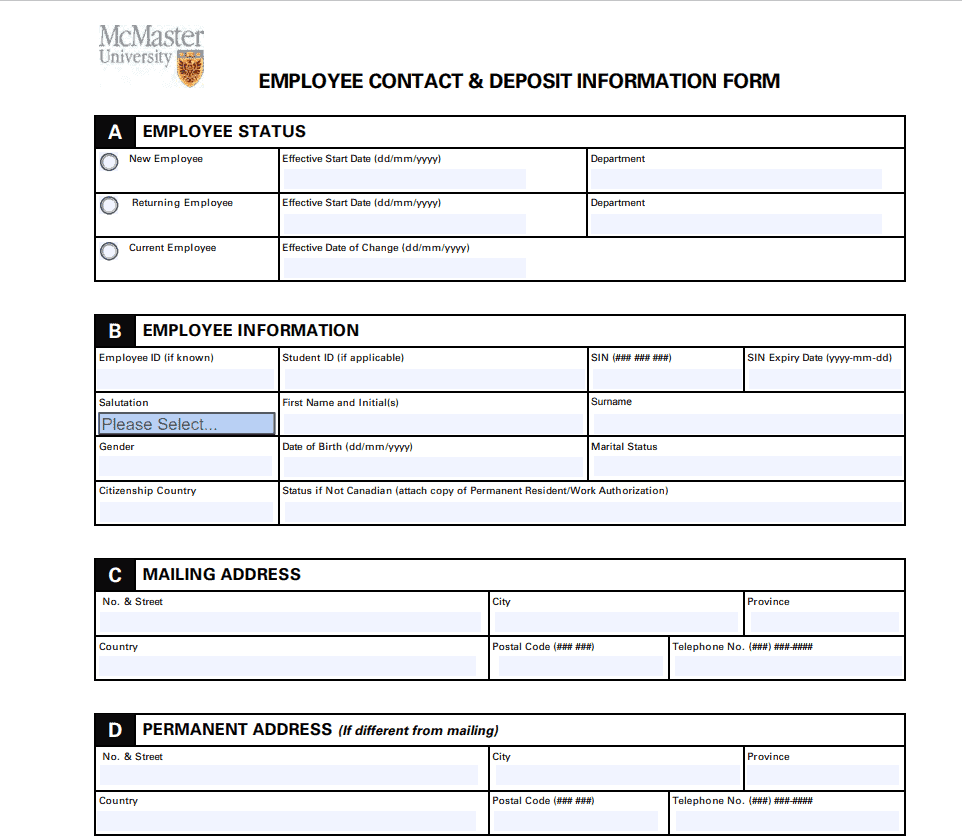
Employee Contact & Deposit Info Form Template
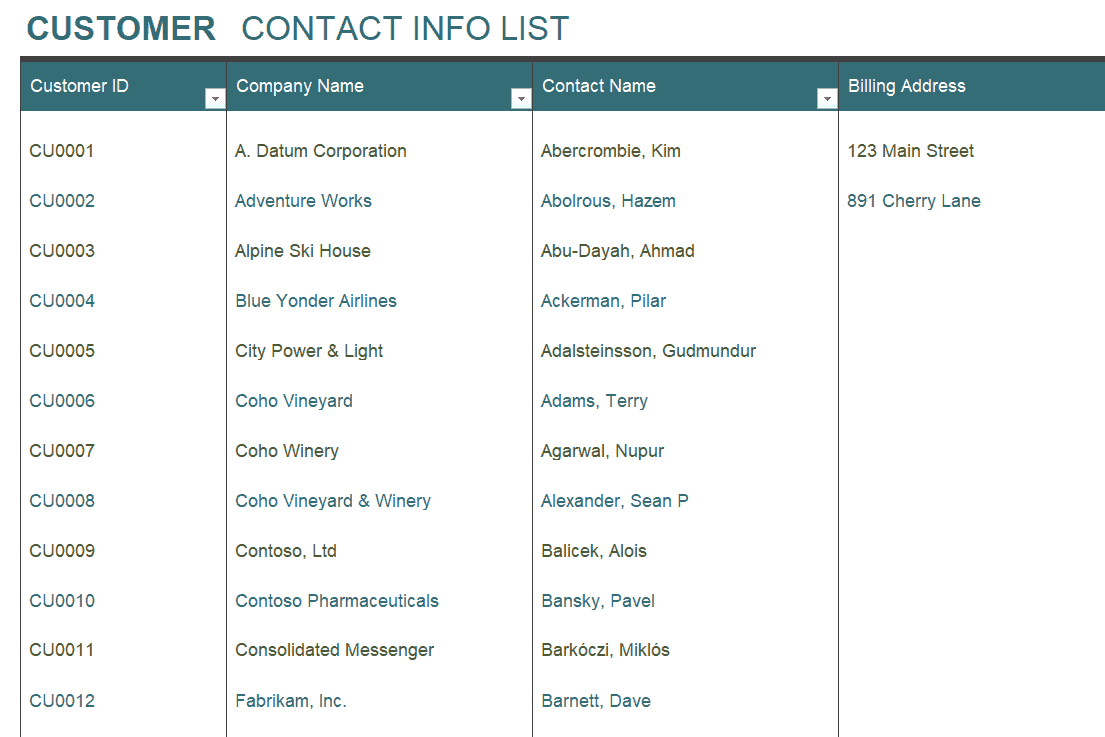
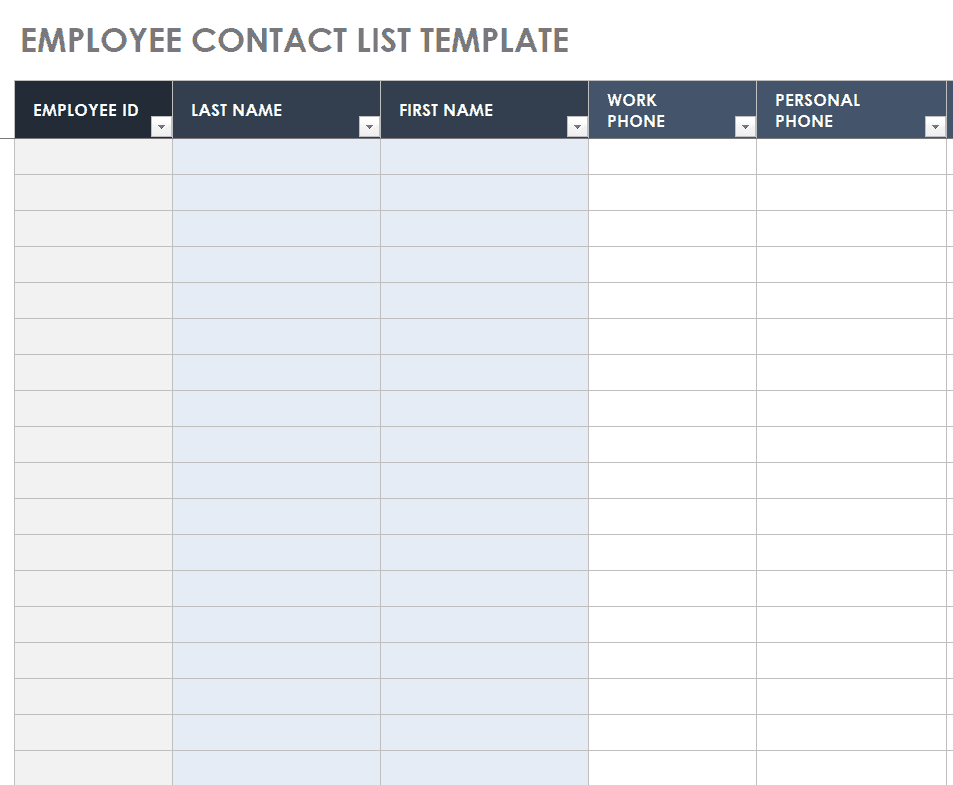
Customer Contact Info List Template EXCEL
Sample Suppier/Vendor Contact Info Template
Official Employee Contact Info Template
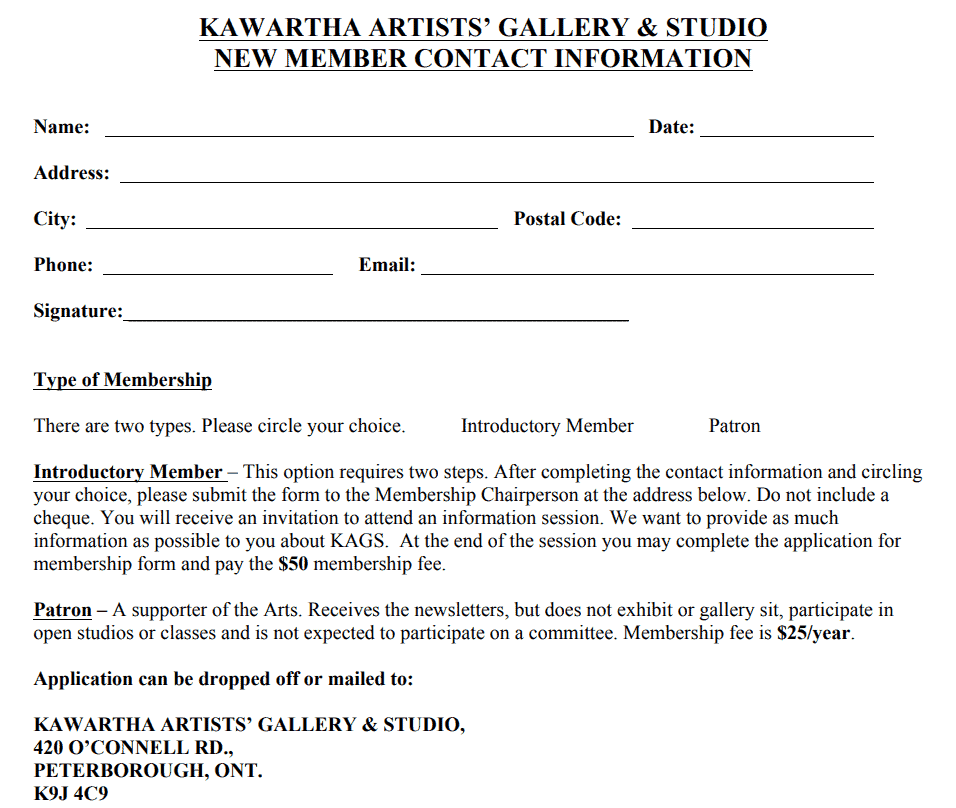
New Member Contact Info Template
Example Employee Contact List Excel Template
Frequently Asked Questions
Are these contact info templates free to download?
Yes, all 12 contact info templates on this page are free to download and use.
Which file formats are these templates available in?
The templates are available in printable PDF and editable Word or Excel formats depending on the template.
Can I use these templates for employee emergency contacts?
Yes, several templates are specifically designed for employee emergency contact information.
Are these templates suitable for tracking customer or vendor contacts?
Yes, dedicated templates are included for customer, supplier, and vendor contact information.
Can I customize the fields on these templates?
Yes, since the templates are fully editable, you can add or remove fields to match your specific needs.
Can I use these templates to organize personal contacts?
Yes, these templates work well for organizing family, friends, and personal service provider contacts too.
Is the Excel template useful for large contact lists?
Yes, the Excel-based templates make it easy to sort, filter, and search through larger contact lists.

You must be logged in to post a comment.