
When an urgent message needs to reach an entire team, office, or school quickly, relying on one person to call everyone individually is slow and unreliable. A phone tree template solves this by laying out a clear, branching structure where each person is responsible for contacting only a small number of others, so information spreads through an entire organization in minutes rather than hours. Whether you’re setting up an emergency communication plan for a business, coordinating a school’s parent notification system, or organizing a community group, a ready-made phone tree template lets you build a reliable calling structure without designing one from scratch. Below you’ll find twelve free, downloadable phone tree templates in printable, Word, and Excel formats.
Design a call tree that works during an interruption
A phone tree is an escalation plan, not simply a directory. Place a coordinator at the top, give each branch a manageable number of contacts, and assign an alternate person when the designated caller cannot be reached.
- Speeds up emergency communication: A structured calling chain gets urgent information to everyone far faster than one person calling the whole list.
- Reduces the burden on any one person: Responsibility for calls is spread across the group instead of falling on a single coordinator.
- Improves reliability: With a documented structure, everyone knows exactly who to call and who is expected to call them.
- Works for many situations: The same structure supports business communication, school closures, weather emergencies, and family emergencies alike.
- Easy to update: When staff, students, or members change, the editable template makes it simple to update names and numbers.
- Provides a printable reference: A printed phone tree posted in an office or shared digitally gives everyone quick access when it’s needed most.
Worked example: For a 24-person department, four team leads might each contact five staff members while a coordinator contacts the leads. Define who records unsuccessful calls and how unanswered branches return to the coordinator.
Check before use: Test the sequence during a routine drill, verify phone numbers and time zones, and provide a fallback message channel. Restrict sharing because contact information may be sensitive.
For related guidance and formats, see 5 Work Schedule Templates and 4 Excel Conference Room Schedule Templates.
What’s Included in a Phone Tree Template
- Top contact: The person who initiates the calling chain, typically a manager, supervisor, or coordinator.
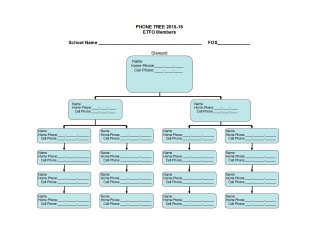
- Branching levels: Each level shows who calls whom, with two to three contacts per branch to keep the chain moving quickly.
- Names and phone numbers: Space for each person’s contact information, including extensions where relevant.
- Backup contacts: Some versions include an alternate contact in case the primary person is unreachable.
Who Should Use a Phone Tree Template?
- Businesses and offices setting up emergency notification or after-hours communication plans.
- Schools and daycare centers notifying parents of closures, delays, or emergencies.
- Community and religious organizations coordinating announcements among members.
- Families creating a simple emergency contact plan for severe weather or other urgent situations.
How to Start Using the Template in 3 Simple Steps
- Step 1 — Choose a format: Pick a printable, Word, or Excel version below depending on how you plan to use and share it.
- Step 2 — Fill in your contacts: Add real names and phone numbers into the branching structure, keeping each level to two or three contacts.
- Step 3 — Distribute and test it: Share the completed phone tree with everyone involved, and run a test call to confirm the chain works as expected.
Phone Tree vs. Group Texts or Mass Emails
Group texts and mass emails are convenient, but they depend on everyone checking their phone or inbox at the right moment, and they don’t confirm that the message was actually received and understood. A phone tree, by contrast, involves a real conversation at each step, so information is confirmed as it passes along the chain. Many organizations use both together: a mass text or email as a quick first alert, backed up by a phone tree to make sure every person is personally reached and accounted for during a true emergency.
Customizing the Template for Your Organization
The templates below are a starting structure, not a fixed plan. You can adjust how many branches come off each contact, add a role or title next to each name, or include a checkbox to confirm a call was completed. Because the templates are available in editable Word and Excel formats, these changes take only a few minutes, letting you shape the phone tree around the actual size and structure of your group.
Common Mistakes to Avoid
- Making one branch too large: Assigning too many calls to one person slows the whole chain down; keep each branch to two or three contacts.
- Not testing the chain in advance: A phone tree that has never been tested may fail exactly when it’s needed most.
- Letting contact details go stale: Outdated phone numbers break the chain partway through, so the list needs regular updates.
- No backup contact: If one person is unreachable and there’s no alternate, the message stops spreading.
- Keeping it only on paper: A printed-only phone tree can be lost or unavailable; keep a digital copy too.
Tips to Get the Most Out of Your Phone Tree
- Keep each branch small, ideally two to three contacts, so calls move quickly through the chain.
- Review and update it regularly, especially after staff, member, or family changes.
- Run a test call periodically to confirm every link in the chain still works.
- Post it somewhere visible in the office or share it digitally so it’s easy to find when needed.
- Include a clear message script so information is communicated consistently at every level.
Free Phone Tree Templates:
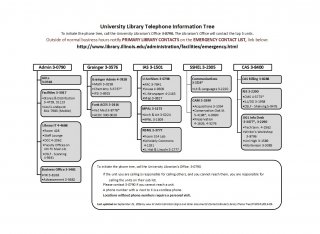
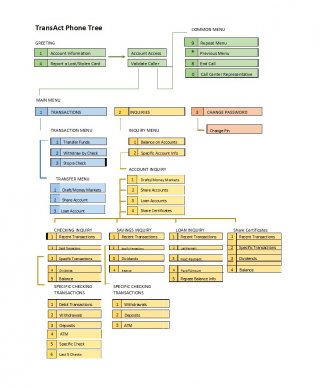
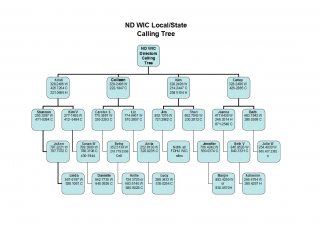
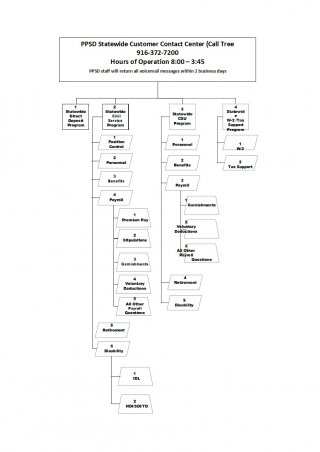
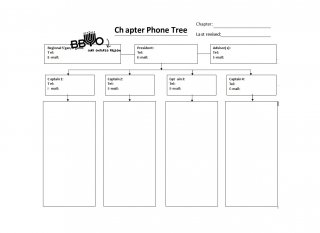
Printable Phone Tree Template
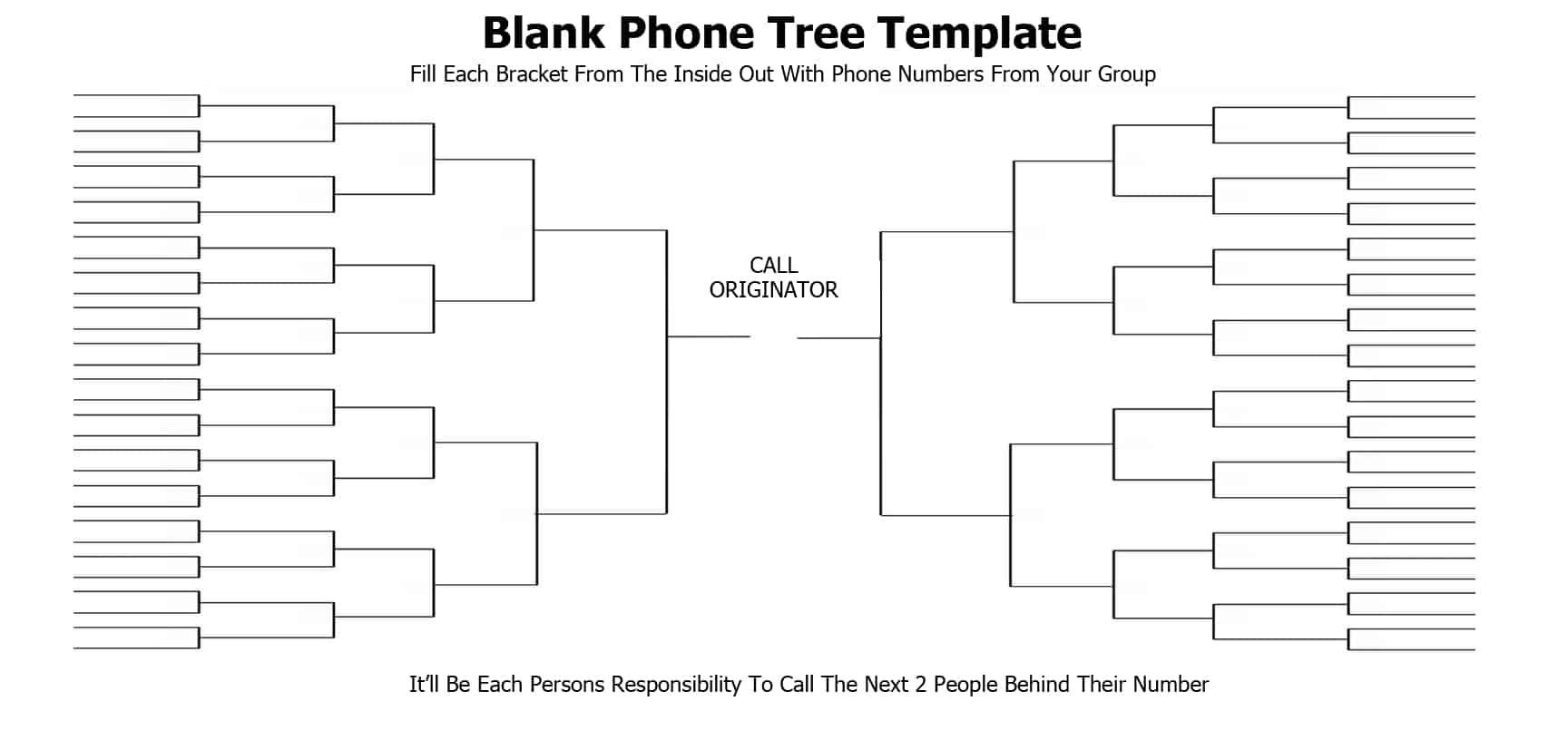

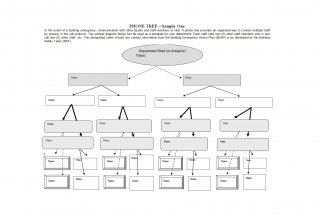
Sample Phone Tree Template
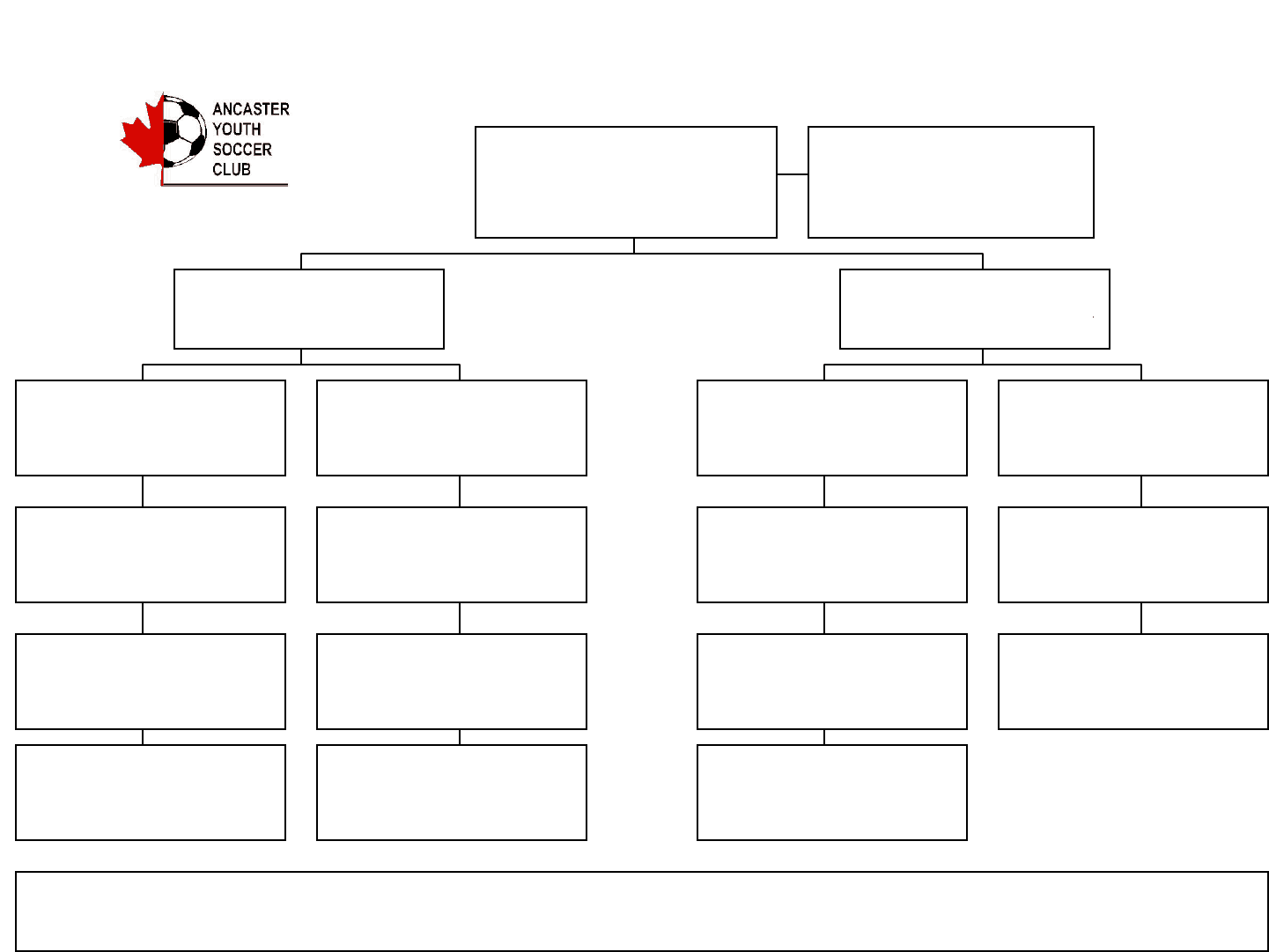

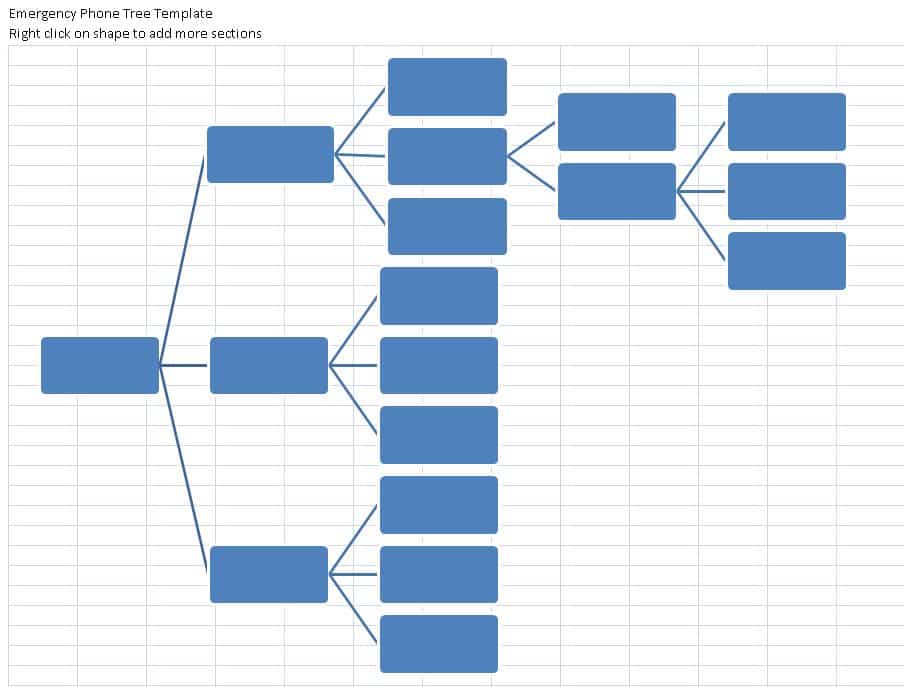
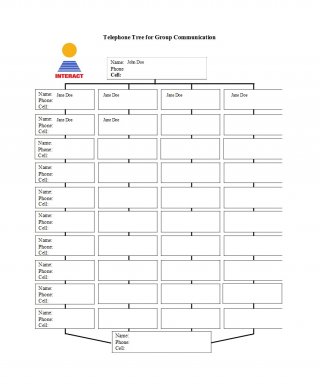
MS Excel Phone Tree Template
Frequently Asked Questions
Are these phone tree templates free to download?
Yes, all twelve phone tree templates on this page are free to download and use for personal, school, or business purposes.
Which format should I choose — printable, Word, or Excel?
Choose the printable version if you want to post it physically, or the Word or Excel versions if you plan to edit names and numbers digitally.
How many people should each person call in a phone tree?
Two to three calls per person is typical, since it keeps the chain moving quickly without overloading any one contact.
Can I use a phone tree for something other than emergencies?
Yes, many organizations use a phone tree for routine announcements, event reminders, or general internal communication, not just emergencies.
How often should I update the phone tree?
Update it any time contact details change, and review the full list at least twice a year to catch outdated information.
Should I test the phone tree before relying on it?
Yes, running a test call is the best way to confirm every link in the chain actually works before a real emergency happens.
Can I add a backup contact to the template?
Yes, since the templates are fully editable, you can add an alternate contact at any level in case the primary person is unreachable.

You must be logged in to post a comment.