
Use 401k contribution calculator templates to estimate employee deferrals and employer contributions using the correct tax year and actual plan rules.
A 401(k) calculator is a planning worksheet, not a substitute for payroll or plan administration. Separate employee elective deferrals, employer contributions, investment assumptions, and applicable limits. A percentage of pay and a dollar limit are different controls and both may matter.
Choose a suitable template
Choose a calculator for the model it actually supports, not just the title on the preview. Identify its inputs, outputs, time periods, and assumptions. A fixed-rate model, for example, may not support changing rates or irregular timing without substantial revision. If the downloaded resource does not expose or explain its formulas, treat the displayed result cautiously and compare it with an independent worked example.
Important details to prepare
Tax year and eligibility
Identify the tax year, participant information needed for the calculation, and applicable plan provisions before entering any limit. Record the source and effective date of this input. A calculator can process an unsupported assumption perfectly and still produce a result that is unsuitable for the decision being considered.
Eligible compensation
Use the compensation definition from the plan. Bonuses and other pay components may not be handled identically by every employer. Check the unit and time basis before using the value. Annual, monthly, daily, percentage, and decimal inputs are not interchangeable merely because the worksheet accepts a number.
Employee election
Record the elected percentage or amount, pay frequency, and whether the entry is traditional, Roth, or another supported contribution type. Use a simple baseline and retain it before changing this assumption. The comparison should explain the effect of the change rather than combining several unexplained changes into one attractive result.
Year-to-date deferrals
Include relevant prior deferrals and remaining pay periods. A new job or changed payroll schedule can affect the remaining annual capacity. Trace how the input reaches the result and check whether the formula range includes all relevant periods or observations. Pay particular attention to copied formulas and inserted rows.
Employer formula
Model the actual match tiers, eligibility rules, and any true-up provisions. Do not treat an advertised match percentage as unconditional. Label the output in terms that describe what was calculated. Do not replace a qualified modeled result with a broader claim that the calculation cannot support.
Projection assumptions
Separate contribution totals from investment growth projections. Document fees and return assumptions, and avoid presenting projected balances as guaranteed outcomes. Keep the scenario date and assumptions with the result when sharing it. Someone reading only the last page should still be able to understand the principal limitations of the estimate.
How to complete the template
Create a baseline before trying alternatives. Enter a complete, internally consistent set of inputs, save the assumptions, and label the resulting scenario. Change one meaningful input at a time when investigating its effect. Keep units, rates, dates, and periods aligned. Distinguish a modeled estimate from an actual contractual amount, approved benefit, or guaranteed outcome; those require confirmation from the responsible source.
Worked example
An employee earning 60,000 elects a 6% deferral, producing a simplified annual employee contribution of 3,600 if all compensation is eligible and the election applies for the full year. An employer matching 50% of contributions on the first 6% of eligible pay would contribute 1,800 under those simplified terms. Actual timing, eligibility, limits, and plan provisions still need checking.
Check accuracy before use
Check formulas with a small example that can be calculated by hand. Review zero values, missing inputs, unusual dates, and any denominator that could become zero. Confirm that percentage inputs are stored as intended rather than as values one hundred times too large. Inspect the final period or boundary case as well as the first result. A realistic-looking chart is not a substitute for a reliable calculation.
Check the final layout
Leave enough space for long names and descriptions, use readable text for essential instructions, and label statuses in words as well as color. Check the printed or exported copy at its intended size. On continuation pages, repeat the document reference and page number.
Keep the record up to date
Keep input cells visually separate from calculated cells and protect formulas against accidental editing where practical. Document any excluded charges, conditions, or changing assumptions near the result. Record the version and date of the model when sharing a scenario. Update tax-year, policy, or contractual inputs from the appropriate current source rather than carrying an old example forward indefinitely.
Related resources for the next step
Use financial plan templates to place retirement contributions within a broader plan.
Use investment worksheets to keep growth assumptions separate from payroll calculations.
Use cash flow templates to review the effect on available cash.
Browse the template previews
Compare the previews for layout, writing space, and useful fields. Where a resource link is provided, check its file format and usage terms before editing. Some previews are images or examples rather than editable downloads.
Authoritative guidance
The IRS distinguishes the employee elective-deferral limit from the overall contribution limit. Consult its current tax-year guidance and the plan administrator when setting calculator limits. See IRS contribution limits.
More About 401k Contribution Calculator Template
401k contribution calculator is recognized as a great tool for creating a secure and favorable retirement plan to stay away from financial troubles after your retirement. 401k contribution calculator template excel is something productive that makes a huge difference in the strong and poor retirement plans. That is the reason financial professionals and experts always suggest employees use a 401k contribution calculator excel sheet to find out reasonable contribution figures into a retirement plan. The majority of employees only avoid the use of the 401k contribution calculator because it consumes lots of time in manual calculations.
Internet is loaded with a large number of online 401k contribution calculator templates that can be used to make the best retirement plan. Below is a collection of practical and editable 401 k contribution calculator templates which are wholly produced in Microsoft excel and a user can customize it easily after successful downloading.
All employees and workers can use these editable 401k contribution calculator templates excel to see how increasing contributions to a 401k plan can affect the monthly paycheck of an employee as well as retirement budget plan. All these sample 401k contribution calculator templates are prepared for multi-time use. It can be saved in computer storage after necessary editing and alterations for later use.
See 401k Contribution Calculator Templates Here
Online 401k Contribution Calculator Template
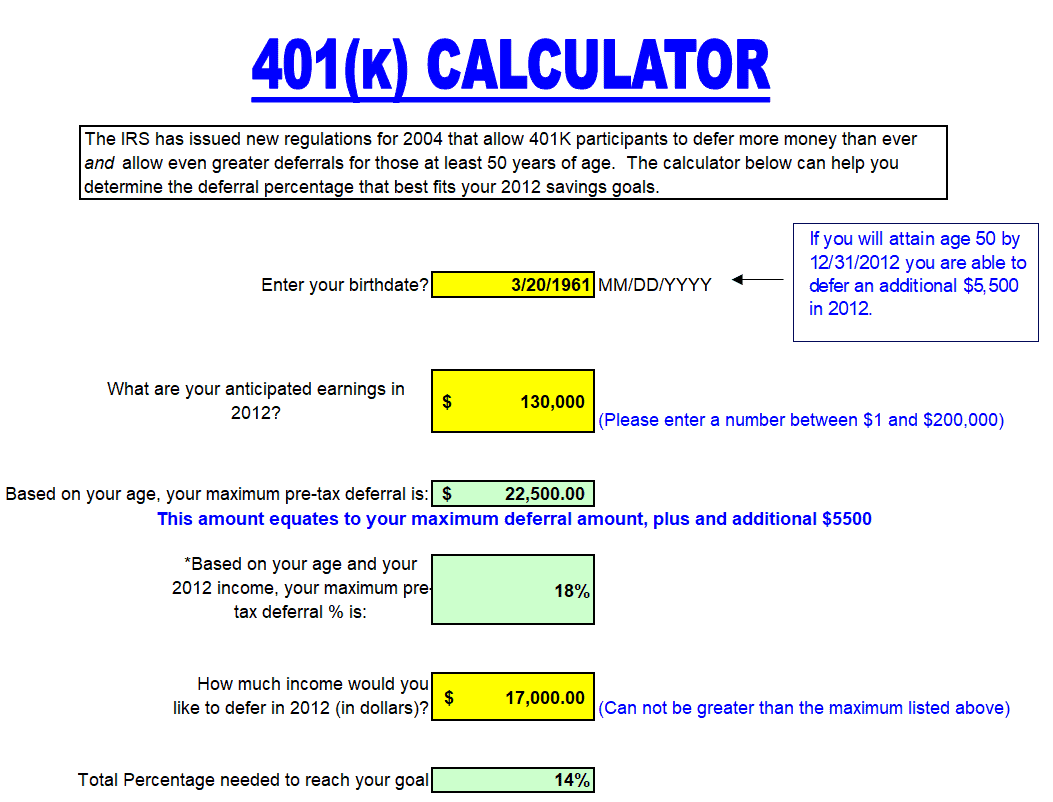
401k Savings Calculator Template
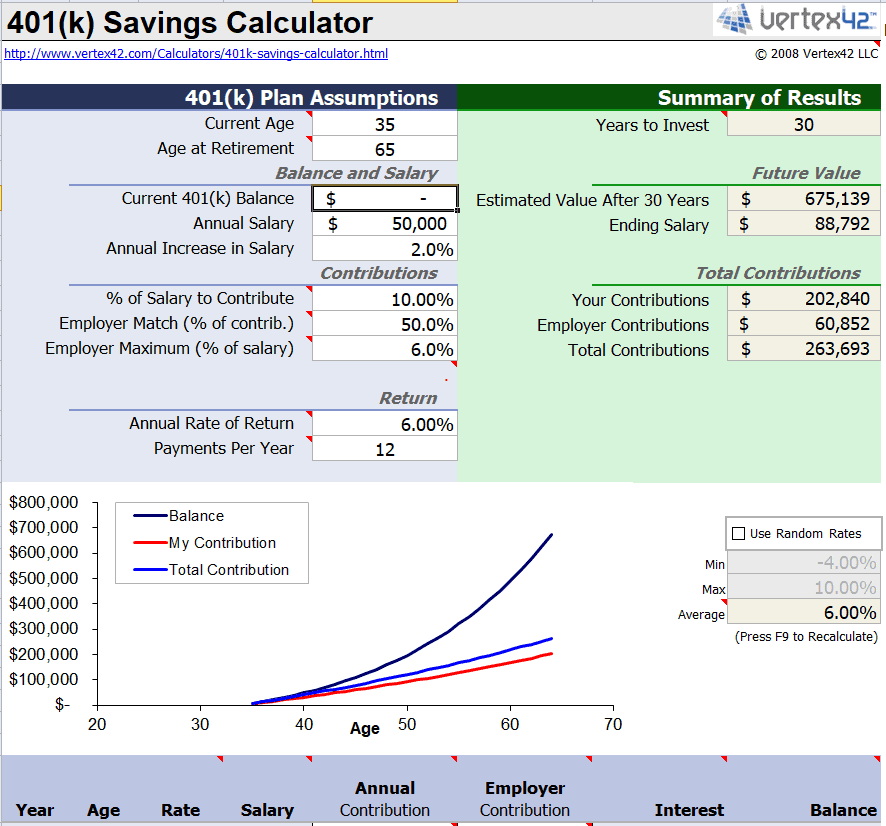
Sample 401k Contribution Calculator Template
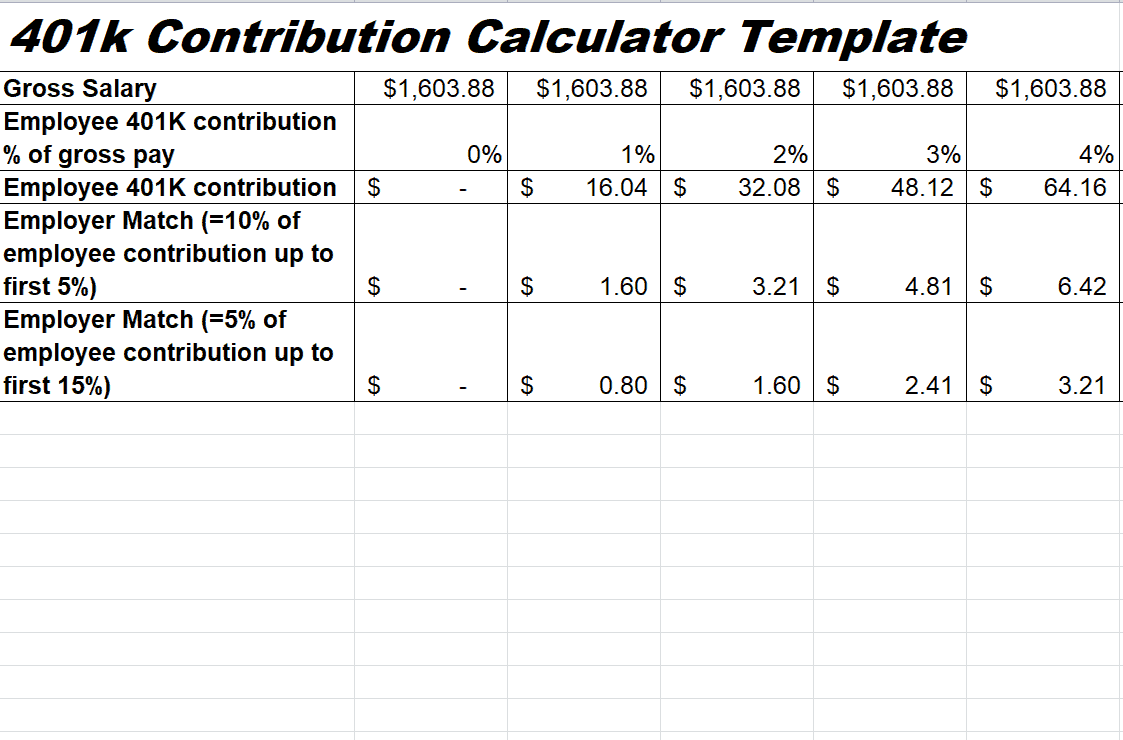
Official 401k Contribution Calculator Template
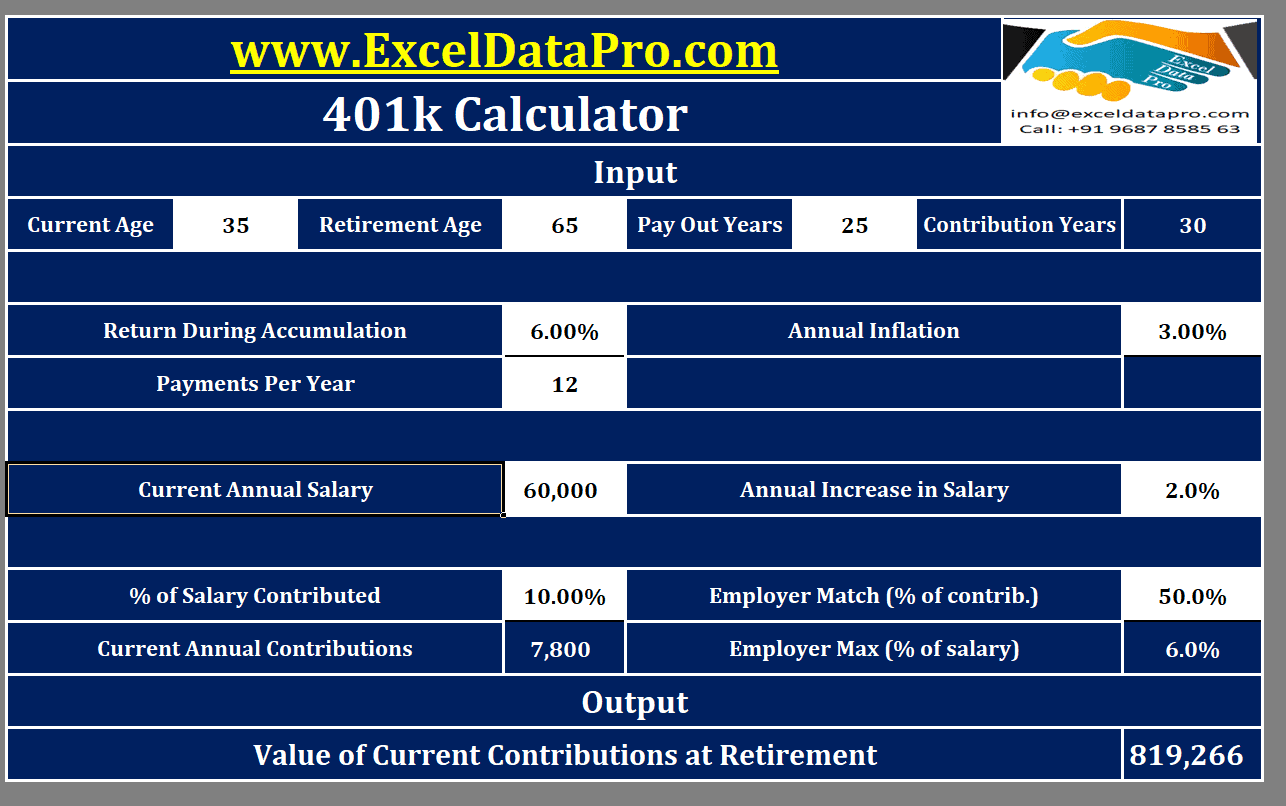
Detailed 401k Contribution Calculator Template

Yearly 401k Contribution Calculator Template
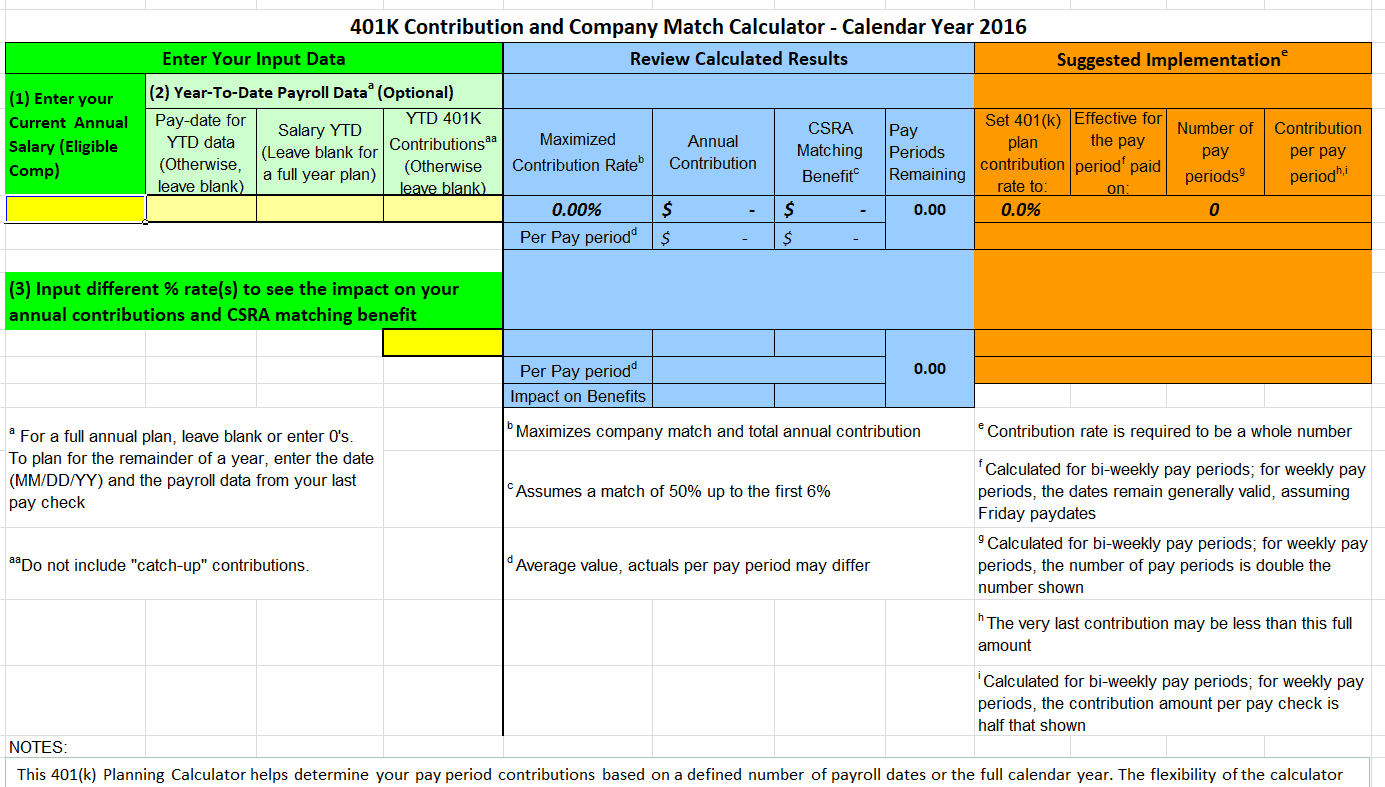
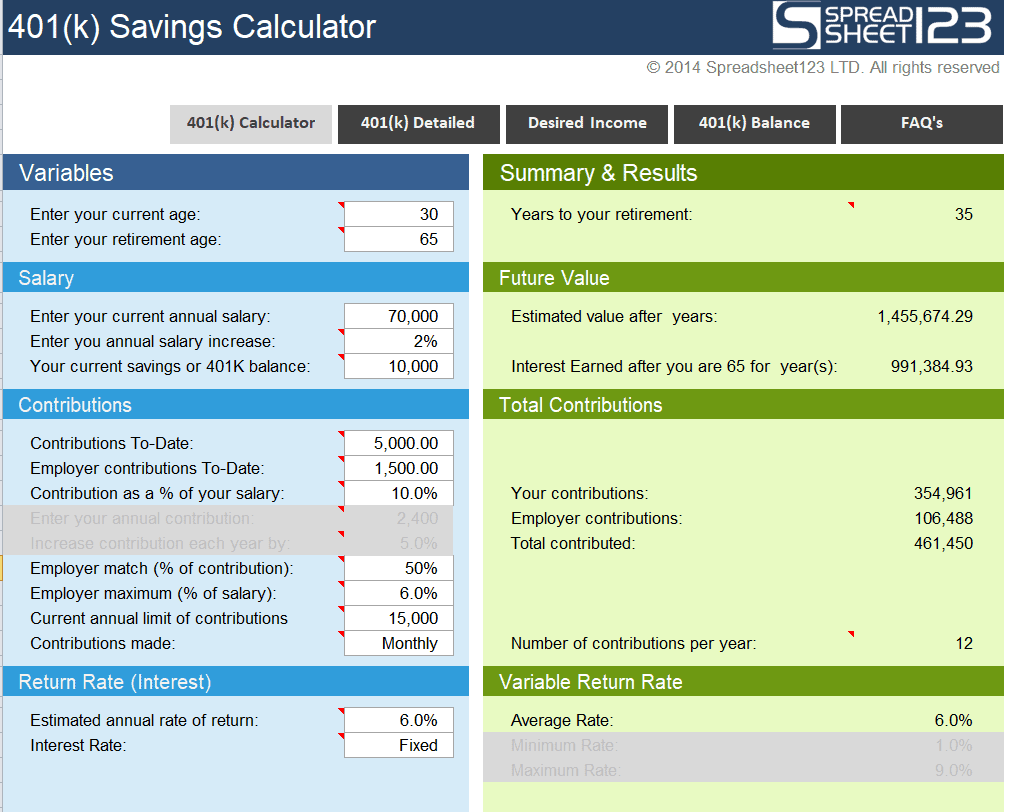
Example 401k Savings Calculator Template

You must be logged in to post a comment.