
Follow purchase orders from approval through delivery and invoice matching. These free purchase order tracker templates for Excel give you ten editable worksheets for different parts of the job. Each has its own inputs, example, and calculated result. Download an individual template or get the complete workbook.
Use the PO register for the initial commitment. For repeat shipments, track accepted quantities by order line, then compare them with the supplier invoice before closing the PO.
Jump to the Excel download and previews
Download the 10 Excel templates
Download all 10 templates (.xlsx)
Choose a template below to see its preview and download it as a standalone Excel file. The combined workbook above includes all ten templates as separate tabs.
Preview and download individual templates
PO register
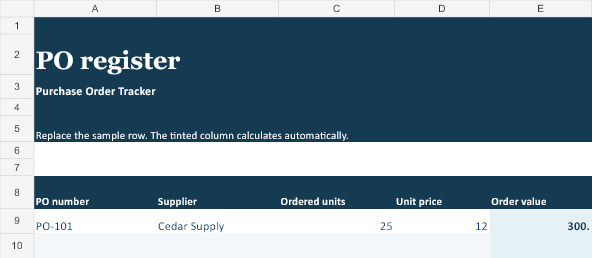
Enter po number, supplier, ordered units, unit price. The worksheet calculates order value for each record.
 Download Excel (.xlsx)
Partial deliveries
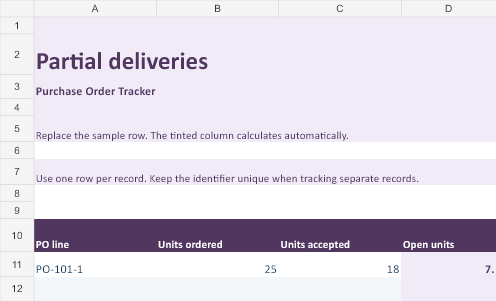
Enter po line, units ordered, units accepted. The worksheet calculates open units for each record.
 Download Excel (.xlsx)
Supplier delays
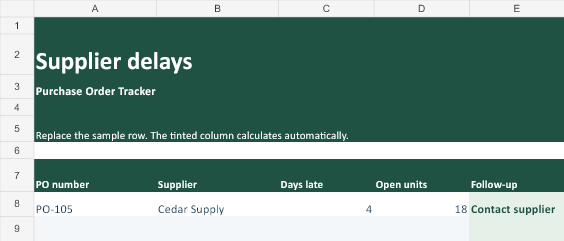
Enter po number, supplier, days late, open units. The worksheet calculates follow-up for each record.
 Download Excel (.xlsx)
Three-way match
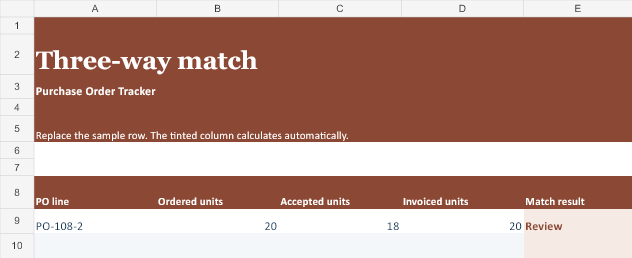
Enter po line, ordered units, accepted units, invoiced units. The worksheet calculates match result for each record.
 Download Excel (.xlsx)
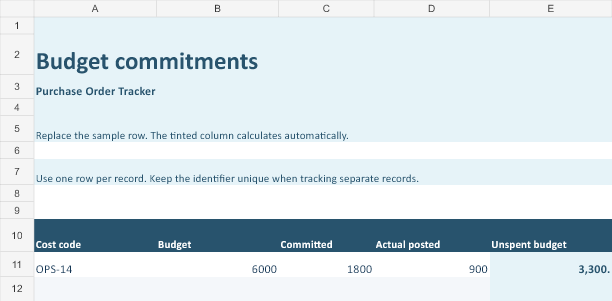
Budget commitments
Enter cost code, budget, committed, actual posted. The worksheet calculates unspent budget for each record.
 Download Excel (.xlsx)
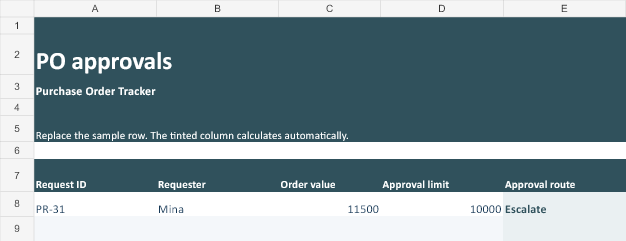
PO approvals
Enter request id, requester, order value, approval limit. The worksheet calculates approval route for each record.
 Download Excel (.xlsx)
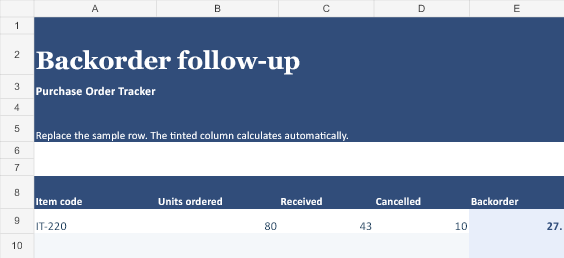
Backorder follow-up
Enter item code, units ordered, received, cancelled. The worksheet calculates backorder for each record.
 Download Excel (.xlsx)
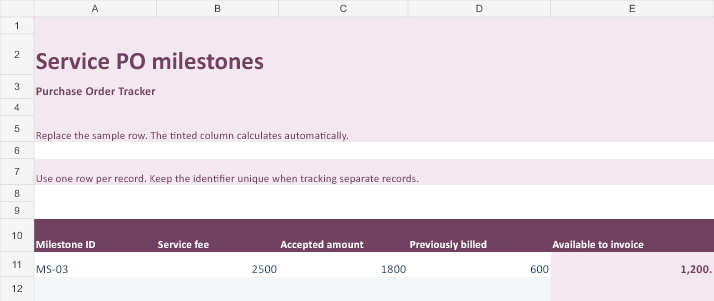
Service PO milestones
Enter milestone id, service fee, accepted amount, previously billed. The worksheet calculates available to invoice for each record.
 Download Excel (.xlsx)
Price variance
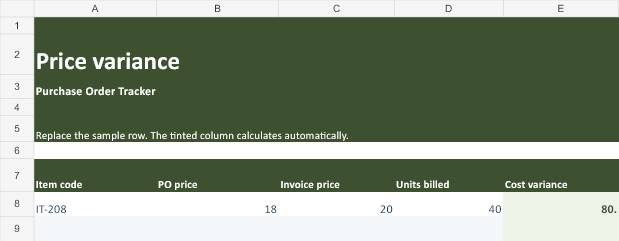
Enter item code, po price, invoice price, units billed. The worksheet calculates cost variance for each record.
 Download Excel (.xlsx)
PO closeout
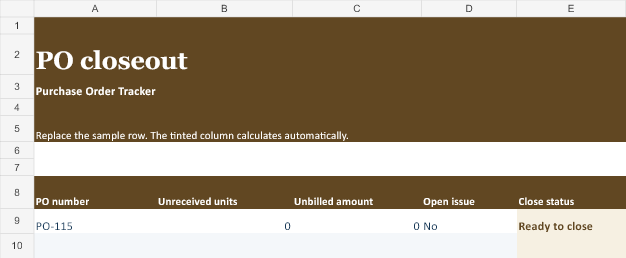
Enter po number, unreceived units, unbilled amount, open issue. The worksheet calculates close status for each record.
 Download Excel (.xlsx)
Set up your tracker in Excel
- Save a working copy and open the worksheet you need. Look at the sample row to see which values you enter and where the calculated result appears.
- Replace the sample with your first real record. Keep the tinted result column for formulas, and use the input headers to preserve units and meaning.
- Enter one row per record for the selected workflow. Each sheet has 30 formula-ready rows. Copy the formula down if you extend the sheet.
- Compare the first calculated result against your source records or a manual check before relying on the sheet.
Worked example
An order for 25 units with 18 accepted leaves 7 open. If the invoice bills 20 units, review the extra two against the receiving record.
Before sharing or closing the tracker
Record accepted quantities separately from delivered quantities if inspection can reject items. Match like units and record approved changes before evaluating a price variance.
Keep the source evidence with the working copy, particularly when an entry changes after review. Record who checked it and the date if the spreadsheet is used for a handoff or approval.
Related templates
For adjacent work, see purchase order forms and invoice tracker templates.
