
Use a travel log template to record actual journeys, purposes, costs, and observations in a chronological travel record. Choose from five editable Excel workbooks for general trip records, expense reconciliation, field visits, disruptions, or personal journaling.
Download Five Editable Travel Log Templates
Choose the workbook that matches what you need to record. Select any preview to see the full layout.
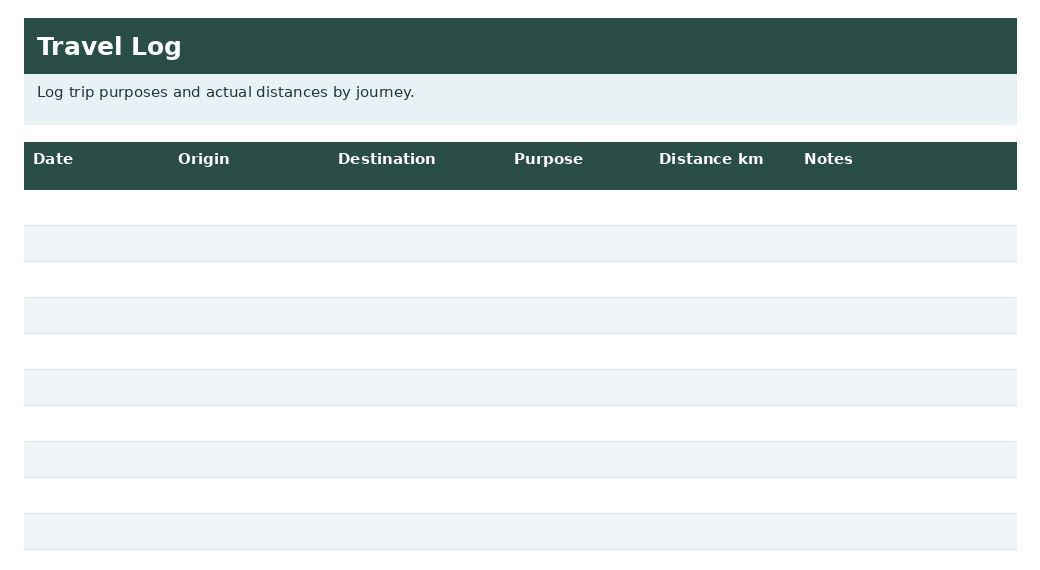
Travel Log
Record actual journeys, trip purposes, and distances in chronological order.
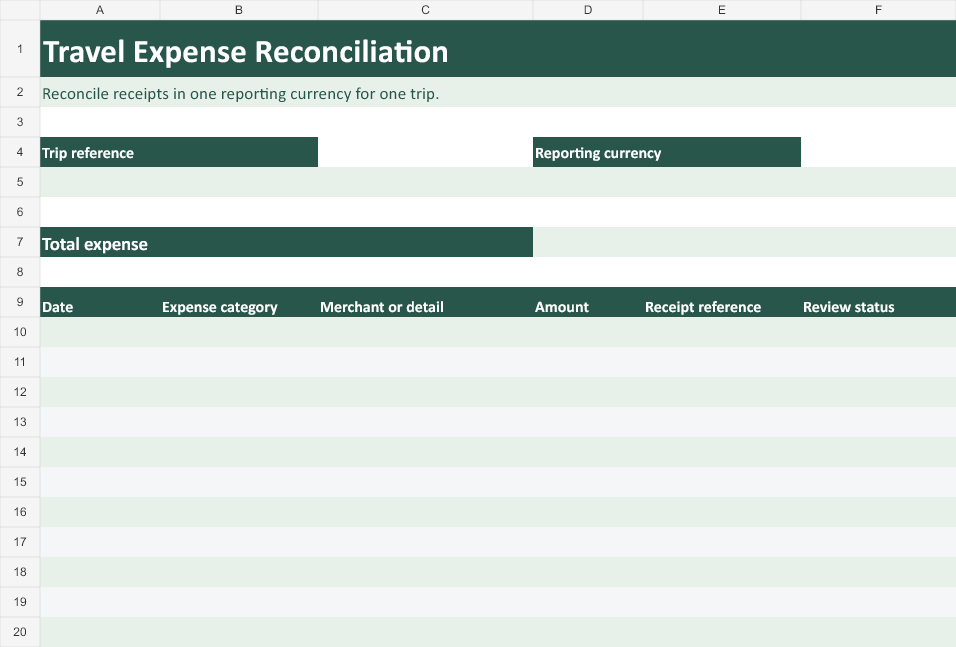
Travel Expense Reconciliation
Match charges to receipts and calculate the trip total in one reporting currency.
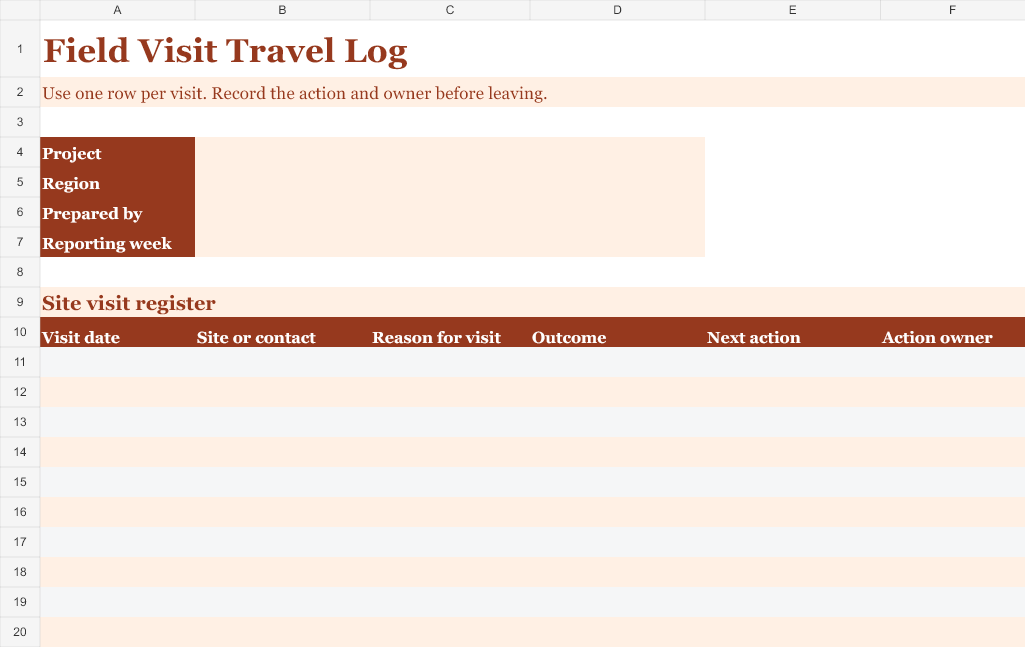
Field Visit Travel Log
Log the purpose and outcome of site visits, then assign the next action to an owner.
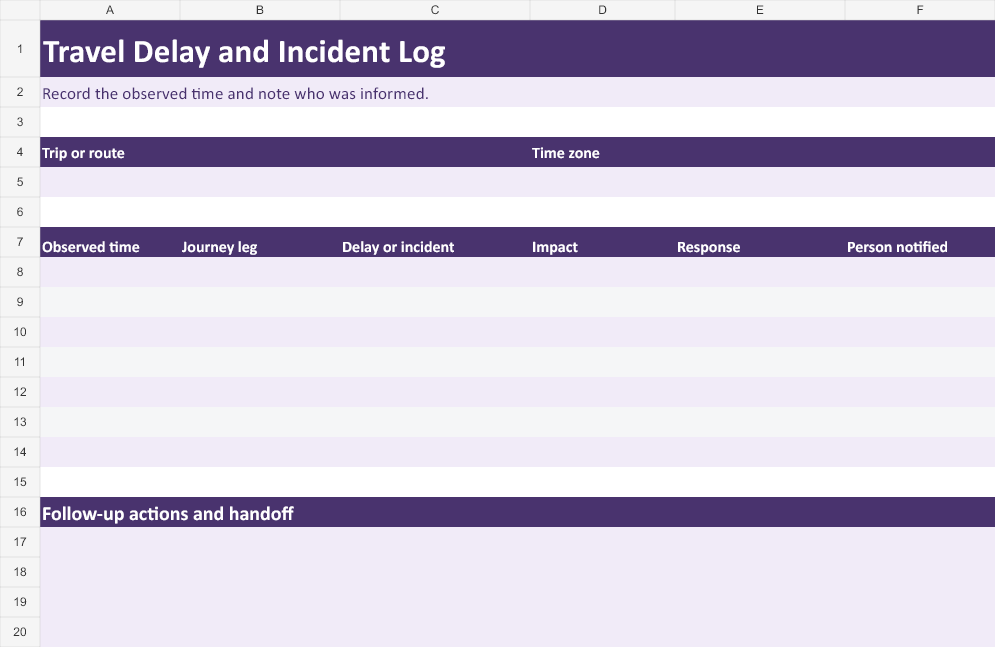
Travel Delay and Incident Log
Record disruptions by journey leg and track who was notified and what follow-up is due.
Personal Travel Journal
Use three journal spreads to record places, memorable moments, and what you would revisit.
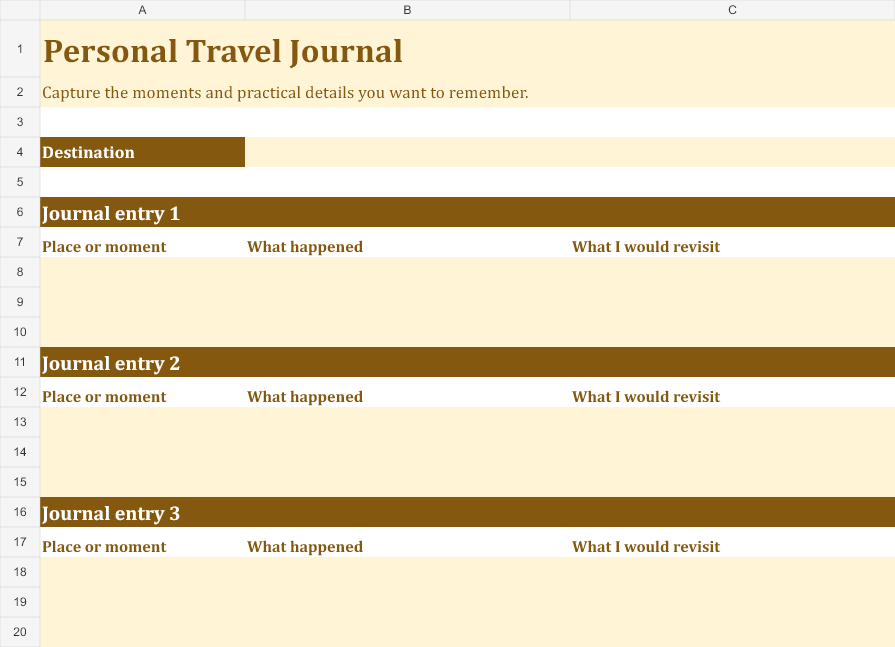
Layout examples
These images show sample layouts.
Template previews
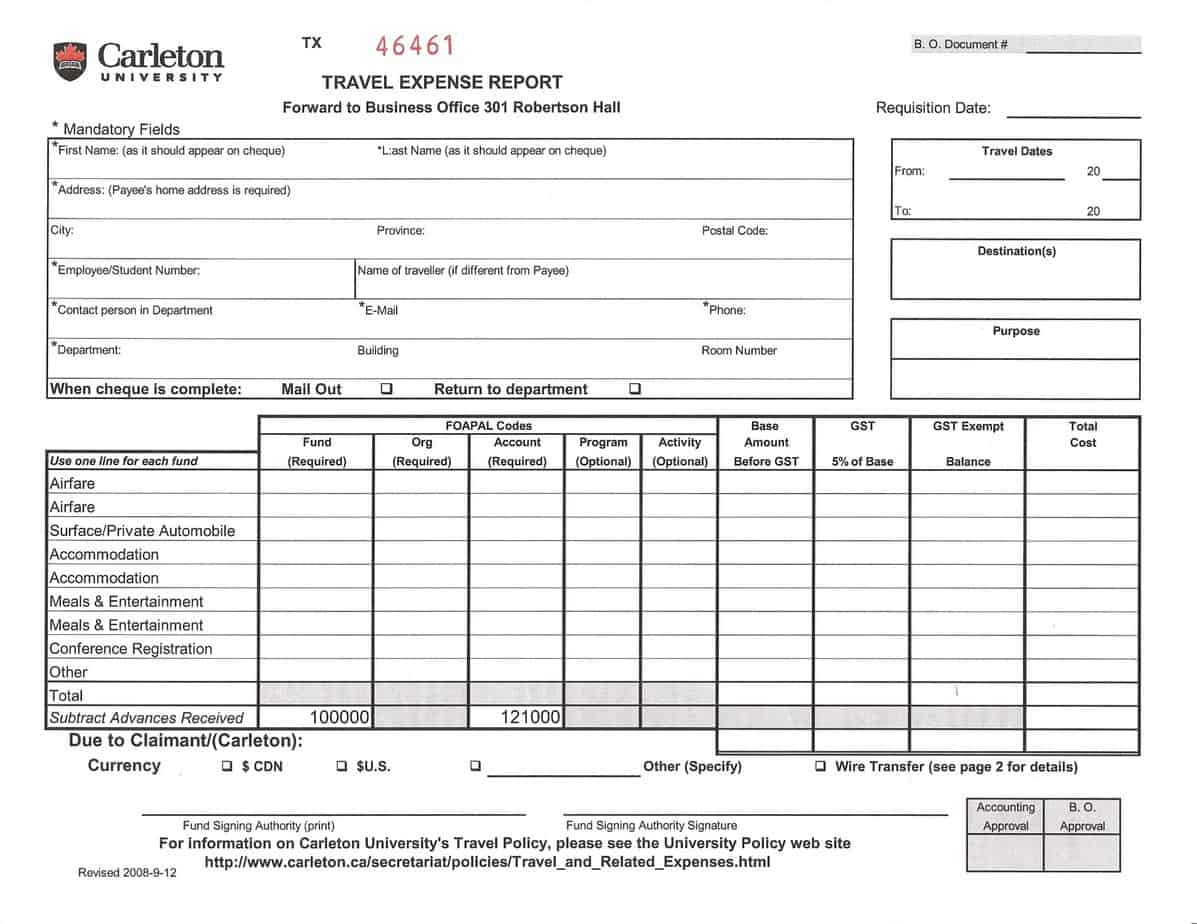
Travel Expense Log Report
A travel log records what happened, while an itinerary records what is planned. Choose whether the log is a personal journal, business travel record, or operational journey log before collecting details. Different purposes need different evidence and privacy controls.
Choose a suitable template
Choose a log by the facts you need to preserve and the decisions those facts support. A journey record, mileage record, and reflective journal may overlap but need different detail. Keep actual events separate from plans or estimates. The best layout is one that can be maintained promptly and reviewed without guessing what the entries mean.
Important details to prepare
Journey reference
Identify the trip and reporting period. A reference helps connect notes, receipts, and related records without repeating private details. Use a reference that connects the entry with the correct activity and period. Consistency makes later review easier when several similar events occur.
Date and route
Record actual travel dates, locations, and relevant times. Use clear time zones for journeys across regions. Record the date, route, or sequence accurately and state any important time or unit convention. Small ambiguities can affect totals and interpretation.
Purpose
State the business task or personal journaling purpose honestly. Do not label private travel as business merely to fit a reimbursement column. Describe the actual purpose in factual language. Do not change a private or personal activity into a business one merely to fit the chosen template.
Transport and distance
Record the actual mode and supported distance where needed. Keep units consistent and distinguish estimates from recorded readings. Keep measurements supported and distinguish estimates from observations. A calculated value should retain the inputs needed to explain it.
Costs
Record amounts and currencies with receipt references. Keep company-paid and personally paid items separate when relevant. Connect amounts with evidence and the relevant currency or policy. A log entry alone may not establish eligibility for reimbursement or another formal outcome.
Observations and review
Note useful outcomes, disruptions, or lessons. Avoid recording confidential client or passenger information in an unsecured shared journal. Review changes and keep useful context. A correction should make the record more accurate without erasing how the earlier entry was resolved.
How to complete the template
Establish a consistent period, reference, unit system, and source for entries. Record the relevant date, activity, purpose, and supporting detail close to the event. Use explicit currencies or distance units where needed. Keep private identity, client, or payment information outside a broadly shared working log. Mark estimates honestly and replace them with confirmed facts only through a traceable update.
Worked example
A consultant’s travel log records the actual date, route, client-visit purpose, and transport used. A delayed train changes the arrival time, so the log differs from the original itinerary. Expenses link to receipt references, while the meeting notes remain in the appropriate client record rather than the shared travel sheet.
Check accuracy before use
Review the sequence for missing entries, duplicated journeys, inconsistent units, and unexplained totals. Compare relevant amounts or readings with supporting evidence. A record can be complete in appearance while still confusing planned activity with actual activity. Check whether another reader could follow the entry without access to the original conversation.
Related resources for the next step
Use travel planner templates to prepare journeys before departure.
Use itinerary templates to keep planned arrangements distinct from actual travel.
Use expense report templates to submit supported business costs.
Log a trip with three stops without double-counting mileage
A field visit starts at the office, stops at a warehouse and a client site, and ends back at the office. Record each leg if different activities or teams need the distances. If the trip is billed as one visit, make one entry for the complete round trip and give the stops in Notes. Choose one approach before you total the distance for the month.
Enter the actual route
If the office to the warehouse is 14 km, the warehouse to the client is 9 km, and the client to the office is 19 km, the round trip totals 42 km. Use the actual distance travelled if you made a detour. Keep the origin and destination names consistent so filters group journeys to the same site together.
Make the purpose useful for review
A description such as “deliver display stand to Oak Street branch” explains the trip better than “client visit.” Use the minimum information needed for the record. A team log can use a project number or site code so that reviewers can sort by project without exposing personal addresses or unrelated details.
Record a correction when a journey changes
Suppose the driver stops for a personal errand between the warehouse and the client. Keep the relevant distance according to your organization’s reporting rules and note the basis of the entry. If a journey is shared by two people, identify the appropriate vehicle record before anyone copies the full distance into a second claim.
Check the totals before you submit
Filter the workbook to the reporting period and compare it with your calendar or dispatch list. Check early and late entries first when a trip spans midnight or the end of a month. Look for the same distance attached to two expense receipts. If you use a separate mileage claim, link it to the log entry by date and reference rather than recording the journey twice.
Use the Excel file for an ongoing route record
The editable log provides columns for Date, Origin, Destination, Purpose, Distance km, and Notes. If your source uses miles, choose one unit for the workbook and change the label clearly before starting. Keep the source distance available and use a consistent conversion if you need to combine records. In a shared workbook, agree who owns missing distances and who checks the monthly total.

You must be logged in to post a comment.