
Use Excel inventory templates to track identifiable stock items, movements, locations, and count differences in a controlled workbook.
Editable downloads and previews
Use the file links where provided. Links labeled “View original source” open another website; check its current format, availability and terms. A preview image alone is not an editable document.
Template previews and source links
Excel Inventory List
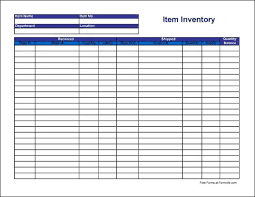 Download Excel Inventory List (DOC)
Inventory List Sample
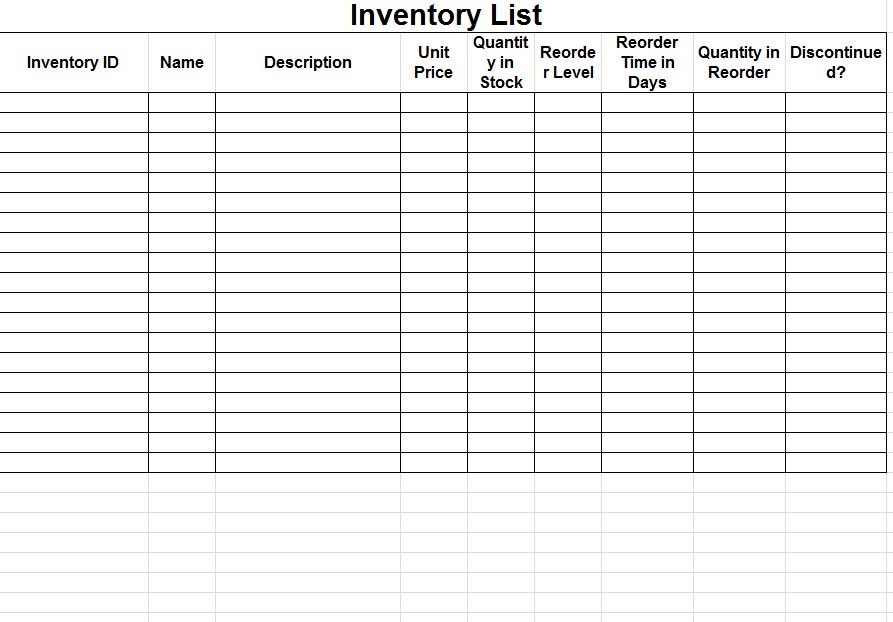 Download Inventory List Sample (XLSX)
Inventory Count Sheet Template
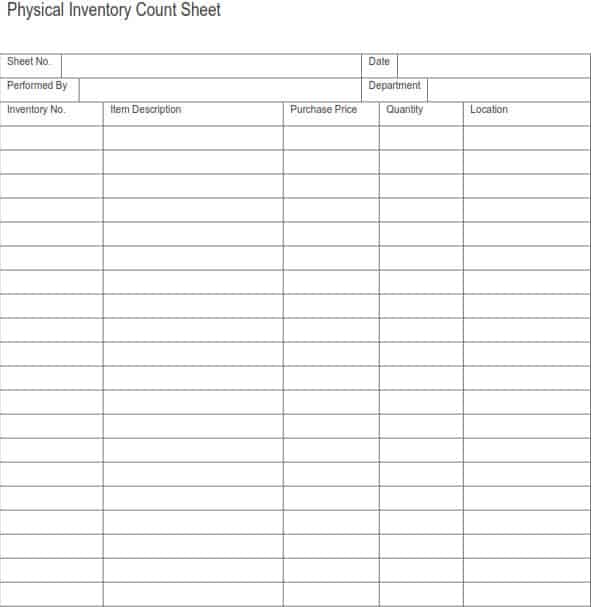 The older external file is unavailable. Its preview is retained for reference.
Inventory Sheet Sample
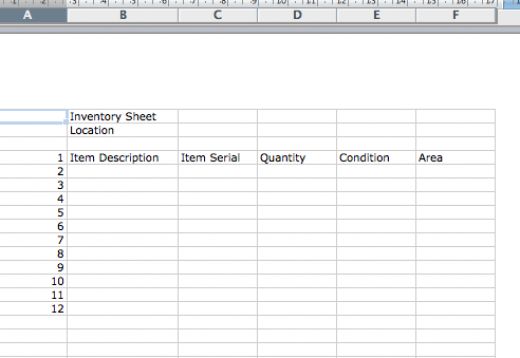 Download Inventory Sheet Sample (XLS)
Inventory Sheet Excel
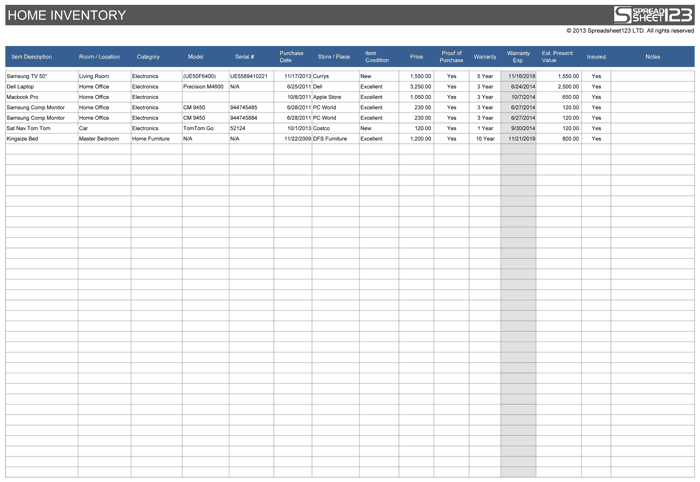 View original source for Inventory Sheet Excel
An inventory spreadsheet needs a clear unit of measure and movement process. A list of products alone does not show stock on hand. Separate opening quantities, receipts, issues, and adjustments, and reconcile the calculated balance with physical counts at an appropriate interval.
Choose a suitable template
Choose an inventory layout that supports the items, locations, units, and movement volume involved. A product catalog and a stock-control register are different tools. Identify the stock unit and transaction process before entering quantities. If the operation needs serial numbers, batches, expiry dates, or concurrent editing controls, check whether the chosen workbook can genuinely support them.
Important details to prepare
Item identity
Use a unique item code and clear description. Similar products, sizes, or pack quantities should not share an ambiguous row. Use an identifier that distinguishes the actual item and variant. Similar descriptions can lead to movement entries being posted to the wrong stock line.
Units and locations
Define the stock unit and storage location. Converting cases to individual units requires an explicit, consistent factor. Define the unit and location before using the quantity. Cases, packs, and individual units need an explicit conversion if they appear in the same process.
Opening stock
Start from a supported count or balance at a stated date. Explain unresolved differences rather than carrying an unexplained opening quantity. Start from supported records and state the relevant date. An unexplained opening balance will make later differences harder to investigate.
Movements
Record dated receipts, issues, returns, and transfers with references. A location transfer should not create extra company-wide stock. Keep each movement traceable and use the correct movement type. A transaction reference is more informative than simply replacing the displayed quantity.
Reorder information
Use actual usage and lead-time assumptions where relevant. A static minimum from an old example is not automatically a suitable reorder point. Use operational evidence for planning assumptions and review them when conditions change. A sample minimum stock level is not automatically appropriate for a different business.
Counts and adjustments
Compare physical counts with calculated quantities and investigate differences. Authorize and document adjustments instead of overwriting stock totals silently. Investigate and document differences before changing the record. Approved adjustments should explain the correction rather than hide the original discrepancy.
How to complete the template
Start from a supported opening count and record each relevant movement with a date and reference. Keep receipts, issues, returns, transfers, and adjustments distinguishable. Use item codes and units consistently. Avoid editing the on-hand quantity directly when a movement record would explain the change. Location transfers should change the relevant location balances without creating extra overall stock.
Worked example
An item opens with 40 units, receives 25, and issues 18, leaving a calculated 47. A physical count finds 45, so the two-unit difference is investigated and any approved adjustment is recorded separately. Moving ten units to another location changes location balances without increasing the business’s overall quantity.
Check accuracy before use
Trace one item’s opening quantity through its movements to the calculated closing quantity. Compare it with a physical count and investigate differences. Check duplicated receipts, incorrect pack conversions, omitted issues, and formula ranges that fail to include new rows. A positive balance in a workbook does not guarantee that the correct usable item is physically available.
Related resources for the next step
Use inventory tracking spreadsheets to record detailed stock movements.
Use inventory count sheets to support physical verification.
Use inventory spreadsheet templates to compare workbook layouts.
