
Match statement activity to the ledger and isolate the difference before closing. These free bank reconciliation templates for Excel give you ten editable worksheets for different parts of the job. Each has its own inputs, example, and calculated result. Download an individual template or get the complete workbook.
Use the monthly bridge after you have reconciled individual transactions. The bridge compares adjusted statement and ledger balances, including deposits in transit, outstanding checks, and book-side adjustments.
Jump to the Excel download and previews
Download the 10 Excel templates
Download all 10 templates (.xlsx)
Choose a template below to see its preview and download it as a standalone Excel file. The combined workbook above includes all ten templates as separate tabs.
Preview and download individual templates
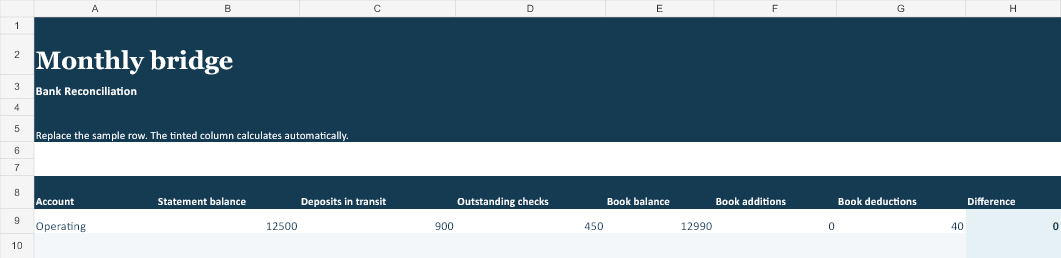
Monthly bridge
Enter account, statement balance, deposits in transit, outstanding checks, book balance, book additions, book deductions. The worksheet calculates difference for each record.
 Download Excel (.xlsx)
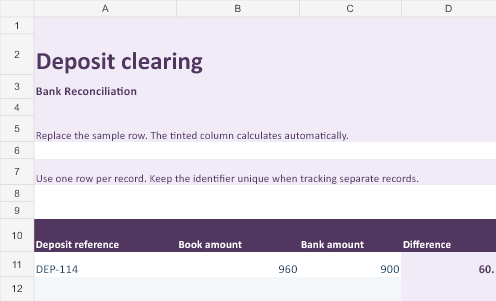
Deposit clearing
Enter deposit reference, book amount, bank amount. The worksheet calculates difference for each record.
 Download Excel (.xlsx)
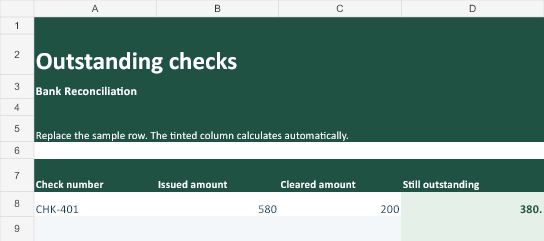
Outstanding checks
Enter check number, issued amount, cleared amount. The worksheet calculates still outstanding for each record.
 Download Excel (.xlsx)
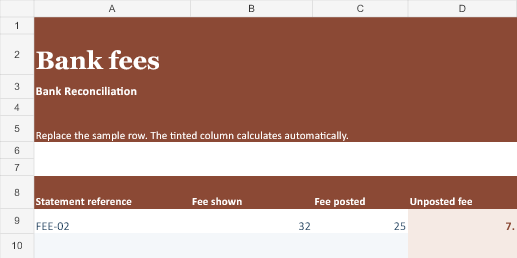
Bank fees
Enter statement reference, fee shown, fee posted. The worksheet calculates unposted fee for each record.
 Download Excel (.xlsx)
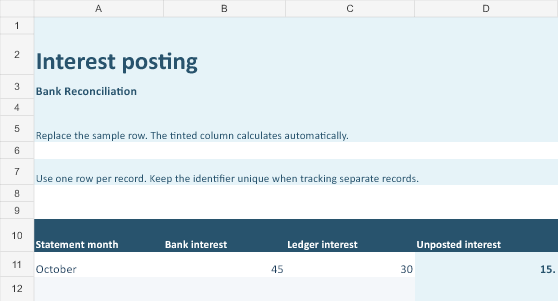
Interest posting
Enter statement month, bank interest, ledger interest. The worksheet calculates unposted interest for each record.
 Download Excel (.xlsx)
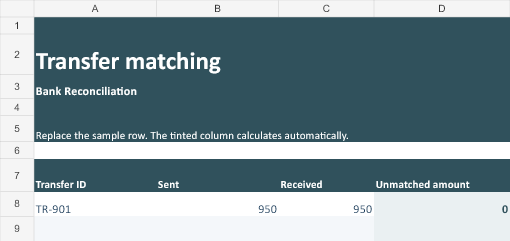
Transfer matching
Enter transfer id, sent, received. The worksheet calculates unmatched amount for each record.
 Download Excel (.xlsx)
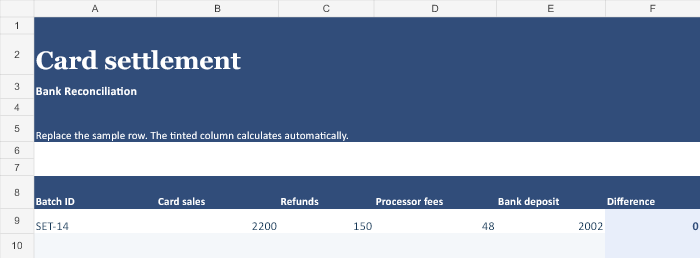
Card settlement
Enter batch id, card sales, refunds, processor fees, bank deposit. The worksheet calculates difference for each record.
 Download Excel (.xlsx)
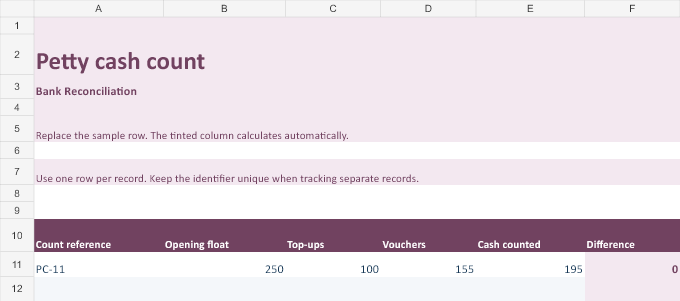
Petty cash count
Enter count reference, opening float, top-ups, vouchers, cash counted. The worksheet calculates difference for each record.
 Download Excel (.xlsx)
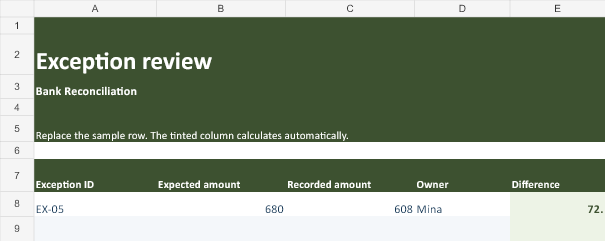
Exception review
Enter exception id, expected amount, recorded amount, owner. The worksheet calculates difference for each record.
 Download Excel (.xlsx)
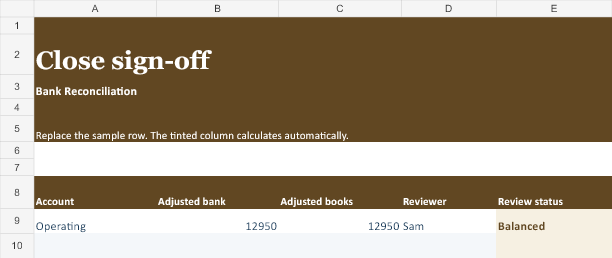
Close sign-off
Enter account, adjusted bank, adjusted books, reviewer. The worksheet calculates review status for each record.
 Download Excel (.xlsx)
Set up your tracker in Excel
- Save a working copy and open the worksheet you need. Look at the sample row to see which values you enter and where the calculated result appears.
- Replace the sample with your first real record. Keep the tinted result column for formulas, and use the input headers to preserve units and meaning.
- Enter one row per record for the selected workflow. Each sheet has 30 formula-ready rows. Copy the formula down if you extend the sheet.
- Compare the first calculated result against your source records or a manual check before relying on the sheet.
Worked example
A 12,500 statement balance plus 900 of deposits in transit less 450 of outstanding checks equals 12,950. A book balance of 12,990 less an unposted 40 fee also equals 12,950.
Before sharing or closing the tracker
Check whether the difference is a timing item before adjusting the ledger. Retain evidence for outstanding items and follow up if they fail to clear.
Keep the source evidence with the working copy, particularly when an entry changes after review. Record who checked it and the date if the spreadsheet is used for a handoff or approval.
Related templates
For adjacent work, see Excel bookkeeping templates and check register templates.
