
A busy restaurant can easily lose track of who has booked a table, for when, and for how many guests, especially during peak hours when reservations come in by phone, in person, and online all at once. A restaurant reservation log template solves this by giving your front-of-house team one organized place to record every booking, so nothing gets double-booked or forgotten. Built entirely in MS Excel, this free template helps both new and established restaurants keep complete, accurate records of reservations and available tables. Below you can download three editable restaurant reservation log templates and start using them right away.
Build a reservation log around table capacity
A restaurant log should connect guest count and booking time to a specific table or seating area. Recording names alone does not prevent collisions when customers arrive late or stay longer than anticipated.
- Prevents double bookings: A single, shared log makes it easy to see which tables and times are already taken.
- Improves guest experience: Accurate records mean guests are seated promptly and their special requests are remembered.
- Supports better staffing decisions: Knowing how many reservations are booked for a given night helps managers plan staffing levels.
- Keeps a record for busy occasions: Weddings, birthdays, and corporate events are easier to manage with all reservation details documented.
- Reduces reliance on memory: Staff don’t need to remember verbal bookings when everything is written down in one place.
- Helps with future planning: A history of past reservations can reveal your busiest nights and seasons.
Worked example: A four-seat table booked at 7:00 p.m. for a 90-minute dinner should not also be confirmed for 7:30 p.m. Record the expected departure time, reservation status, and any wheelchair or high-chair requirements.
Check before use: Protect guest contact details and note cancellations and no-shows separately. A simple spreadsheet does not automatically block overlapping reservations unless that logic exists in the file.
For related guidance and formats, see 5 Restaurant Comment Card Templates and 4 Excel Conference Room Schedule Templates.
What’s Included in the Reservation Log Template
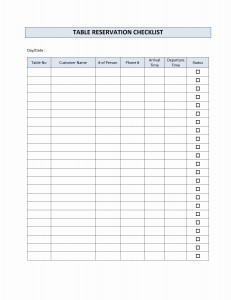
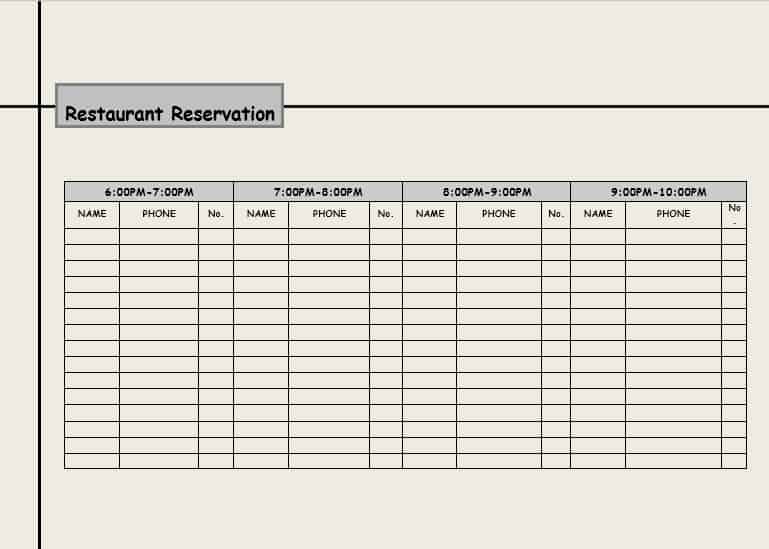
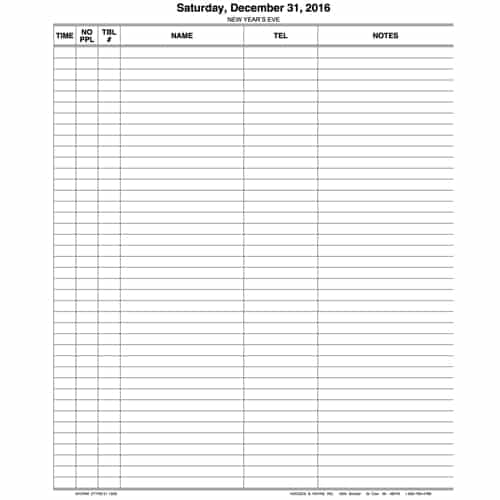
- Guest name and contact details: So staff can confirm or follow up on a booking if needed.
- Date and time: The specific reservation slot the guest has booked.
- Party size: The number of guests, which helps with table assignment.
- Table number or section: Where the reservation is assigned within the restaurant.
- Special requests: Space to note dietary needs, seating preferences, or occasion details such as a birthday.
Who Should Use This Template?
- Restaurant owners and managers who want a reliable, low-cost system for tracking bookings.
- Hostesses and front-of-house staff responsible for seating guests accurately.
- New restaurants that need a simple reservation system before investing in dedicated booking software.
- Event venues and private dining rooms managing bookings for special occasions.
How to Start Using the Template in 3 Simple Steps
- Step 1 — Download a template: Choose any of the three versions below.
- Step 2 — Customize it for your restaurant: Add your restaurant’s name, logo, and table or seating layout.
- Step 3 — Log every reservation: Record each booking as it comes in, whether by phone, online, or in person.
Reservation Log vs. Booking Software
Dedicated restaurant booking software offers features like online booking and automated reminders, but it also comes with a monthly cost that not every restaurant is ready to take on. A reservation log template gives smaller restaurants and new businesses a reliable, no-cost way to manage bookings while still keeping accurate, organized records. Many restaurants start with a spreadsheet like this and move to dedicated software only once their reservation volume justifies the investment.
Customizing the Template for Your Restaurant
These templates are meant to be adapted to your restaurant’s specific setup. You can add columns for deposit status, VIP notes, or a specific server assignment, or adjust the layout to match your floor plan. Because the templates are built in standard Excel, these changes take only a few minutes and require no special software.
Common Mistakes to Avoid
- Using multiple untracked logs: If different staff keep separate notes, double bookings become likely.
- Forgetting to record cancellations: An outdated log with old bookings still listed can cause confusion when reassigning tables.
- Not noting special requests: Missing dietary or seating preferences can lead to a poor guest experience.
- Skipping contact details: Without a phone number, staff can’t confirm or follow up on a reservation if needed.
- Not reviewing the log ahead of service: Staff should check the day’s reservations before the shift starts, not scramble during service.
Tips to Get the Most Out of Your Reservation Log
- Keep one master copy that all front-of-house staff refer to and update.
- Confirm large party reservations a day in advance to reduce no-shows.
- Color-code busy nights to help staff quickly identify high-volume shifts.
- Review the log after service to note any issues or repeat guests worth remembering.
- Back up the file regularly so reservation history isn’t lost.
Download restaurant reservation log templates here
Downloadable Restaurant Reservation Log

Restaurant Reservation Log Book
Frequently Asked Questions
Is this restaurant reservation log template free to download?
Yes, all three reservation log templates on this page are free to download and use for any type of restaurant.
Can I customize the template with my restaurant’s name and logo?
Yes, the template is fully editable, so you can add your restaurant’s branding and adjust the layout to match your needs.
Do I need Microsoft Excel to use this template?
The template is built for Excel but will also open in free alternatives such as Google Sheets or LibreOffice Calc.
Can this template handle a large restaurant with many tables?
Yes, you can add as many rows and columns as needed to track reservations across any number of tables or sections.
Is this suitable for tracking event or private dining bookings?
Yes, the same format works well for special event bookings, with space to note occasion details and special requests.
Can multiple staff members update the same reservation log?
Yes, if the file is stored on a shared drive or cloud storage, your whole front-of-house team can view and update it.
How do I avoid double bookings with this template?
Always check the log before confirming a new reservation, and make sure only one master copy is used to avoid conflicting entries.

You must be logged in to post a comment.