
A short price list should group products or services logically, show a currency, and state the unit or package being sold. Customers should not have to infer whether a figure is hourly, per item or per month.
Choose a price-list layout suited to the buying decision
- Saves design time: A ready-made layout means you can focus on entering your products and prices instead of designing a table from scratch.
- Presents a professional image: A clean, well-organized price list reflects positively on your business and builds customer trust.
- Speeds up customer decisions: Clear pricing information helps customers quickly compare options and make purchasing decisions.
- Easy to update: Editable templates make it simple to adjust prices as costs or promotions change.
- Works for various industries: Templates are available for retail, photography, wholesale, and service-based businesses alike.
- Free and reusable: Download once and reuse the same template structure for every future price update.
Worked example: For an independent salon, place haircut services together with prices and approximate duration, then group colouring and optional extras separately. State whether consultation or material costs affect the final price.
Check before use: Use clear effective dates and verify that public prices agree with the booking or checkout system. Do not bury qualifications in tiny print.
For related resources, see 25+ Sample Price List Templates in WORD & EXCEL Templates and 3 Excel Product List Templates.
What’s Included in the Price List Template
- Company or store name: Space to display your business name and branding at the top of the document.
- Product or service descriptions: A clear listing of each item or service being offered.
- Price column: Space to display the price for each item, including any applicable discounts.
- Category sections: Grouped listings that make it easy for customers to find related products or services.
- Terms and conditions: Space for notes on payment terms, validity dates, or special offers.
- Contact information: A section for your business’s contact details for customer inquiries.
Who Should Use These Templates?
- Retail store owners who need to display product pricing clearly for walk-in customers.
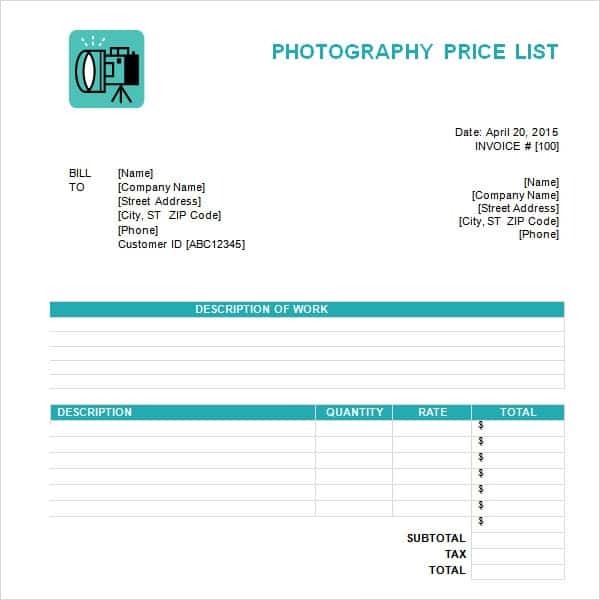
- Photographers presenting package pricing for different types of photography sessions.
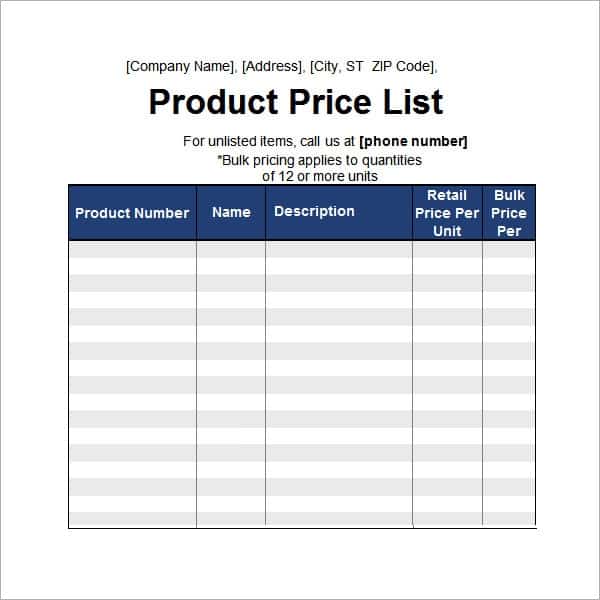
- Wholesale distributors providing bulk pricing information to business clients.
- Freelancers and service providers outlining their rates for different services offered.
- Restaurant and cafe owners creating menus with clear pricing for each item.
- Small business owners who want a professional, consistent way to communicate pricing.
How to Start Using the Template in 3 Simple Steps
- Step 1 — Choose a template style: Browse the options below and select the design that best fits your business.
- Step 2 — Add your details: Fill in your company name, product descriptions, and pricing information.
- Step 3 — Print or share digitally: Print the completed price list or share it as a digital file with customers.
Price List vs. Product Catalog
While both documents help customers understand what a business offers, a price list and a product catalog serve slightly different purposes depending on how much detail is needed. A price list focuses primarily on pricing information in a simple, easy-to-scan format, making it ideal for quick reference at checkout counters or on menus. A product catalog, by contrast, typically includes detailed product descriptions, images, and specifications alongside pricing, making it better suited for businesses that need to showcase more information about each item. Choosing the right format depends on whether your customers need quick pricing reference or detailed product information.
Customizing the Template for Your Business
These templates are designed to be a flexible starting point rather than a fixed format. You can add your business logo for a more official appearance, adjust the color scheme to match your branding, or reorganize categories to fit your specific product or service offerings. Since the templates are editable, most adjustments take only a few minutes and let you tailor the price list to fit your specific business and customer base.
Choosing the Right Format
With several different templates available, choosing the right one depends on the nature of your business and how you plan to display pricing. A simple, minimal design works well for straightforward product lists, while a more detailed template with sections and categories is better suited for businesses offering a wide range of products or services. Reviewing what each template includes before downloading can help you find one that requires minimal restructuring for your specific business.
Common Mistakes to Avoid
- Outdated pricing: Always double-check that prices are current before printing or sharing a price list.
- Inconsistent formatting: Keep font styles and sizes consistent across all sections of the price list.
- Missing contact information: Always include a way for customers to reach you with questions.
- Vague product descriptions: Clearly describe each product or service so customers know exactly what they’re paying for.
- Skipping proofreading: Review prices and descriptions carefully before finalizing the price list.
Tips to Get the Most Out of Your Price List Template
- Update pricing regularly to keep the document accurate as costs or promotions change.
- Group similar items together to make it easier for customers to browse and compare options.
- Highlight special offers or discounts to draw attention to promotional pricing.
- Keep digital and printed copies so you can share pricing information in whatever format customers prefer.
- Use clear, readable fonts to make sure pricing information is easy to scan at a glance.
Creating Price Lists for Service-Based Businesses
Service-based businesses, such as salons, consultants, and photographers, often benefit from organizing their price lists by package or service tier rather than a simple flat list, since services frequently vary based on duration, complexity, or add-ons. Clearly outlining what’s included in each package, such as the number of hours, deliverables, or revisions, helps set accurate expectations and reduces the number of pricing questions from potential clients. Many service providers also find it helpful to include a brief note about how pricing may vary based on specific client needs, avoiding the impression that all services are rigidly fixed-price.
Using Price Lists for Wholesale and Bulk Pricing
Wholesale and bulk price lists typically differ from retail price lists in that they need to display tiered pricing based on order quantity, since businesses usually receive better per-unit pricing as they order more. Clearly organizing bulk pricing tiers, such as prices for orders of 10, 50, and 100 units, helps business clients quickly calculate their costs based on their expected order size. Including minimum order quantities and any applicable shipping or handling terms directly on the wholesale price list also helps prevent confusion during the ordering process.
Digital vs. Printed Price Lists
Deciding whether to distribute a price list as a printed document or a digital file often depends on how customers typically interact with your business. Digital price lists, usually shared as PDF files, are convenient for online businesses and can be easily updated, emailed, or posted on a website without printing costs. Printed price lists, on the other hand, remain useful for physical storefronts, trade shows, and in-person consultations where customers appreciate having a tangible reference they can take with them.
Seasonal and Promotional Price List Updates
Many businesses adjust their pricing throughout the year to reflect seasonal demand, promotional campaigns, or limited-time offers, making it useful to keep a master price list template that can be quickly updated for these occasions. Rather than rebuilding a price list from scratch for each sale or seasonal menu change, keeping a clean template on hand lets you swap in new prices and highlight promotional items without redesigning the entire document. Clearly labeling promotional pricing with start and end dates also helps avoid customer confusion about which prices are currently valid.
Organizing Pricing for Multiple Product Categories
Businesses that sell a wide range of products often find it helpful to break their price list into clearly labeled sections, rather than presenting every item in a single long list that becomes difficult to scan. Grouping items by category, such as separating apparel from accessories, or grouping photography packages by session type, makes it much easier for customers to find what they’re looking for without scrolling through unrelated items. Adding subtle visual separators, such as section headers or shaded rows, between categories can further improve readability, especially on longer price lists with dozens of items.
Sharing Your Price List With Customers
Once your price list is finalized, choosing the right distribution method can make a noticeable difference in how effectively customers engage with it. Posting a digital version on your website or social media pages makes it easy for potential customers to check pricing before visiting in person, reducing the number of basic pricing questions your staff needs to answer. For physical locations, displaying a printed price list near the entrance or checkout counter, along with providing take-home copies, gives customers a convenient reference they can consult even after they’ve left the store.
Get Price List Templates:
Blank Price List Template PDF
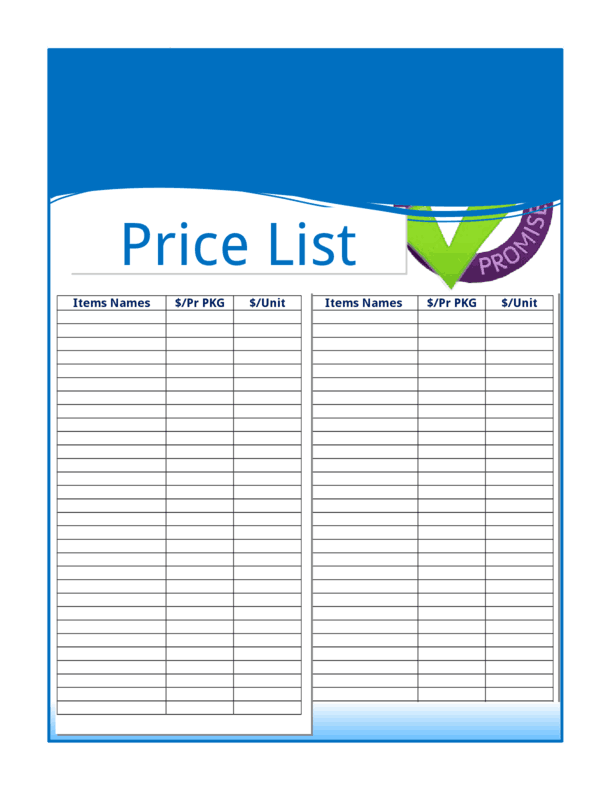

Price List Template Printable
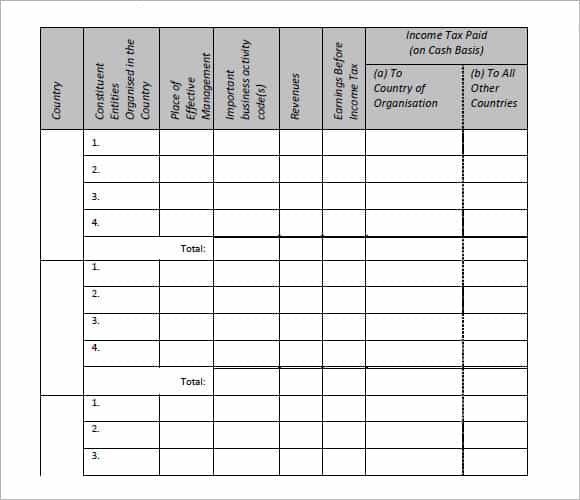
Frequently Asked Questions
Are these price list templates free to download?
Yes, all the price list templates on this page are free to download and use.
Which file formats are these templates available in?
The templates are available in PDF, JPG, and editable formats depending on the specific template.
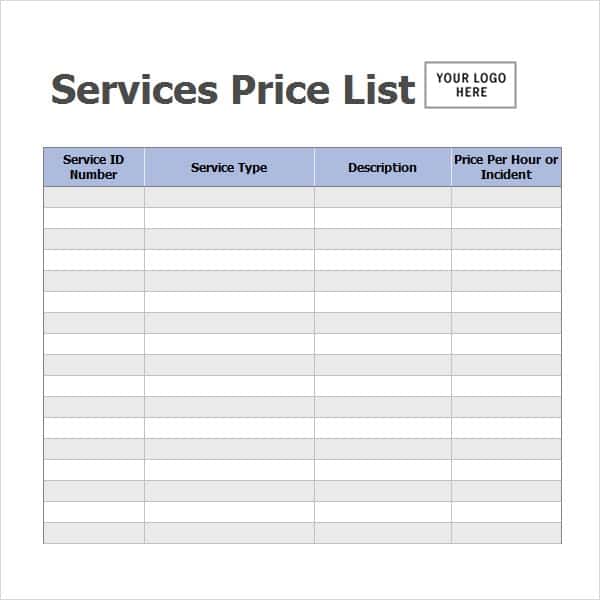
Can I use these templates for a service-based business?
Yes, several templates work well for service providers such as photographers and consultants.
Can I customize the templates with my own branding?
Yes, since the templates are editable, you can add your logo, colors, and other branding details.
Are these templates suitable for wholesale pricing?
Yes, one of the templates is specifically designed for service and wholesale price lists.
Do I need special software to edit these templates?
No, most templates can be edited with common software such as Microsoft Word, Excel, or a PDF editor.
Can I update the price list as my prices change?
Yes, the templates are designed to be easily updated whenever your pricing or offerings change.

You must be logged in to post a comment.