
Use time off request form templates to request an absence using clear dates, a suitable leave category, and a documented decision.
Time off can cover different leave categories, each governed by its own policy and applicable law. A general request form should collect the scheduling information needed for a decision without asking employees to publish medical details or other sensitive explanations in a shared team document.
Choose a suitable template
Start with the decision or action the form needs to support. Identify who fills it in, who reviews it, and what happens after submission. Remove fields that do not serve that process and add any genuinely necessary details missing from the sample. A form should make a request or transaction clear without pretending that submission alone completes approval, payment, delivery, or a legal requirement.
Important details to prepare
Employee
Identify the requester, department, and relevant supervisor. Use an employee reference only where needed for the process. Collect the detail from the appropriate person or record and make its purpose clear. Avoid using a field merely because it appeared on another organization’s sample.
Absence category
Use the employer’s approved categories and provide a private route for sensitive supporting information. Do not merge every absence into vacation. Use wording that the requester and reviewer interpret consistently. If a term has a special meaning within the process, explain it near the field rather than relying on informal knowledge.
Dates and hours
Specify whole or partial days, start and end times where relevant, and the expected return. Match units to the work schedule. Include the unit, scope, or reference needed to understand the entry. A number or short phrase can be ambiguous when separated from the conversation that produced it.
Coverage
Identify duties needing handover and a proposed contact. Keep the coverage plan proportionate to the absence and role. Distinguish requested information from confirmed information. Dates, quantities, or terms proposed by one party may still need review before another person can act on them.
Decision
Provide a clear approval status and the authorized decision-maker. A submitted form should not automatically appear approved in the team calendar. Keep supporting evidence traceable without exposing it unnecessarily. A reference to a controlled attachment can be more appropriate than copying private details into every circulated form.
Revision
Track changes to dates, duration, or category. Keep the revised decision and update the appropriate scheduling records. Record the status through the actual workflow. A completed text box or copied signature image should not bypass the responsible person’s review or the required follow-up action.
How to complete the template
Arrange the fields in the order the user naturally knows the information: identity, requested action or transaction, supporting detail, timing, and decision. Mark genuinely required fields and explain unfamiliar terms briefly. Use suitable choices where they reduce ambiguity, with space for an accurate explanation when a standard choice does not fit. Keep private attachments separate from copies used for general coordination.
Worked example
An employee requests a two-hour absence rather than a full day. The form records the date, exact hours, category, and supervisor decision. A customer meeting is reassigned with the colleague’s agreement. The team calendar shows availability while any sensitive reason remains in the appropriate private process.
Check accuracy before use
Complete a realistic example before adopting the form. Ask whether the reviewer can identify the requested action, relevant dates, quantities or amounts, supporting information, and appropriate next step. Look for conflicting selections and missing units. Check that a pending form cannot be mistaken for an approved one. A signature field should have an explained purpose and should not imply broader authority than the actual process provides.
Check the final layout
Leave enough space for long names and descriptions, use readable text for essential instructions, and label statuses in words as well as color. Check the printed or exported copy at its intended size. On continuation pages, repeat the document reference and page number.
Keep the record up to date
Assign a reference where the form will be tracked over time. Record decisions, revisions, and completion as separate events where relevant. Keep the accepted or approved version accessible to the people acting on it, while limiting unnecessary access to personal information. Review the form when the workflow changes; an old approval name, email address, or policy reference can make an otherwise good layout unreliable.
Related resources for the next step
Use work schedule templates to calculate the working time affected.
Use attendance register templates to record actual attendance separately from a request.
Use contact information templates to prepare an appropriate handover contact.
Browse the template previews
Compare the previews for layout, writing space, and useful fields. Where a resource link is provided, check its file format and usage terms before editing. Some previews are images or examples rather than editable downloads.
See Our Time Off Request Form Templates Here
Sample Time Off Request Form Template
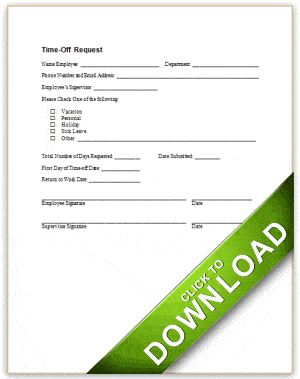

Blank Time Off Request Form Template
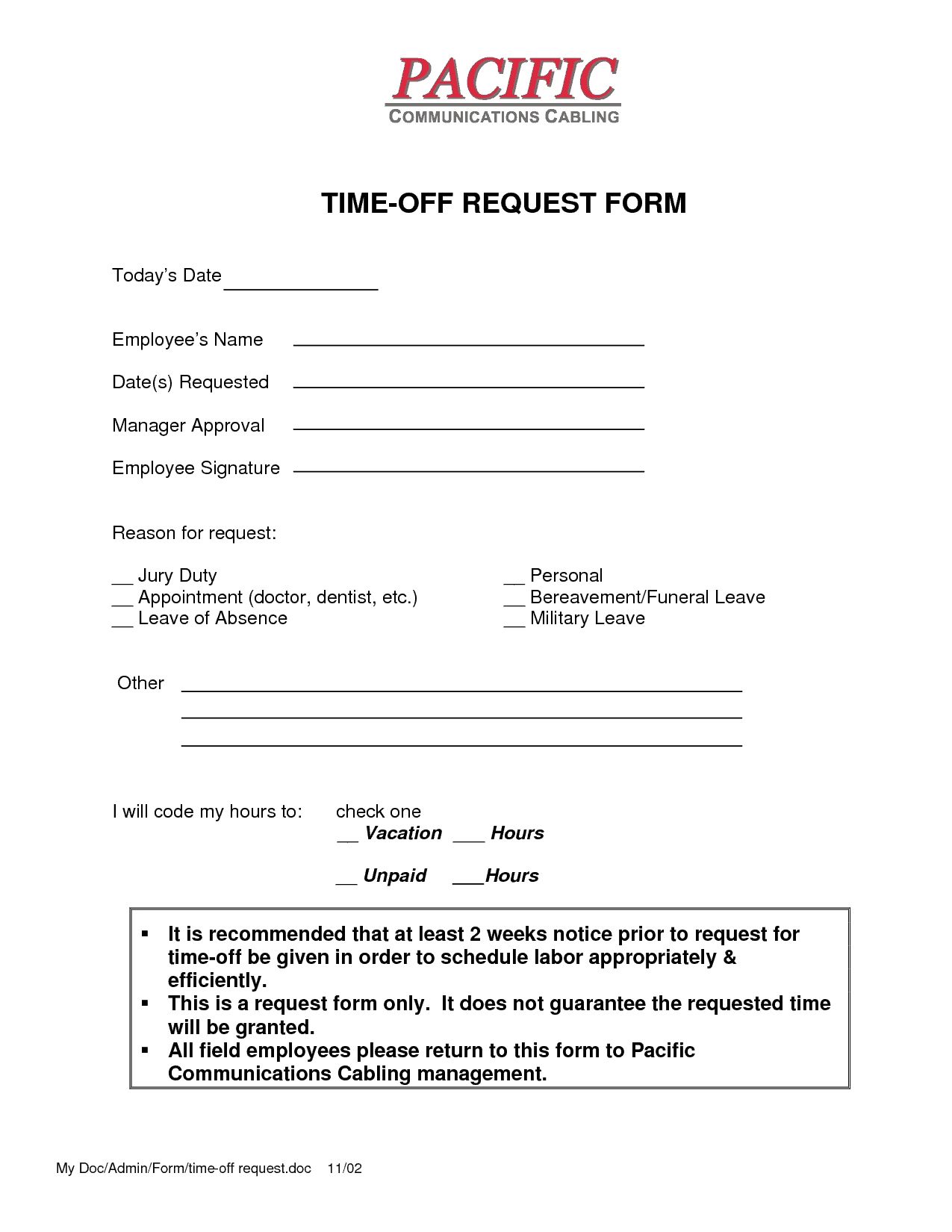
Time Off Request Form Example
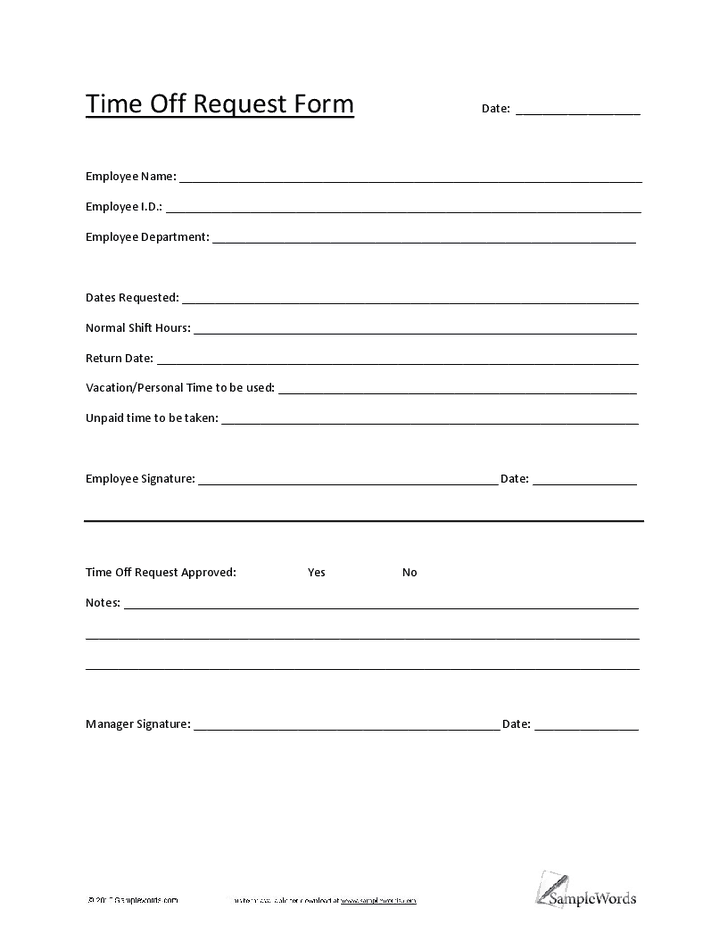
Time Off Request Form PDF
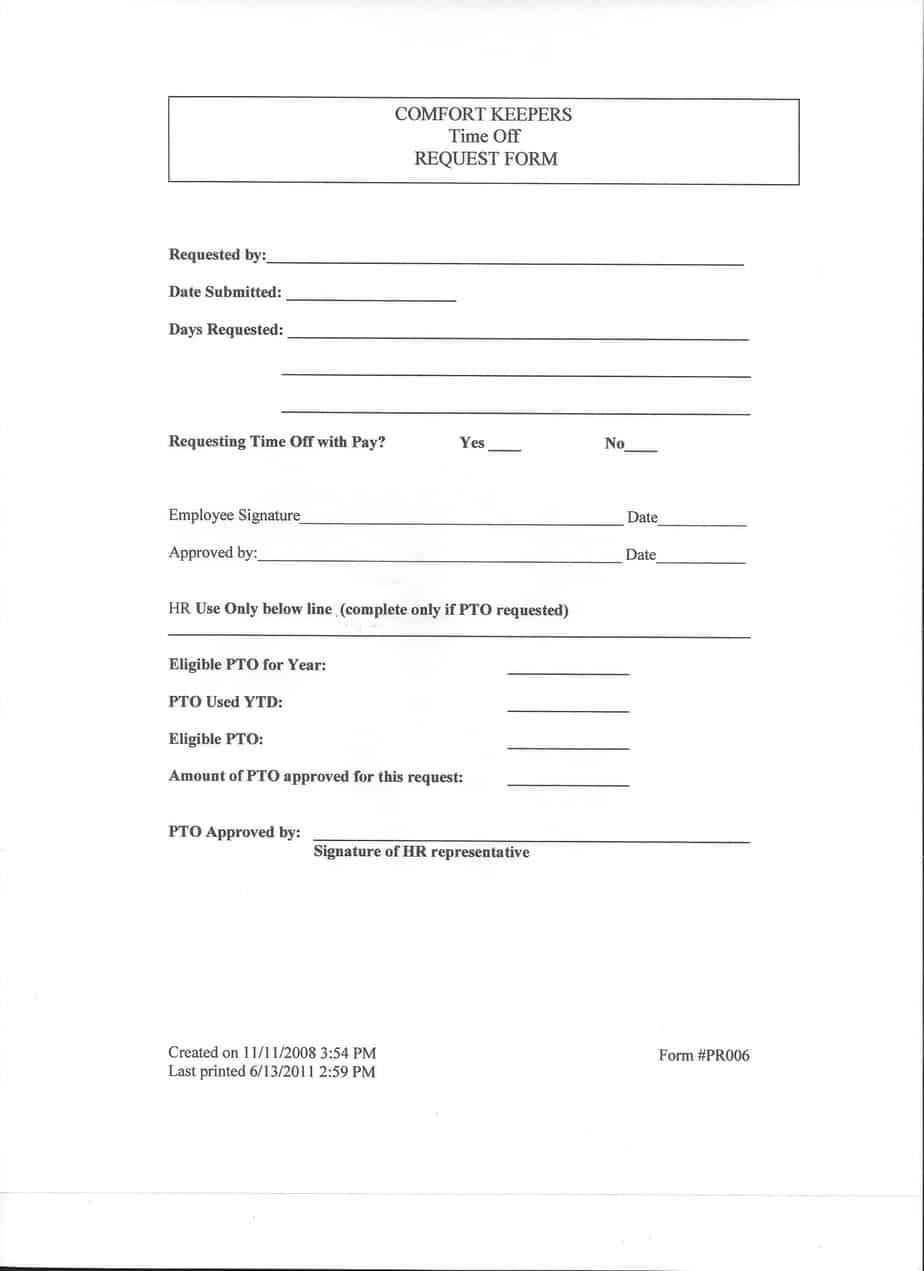

You must be logged in to post a comment.