
Use a thank you letter email template to write a concise, personal follow-up after an interview or professional conversation. This page contains layout examples and links to original sources, rather than a hosted editable Word or Excel file.
Layout examples and source links
These are layout previews and links to original sources, rather than hosted editable downloads. Check each source’s current availability, format and terms.
Thank You Letter Email Template:
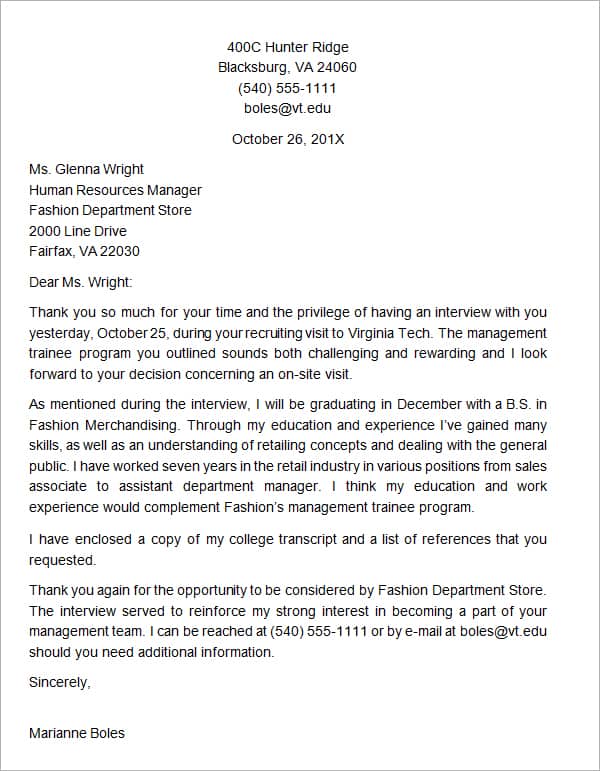
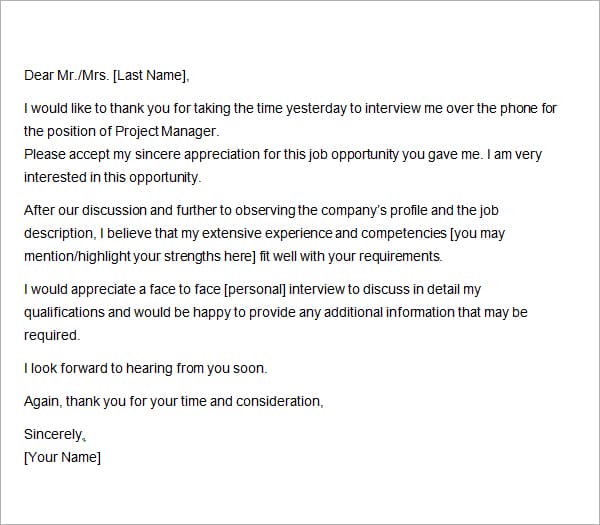
A thank-you email acknowledges the person’s time and reinforces a relevant point from the conversation. It cannot guarantee a job offer or replace the selection process. Personalize the message with accurate details and avoid sending a generic letter that could apply to any employer.
Choose a suitable template
Choose an email structure by the reader’s immediate need. The recipient should quickly understand who is writing, why the message matters, and what action, if any, is requested. A reusable template is a starting point; remove wording that does not fit the actual conversation or transaction. Do not let polished phrasing conceal an inaccurate claim.
Important details to prepare
Recipient
Check the person’s name, role, and legitimate email address. Use the contact route provided rather than guessing a private address. Verify the recipient through the legitimate contact route and consider whether each copied recipient needs the information. Accuracy here matters more than decorative formatting.
Subject
Use a clear subject connected to the interview or conversation. Avoid exaggerated urgency or a misleading reply prefix. Make the wording specific enough to be recognizable without exaggeration. A short clear subject usually serves the reader better than a promotional or urgent claim that the message does not justify.
Opening thanks
Thank the person for the specific conversation and date where helpful. Keep the opening sincere and brief. Use a natural greeting and a factual opening. The first paragraph should establish the reason for the message without forcing the recipient through a long introduction.
Relevant connection
Mention one genuine topic discussed and connect it to an appropriate skill or interest. Do not invent a shared discussion. Choose one relevant detail and explain it concisely. Personalization is useful when it is accurate; invented familiarity undermines the message.
Next step
Respect any stated timeline and offer relevant additional information. Avoid pressuring the reader for an immediate decision. State the practical next step in ordinary language and respect the actual timeline or process. Do not imply consent or approval that has not been given.
Closing
Use a professional sign-off and accurate contact information. Proofread names, role title, and attachments before sending. Proofread the finished version after personalization. A reusable draft can contain hidden placeholders, stale contacts, or an attachment from a previous recipient if it is reused carelessly.
How to complete the template
Draft the essential message in readable text before adding decorative elements or attachments. Personalize names, references, and the one or two details that make the email relevant. Keep paragraphs short and put the practical next step near the relevant context. Use genuine sender details and a clear subject, and confirm that any attached document is the intended final version.
Worked example
After a phone interview for an operations role, a candidate thanks the interviewer and mentions the team’s discussion of improving handovers. The candidate briefly connects that topic with a relevant past responsibility and confirms continued interest. The message respects the stated hiring timeline and does not claim that the interviewer’s response guarantees progression.
Check accuracy before use
Read the message as someone who has not seen your draft notes. Check recipient addresses, names, dates, references, links, and attachment names. Remove empty promises, unnecessary urgency, and repeated points. Preview the message on a small screen and with images disabled where relevant. Essential instructions should remain understandable without special formatting.
Related resources for the next step
Use professional email templates to compare concise business message structures.
Use job proposal templates to prepare a separately requested proposal.
Use contact information templates to keep professional contact details accurate.


You must be logged in to post a comment.