
Daily checklist templates help make recurring work visible and verifiable. A checklist can guide an opening routine, a closing sequence, household duties, or a set of daily operational checks. The examples below offer different layouts that you can adapt to the work and the people carrying it out.
A good checklist states what should be checked and makes it clear what happens when something is incomplete or unexpected. It is more useful than a row of boxes beside vague reminders. This guide explains how to write meaningful items, record results, and keep the routine current.
Define the routine and its purpose
Choose a specific activity or set of checks. Examples include preparing an office for the day, closing a shared work area, checking supplies, or completing a household routine. State the purpose so users understand what the checklist is meant to support.
Include the date, location, shift or period, and responsible person where those details matter. Avoid combining unrelated routines into a long page that nobody can review comfortably. A focused checklist is easier to use at the point where the work actually happens.
Distinguish a checklist from a task list
A task list captures work that needs doing, which may change from day to day. A checklist usually defines a repeated set of actions or checks that should be performed consistently. The distinction helps you choose a useful layout.
Keep new one-off tasks in a separate section if they need to appear on the same page. A work schedule can show when the routine is performed, while the checklist shows what needs to be verified. The documents work together without requiring every checklist item to occupy a separate time block.
Write items as observable actions
Use clear wording such as “Confirm meeting room equipment is ready” rather than “Meeting room.” A person should be able to understand the check and determine whether it has been completed. Include the relevant object or result, not only a broad category.
Split an item when it contains checks with different outcomes or owners. A single box beside “Clean, restock, and inspect room” may conceal a missed step. Keep the list concise, but not so compressed that one mark appears to confirm several independent actions.
Put items in a sensible sequence
Arrange the checklist in the order that supports the work. This may follow a physical route through the location or the sequence in which tasks should happen. Group related checks so users do not repeatedly move between areas or tools.
Place prerequisites before dependent actions. If equipment must be prepared before a room is opened, the checklist should reflect that relationship. Ask the people performing the routine to review the order. A sequence designed from a desk may be inefficient or confusing in the actual setting.
Define what counts as complete
Explain the expected result when a check could be interpreted differently. “Supplies checked” may mean someone looked at a shelf, while the intended requirement may be to confirm minimum quantities and record shortages. The checklist should make that expectation understandable.
A daily operations checklist can include a short instruction or reference for more detailed procedures. Keep the main page readable and avoid copying a long manual into every item. Where work requires specialist instructions, use the approved procedure and responsible owner rather than assuming the checklist itself provides sufficient guidance.
Use statuses that reflect the result
A checkbox may be enough for a simple routine. More complex checks may need completed, incomplete, not applicable, and exception statuses. Define the meanings so people do not use the same mark to indicate different results.
If an item is not applicable, record that deliberately rather than leaving an unexplained blank. If a check fails, show the result and the action required. A completed check is not always a successful outcome; someone may have performed the check correctly and found a problem that needs attention.
Assign ownership and verification
Identify who performs each part of the routine and who reviews the result when a second check is useful. One named owner can coordinate a shared list, even when several people complete different sections. Confirm responsibilities rather than relying on assumptions.
For maintenance-related routines, a facility maintenance checklist can provide a separate structure for the relevant checks. Keep specialist responsibilities clear. A daily list should not imply that an unqualified person can approve technical work simply because the form contains a sign-off box.
Record exceptions with enough context
Provide space for the item, observed problem, immediate action, responsible person, and follow-up status. A note such as “not working” may be too vague for someone who receives the checklist later. Identify what was checked and what needs to happen next.
A service log can hold the continuing history of equipment issues without crowding the daily page. Keep a reference between the checklist and the follow-up record. The aim is to make the unresolved problem visible until it is addressed, not to hide it after the daily form is filed.
Work through an office-opening example
Imagine an office using a morning checklist for shared spaces. Items include checking room readiness, confirming supplies, reviewing scheduled deliveries, and making sure the reception information is current. Each check has a clear result and a place for exceptions.
One morning, a meeting-room display does not work. The employee records the issue, identifies an alternative room, and assigns the follow-up through the service process. The check is marked as performed with an exception, rather than left blank or marked successful. The record now supports a useful handover.
Keep the layout practical at the point of work
Use readable text, enough space for notes, and a page size suited to the setting. A printable daily checklist needs room for handwriting; a digital checklist needs to work on the device people actually carry. Test the layout under normal conditions.
Avoid relying only on color for status. Use labels or symbols with a clear legend. Keep identifying details on every page if the checklist spans several sheets. A form should make the routine easier to complete, not require users to search for the correct date or interpret decorative formatting.
Plan the response to incomplete items
Decide which incomplete items need immediate attention and which can be passed to a later review. The response should follow the organization’s process and the nature of the task. Record who receives the issue and how completion will be confirmed.
A contact information template can support a separate reference for the appropriate people to notify. Keep the contact details current and accessible. A checklist that identifies a problem without a clear path for action can become a repeated record of the same unresolved issue.
Review the routine using actual experience
Look for items that are repeatedly skipped, misunderstood, or marked not applicable. Ask users why. The wording may be unclear, the task may occur at a different time, or the routine may have changed. Treat the feedback as information for improving the checklist.
Do not remove an important check merely because it is inconvenient. Review its purpose and the appropriate procedure with the responsible owner. Likewise, remove obsolete items through an agreed revision so the page does not accumulate tasks that no longer serve the routine.
Manage versions and daily records
Give the template a revision date or identifier and identify its owner. Keep completed daily records separate from the blank master. When a routine changes, replace old working copies so different users do not follow different versions.
Use a consistent filing method if records need to be retained. Label each completed page with its date and location. Follow the organization’s retention process and avoid collecting unnecessary personal information. The record should support the routine and follow-up, with a clear reason for the information it contains.
Choose and test a template
Compare the previews for item spacing, status columns, and room for exceptions. Check the actual linked resource format before assuming it provides an editable file or automatic features. An older example can still be a useful visual starting point.
Save a clean original and adapt it to one real routine. Trial the checklist with the person doing the work, then review whether the results are understandable to the person receiving it. Adjust ambiguous items and field sizes before wider use. Keep the finished checklist short enough to maintain and detailed enough to guide meaningful checks.
Get Daily Checklist Templates For Free
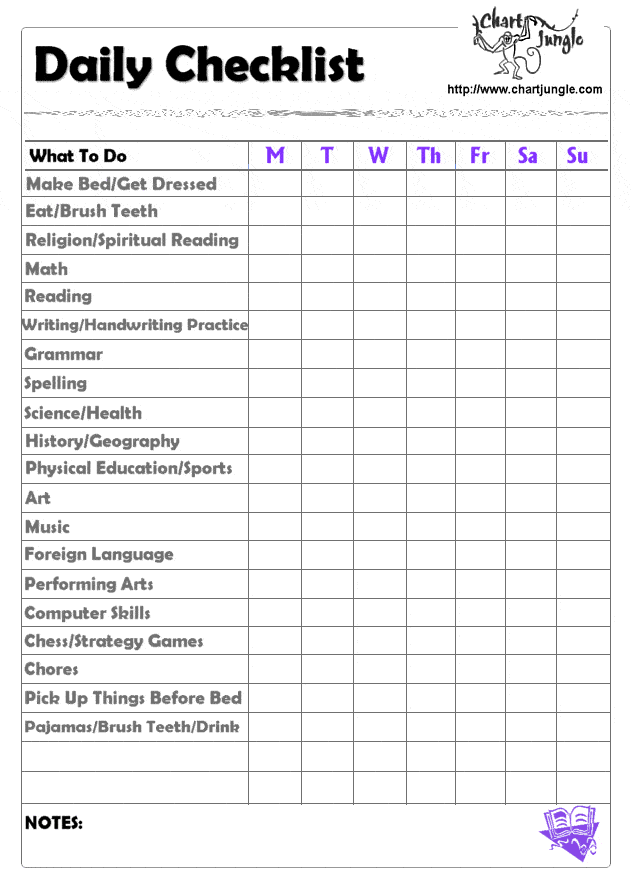
Blank Daily Checklist Template

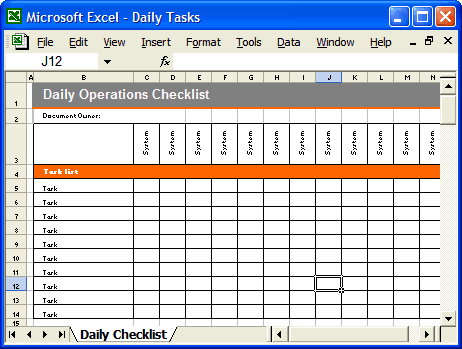
Daily Operations Checklist Template

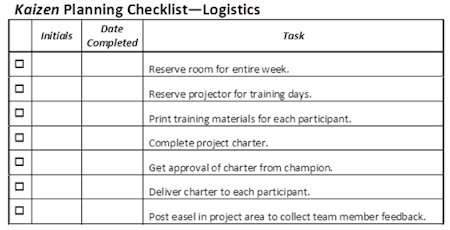
Daily Checklist Template Example
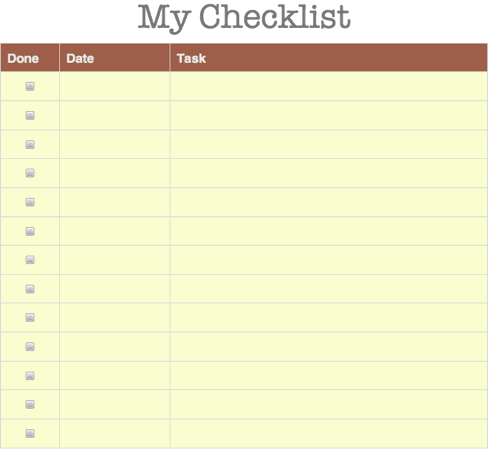
Printable Daily Checklist Template
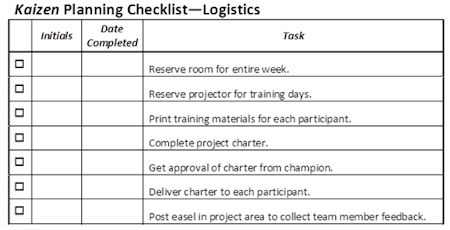
Frequently Asked Questions
What should a daily checklist include?
Include the routine’s identity, date, responsible person, clear check items, result fields, and a way to record exceptions or follow-up.
How is a checklist different from a to do list?
A checklist usually defines recurring checks or actions. A to do list captures work that may change daily. They can share a page when the purposes remain clear.
Should every item have a checkbox?
Use the result format that fits the check. Some items need a value, status, or exception note rather than a simple tick.
What does not applicable mean?
It means the check does not apply to the recorded situation. Define when that status may be used and record it deliberately rather than leaving a confusing blank.
How should I handle a failed check?
Record the observation, immediate action, responsible person, and follow-up route. A performed check can reveal a problem; it should not be marked successful simply to complete the page.
How often should I revise a checklist?
Review it when the routine, responsibilities, equipment, or requirements change, and when repeated feedback shows an item is unclear or no longer useful.

You must be logged in to post a comment.