
Keeping accurate records of maintenance, repairs, and service visits becomes much easier with a ready-made Excel service log template that you can fill in with your own dates, charges, and details in minutes. Instead of building a tracking sheet from scratch, a pre-formatted template gives you an organized layout for recording service history for personal equipment, vehicles, or business services. Below you’ll find 3 free, downloadable service log templates suitable for personal, business, and vehicle use.
Record service history for each asset
A service log should connect work to a specific equipment ID, date, issue, work performed, parts, cost and technician. Use one consistent log format so recurring failures can be identified.
Worked example: For an office printer, record an unusually frequent paper-jam repair, replacement roller part number and next inspection date under the same asset code. That history helps determine when replacement is more economical.
Check before use: Differentiate scheduled maintenance from reactive repairs and do not mark a job complete until testing or acceptance has been recorded.
- Saves setup time: A ready-made layout means you can focus on entering service details instead of designing a tracking sheet from scratch.
- Improves record accuracy: A structured log makes it easier to track exactly when a service was performed and what it cost.
- Supports accurate billing: Detailed service records help ensure charges are calculated correctly for both providers and customers.
- Helps with maintenance planning: A clear service history makes it easier to plan future maintenance or service needs.
- Easy to customize: Editable fields let you quickly adapt the log to your specific service or equipment.
- Free and reusable: Download once and reuse the same structure for every service you need to track.
For related resources, see 4 Maintenance Templates and 3 Free Facility Maintenance Checklist Templates.
What’s Included in the Service Log Template
- Date fields: Space to record when each service was performed.
- Service description fields: Areas to note what type of service or maintenance was completed.
- Charge or cost fields: Space to track how much was paid for each service.
- Provider or technician fields: Fields to record who performed the service.
- Next service due fields: Space to note when the next service or maintenance is expected.
- Notes section: An area for additional details or observations about the service.
Who Should Use These Templates?
- Individuals tracking service history for personal vehicles or equipment.
- Boat owners keeping records of marine maintenance and repairs.
- Service-based businesses tracking recurring services provided to customers.
- Property managers logging maintenance visits across multiple properties.
- Fleet managers tracking service history across multiple vehicles.
- Customers who want to verify the quality and frequency of a contracted service.
How to Start Using the Template in 3 Simple Steps
- Step 1 — Choose a template style: Browse the 3 options below and select the layout that fits your service tracking needs.
- Step 2 — Enter your service details: Fill in dates, charges, service descriptions, and provider information.
- Step 3 — Update the log after each service: Add new entries as services are performed to keep the record current.
Service Log vs. Maintenance Schedule
While the two tools are related, a service log and a maintenance schedule serve slightly different purposes. A service log is a record of services already performed, documenting what was done, when, and at what cost. A maintenance schedule, on the other hand, is a forward-looking plan that outlines when future services or maintenance tasks should be performed. Using both together, a log to track what’s been done and a schedule to plan what’s coming next, gives a more complete picture of an asset’s service history and upcoming needs.
Customizing the Template for Your Needs
These templates are designed to be a flexible starting point rather than a fixed format. You can adjust the fields to match the specific type of service you’re tracking, add columns for additional details like warranty information, or include a section for photos or receipts. Since the templates are provided in editable Excel format, most adjustments take only a few minutes and let you tailor the log to fit your particular situation.
Choosing the Right Format
With 3 different templates available, choosing the right one depends on what you’re tracking and how detailed your records need to be. A simple sample log works well for basic personal use, while a specialized template, such as the boat service log, suits more specific tracking needs. Reviewing each option before committing to one can help you find the layout that best fits your particular service or equipment.
Common Mistakes to Avoid
- Forgetting to log a service right after it happens: Delaying entries increases the chance of forgetting important details.
- Leaving out cost information: Recording charges accurately helps with budgeting and verifying invoices later.
- Not noting the provider or technician: This detail can be useful for follow-up questions or warranty claims.
- Skipping the next service due date: Without this, it’s easy to miss important upcoming maintenance.
- Keeping records in multiple places: Consolidating everything into one log avoids confusion and lost information.
Tips to Get the Most Out of Your Service Log Template
- Update the log immediately after each service while the details are still fresh.
- Keep receipts and documentation alongside the log for easy reference if questions come up later.
- Review the log periodically to spot patterns in service frequency or cost.
- Back up your log regularly to avoid losing important service history.
- Share the log with service providers when relevant to give them context on past work.
Using Service Logs for Vehicle Maintenance
For vehicle owners, a detailed service log is one of the most valuable tools for keeping a car, truck, or boat running reliably over the long term. Recording every oil change, tire rotation, and repair in one place makes it much easier to spot patterns, such as a part that keeps failing or a service interval that consistently gets missed. A well-maintained service log also becomes a valuable asset when it comes time to sell the vehicle, since prospective buyers often place a premium on a documented maintenance history that shows the vehicle was cared for consistently.
Service Logs in Business and Customer Relationships
For businesses that provide recurring services, a shared or accessible service log can also play an important role in maintaining trust with customers. Being able to show a customer exactly when a service was performed, what was done, and any relevant notes builds confidence that the work is being carried out as agreed. This kind of transparency can also help resolve disputes quickly if a customer ever questions whether a particular service was completed, since the log provides a clear, dated record rather than relying on memory alone.
Digital vs. Paper Service Logs
While these templates are provided in editable Excel format, some users may still prefer to print a physical copy to keep alongside equipment or in a vehicle glovebox for quick reference. A digital log offers the advantage of being easy to search, back up, and update from multiple devices, while a printed copy provides a physical record that doesn’t depend on having a device on hand. Many users find that keeping a digital master copy while printing an abbreviated version for quick, on-the-go reference offers the best of both approaches.
Tracking Warranty and Service Provider Information
Beyond dates and costs, a thorough service log should also capture warranty details and provider contact information, both of which can save significant time and hassle down the road. Noting whether a repair or part is covered under warranty, along with the expiration date, helps avoid paying out of pocket for something that should be covered at no cost. Keeping a record of which provider performed each service also makes it easier to return to the same technician or company for follow-up work, or to compare pricing and quality if you’re deciding whether to switch providers in the future.
Using a Service Log to Spot Recurring Problems
One of the most practical benefits of maintaining a detailed service log over time is the ability to spot recurring issues that might otherwise go unnoticed from one isolated repair to the next. If the same component keeps failing or a particular type of service keeps coming up more often than expected, a well-kept log makes that pattern easy to identify at a glance. Recognizing these patterns early can prompt a deeper investigation into the root cause, potentially saving money and preventing a more serious failure down the line.
Service Logs for Shared or Rented Equipment
When equipment or a vehicle is shared among multiple people, such as a family boat or a piece of rental machinery, a service log becomes especially important for keeping everyone informed and accountable. Without a shared record, it’s easy for maintenance responsibilities to fall through the cracks, with each person assuming someone else has already taken care of a needed service. Keeping the log accessible to everyone who uses the equipment, whether through a shared spreadsheet or a printed copy kept with the item, helps ensure maintenance stays consistent regardless of who used it last.
See Our Service Log Templates Below
Sample
Service Log Template
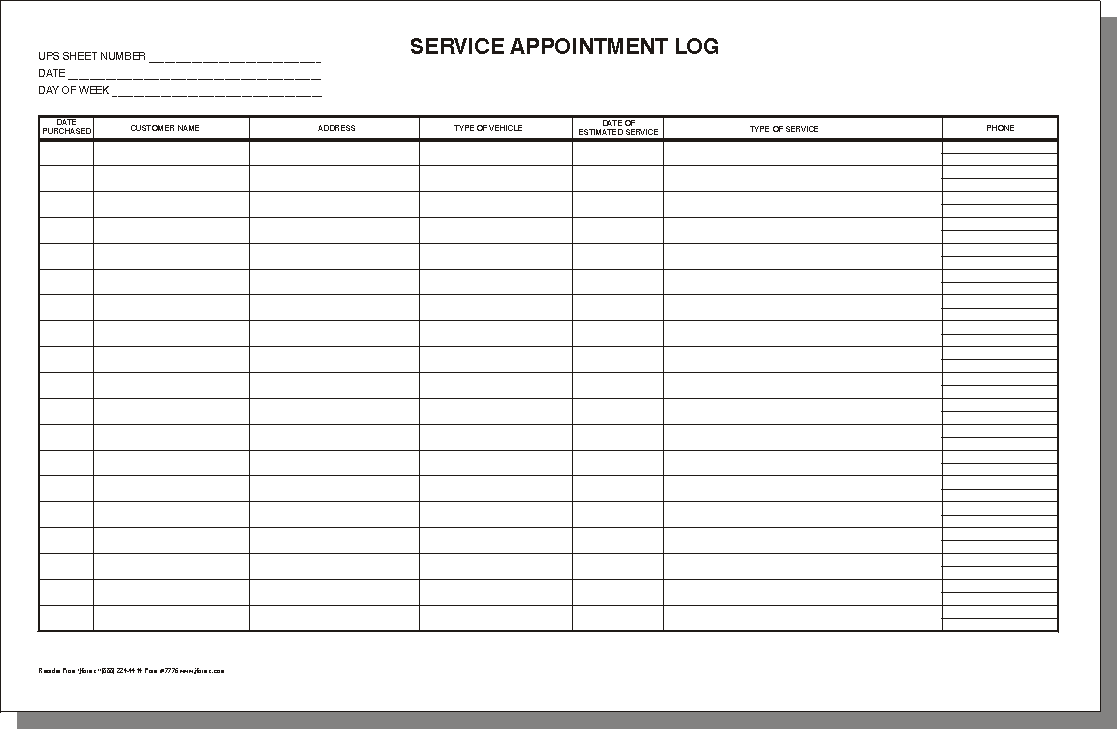

Boat Service Log Template
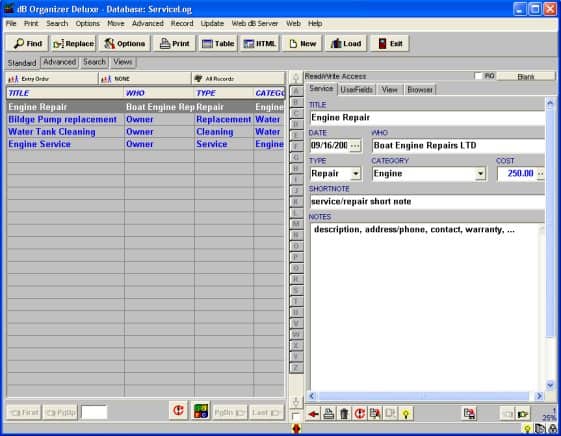
Service Log Example Free
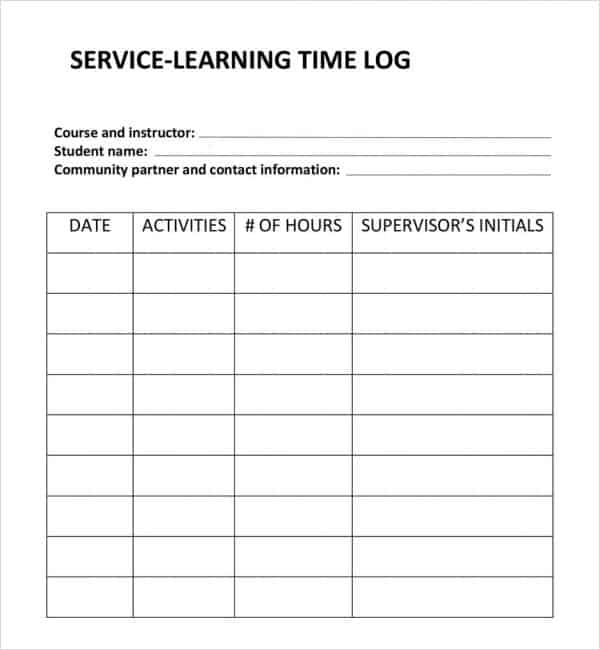
Frequently Asked Questions
Are these service log templates free to download?
Yes, all 3 service log templates on this page are free to download and use.
Can I customize the fields on these templates?
Yes, since the templates are editable in Excel, you can add your own fields for dates, charges, and notes.
What’s the difference between a service log and a maintenance schedule?
A service log records services already performed, while a maintenance schedule plans future services in advance.
Are these templates suitable for vehicle maintenance?
Yes, these templates can be adapted to track vehicle, boat, and equipment service history.
Can businesses use these templates for customer service records?
Yes, service-based businesses can use these templates to track recurring services provided to customers.
How often should I update my service log?
It’s best to update the log immediately after each service so the details stay accurate and complete.

You must be logged in to post a comment.