
Coordinate the first weeks of a new hire across HR, managers and IT. These free employee onboarding checklist templates for Excel give you ten editable worksheets for different parts of the job. Each has its own inputs, example, and calculated result. Download an individual template or get the complete workbook.
Start with preboarding and the day-one itinerary. Add the access, equipment, or remote setup sheets if those tasks have separate owners. Use the milestone sheet for outcomes at 30, 60, and 90 days.
Jump to the Excel download and previews
Download the 10 Excel templates
Download all 10 templates (.xlsx)
Choose a template below to see its preview and download it as a standalone Excel file. The combined workbook above includes all ten templates as separate tabs.
Preview and download individual templates
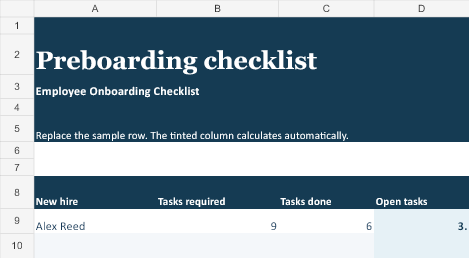
Preboarding checklist
Enter new hire, tasks required, tasks done. The worksheet calculates open tasks for each record.
 Download Excel (.xlsx)
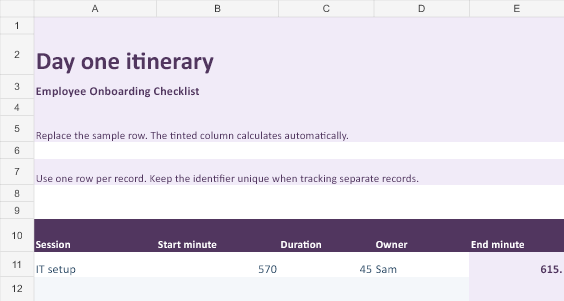
Day one itinerary
Enter session, start minute, duration, owner. The worksheet calculates end minute for each record.
 Download Excel (.xlsx)
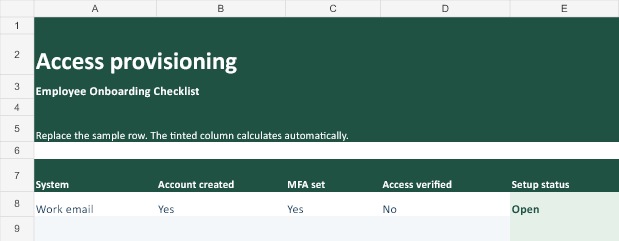
Access provisioning
Enter system, account created, mfa set, access verified. The worksheet calculates setup status for each record.
 Download Excel (.xlsx)
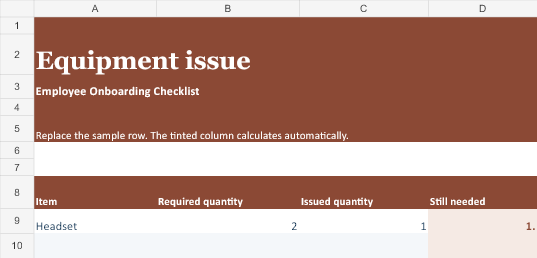
Equipment issue
Enter item, required quantity, issued quantity. The worksheet calculates still needed for each record.
 Download Excel (.xlsx)
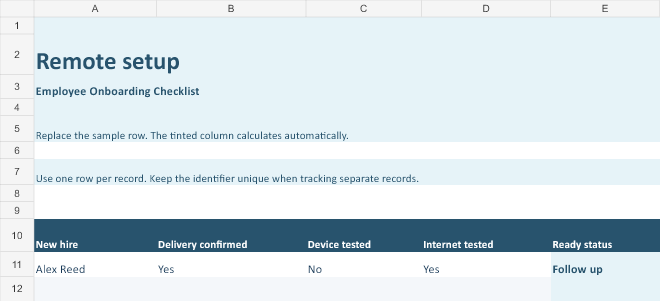
Remote setup
Enter new hire, delivery confirmed, device tested, internet tested. The worksheet calculates ready status for each record.
 Download Excel (.xlsx)
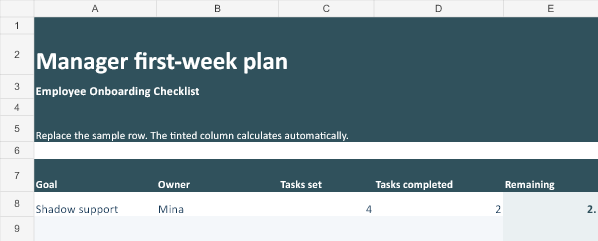
Manager first-week plan
Enter goal, owner, tasks set, tasks completed. The worksheet calculates remaining for each record.
 Download Excel (.xlsx)
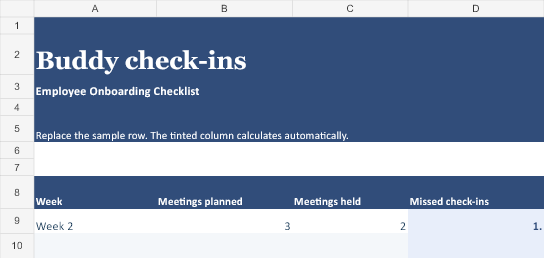
Buddy check-ins
Enter week, meetings planned, meetings held. The worksheet calculates missed check-ins for each record.
 Download Excel (.xlsx)
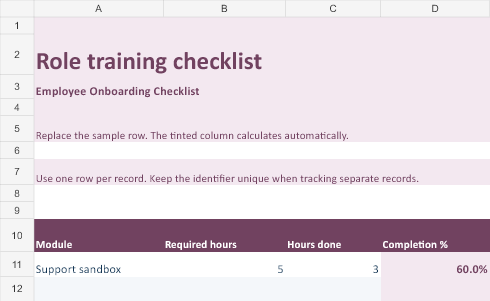
Role training checklist
Enter module, required hours, hours done. The worksheet calculates completion % for each record.
 Download Excel (.xlsx)
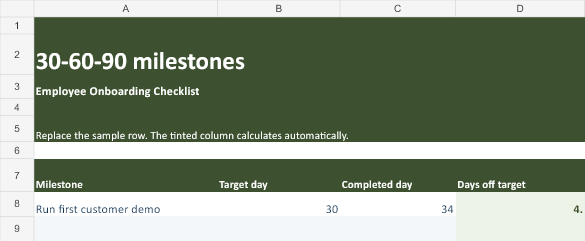
30-60-90 milestones
Enter milestone, target day, completed day. The worksheet calculates days off target for each record.
 Download Excel (.xlsx)
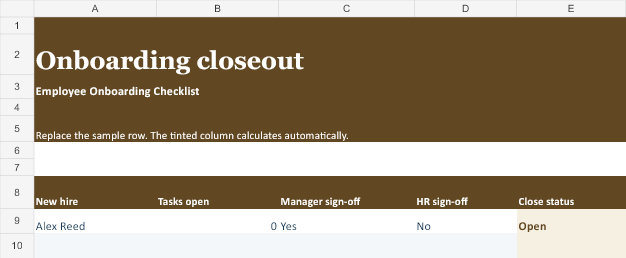
Onboarding closeout
Enter new hire, tasks open, manager sign-off, hr sign-off. The worksheet calculates close status for each record.
 Download Excel (.xlsx)
Set up your tracker in Excel
- Save a working copy and open the worksheet you need. Look at the sample row to see which values you enter and where the calculated result appears.
- Replace the sample with your first real record. Keep the tinted result column for formulas, and use the input headers to preserve units and meaning.
- Enter one row per record for the selected workflow. Each sheet has 30 formula-ready rows. Copy the formula down if you extend the sheet.
- Compare the first calculated result against your source records or a manual check before relying on the sheet.
Worked example
If the plan includes five training hours and three are complete, completion is 60%. Follow up on the remaining two hours with the assigned owner.
Before sharing or closing the tracker
Save people and access details only where authorized. Record verification of access without entering credentials, and leave tasks open until someone checks the result.
Keep the source evidence with the working copy, particularly when an entry changes after review. Record who checked it and the date if the spreadsheet is used for a handoff or approval.
Related templates
Track courses and renewals with an employee training tracker.
Use a request form for equipment and account access approvals.
