
Pass open work, staffing changes and urgent exceptions to the next shift. These free shift handover templates for Excel give you ten editable worksheets for different parts of the job. Each has its own inputs, example, and calculated result. Download an individual template or get the complete workbook.
Use the operations layout for the main handover and choose the worksheet that reflects the work the next shift inherits. Record who received the handover and which urgent items were reviewed together.
Jump to the Excel download and previews
Download the 10 Excel templates
Download all 10 templates (.xlsx)
Choose a template below to see its preview and download it as a standalone Excel file. The combined workbook above includes all ten templates as separate tabs.
Preview and download individual templates
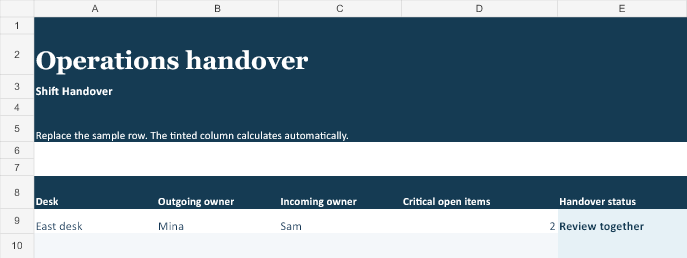
Operations handover
Enter desk, outgoing owner, incoming owner, critical open items. The worksheet calculates handover status for each record.
 Download Excel (.xlsx)
Warehouse handover
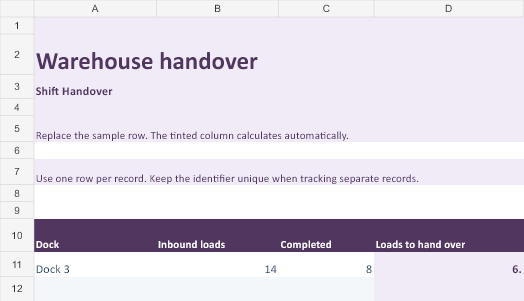
Enter dock, inbound loads, completed. The worksheet calculates loads to hand over for each record.
 Download Excel (.xlsx)
Production handover
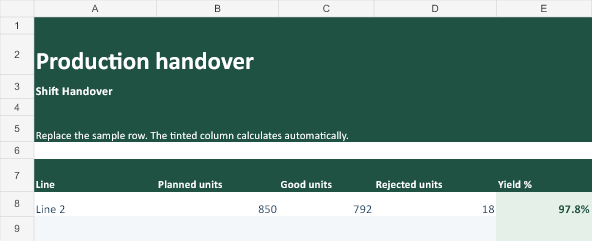
Enter line, planned units, good units, rejected units. The worksheet calculates yield % for each record.
 Download Excel (.xlsx)
Maintenance handover
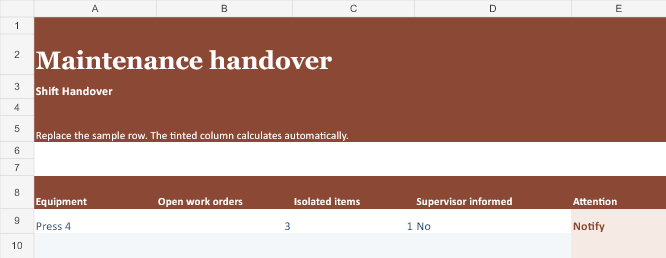
Enter equipment, open work orders, isolated items, supervisor informed. The worksheet calculates attention for each record.
 Download Excel (.xlsx)
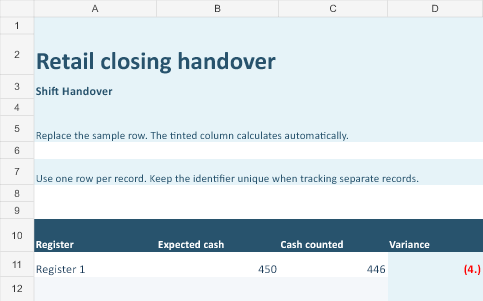
Retail closing handover
Enter register, expected cash, cash counted. The worksheet calculates variance for each record.
 Download Excel (.xlsx)
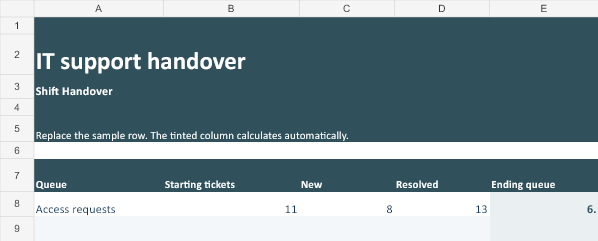
IT support handover
Enter queue, starting tickets, new, resolved. The worksheet calculates ending queue for each record.
 Download Excel (.xlsx)
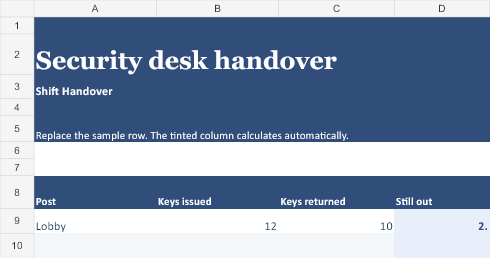
Security desk handover
Enter post, keys issued, keys returned. The worksheet calculates still out for each record.
 Download Excel (.xlsx)
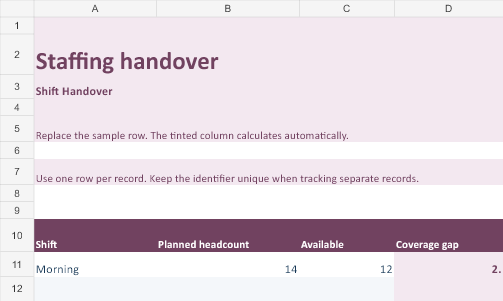
Staffing handover
Enter shift, planned headcount, available. The worksheet calculates coverage gap for each record.
 Download Excel (.xlsx)
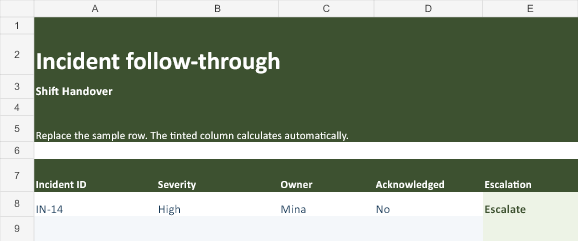
Incident follow-through
Enter incident id, severity, owner, acknowledged. The worksheet calculates escalation for each record.
 Download Excel (.xlsx)
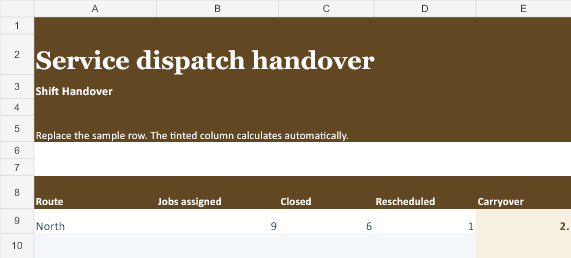
Service dispatch handover
Enter route, jobs assigned, closed, rescheduled. The worksheet calculates carryover for each record.
 Download Excel (.xlsx)
Set up your tracker in Excel
- Save a working copy and open the worksheet you need. Look at the sample row to see which values you enter and where the calculated result appears.
- Replace the sample with your first real record. Keep the tinted result column for formulas, and use the input headers to preserve units and meaning.
- Enter one row per record for the selected workflow. Each sheet has 30 formula-ready rows. Copy the formula down if you extend the sheet.
- Compare the first calculated result against your source records or a manual check before relying on the sheet.
Worked example
A dock with 14 inbound loads and 8 completed hands over 6 loads. Add specific load references to the shift record so the incoming team can pick up each one.
Before sharing or closing the tracker
Make the next action explicit. Entering an open count can be useful for staffing, while a work order or ticket reference helps someone find the underlying issue.
Keep the source evidence with the working copy, particularly when an entry changes after review. Record who checked it and the date if the spreadsheet is used for a handoff or approval.
Related templates
Use these work schedule templates to confirm who is covering the next shift.
