
Turn meeting decisions into dated actions with owners and visible follow-up. These free meeting action item tracker templates for Excel give you ten editable worksheets for different parts of the job. Each has its own inputs, example, and calculated result. Download an individual template or get the complete workbook.
Capture the action while the participants are still together. Write an observable deliverable, one owner, and a deadline in your meeting record, then update the action register at each review.
Jump to the Excel download and previews
Download the 10 Excel templates
Download all 10 templates (.xlsx)
Choose a template below to see its preview and download it as a standalone Excel file. The combined workbook above includes all ten templates as separate tabs.
Preview and download individual templates
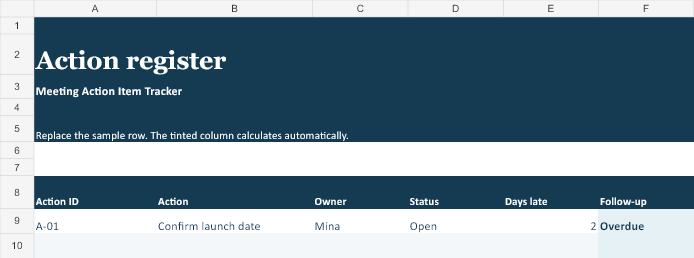
Action register
Enter action id, action, owner, status, days late. The worksheet calculates follow-up for each record.
 Download Excel (.xlsx)
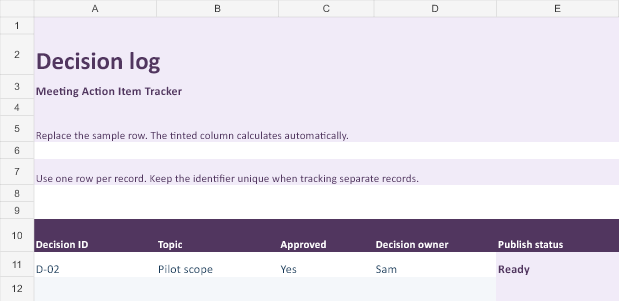
Decision log
Enter decision id, topic, approved, decision owner. The worksheet calculates publish status for each record.
 Download Excel (.xlsx)
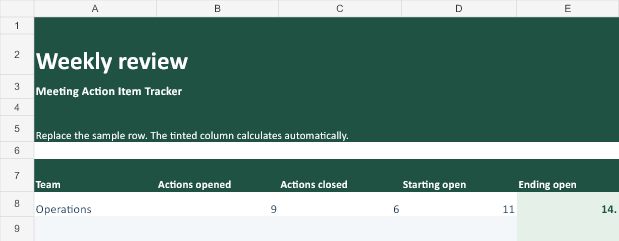
Weekly review
Enter team, actions opened, actions closed, starting open. The worksheet calculates ending open for each record.
 Download Excel (.xlsx)
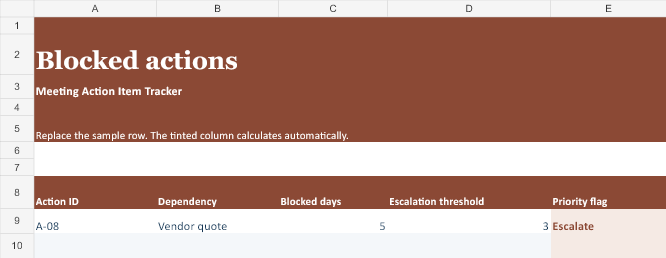
Blocked actions
Enter action id, dependency, blocked days, escalation threshold. The worksheet calculates priority flag for each record.
 Download Excel (.xlsx)
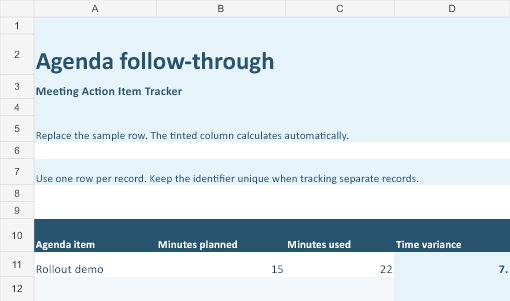
Agenda follow-through
Enter agenda item, minutes planned, minutes used. The worksheet calculates time variance for each record.
 Download Excel (.xlsx)
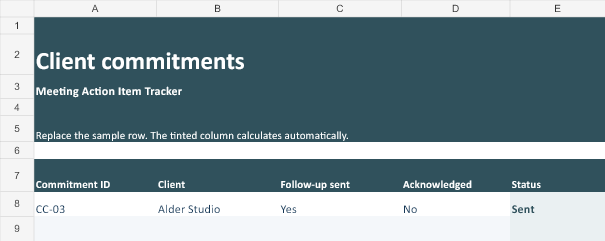
Client commitments
Enter commitment id, client, follow-up sent, acknowledged. The worksheet calculates status for each record.
 Download Excel (.xlsx)
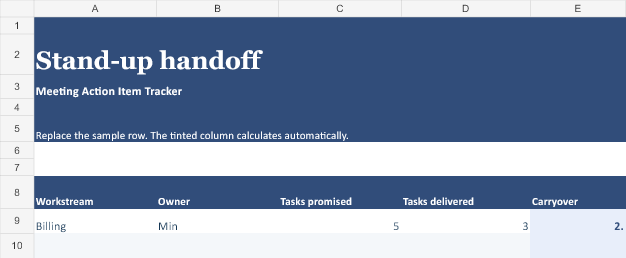
Stand-up handoff
Enter workstream, owner, tasks promised, tasks delivered. The worksheet calculates carryover for each record.
 Download Excel (.xlsx)
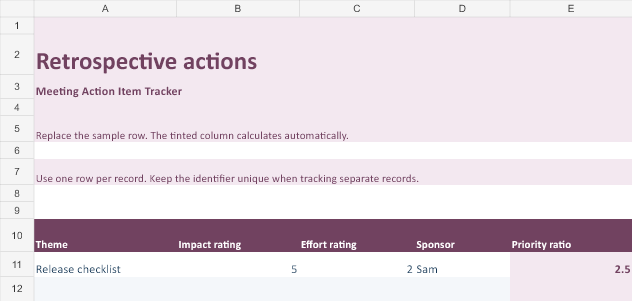
Retrospective actions
Enter theme, impact rating, effort rating, sponsor. The worksheet calculates priority ratio for each record.
 Download Excel (.xlsx)
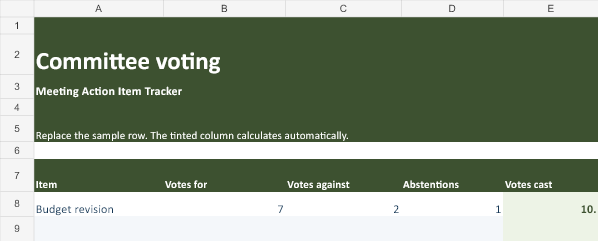
Committee voting
Enter item, votes for, votes against, abstentions. The worksheet calculates votes cast for each record.
 Download Excel (.xlsx)
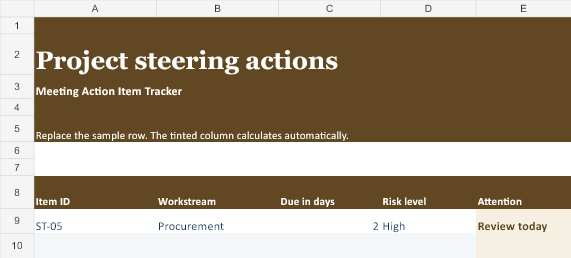
Project steering actions
Enter item id, workstream, due in days, risk level. The worksheet calculates attention for each record.
 Download Excel (.xlsx)
Set up your tracker in Excel
- Save a working copy and open the worksheet you need. Look at the sample row to see which values you enter and where the calculated result appears.
- Replace the sample with your first real record. Keep the tinted result column for formulas, and use the input headers to preserve units and meaning.
- Enter one row per record for the selected workflow. Each sheet has 30 formula-ready rows. Copy the formula down if you extend the sheet.
- Compare the first calculated result against your source records or a manual check before relying on the sheet.
Worked example
If the team started the week with 11 open actions, opened 9, and closed 6, the new open count is 14. Use the weekly review to spot a growing backlog.
Before sharing or closing the tracker
Keep the decision and the action distinct. A decision can be approved while the implementation action remains open.
Keep the source evidence with the working copy, particularly when an entry changes after review. Record who checked it and the date if the spreadsheet is used for a handoff or approval.
Related templates
For adjacent work, see statement of work templates.
