
Use request form templates to collect a clear request, supporting information, and a documented decision without assuming automatic approval.
Editable downloads and previews
Use the file links where provided. Links labeled “View original source” open another website; check its current format, availability and terms. A preview image alone is not an editable document.
Template previews and source links
HR Information Request Form Sample
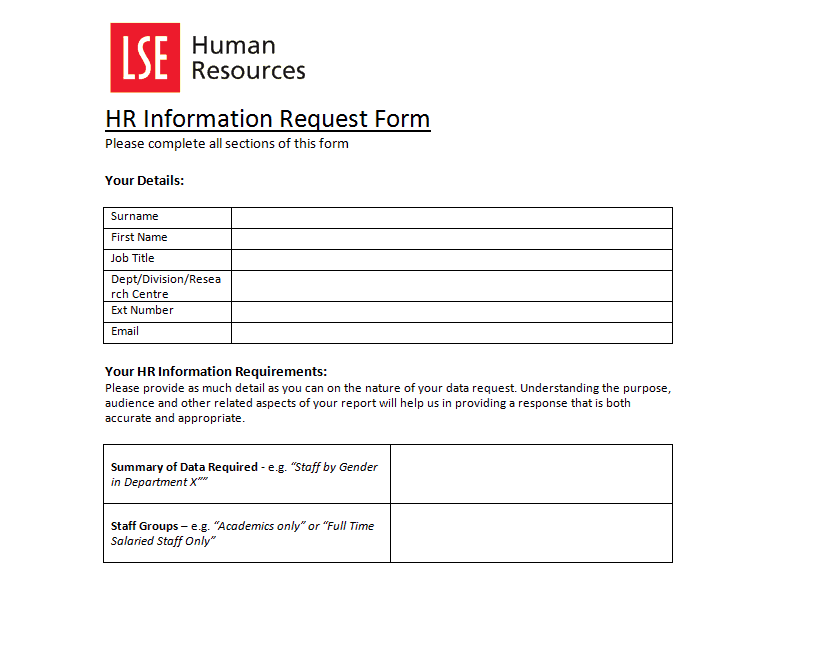 The older external file is unavailable. Its preview is retained for reference.
Word Leave Request Form
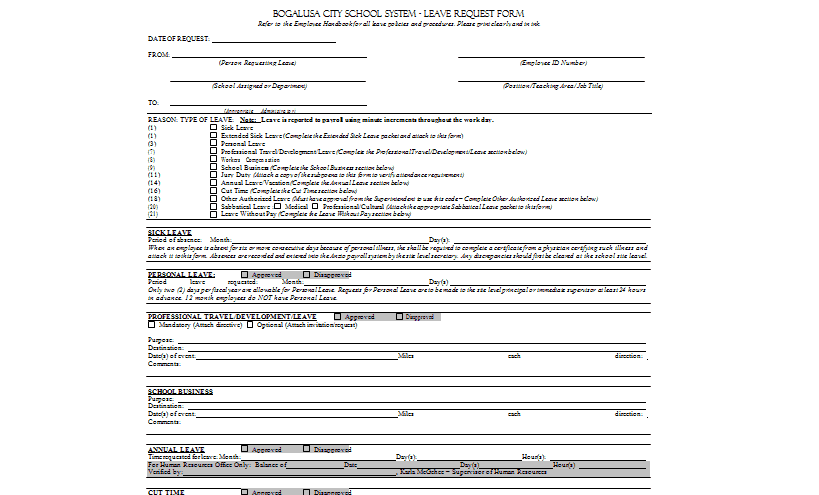 Download Word Leave Request Form (DOCX)
Vacation Request Form MS Word
 View the original source page
Service Request Form Template
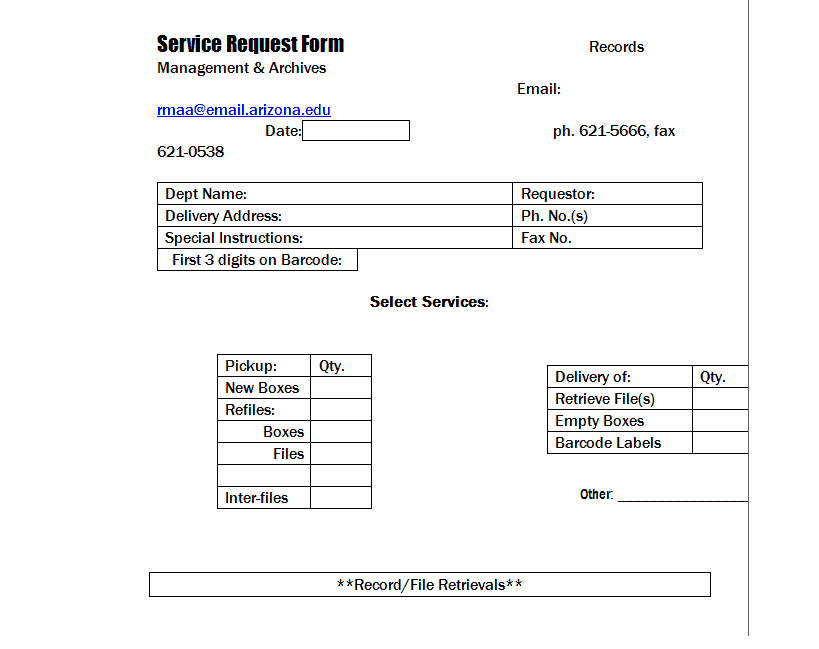
A general request form should make the requested action understandable and route it to the right person. Define the process before adding fields. Different requests may involve different approval, privacy, or budget controls, so a single generic signature should not pretend to authorize every action.
Choose a suitable template
Start with the decision or action the form needs to support. Identify who fills it in, who reviews it, and what happens after submission. Remove fields that do not serve that process and add any genuinely necessary details missing from the sample. A form should make a request or transaction clear without pretending that submission alone completes approval, payment, delivery, or a legal requirement.
Important details to prepare
Requester
Identify the person and contact needed for clarification. Collect only information relevant to the request process. Collect the detail from the appropriate person or record and make its purpose clear. Avoid using a field merely because it appeared on another organization’s sample.
Request type
Use clear categories that determine the appropriate route. Provide a way to explain an unusual request without forcing a misleading selection. Use wording that the requester and reviewer interpret consistently. If a term has a special meaning within the process, explain it near the field rather than relying on informal knowledge.
Description
State the action or item requested, quantity or scope, and purpose. Replace vague urgent wording with the facts needed for a decision. Include the unit, scope, or reference needed to understand the entry. A number or short phrase can be ambiguous when separated from the conversation that produced it.
Timing
Record the required date and reason for any deadline. A requested date is not a confirmed delivery commitment. Distinguish requested information from confirmed information. Dates, quantities, or terms proposed by one party may still need review before another person can act on them.
Supporting information
Reference relevant specifications, cost estimates, or attachments. Keep sensitive supporting records in an appropriate controlled location. Keep supporting evidence traceable without exposing it unnecessarily. A reference to a controlled attachment can be more appropriate than copying private details into every circulated form.
Decision and completion
Record approval status, authorized reviewer, conditions, and completion separately. Approval does not necessarily mean the requested action has occurred. Record the status through the actual workflow. A completed text box or copied signature image should not bypass the responsible person’s review or the required follow-up action.
How to complete the template
Arrange the fields in the order the user naturally knows the information: identity, requested action or transaction, supporting detail, timing, and decision. Mark genuinely required fields and explain unfamiliar terms briefly. Use suitable choices where they reduce ambiguity, with space for an accurate explanation when a standard choice does not fit. Keep private attachments separate from copies used for general coordination.
Worked example
A department requests replacement equipment. The form identifies the item, quantity, business reason, estimated cost, and required date. The reviewer approves a revised specification, which is recorded clearly. A separate completion field remains open until the equipment is actually supplied, avoiding confusion between authorization and delivery.
Check accuracy before use
Complete a realistic example before adopting the form. Ask whether the reviewer can identify the requested action, relevant dates, quantities or amounts, supporting information, and appropriate next step. Look for conflicting selections and missing units. Check that a pending form cannot be mistaken for an approved one. A signature field should have an explained purpose and should not imply broader authority than the actual process provides.
Related resources for the next step
Use requisition form templates to use a purchasing-specific request structure.
Use vendor list templates to maintain verified supplier contacts.
Use payment record templates to track payments after the relevant authorization.
